

MenuNerds Restaurant: Ordering Product Development
Run table and takeaway orders alongside table bookings
Guests order at the table by QR code or for takeaway without an account. A waiter approves each round and prints the kitchen docket, and the bill closes with a tax invoice.
Made for a busy service
Guests order on their own while your team keeps control, from the first round to the tax invoice.
QR ordering at the table
Takeaway online and at the counter
Table bookings by your rules
Waiter approval for each round
A kitchen docket for each round
The floor at a glance
A tax invoice for each bill
Gift cards and promotions
Day close, GST and BAS
Who does what in the restaurant
The map of the user guide: guests, the floor and management, with the tasks each one does. Each task opens its steps.
GuestsNo account needed
ServiceTables, POS and queues
ManagementMenu, money and the team
Built for restaurants like yours
For restaurants that serve at the table, over the counter or both.
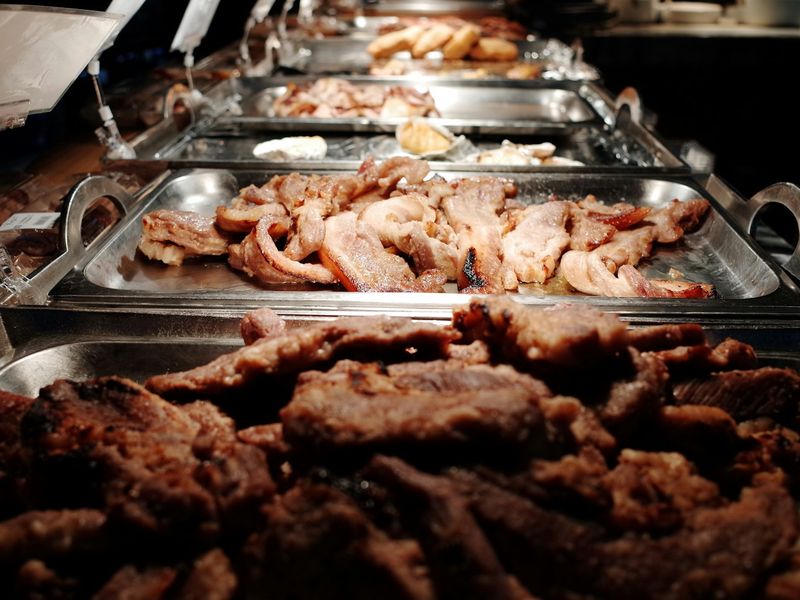
Hotpot and grill restaurants 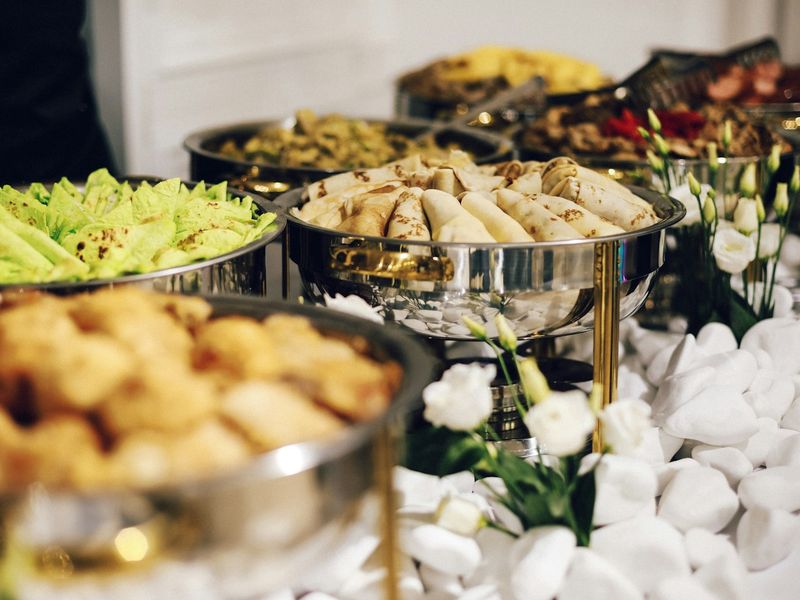
Asian and dumpling restaurants 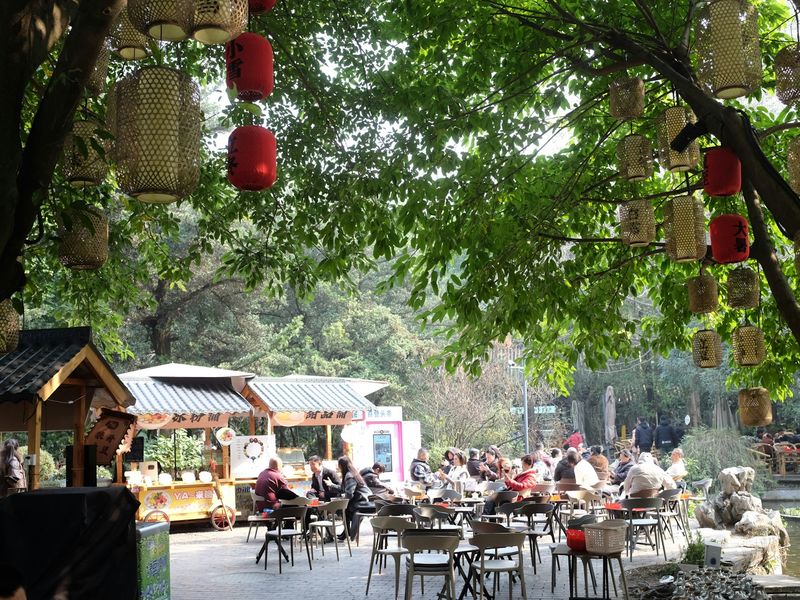
Family restaurants 
Pizza and casual dining 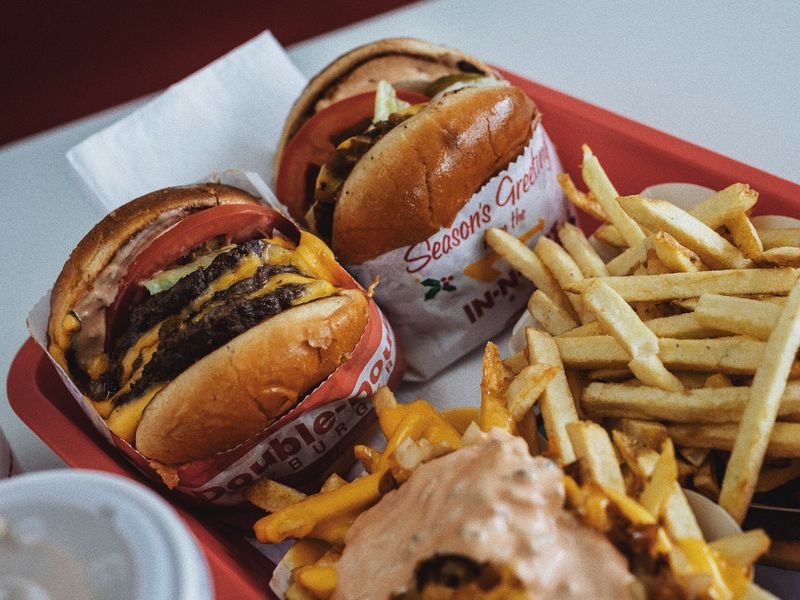
Busy takeaway kitchens 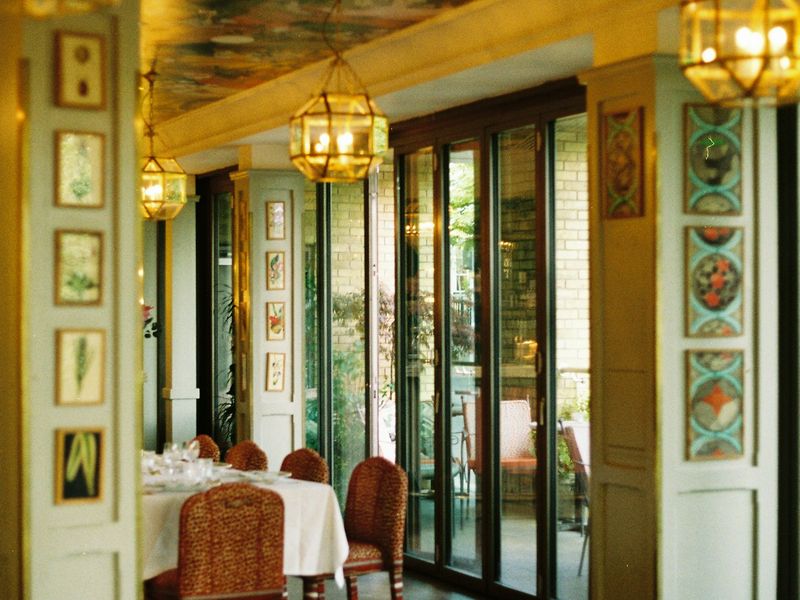
Bistros with table service
The screens your restaurant runs on
From the guest’s first order to the day’s reports, in the screens your team opens each day.
Guests
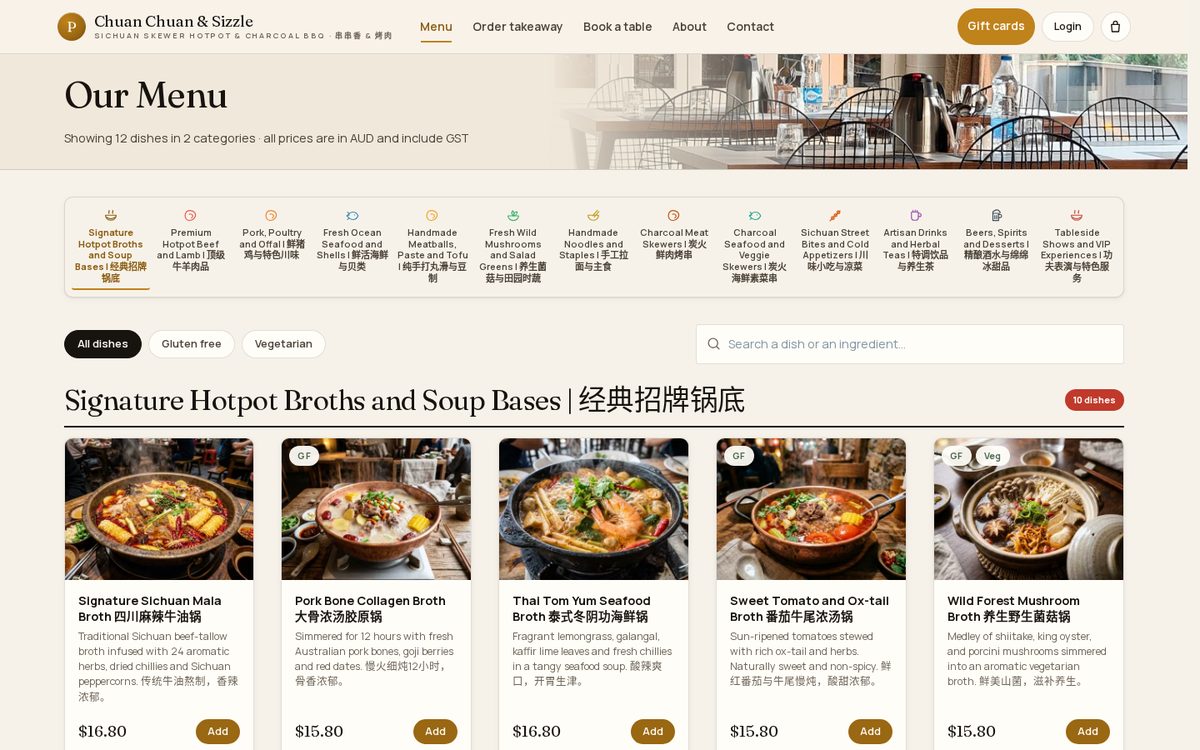
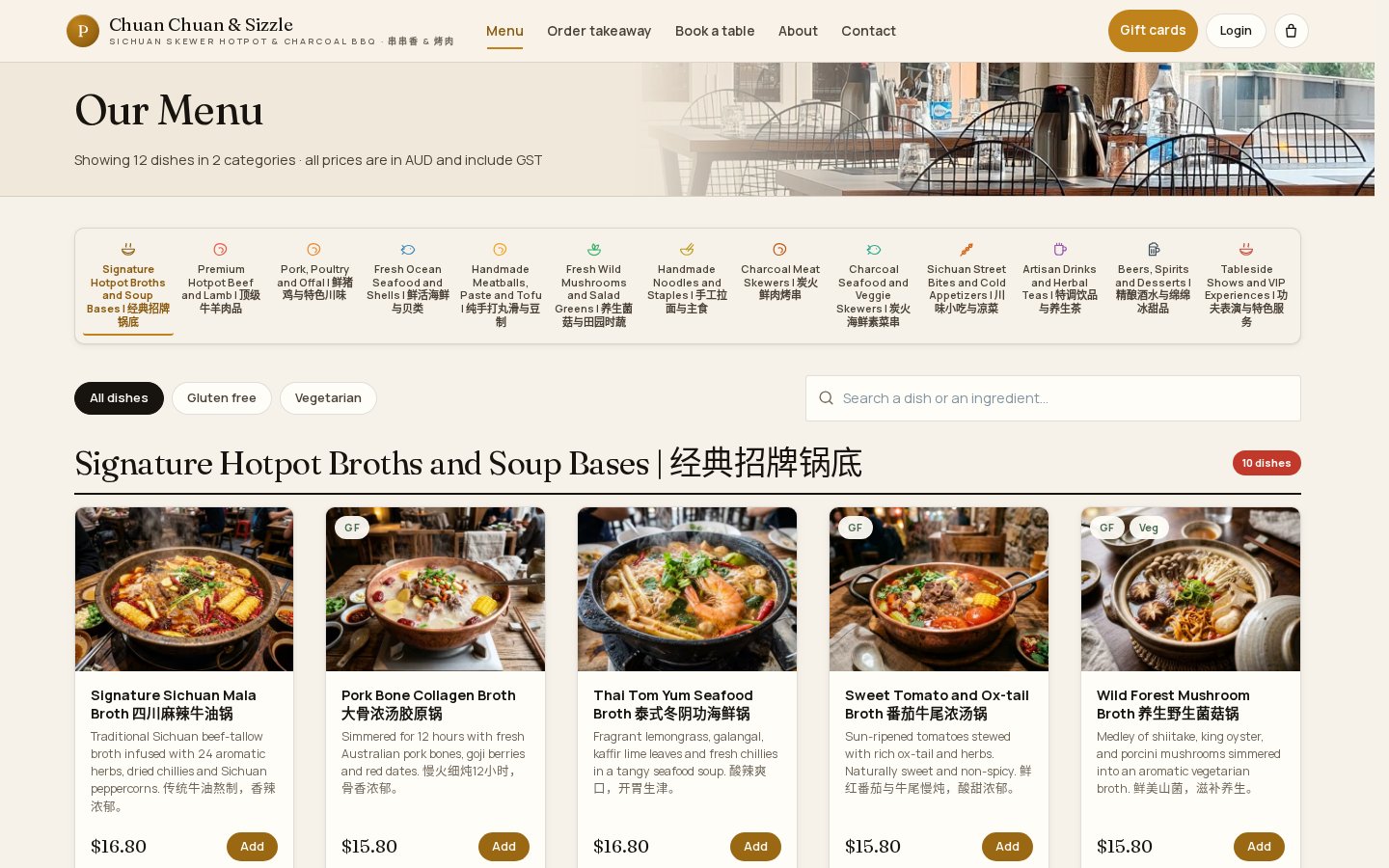
Menu with photos
Dishes by category, with search and dietary filters.
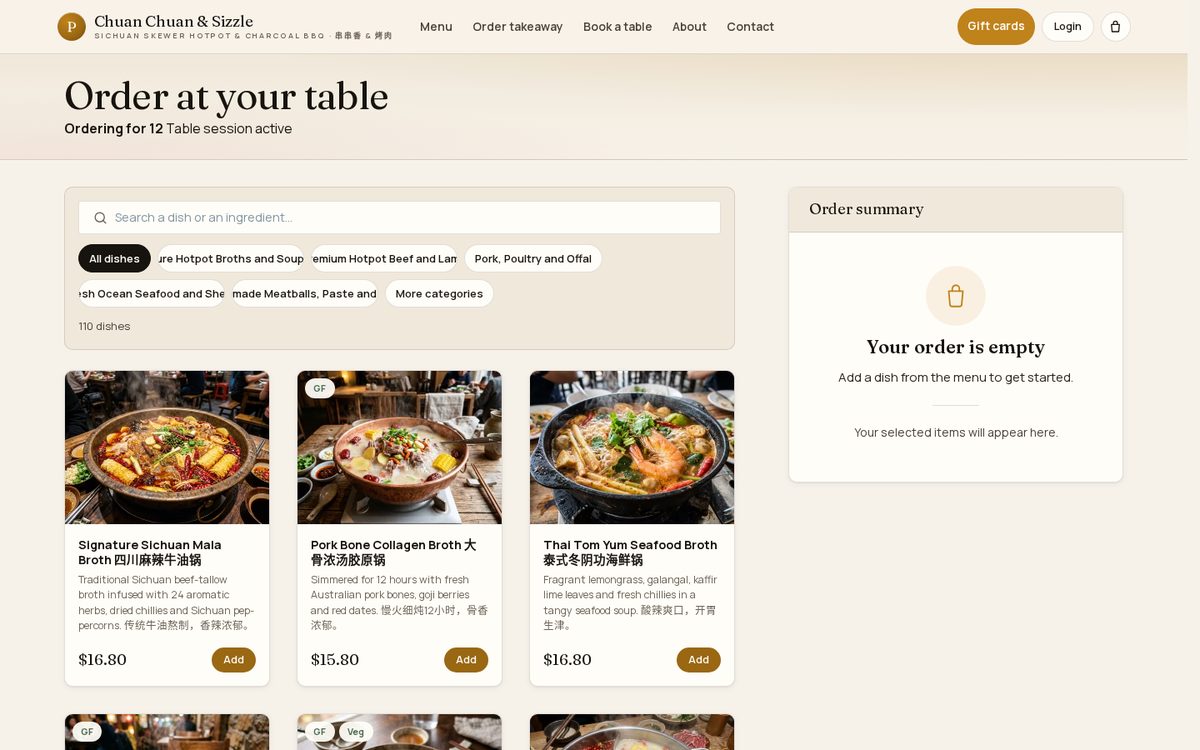
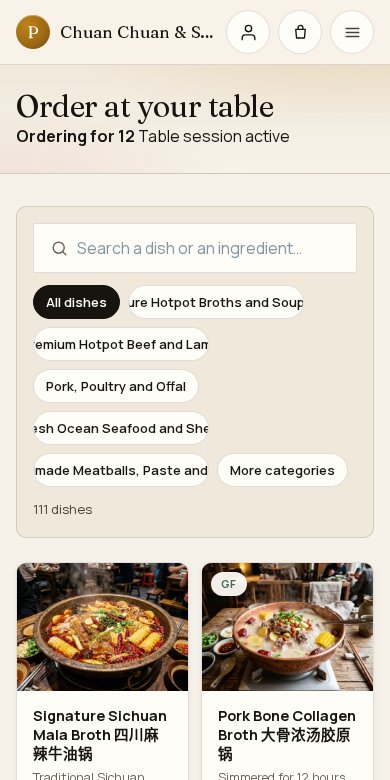
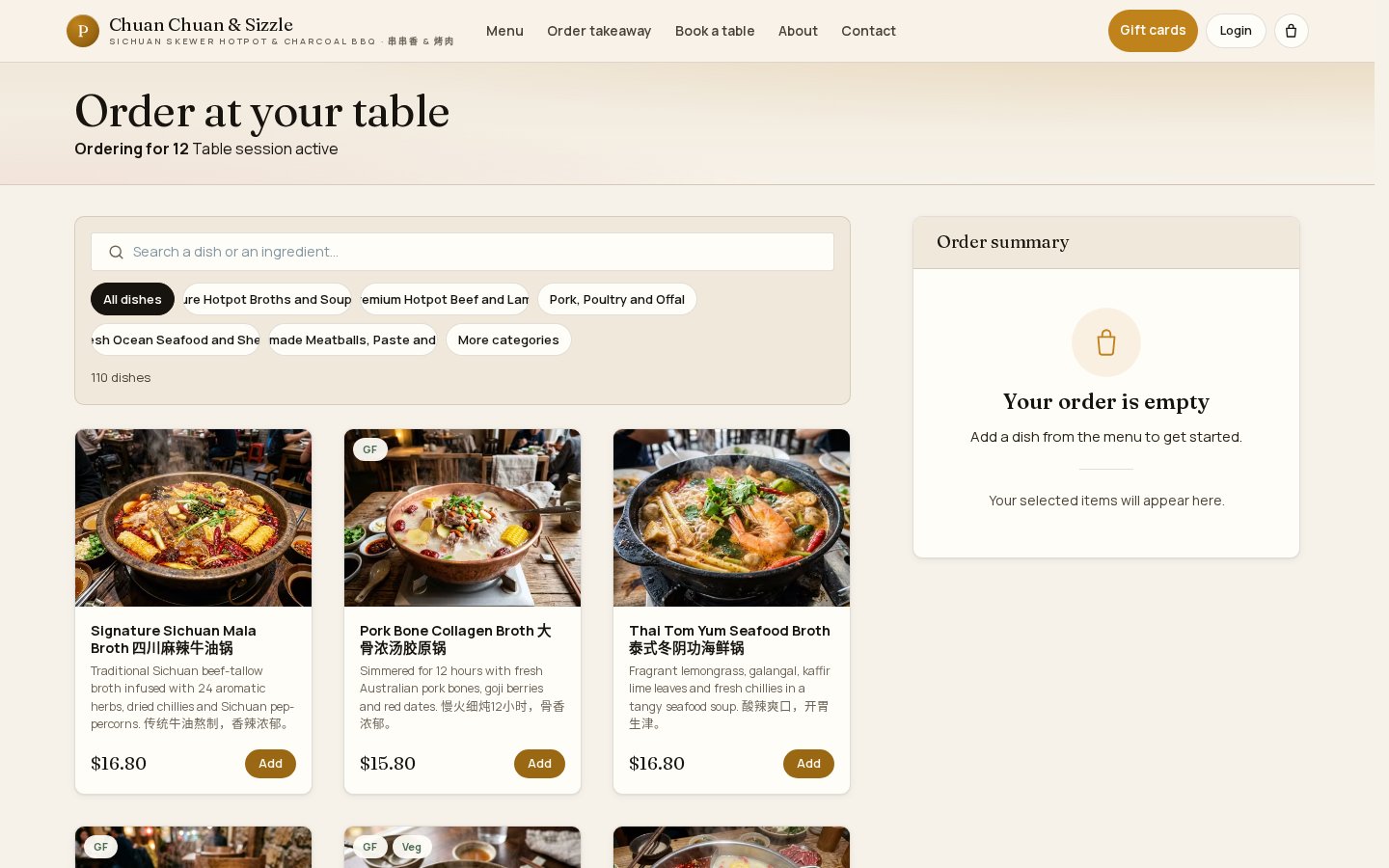
Order at your table
The table’s QR code opens the menu for that table.
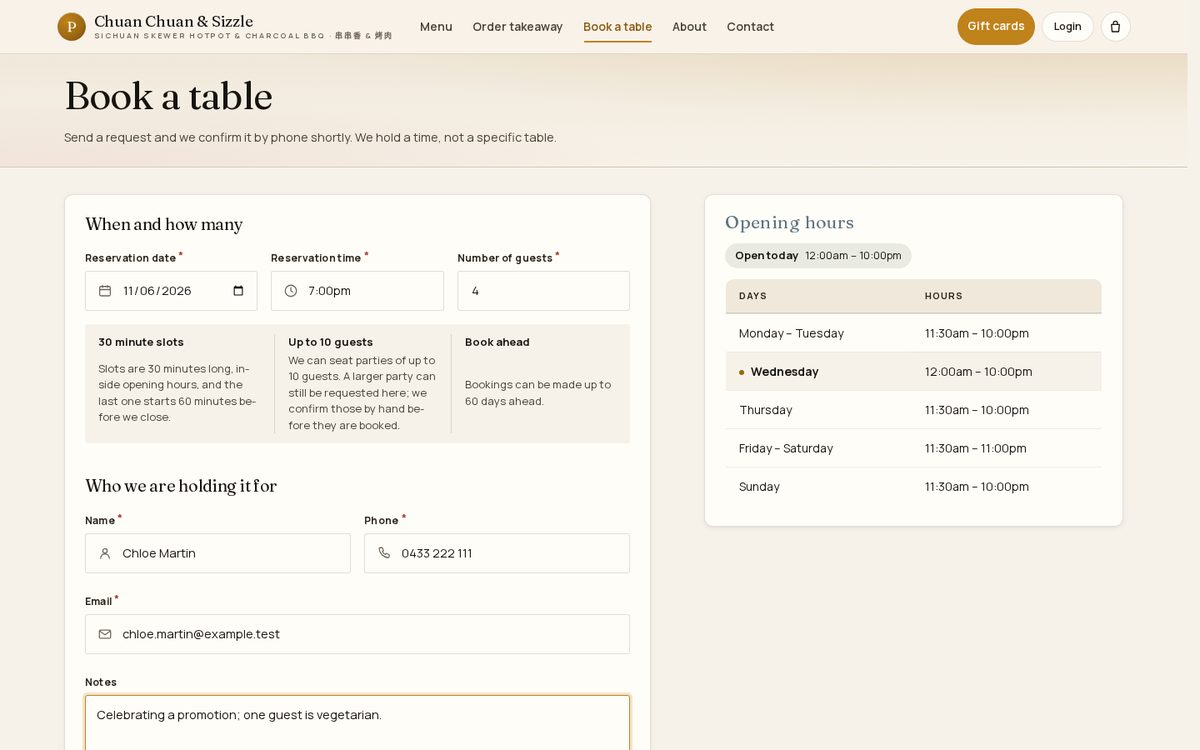
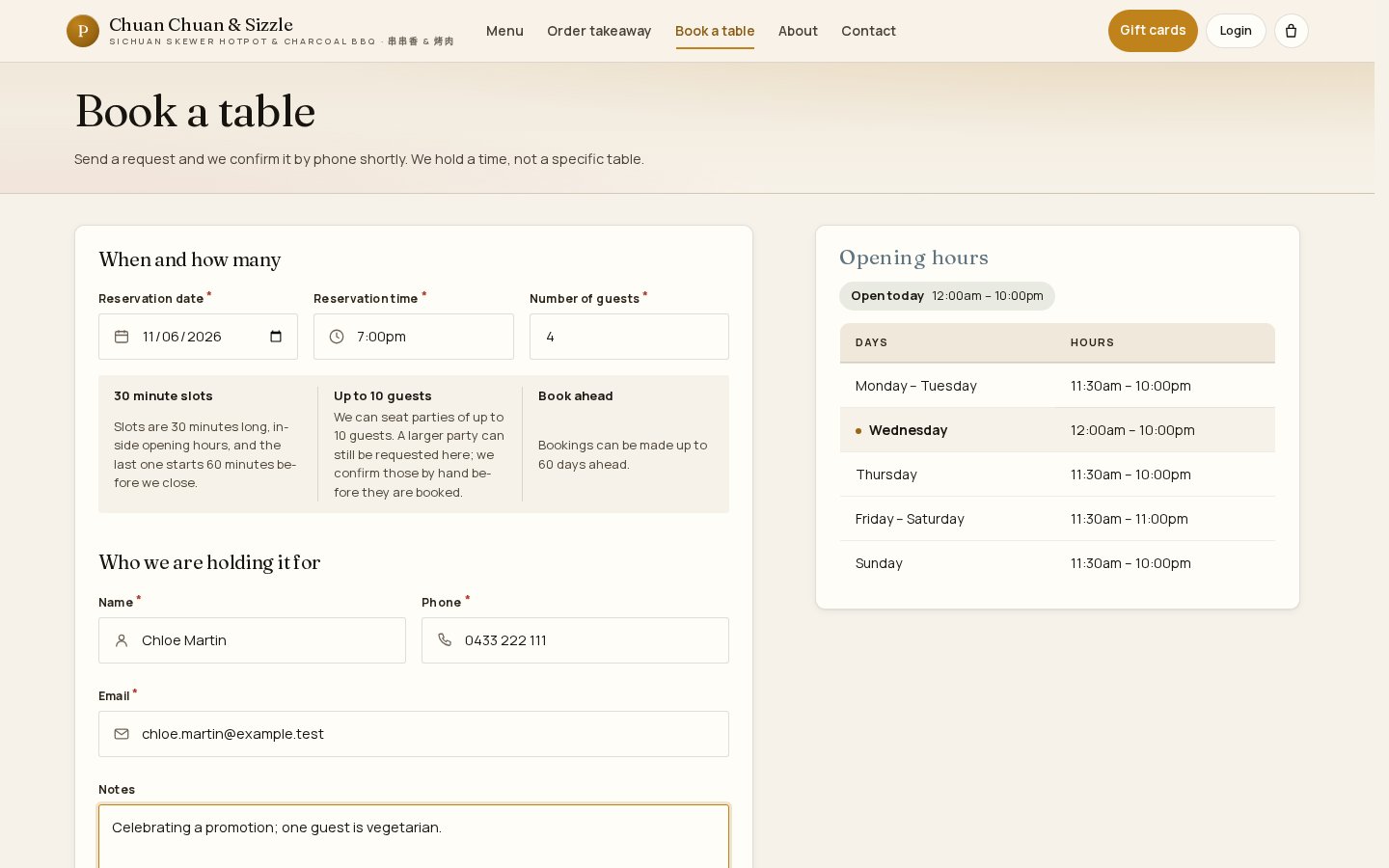
Book a table
Party size, date and time; bookings inside your rules confirm on their own.
The floor and the kitchen
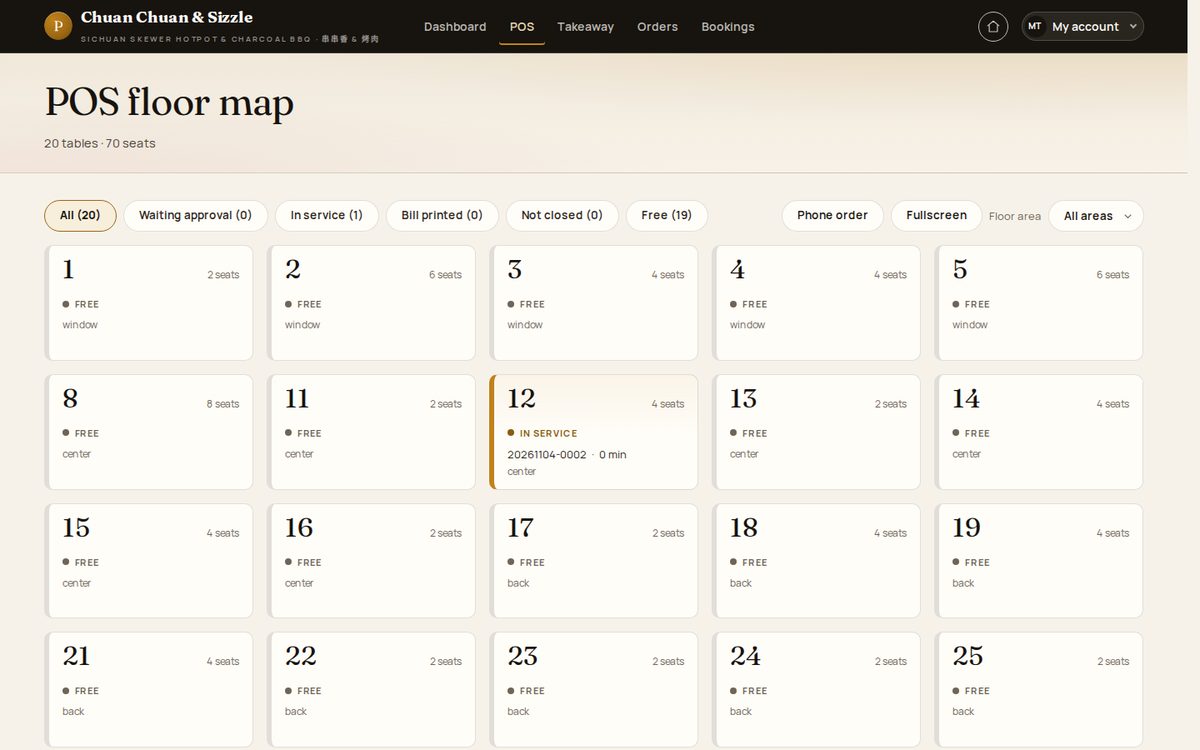
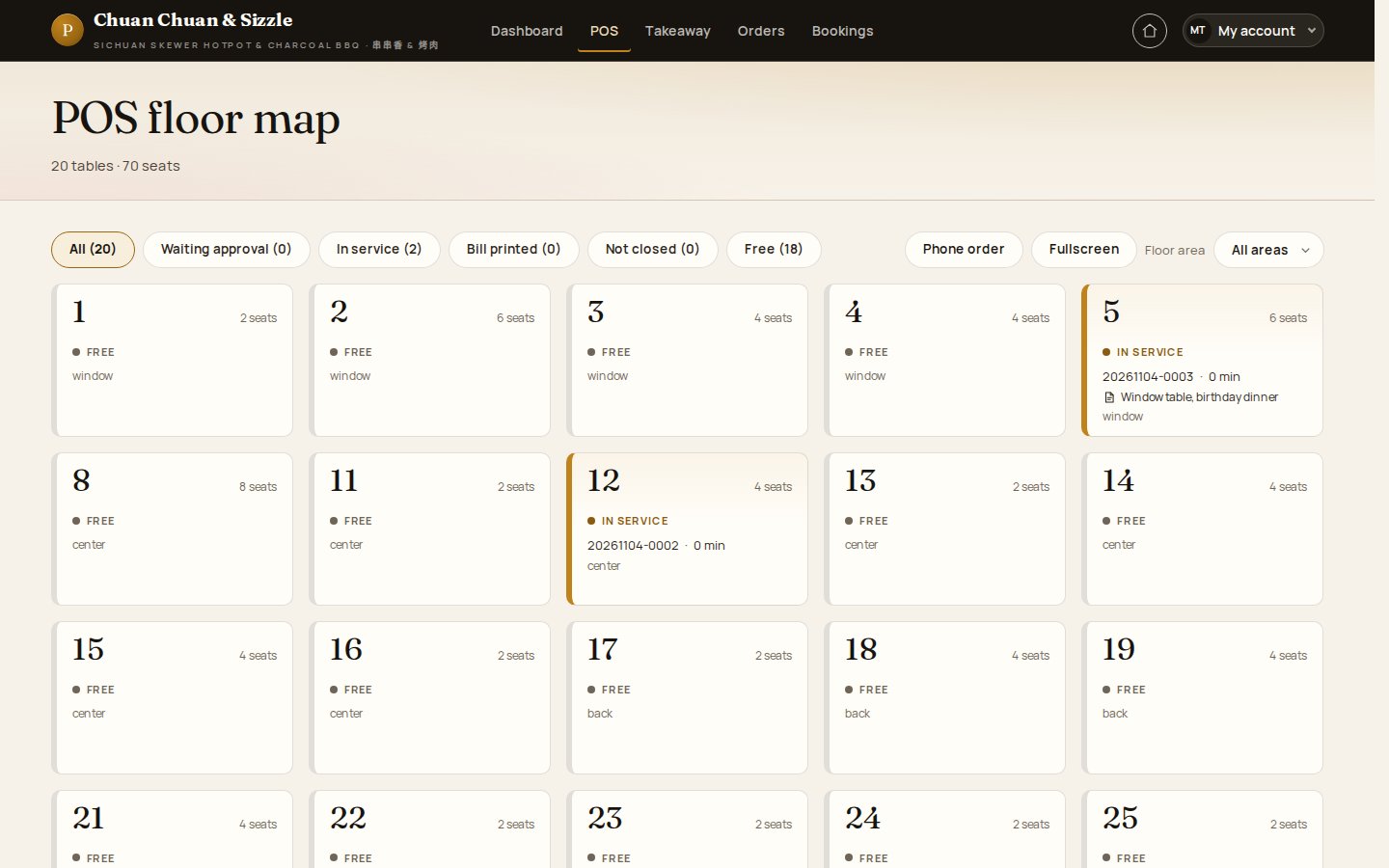
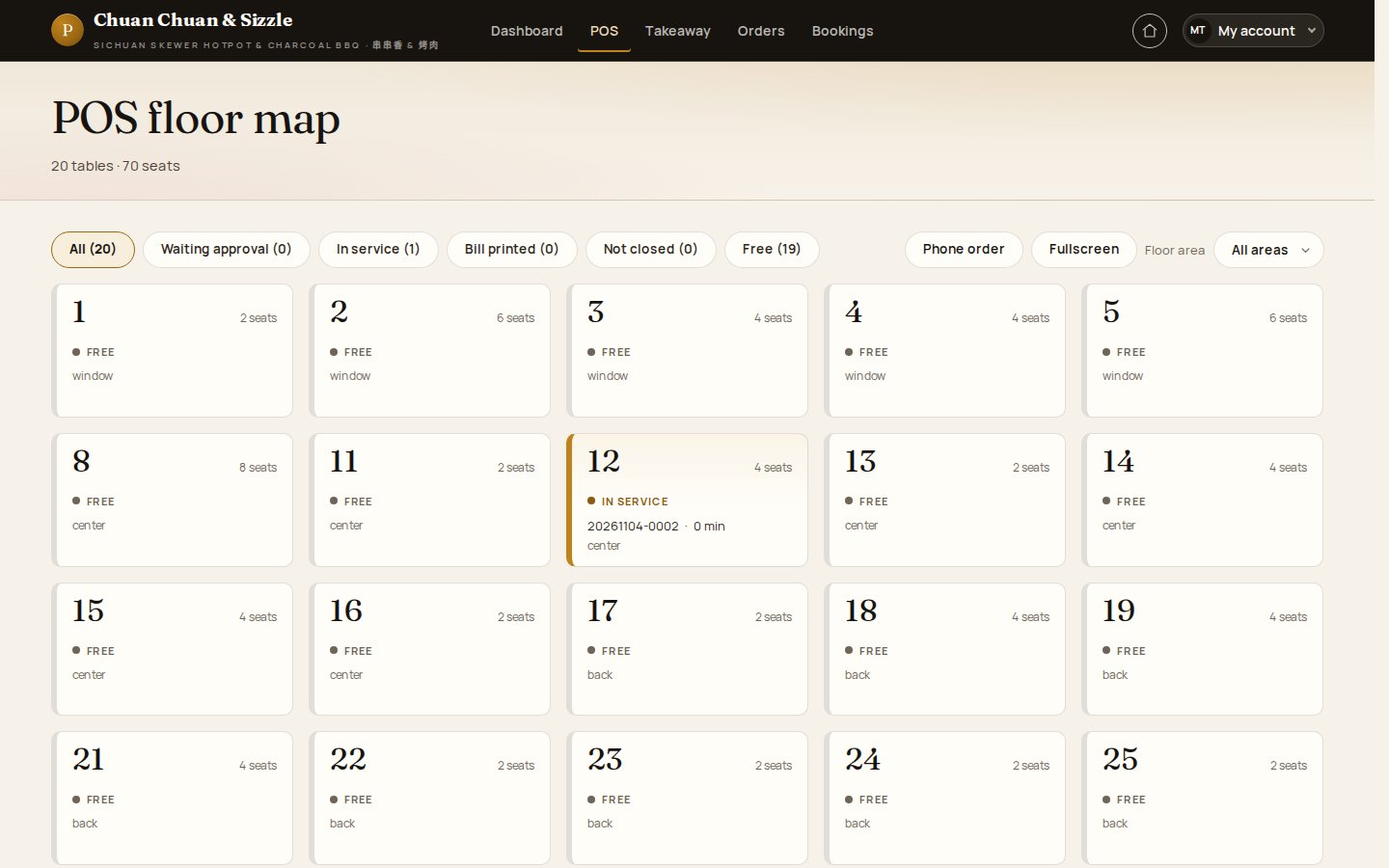
POS floor map
Free, waiting for approval, in service or bill printed: each table at a glance.
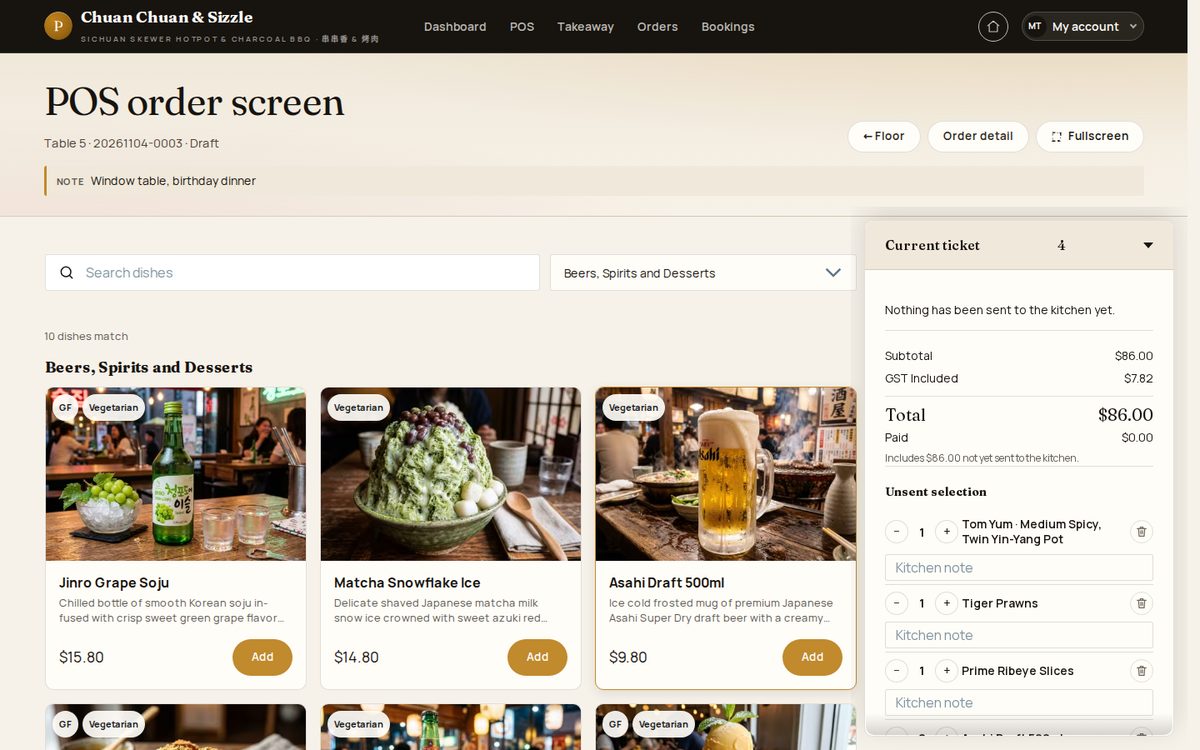
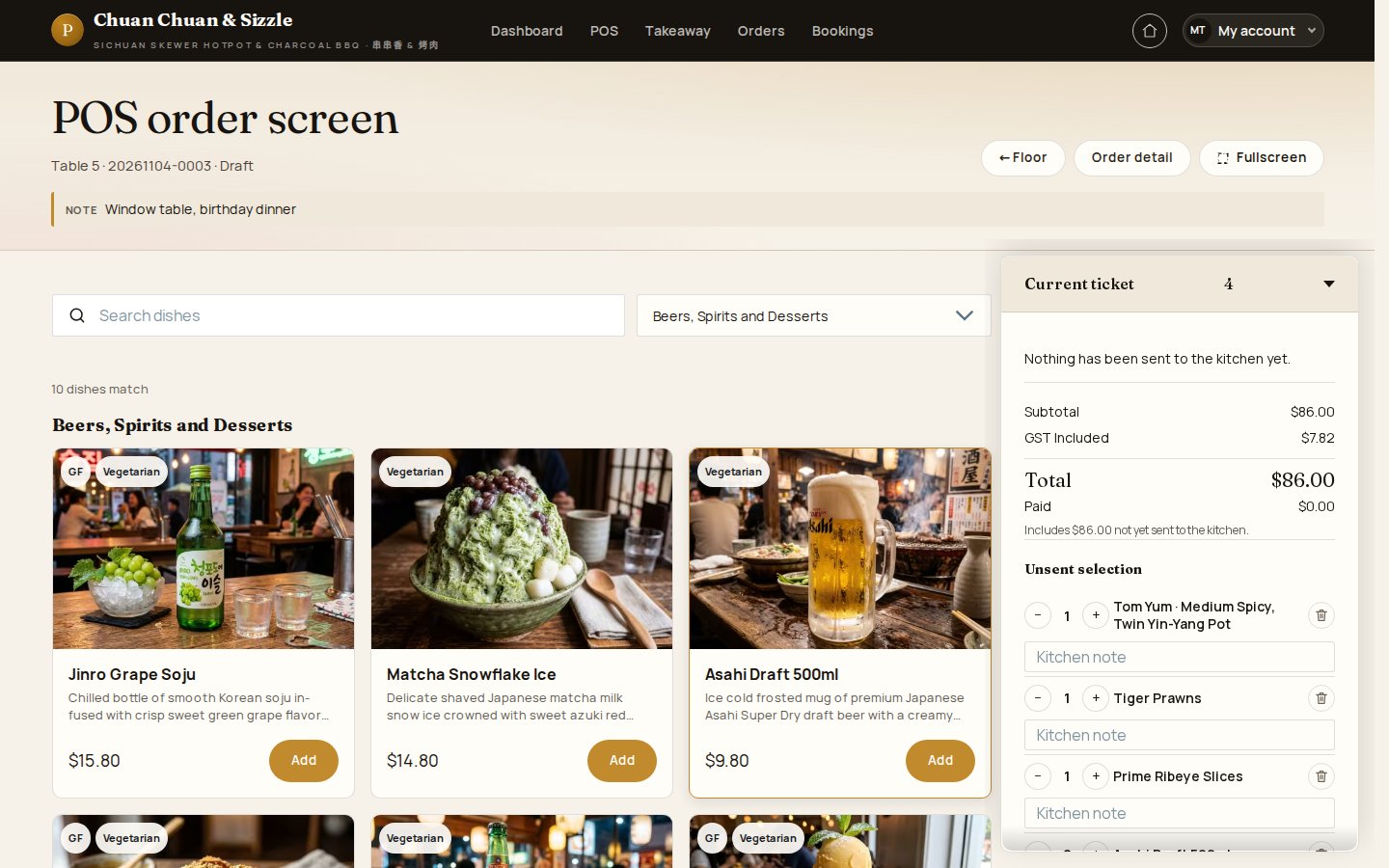
POS order screen
Tap dishes into a round, search with suggestions and send it to the kitchen.
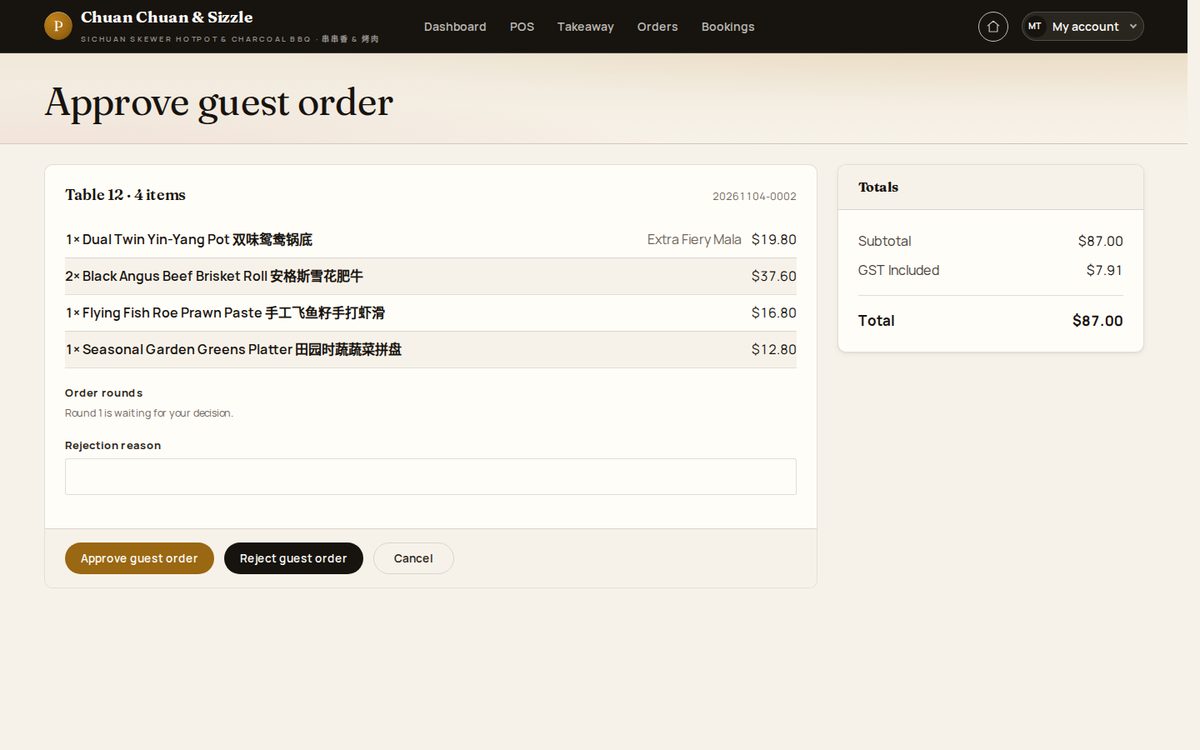
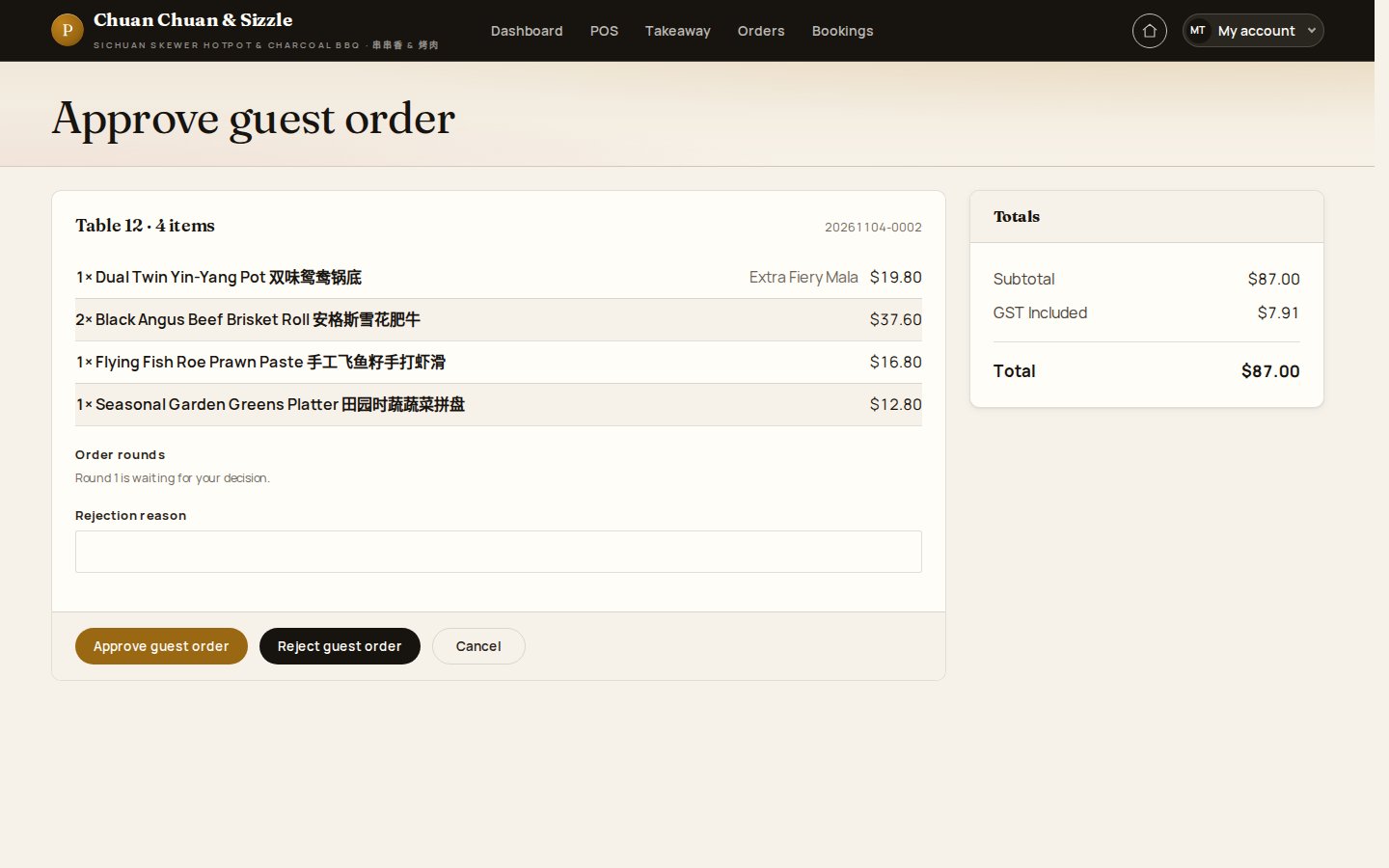
Approve guest orders
A round sent from the table QR waits here until a waiter approves it.
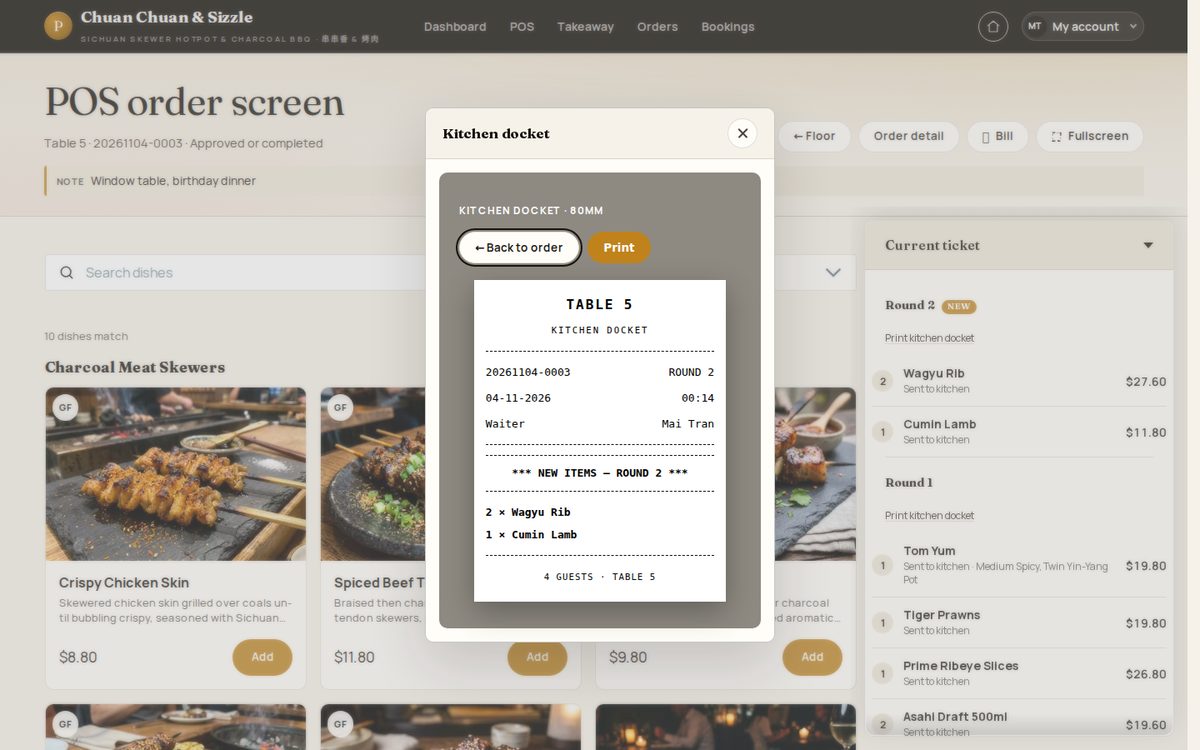
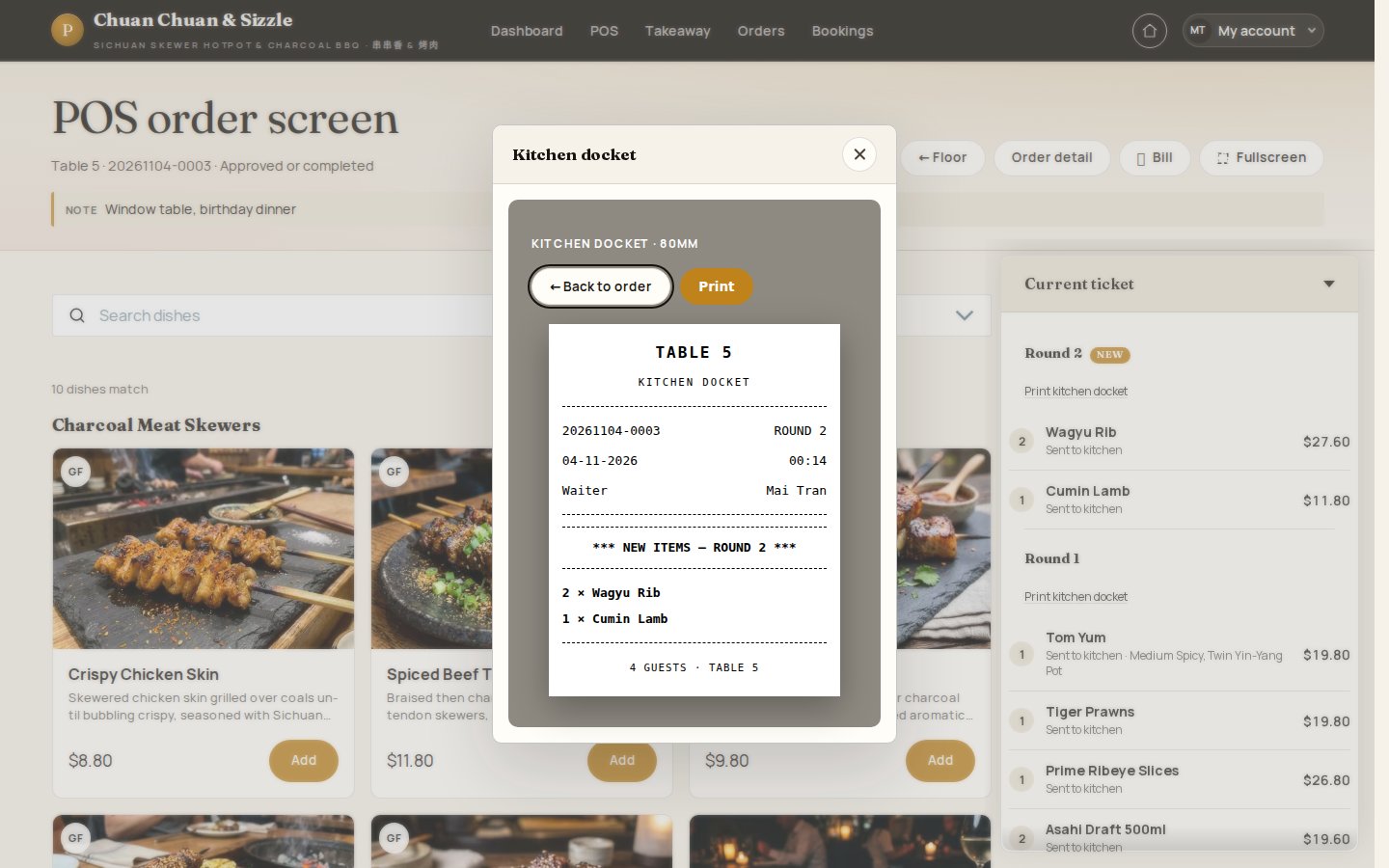
Kitchen docket
A later round prints only its new dishes, marked NEW ITEMS.
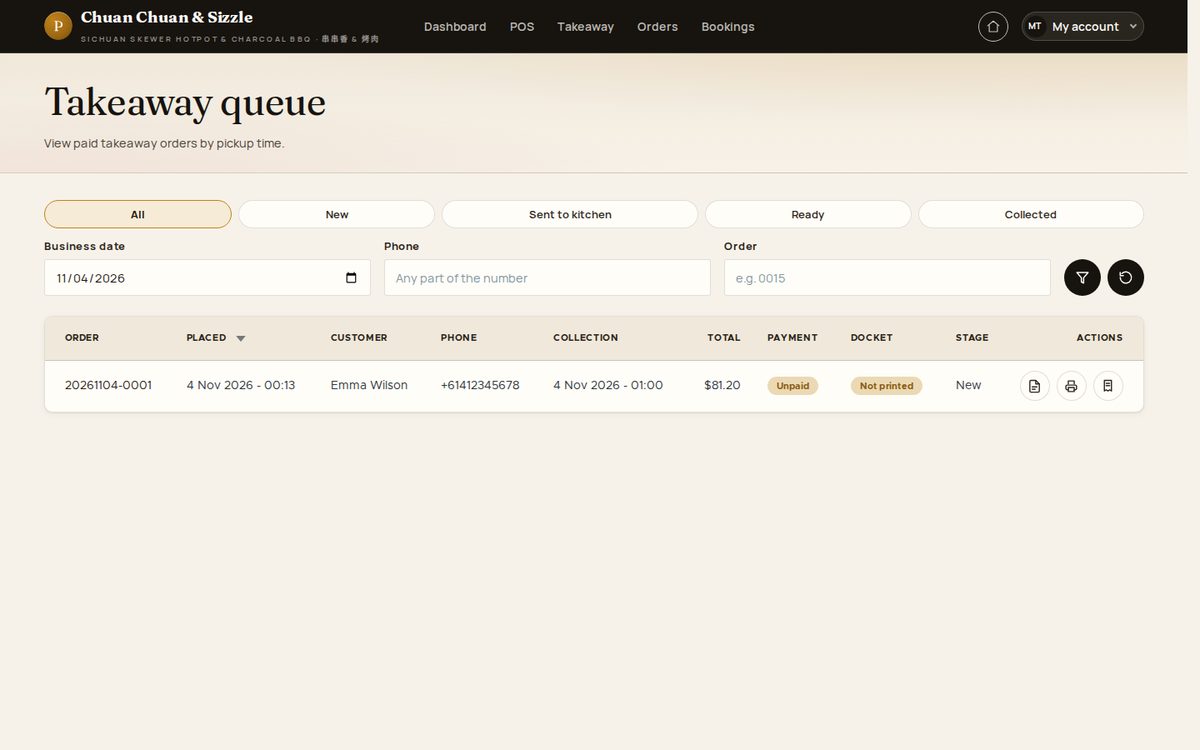
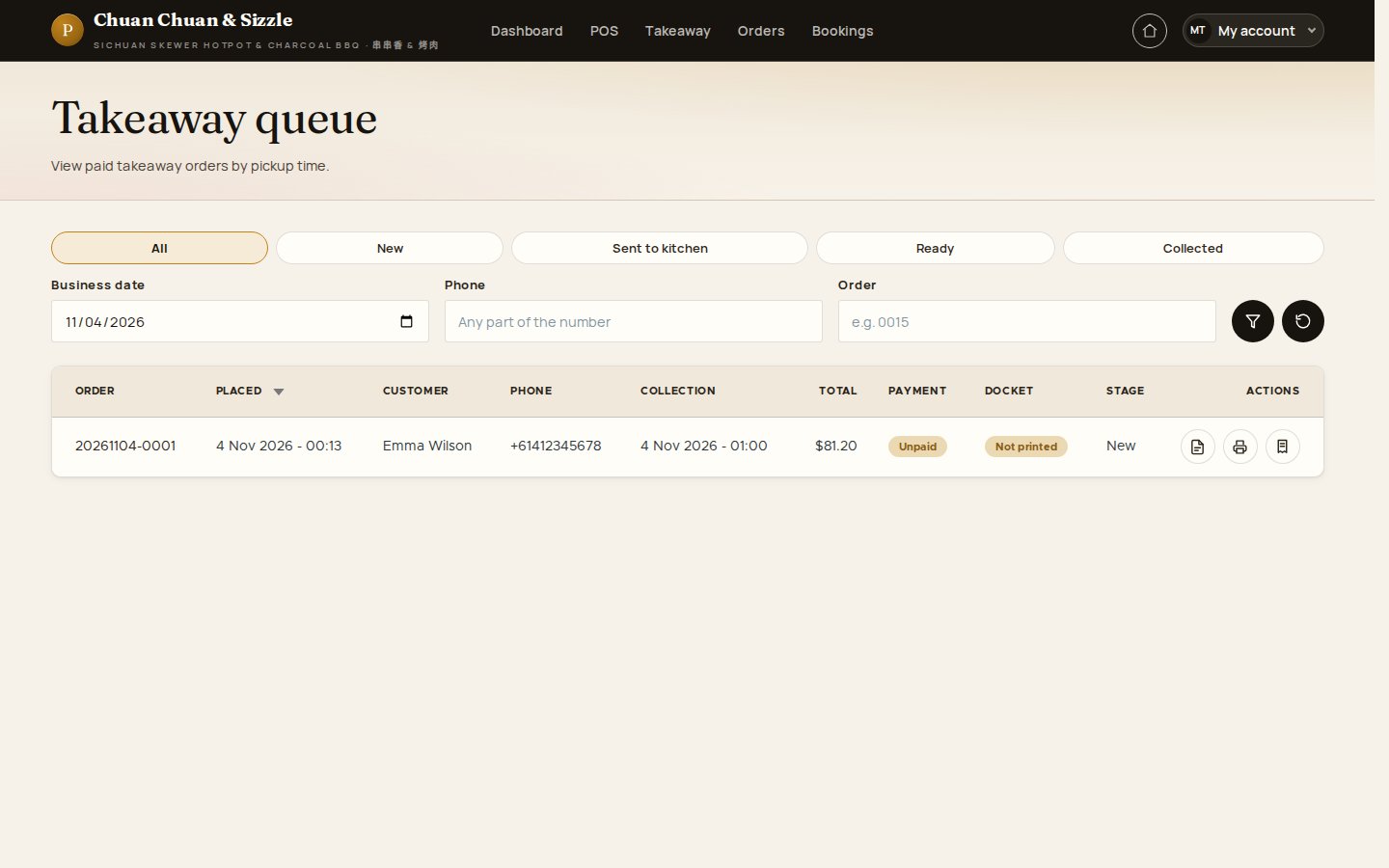
Takeaway queue
Website and counter orders by collection time, from new to collected.
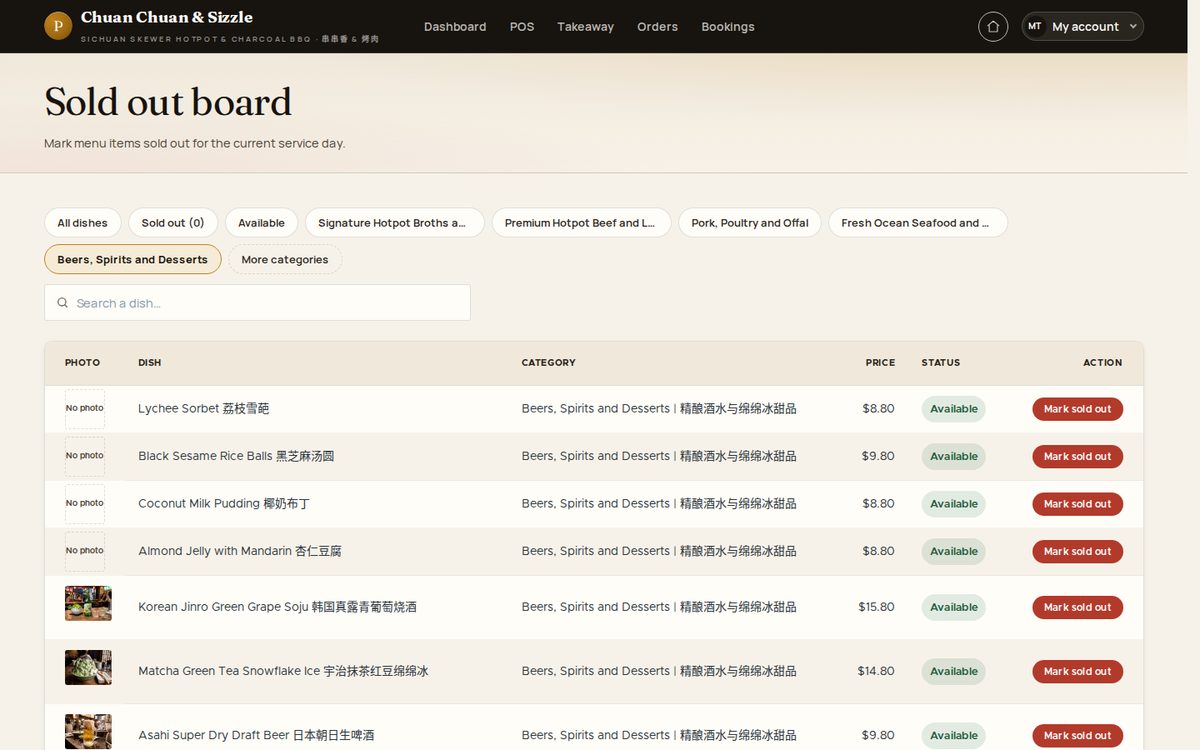
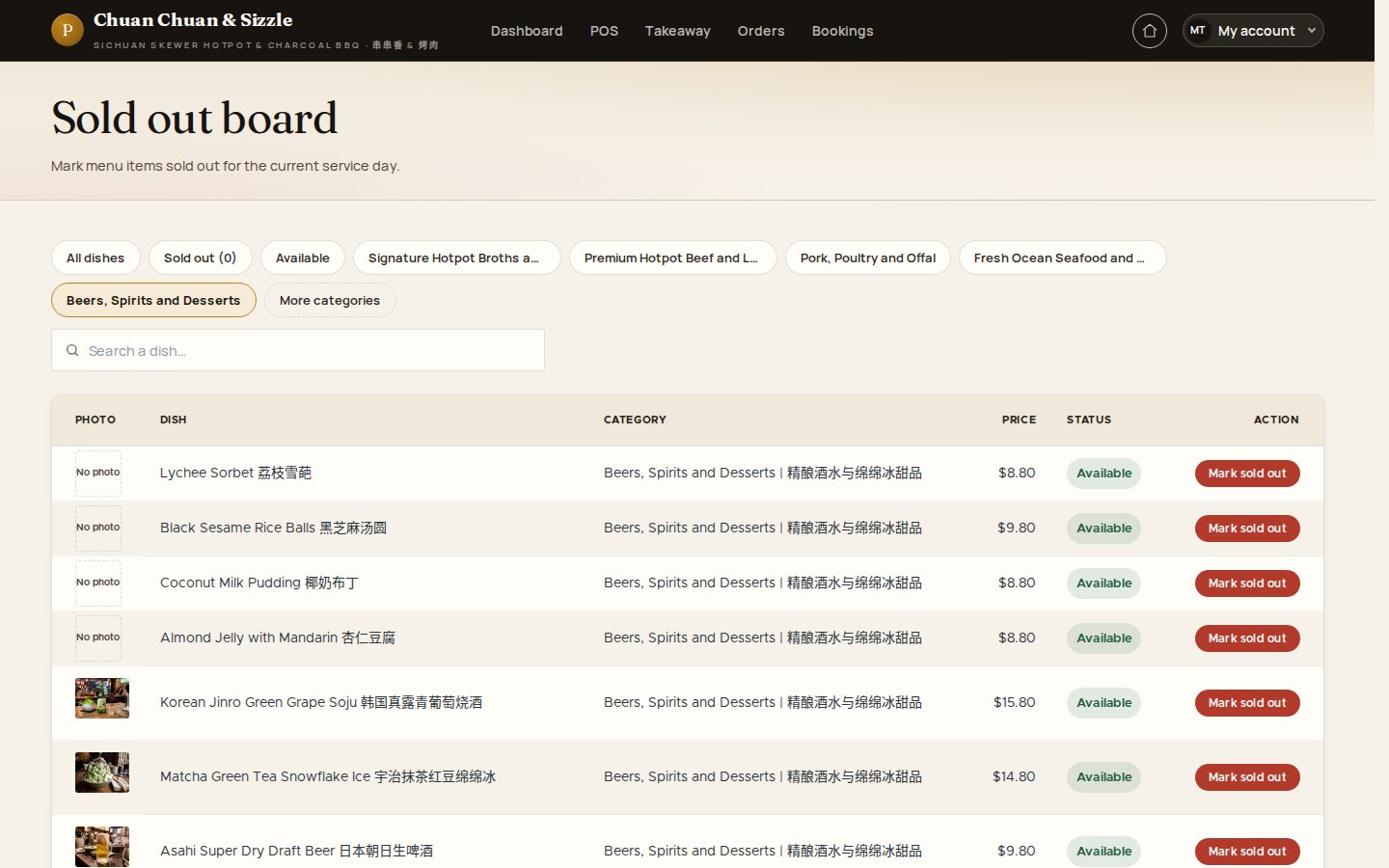
Sold out board
Mark a dish sold out and it leaves the guest menu until it is back.
The back office
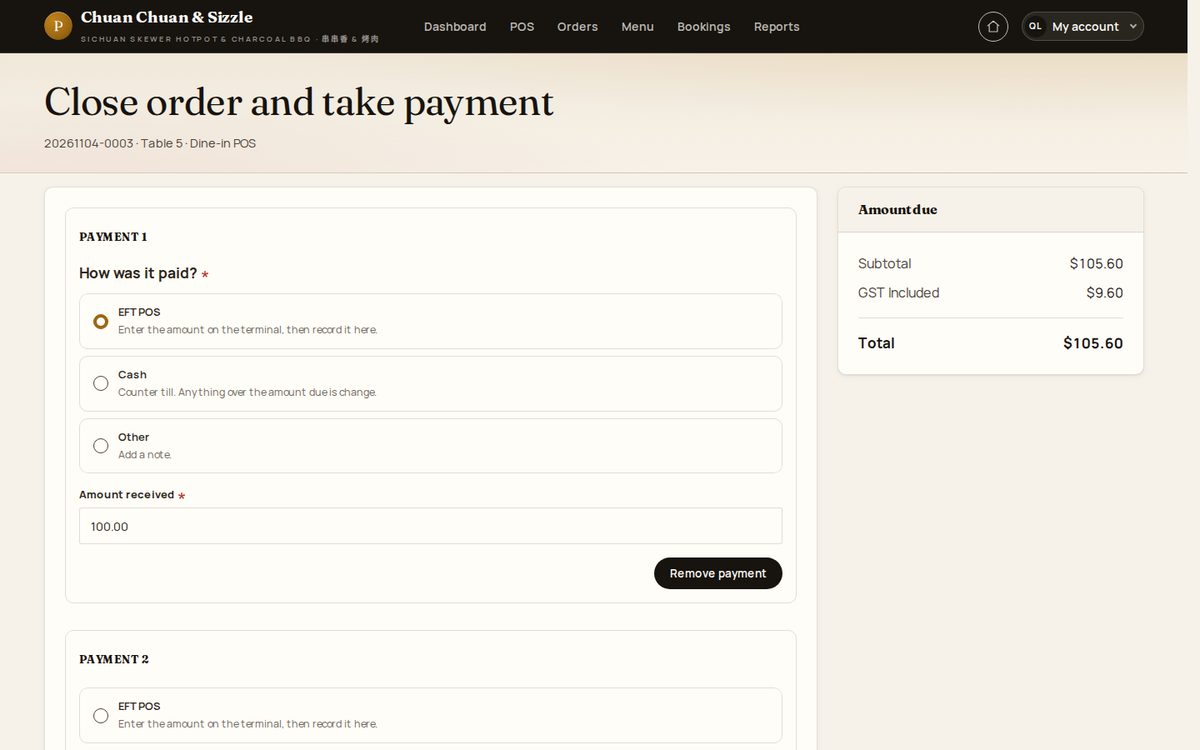
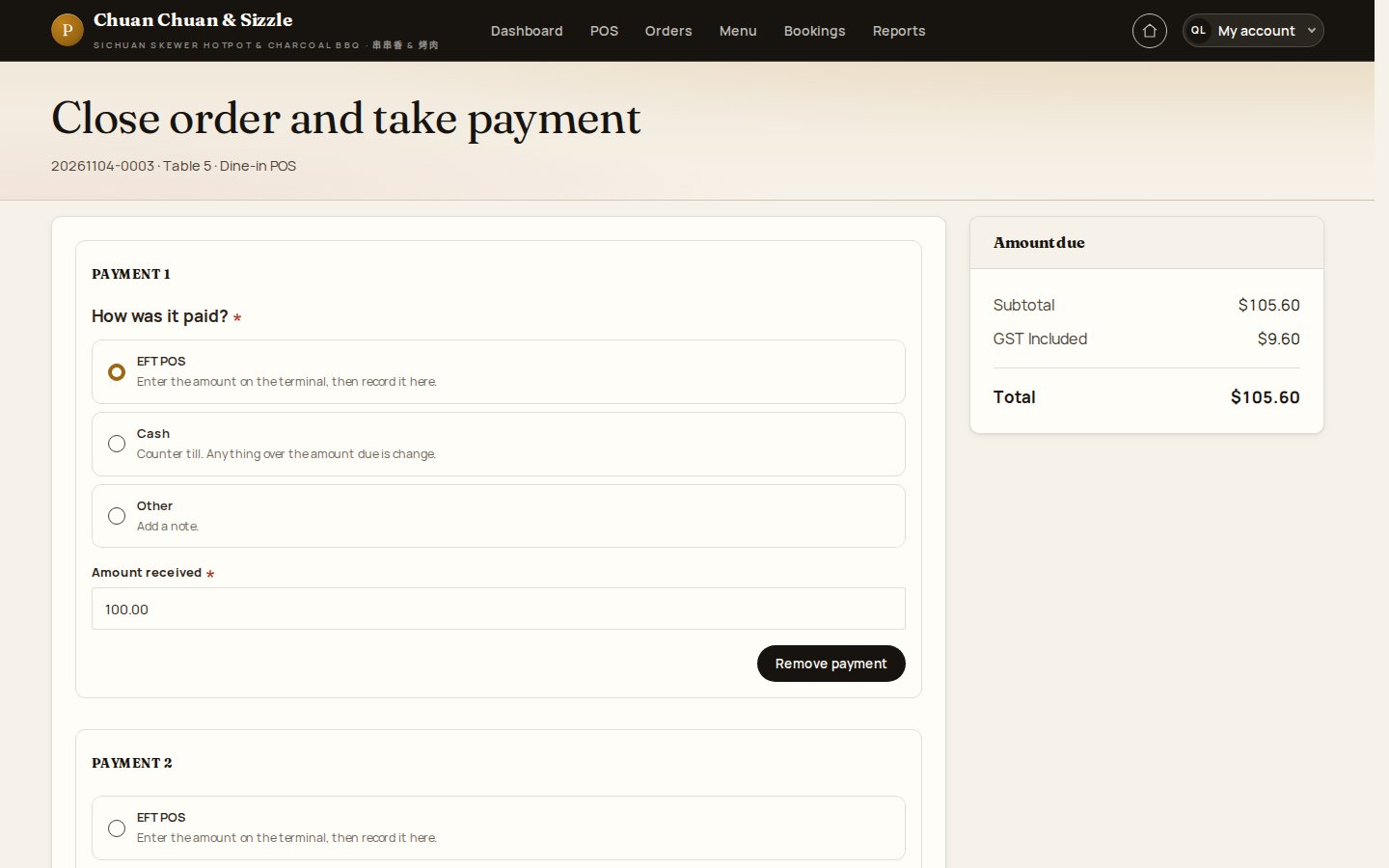
Take payment
Close an order by cash, EFTPOS, a gift card or a split payment.
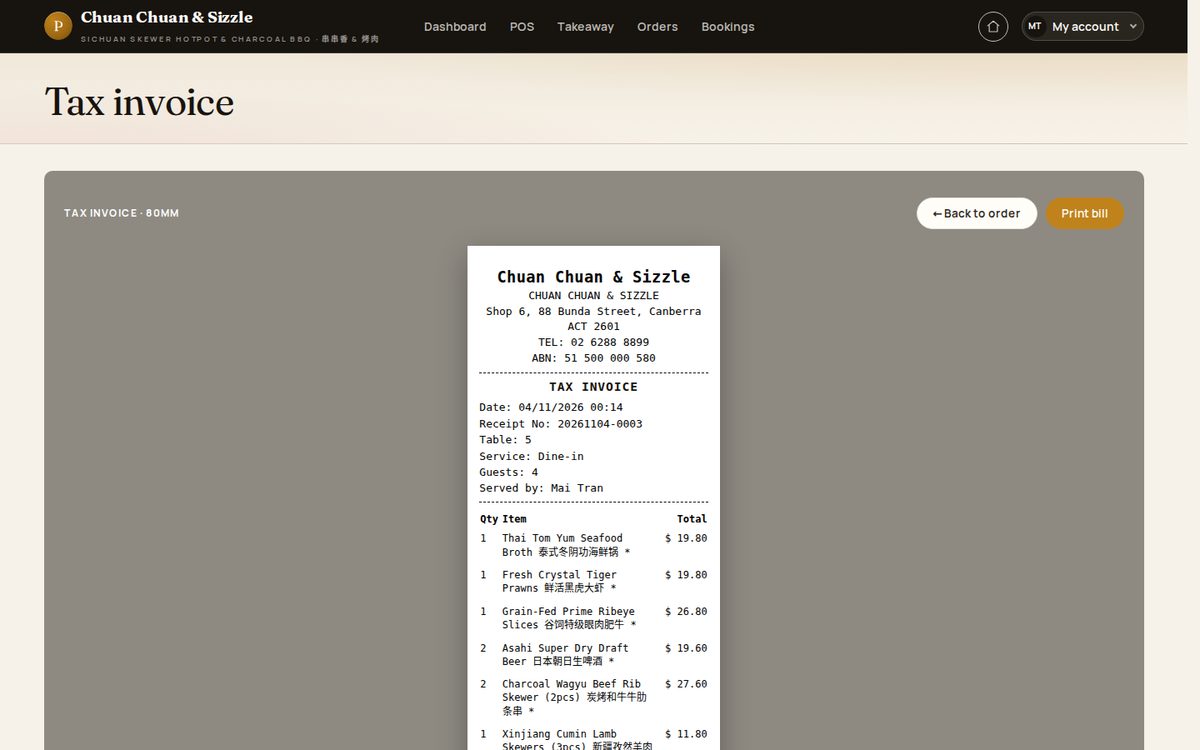
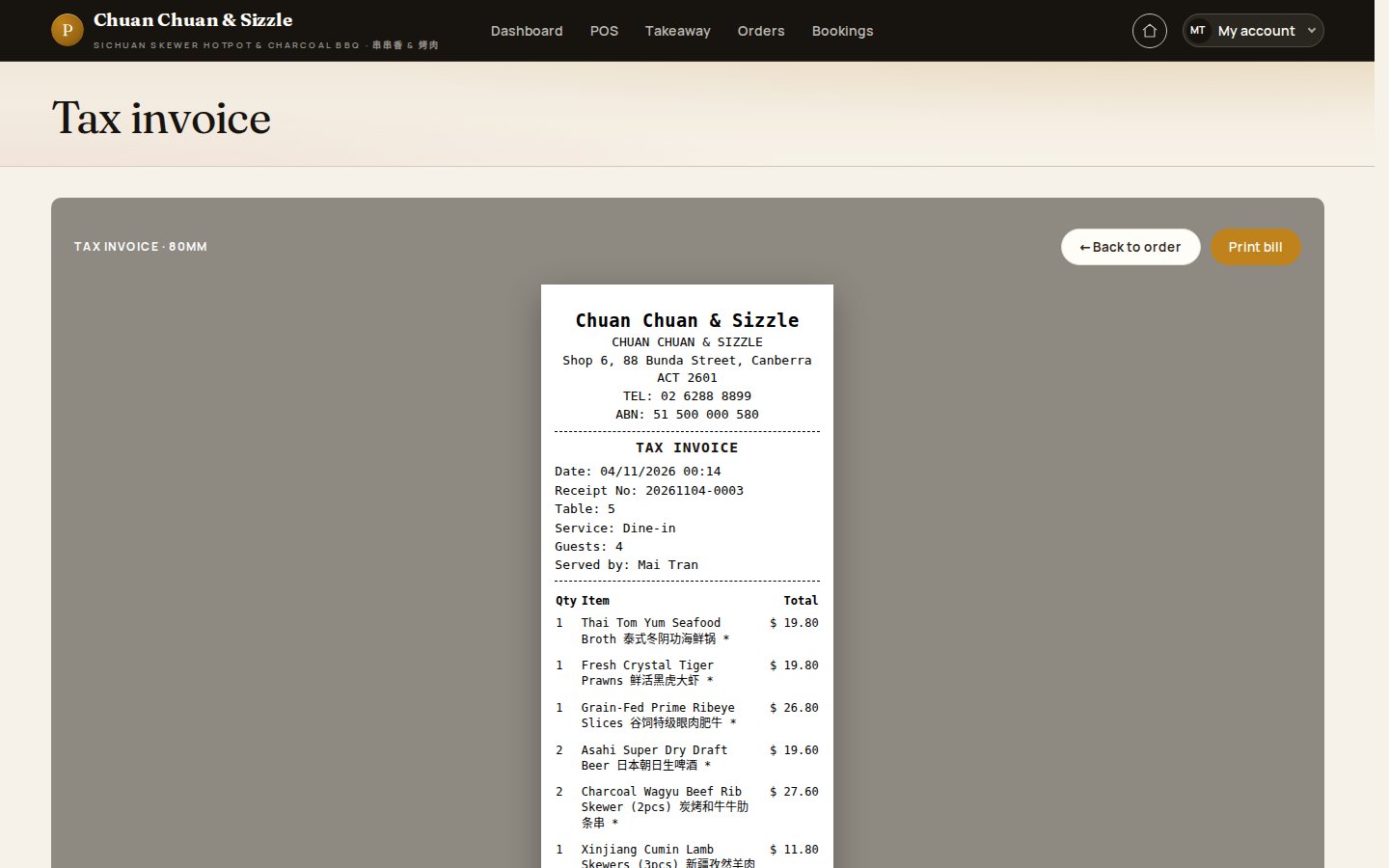
Tax invoice
The bill with the restaurant’s ABN, GST included and how it was paid.
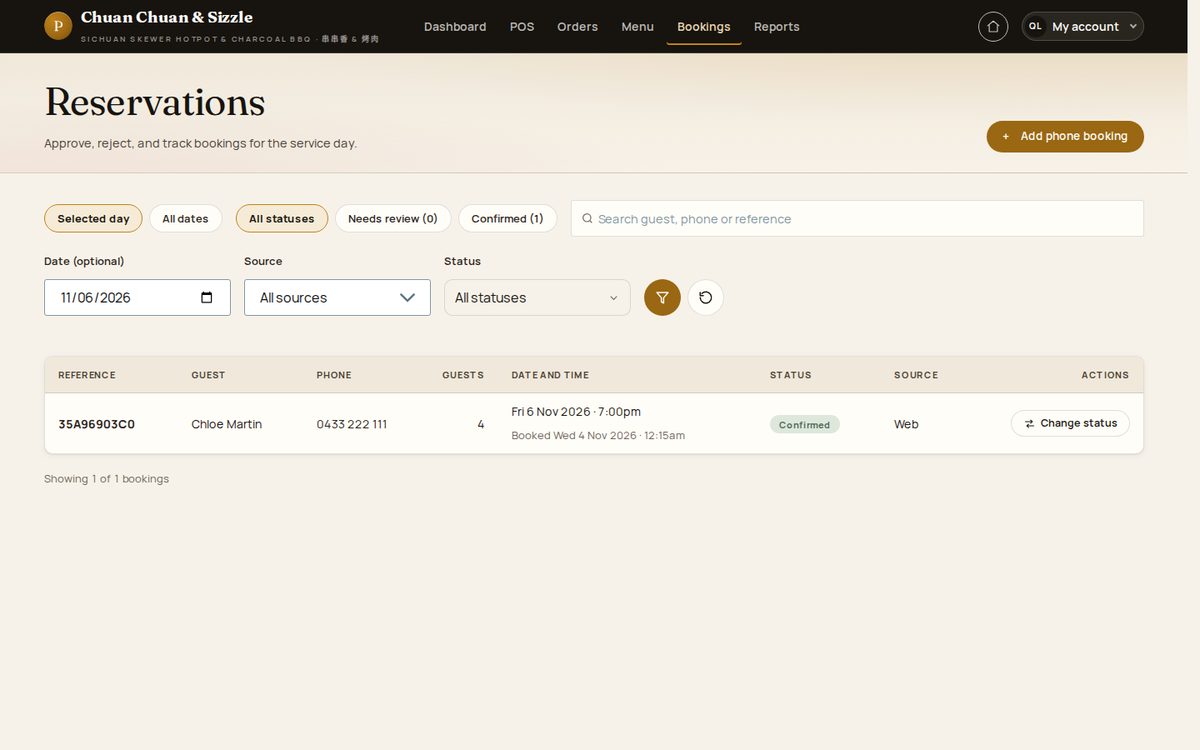
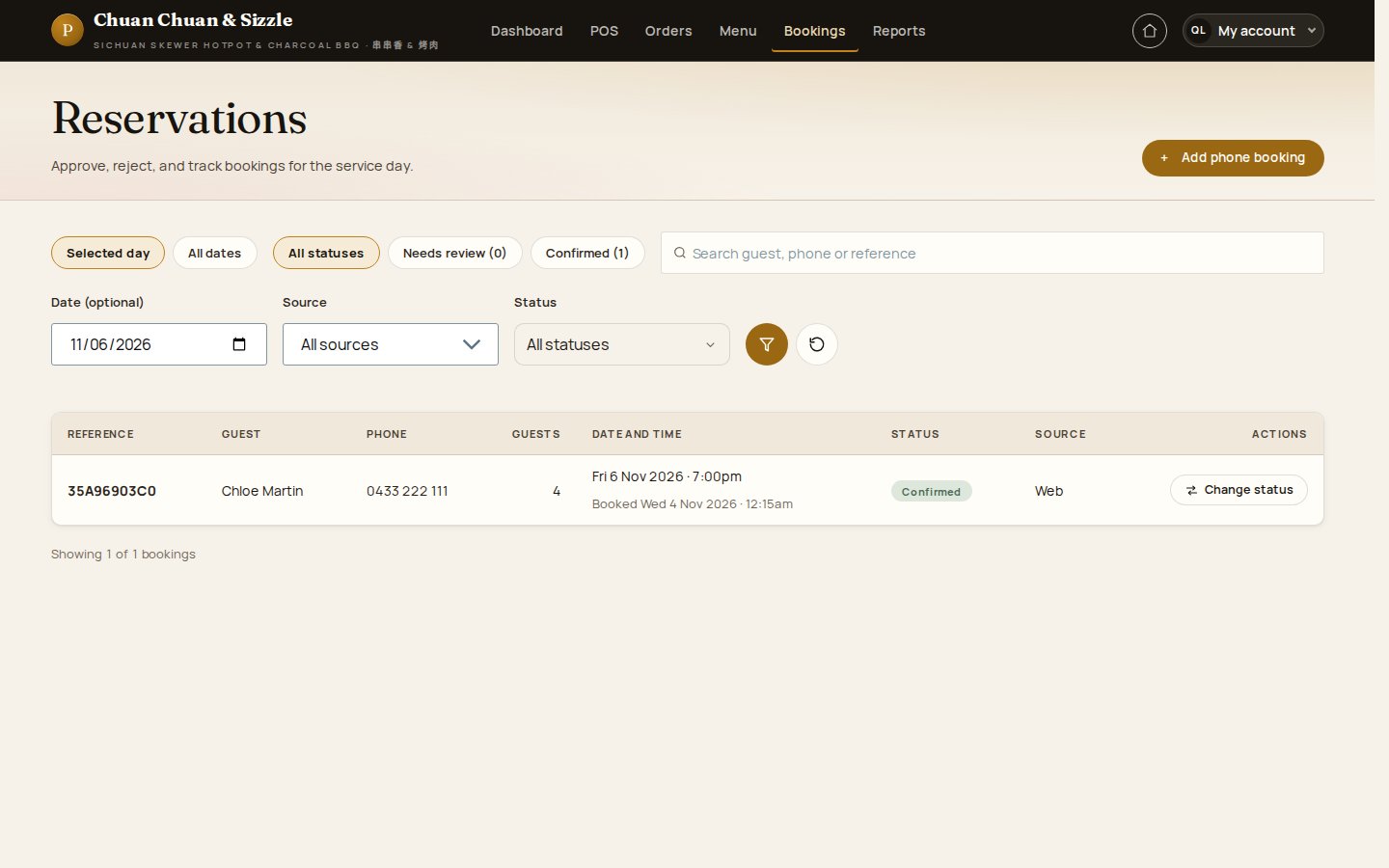
Reservations
Bookings by day, with the requests to approve and the phone bookings.
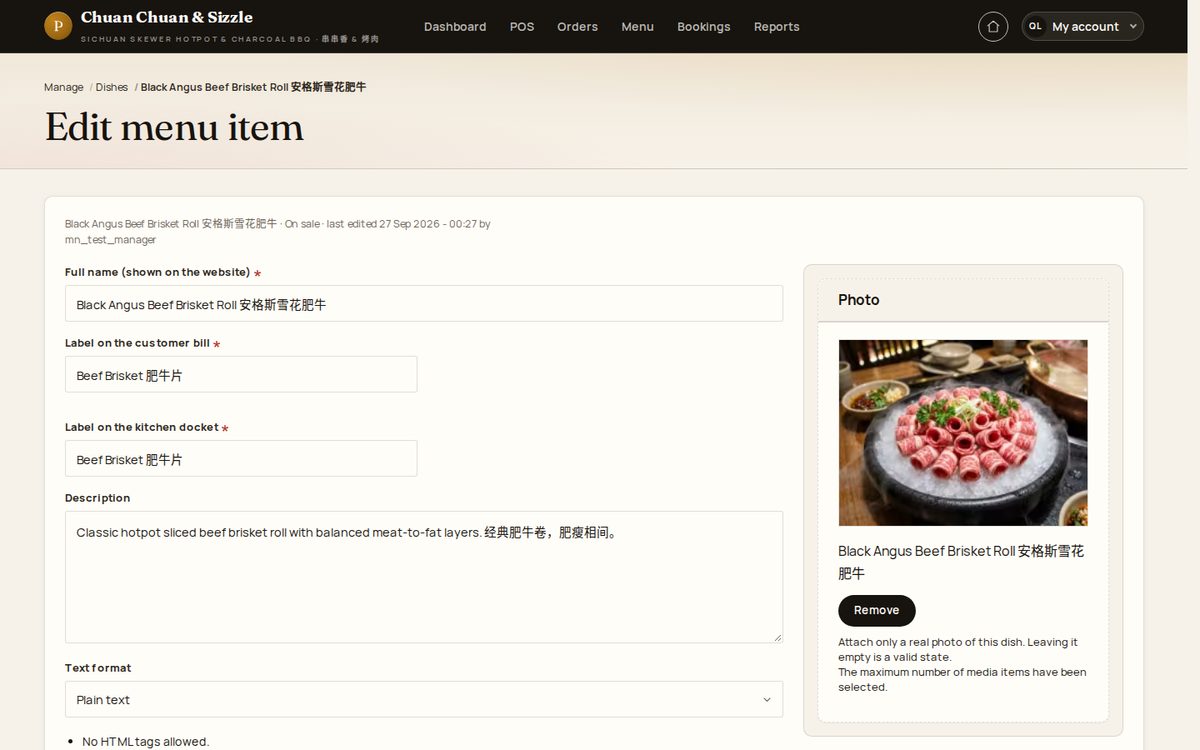
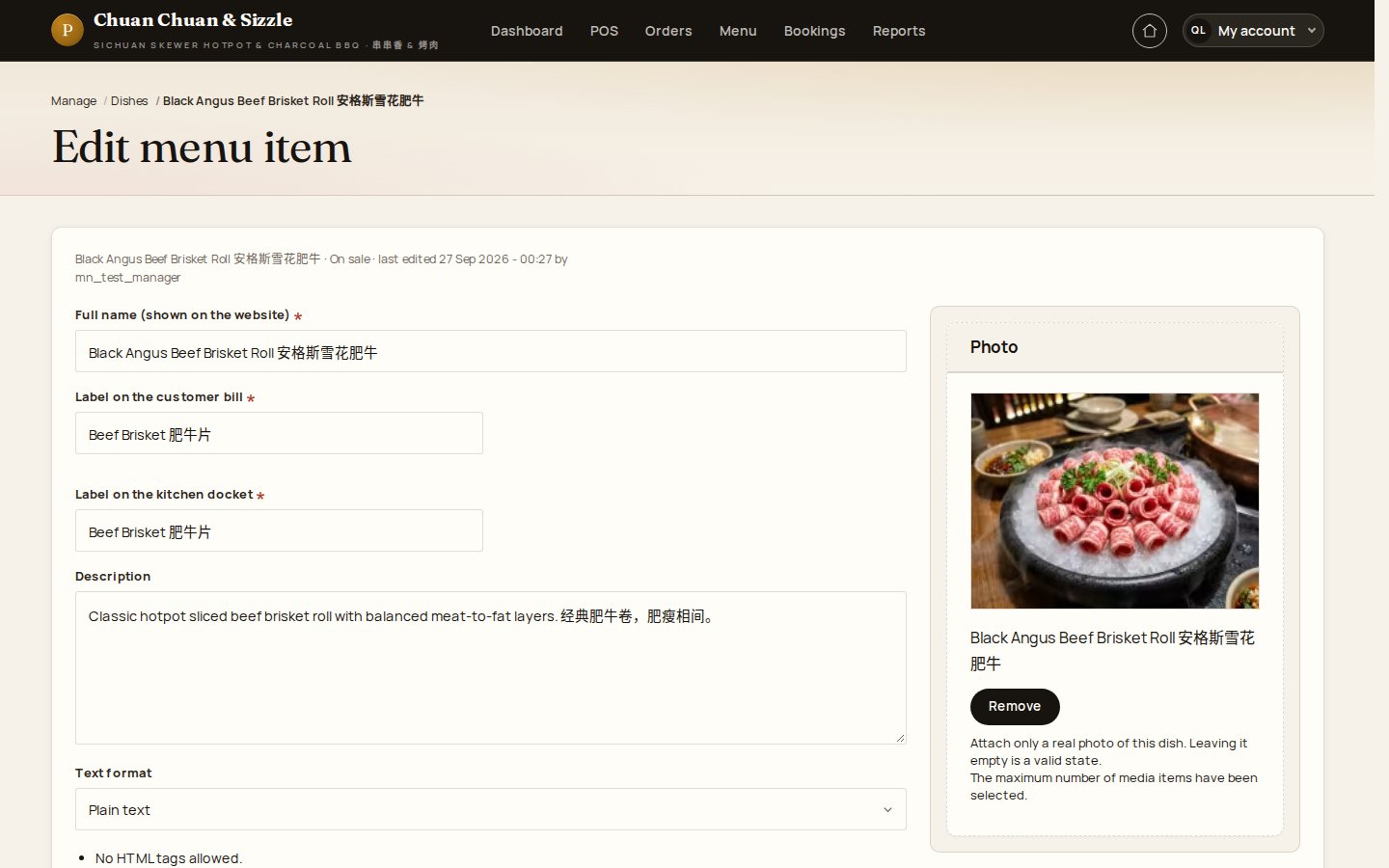
Menu editor
Price, options, labels for the bill and the docket, and a photo for each dish.
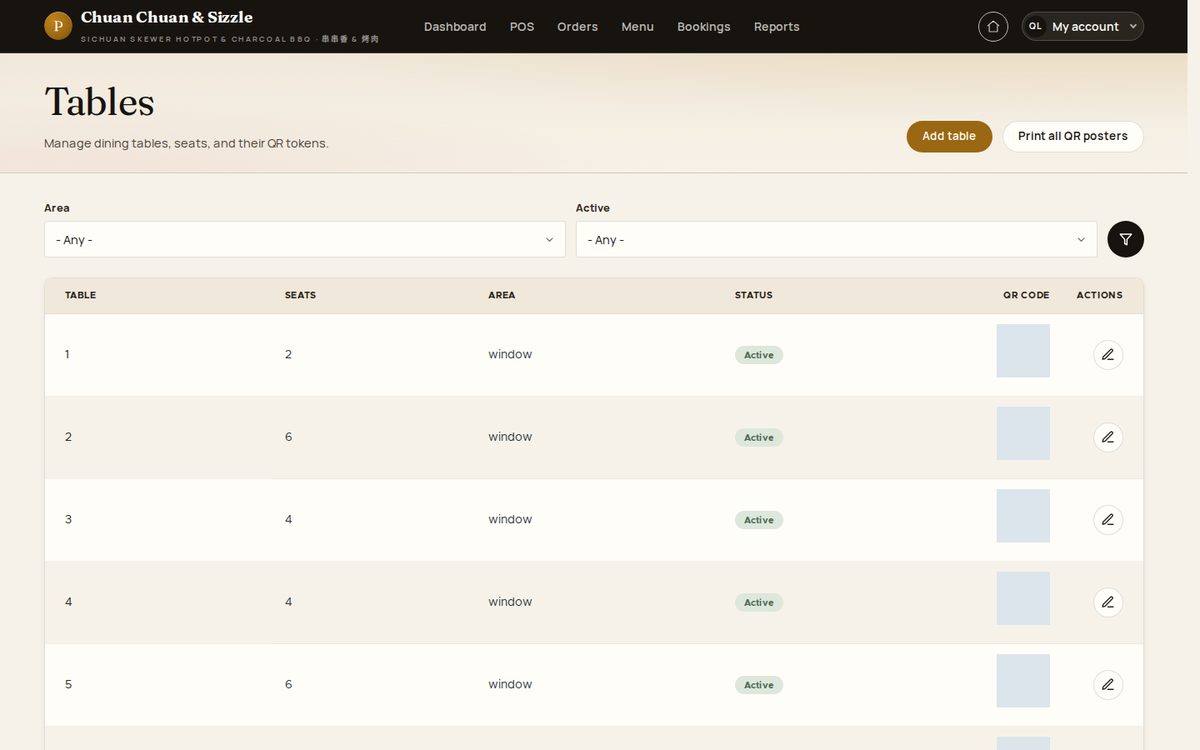
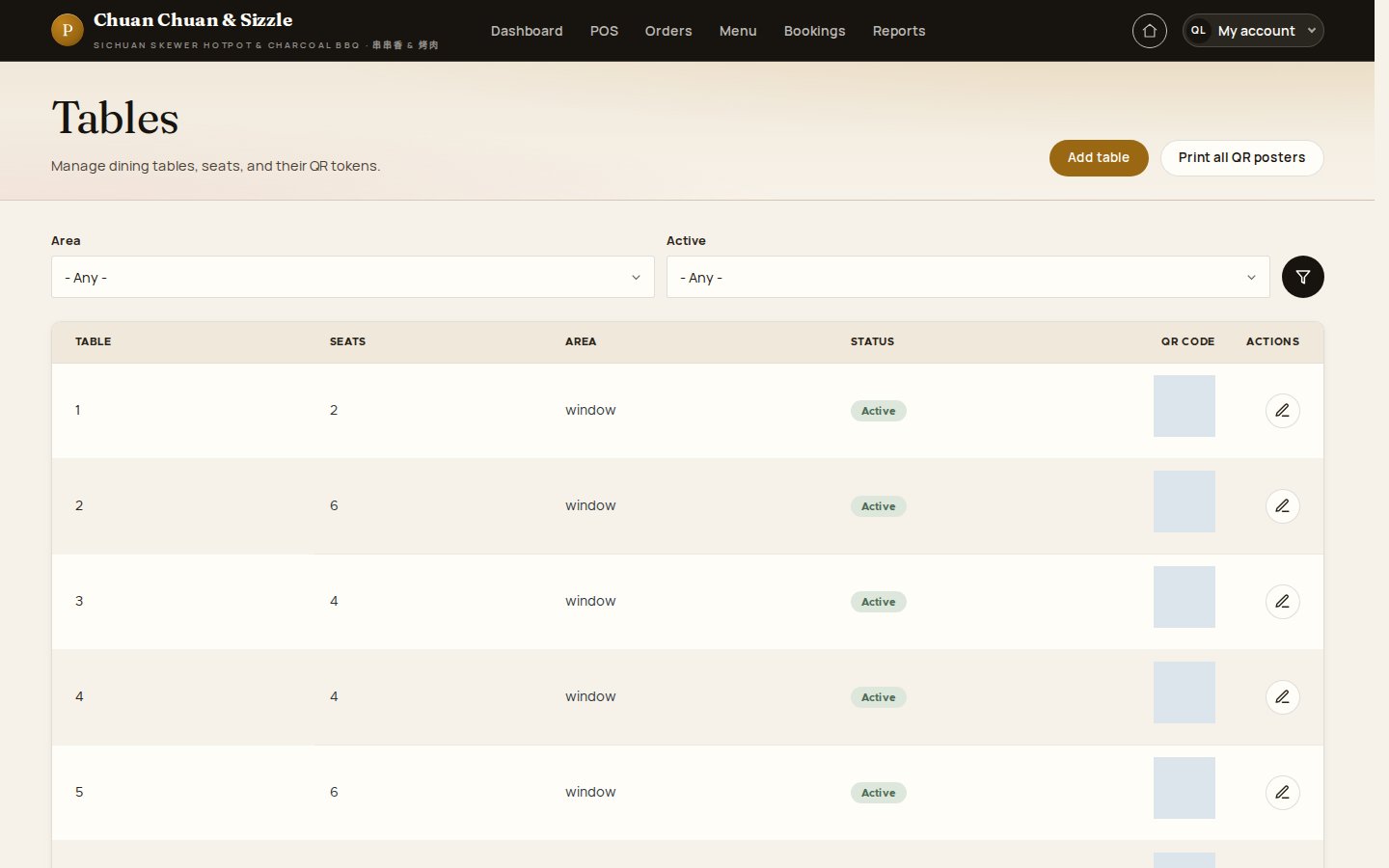
Tables and QR codes
Each table with its own QR code, ready to print or replace.
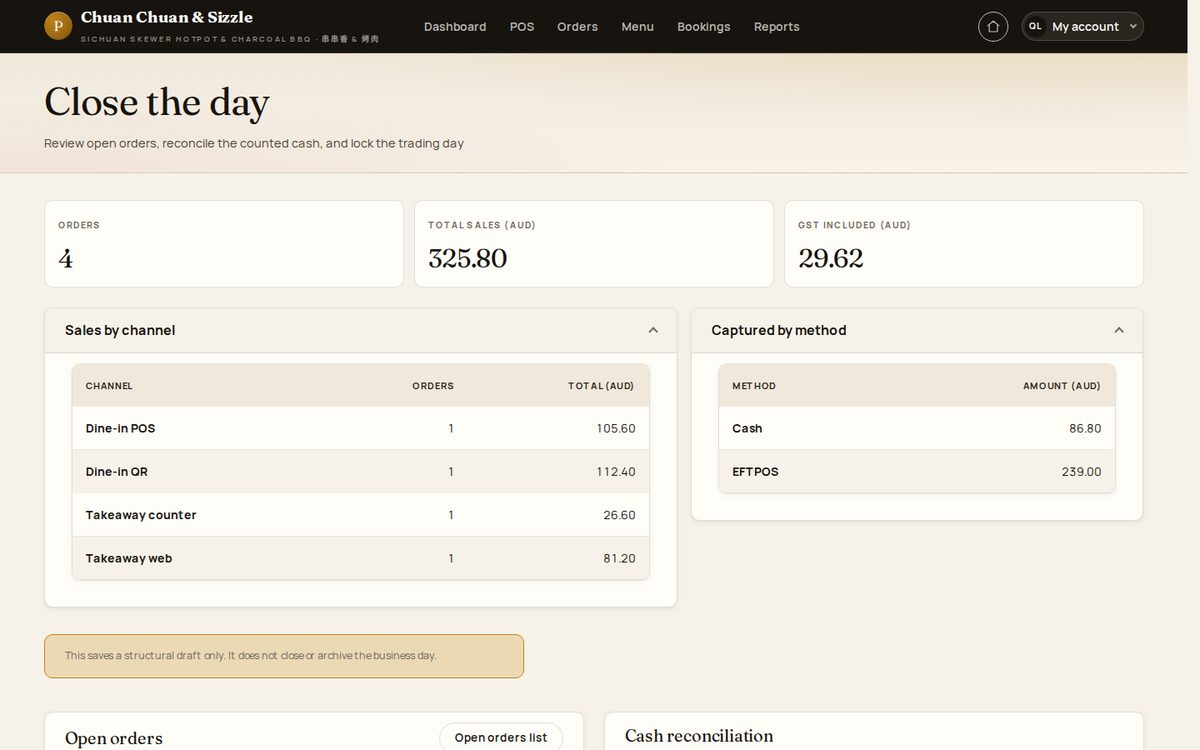
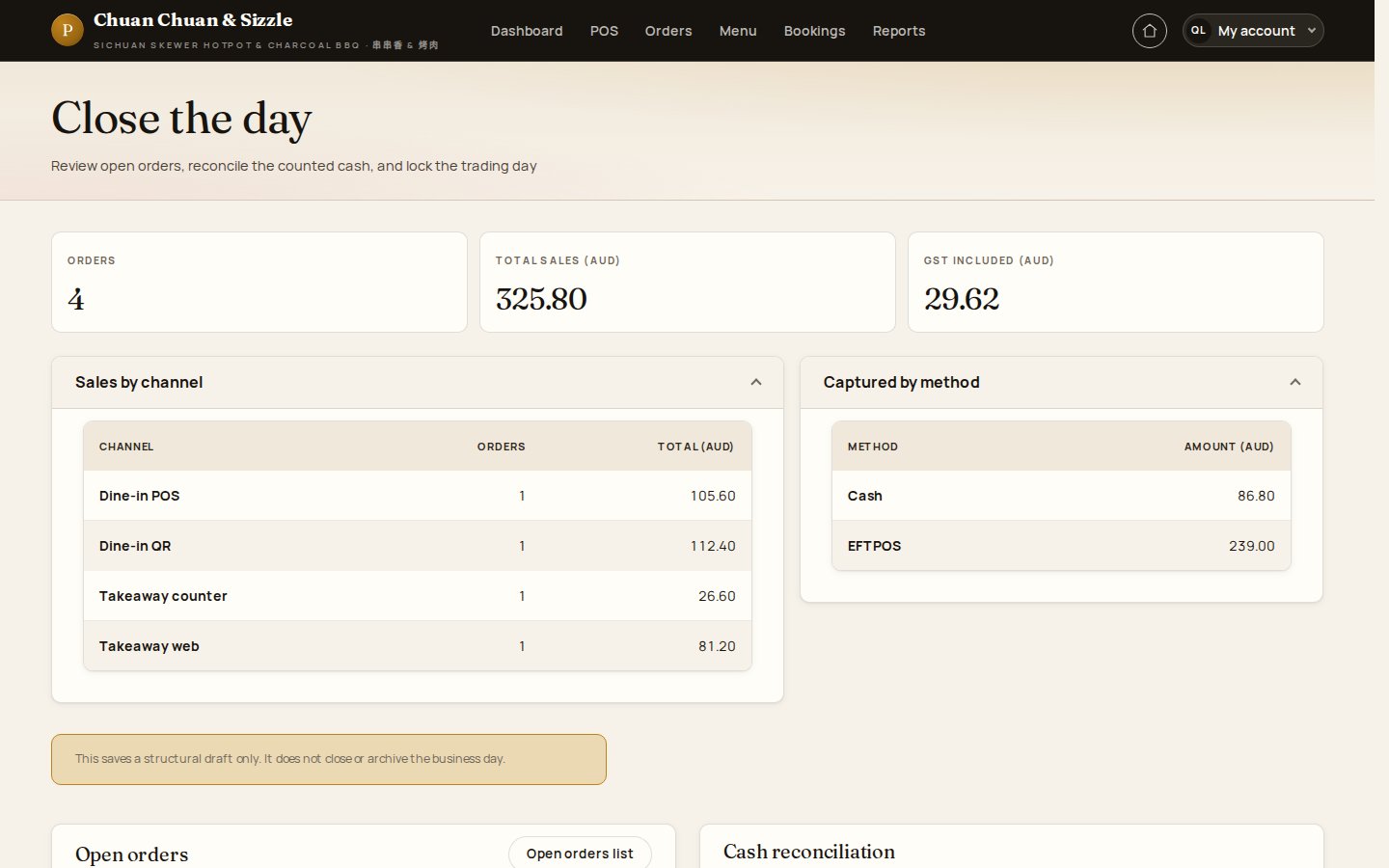
Close the day
Open orders, takings by method and the counted cash before the day is locked.
Questions about MenuNerds Restaurant
Accounts, the kitchen, payments and bookings, in short answers.
Do guests need an account or an app?
No. Guests order takeaway, order at their table from its QR code, book a table and buy gift cards in the browser, without an account.
What do you set up for us?
Your brand, menu, prices and dish photos, options and kitchen labels, tables and QR codes, opening hours and booking rules, and staff accounts. Then we rehearse a shift with your team.
Can we change prices and the menu ourselves?
Yes. Managers add and edit dishes with a price, photo, category, labels for the bill and the docket, and options. Orders already placed keep the price they were sold at.
What does the kitchen receive?
A paper docket for each round, with the table, the round, the waiter and each dish with its options and notes. A later round lists only the new dishes. There is no kitchen display screen in this edition.
What does the tax invoice show?
The restaurant’s name and ABN, the words TAX INVOICE, the date and receipt number, the table and guests, the dishes, GST included, the total and how it was paid.
Does it connect to our card machine?
No. Staff take EFTPOS on your own machine, or cash, and record the tender. Online card payment for takeaway and gift cards goes through Stripe today.
Can the menu be in Chinese or another language?
A dish name can carry two languages in one label, such as English and Chinese. The interface is in English; a second interface language can be built for you.
Where are orders and records kept?
On the system you choose: your own servers or cloud, or hosting we run for you. Each restaurant has its own database.
Bring MenuNerds Restaurant to your venue
We set it up with your menu, tables and rules, then rehearse a shift with your team.