

Substitutoo
Run home cleaning teams from one company to a franchise
Enquiries reach the right local team, customers accept quotes online, and each clean is planned, photographed, approved and invoiced, from one brand to its franchises.

Made for busy cleaning teams
Customers book through their local team while Head Office keeps the brand, from the enquiry to the paid invoice.
Enquiries routed to the local team
Quotes accepted online
A website for each franchise
Regular cleans booked by rule
A rota by skills and availability
Timesheets with travel time
A field app on the phone
Photos as proof of each clean
Invoices from approved visits
Who does what in the network
The map of the user guide: customers, franchise teams, Head Office and the system, with the tasks each one does. Each task opens its steps.
PublicNo account needed
FranchiseThe work in its territory
NetworkThe brand and its franchises
SystemAccounts and the instance
Built for cleaning businesses like yours
For home cleaning teams, from one company to a franchise network.

Home cleaning companies 
Cleaning franchise networks 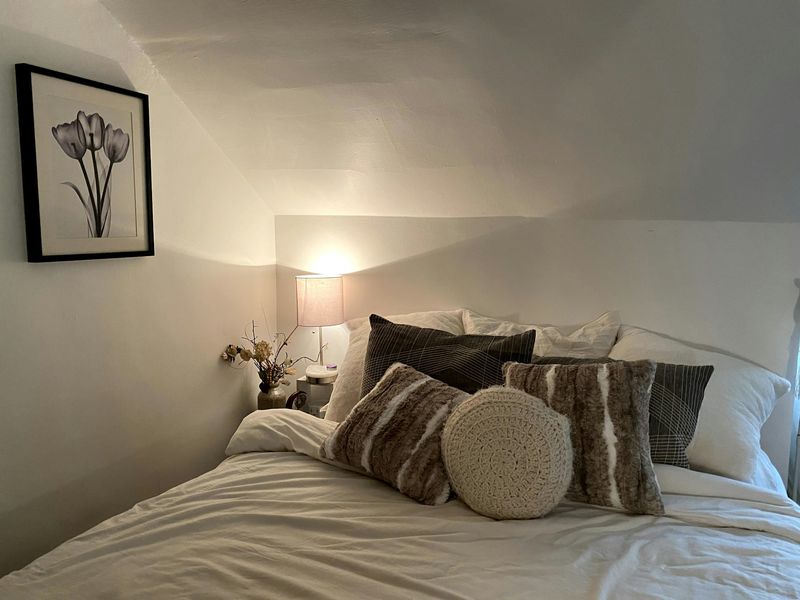
Regular domestic cleaning 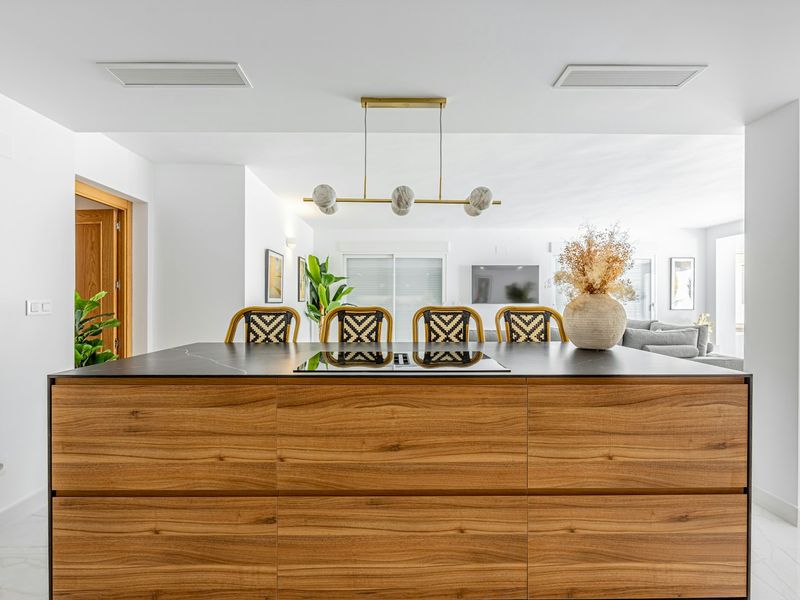
Deep cleans 
Move-in and move-out cleans 
Window and specialist cleaning
The screens your network runs on
From the enquiry to the paid invoice, in the screens your teams open each day.
Customers and Head Office
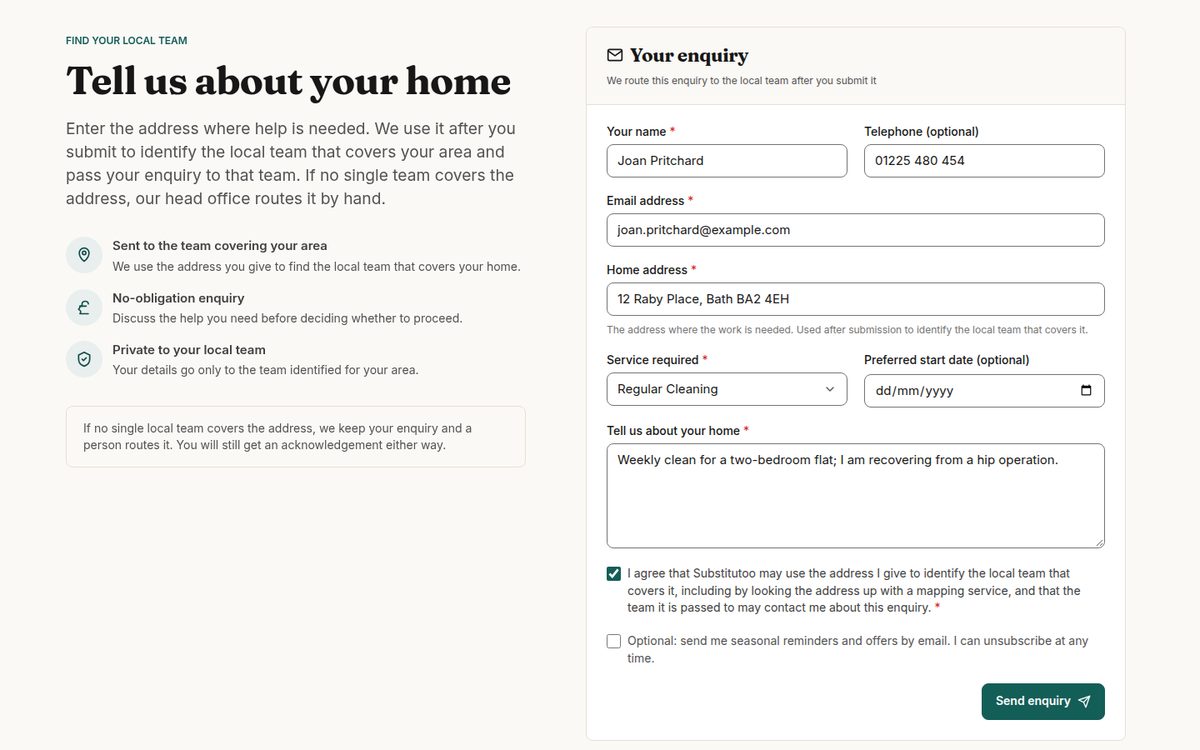
Enquiry form
The brand site asks for the home address and the clean wanted.
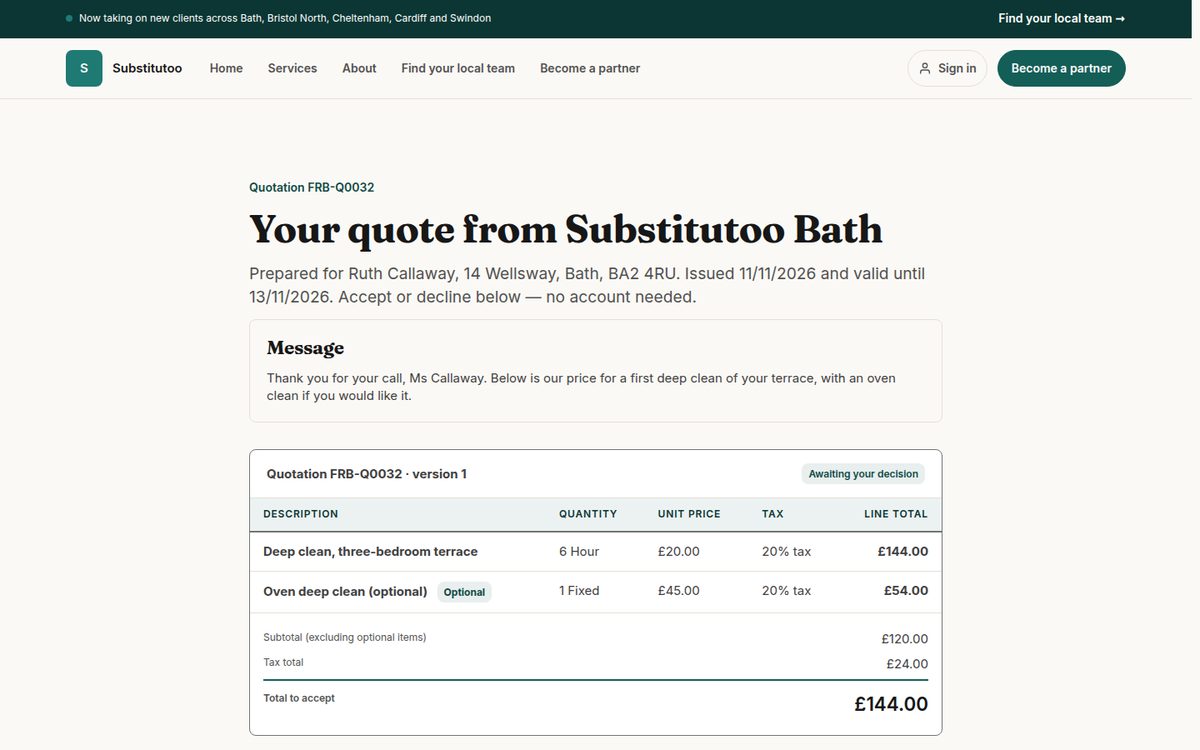
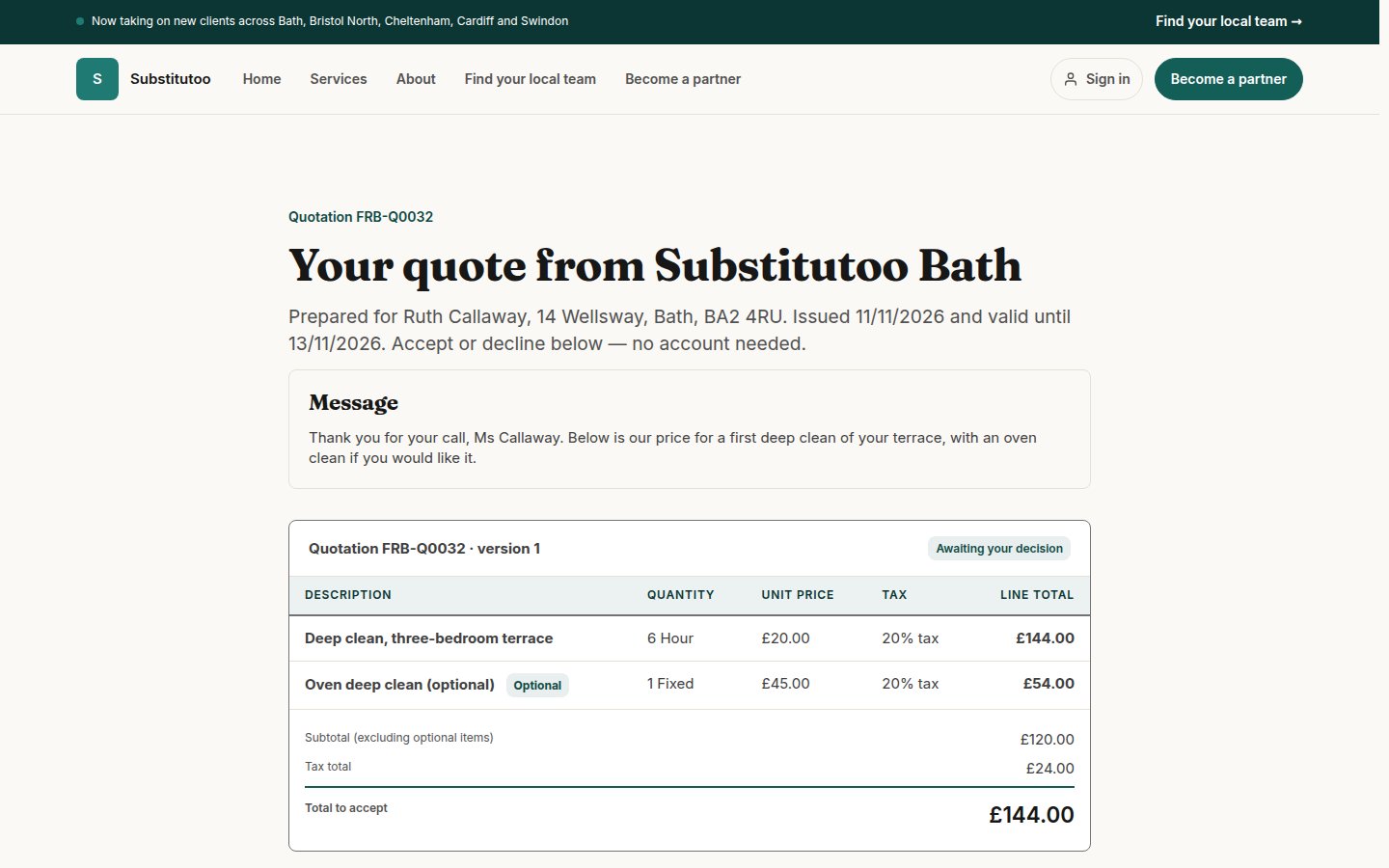
The customer’s quote page
Opened from the email, to accept or decline.
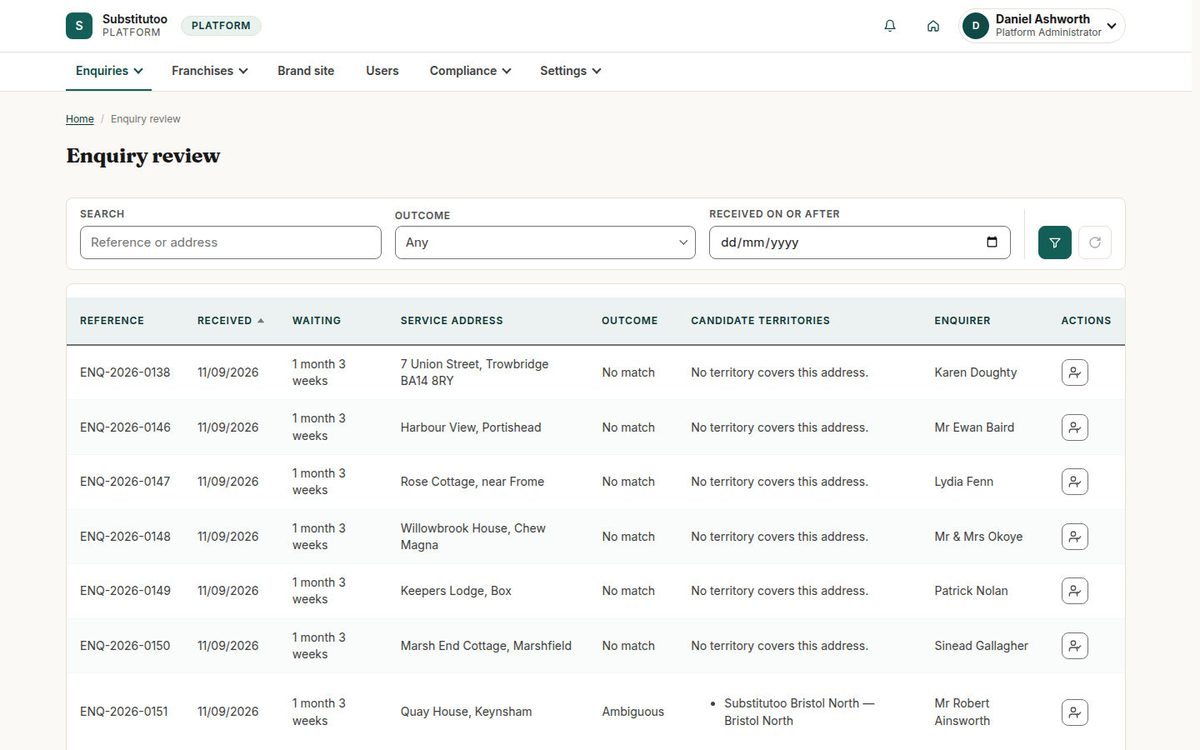
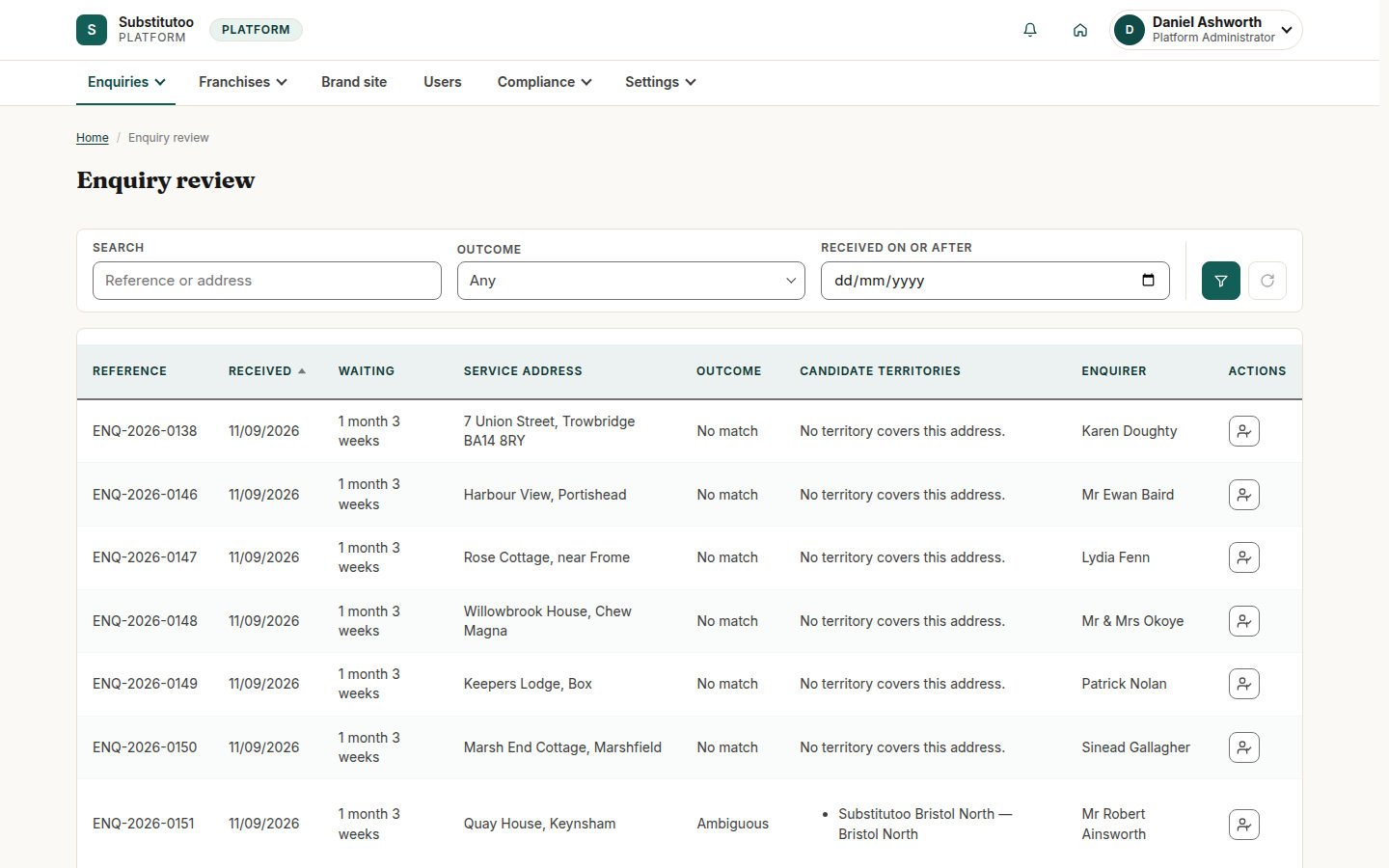
Enquiry review
An enquiry matched to the territory that covers the home.
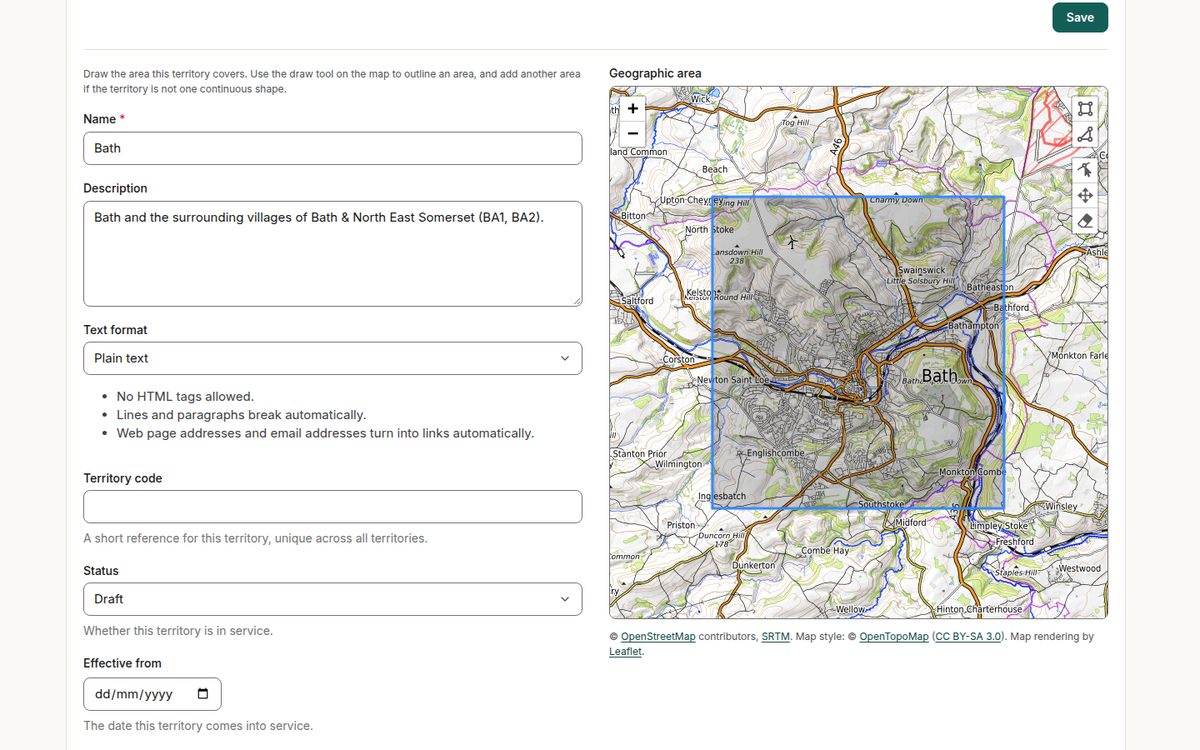
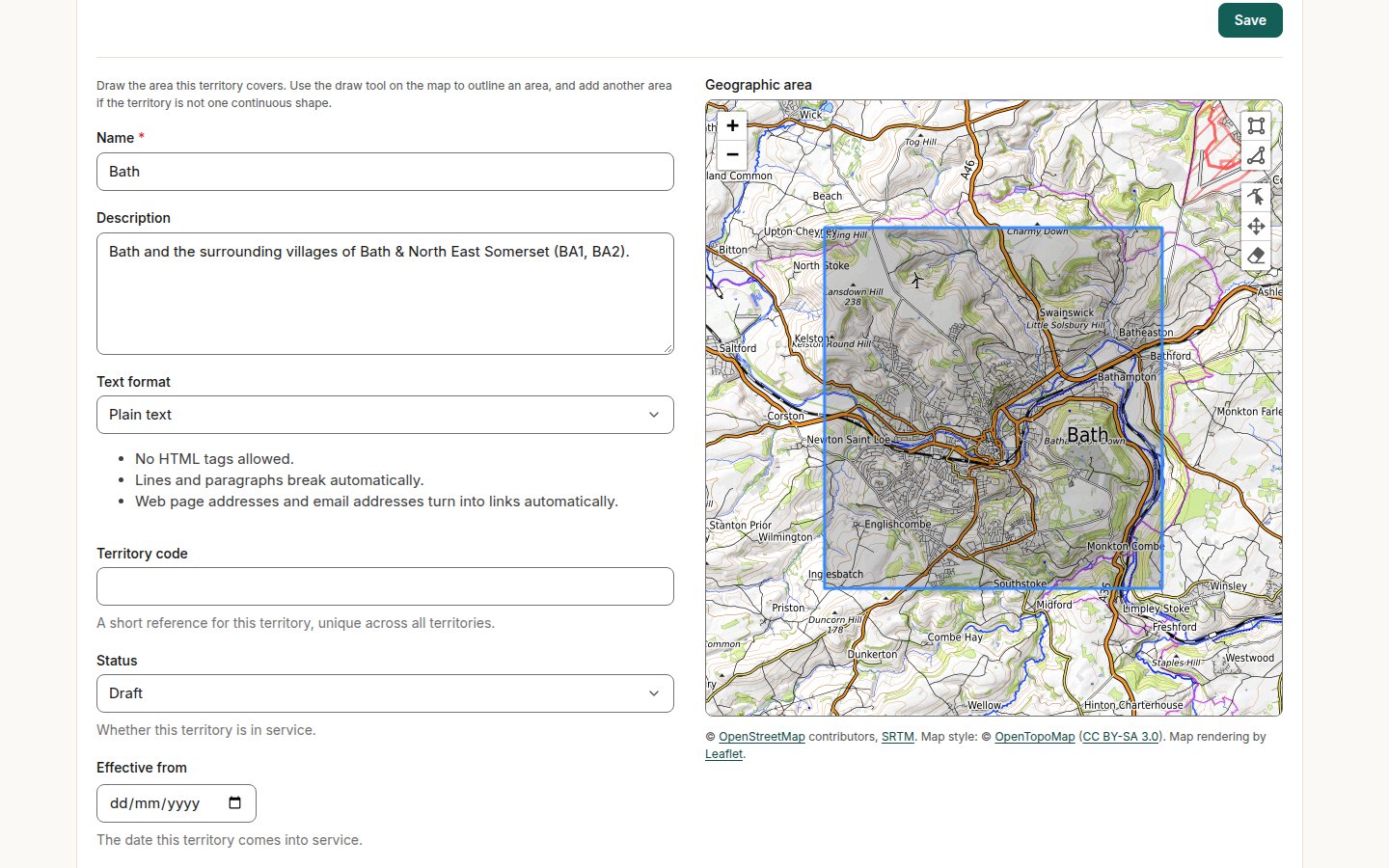
Territories
A territory drawn on the map.
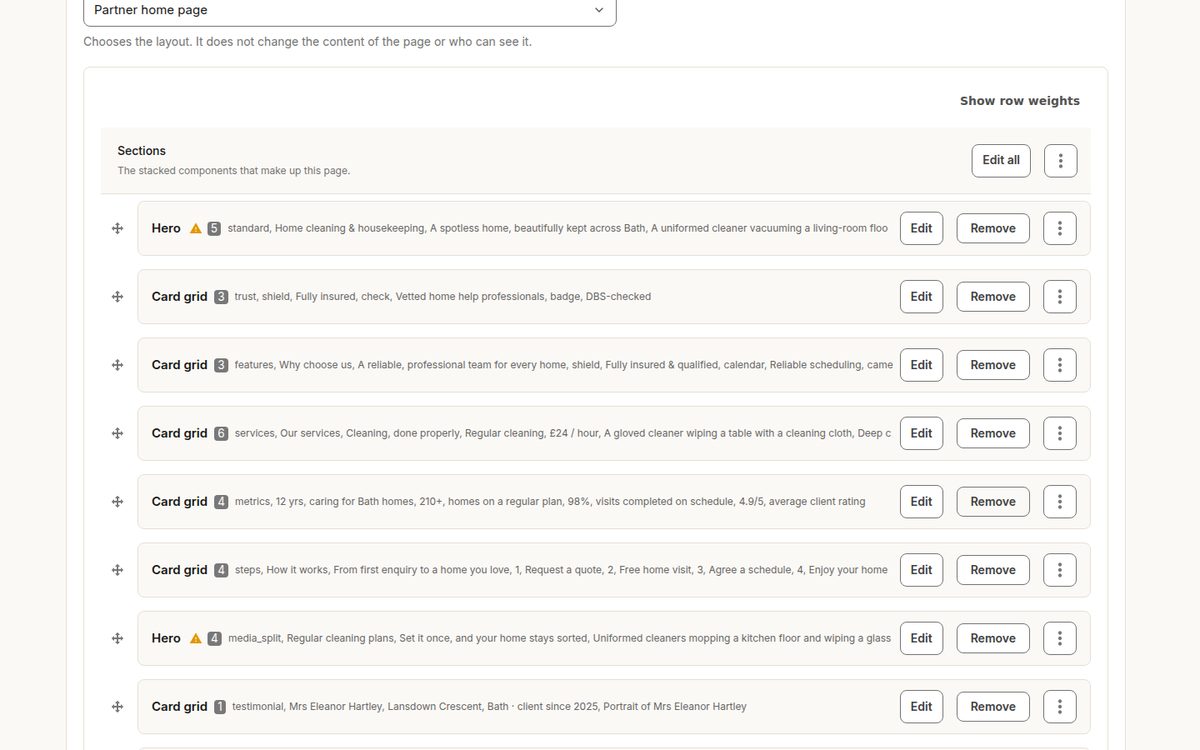
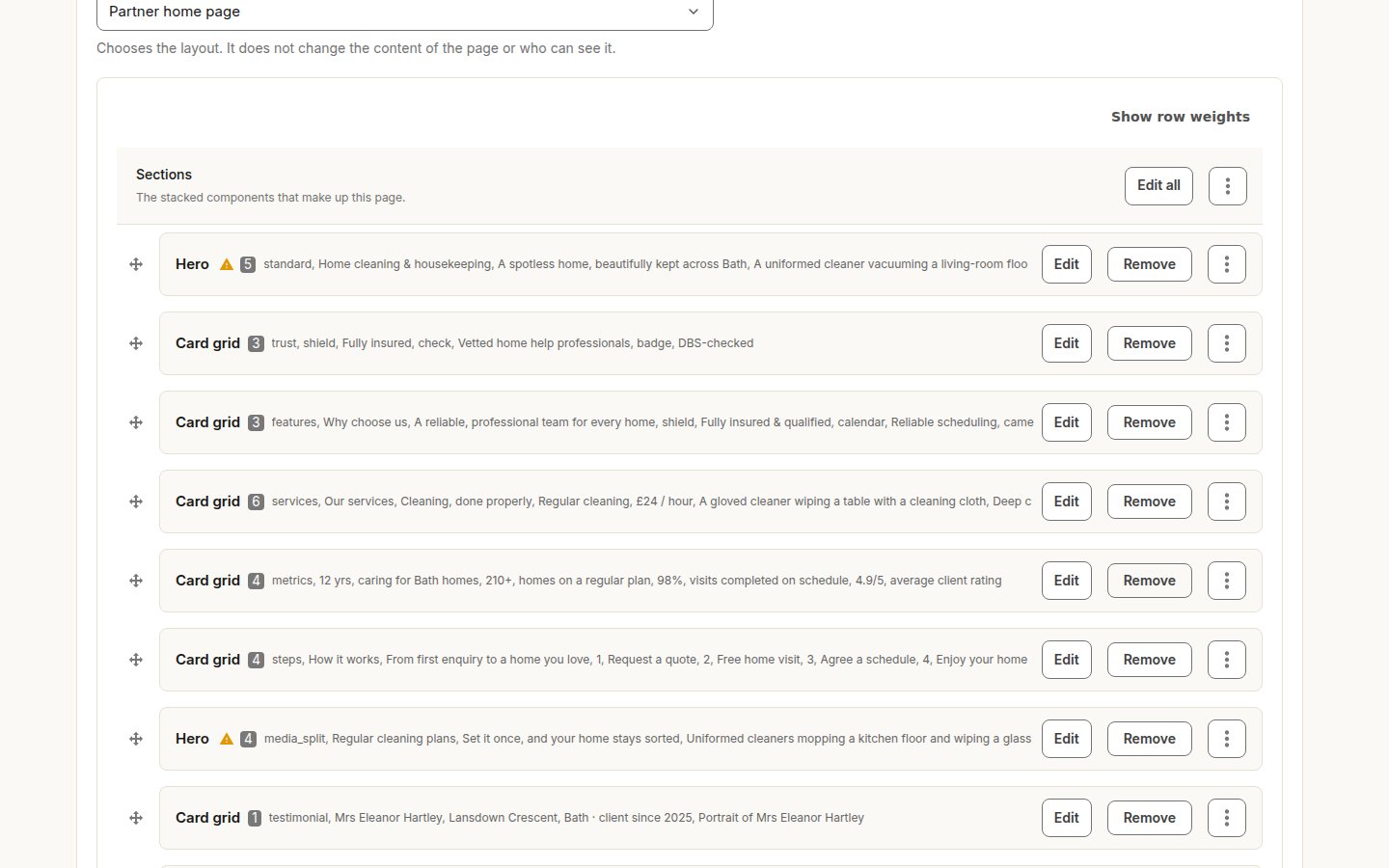
Franchise websites
A franchise edits its own pages, section by section.
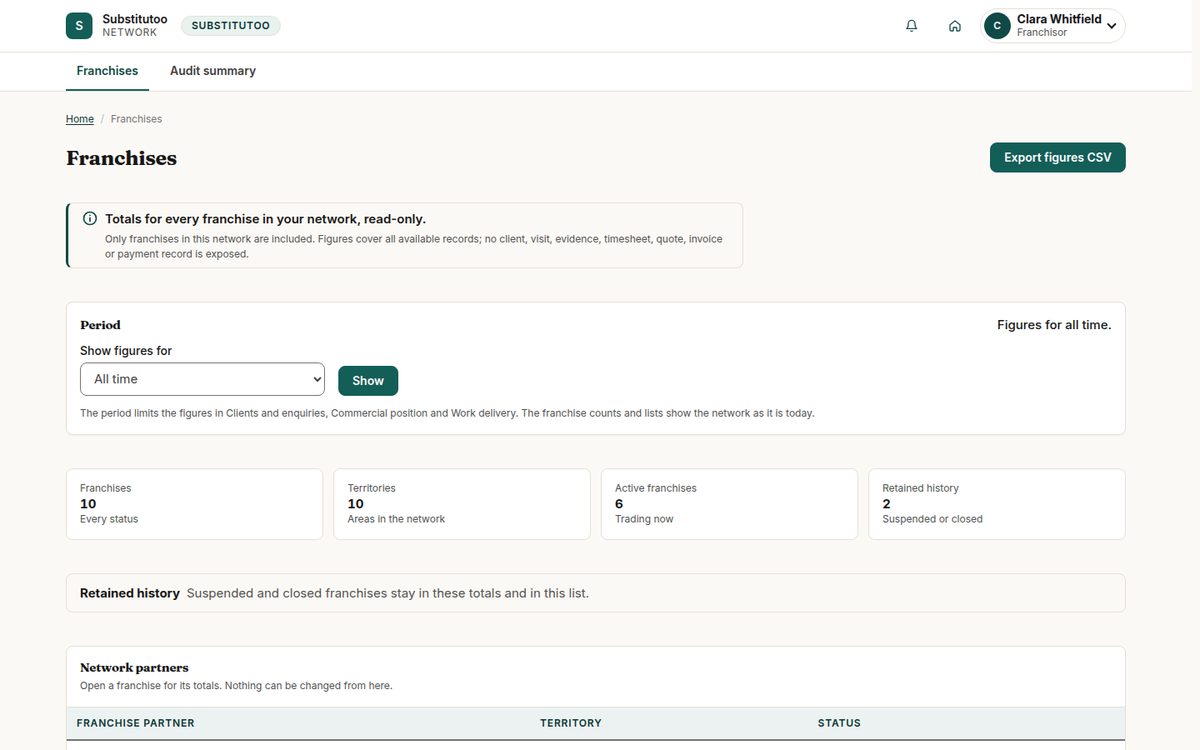
Franchisor view
The figures of each franchise, read-only.

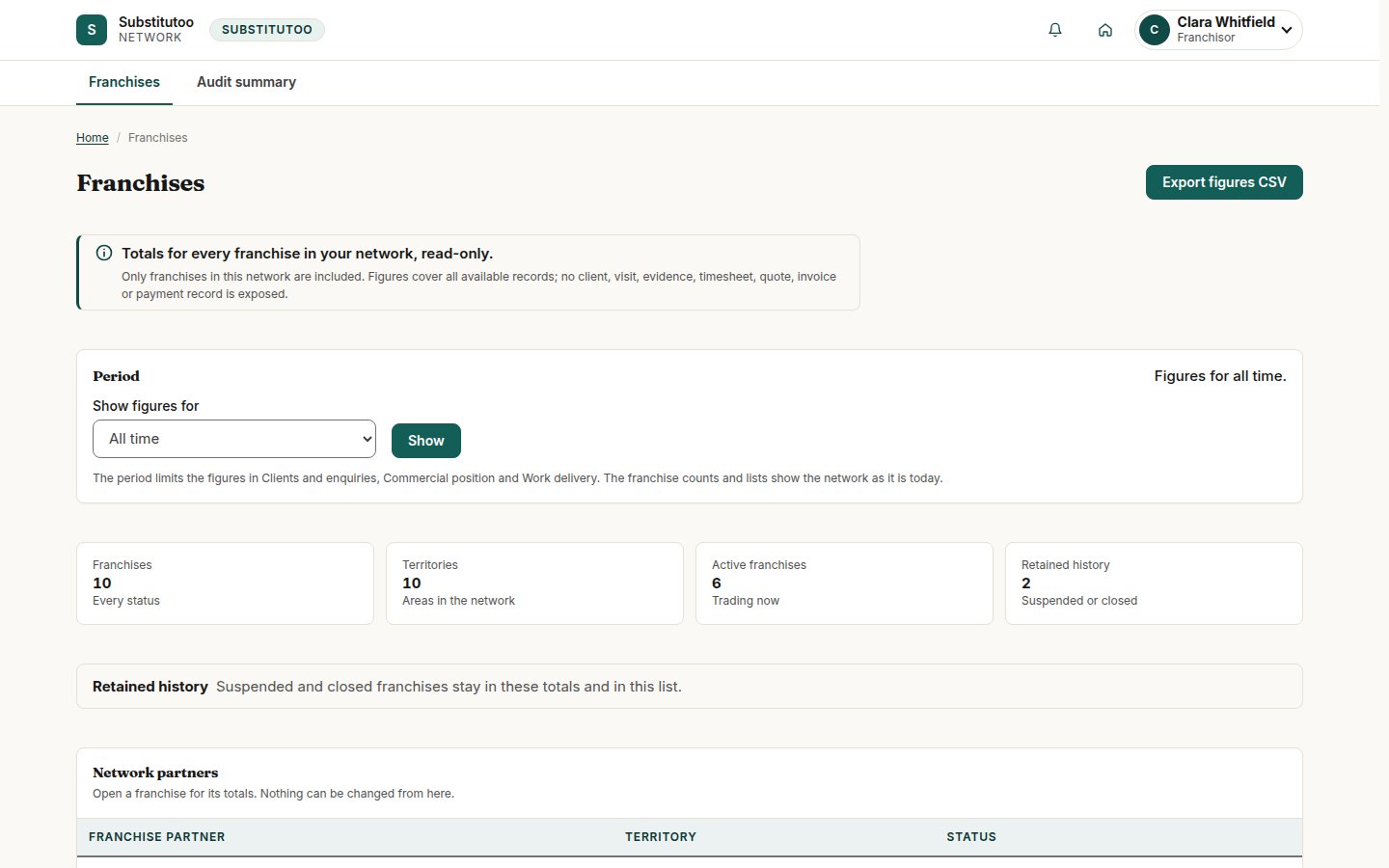
The franchise office
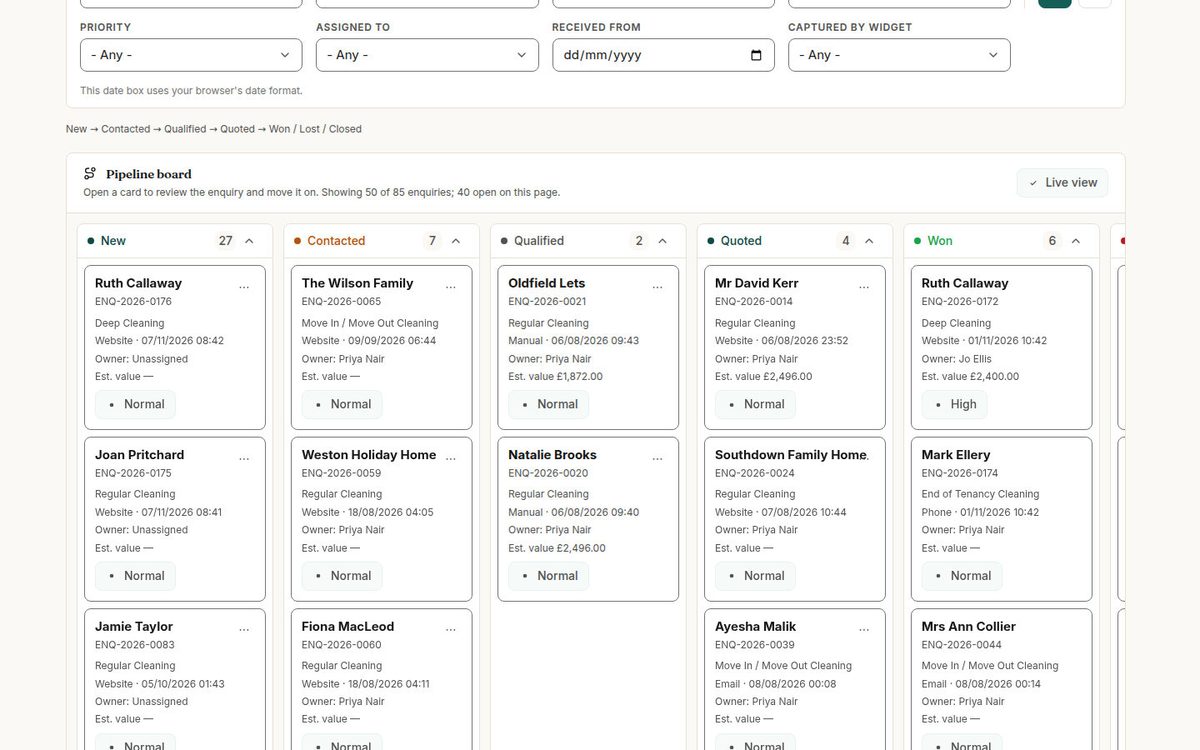
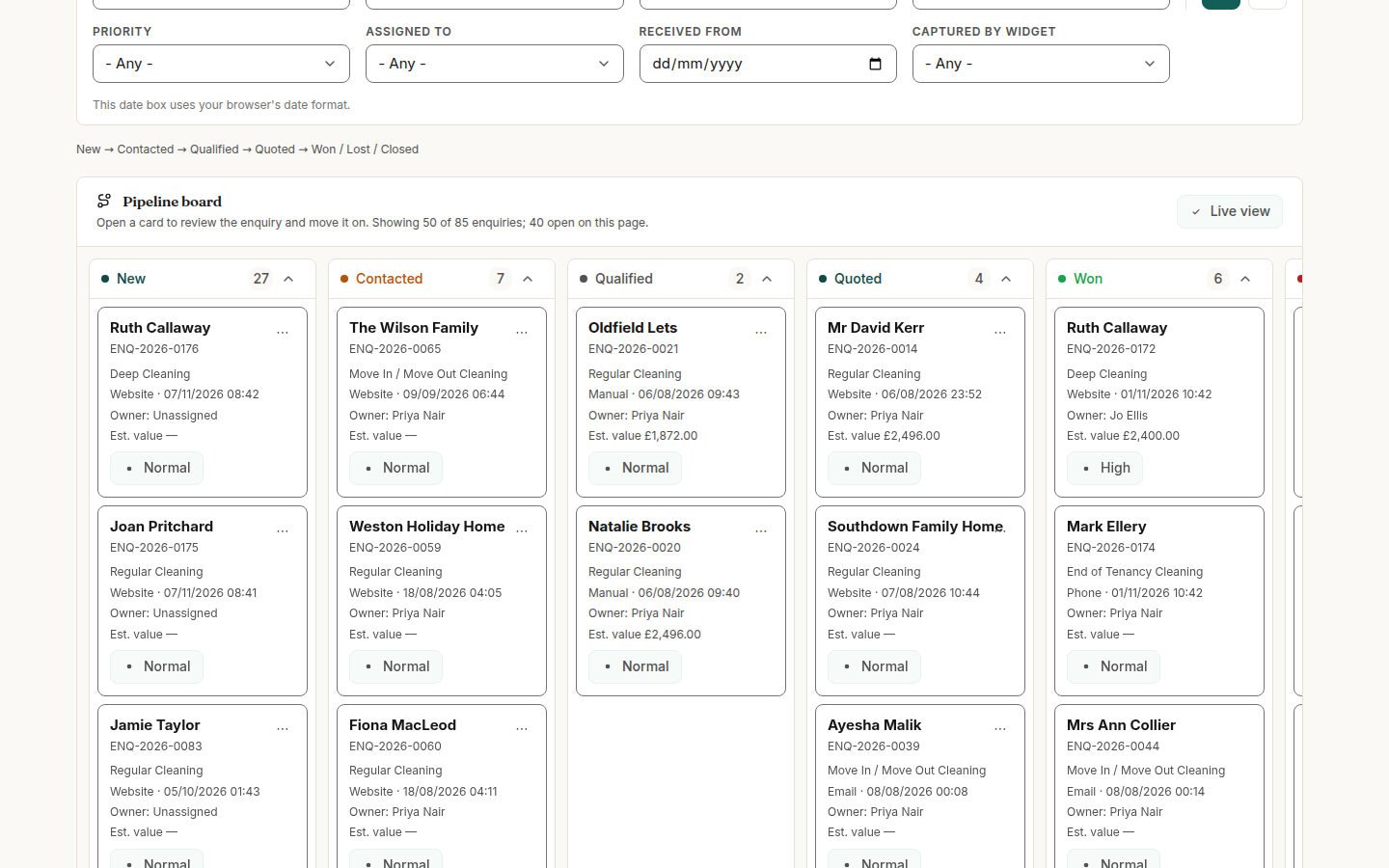
Enquiry pipeline
Enquiries from new to won or lost.
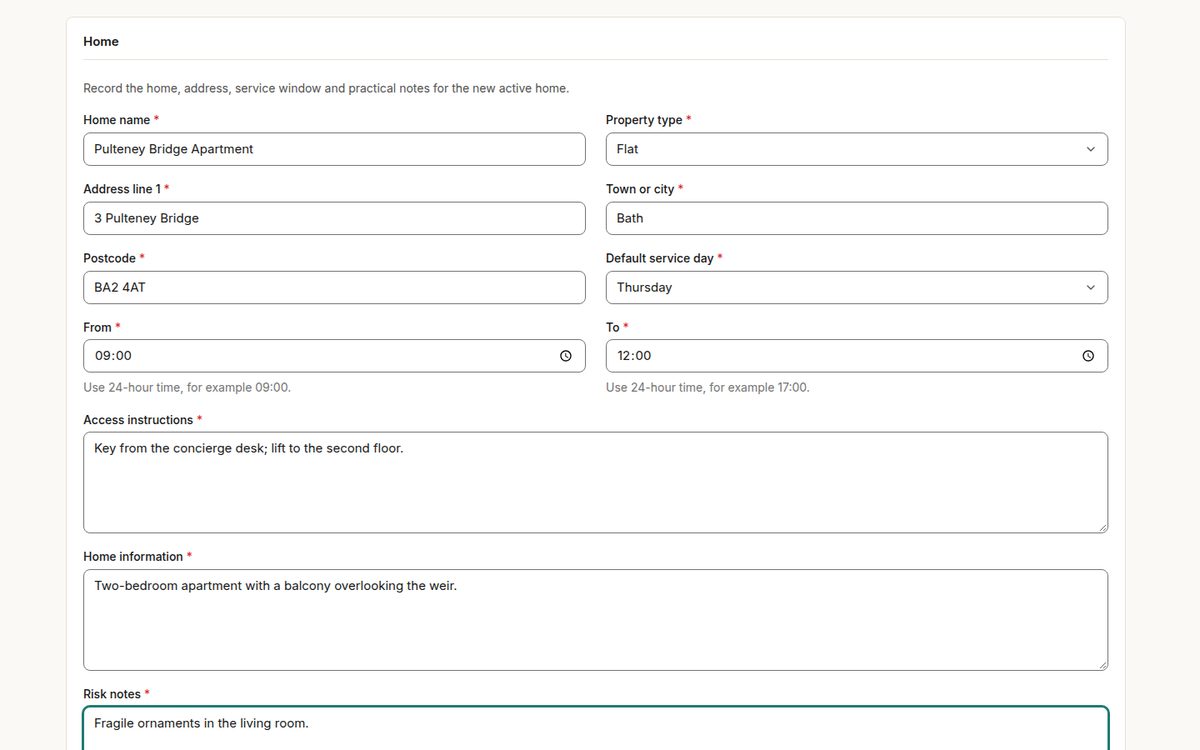
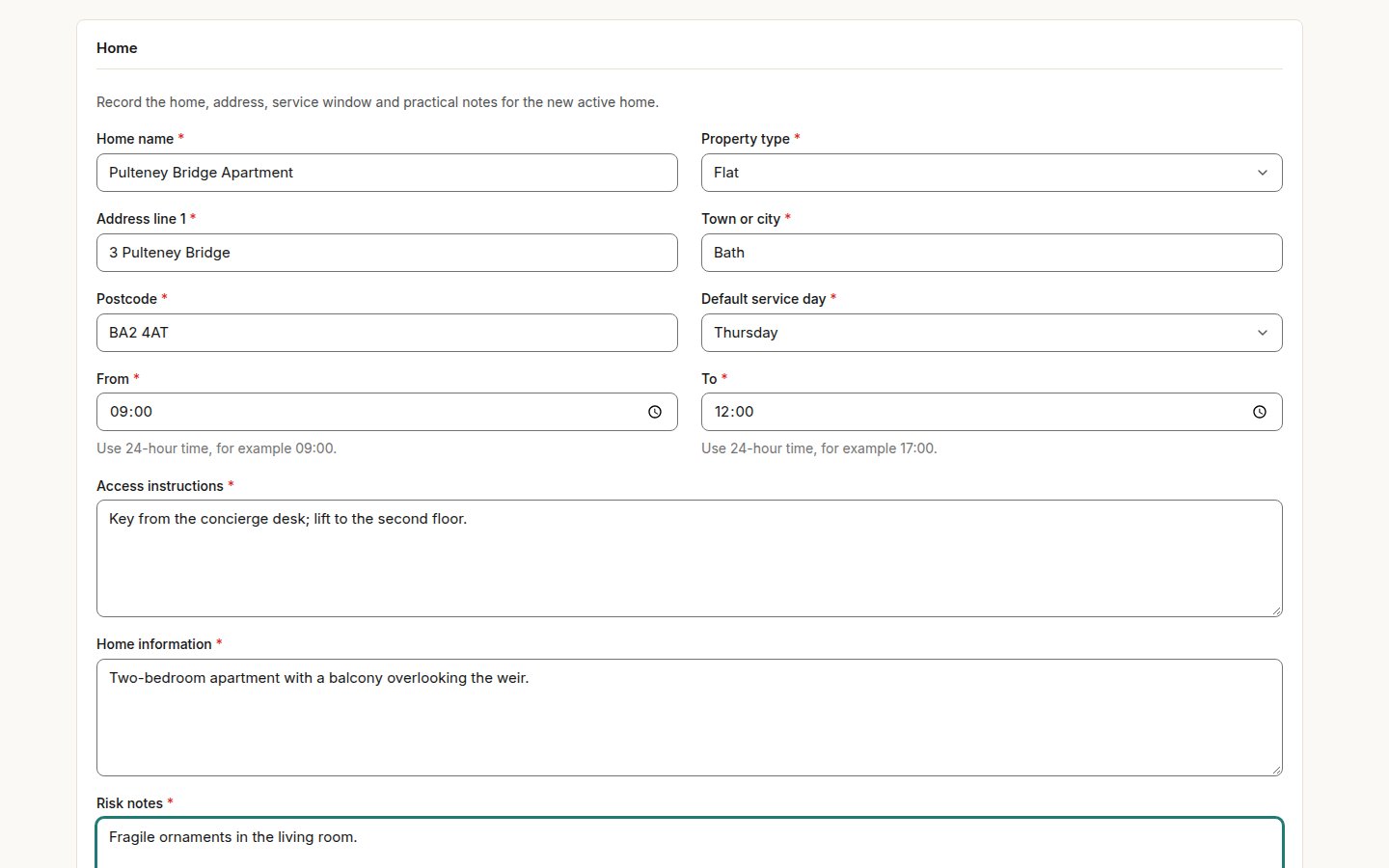
The client’s home
Access, service window and risks, recorded when an enquiry becomes a client.
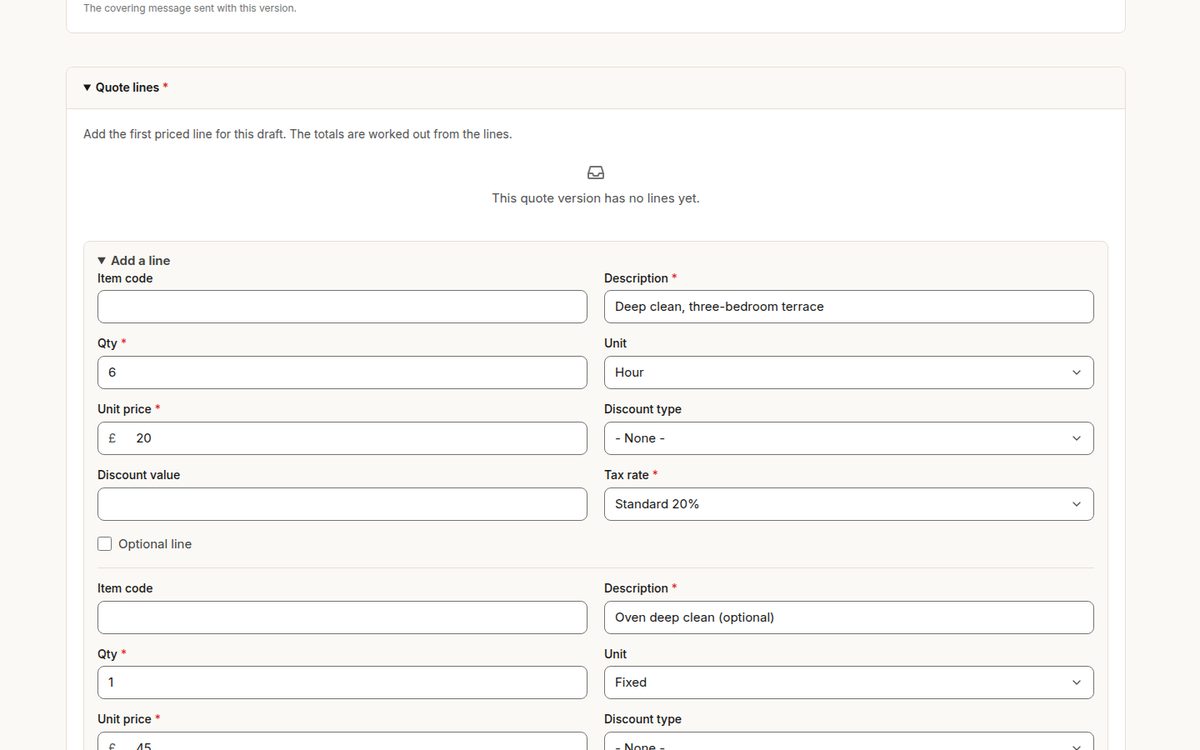
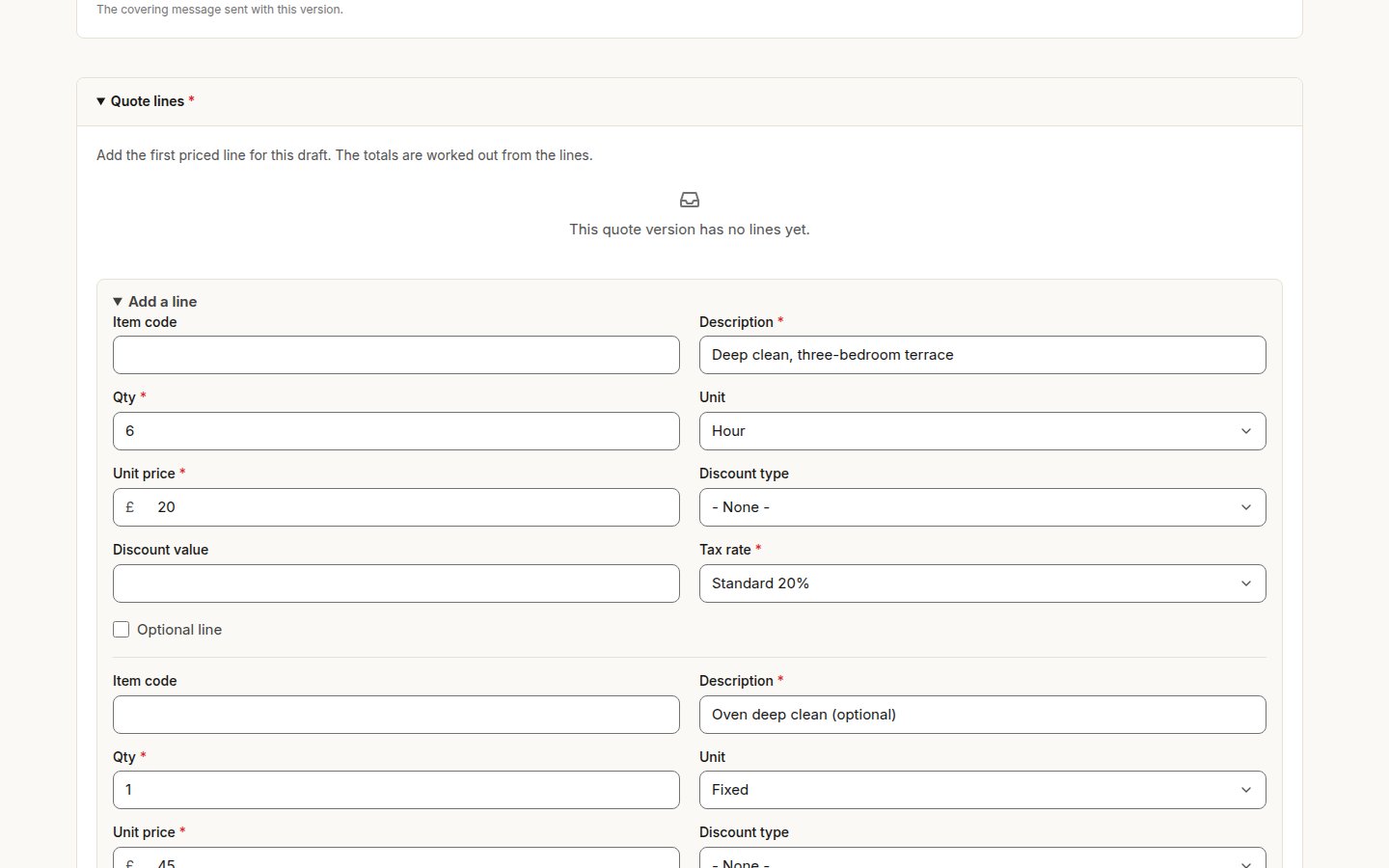
Quote lines
Lines with VAT, discounts and optional extras.
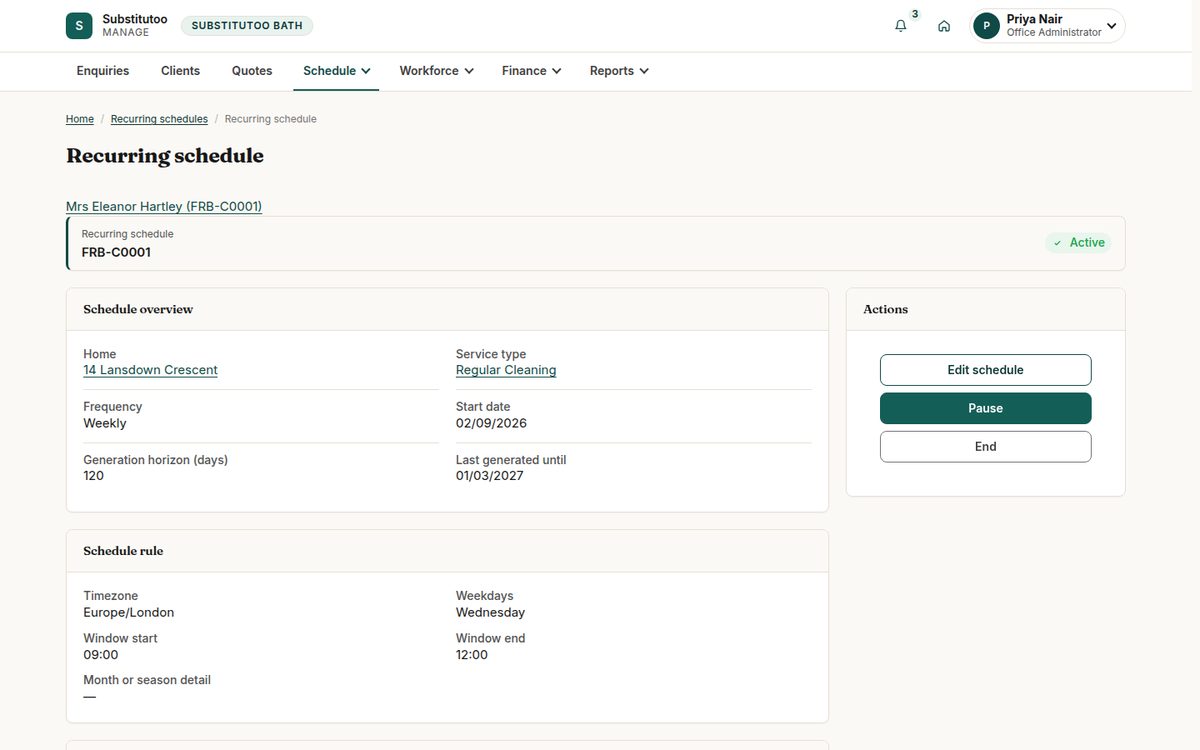
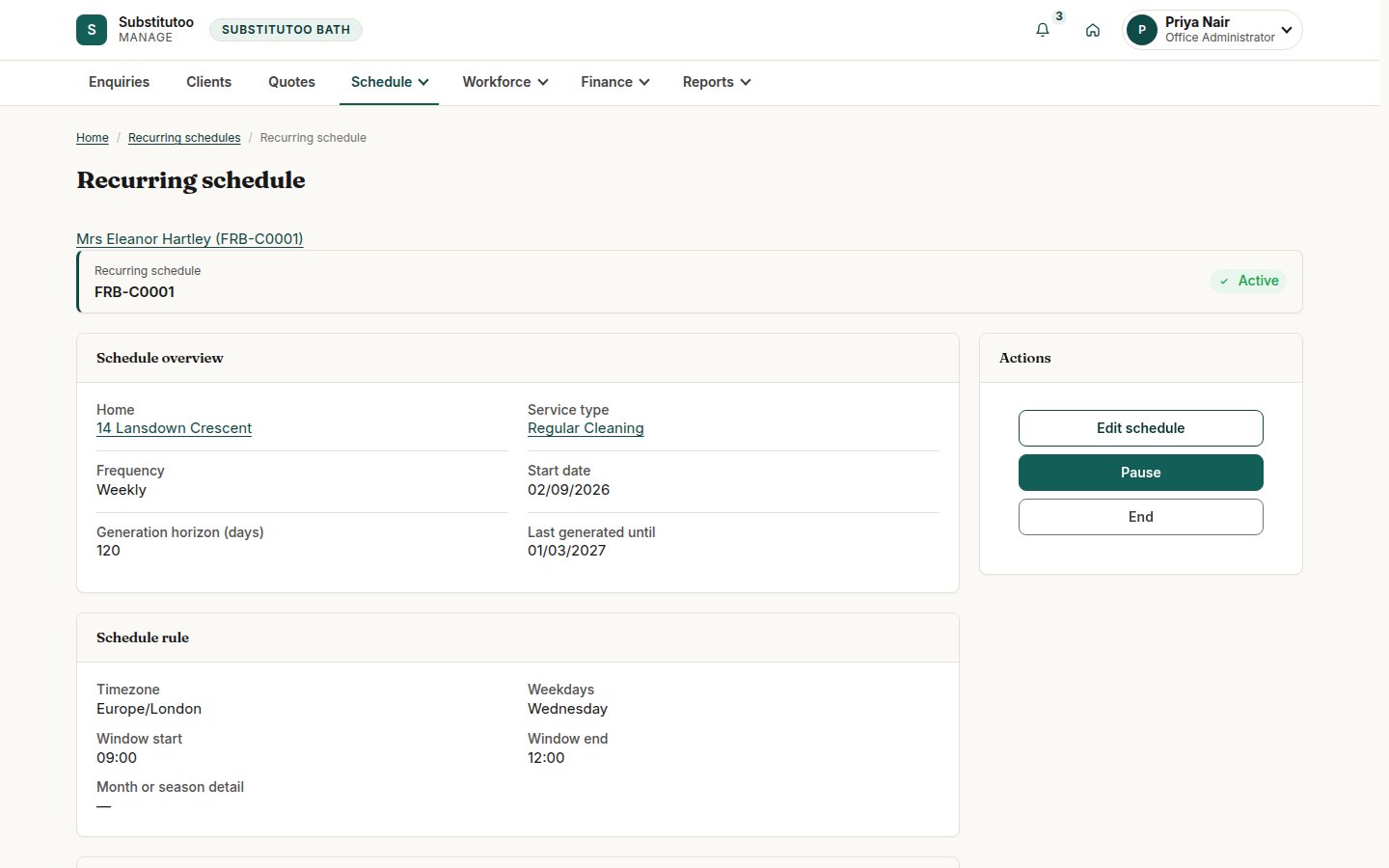
Regular cleans
A weekly rule and the visits it has booked.
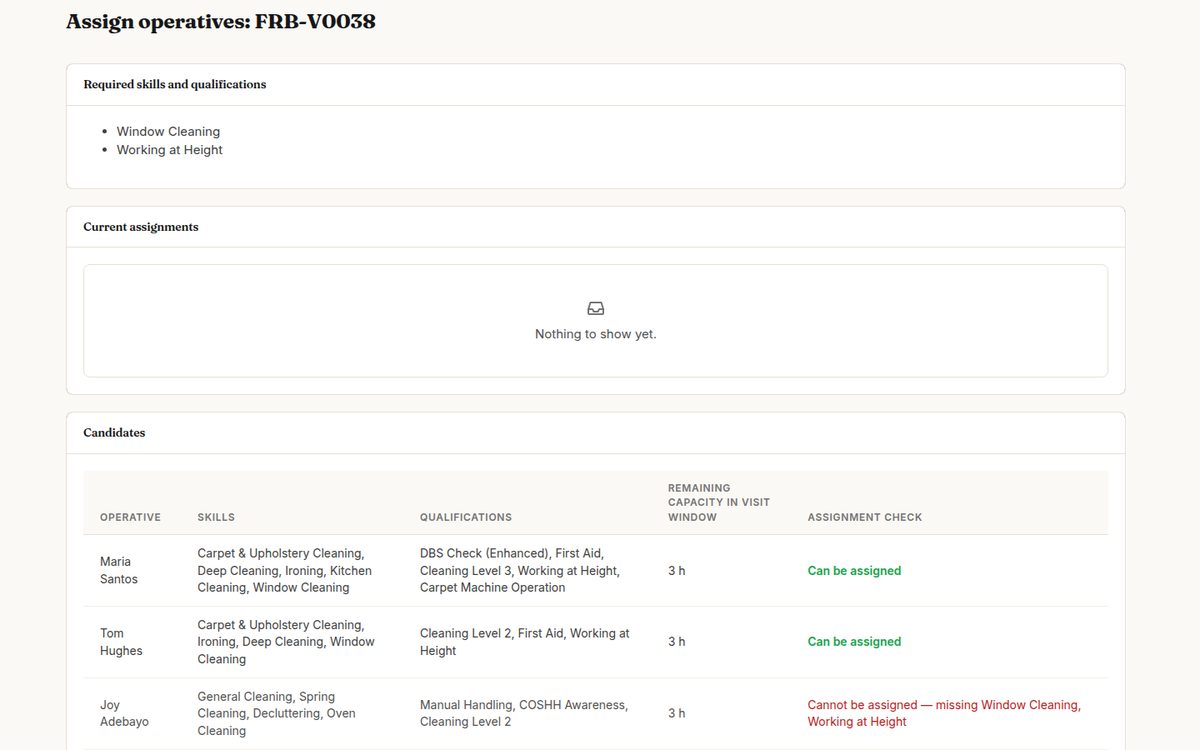
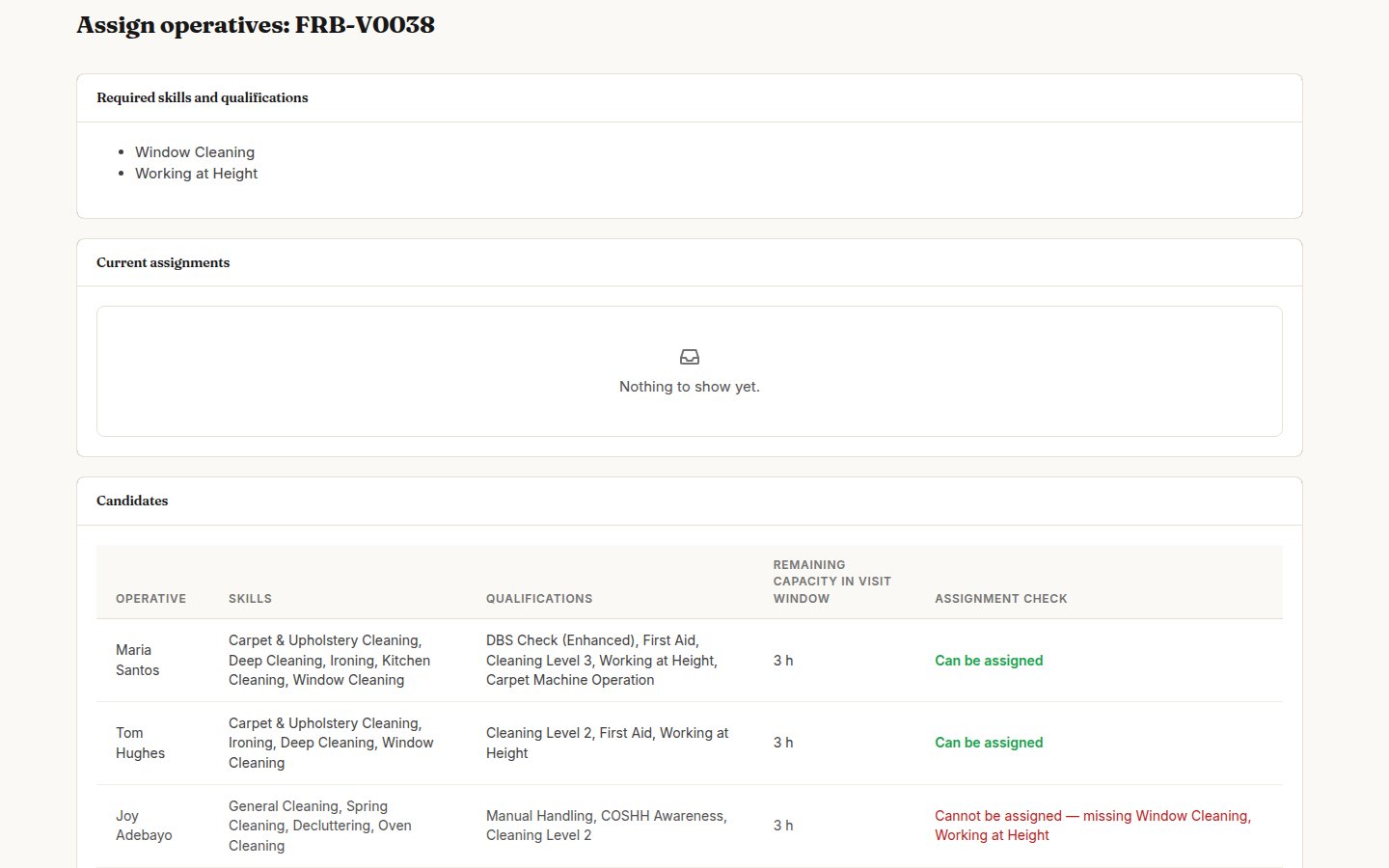
Assign operatives
What the home needs and who can do it.
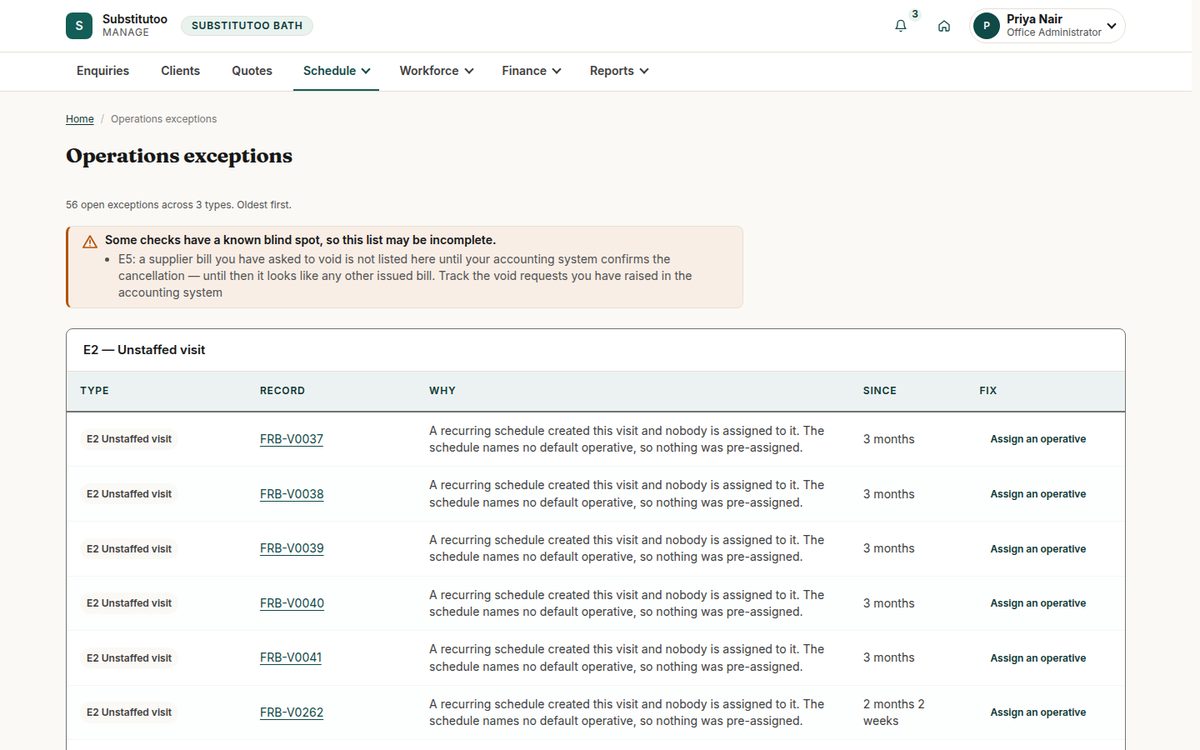
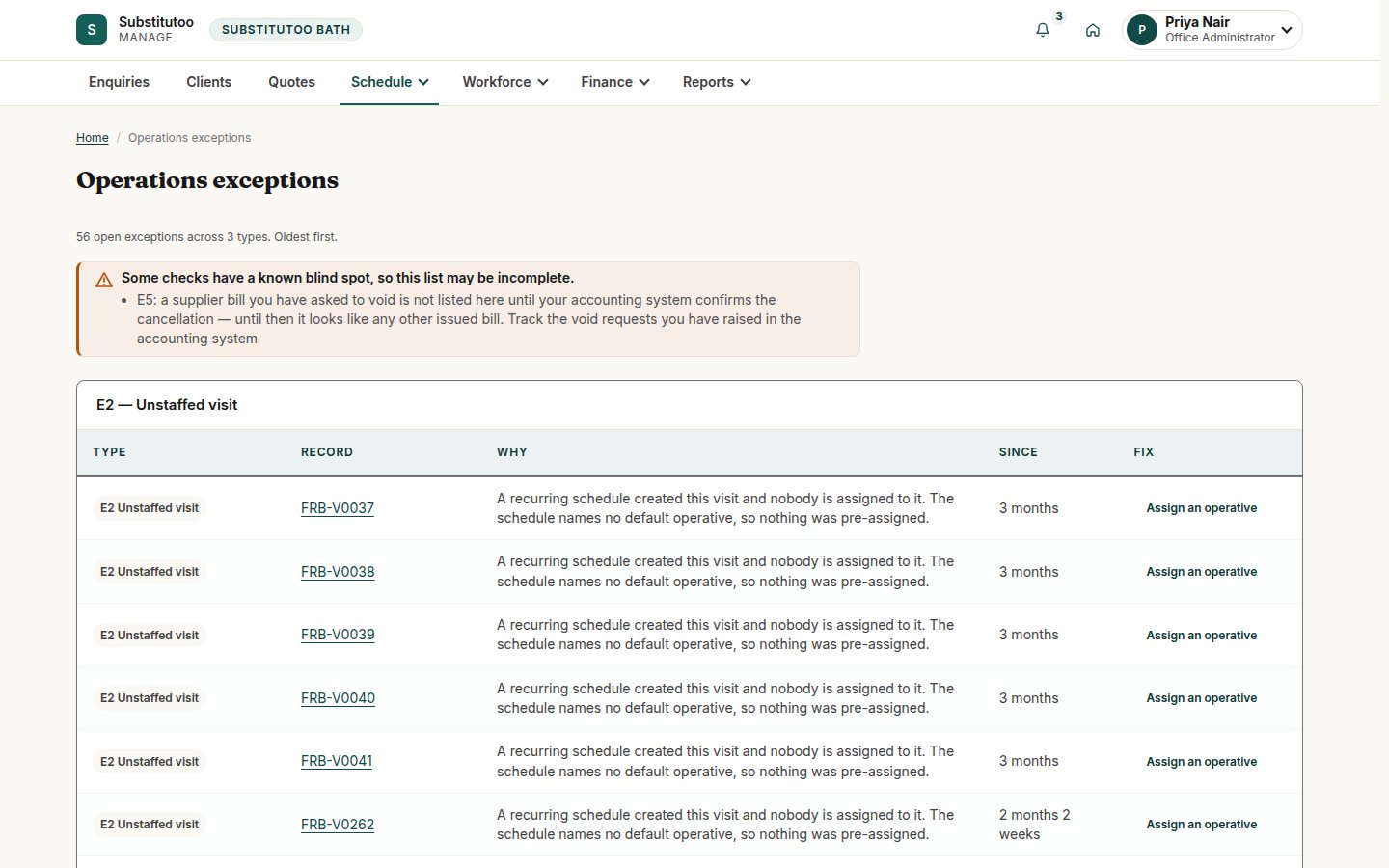
Exceptions
Visits nobody is assigned to and other gaps, oldest first.
Visits and money
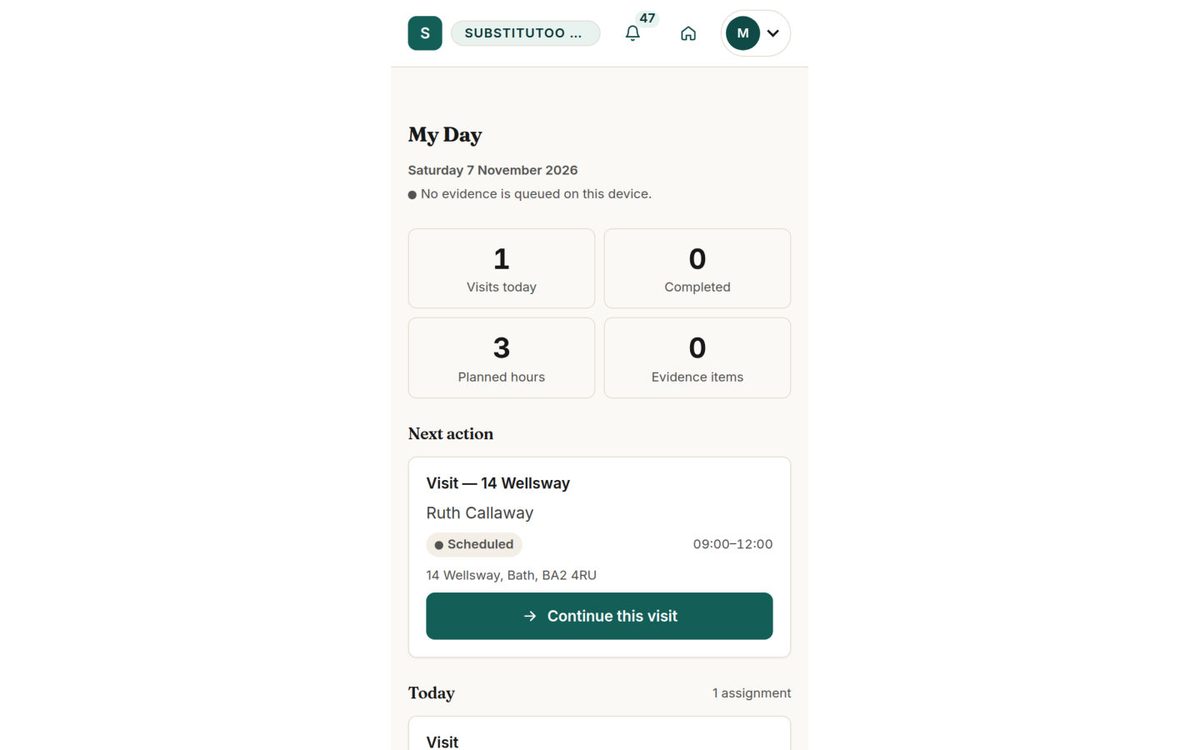
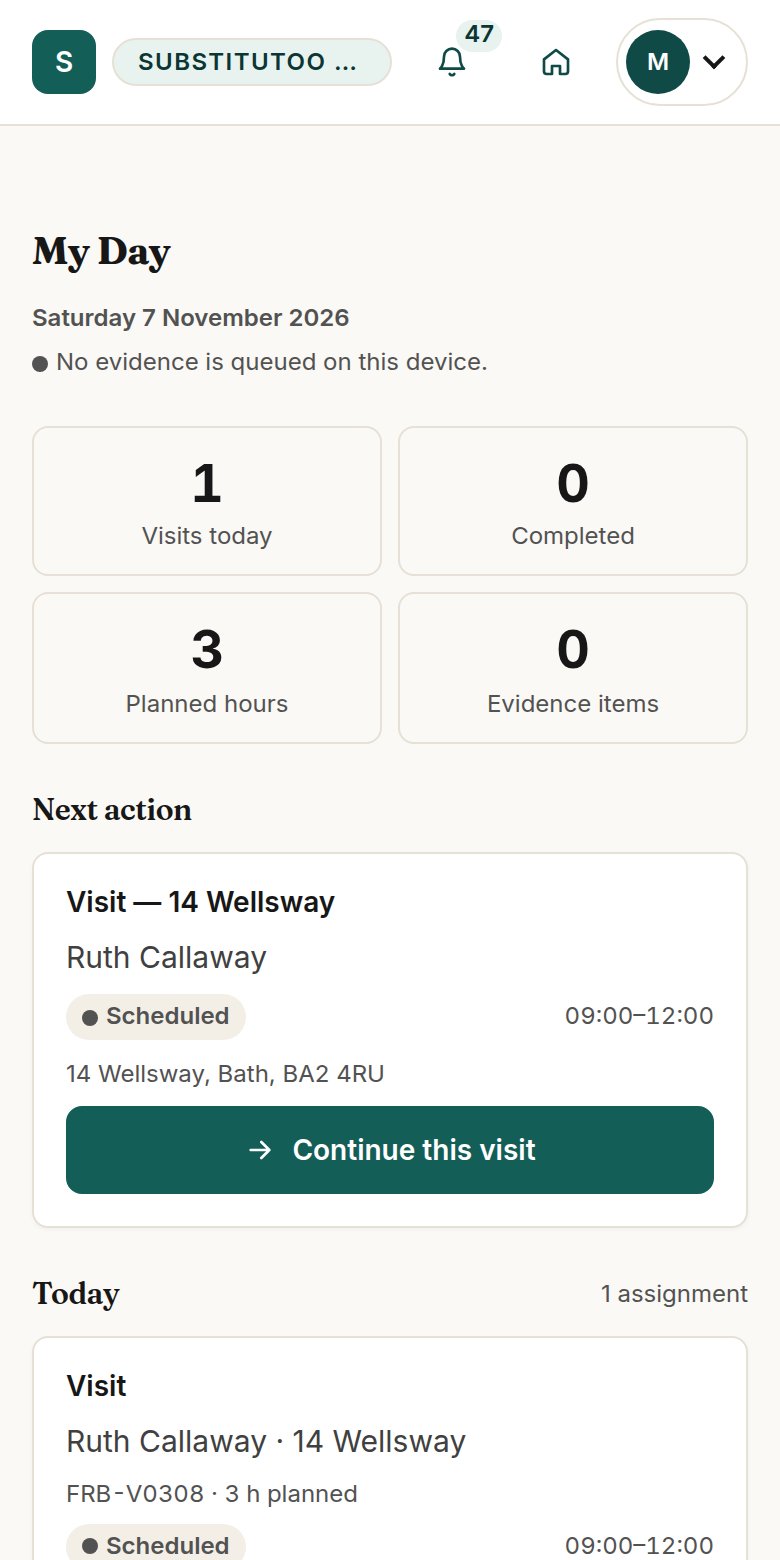
The operative’s day
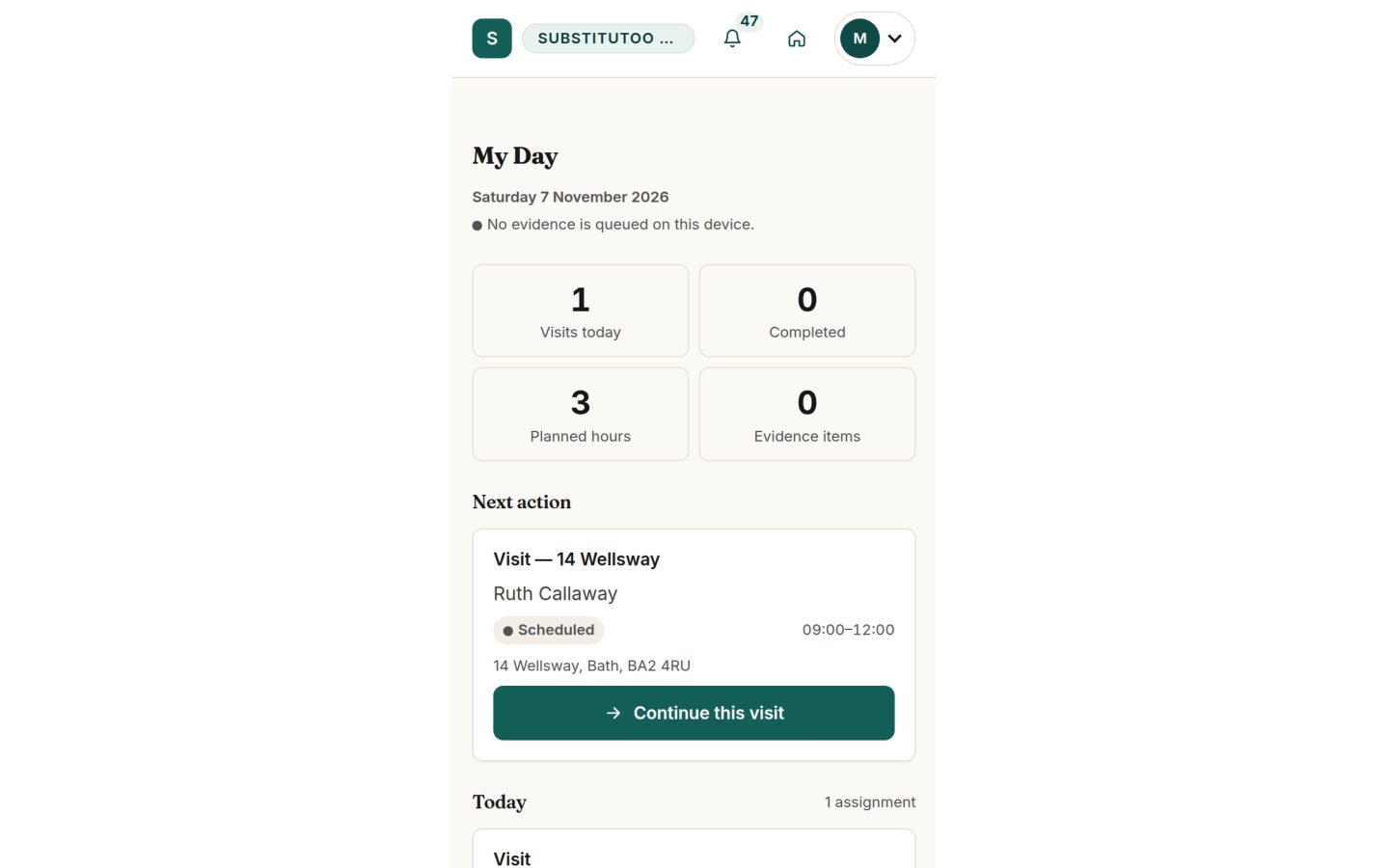
Today’s visits and the next action, on the operative’s phone.
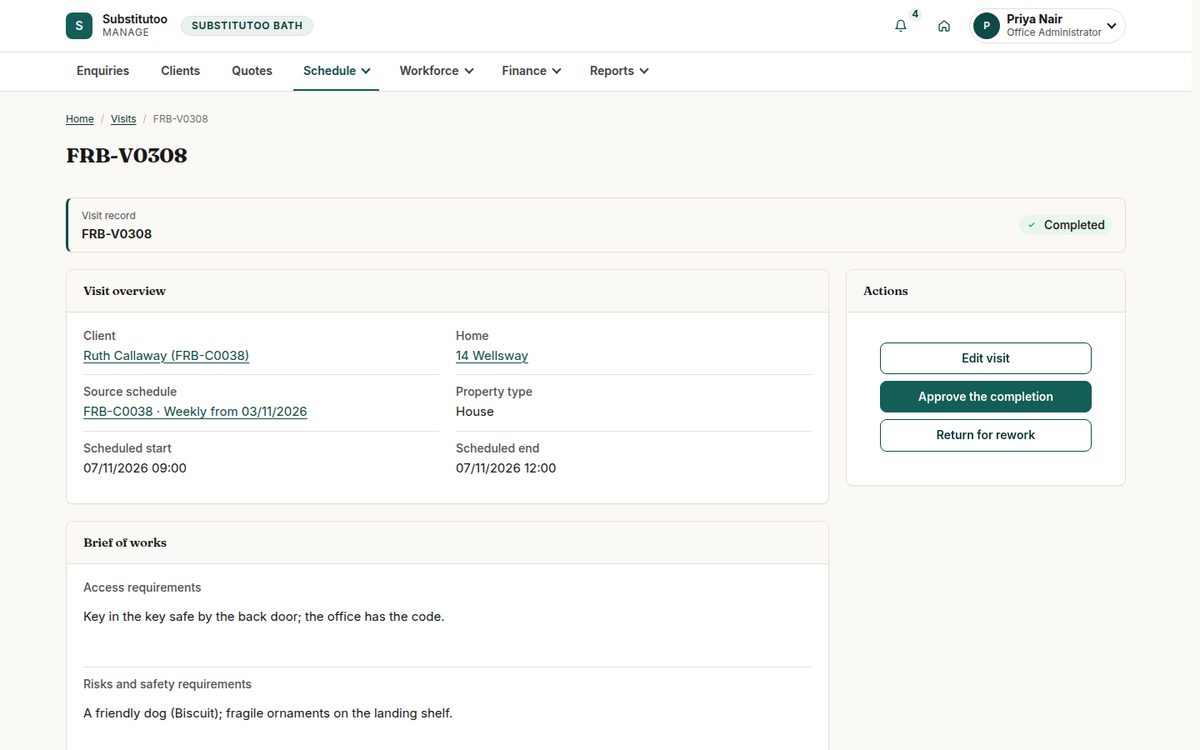
Completed visit
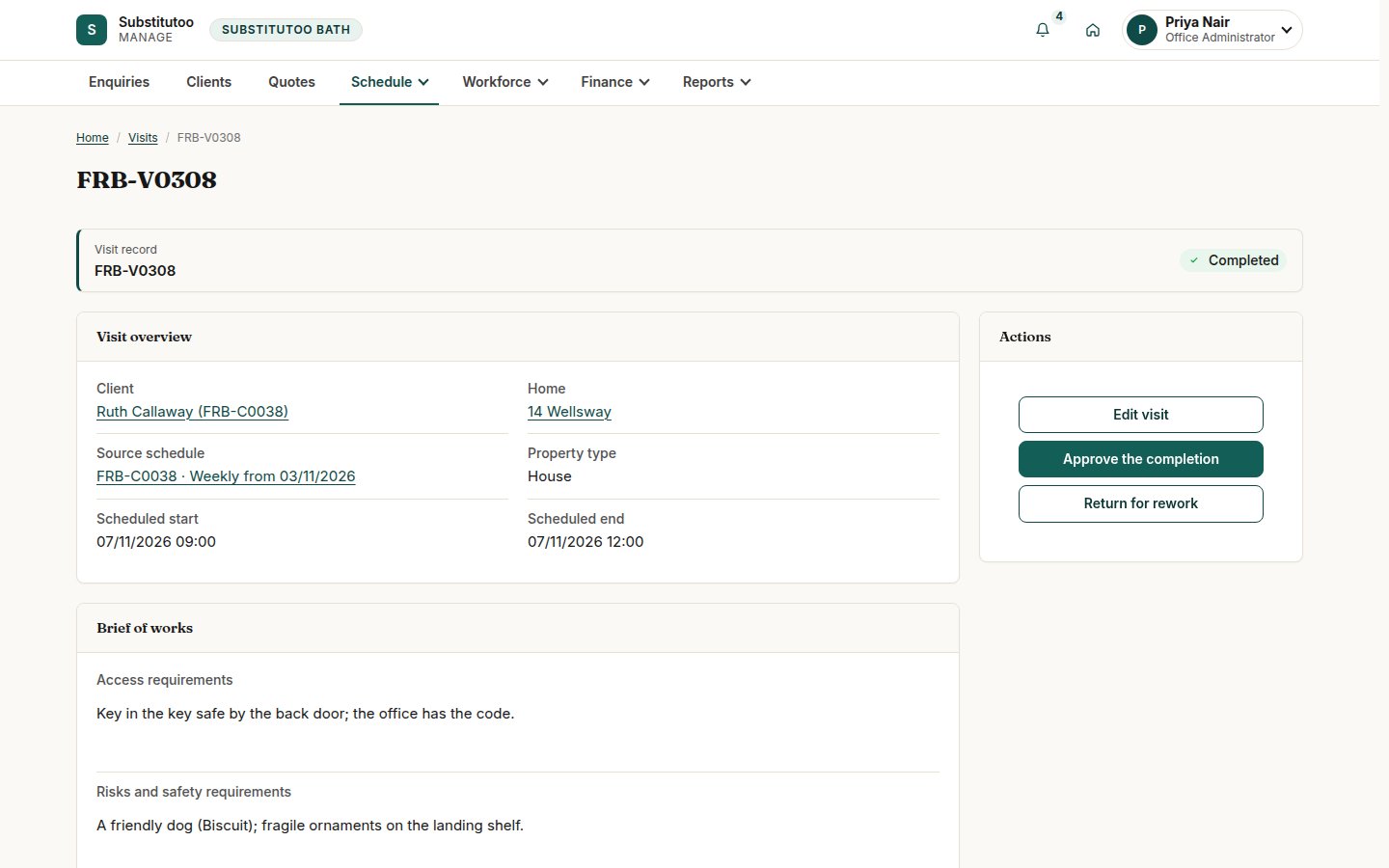
A visit waiting for the office’s approval.
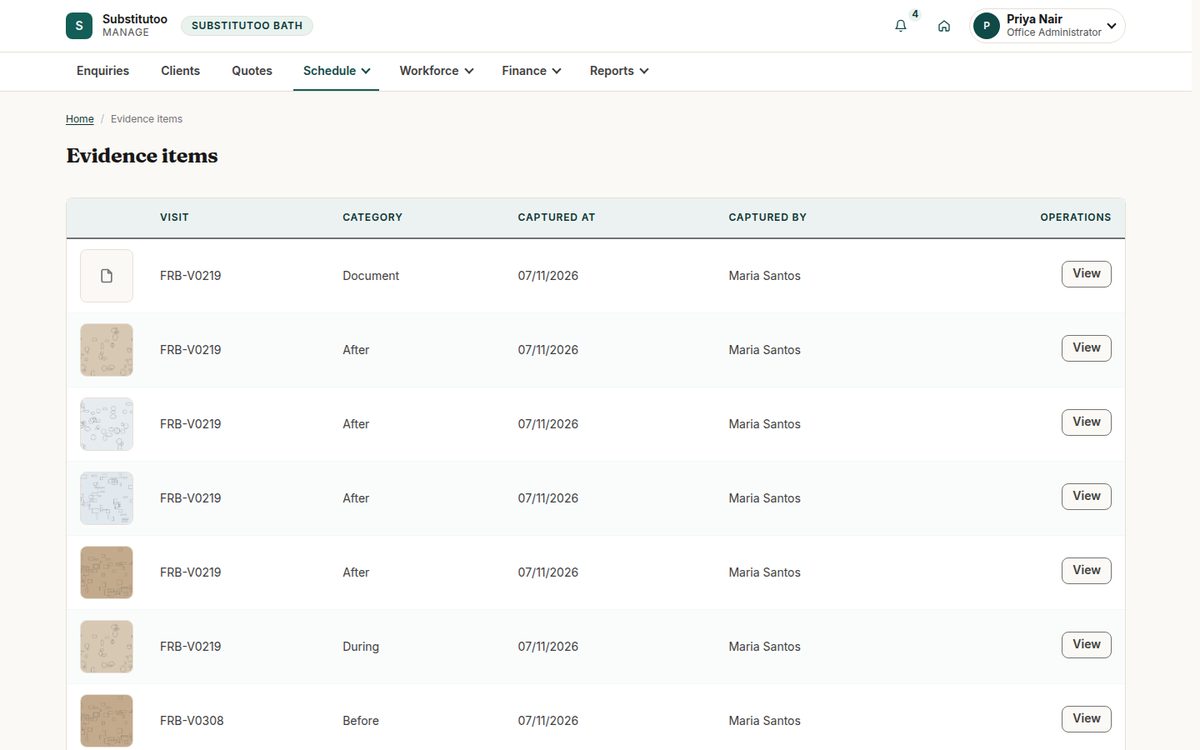
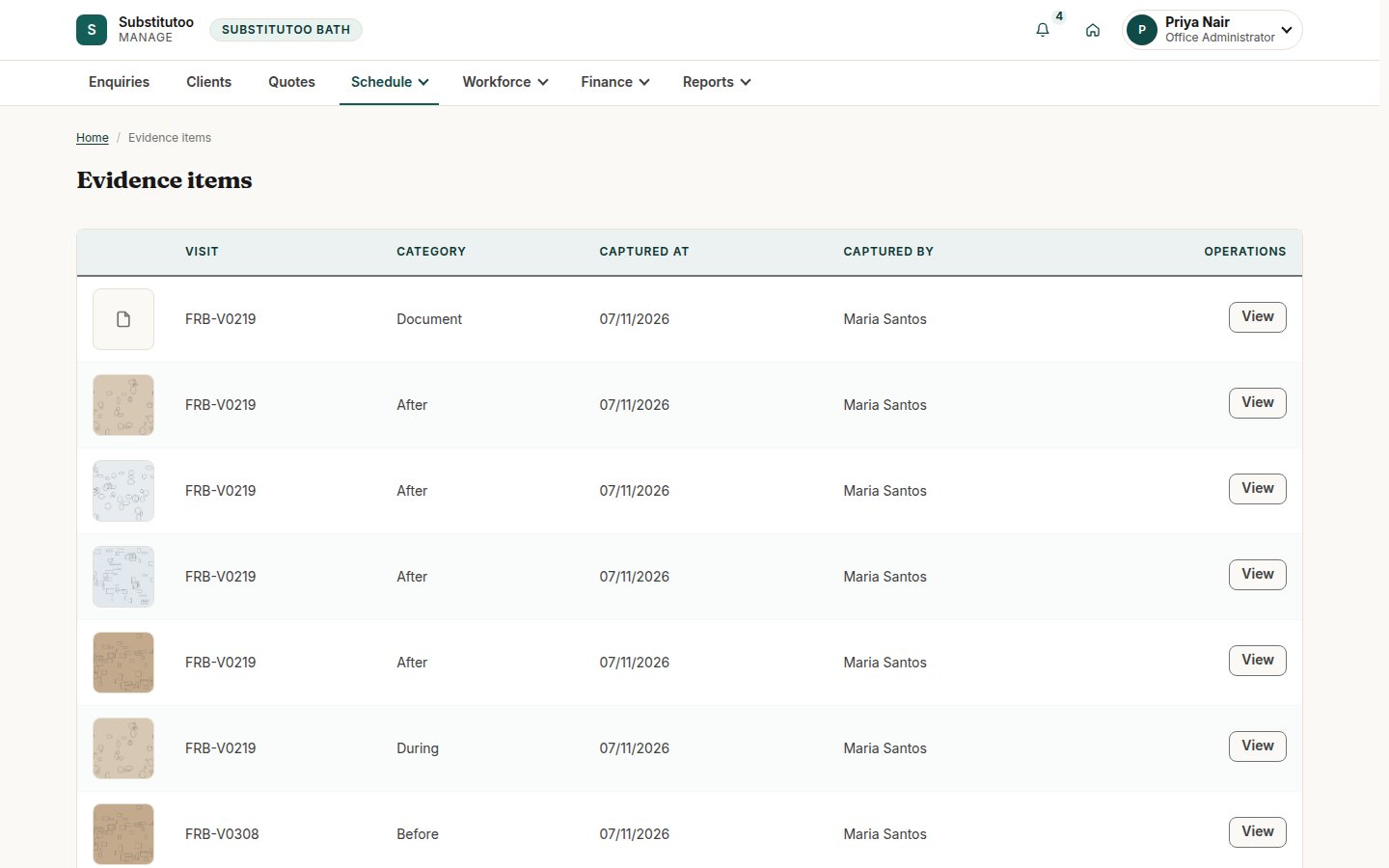
Evidence
Photos and documents, newest first.
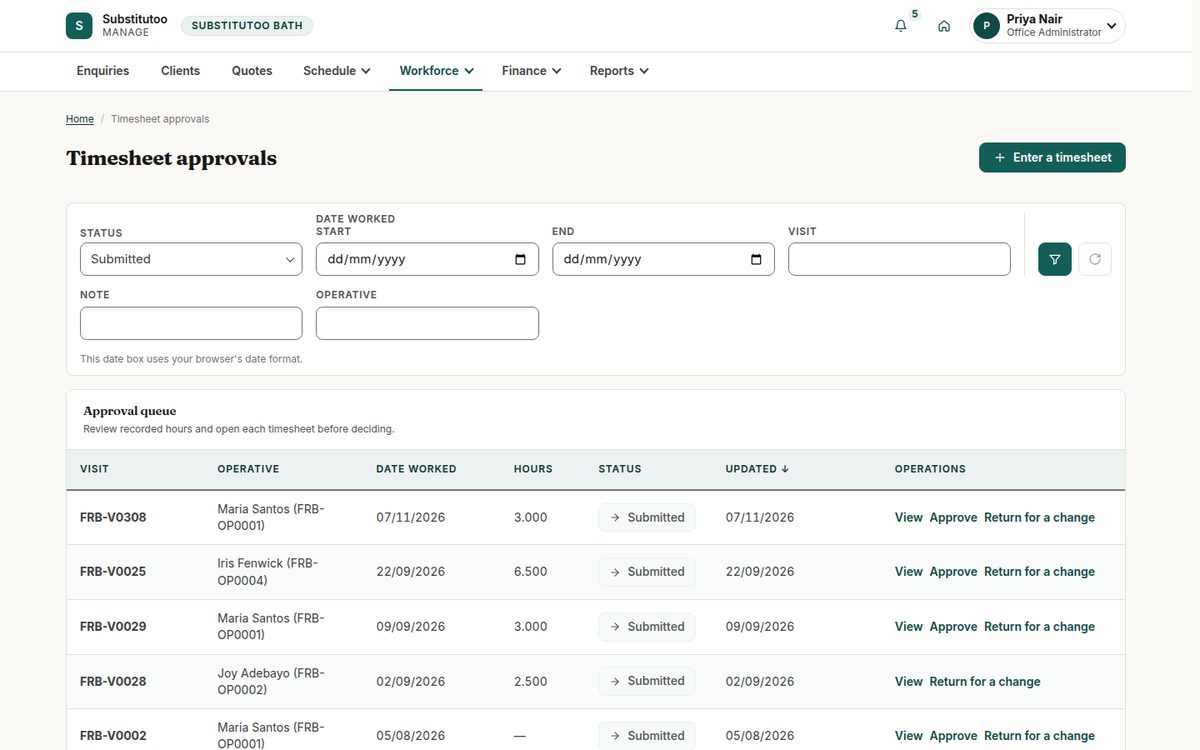
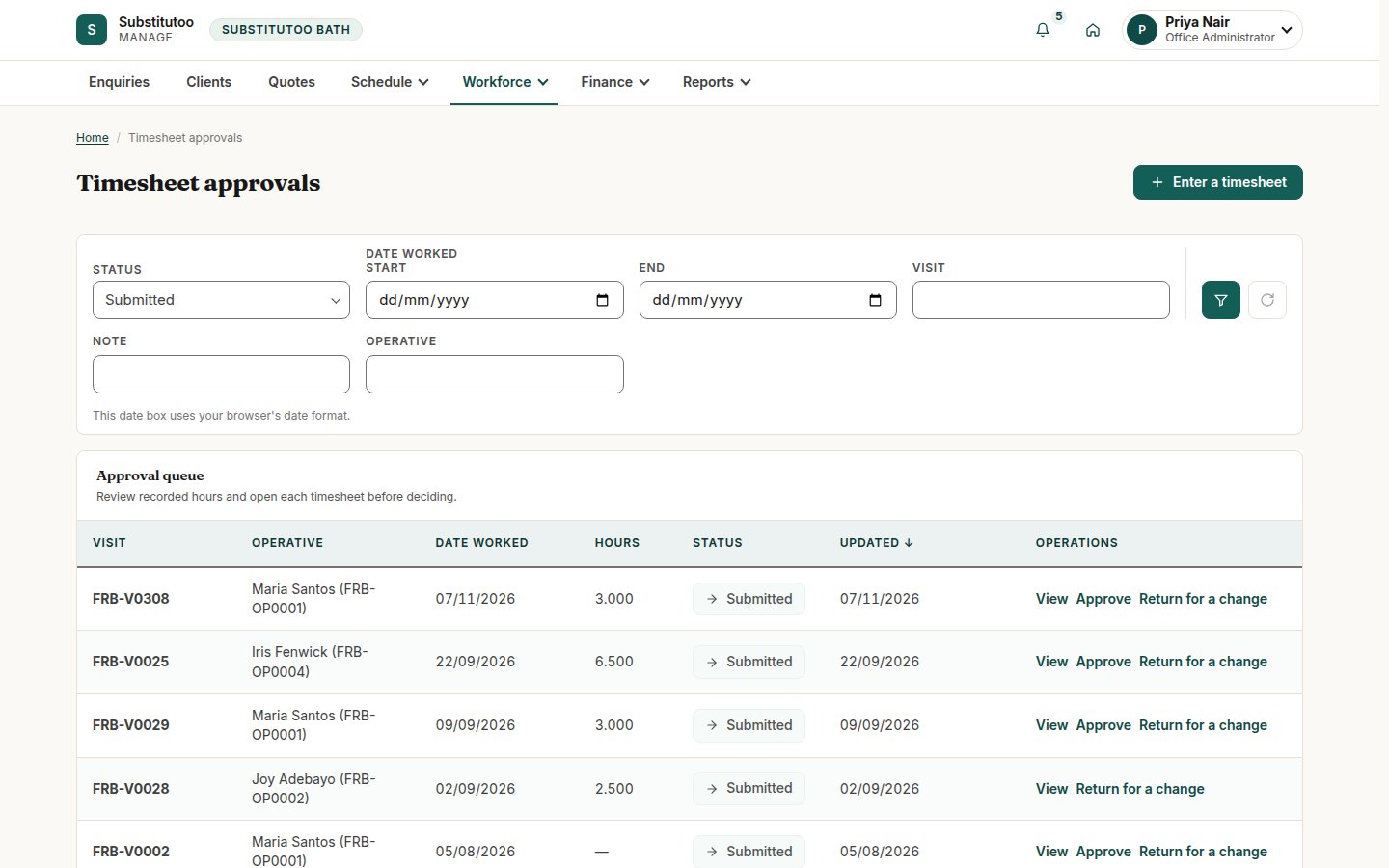
Timesheets
Timesheets waiting for approval.
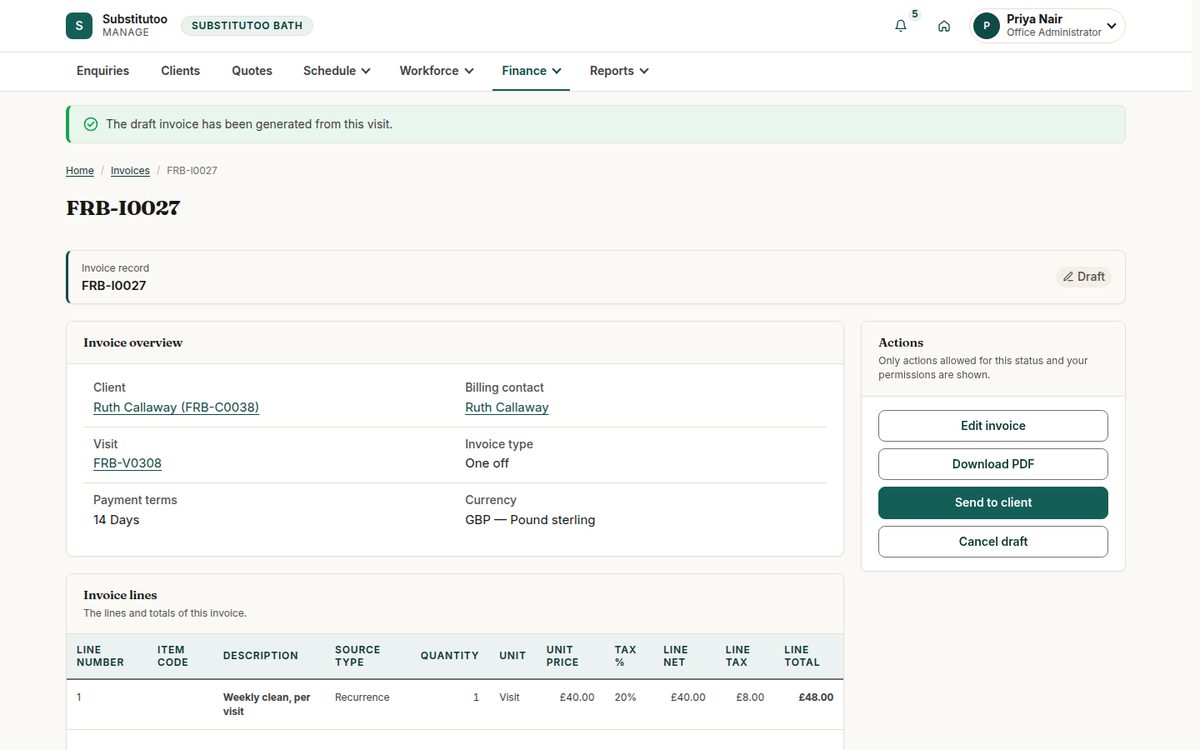
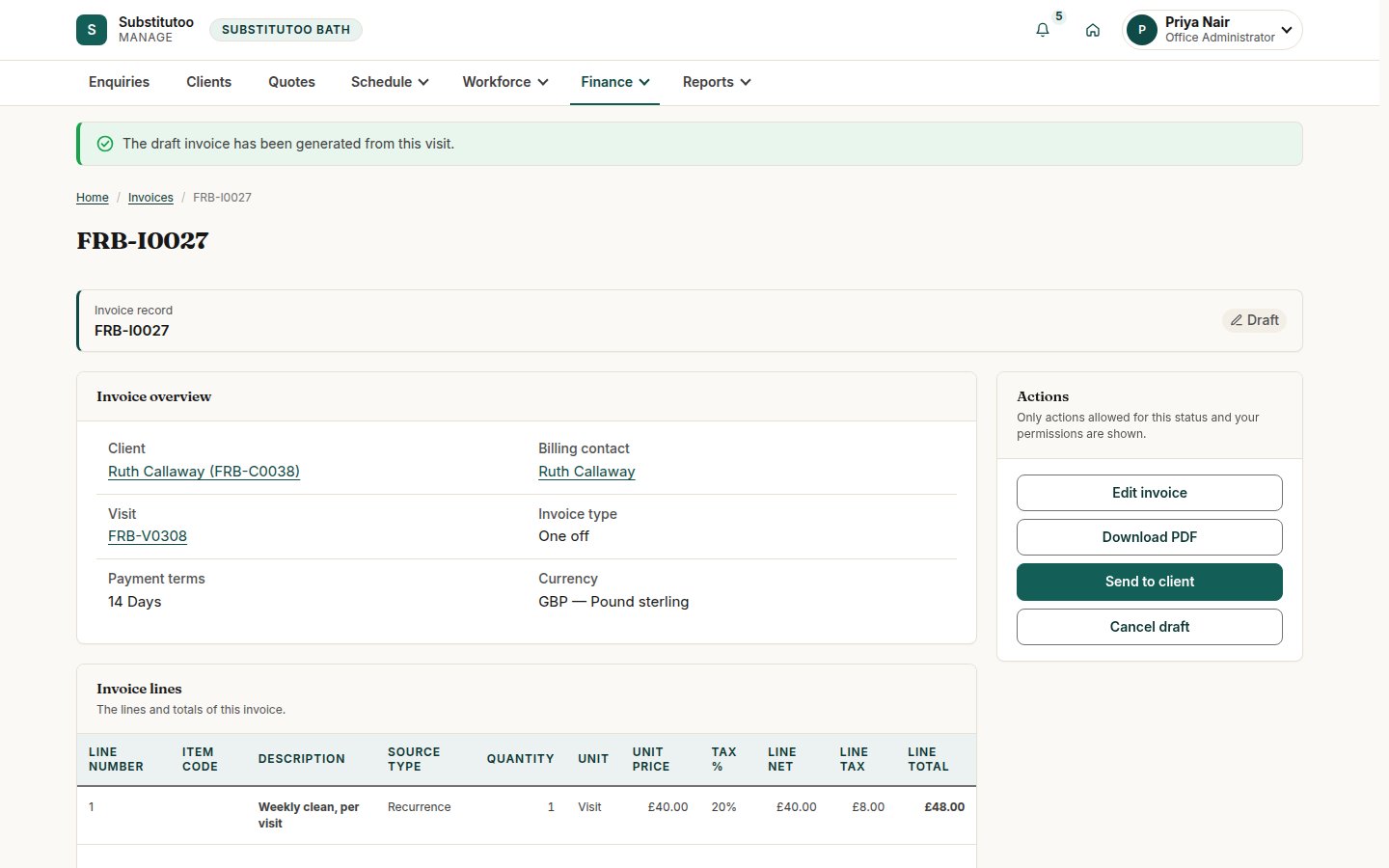
Invoice
The invoice generated from the approved visit.
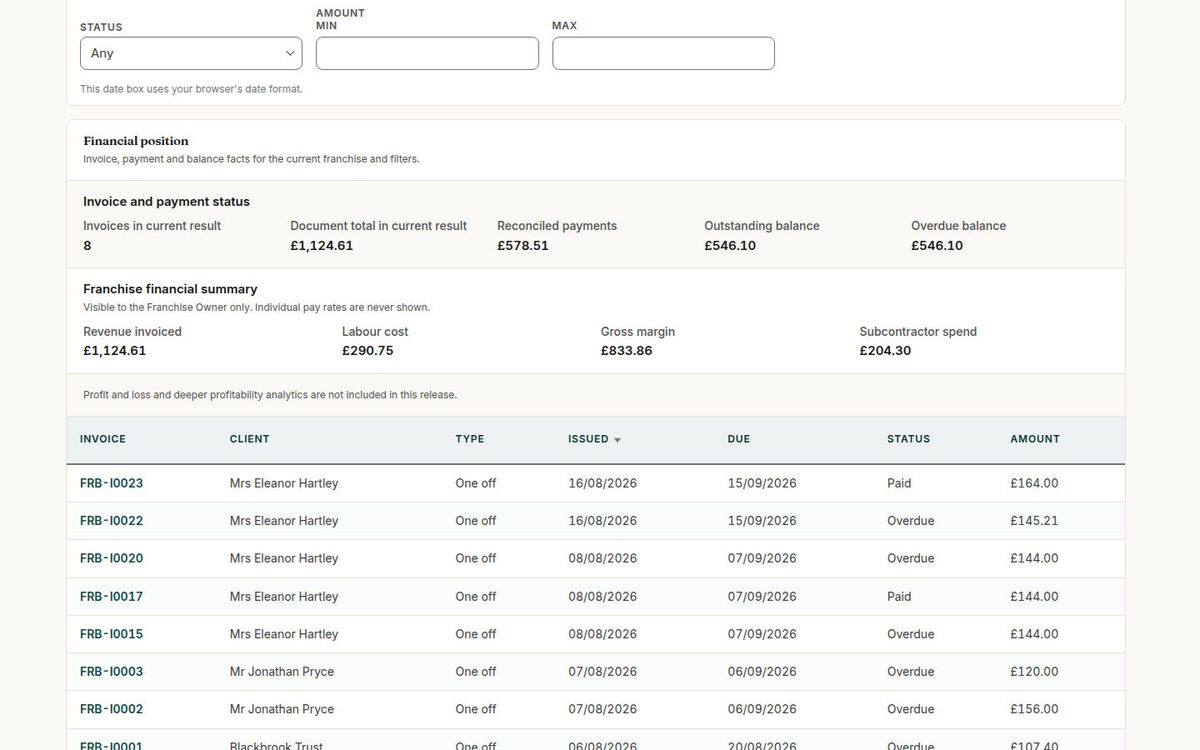
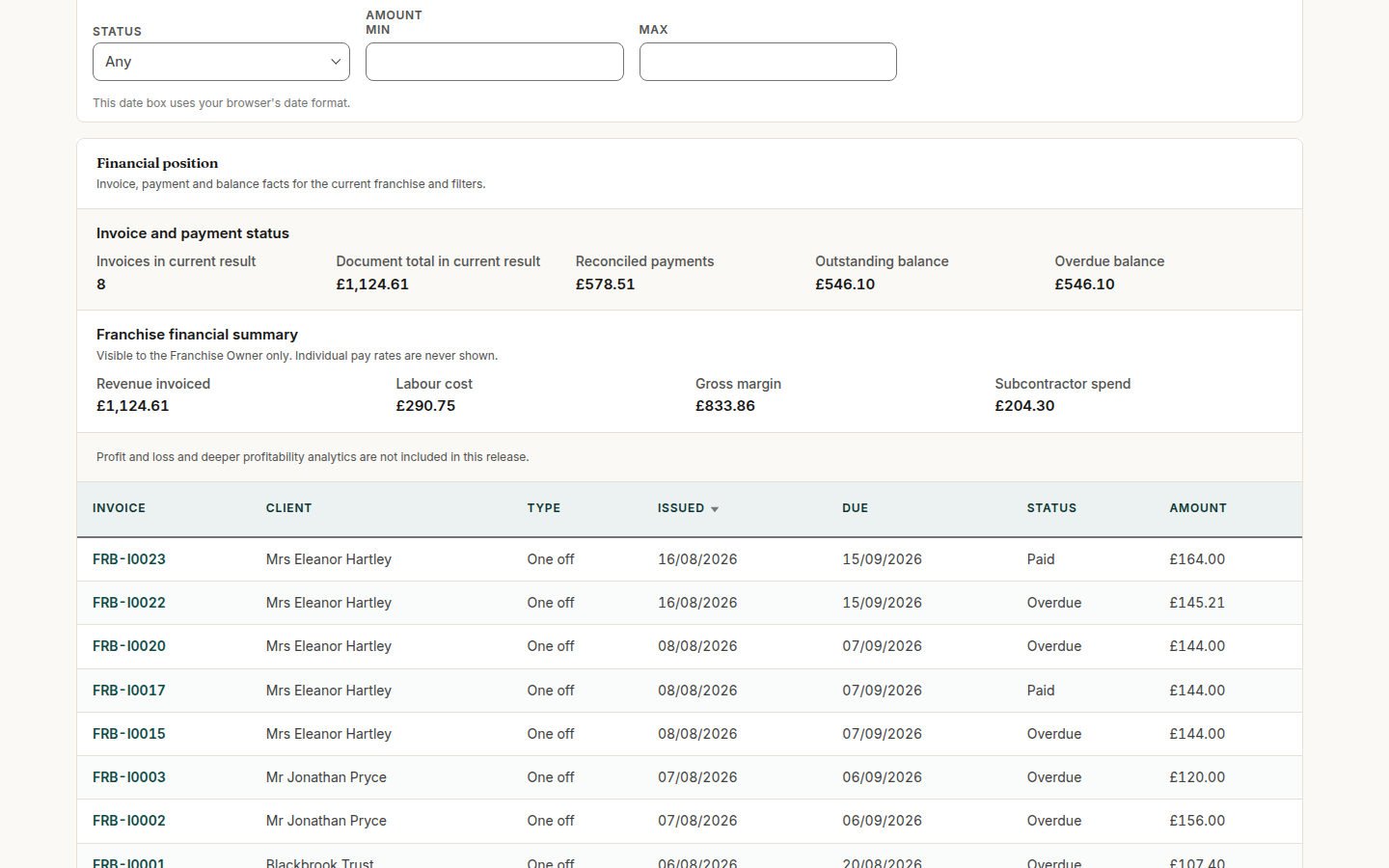
Financial report
A franchise’s money for a period.
Questions about Substitutoo
Enquiries, quotes, operatives and invoices, in short answers.
How does an enquiry reach the right franchise?
The customer gives their home address and the system matches it to the territory that covers it, by postcode district or the area drawn on the map. Head Office decides the rest.
Does a customer need an account to accept a quote?
No. The quote email carries a personal link. The customer sees the lines and the total, ticks any optional extras and accepts or declines.
Can each franchise have its own website?
Yes. Each franchise has its own pages at its own address, built from sections its owner edits, with enquiry widgets for other websites.
What does an operative need?
A phone with a browser. The field app shows the day’s visits, the brief, photos and Complete visit, the rota and timesheets; photos taken without signal are sent later.
How are invoices and payments handled?
An invoice is generated from each approved visit and sent with its PDF. Each franchise connects its own Xero organisation once your Xero app is registered.
Is the customer told when the clean is booked or moved?
Yes. The customer is emailed when a visit is booked, moved or cancelled, and the operatives when their visit moves.
Can we bring our existing customers?
Yes. Clients, homes and their regular cleans are imported from a spreadsheet after a dry run that reports each row.
What do you set up for us?
Your brand and photos, franchises and territories, services and property types, prices, payment terms and VAT rates, and the seat limit of each franchise.
Bring Substitutoo to your network
We set it up with your brand, franchises and services, then rehearse a week of cleans with your team.