

Fagogo
SPREP's staff intranet, one starting point for policies, forms and internal systems behind a staff login, designed and built by us from the sprep.org base.
The client
Fagogo is the staff intranet of the Secretariat of the Pacific Regional Environment Programme (SPREP), the regional organisation that Pacific governments and administrations set up to protect and manage the region's environment and natural resources. SPREP's headquarters is in Apia, Samoa, with further offices in Fiji, Solomon Islands, the Republic of the Marshall Islands and Vanuatu. Its work runs through programmes on climate change resilience, climate science and information, biodiversity conservation, environmental governance, and waste management and pollution control.
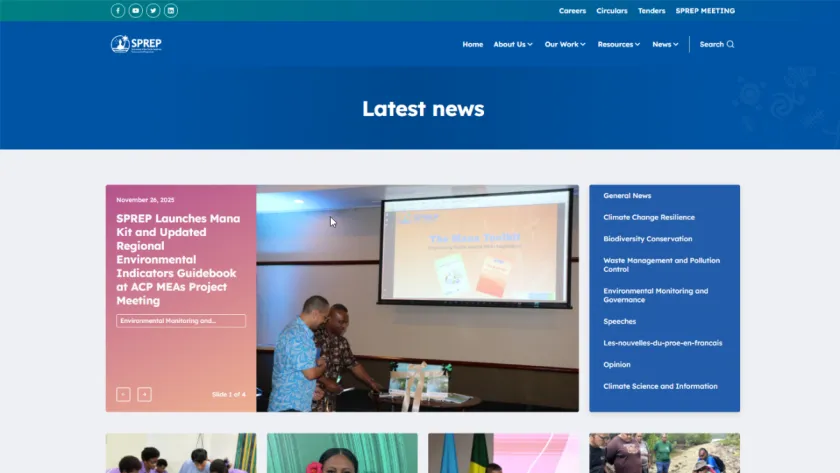
SPREP's public face is sprep.org, which we redesigned and rebuilt. Fagogo is the other side: the official intranet of SPREP and the central digital workspace for its staff. Every page sits behind a staff login, so the site is not open to the public.
The problem
What the intranet carries shows the need behind it.
SPREP's staff work across its headquarters in Samoa and its offices elsewhere in the Pacific, and much of what they need day to day is internal: policies, templates and forms, system manuals, the risk register, partnership agreements, committee pages and meeting minutes. That material comes from different parts of the organisation, from human resources and finance to internal audit and information services. Staff need one place to find it, and a way to see which part of the organisation a policy comes from.
Staff also work in separate internal systems, each with its own address: electronic document and records management, the annual workplan implementation database, project information management, performance development plans, a people and organisations database, email, and SPREP's Virtual Library and environment data portal. They need a single starting point that leads to all of them.
New staff need to learn how SPREP operates, ideally before induction starts, and anyone may need information from the Information Services department. And because the content is internal, only SPREP staff should be able to reach it.
What we built
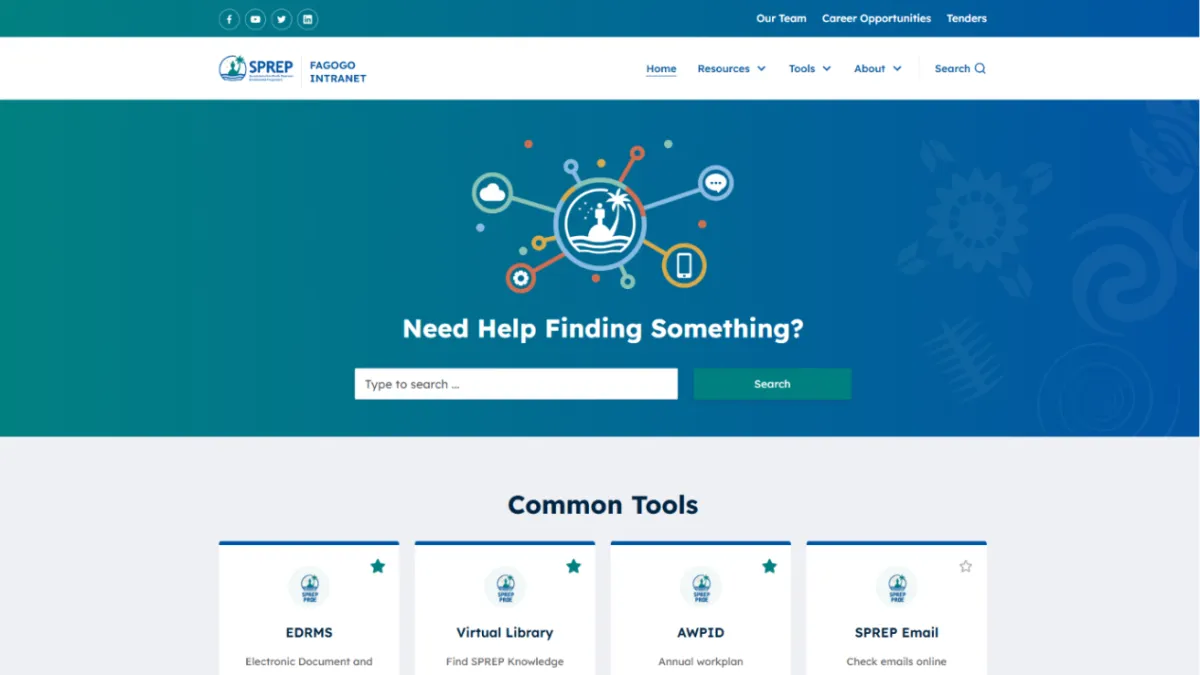
We designed Fagogo and built it in Drupal, starting from the base of the sprep.org site that we redesigned for SPREP. It carries the SPREP logo with its own Fagogo Intranet label. What the screens on this page show:
- A staff login in front of every page. The live login page offers a Log in with SPREP button and a Remember me option.
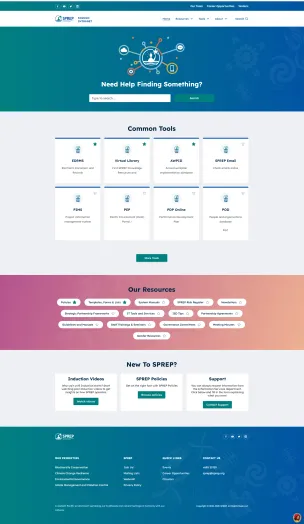
- A main navigation of Home, Resources, Tools, About and Search, and a top bar linking to Our Team, Career Opportunities and Tenders.
- A homepage that opens with a search box under the question "Need Help Finding Something?"
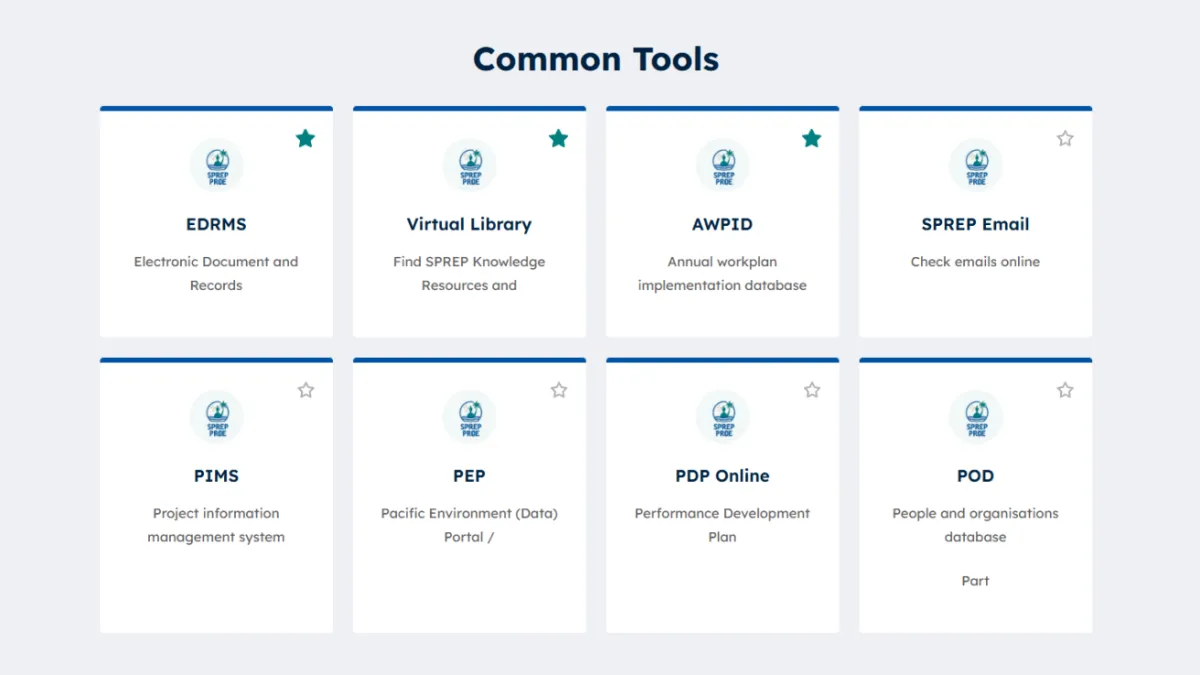
- Common Tools: cards linking to SPREP's internal systems, among them EDRMS for electronic documents and records, the Virtual Library, AWPID for annual workplan implementation, SPREP Email, PIMS for project information, PEP, the Pacific Environment Data Portal, PDP Online for performance development plans, and POD, the people and organisations database, with a View more link for the rest.
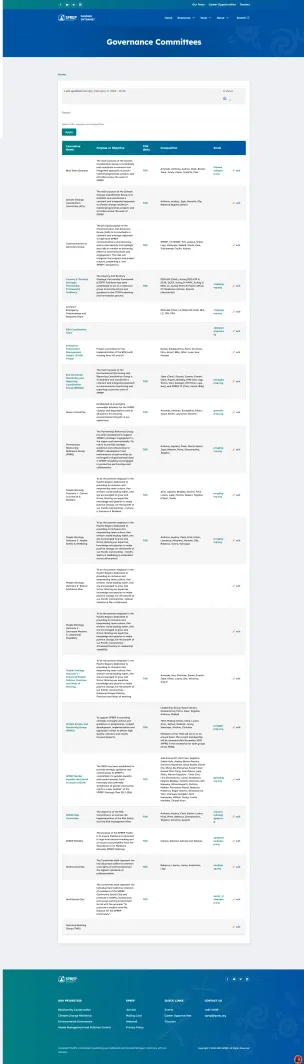
- Our Resources: links to policies; templates, forms and lists; system manuals; the SPREP risk register; newsletters; strategic partnership frameworks and partnership agreements; IT tools and services; ISD tips; guidelines and manuals; staff trainings and seminars; governance committees; meeting minutes; and gender resources.
- A star on every tool card and resource link for marking favourites, part of the personalised dashboards recorded in this project's scope.
- New to SPREP?: past induction videos to watch before induction starts, a way into SPREP's policies, and a support route to the Information Services department.
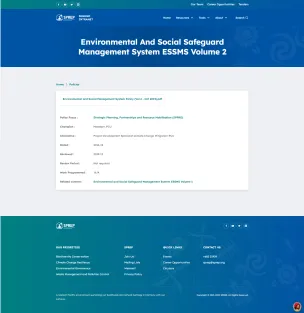
- A policies page that groups every policy under a policy focus heading for a part of the organisation, such as Human Resources and Admin, Finance, Internal Audit, Information Technology, Knowledge Management, and Governance and Operations. Each policy opens on a page of its own with its details.
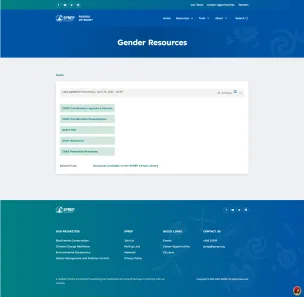
- Resource pages such as Governance Committees and Gender Resources, each showing when it was last updated.
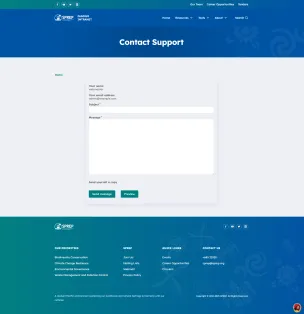
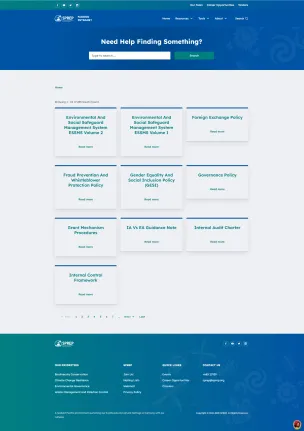
- Search results laid out as cards with a pager, and a Contact Support form that can send the sender a copy.
Our role
SPREP commissioned Fagogo from us directly, with no intermediary. Our scope was the design, the Drupal build from the sprep.org base, and maintenance since launch: the same combination of UI/UX design, Drupal development and ongoing support we provide on SPREP's other sites.
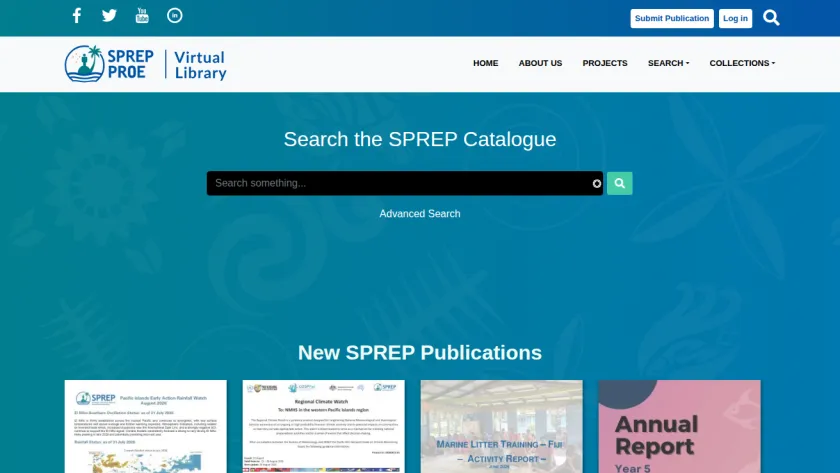
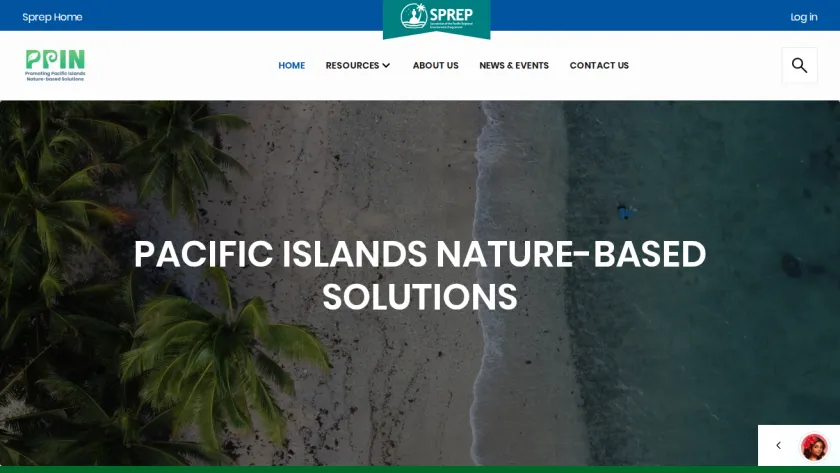
Fagogo belongs to a family of SPREP sites we work on. We redesigned the main sprep.org site and rebuilt its theme. PRISMSS and the Pacific NbS Resource Hub also started from the sprep.org base; the SPREP Virtual Library and the Pacific Islands Roundtable site were built as sites of their own. Fagogo shares its base with sprep.org and carries the same SPREP identity, on the staff side rather than the public one.
The result
Fagogo is running at fagogo.sprep.org as SPREP's staff intranet, and we maintain it. Staff sign in with the Log in with SPREP button, and from the homepage they reach SPREP's internal systems, including the Virtual Library we built.
For a public body weighing the same kind of work, this case shows one team on both sides of an organisation's web presence: the public site and the staff intranet, from interface design through the Drupal build to maintenance. More work of this kind is on the government and nonprofit and intergovernmental pages.
Screens

If you are planning something similar
Each service page sets out how we run that work, what you receive and how it is priced.
Drupal Intranet and Portal Development
Staff intranets, member portals, document libraries and resource hubs on Drupal, organised for search, with roles that decide who sees and who publishes what.
Drupal Multisite and Site Families
One Drupal base for an organisation with many units: a shared design system, one path for updates, and a site for each unit with its own editors and address.
More case studies
See it working before you commit
We build a working prototype first, so you decide against something real.