

An automated scan is where an accessibility audit starts, not what it is. Scanners catch contrast, missing labels and malformed ARIA. They cannot tell whether a mega menu traps the keyboard, whether a modal hands focus back, or whether a data table makes sense when it is read aloud. This audit combines the scan with manual testing by keyboard and screen reader on the templates and components your Drupal site actually uses, and writes every finding against the WCAG 2.2 success criterion it fails.
Sample Accessibility findings, WCAG 2.2 Located by component, not by URL
-
Critical 2.1.1 Keyboard · Level A
The mega menu cannot be opened without a mouse
- Where
- Main menu component, every template
- Fix
- Open submenus on Enter and Space, close on Escape, return focus to the trigger.
- Effort
- A day
-
High 2.4.11 Focus Not Obscured (Minimum) · Level AA
The sticky header hides the link that has focus
- Where
- Site header, long pages
- Fix
- Reserve scroll space equal to the header height so focused items land below it.
- Effort
- Hours
Who this is for
- You have to answer an accessibility question in procurement. A public body, or a supplier to one, asked for WCAG or Section 508 conformance and a written answer.
- You have published an accessibility commitment. A non-profit or public organisation whose accessibility statement has to match what the site actually does.
- You have been told the site fails. A complaint, a user report or a scanner result, and nobody yet knows where the failures sit or how big the fix is.
- You sell online in the European Union. The European Accessibility Act has applied to e-commerce services since 28 June 2025, and the question is where your site stands.
Not sure an accessibility audit is the right first step? A Drupal site audit is the entry point that looks across accessibility, security, module compatibility and performance, and points to the review worth doing next.
What you get from an accessibility audit
One document, written to be handed to a developer or to a procurement officer without translation:
- Every finding mapped to the WCAG 2.2 success criterion it fails, at level A or AA
- Severity judged by what it blocks, not by a scanner's score: a keyboard trap outranks a contrast failure in the footer
- The template or component where it occurs, so one fix closes every instance
- A recommended fix specific enough to estimate, and the effort for each
- A prioritised order of work, so a limited budget buys the findings that matter first
- The agreed sample and what was not tested, stated plainly
The report is yours. You can take it to your own developers, to another firm, or back to us.
How the audit is run
Each pass finds a different class of problem, so they run one after another on the same agreed sample.
How a Drupal accessibility audit runs
- Sample Templates, interactive components and key journeys agreed in writing. You keep the agreed sample
- Automated scan axe and Lighthouse on every template: contrast, labels, landmarks and ARIA.
- Keyboard only Every interactive component without a mouse: tab order, visible focus, Escape, focus return.
- Screen reader Search, a form, a download and the main navigation, read rather than looked at.
- Report Findings by success criterion and component, with fix and effort. You keep the report
WCAG 2.2 and Section 508: which one applies to you
They are not alternatives, and the difference trips up procurement more often than it trips up engineering. WCAG is the technical standard; Section 508 and EN 301 549 are the rules that point at it.
| Question | WCAG 2.2 | Section 508 | EN 301 549 |
|---|---|---|---|
| What it is | The W3C standard: success criteria at levels A, AA and AAA | United States federal law on the technology agencies buy and publish | The European standard for accessible ICT, used in public procurement |
| Who it binds | Whoever a policy, contract or law points at it | Federal agencies, and the vendors who sell to them | Public bodies in the EU, and services covered by the European Accessibility Act |
| WCAG version it references | The current version | WCAG 2.0, level AA | WCAG 2.1, level AA, in the 2021 edition (V3.2.1) |
| What you hand over | An audit report or a conformance statement | An Accessibility Conformance Report, usually on the VPAT template | An accessibility statement or a conformance report |
WCAG 2.2 level AA keeps almost every 2.0 and 2.1 AA criterion and adds newer ones, such as focus that a sticky header does not hide and targets large enough to hit, so an audit at 2.2 AA answers the older references at the same time. Elsewhere the same standard arrives under other names: the UK public sector accessibility regulations, AODA in Ontario, the Australian DTA guidance, and the ADA Title II rule for US state and local government, which references WCAG 2.1 AA. What differs is who you owe the answer to and in what format.
Where Drupal sites usually fail
The same components account for most findings on Drupal sites, and knowing where to look is much of what makes a manual audit efficient.
- Mega menus. Multi-column navigation is a frequent source of keyboard traps and of submenus that open on hover and cannot be reached any other way. We maintain WE Mega Menu, published on drupal.org, so this is a component we know from the inside.
- Forms. Labels attached by position rather than by markup, errors that appear on screen but are never announced, required fields marked only by colour, and multi-step forms that lose focus on each step.
- Views tables and listings. Sortable columns built from links with no state announced, and tables without header association, which turns data into noise for a screen reader.
- Modals, slideshows and tabs. Focus never moved into the dialog, never kept there and never returned; carousels that move on their own with no way to stop them.
- PDFs and uploaded documents. Often the largest untreated problem on a public-sector site, and often left out of scope because it is not the website. We report it either way, so the decision is made deliberately.
- Editor-created content. Headings used for size, decorative text pasted into alternative text, links labelled "click here". These are a training and content-model problem rather than a code problem, and the report says so.
Public-sector sites we build and maintain
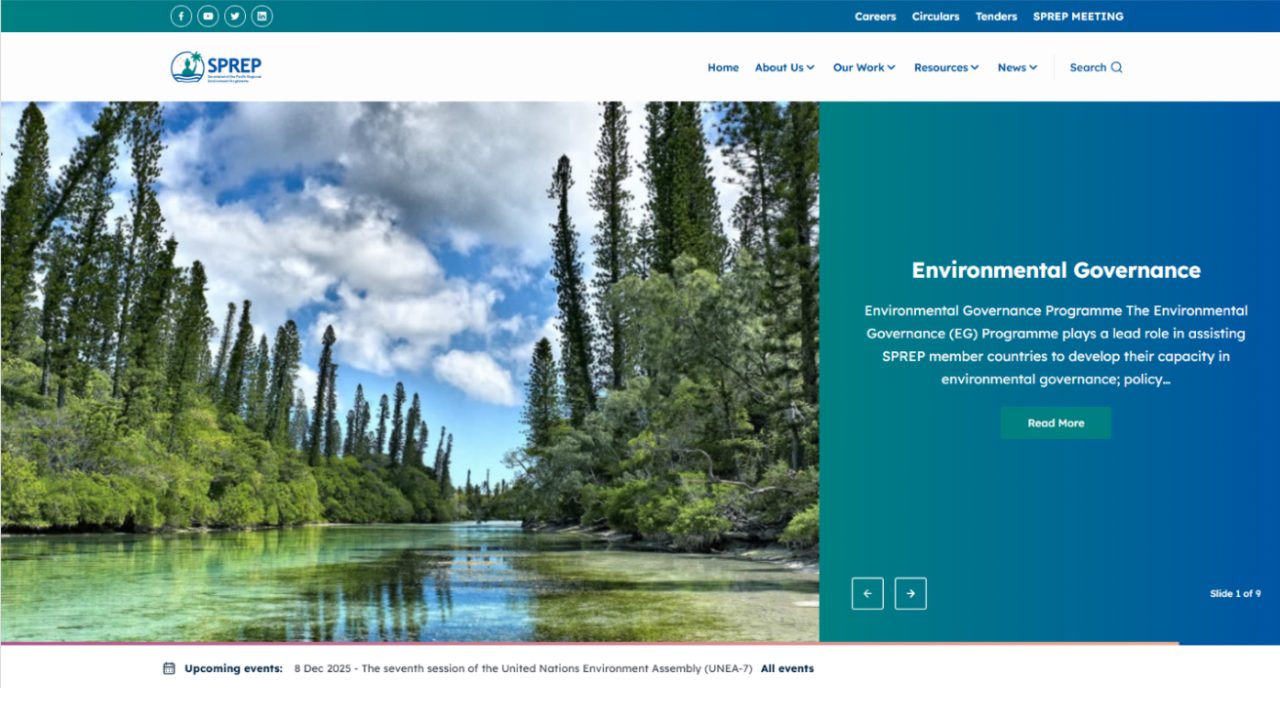
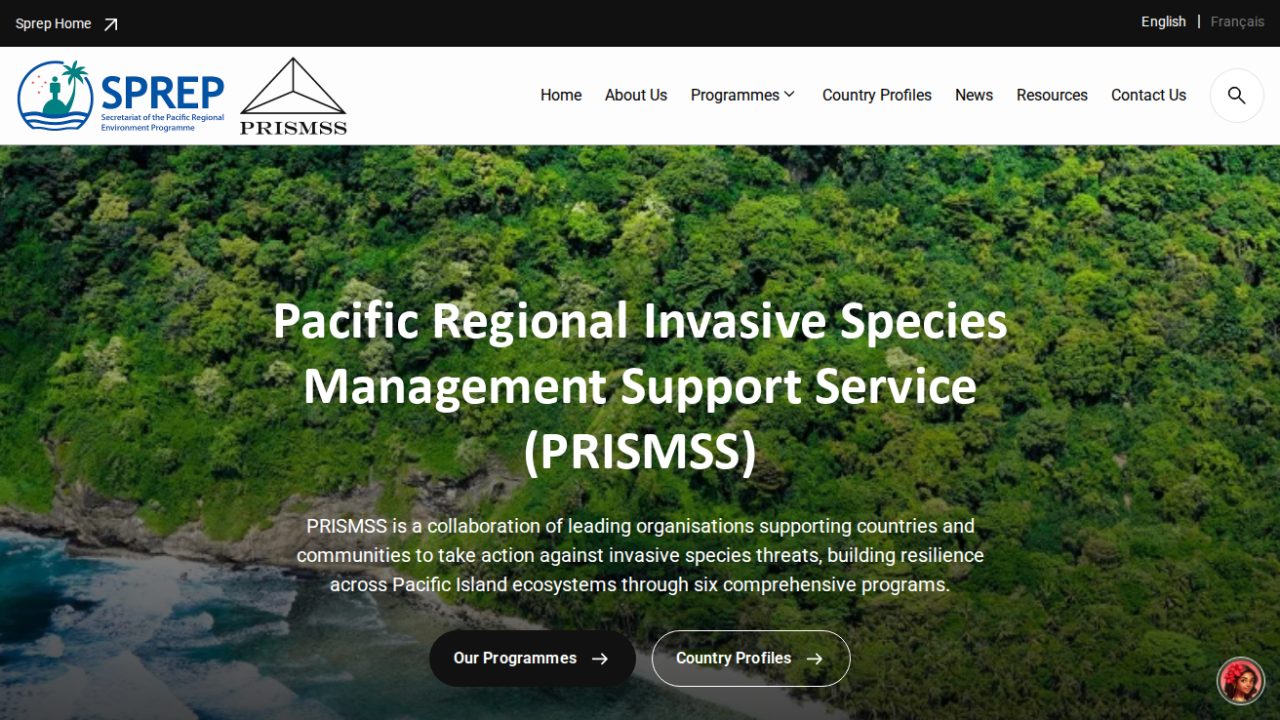
The public-sector sites we can show are for Pacific regional bodies: SPREP's own site and the sites built from its product, including PRISMSS in English and French. We designed, built and maintain them. They are shown here as the kind of site this audit is written for, with its menus, forms, documents and more than one language, not as audit results.
What an accessibility audit costs
An accessibility audit is scoped from the number of distinct templates and interactive components, not from the number of pages: a thousand pages built from twelve templates is a twelve-template audit. We agree that sample with you, then quote a fixed price for the audit itself. The engineers who run it are listed on the rate card as QA, security and accessibility engineers.
Fixing is quoted separately, after the findings exist, so you never commit to fixing something nobody has measured. The routes out of the report:
- Your team fixes it. The findings are written for a developer who was not in the audit, and we answer questions on them at no charge.
- We fix it. A fixed price against the findings list, with component-level fixes done once rather than page by page, and a retest so you have a written statement of what now passes.
- It joins a rebuild or an upgrade. If the site is due a version upgrade or a front-end rebuild, the accessibility work is cheaper folded into that, priced on the project sizes of the pricing page.
Terms that hold
These terms hold across our services; where a service starts differently, its page says how. The full wording is on the warranty page and in why you own the source code.
- A prototype before you sign a build Before a build project is signed, we build a prototype at no charge: a design, a clickable prototype or a working demo on real code, so you decide against something real.
- You receive the system and its source code Custom work is yours from the first commit: the repository, custom modules, theme and deployment configuration. When we build your system on one of our products, you receive the whole system and its source code as well.
- A warranty on development work Development projects carry a 1-year warranty by default, up to 3 years. It covers defects in what we built, and applying the security releases of Drupal core and contributed modules while the warranty runs. Maintenance picks up where the warranty leaves off.
- Response targets we publish Critical issues are answered first, high priority within 1 business day and normal within 3 business days. Support runs in business hours; cover outside them is an option, priced separately.
Questions we get asked
Can you just run a scanner for us?
We can, but we would report it as a scan, not an audit. Automated tools cannot judge whether alternative text is meaningful, whether focus order makes sense or whether a modal returns focus, and those are the failures that stop people using a site.
How many pages do you test?
We test templates and components rather than counting pages, plus the key journeys: search, a form submission, a document download and the main navigation. The sample is agreed in writing before we start, so you know exactly what the report covers.
What conformance level should we target?
AA. Section 508, EN 301 549 and the other rules named on this page all point at level AA, and AAA includes criteria that most content cannot meet. A request for AAA across a whole site is worth questioning before it is budgeted.
Our PDFs are the problem. Is that in scope?
We report on them, and we will tell you how large the problem is. Remediating a back catalogue of PDFs is a document production exercise rather than a Drupal one, and it is usually cheaper to publish the content as HTML than to fix the PDF. We would rather say that than quote for the wrong work.
Will you produce a VPAT or an accessibility conformance report?
Our deliverable is an engineering audit: findings against WCAG criteria with severity and fix estimates. A formal conformance statement intended to be relied on by a regulator is a different document, often expected from an independent third party. Tell us which one your buyer is actually asking for and we will be straight with you about whether we are the right firm for it.
How long does an audit take?
It is driven by the number of templates, components and journeys in the agreed sample. We give you that figure with the quote, before you commit, rather than a generic number here that would be wrong for your site either way.
We are about to rebuild. Should we audit first?
Audit the current site only if you need the findings for a procurement answer or a complaint. Otherwise put the money into the rebuild and make accessibility a build requirement, then audit the result. Fixing a site you are about to replace is the one case where this work does not pay for itself.
Not covered here? Ask us directly.
Request a WCAG auditMigrate & Audit
Related services
Find out where you actually stand
Tell us the site and who is asking for the answer. We will scope the audit from your templates, not from a page count.