

Apex Embroidery Designs
We designed the store and rebuilt it on Drupal, moving a large catalogue of embroidery designs, fonts and SVG files off Drupal 7 with its data, and we maintain it.
The client
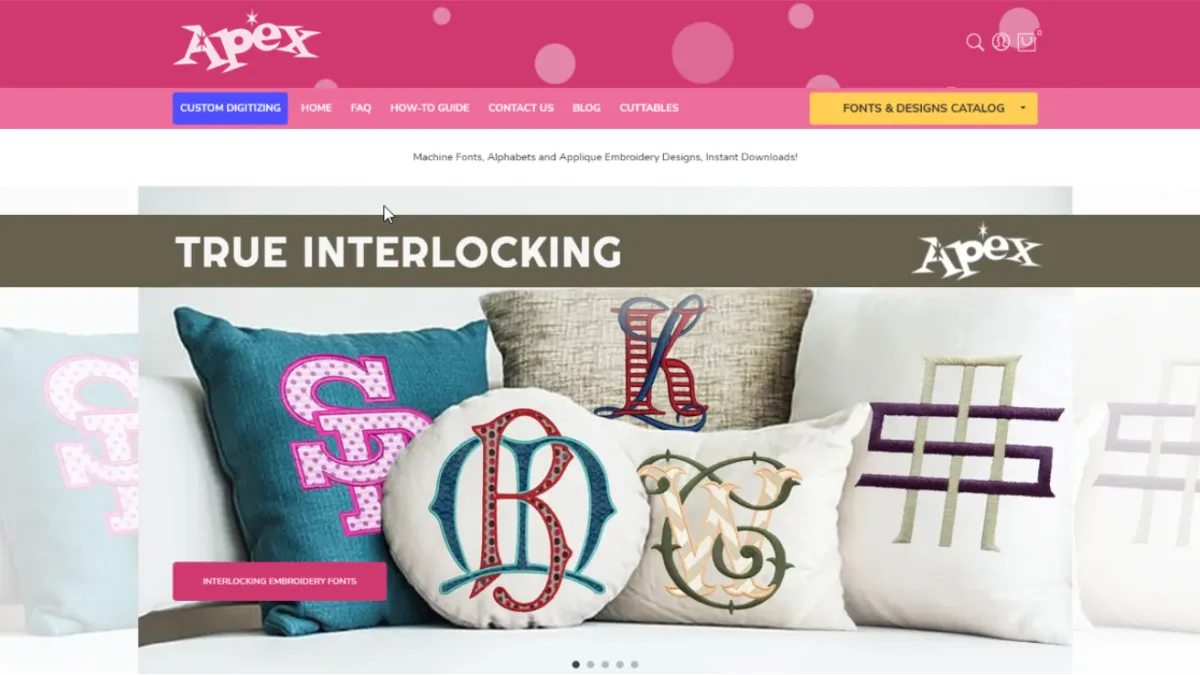
Apex Embroidery Designs is a family business in North Carolina that sells machine embroidery designs, embroidery fonts and cuttable SVG files at apexembdesigns.com. In its own words it has been embroidering and digitizing for decades; its fonts and designs are digitized by hand, letter by letter, rather than converted automatically, and its fonts are sewn in its North Carolina store every day for clients.
Apex lists who it serves: commercial embroidery shops and contract decorators; apparel brands and promotional product suppliers; businesses, schools and teams that need embroidery for uniforms and events; and makers such as Etsy sellers, home embroidery businesses and Cricut users. Alongside ready-made designs and fonts, it offers custom embroidery digitizing, turning a customer's logo or artwork into a stitch file, and custom SVG digitizing for cutting machines, laser engraving and print.
The problem
The store's own pages show what it has to handle.
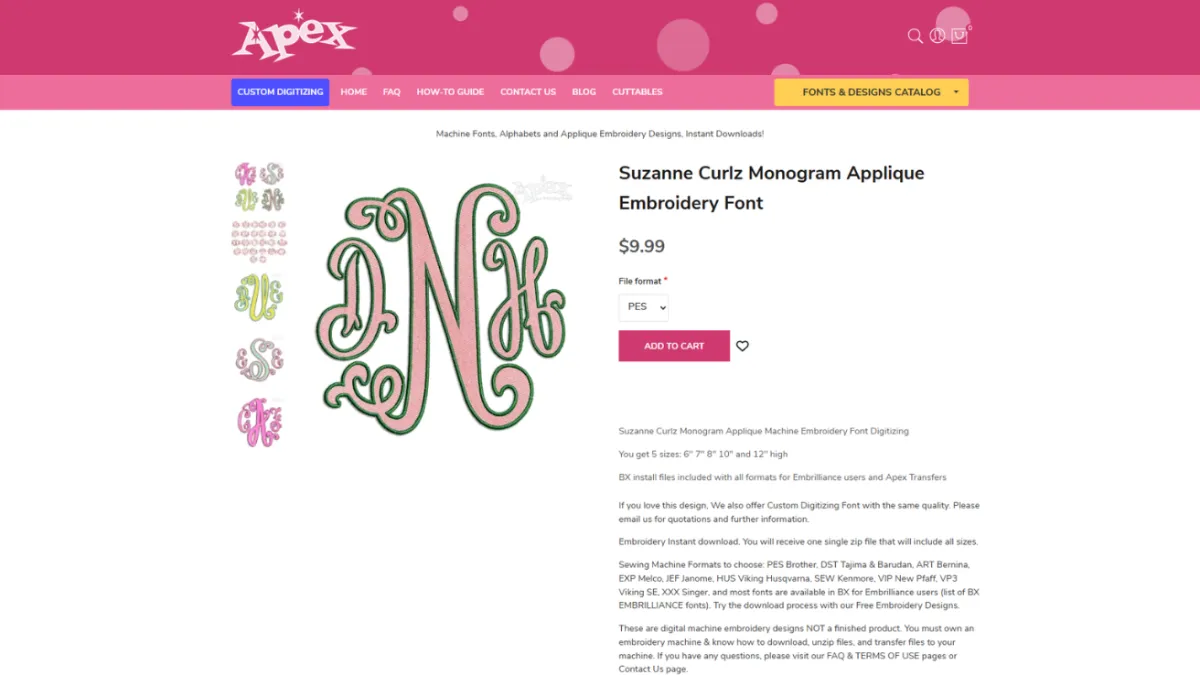
Everything Apex sells is a digital file. A customer buys a design or a font and downloads it; nothing is shipped. The file has to suit the customer's machine, so the same design is offered in the formats used by Brother, Tajima and Barudan, Bernina, Melco, Janome, Husqvarna Viking, Kenmore, Pfaff and Singer machines, and in BX for Embrilliance software, and some fonts come in more than one size set. Every product needs those options, and every order has to deliver the right files. The files are also the product itself: Apex's FAQ lets customers sell items they stitch with its designs, but not sell or share the files, so a download belongs to the customer who bought it.
The catalogue is large, and it has to be browsed the way embroiderers look for designs: by subject and occasion, from Christmas and graduation to sports mascots and weddings; by font style, such as monogram, script, block or interlocking; and by technique, such as applique, 3D puff or in-the-hoop. Cuttable SVG files sit beside the embroidery files and need their own path through the store.
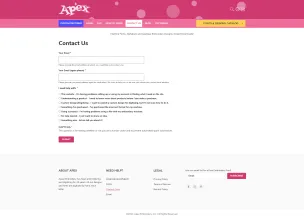
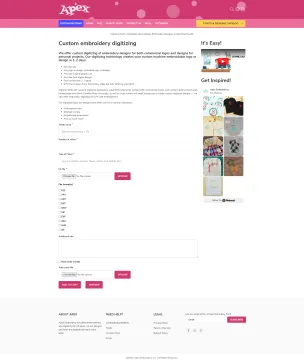
Custom digitizing is a different kind of sale. Apex needs the customer's artwork and the details that decide how a file is digitized: the size of the design, its width, the number of colours, the fabric, and the file formats wanted.
Behind all of this was the existing store on Drupal 7, with the catalogue and data it had built up. A new build had to carry that data over rather than start empty.
What we built
WeebPal designed the store and rebuilt it on Drupal, moving it from Drupal 7 to Drupal 9 and migrating the data from the old version into the new build. The highlights of this case study record the size of that migration: 20 million items migrated from Drupal 7. The live store now reports Drupal 11 and Drupal Commerce in its page metadata.
What a customer finds on the store today:
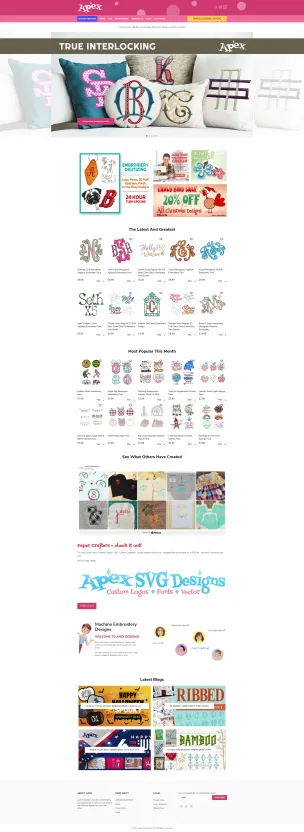
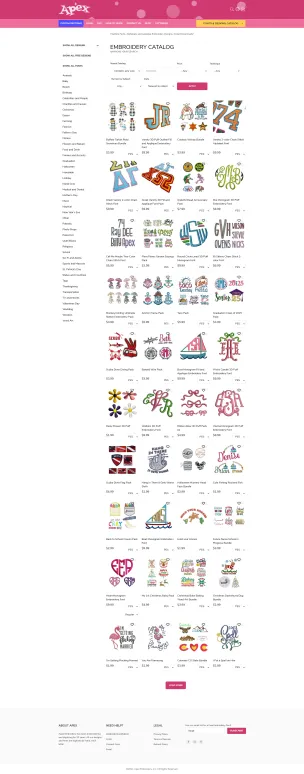
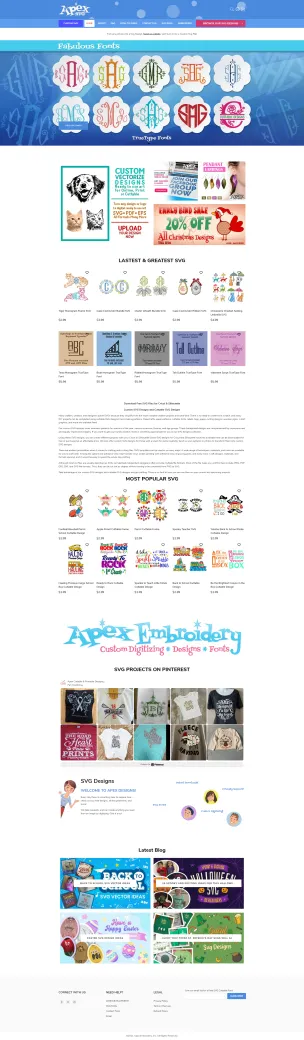
- A catalogue split into embroidery designs, embroidery fonts, and SVG designs and fonts, with a catalogue menu by subject, font type and technique, and a switch in the search between embroidery and cuttable files.
- Listing pages that filter by design type and font type, search by keyword, and sort by newest, most popular or price, with paged results.
- Product cards that show the file formats available, with quick view, add to cart and add to wishlist straight from the listing.
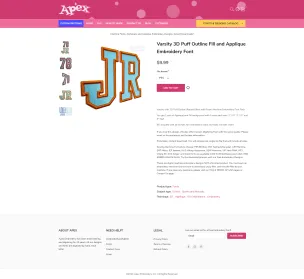
- Product pages with an image gallery, a required choice of file format and, for fonts sold in more than one size, a size set; a description of what the design suits and which machine formats are included; and related products.
- Delivery as an instant download: after purchase the customer receives a single ZIP file with all sizes and formats.
- A custom digitizing order form that takes the size of the design, its width, the number of colours, the type of fabric, the artwork file, the file formats wanted, additional notes and a rush option, with room to add more files.
- A custom SVG and PNG digitizing service for turning a logo or clipart into a cut-ready vector file, with its own route to upload the artwork and get started.
- Customer accounts with a wishlist and a cart.
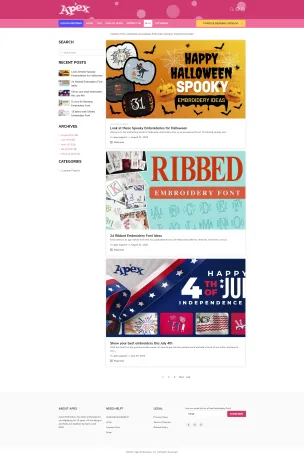
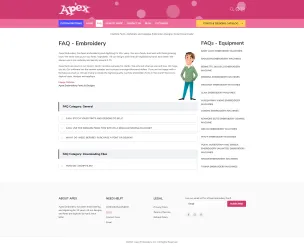
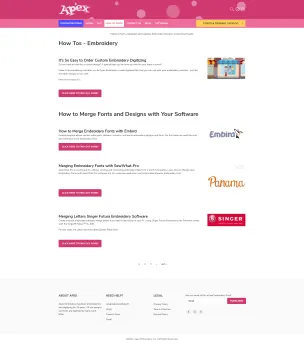
- A help centre with a search box, FAQs on buying, downloading and using the files, and guidance by embroidery machine brand; a blog, testimonials, free designs and an email sign-up.
Our role
WeebPal worked directly with Apex. We designed the store, built it on Drupal, migrated the data from the Drupal 7 version, and maintain the store now that it is running. The migration is the kind of work described on our Drupal migration page; the design and build fall under UI/UX design and Drupal development, and the ongoing work under support and maintenance. More of our work for online stores is on the e-commerce page.
The result
The store is running at apexembdesigns.com, and WeebPal maintains it. Apex sells its embroidery designs, fonts and SVG files through it as instant downloads, and takes custom digitizing orders through the same site.
Screens
If you are planning something similar
Each service page sets out how we run that work, what you receive and how it is priced.
Drupal 7 and Legacy CMS Migration
Drupal 7, WordPress, Joomla or a bespoke CMS moved onto current Drupal, with a trial migration before cutover and a redirect for every changed URL.
Drupal Commerce Development
Stores on Drupal Commerce: catalogues, digital downloads, payment gateways, and stores moved off Drupal 7 with their data.
Send us the site, we will tell you what is in it
The content and module audit is the first deliverable, and it is yours whether or not you hire us to do the migration.