Browse the menu

Our Menu · Categories · Search · Dish page · On a phone

  • No account needed
Public

The restaurant website

Public

The restaurant website

1Step 1 of 5

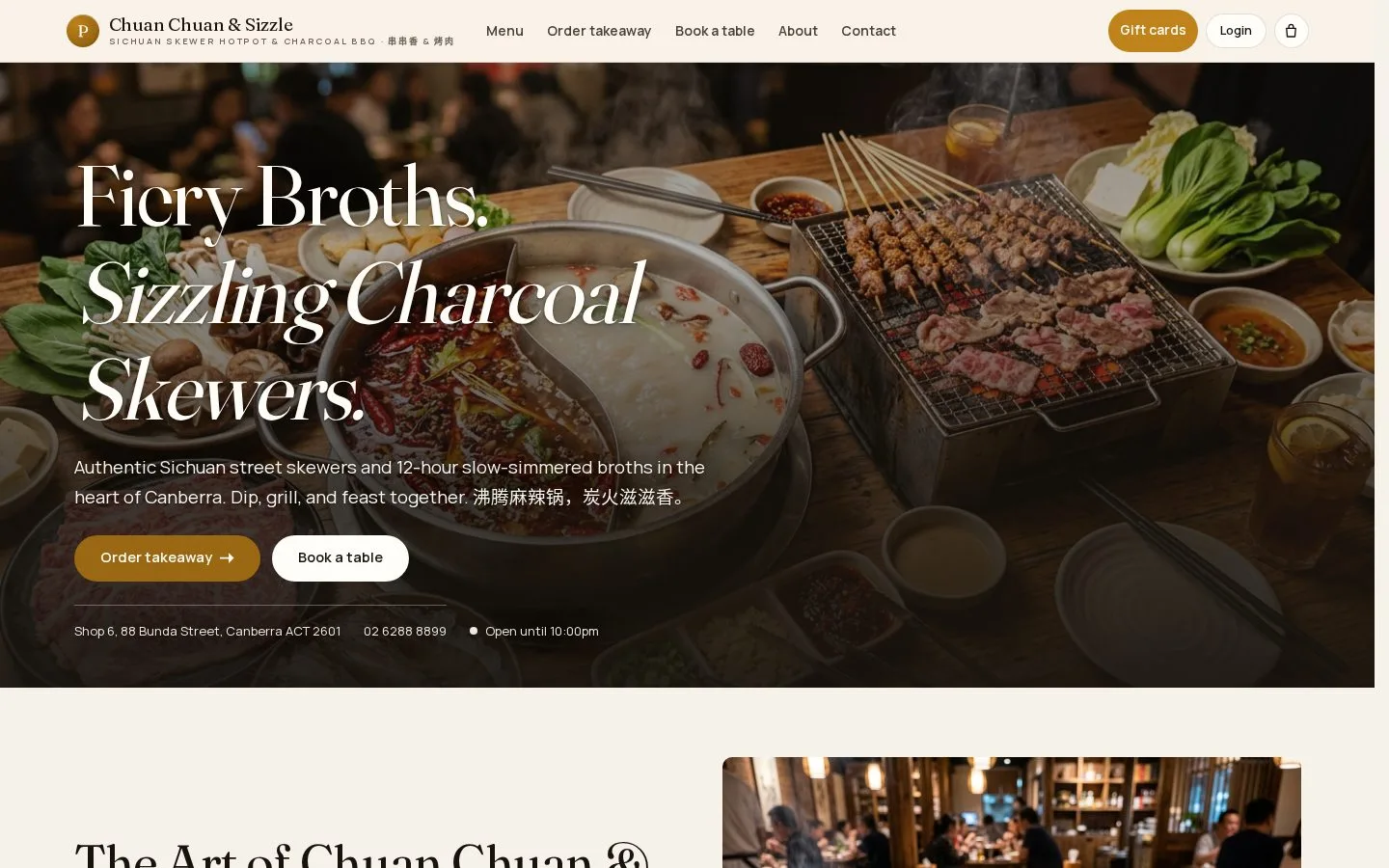
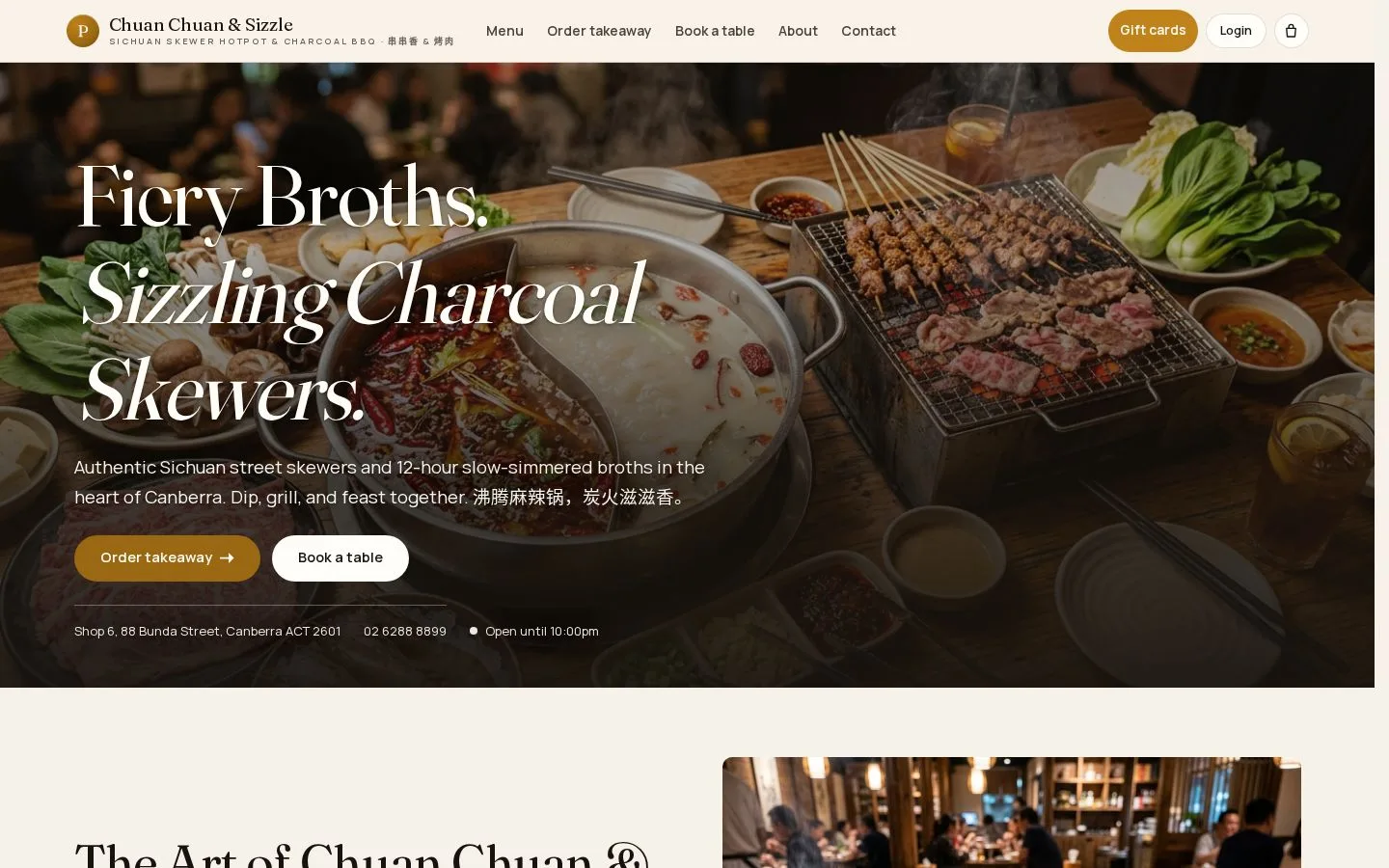
  1. Menu, Order takeaway and Book a table are in the header and on the home page.
  2. Today's hours, the address and the phone number are on the home page.

Open illustrated screen ↗Full image ↗

Public · Browse the menu01

Our Menu

Public

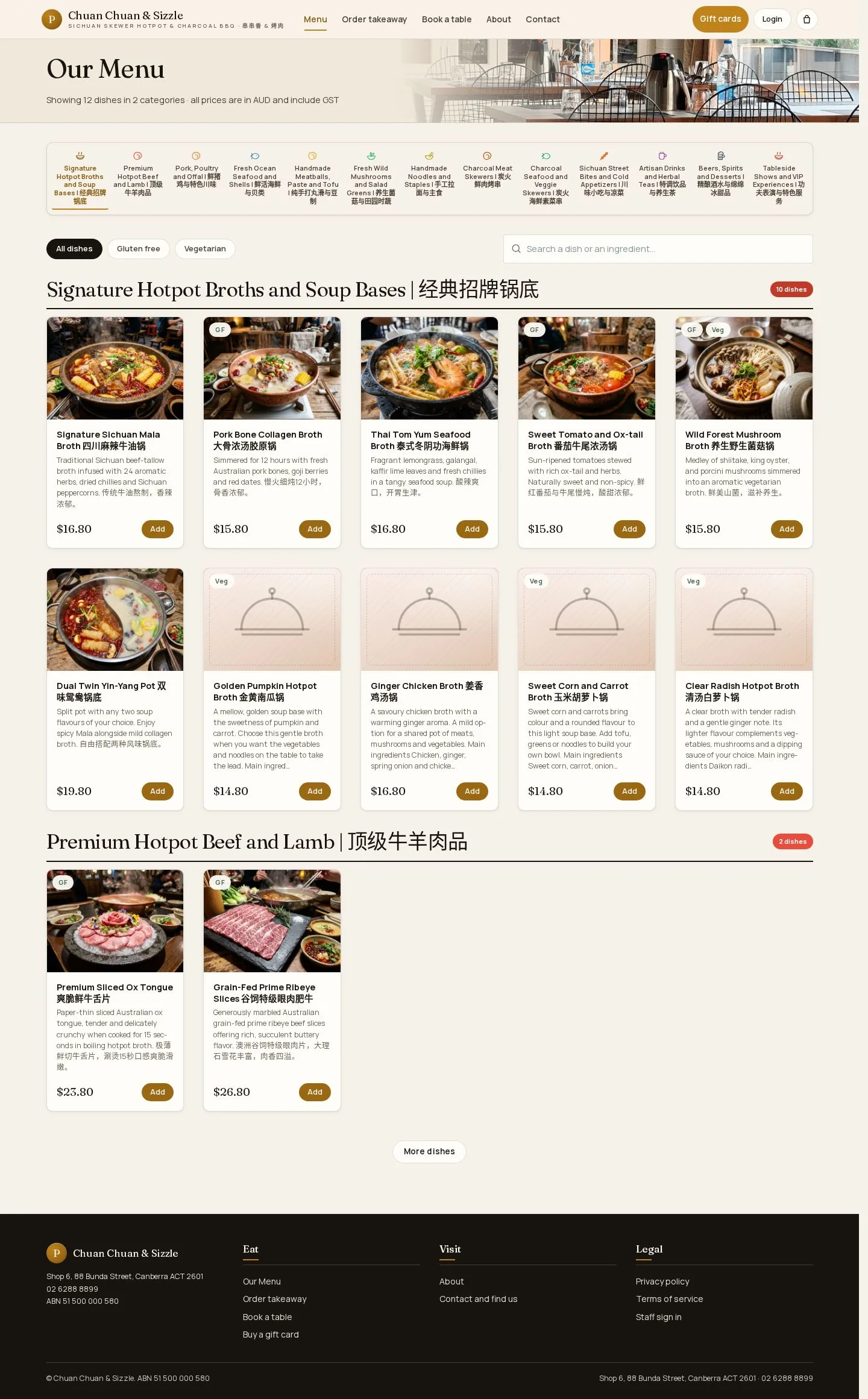
Our Menu

2Step 2 of 5

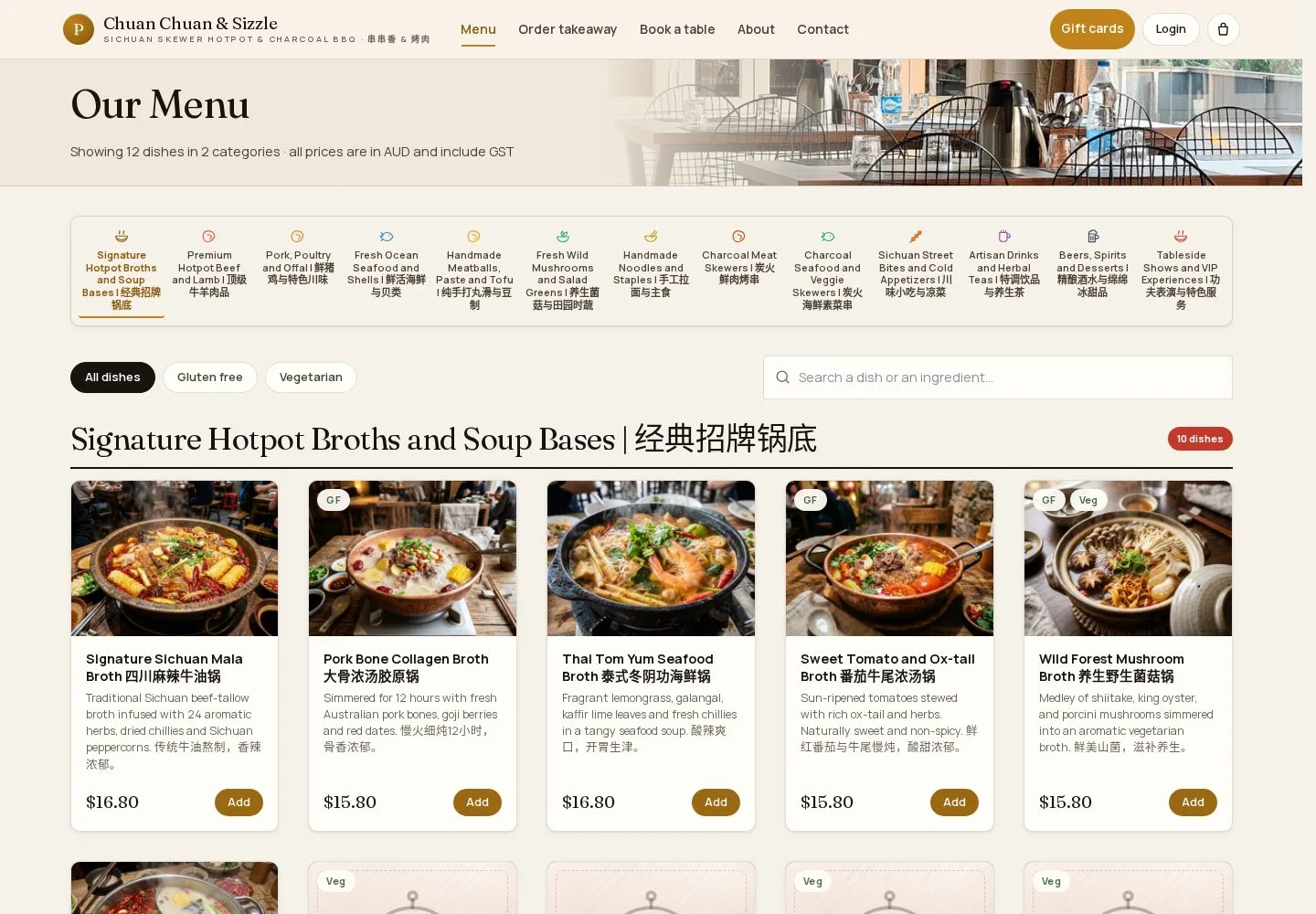
  1. Menu: choose a category at the top, or All dishes.
  2. Gluten free and Vegetarian show only those dishes; GF and Veg mark them on the cards.

Prices are in AUD and include GST.

Enlarge, then scroll

Open illustrated screen ↗Full image ↗

Public · Browse the menu02

Search the menu

Public

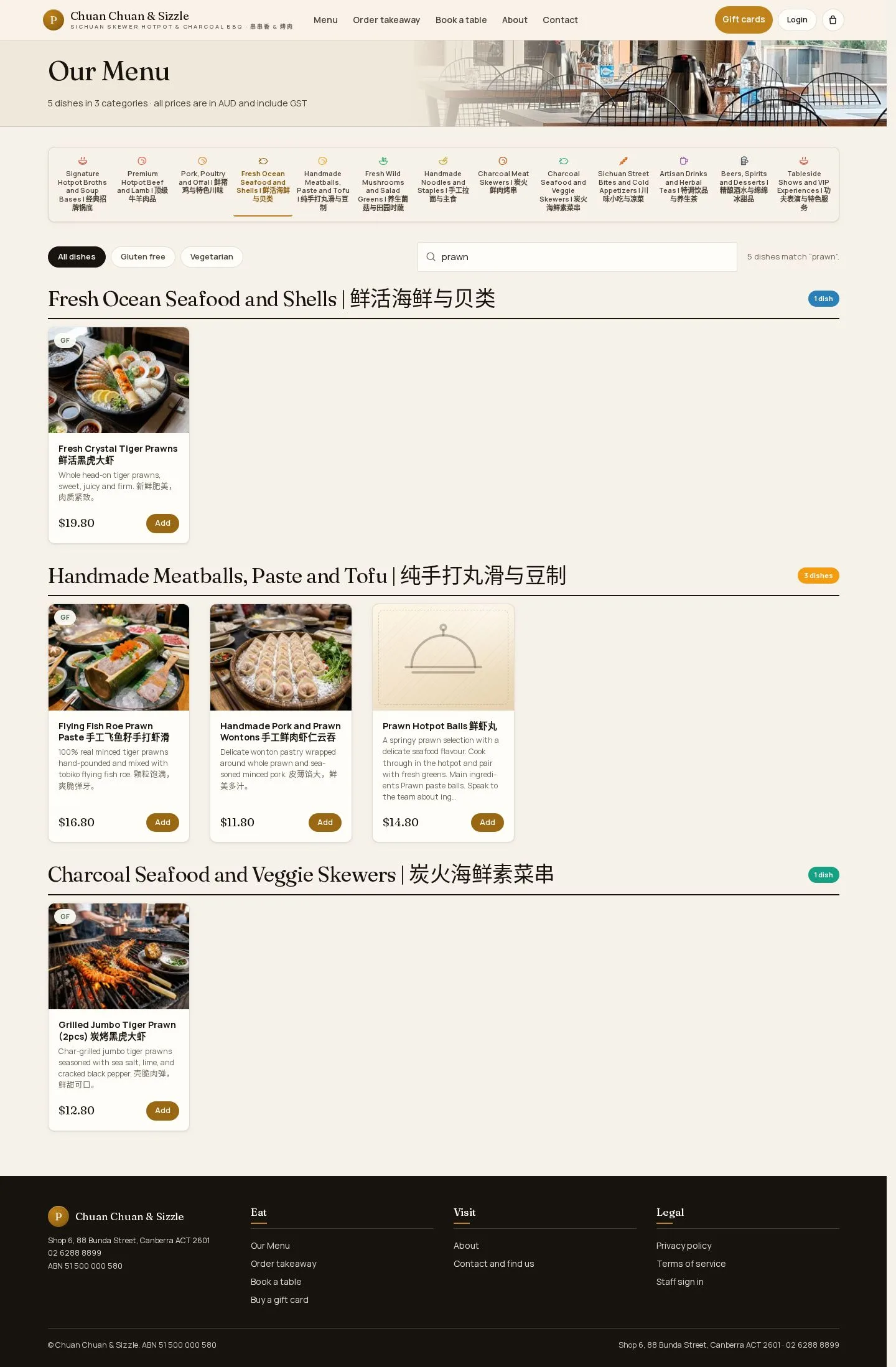
Search the menu

3Step 3 of 5

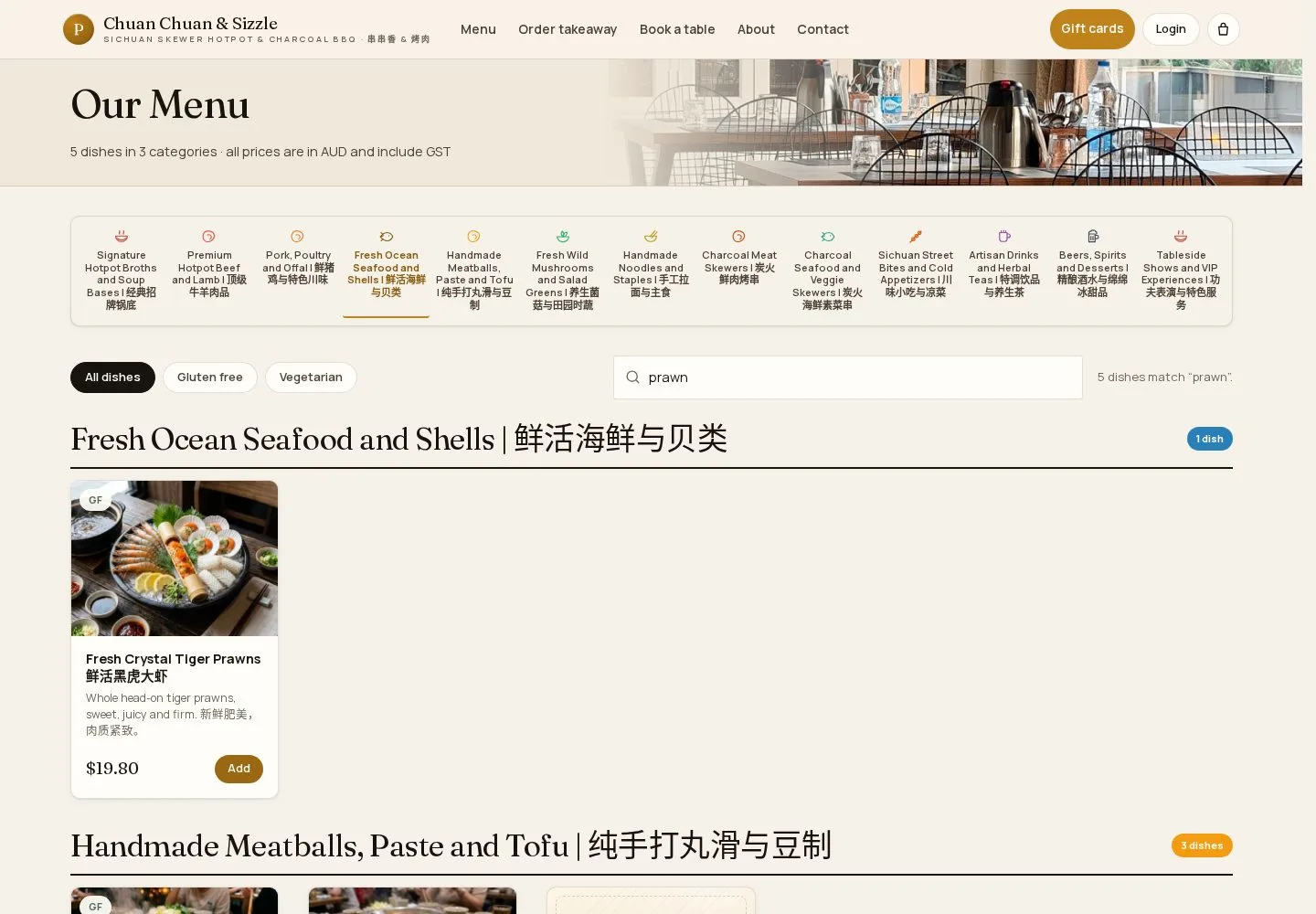
  1. Type a dish or an ingredient, for example prawn.
  2. The dishes found show under their categories, with how many match.

Enlarge, then scroll

Open illustrated screen ↗Full image ↗

Public · Browse the menu03

A dish page

Public

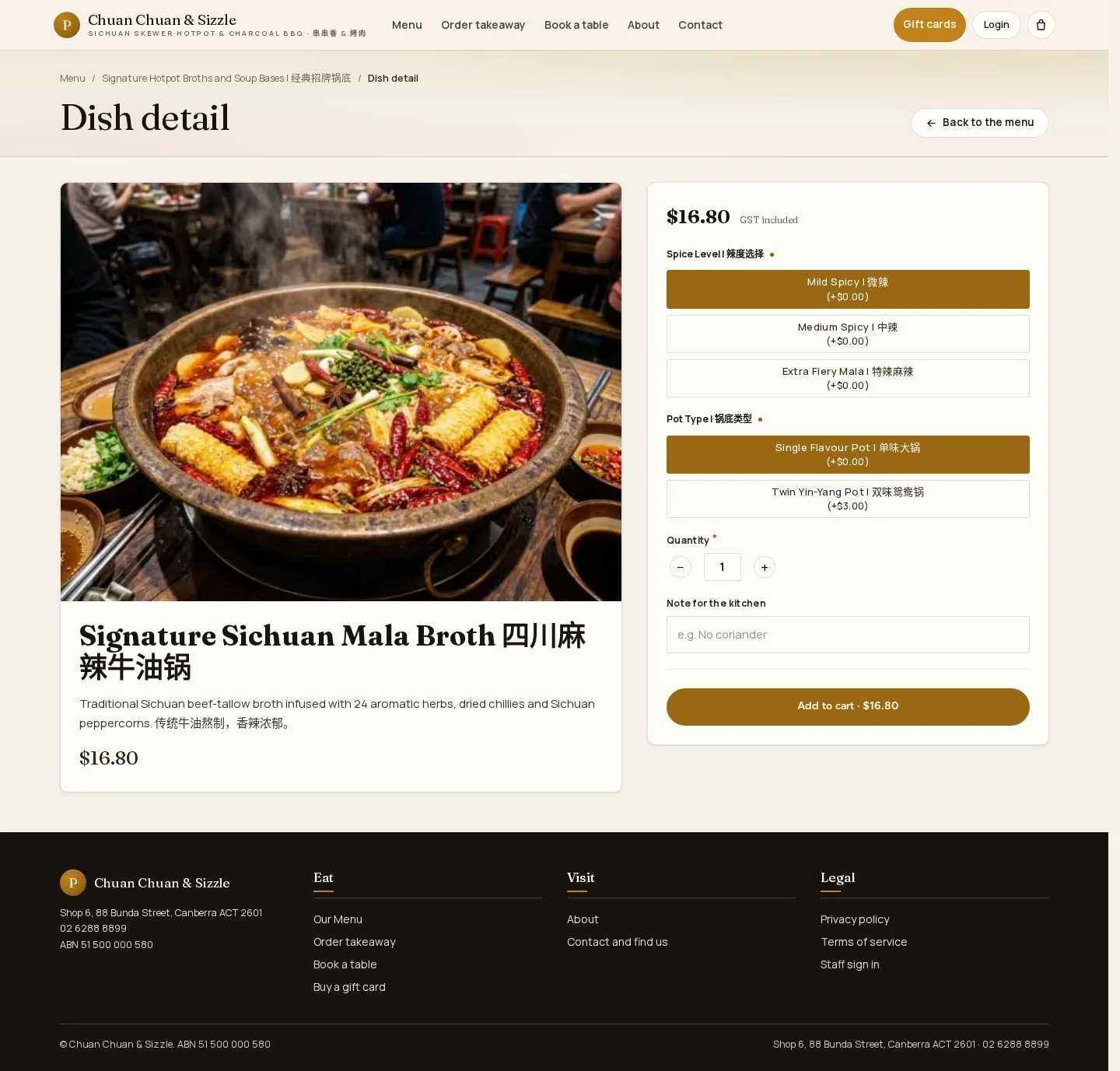
A dish page

4Step 4 of 5

  1. A dish card opens its page: photo, description and price with GST.
  2. Choose the required options, such as Spice Level and Pot Type.
  3. Add to cart starts a takeaway order.

An option that costs more shows the amount, for example Twin Yin-Yang Pot (+$3.00).

Enlarge, then scroll

Open illustrated screen ↗Full image ↗

Public · Browse the menu04

On a phone

Public

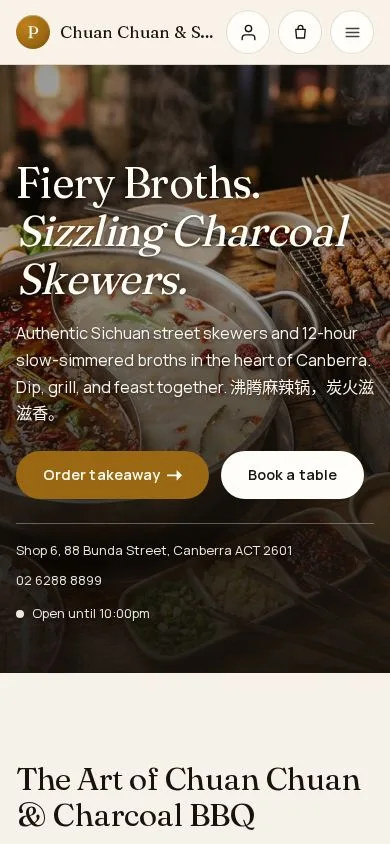
On a phone

5Step 5 of 5

  1. The same website on a phone: the ☰ button opens the menu.
  2. Order takeaway and Book a table stay at the top of the home page.

Open illustrated screen ↗Full image ↗

Check

You know what the restaurant serves, at what price, and how to order it

Public · Browse the menu05
1 / 6
Privacy Terms