









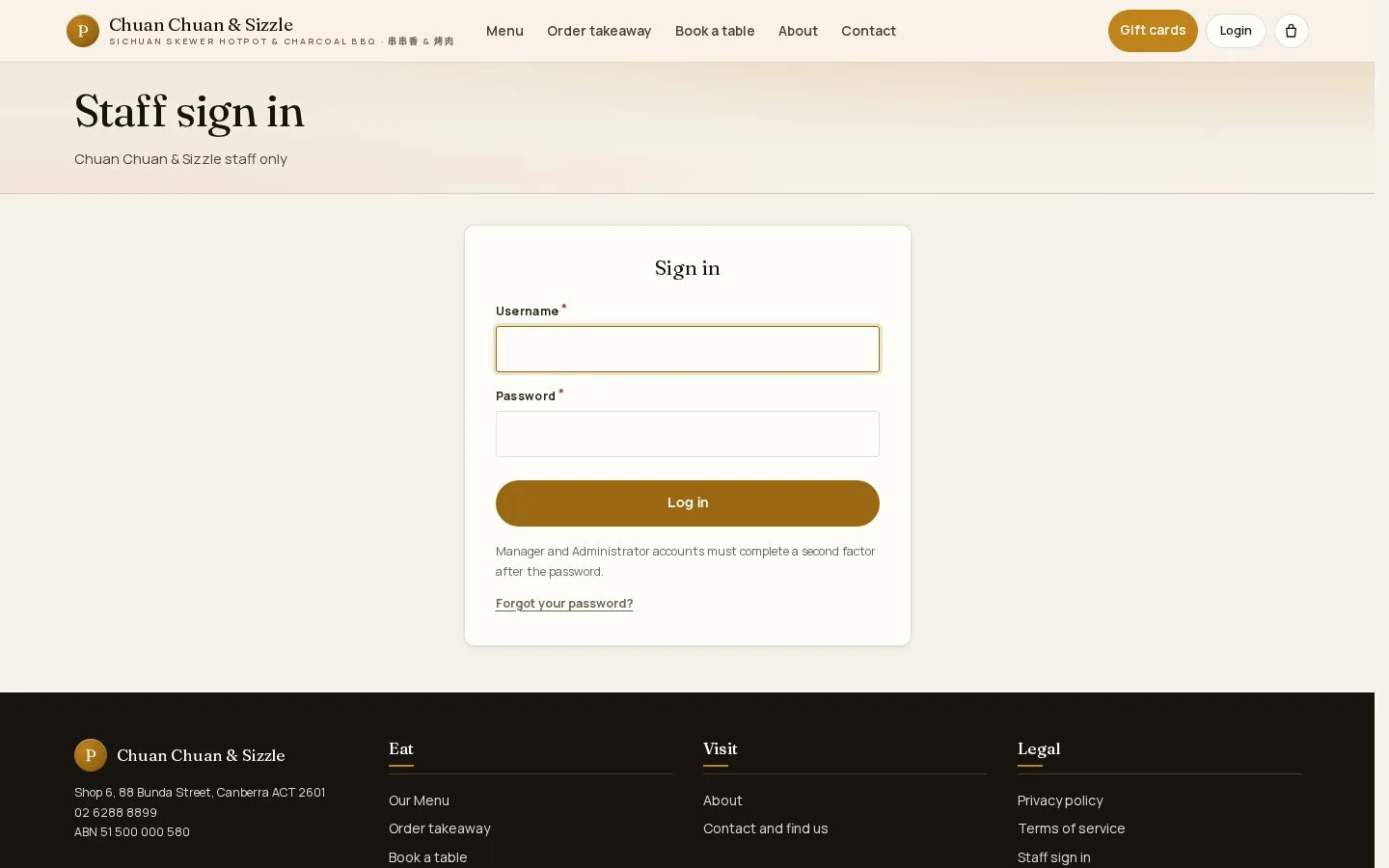
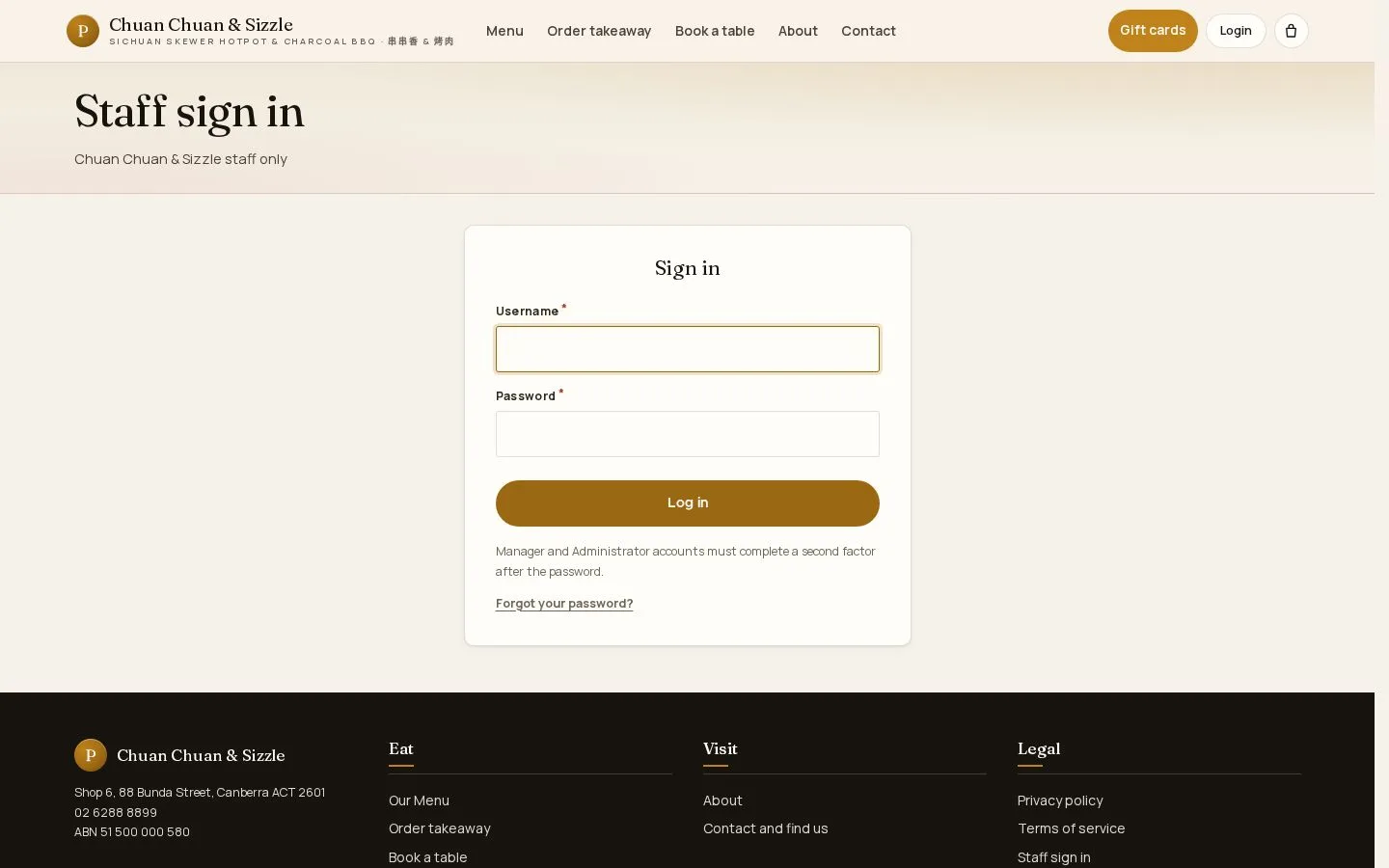
Staff sign in
Staff sign in · Username · Password · Forgot your password?
- A staff account
Public
Forgot your password
Public

2Step 2 of 2
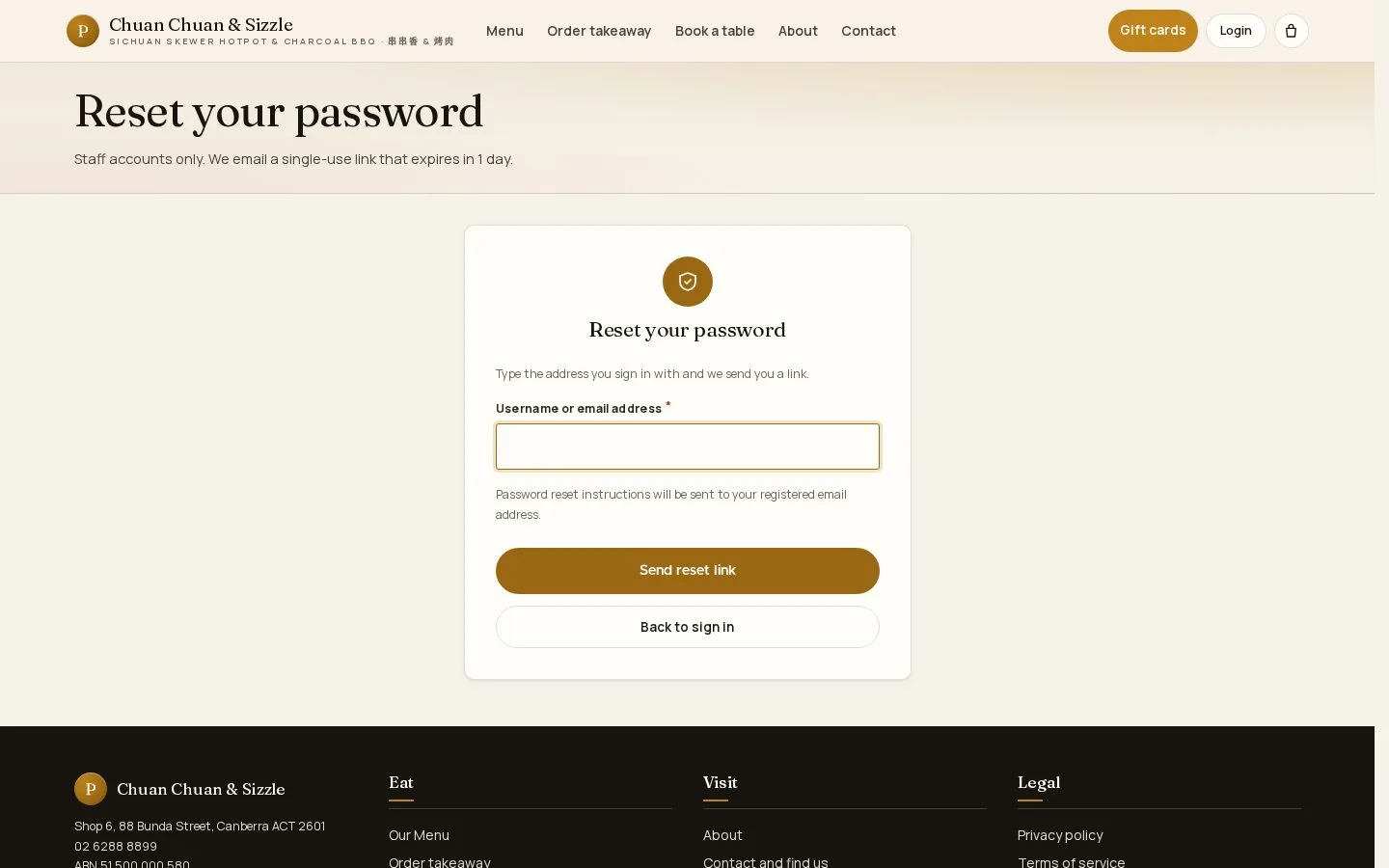
- Forgot your password? on the sign-in page.
- Username or email address, then Send reset link.
The emailed link works once and expires after 1 day.
Open illustrated screen ↗Full image ↗
Check
Signed in, the staff dashboard opens
1 / 3