Dishes and prices

Menu items · Edit menu item · Price (includes GST)

  • Signed in as a Manager
Manager

Menu items

Manager

Menu items

1Step 1 of 3

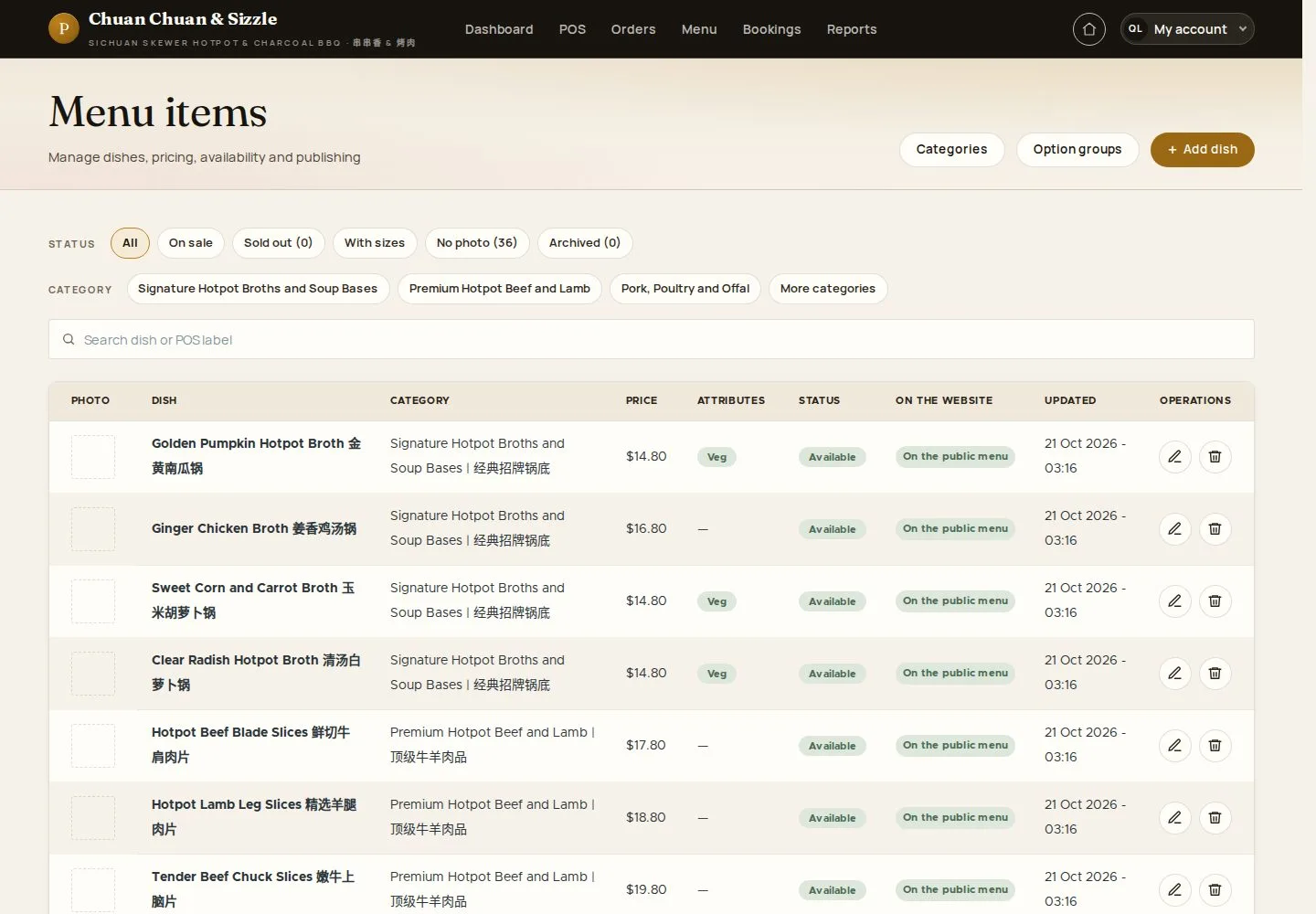
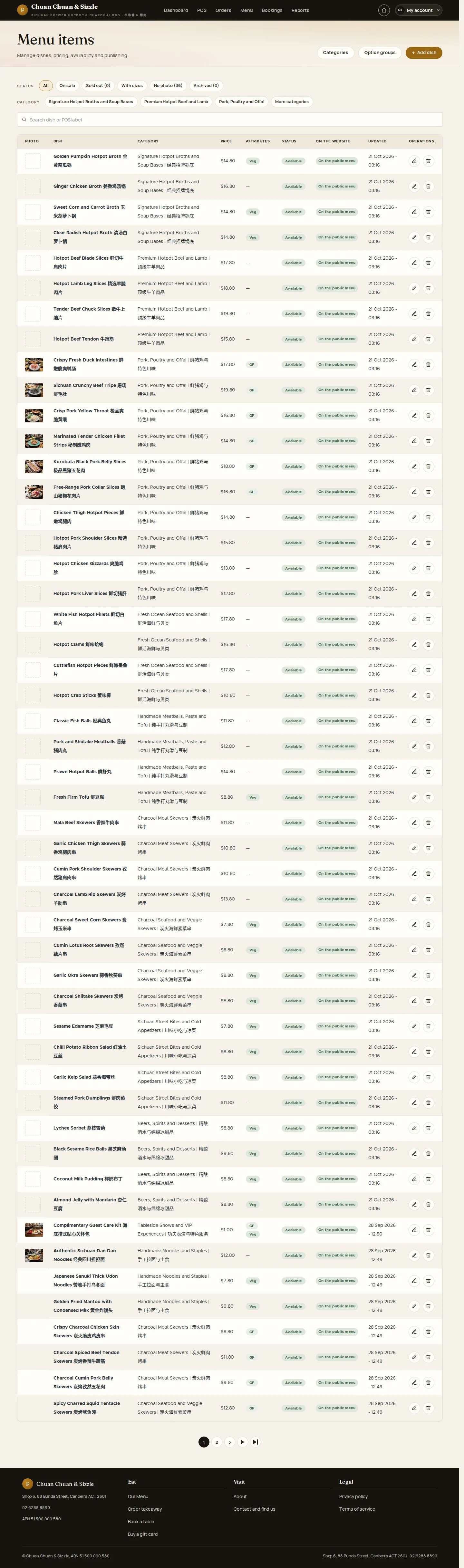
  1. Menu: every dish with its category, price, status and whether it is on the website.
  2. Filter by status or category, or search; the pencil edits a dish.

Enlarge, then scroll

Open illustrated screen ↗Full image ↗

Manager · Dishes and prices01

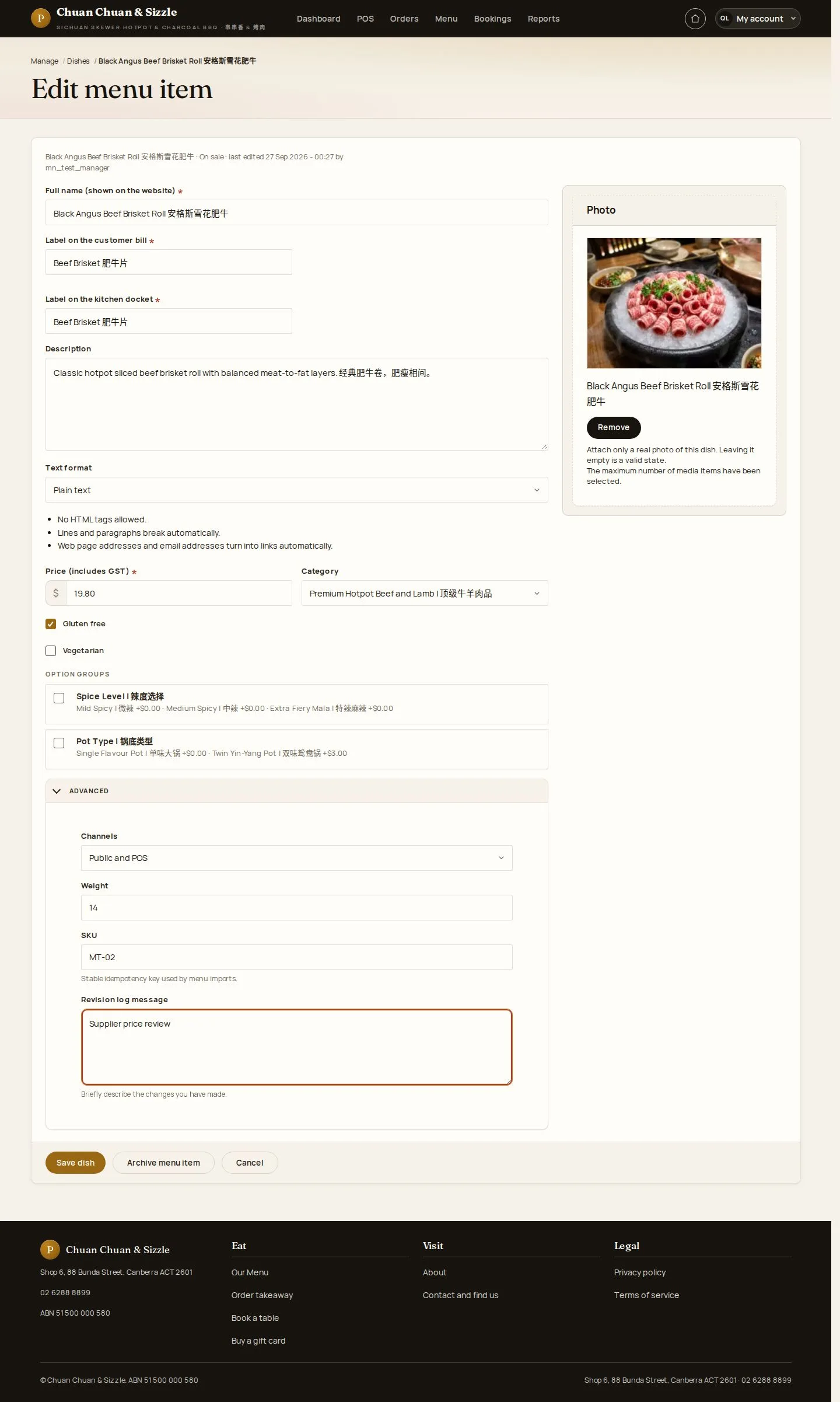
Edit menu item

Manager

Edit menu item

2Step 2 of 3

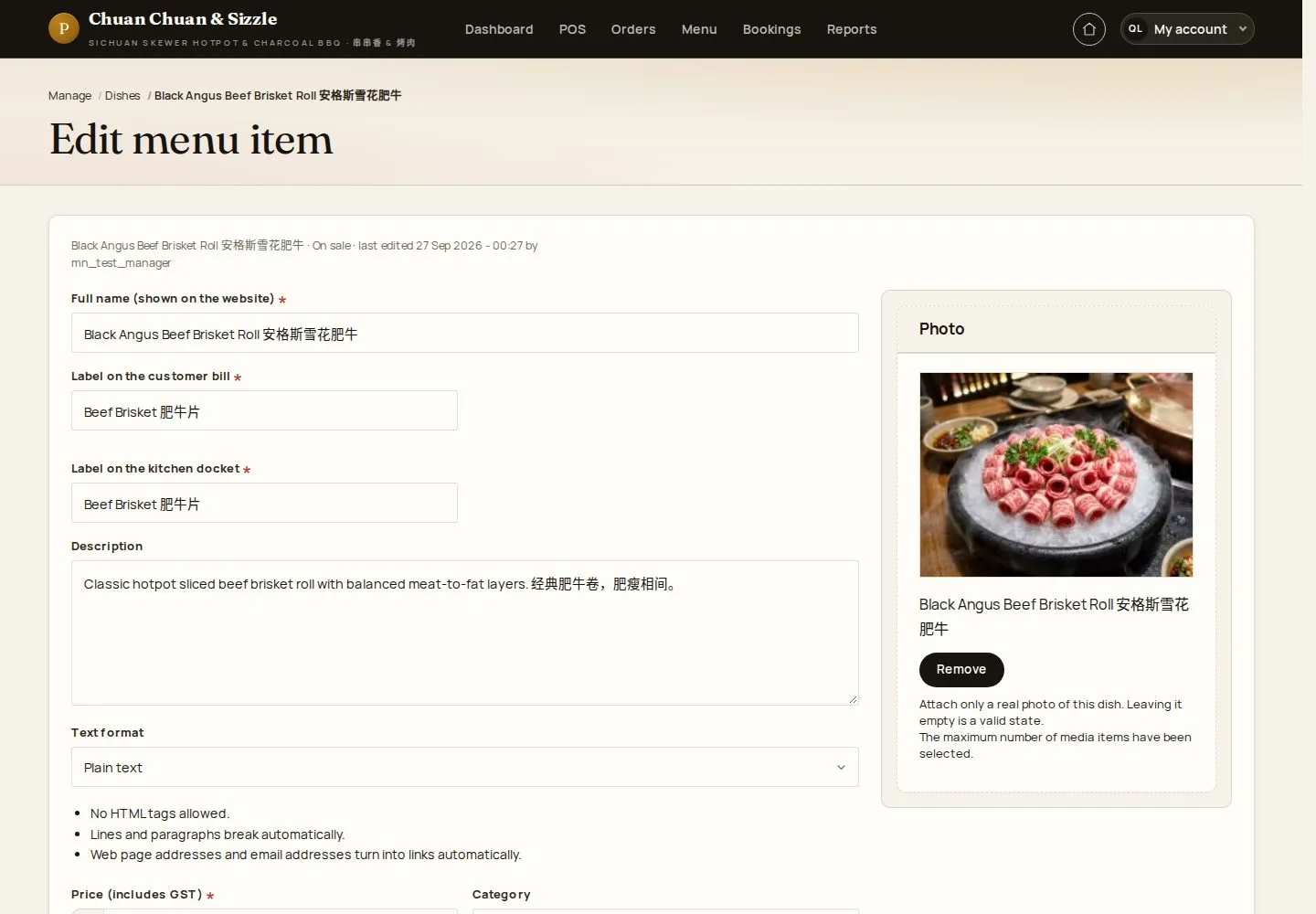
  1. Full name for the website, the Label on the customer bill and the Label on the kitchen docket.
  2. Lower in the form: Price (includes GST), Category, Gluten free, Vegetarian and Option groups.
  3. Save dish.

The new price shows on the website and the POS at once.

Enlarge, then scroll

Open illustrated screen ↗Full image ↗

Manager · Dishes and prices02

Earlier orders

Manager

Earlier orders

3Step 3 of 3

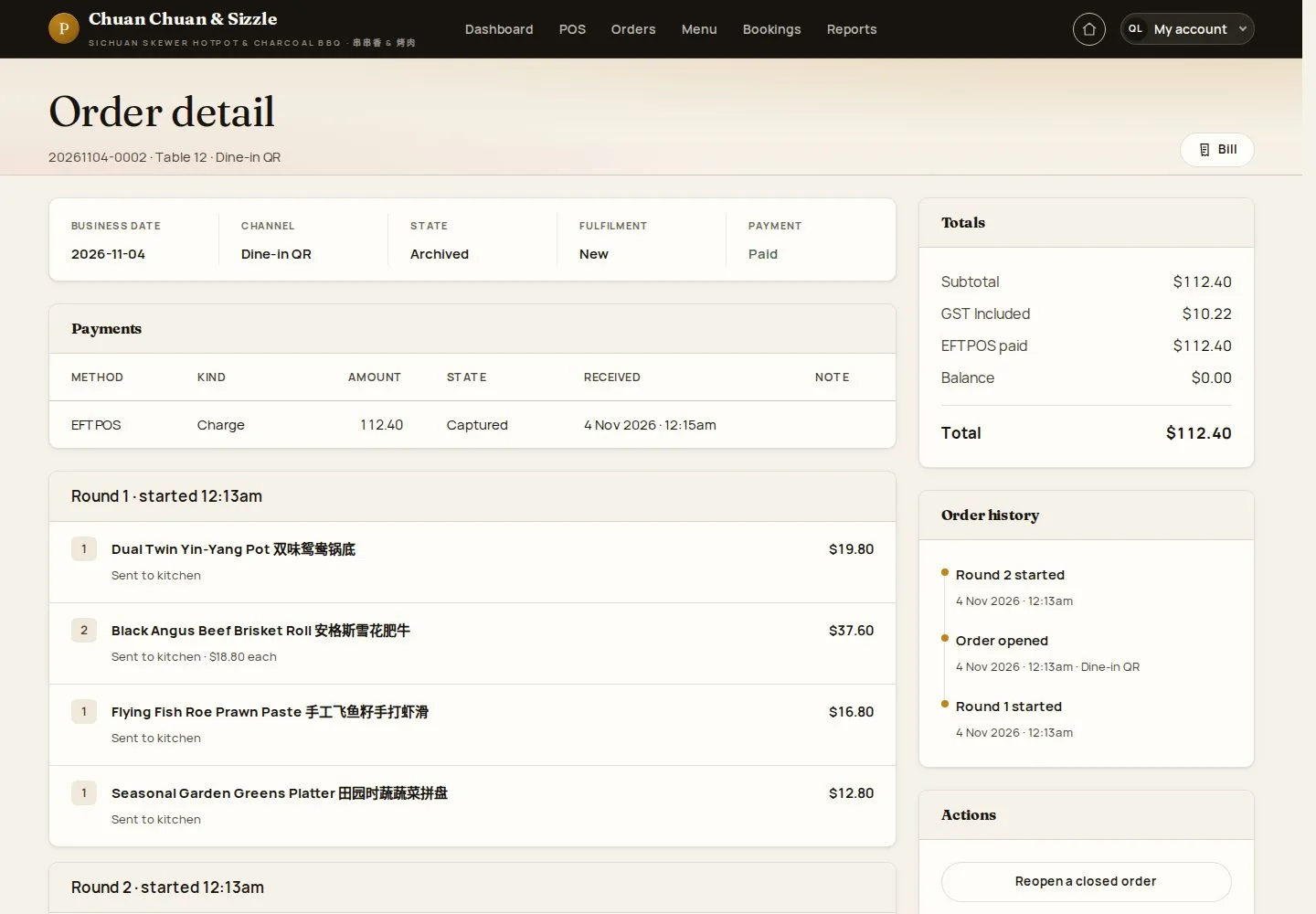
  1. An order taken before the change keeps the price it was sold at: $18.80 each here.

Enlarge, then scroll

Open illustrated screen ↗Full image ↗

Check

The new price is on the website and the POS; earlier orders keep theirs

Manager · Dishes and prices03
1 / 4
Privacy Terms