MenuNerds features
A menu guests can explore
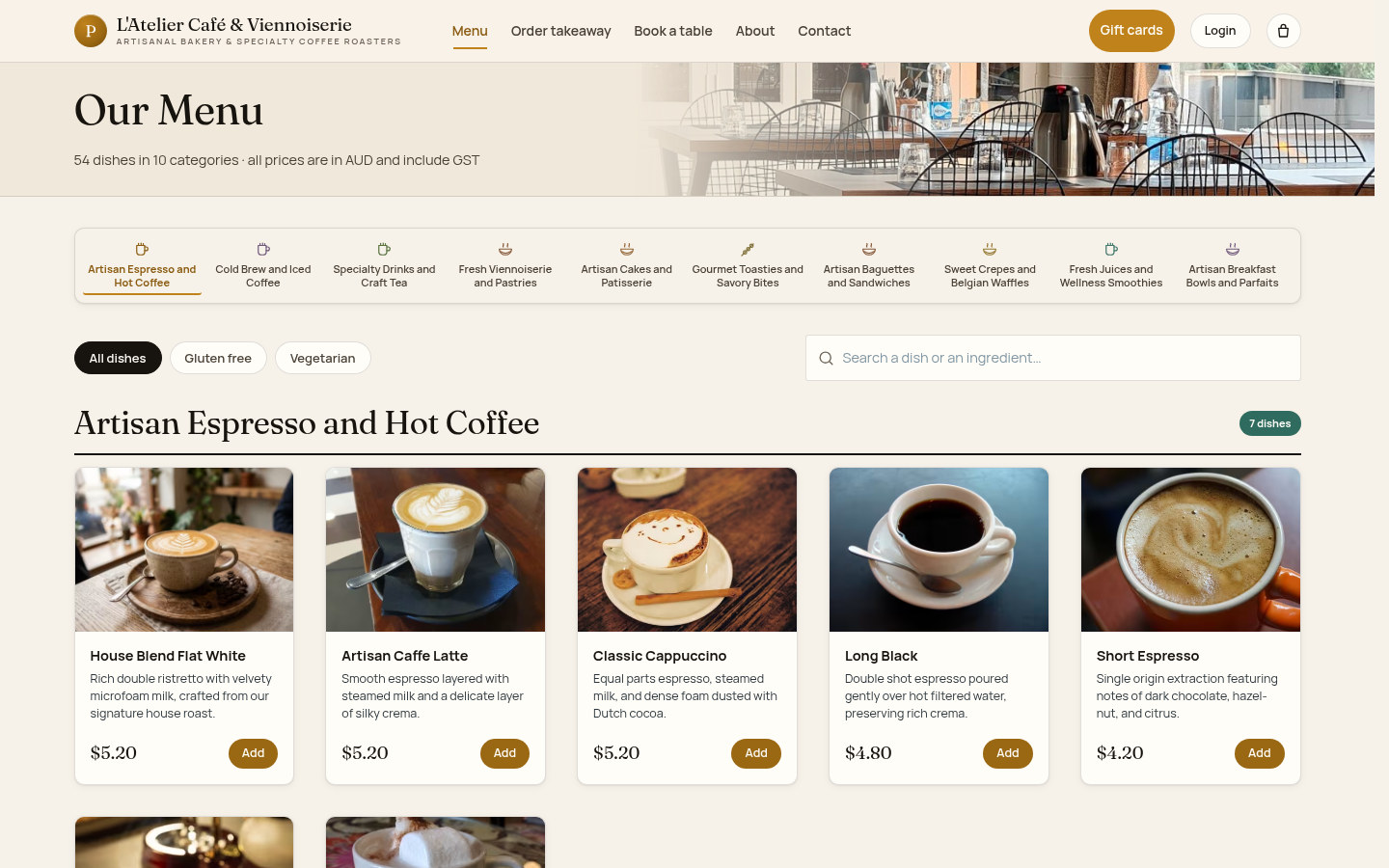
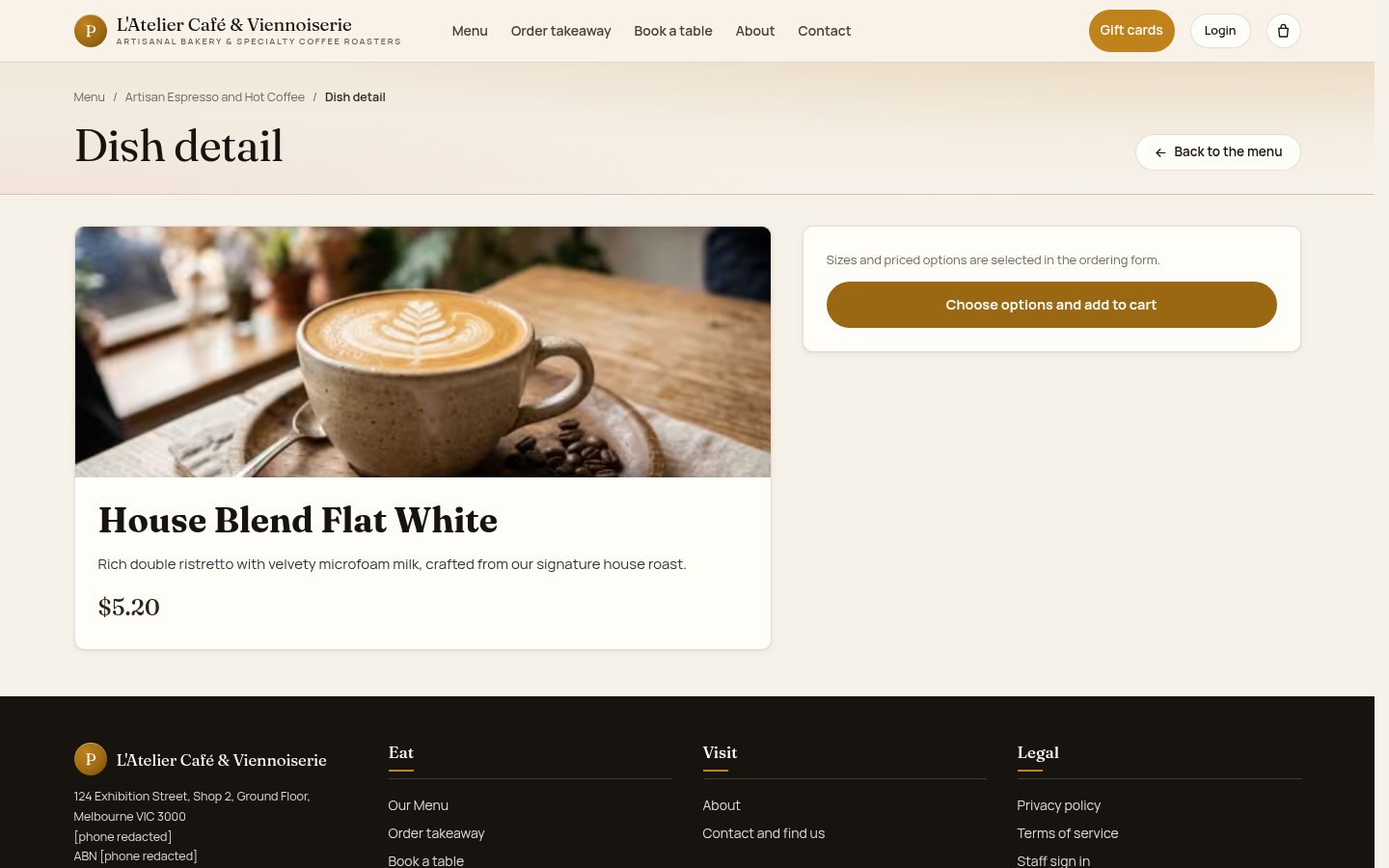
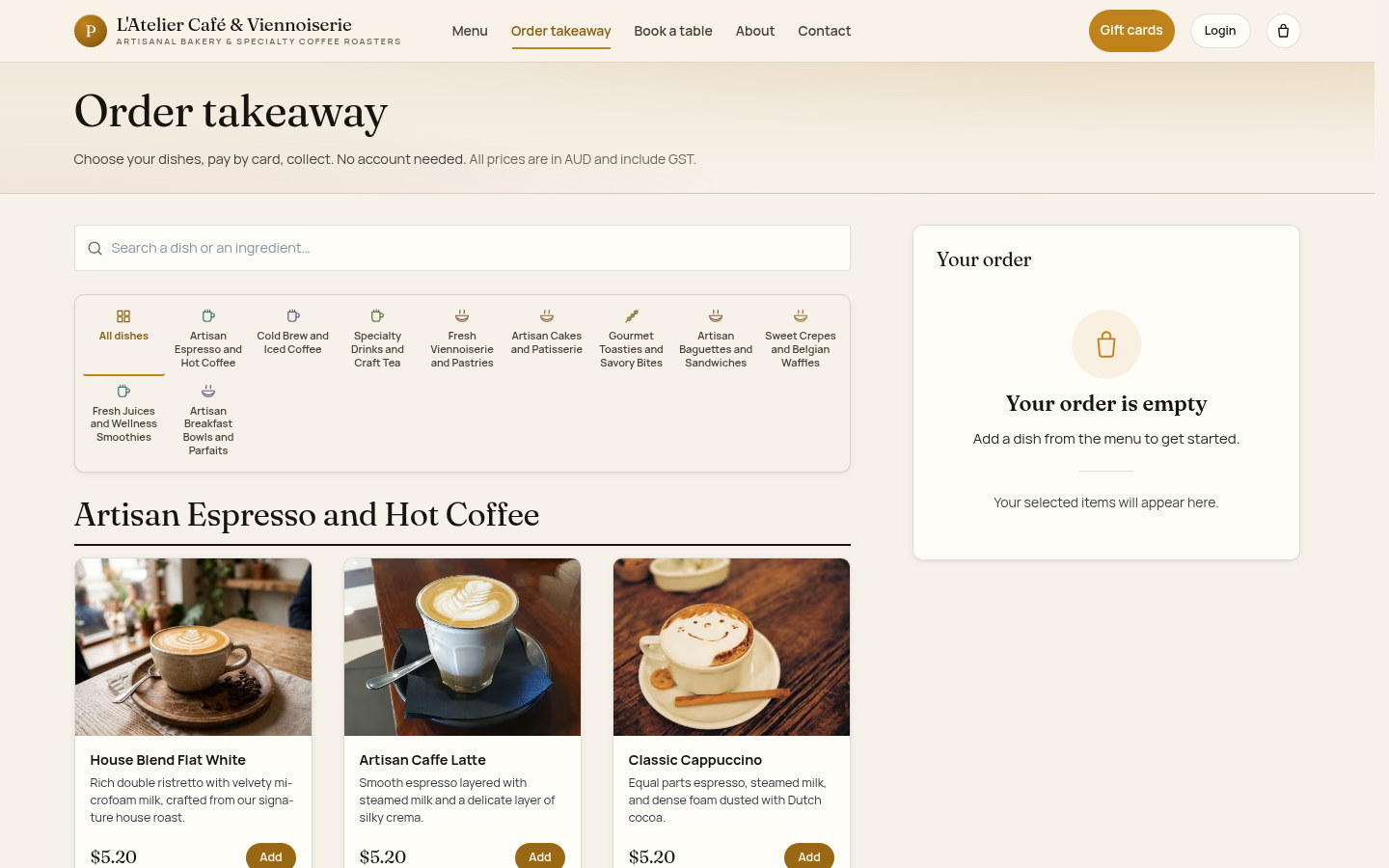
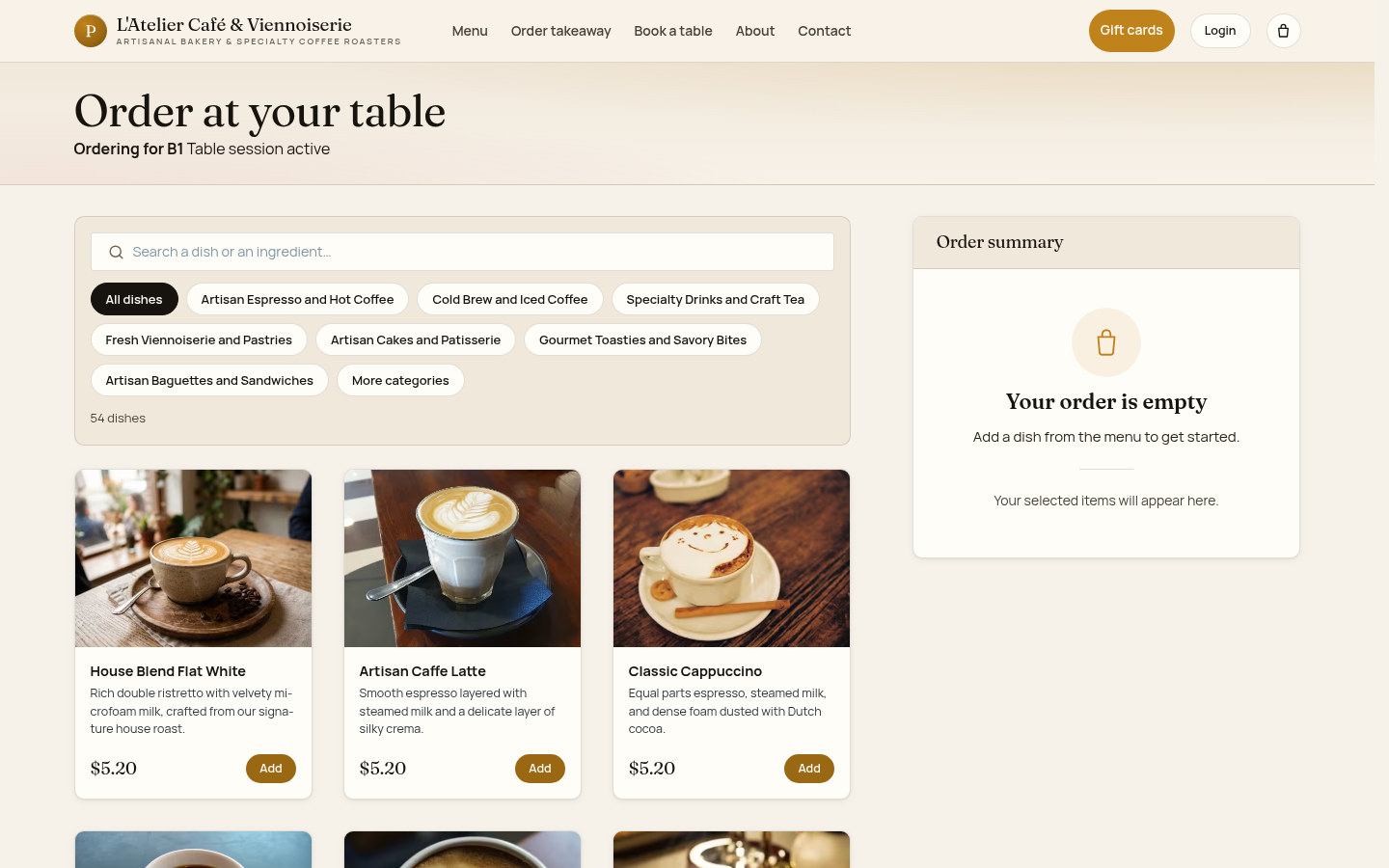
Browse categories, dish information and dietary labels, then continue to takeaway or table ordering without creating an account.
Service in a shared workspace
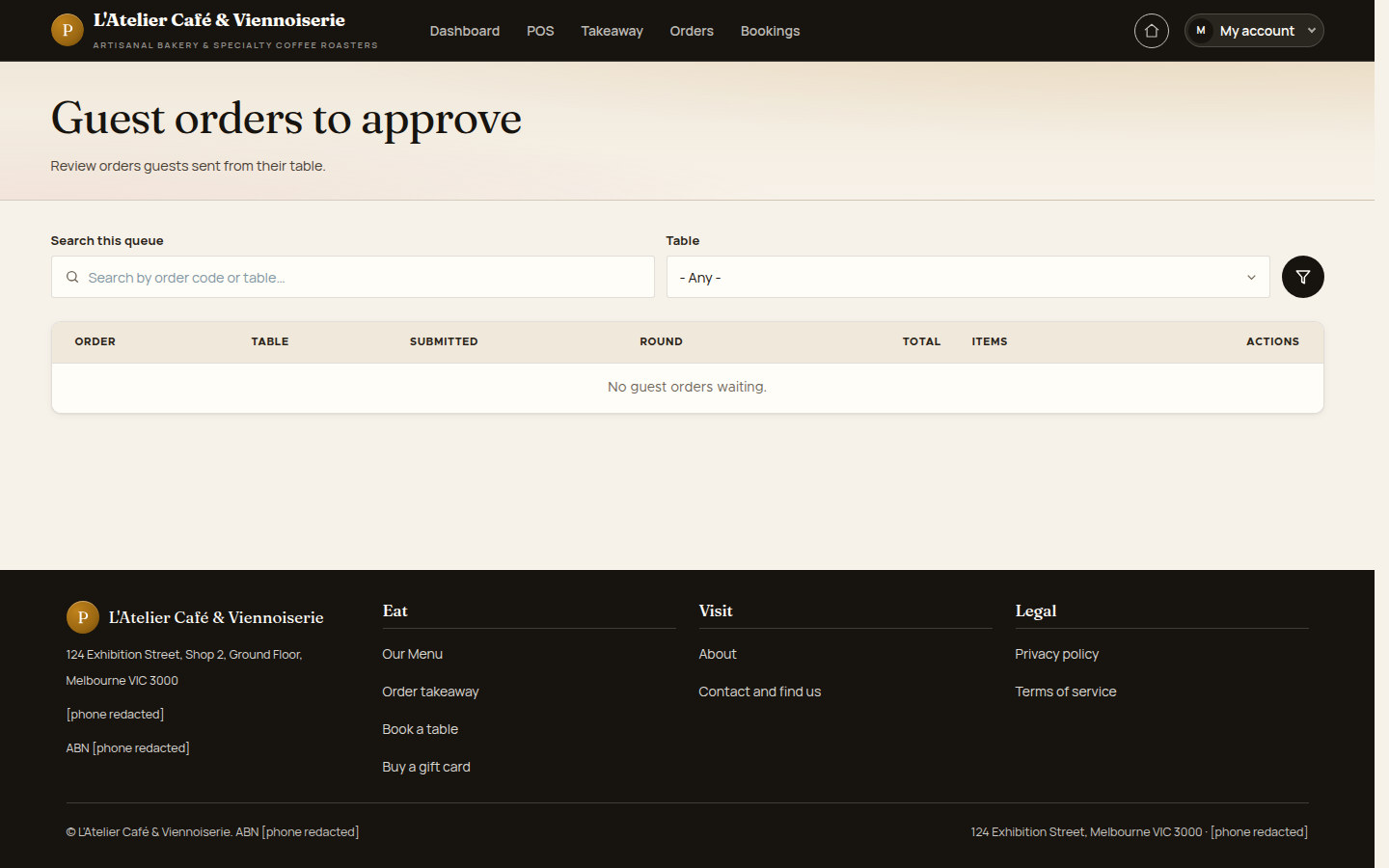
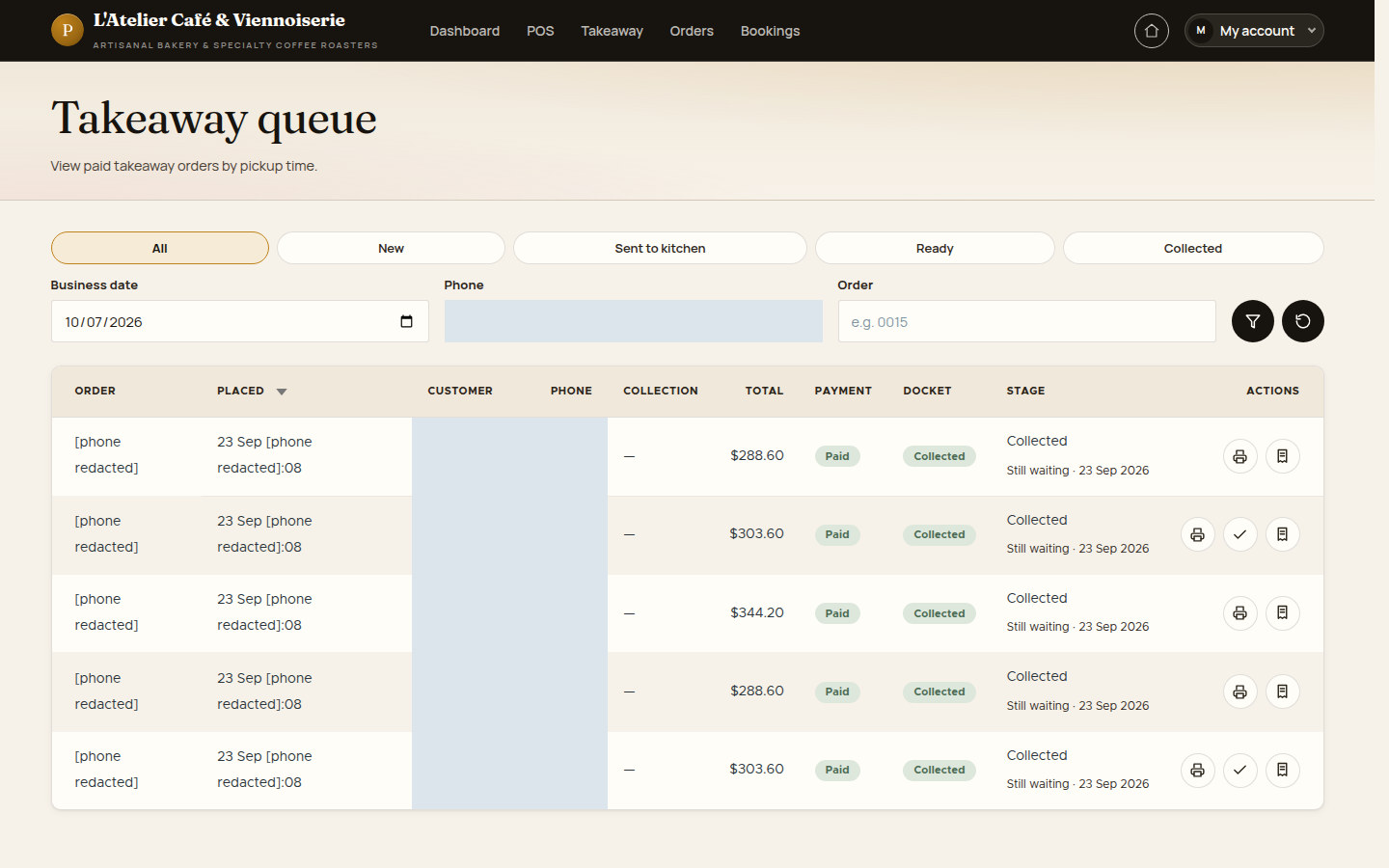
Staff use the floor map, order lists, takeaway queue and guest approvals to follow work during a shift.
The venue stays in your hands
Managers maintain menu prices, options, tables, hours and booking rules through the business interface.

From the guest menu to the staff workspace
MenuNerds connects a venue website with guest ordering, table service and management. Guests choose how to visit; staff follow the floor and queues; managers maintain the information behind the service.
The existing screens show L'Atelier Café & Viennoiserie, the project's demonstration venue. They illustrate product behaviour using the recorded menu and order data.
 View full size
The tools for everyday café service
Guest choices and staff work meet in the same operating workflow.
- MenuBrowse and chooseCategories, item details and dietary filters.
- OrderTakeaway and tablesGuest ordering with channel-specific steps.
- POSA view of the floorTable status and permitted order actions.
- QueuesFollow the next taskTakeaway collection and table-order approval.
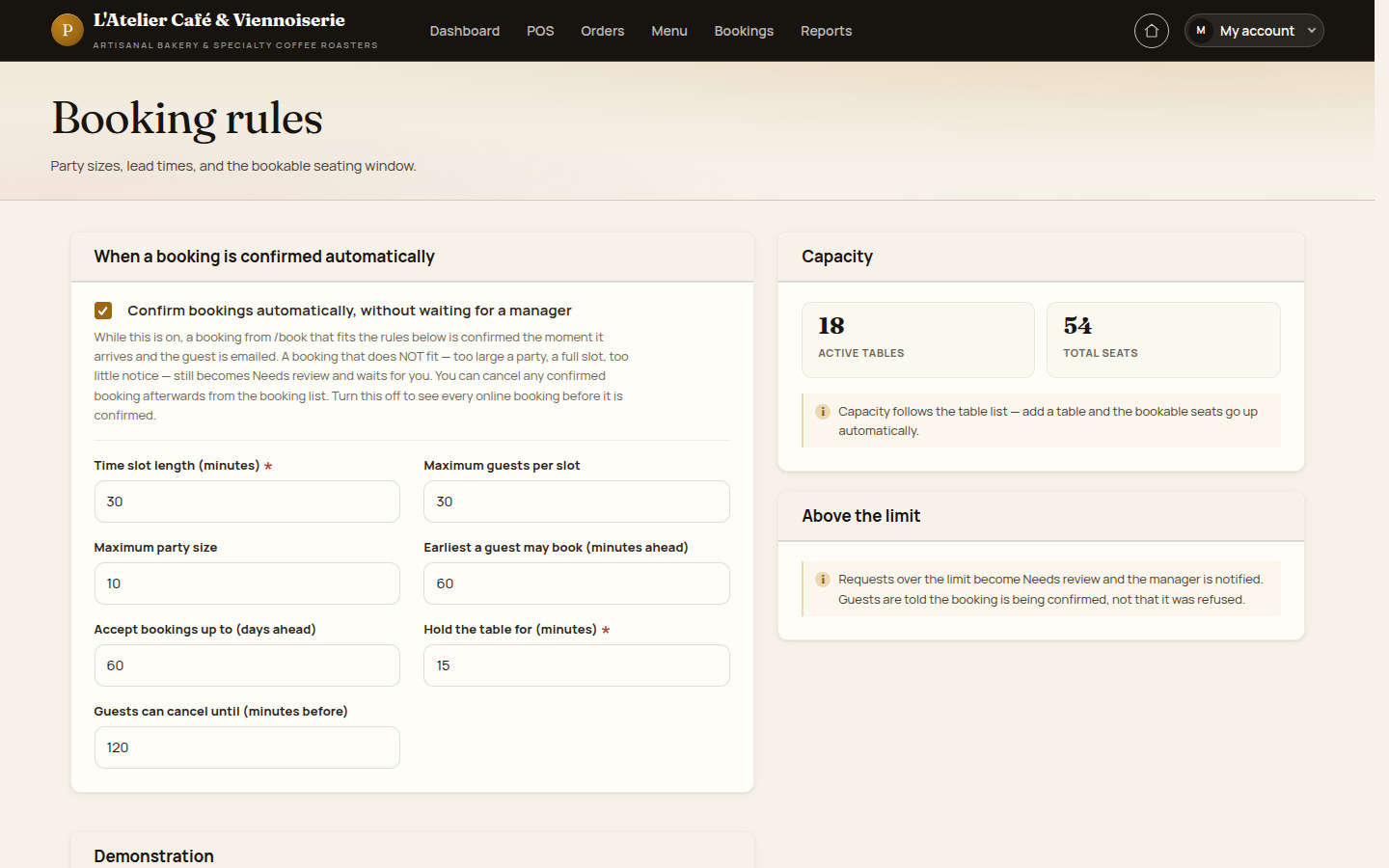
- BookingsPlan the next visitRequests, time slots and capacity rules.
- SetupMaintain your offeringPrices, categories, options and availability.
- RecordsKeep order contextSaved lines, rounds and payment records.
- ReportsReview the trading daySales, tenders, items and booking views.
For the people who visit, serve and manage the venue
The guest and staff interfaces support different tasks, with business actions governed by account permissions and the order state.
Guests choosing where and what to eat
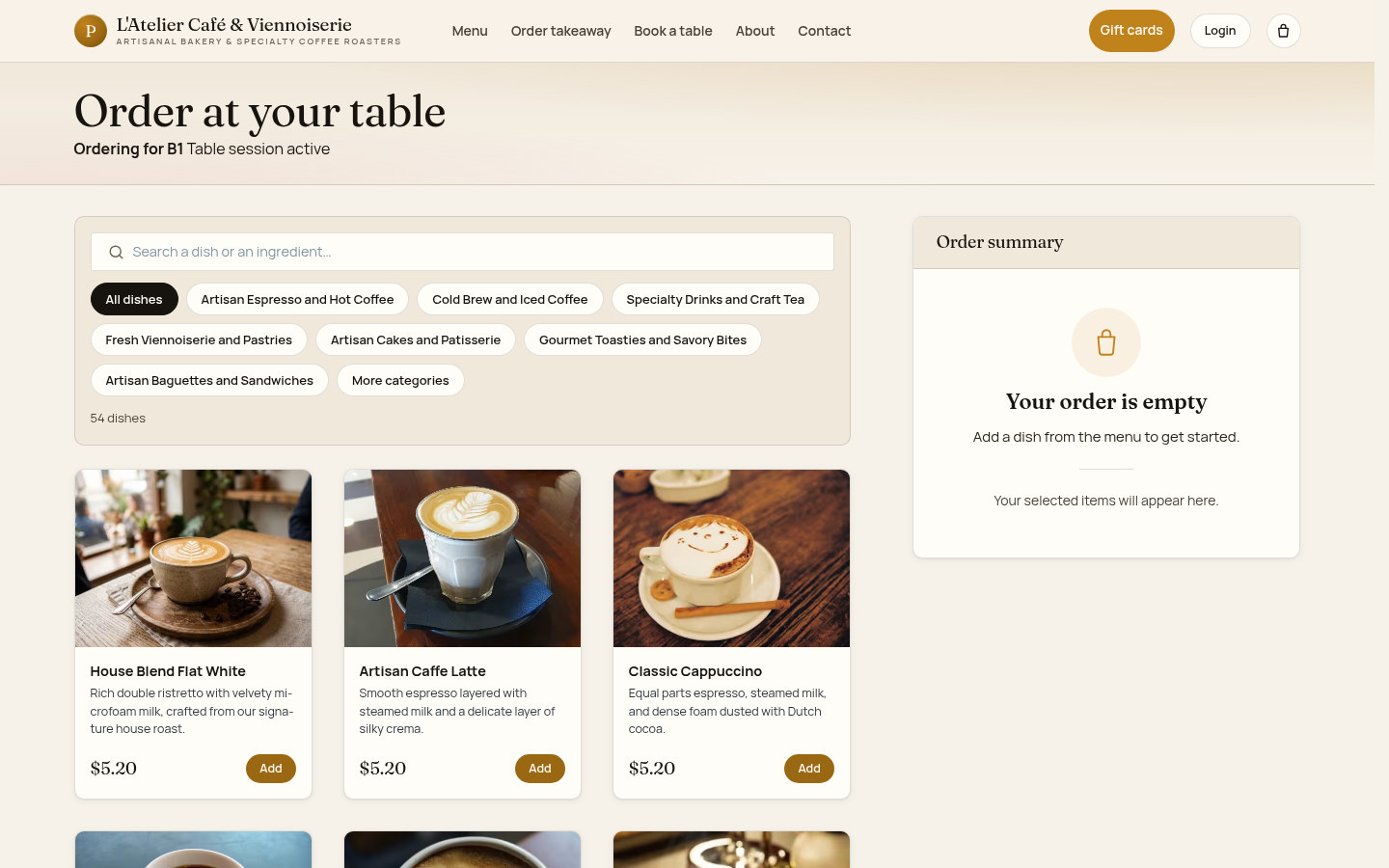
Explore the guest journeyExplore the menu, order for collection, scan a table QR or request a booking without a customer login.
Staff looking after a busy shift
Explore serviceMove between tables, takeaway collection, guest approvals and item availability in the service workspace.
Managers keeping the venue current
Explore managementMaintain menu details, prices, options, hours and booking capacity, then review recorded orders and reports.
Operators reviewing the day's activity
Explore reportingUse order details and payment-method reports to support reconciliation with cash and the external card terminal.
From a guest choice to a recorded service
Each channel keeps its own ordering, approval and collection steps.
Explore the venue
Find the café story, opening hours, location and service choices.
Choose a dish
Browse the menu and inspect price, description and available options.
Choose a service
Continue to takeaway, use the QR for your table, or request a booking.
Prepare the order
Review quantities, item notes and the selected service context.
Follow the channel
Takeaway checkout and table ordering use different payment and approval rules.
Review incoming work
Staff follow the takeaway queue or the table-order approval queue.
Continue service
Use the floor map and permitted order actions; later rounds retain their own items.
Record collection
Staff record external tenders where the order channel and their permissions allow.
Review the shift
Managers inspect orders and report views alongside their operational records.
Keep the floor and incoming work in view
The service workspace puts tables and queues close together. Staff can see the table status, follow takeaway collections and review table orders that need approval.
- Floor map with area and status filters
- Guest table-order approval queue
- Takeaway queue for collection
- Availability board for sold-out items
- Actions depend on the order state and staff permissions
 View full size
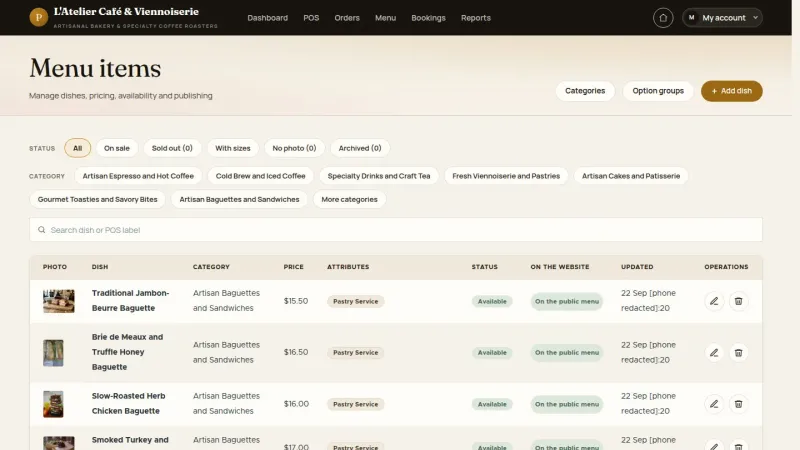
Change the menu as your offering changes
Managers maintain the guest-facing menu through item, category and option forms. A coffee can have its own price, kitchen label, dietary flags and applicable options.
- Item names, descriptions, photos and prices
- Guest, bill and kitchen labels
- Categories and display order
- Applicable option groups and additional prices
- Availability kept separate from publication state
 View full size
Review recorded sales and payment methods
Management reports bring order activity into daily, payment, item and period views. Use these records to support end-of-day review with the cash drawer and external terminal statement.
- Daily sales and payment-method views
- Item, category and trading-hour reports
- Period comparisons and booking outcomes
- Recorded tender amounts kept with the order
- GST summary values require accounting review
 View full size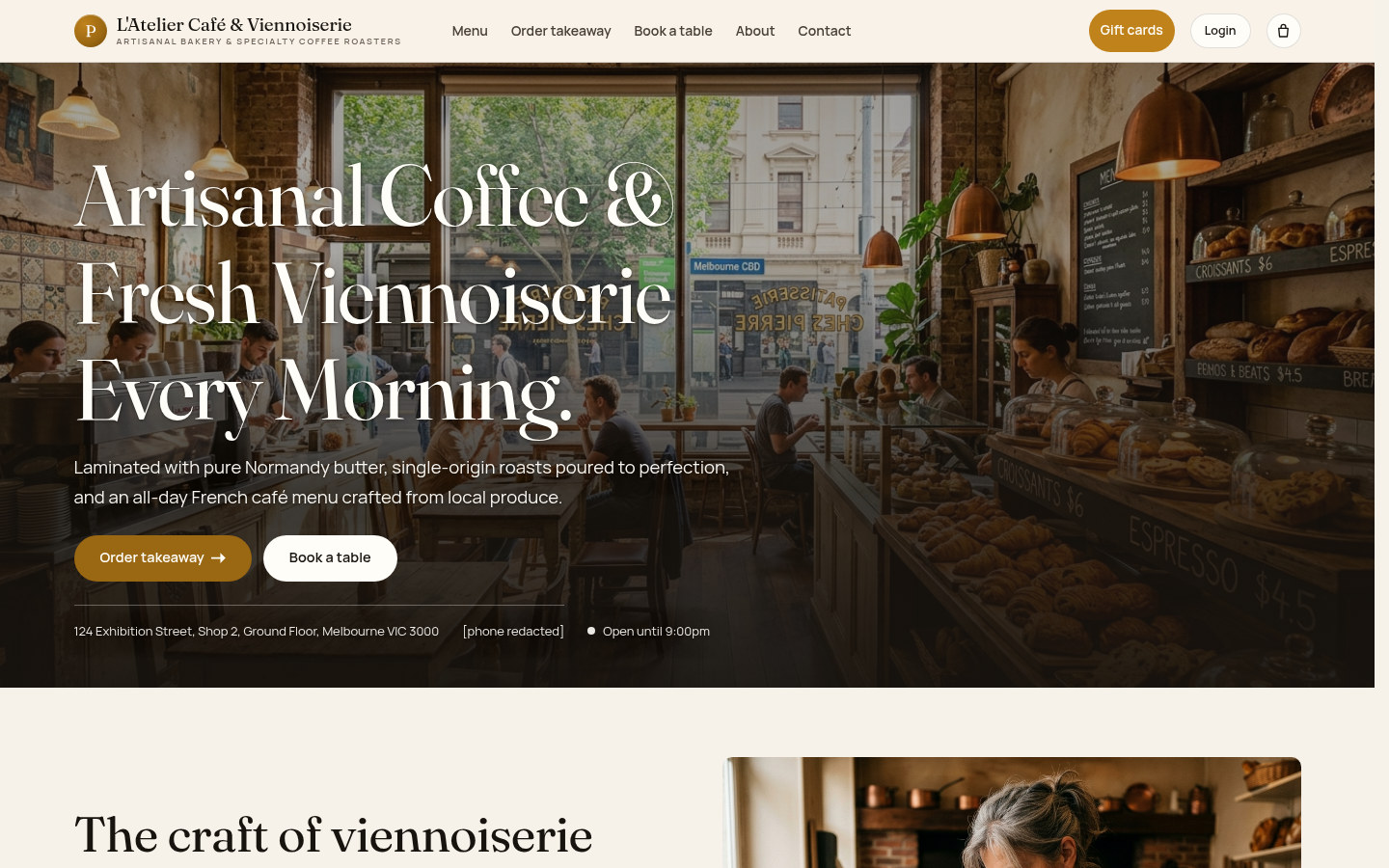




Live demo
Each demo is a working copy of MenuNerds Café with sample data, open for you to try.
Connect the menu with the service workflow
Bring the guest-facing menu and staff records closer together while keeping the venue's external payment terminal and paper kitchen workflow.
| Separate records | With MenuNerds | |
|---|---|---|
| Guest discovery | A menu maintained separately from operations | Menu, venue information and ordering entry points together |
| Menu changes | Prices and options updated in separate places | Manager forms for menu items, categories and options |
| Table service | Staff rely on a separate table list | Floor map, table context and guest approval queue |
| Takeaway | Collection work kept outside the service view | Guest ordering entry point and staff takeaway queue |
| Payments | An external terminal and cash drawer | External collection remains, with tender records on the order |
| Review | Order and trading records assembled separately | Recorded orders and management report views |
Bring your venue into the product
Keep your brand, offering and service rules together with the existing product functions.
MenuNerds Your venue information, service setup and operating records
Your venue Brand, menu, opening hours, floor areas and service choices
Shapes the guest and staff experience
Your service setup Prices, options, tables, ordering rules, capacity and staff permissions
Uses existing product functions
MenuNerds functions Guest ordering, POS, approvals, reservations, order records and reports
Product capabilities
- Public menu and item information
- Guest takeaway and table-QR ordering flows
- Staff POS, order lists and service queues
- Menu, table, hours and reservation management
- Order rounds, tender records and audit context
- Gift-card entry points and promotion management
- Sales, payment and operational reporting views
Your venue setup
- Venue brand, story, images and contact details
- Your menu categories, descriptions and prices
- Item options, kitchen labels and availability
- Floor areas, table labels and capacities
- Opening hours, ordering and booking rules
- A scoped rollout, training and hardware checks
Prepare the venue and rehearse the shift
Review the content, service rules and intended equipment before a live rollout.
From venue information to a reviewed service workflow
- Set the venue details Prepare branding, opening hours and the guest-facing information. A consistent café website
- Prepare the menu Review item descriptions, photos, prices and dietary labels. A menu guests can understand
- Configure service Set tables, options, ordering rules and booking capacity. Rules that match your venue
- Prepare the team Create staff accounts and practise the permitted service steps. Clear responsibilities
- Rehearse the shift Check orders, tenders, mail and print output with the intended equipment. A reviewed operating workflow
- Plan the launch Agree rollout, acceptance, support and the handover responsibilities. A controlled introduction
Keep service and order history connected
Guest choices, staff actions and order history follow the existing channel, state and permission rules.
- Guests can start without an account Menu browsing, guest ordering and booking do not depend on a customer login.
- Each service keeps its rules Table approval, takeaway checkout and counter orders have their own permitted steps.
- Later rounds retain their own items Kitchen dockets follow order rounds while the guest bill represents the whole order.
- Historical lines retain their values Menu changes do not rewrite the names and prices already saved on an order.
- The external terminal stays external Staff record the collection method and amount; MenuNerds does not control the EFTPOS terminal.
- Reports follow recorded activity Review report totals alongside payment statements and operational records.
Everyday situations MenuNerds supports
A guest browses the pastries and coffee, finds the collection option and starts a takeaway order without first creating a profile.
Guest orderingBefore the visitMenu and takeaway A waiter checks the floor map, reviews a guest table order and keeps the takeaway collection queue close at hand.
Service coordinationDuring the shiftFloor, approvals and queues A manager updates a coffee price and its options, then reviews the day's recorded tenders alongside the external terminal statement.
Venue managementKeeping the operation currentMenu maintenance and reports
Questions about MenuNerds
Do guests need to create an account?
No. Guests can browse the menu, start takeaway or table-QR ordering and submit a booking request without signing in.
How does table ordering reach the team?
The table QR opens the menu for that table. Submitted guest orders enter the staff approval workflow rather than charging the guest online at the table.
Can managers change menu prices themselves?
Yes. Permitted managers maintain item information, prices, categories and applicable options through the business interface. Existing order lines retain their saved values.
Does MenuNerds connect to an EFTPOS terminal?
The terminal operates separately. Staff record the method and amount collected outside MenuNerds when the order state and their permissions allow it.
Does it replace the kitchen with a display system?
The workflow uses paper kitchen dockets by order round. A kitchen display system is outside the current product scope.
How are reservations organised?
Guests request a time and party size. Venue rules govern opening hours and capacity; a reservation does not allocate a specific physical table.
What gift-card and promotion tools are available?
Guests have gift-card purchase and balance entry points; managers have card and amount-management screens. Promotion forms define eligible dates, items or order values. Existing rules select one best matching discount rather than stacking promotions. Issuance and redemption depend on the configured service and payment workflow.
What can the team review after a shift?
Managers can inspect recorded orders and daily, tender, item, category, period, trading-hour and booking report views. Reports support review; they do not certify tax compliance.
Can the product be adapted to our café?
Branding, menu content, tables and existing service rules can be prepared for your venue. New integrations or workflows are scoped and developed separately with WeebPal.
A guide for each operational role
Open a role guide for task steps and recorded product screens.