Browse the menu

Home page · Our Menu · Categories · Search · Dish page

  • No account needed
Public

The café website

Public

The café website

1Step 1 of 4

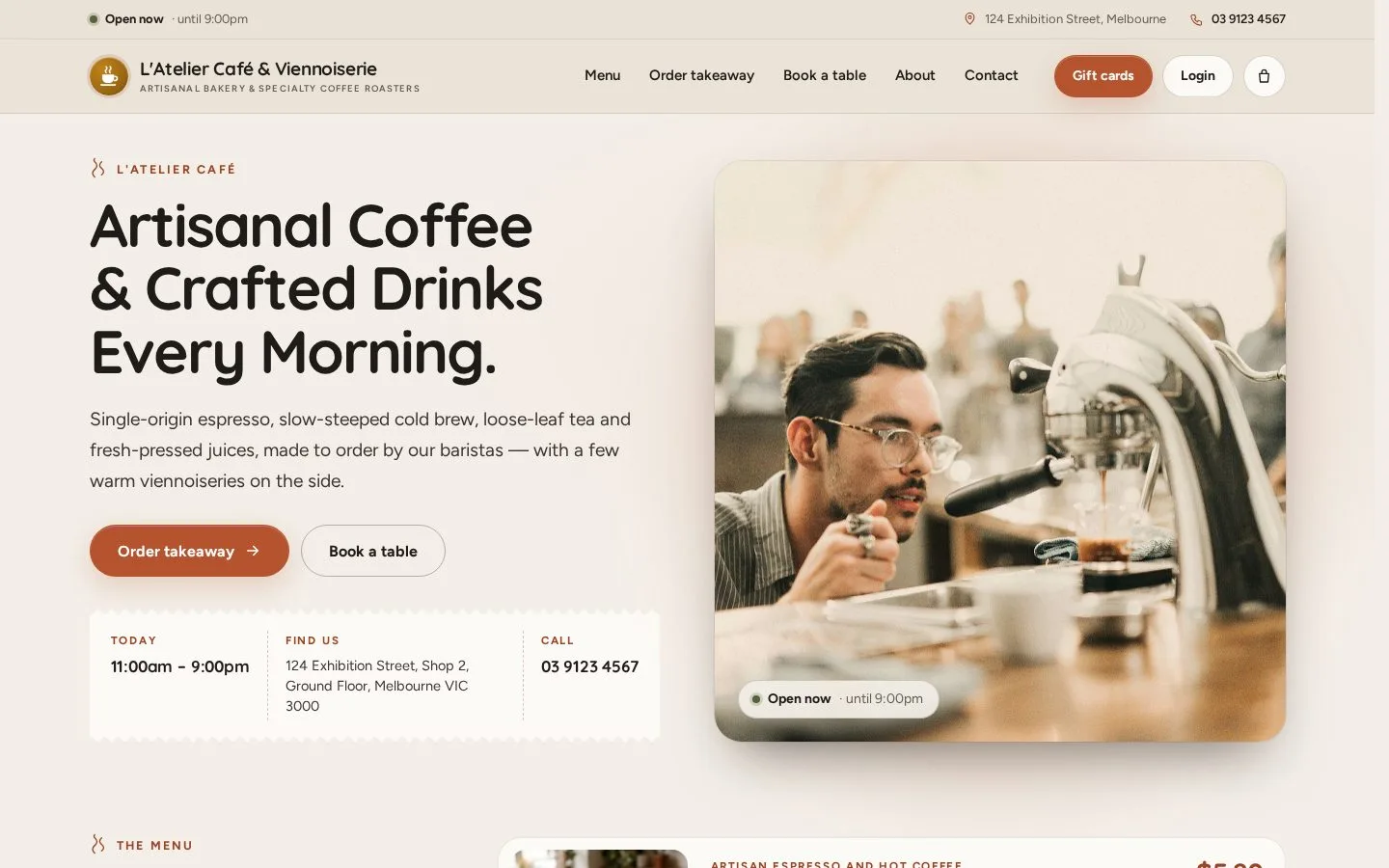
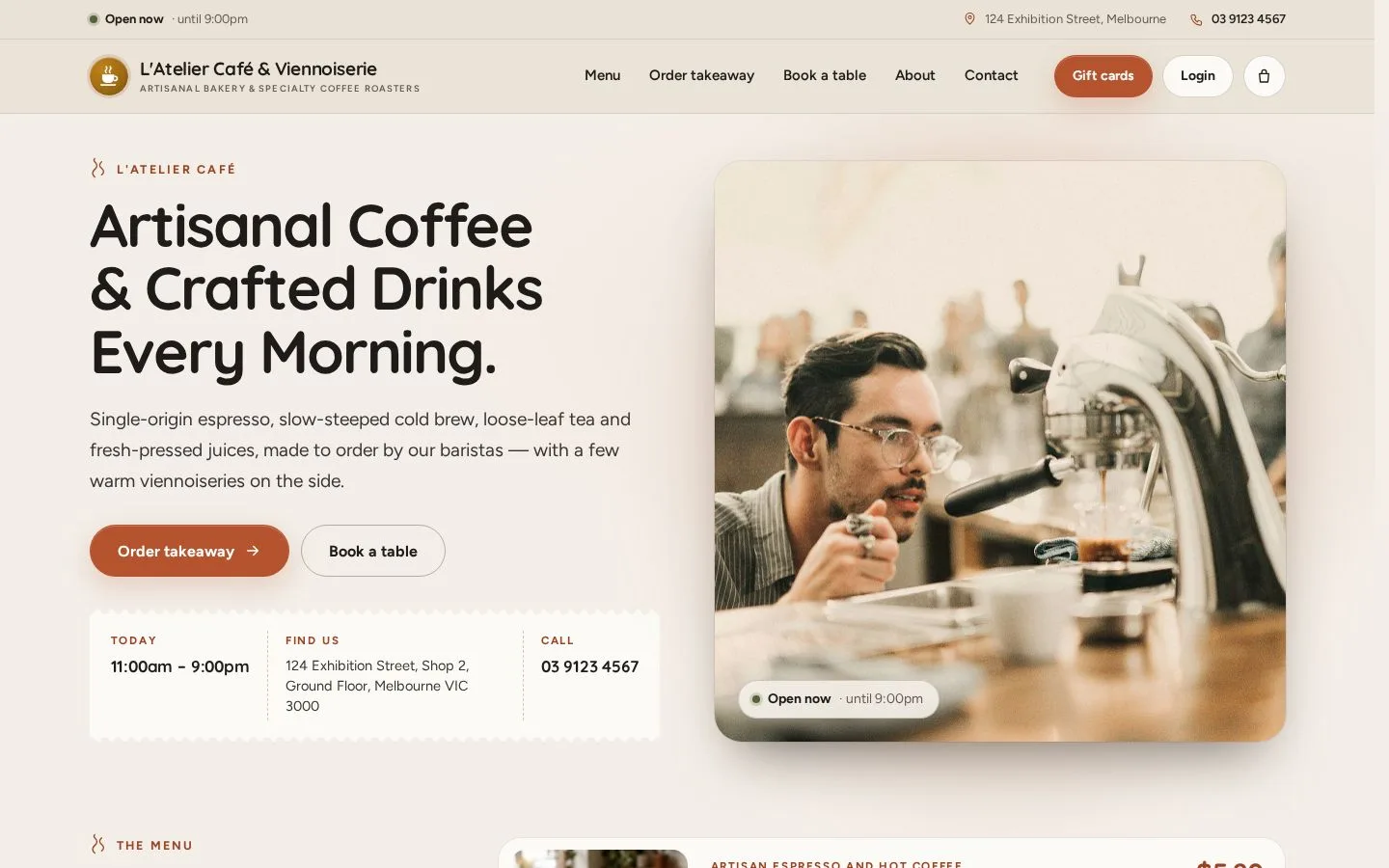
  1. Open the café website: Menu, Order takeaway and Book a table are in the top bar
  2. The home page shows today's hours, the address and the phone number
  3. Gift cards sells a gift card; Login is for staff only

Open illustrated screen ↗Full image ↗

Public · Browse the menu01

Our Menu

Public

Our Menu

2Step 2 of 4

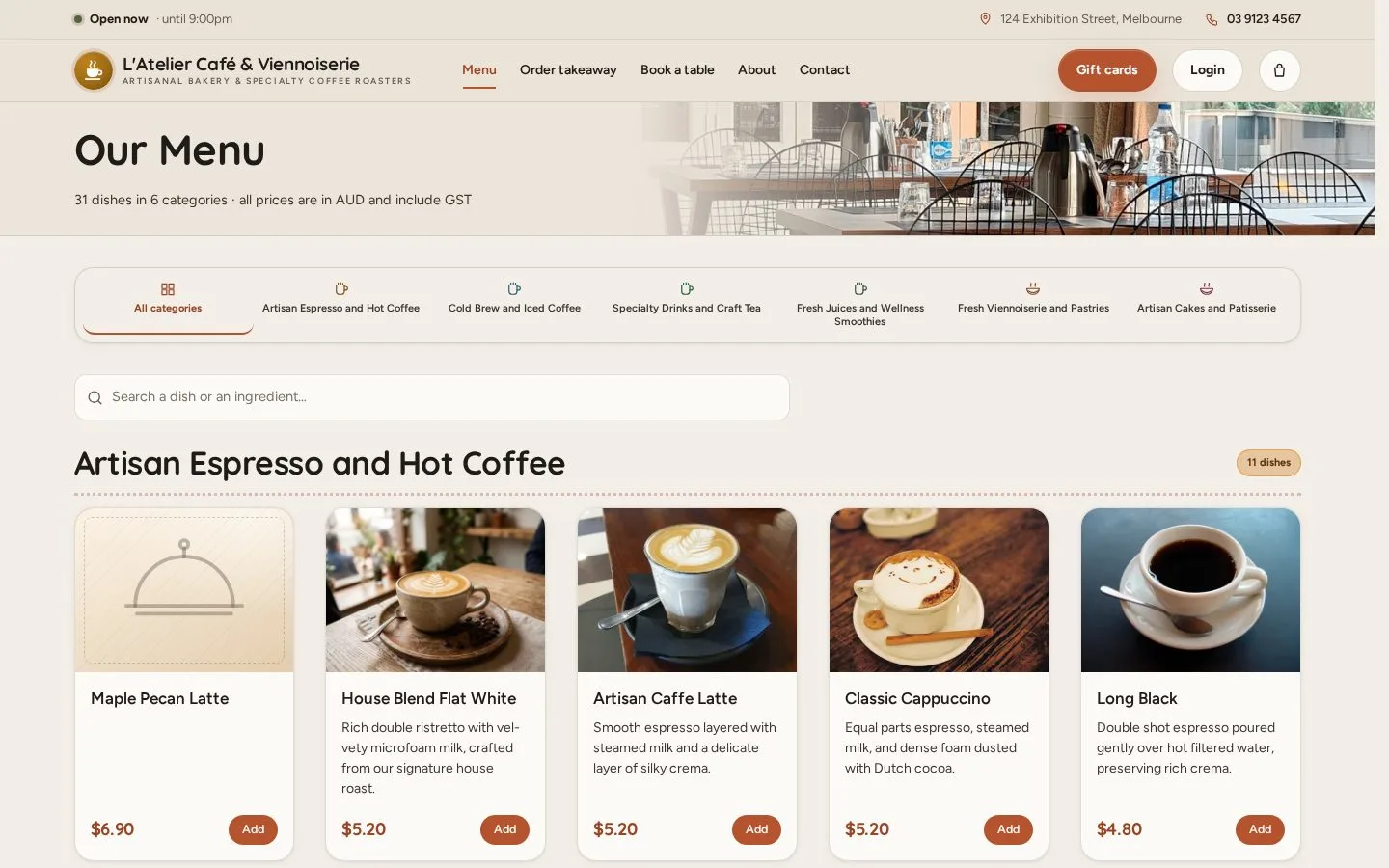
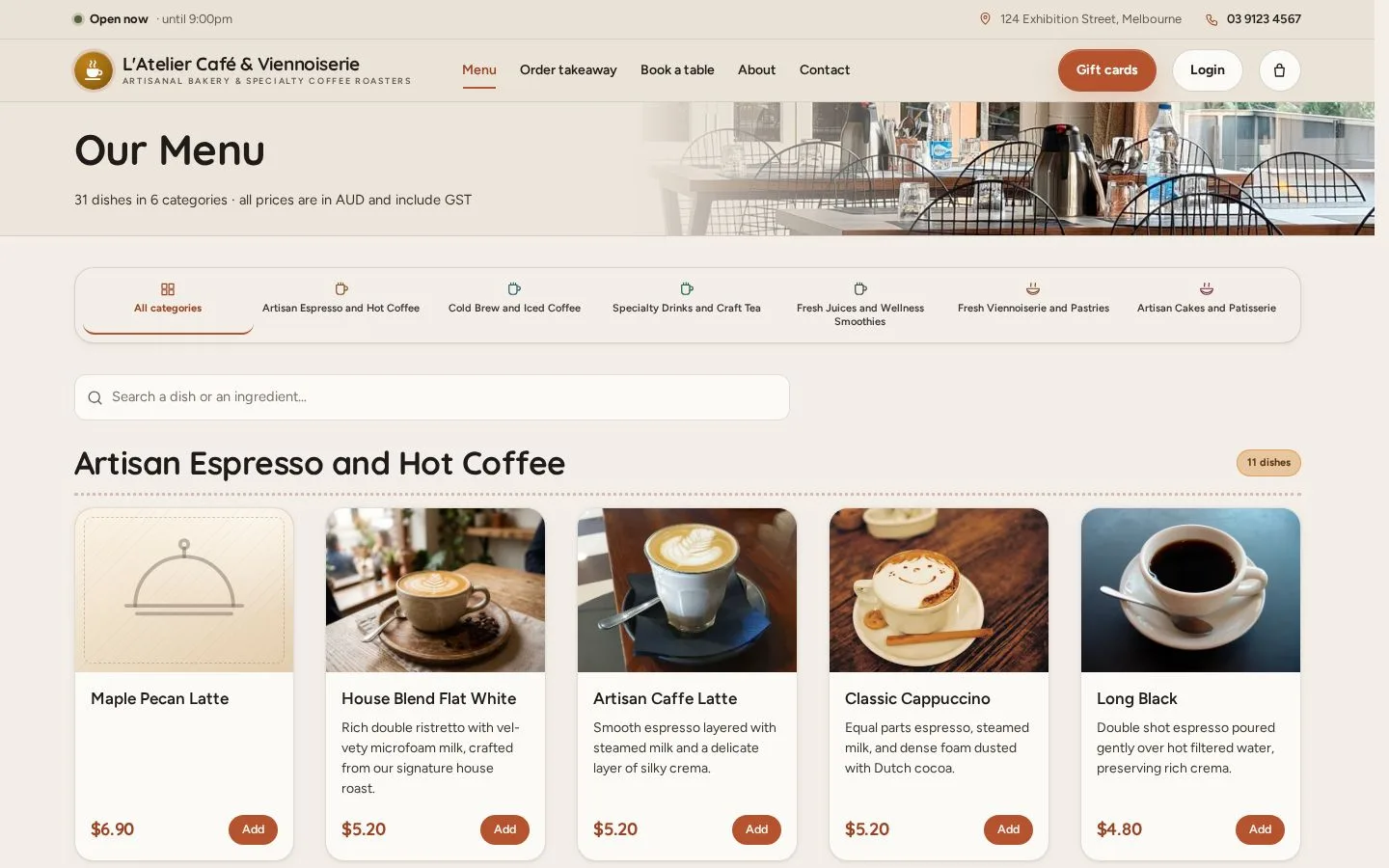
  1. Open Menu
  2. Tap a category in the bar, or scroll through every dish
  3. Each dish shows its photo and price, in AUD with GST included

Open illustrated screen ↗Full image ↗

Public · Browse the menu02

Search the menu

Public

Search the menu

3Step 3 of 4

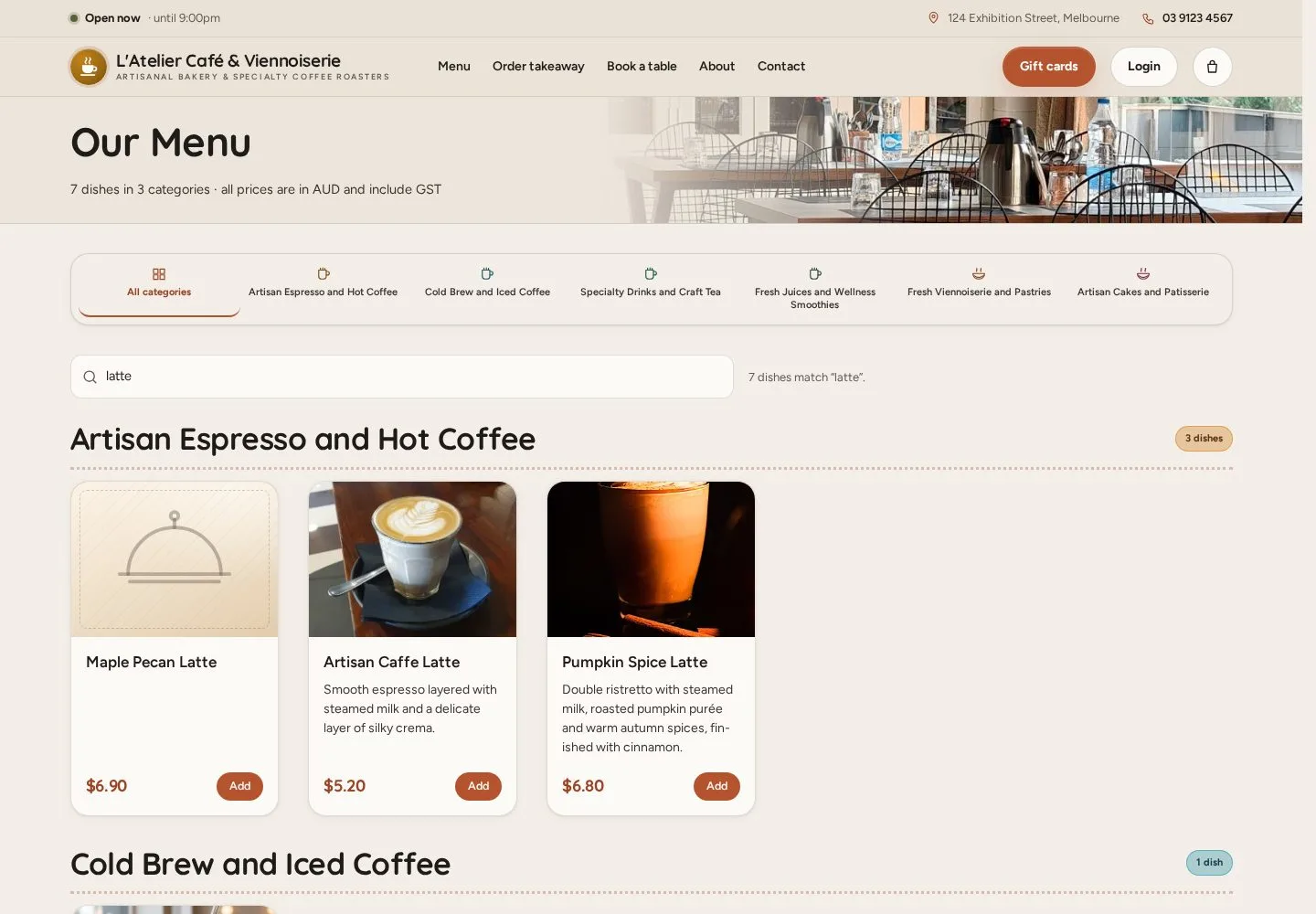
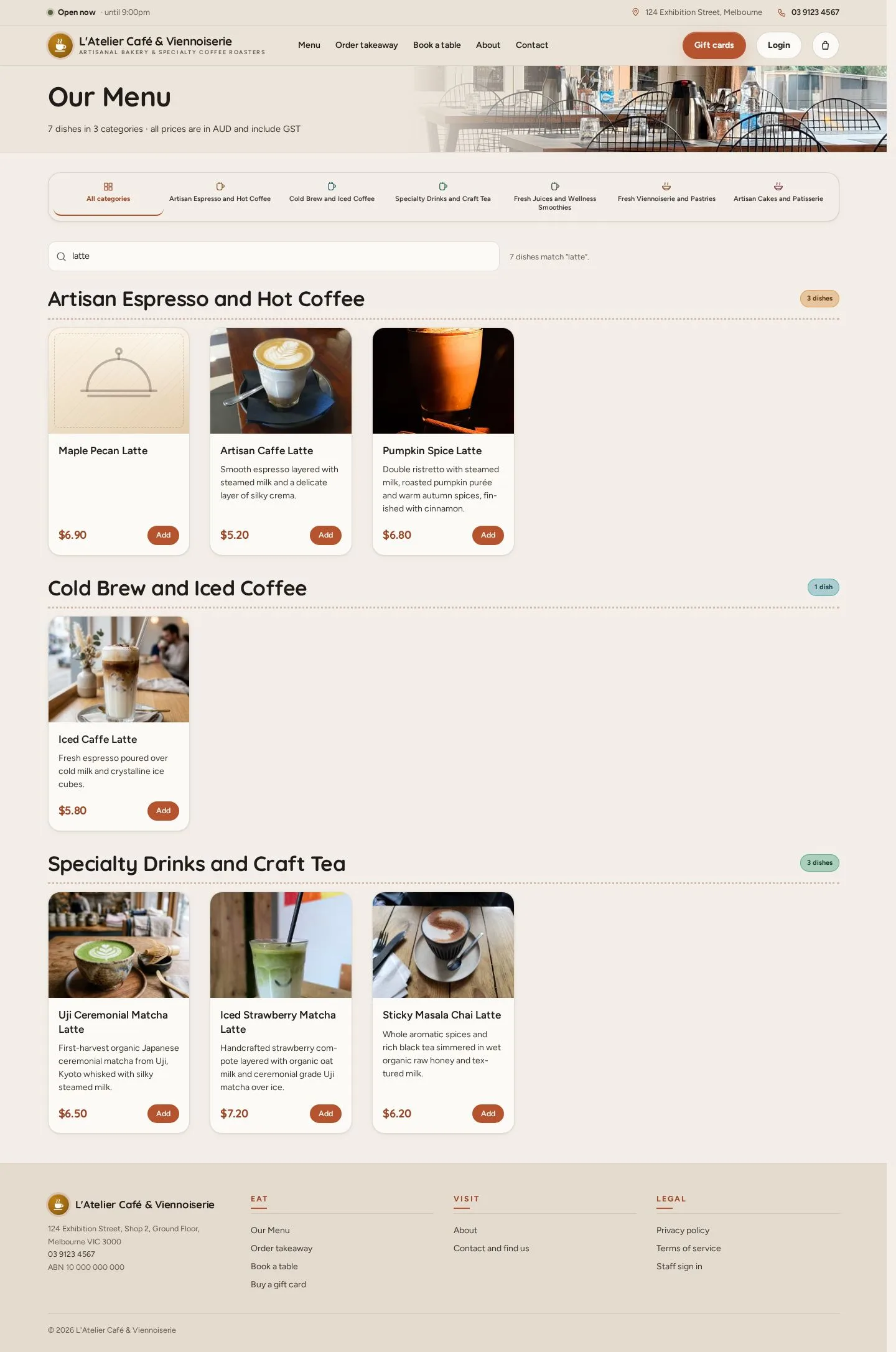
  1. Type a dish or an ingredient in Search, for example latte
  2. Only the matching dishes stay, under their categories

Enlarge, then scroll

Open illustrated screen ↗Full image ↗

Public · Browse the menu03

A dish

Public

A dish

4Step 4 of 4

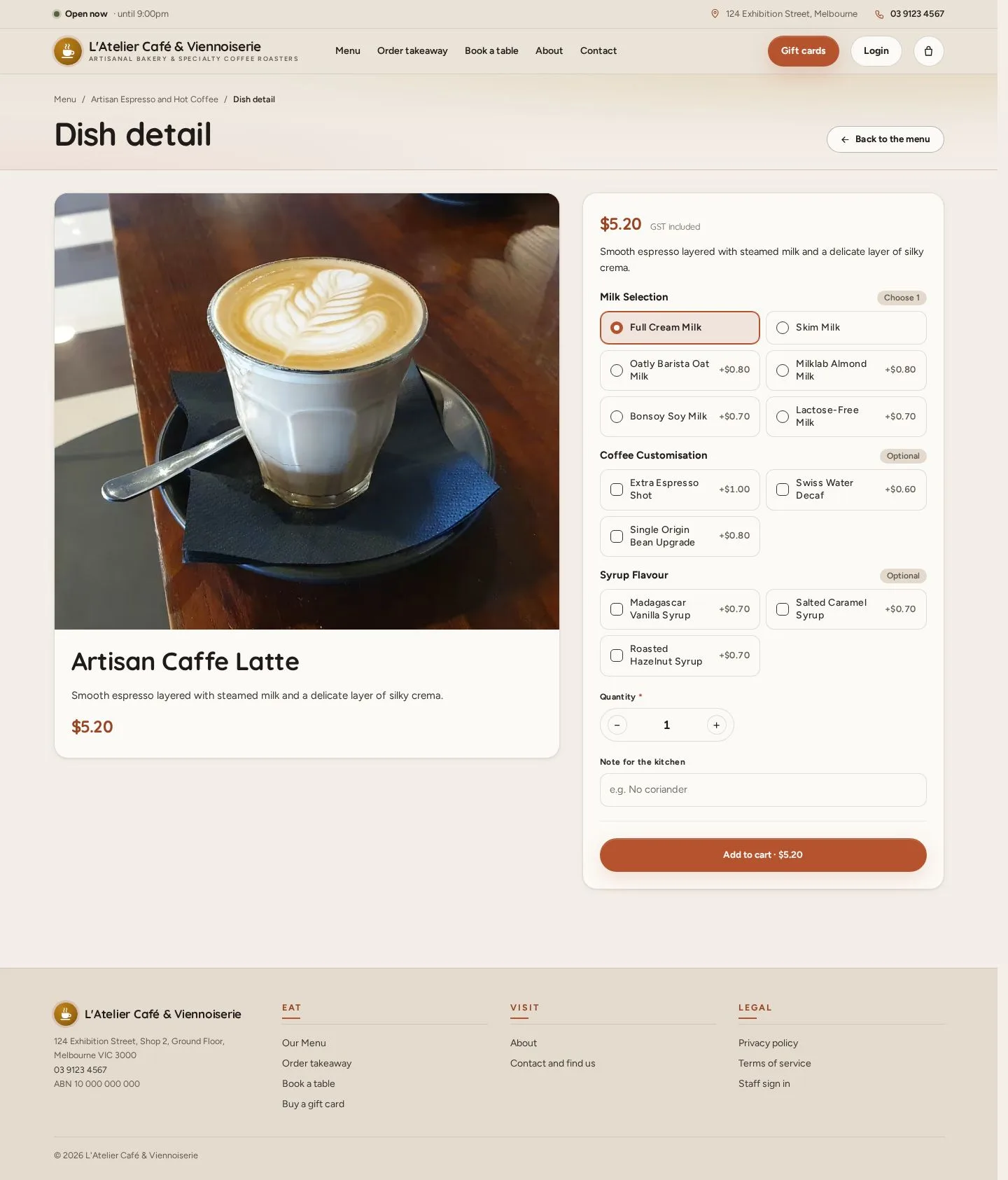
  1. Open a dish for its photo, description and options
  2. Each option shows its extra cost
  3. Add to cart starts a takeaway order (Order takeaway)

Enlarge, then scroll

Open illustrated screen ↗Full image ↗

Check

You have found the dish, its price and its options

Public · Browse the menu04
1 / 5
Privacy Terms