

GrowMarket.AI
AI marketing that helps a small business handle many channels
Describe your business once. GrowMarket.AI plans posts and e-mails from the facts you verify, waits for your approval and publishes them to your channels.

Made for busy owners
The AI drafts and checks while you decide, from the facts of your business to the results.
Facts read from your website
A campaign plan from one sentence
Posts and e-mails drafted by AI
Nothing goes out unapproved
Publishing to your channels
A switch to pause publishing
E-mail to contacts who agreed
Contacts and segments
Results it can measure
Who does what in GrowMarket.AI
The map of the user guide: visitors, your business and the team that runs the platform, with the tasks each one does. Each task opens its steps.
Built for companies like yours
Any industry can use it. What counts is how your company sells and who runs its marketing.

Owner-run small businesses 
Exporters and trading companies 
B2B service and software firms 
Companies with several products 
Marketing agencies and consultants 
SaaS providers and resellers
The screens your marketing runs on
From your facts to your results, in the screens you open each day.
Facts and plans
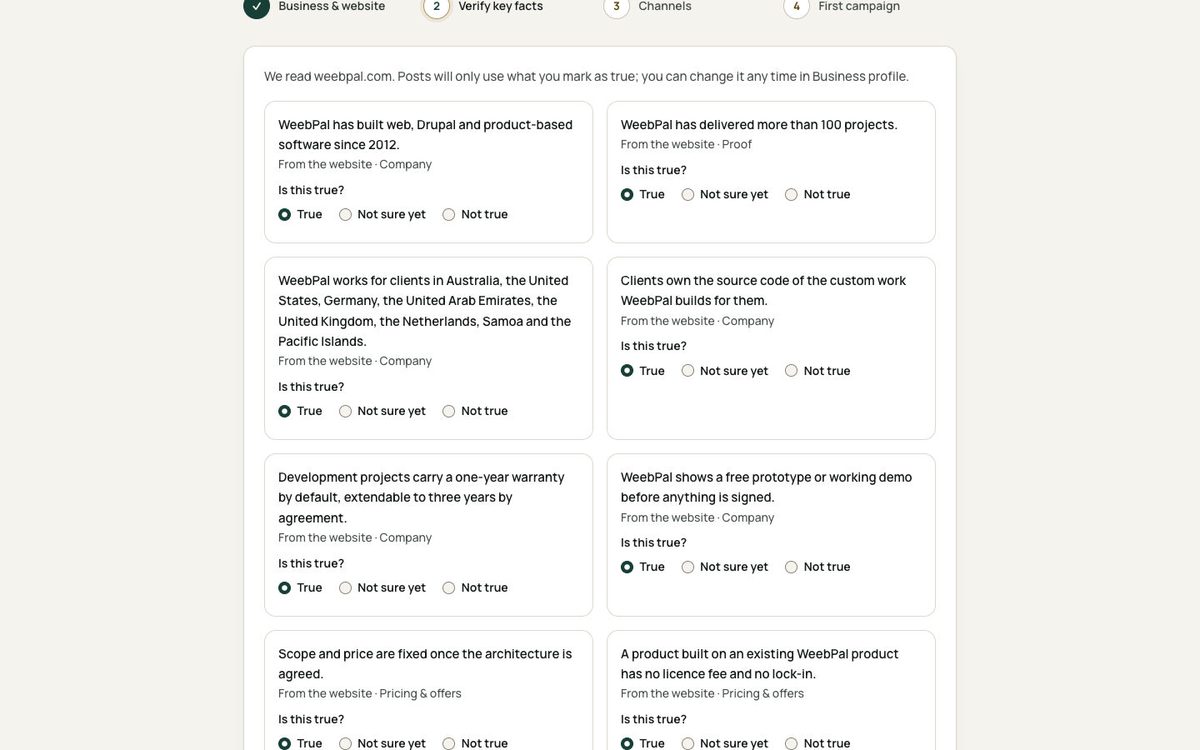
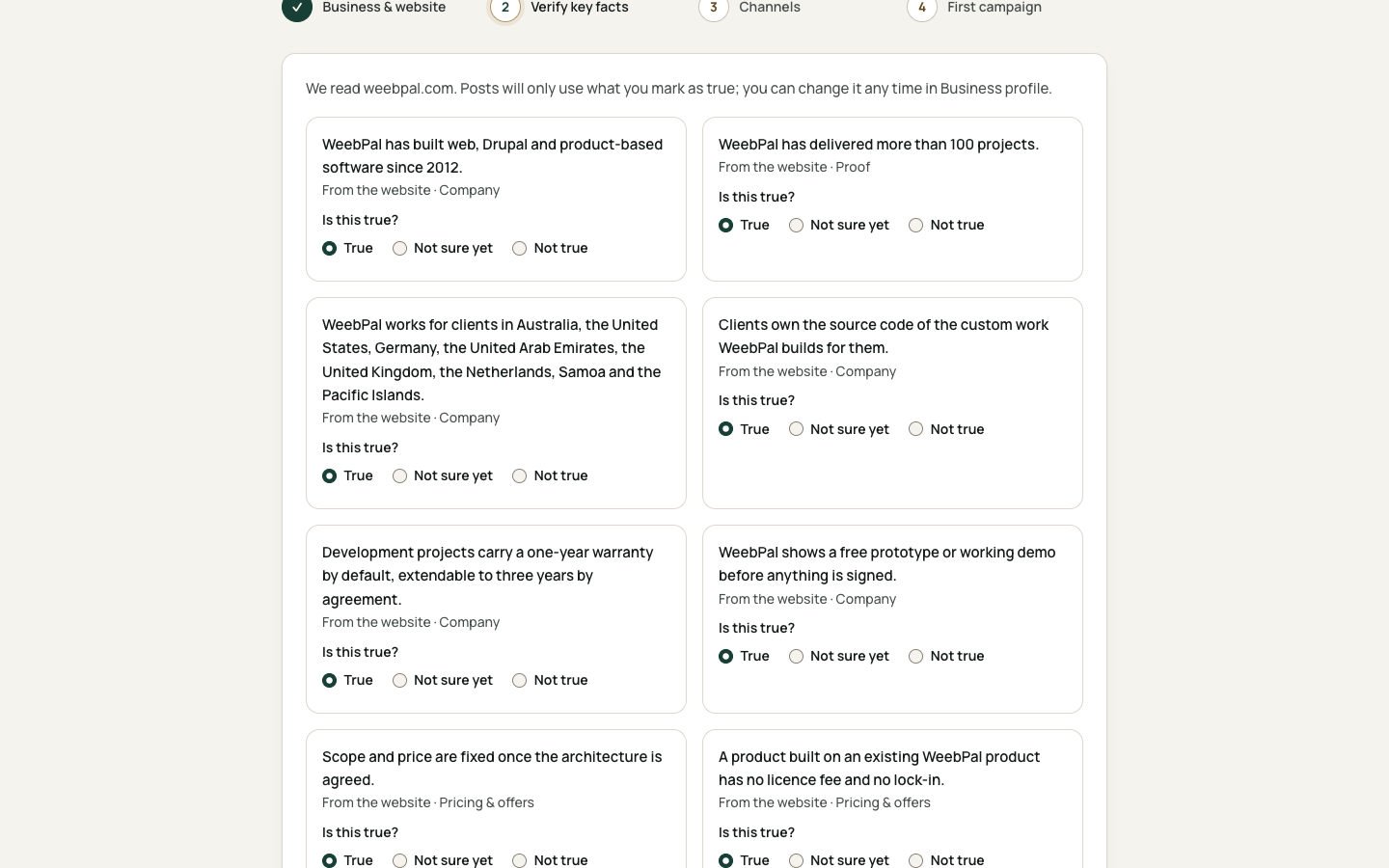
Onboarding
Your website read, each fact for you to check.
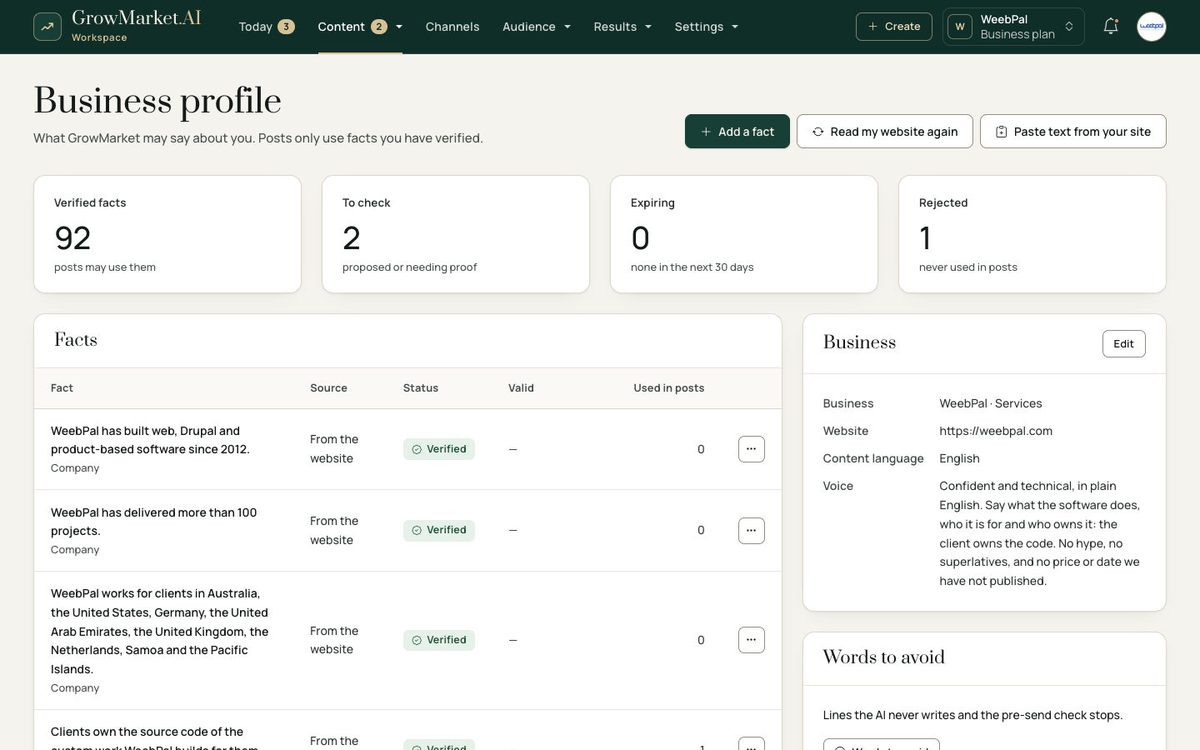
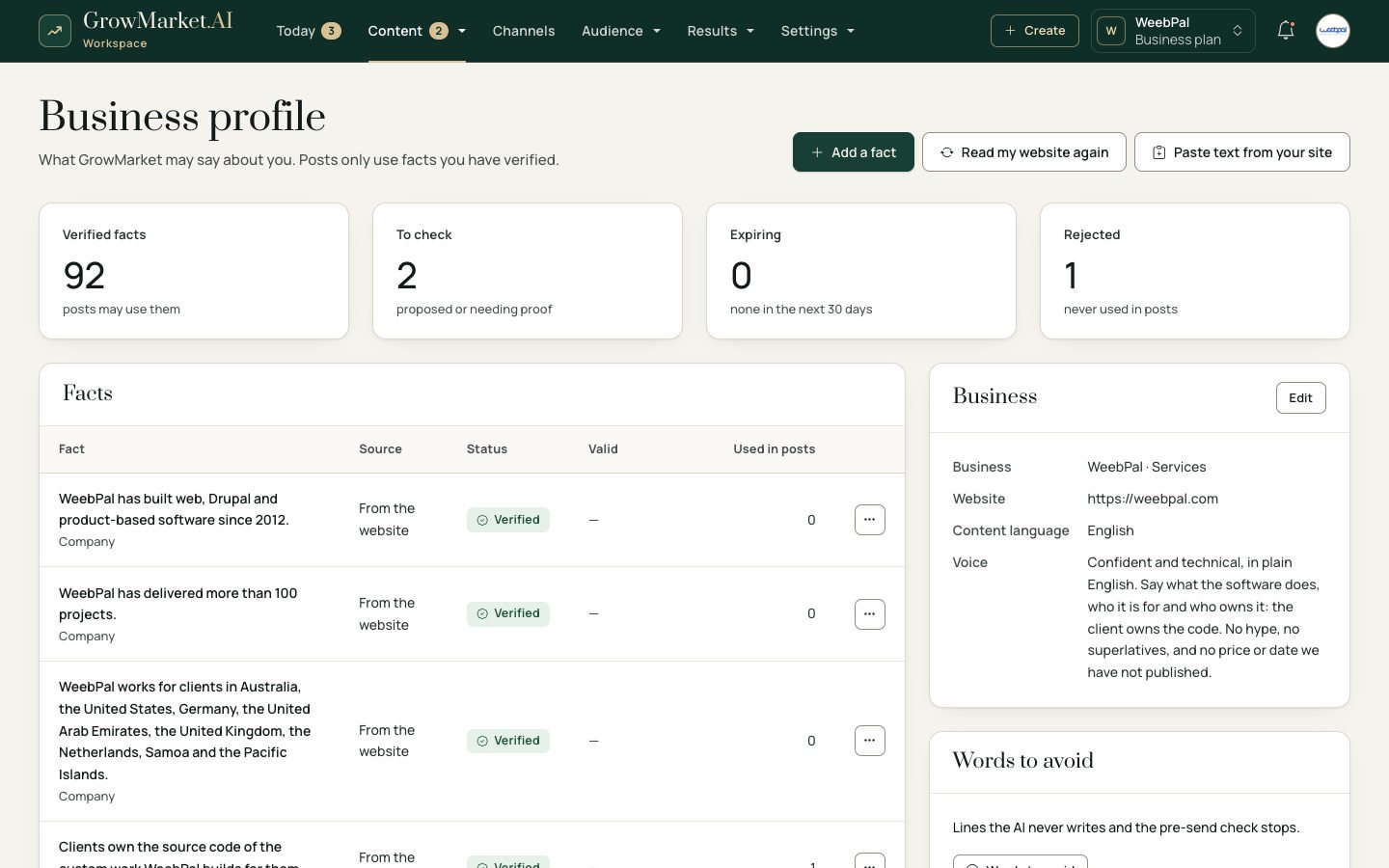
Business profile
Each fact with its source and status.
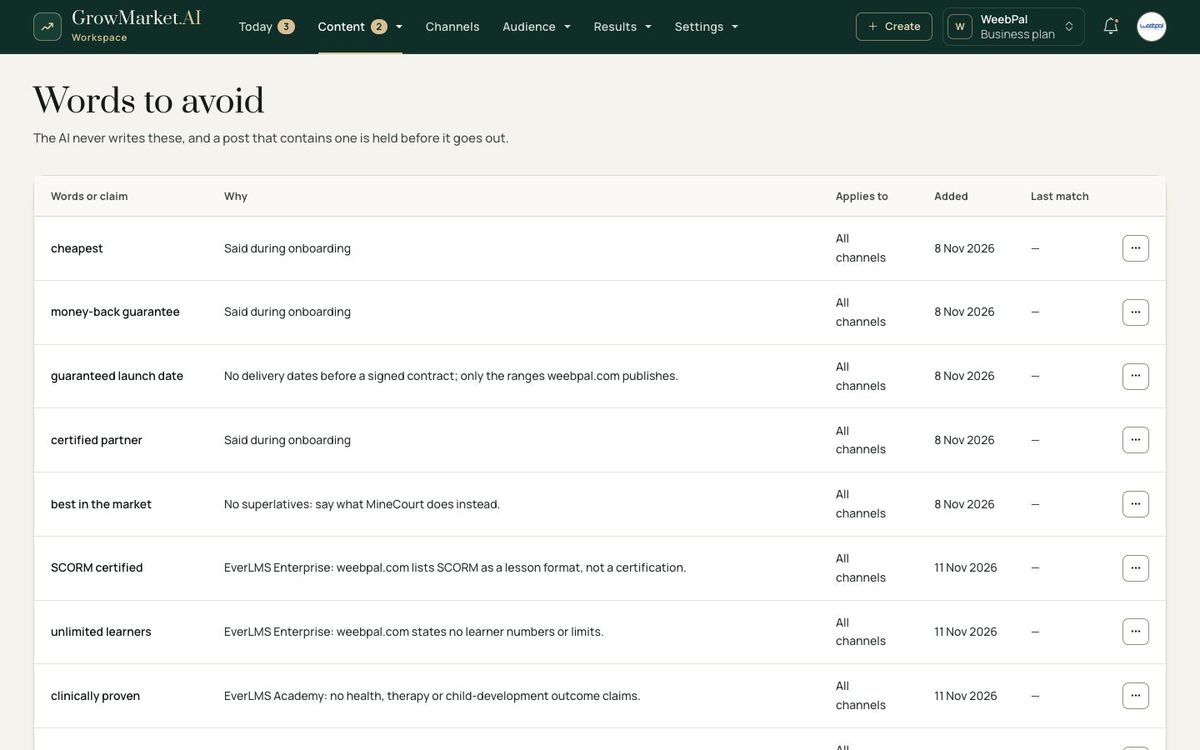
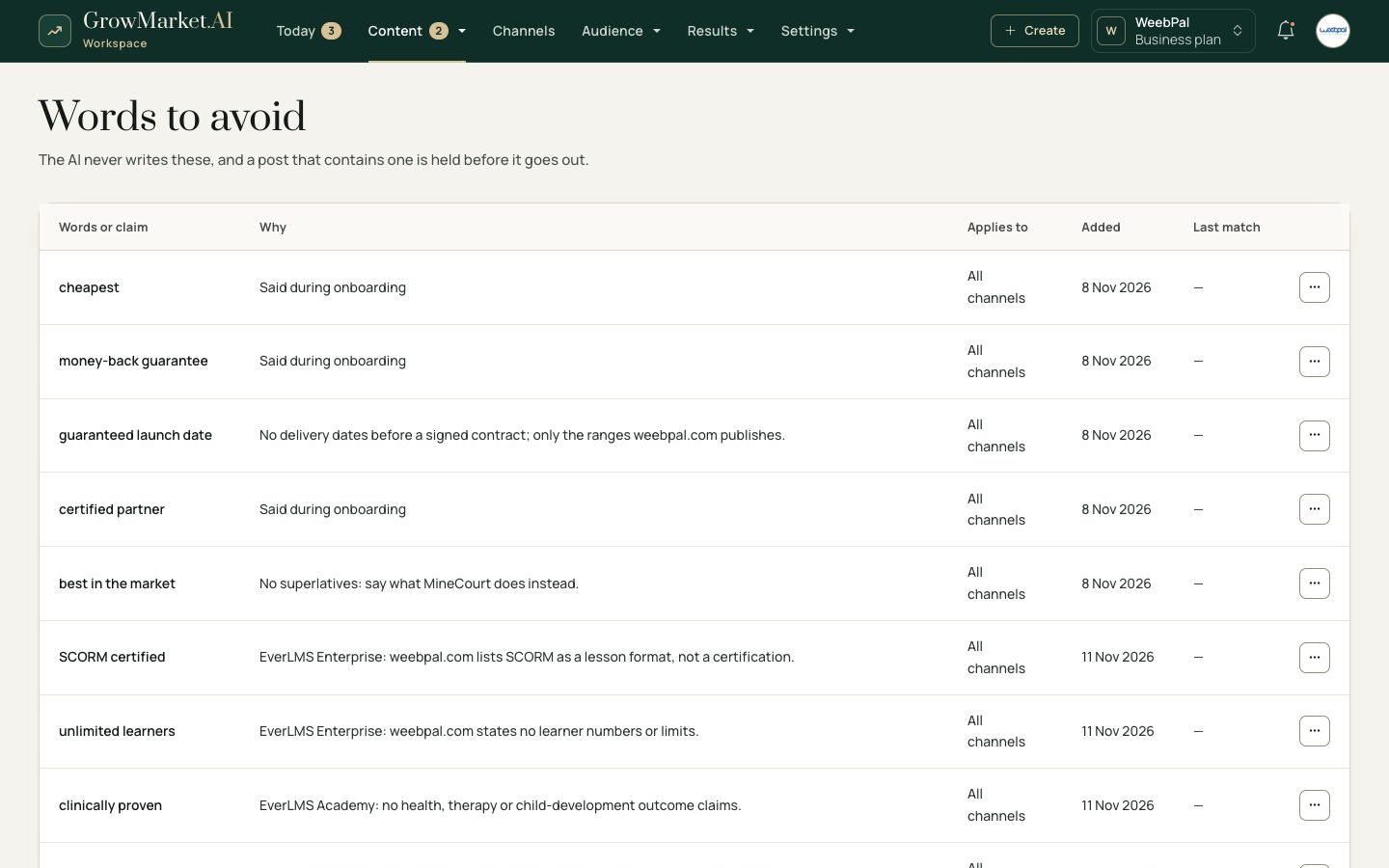
Words to avoid
Words the AI never writes; a post with one is held.
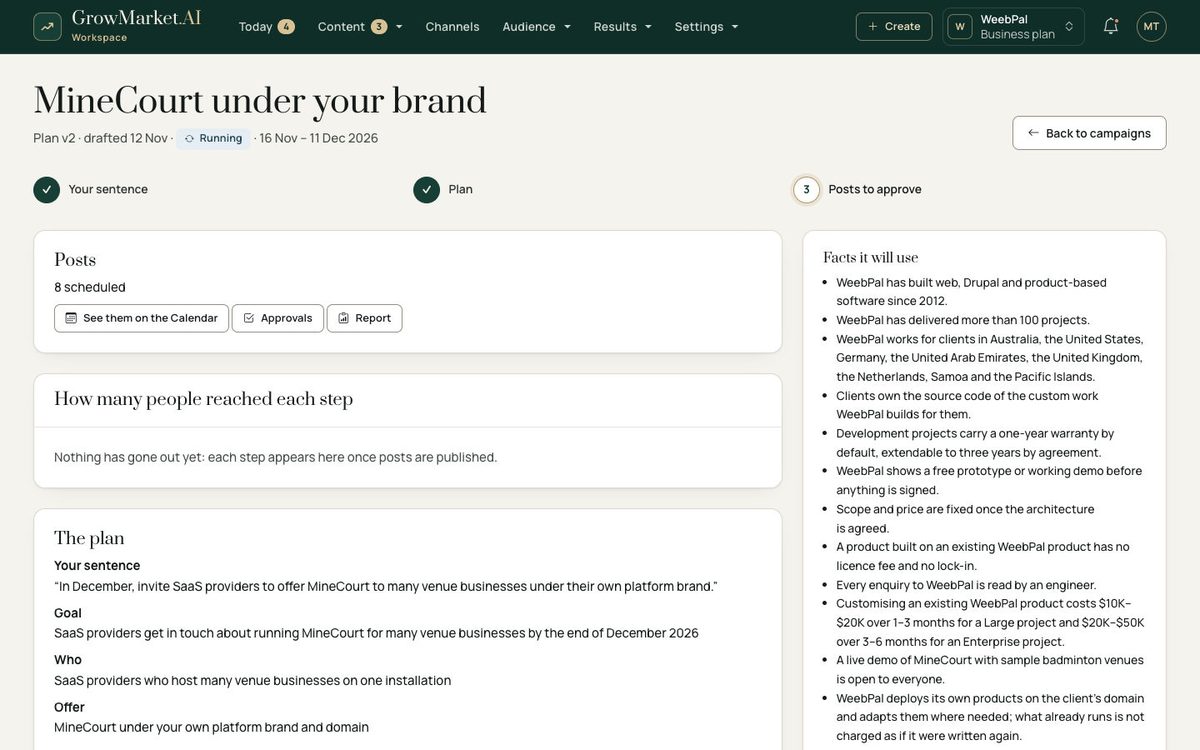
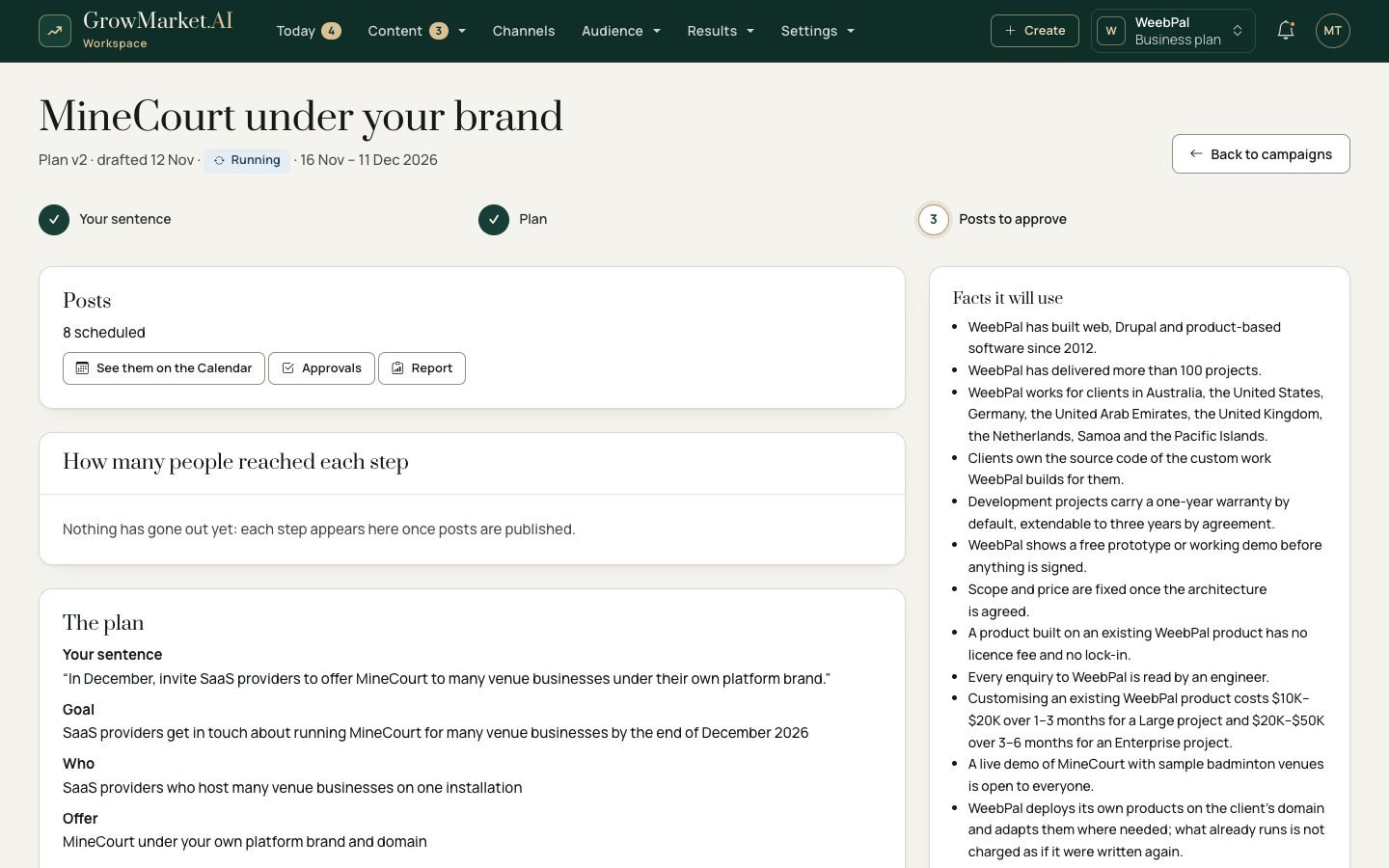
The plan
Goal, audience, offer, channels and the posts week by week.
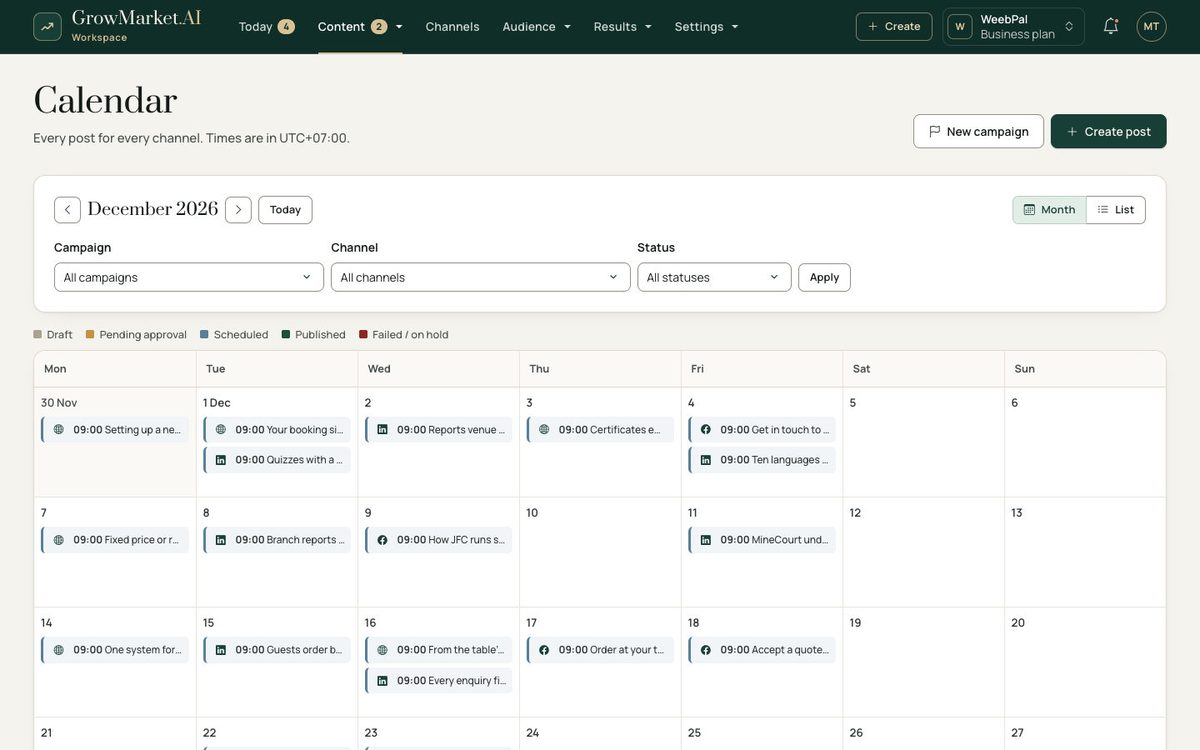
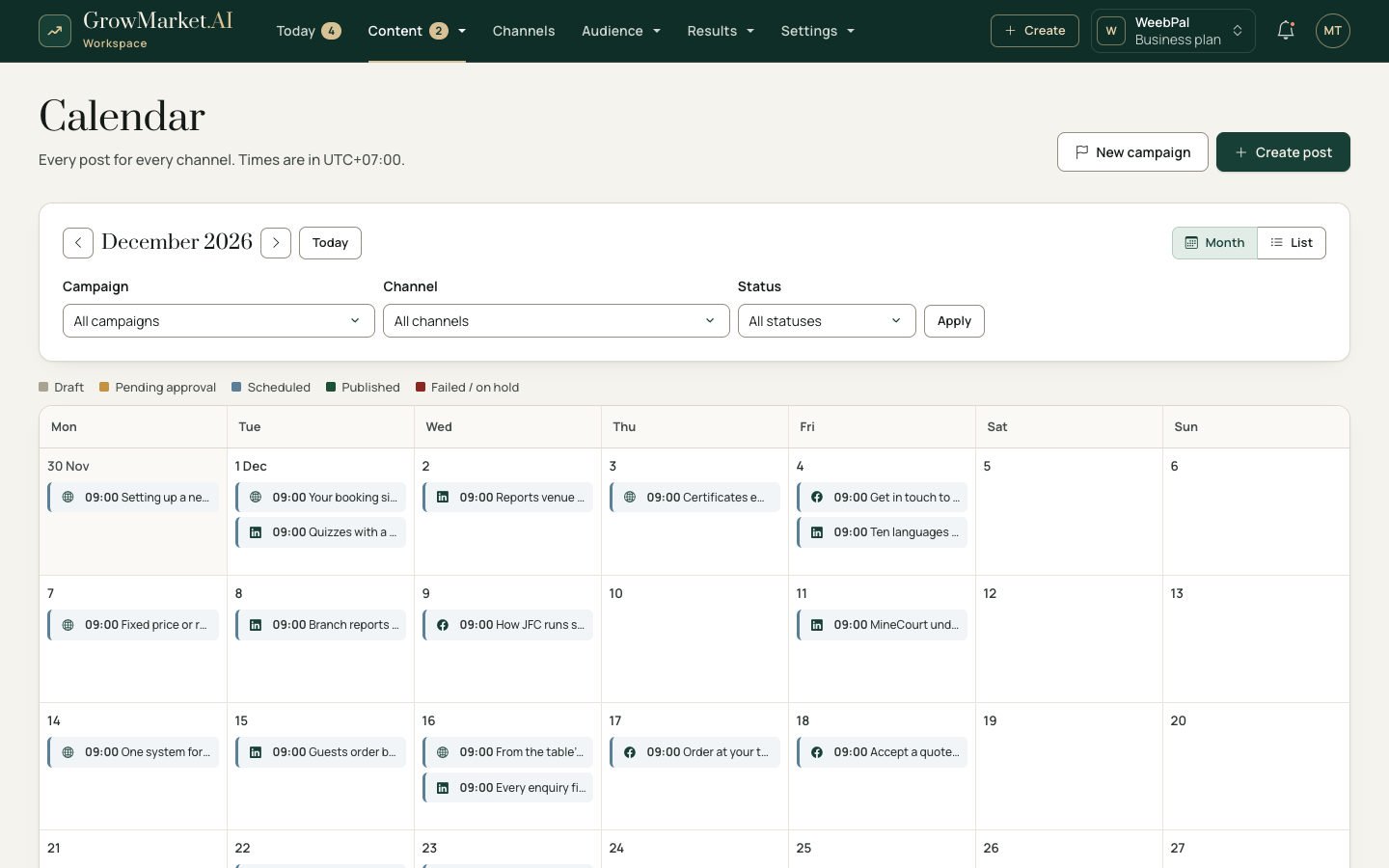
Calendar
Each post on its day with its status.
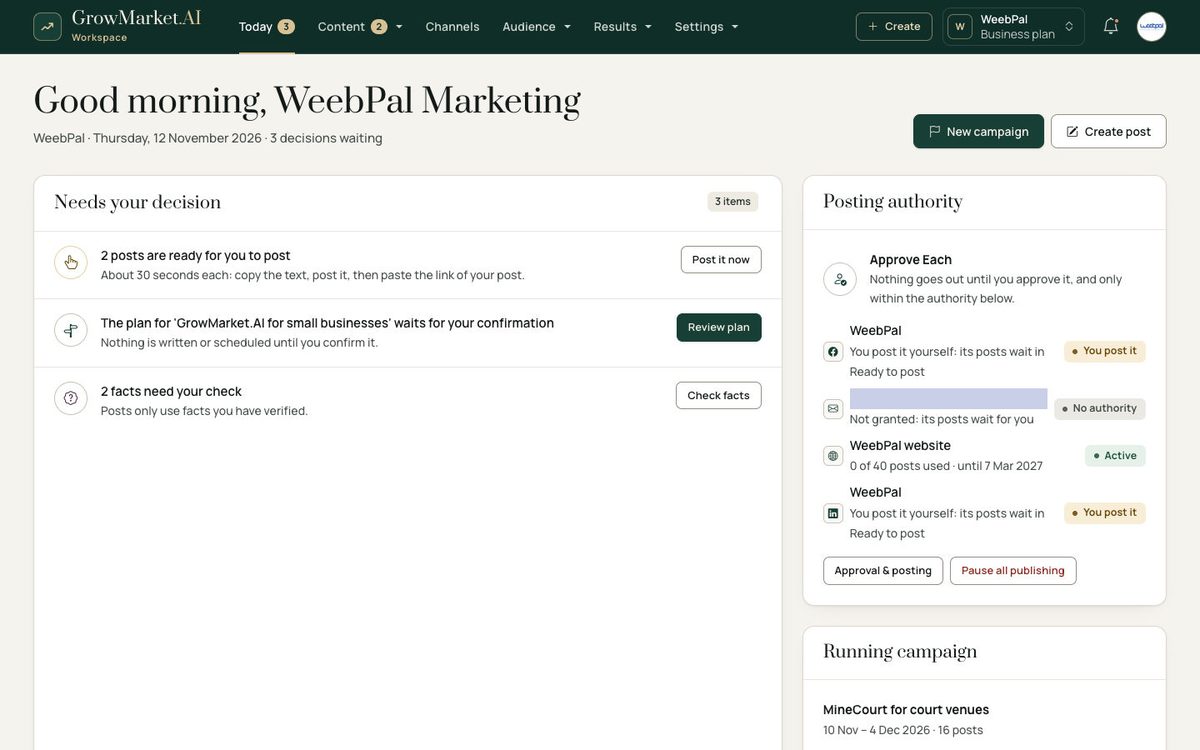
Today
The decisions that wait for you.
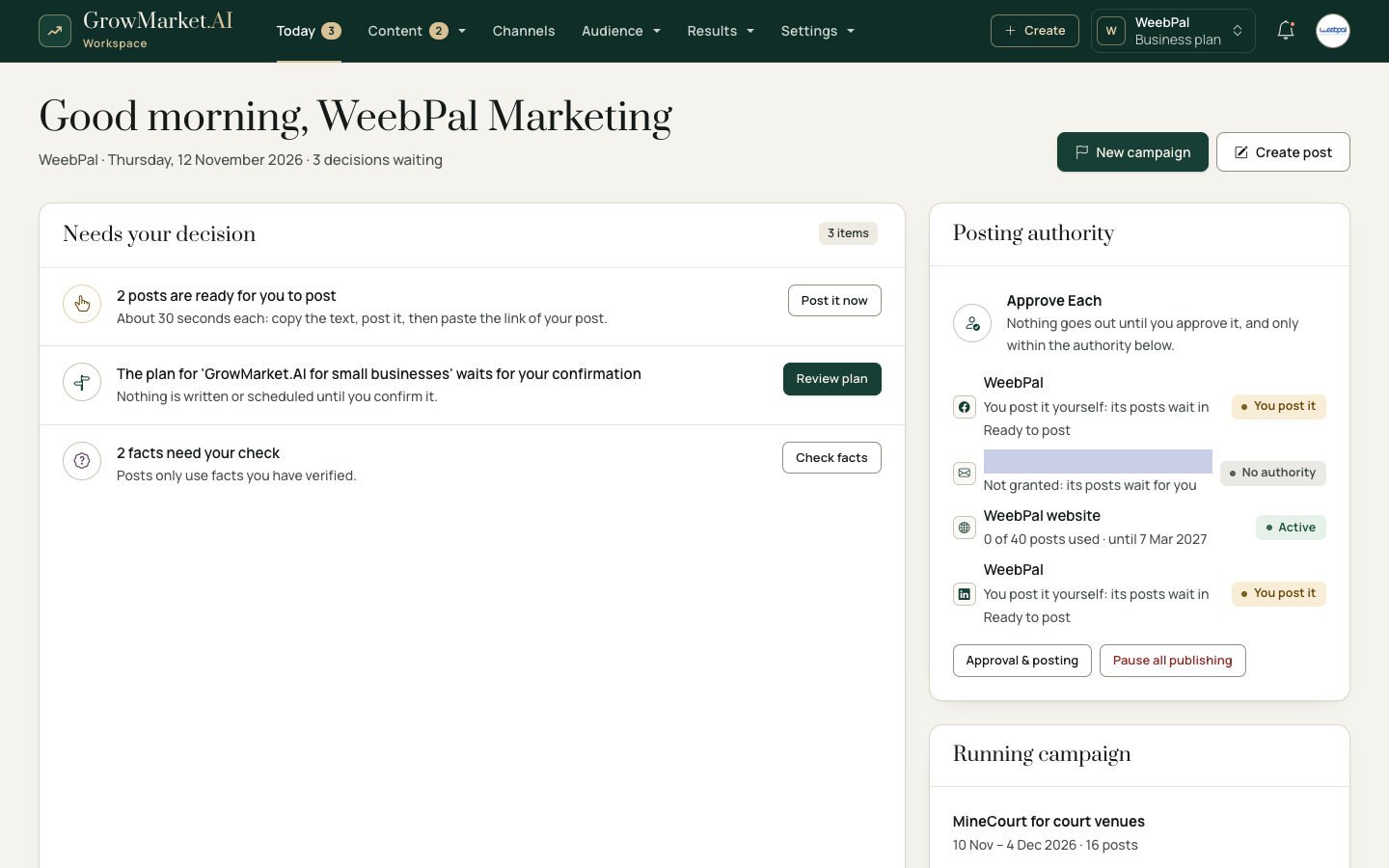
Approve and publish
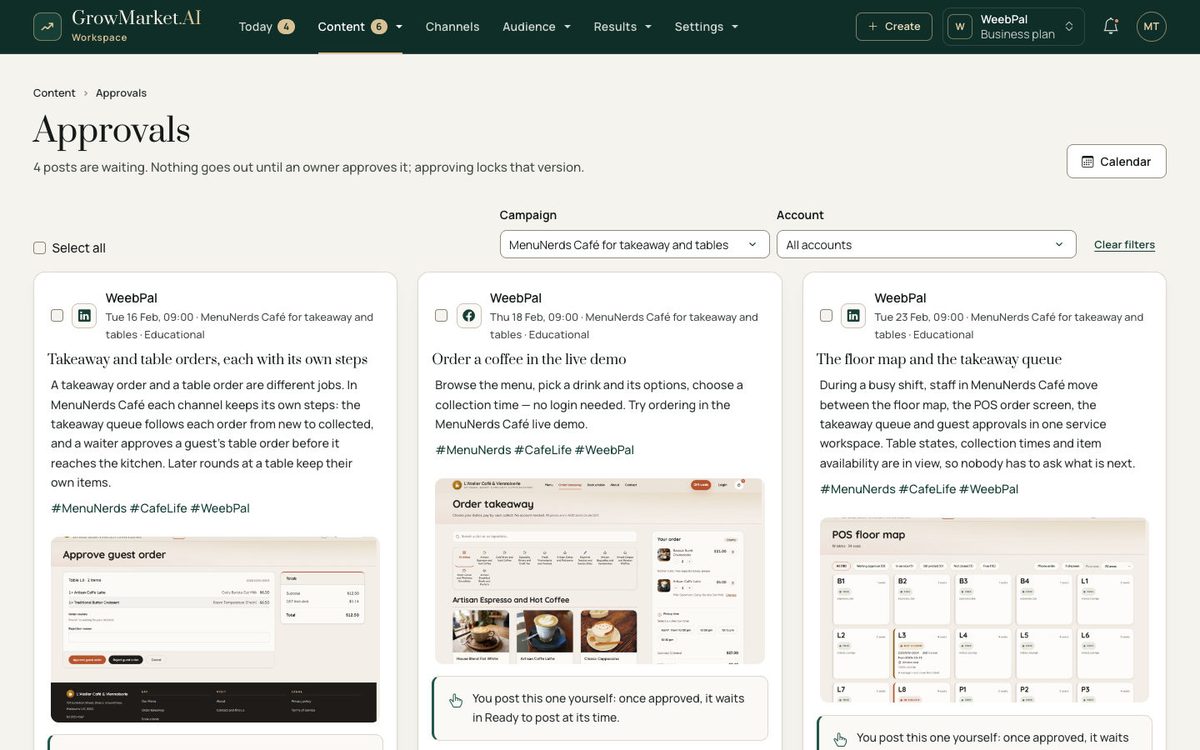
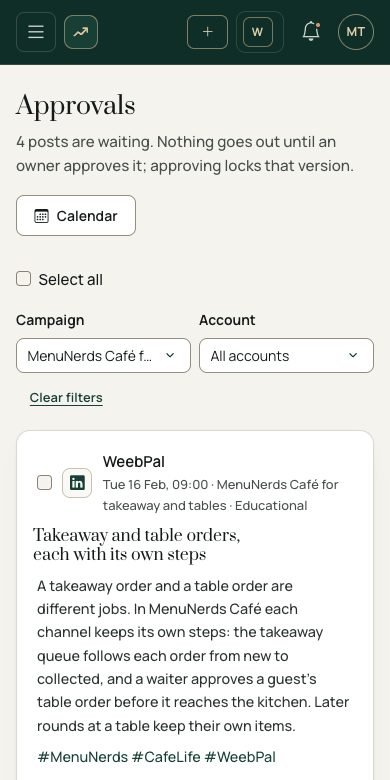
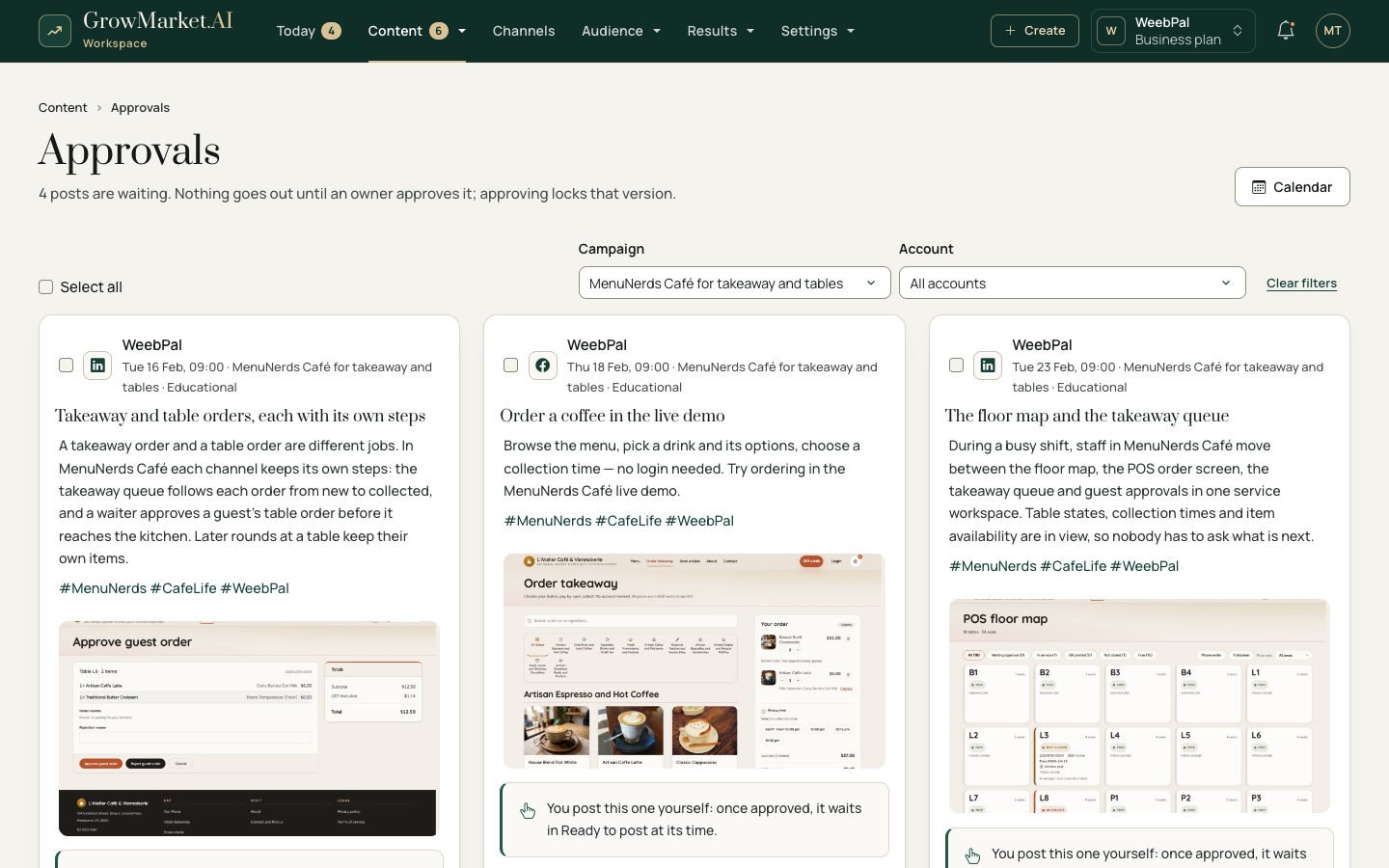
Approvals
Approve, edit, rewrite or reject each post.
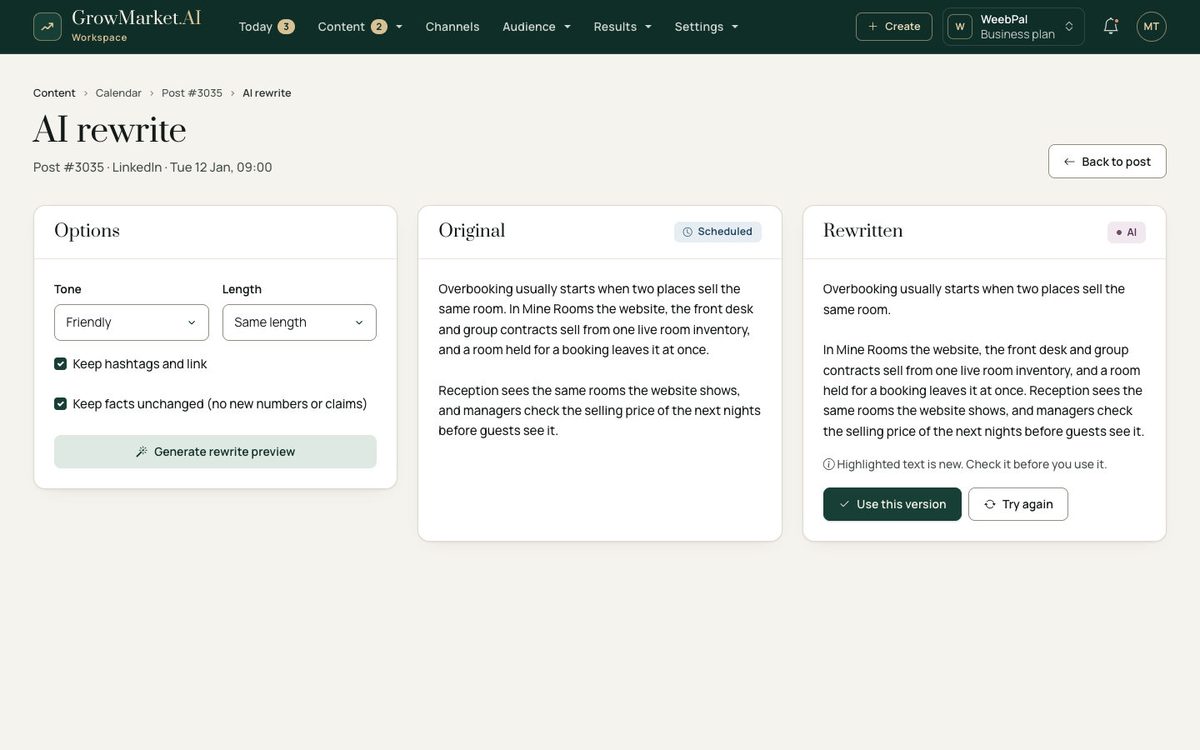
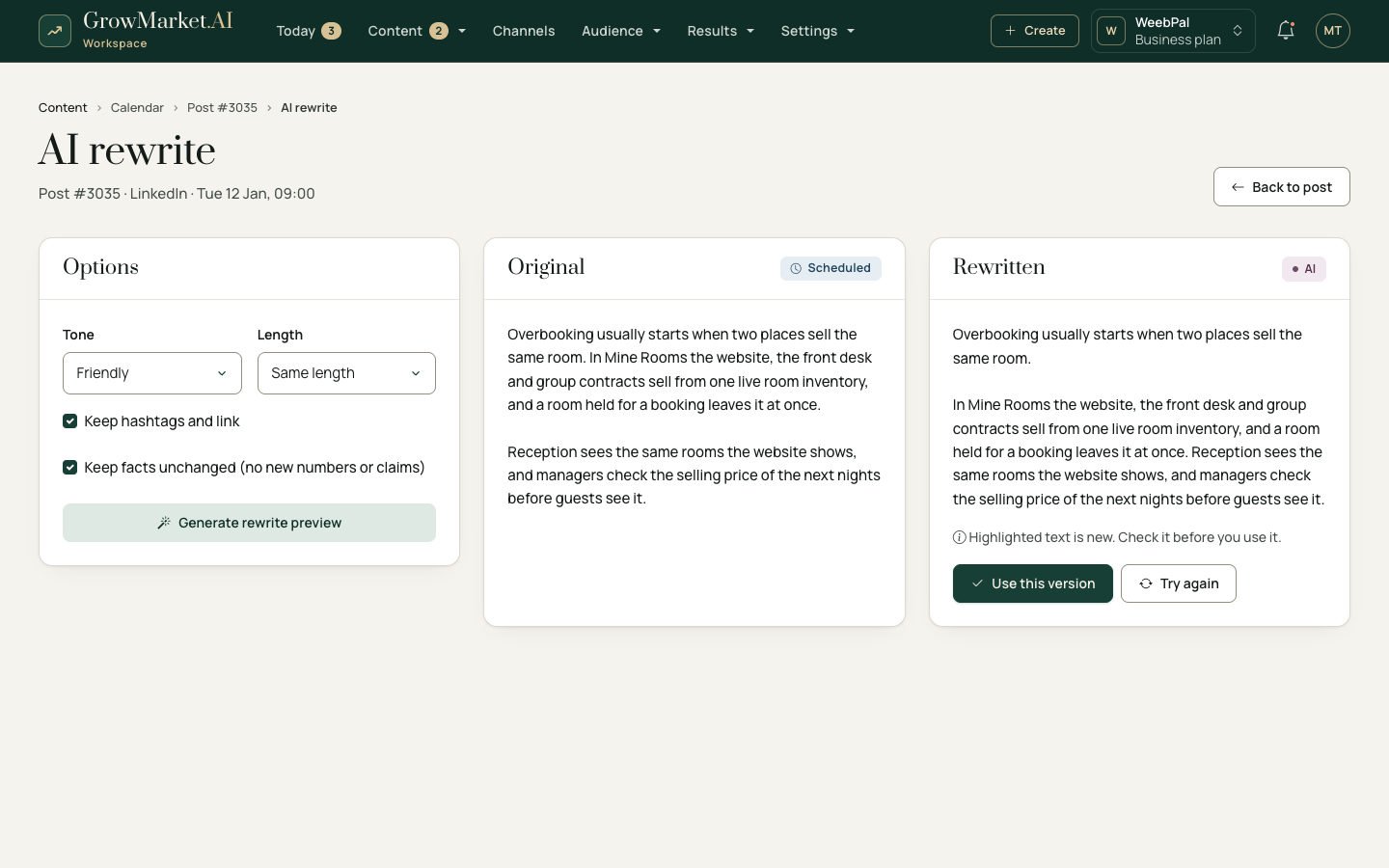
AI rewrite
The original and the rewritten text side by side.
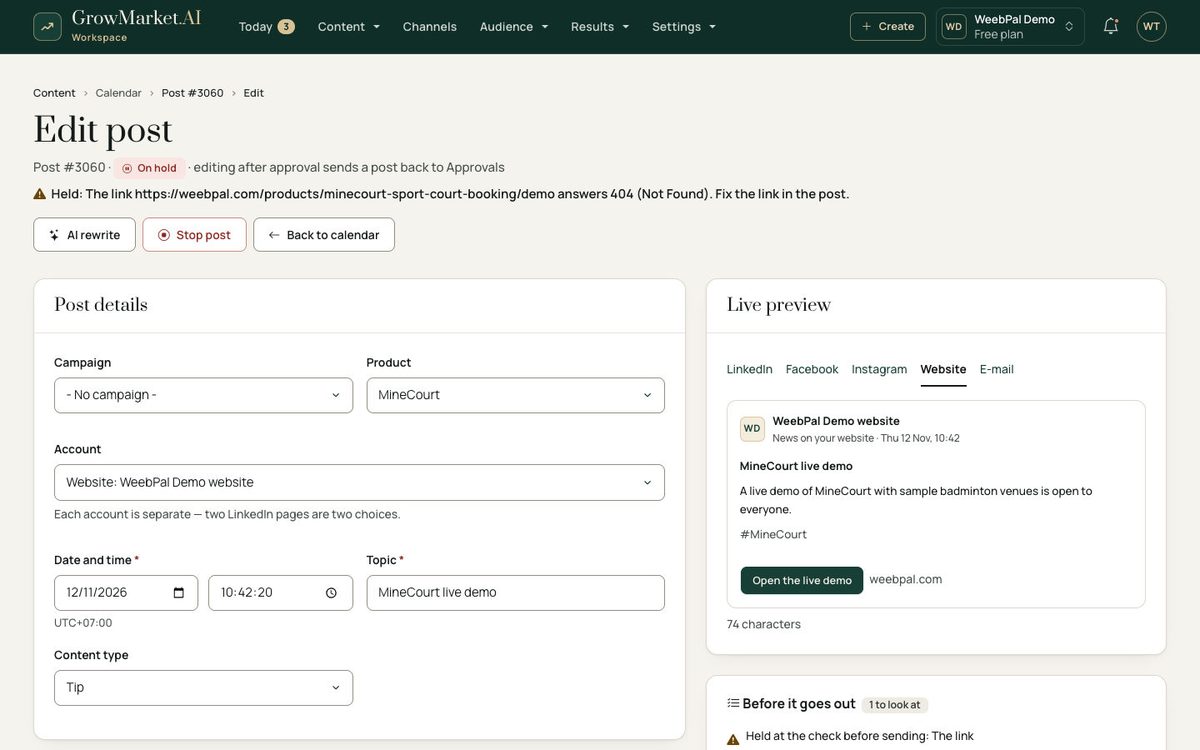
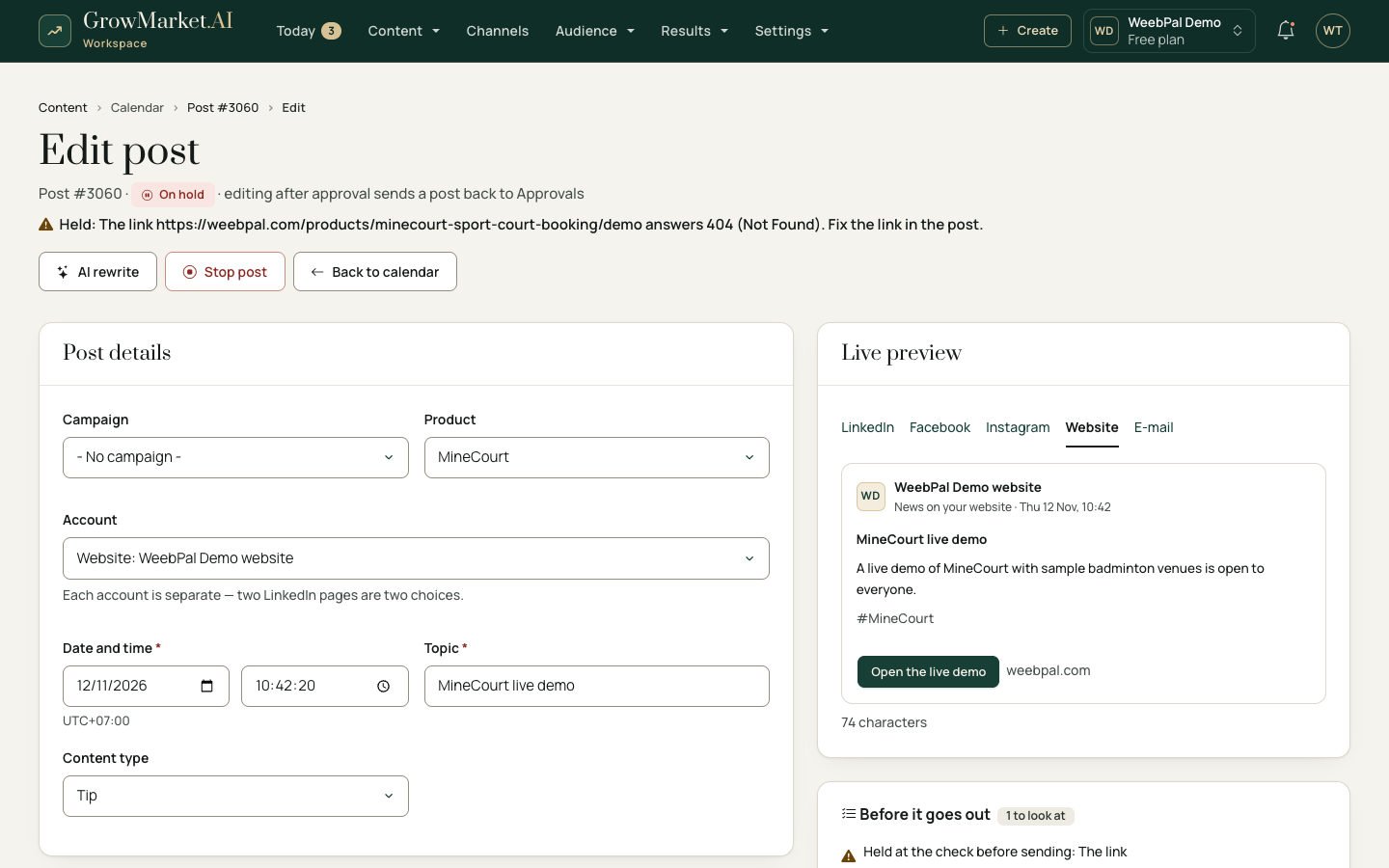
Post on hold
The check before sending holds a post whose link does not open.
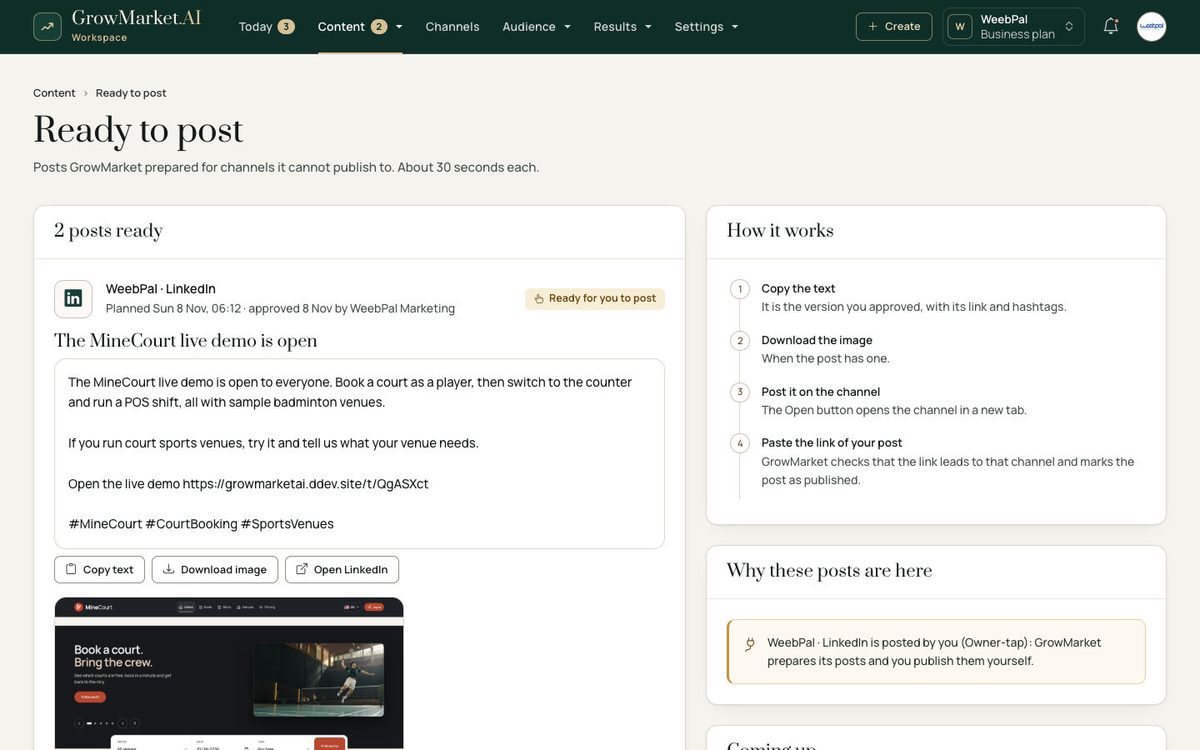
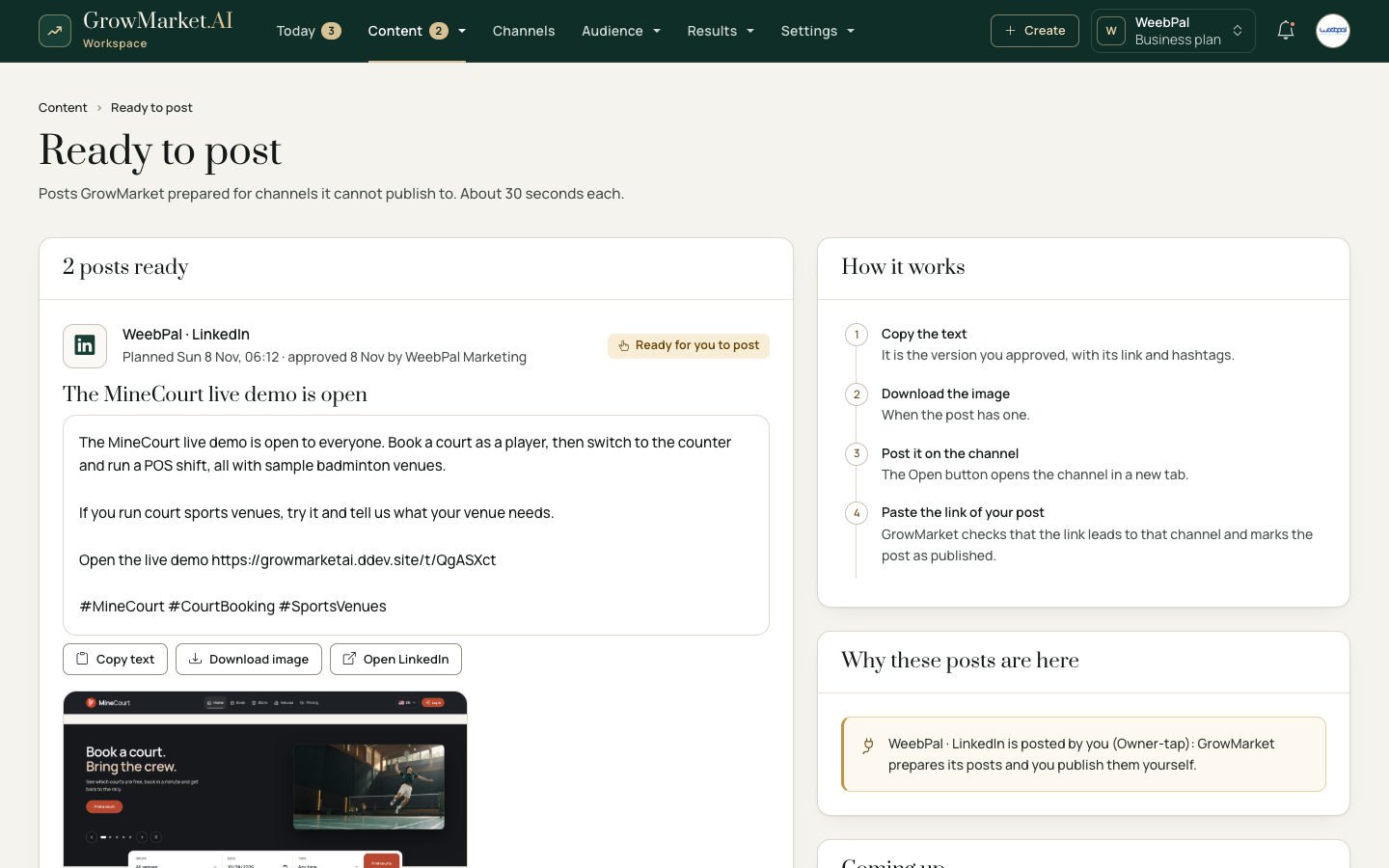
Ready to post
Copy the text, publish it, paste the link.
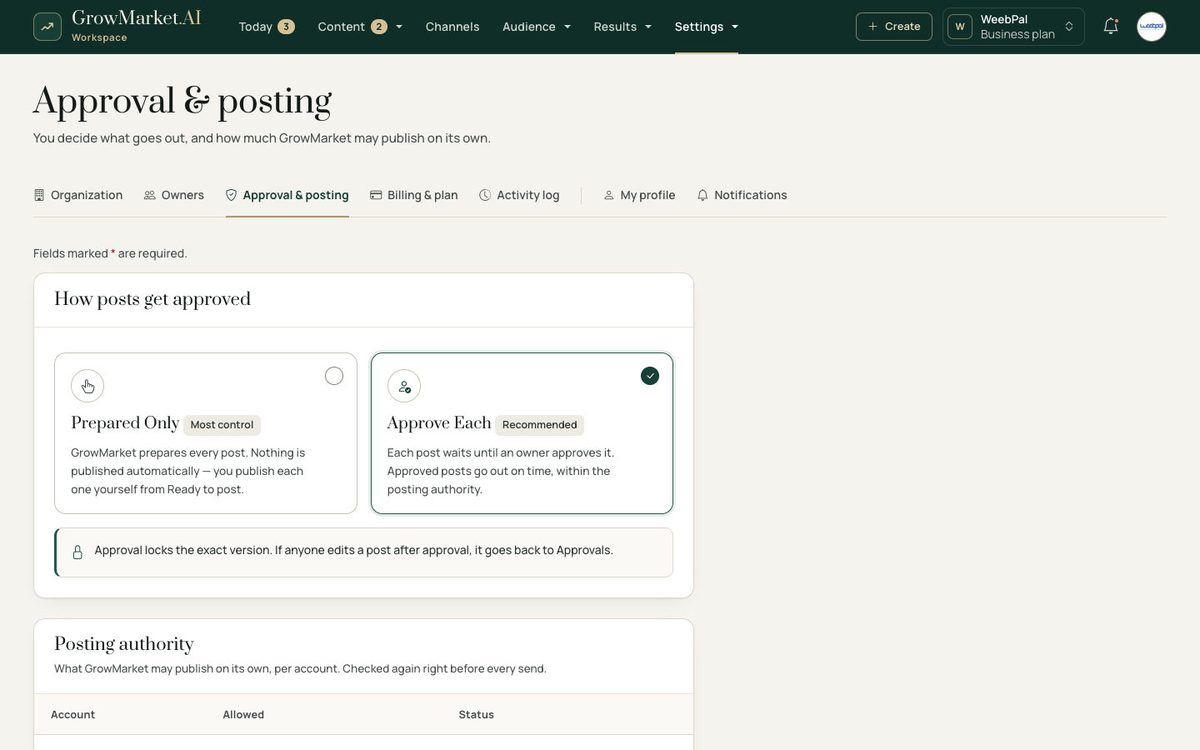
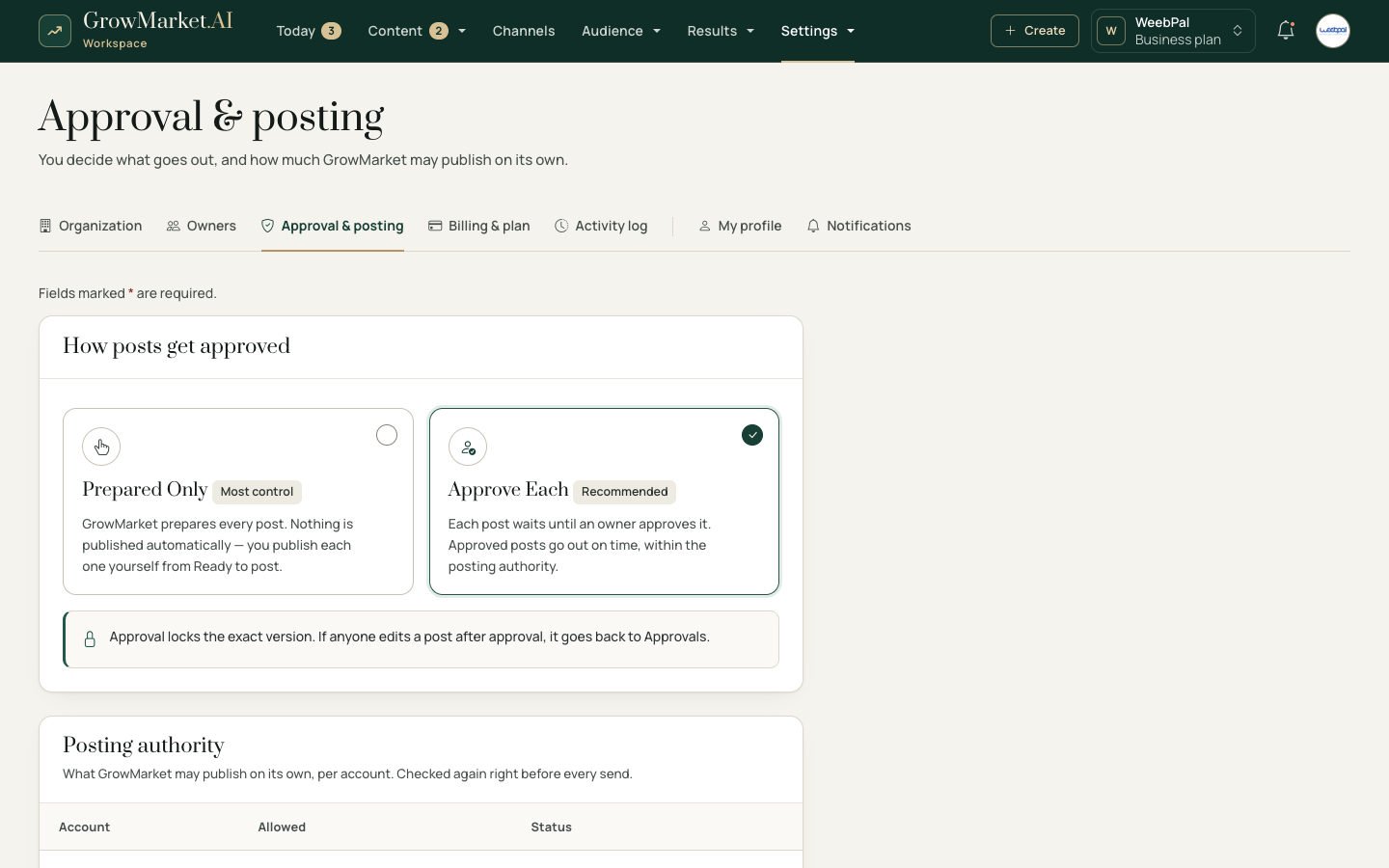
Approval and posting
The approval mode, each channel’s authority and the stop switch.
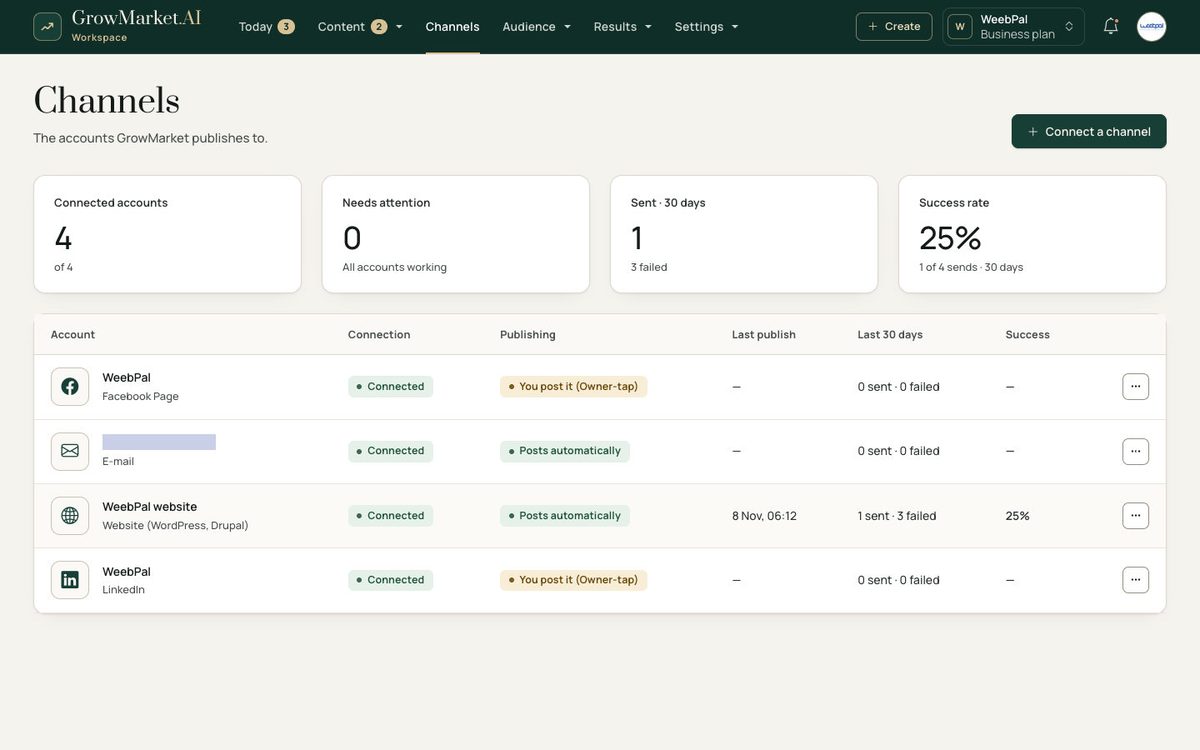
Channels
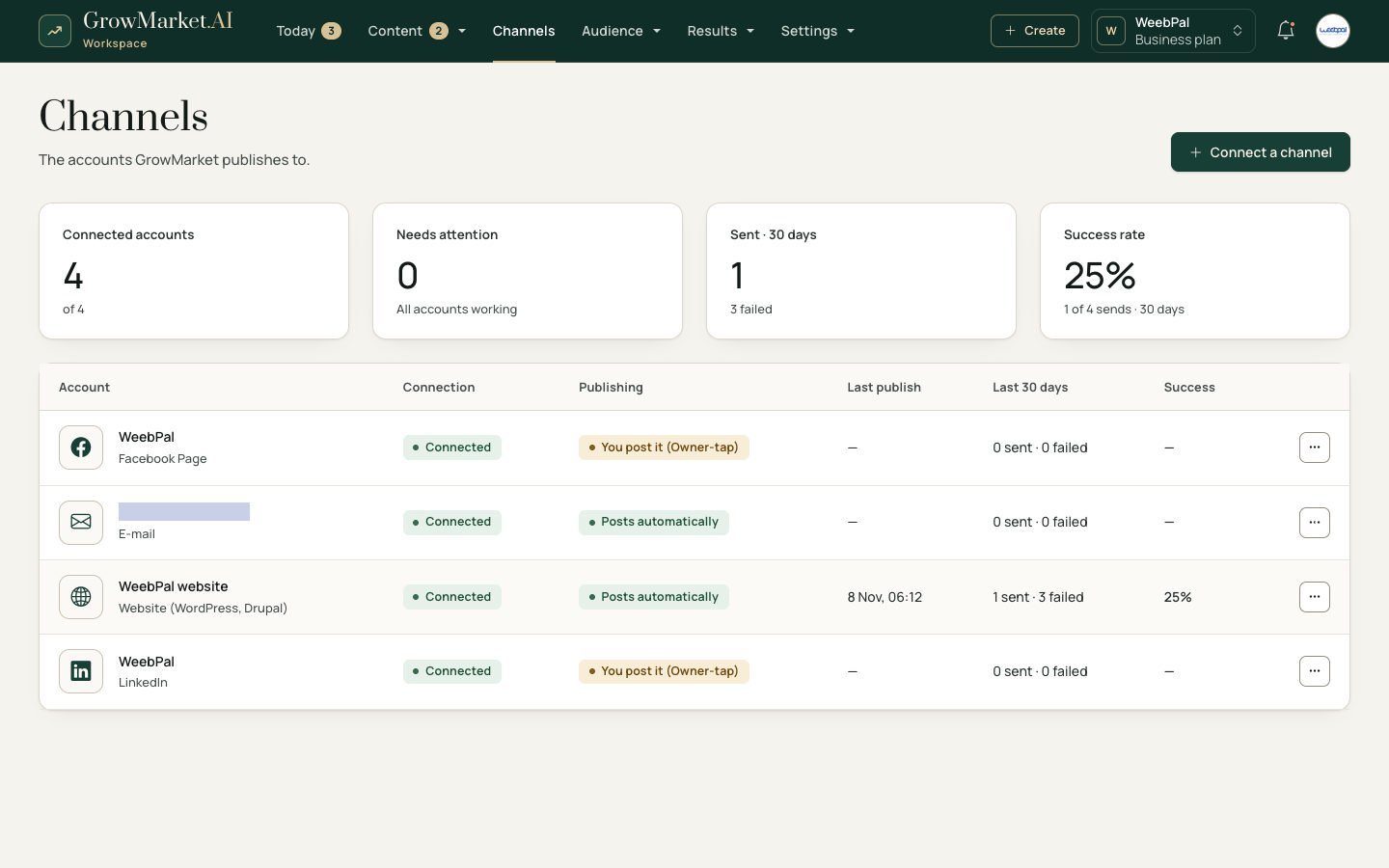
The connected channels, with what each one publishes.
Contacts and results
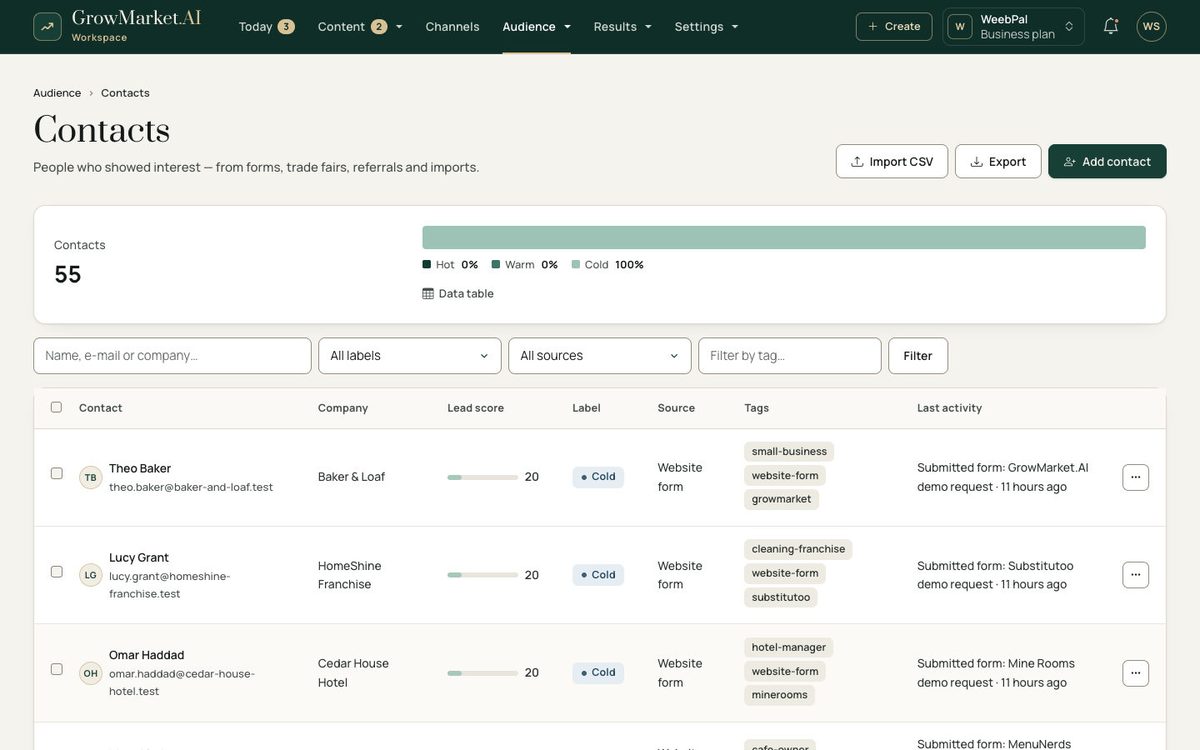
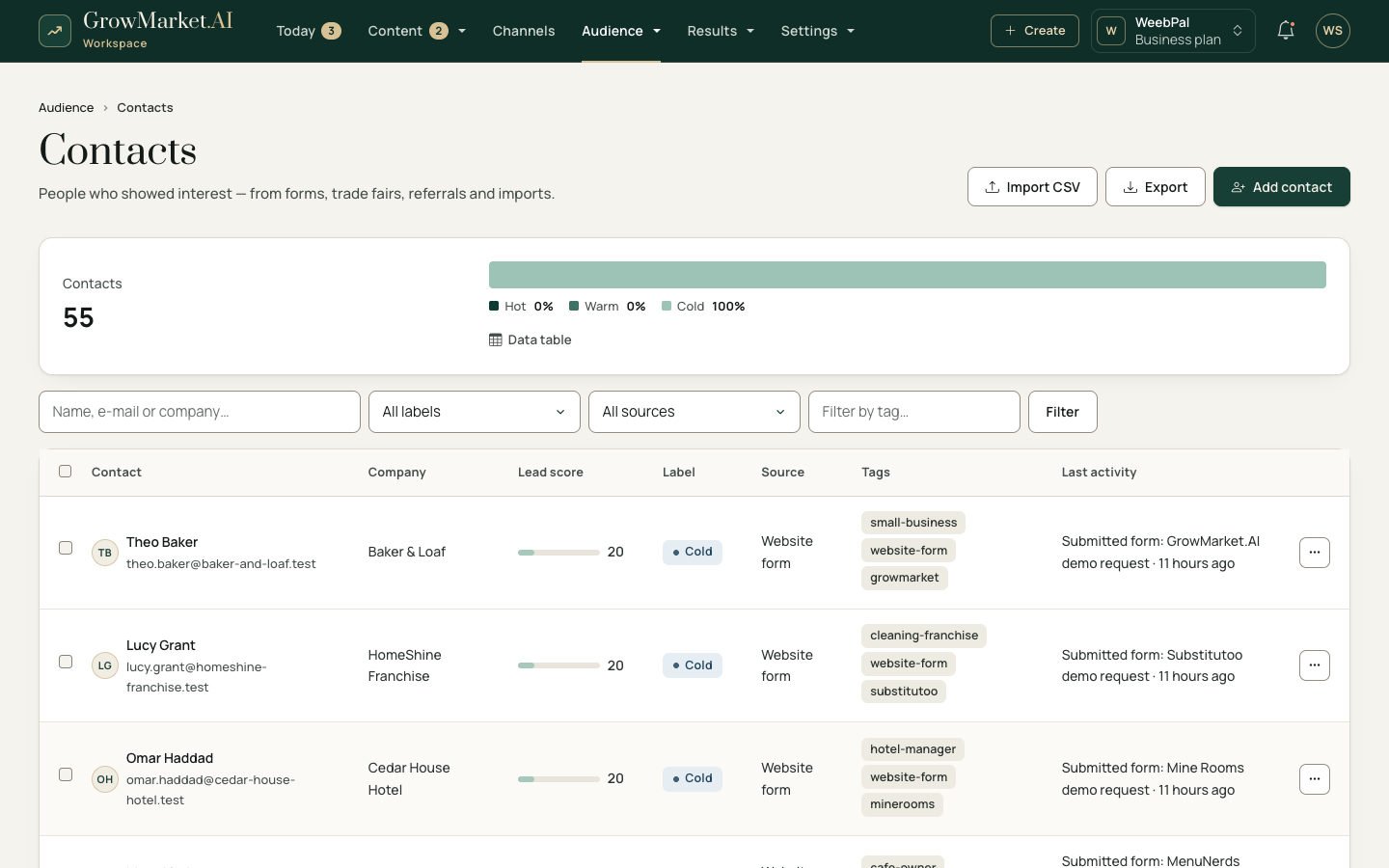
Contacts
Contacts with their lead labels, sources and tags.
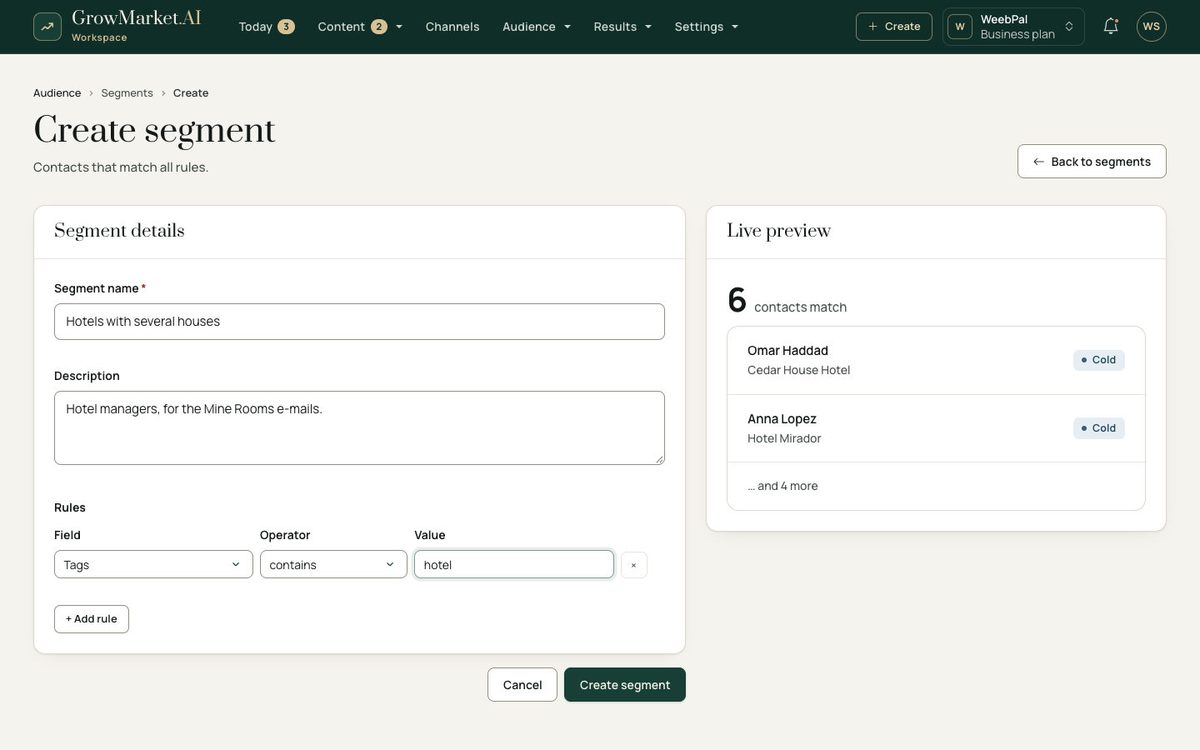
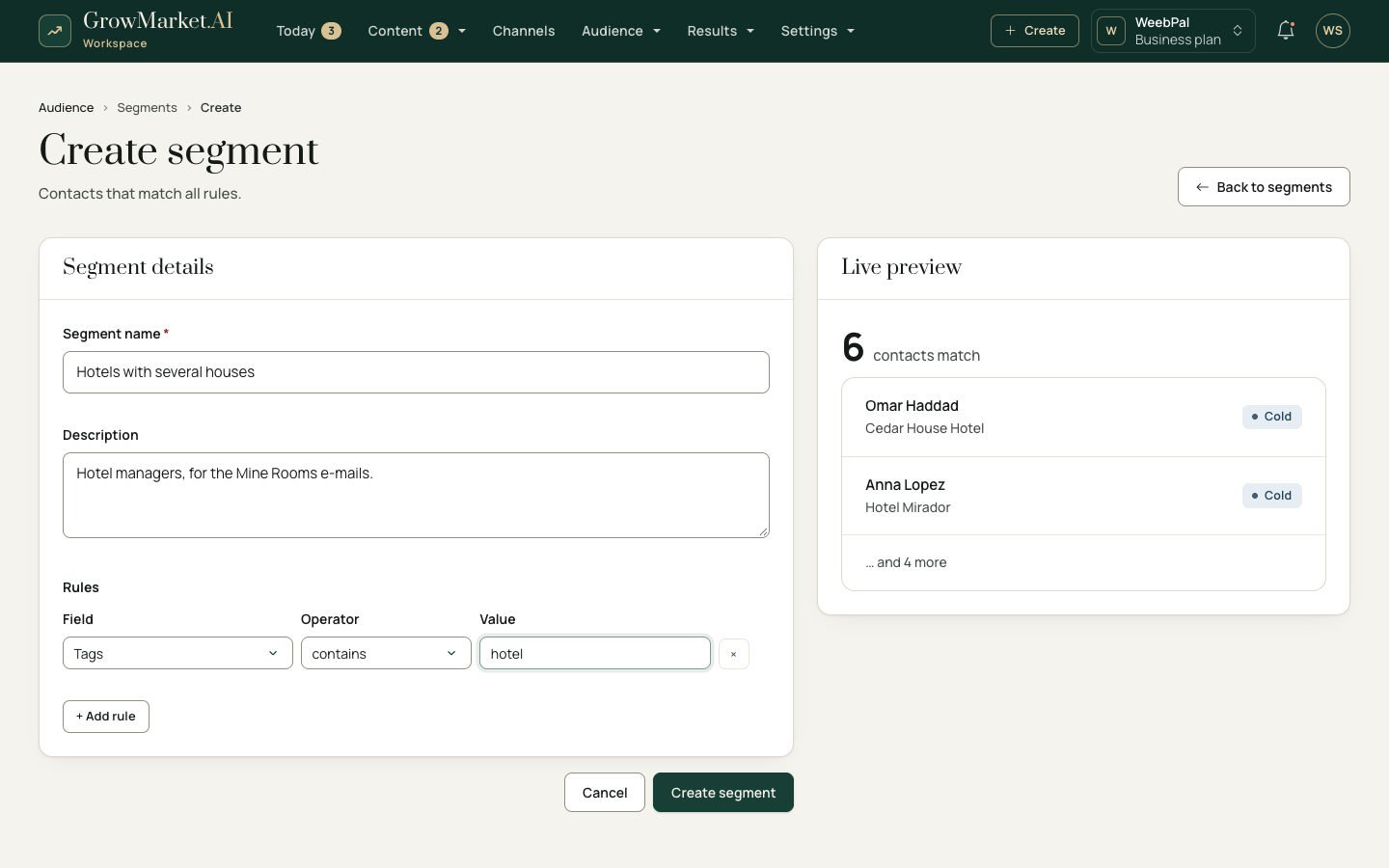
Segments
A segment from simple rules, with a live count.
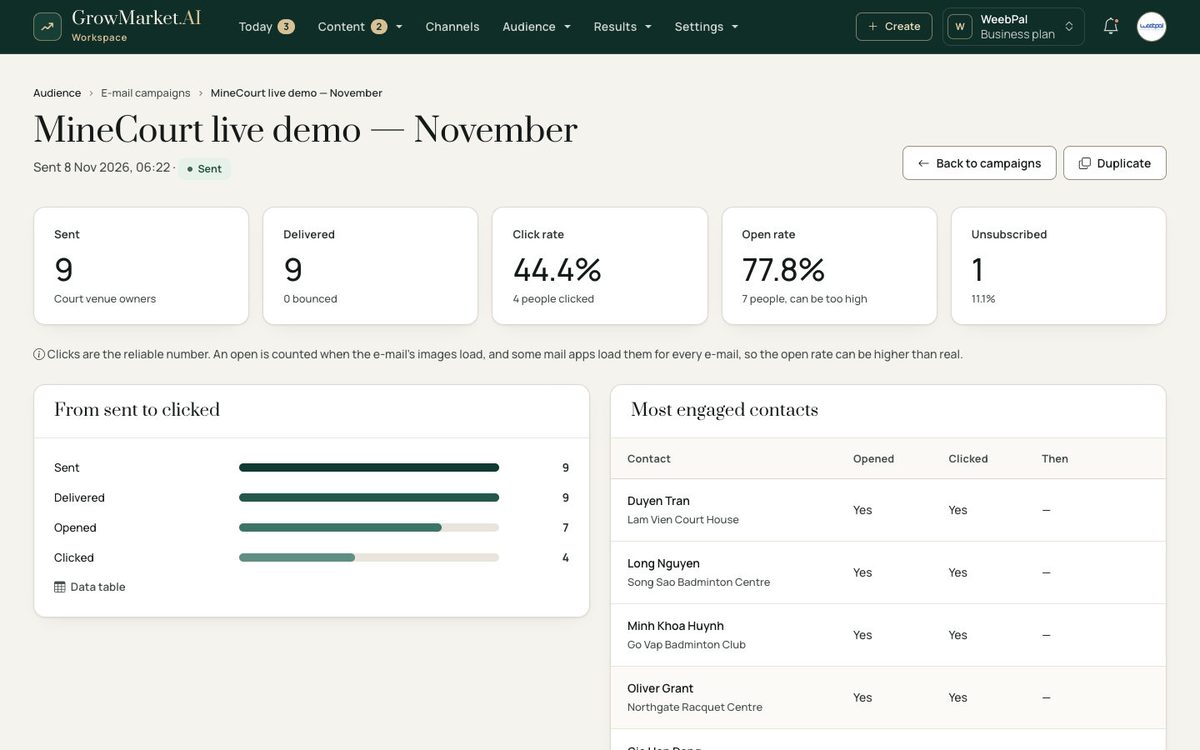
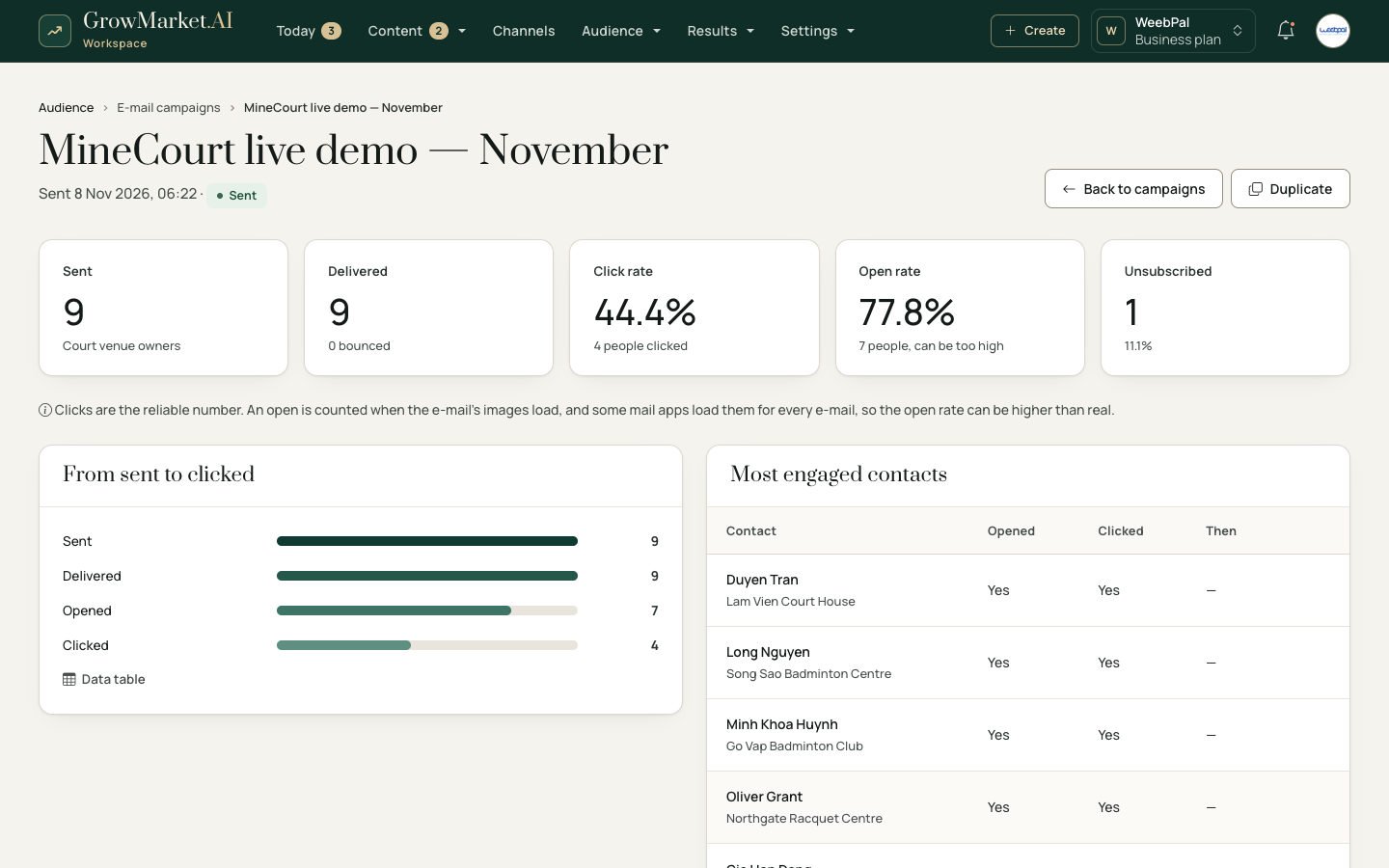
Campaign results
An e-mail campaign with its opens, clicks and unsubscribes.
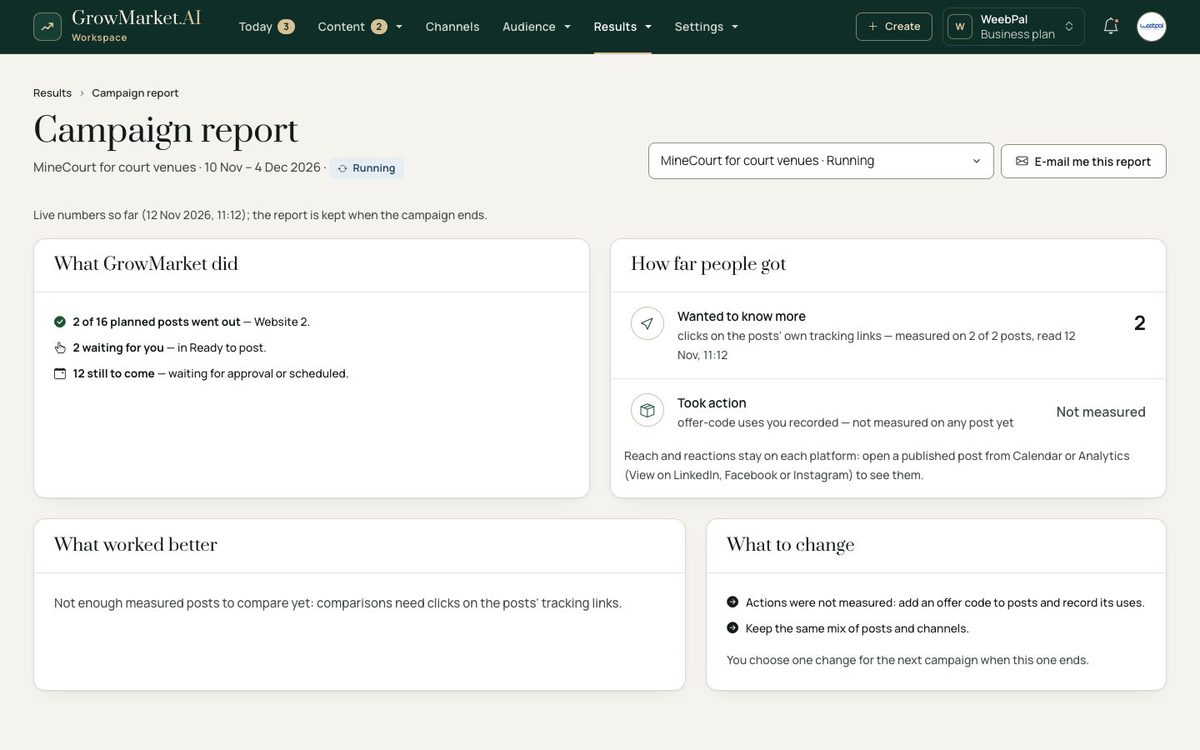
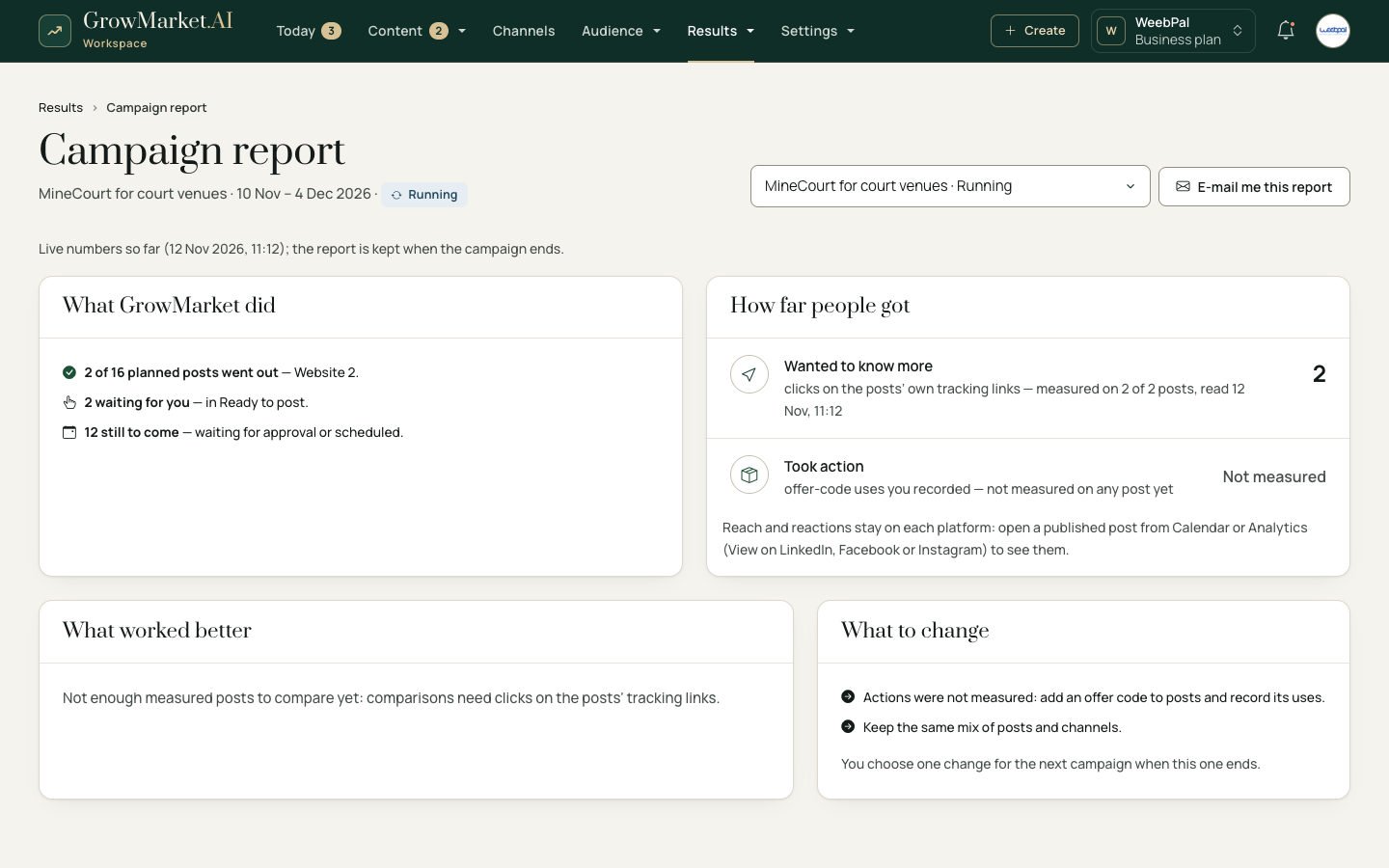
Campaign report
What GrowMarket.AI did, how far people got and what to change.
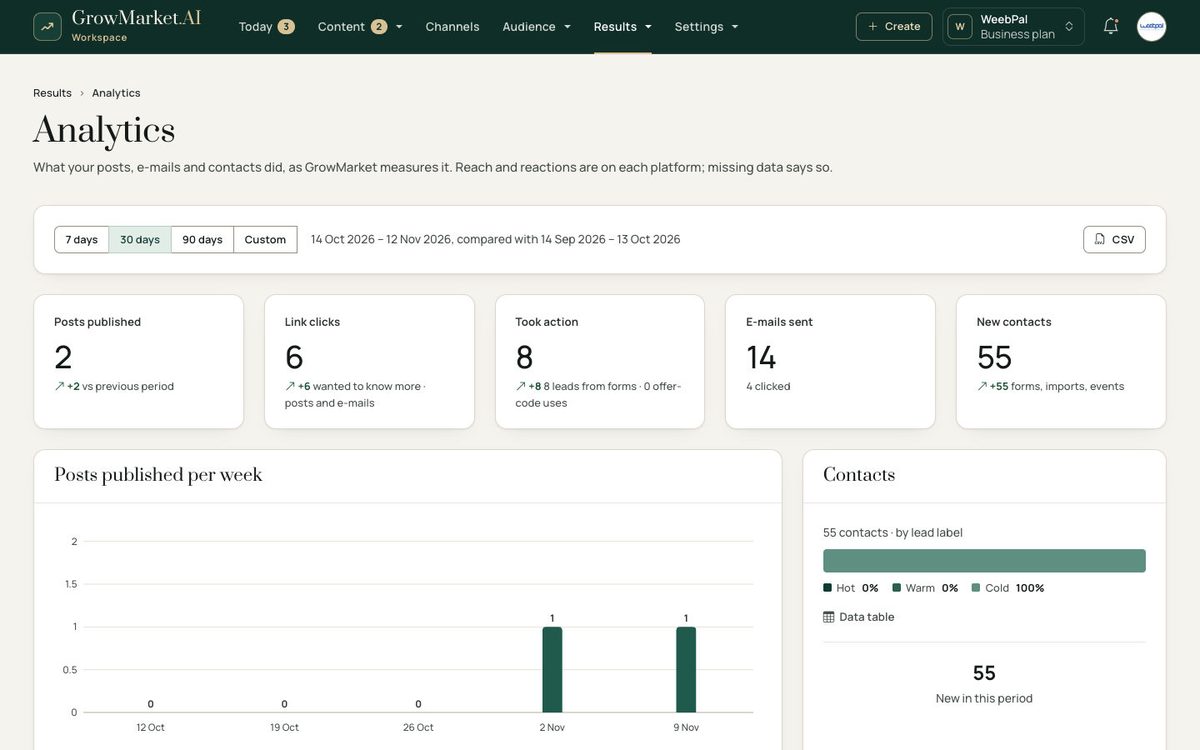
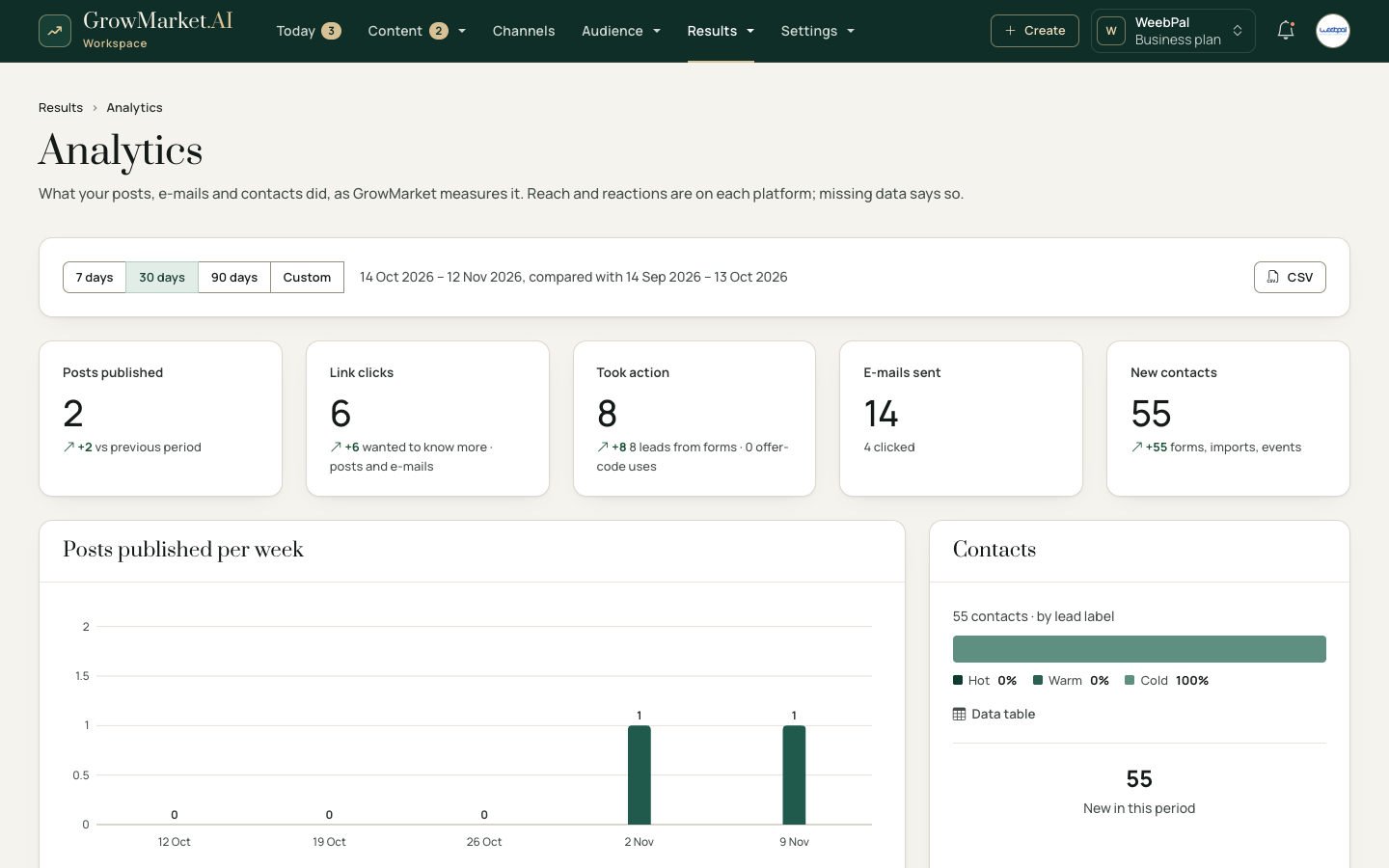
Analytics
Posts, link clicks, actions, e-mails and contacts.
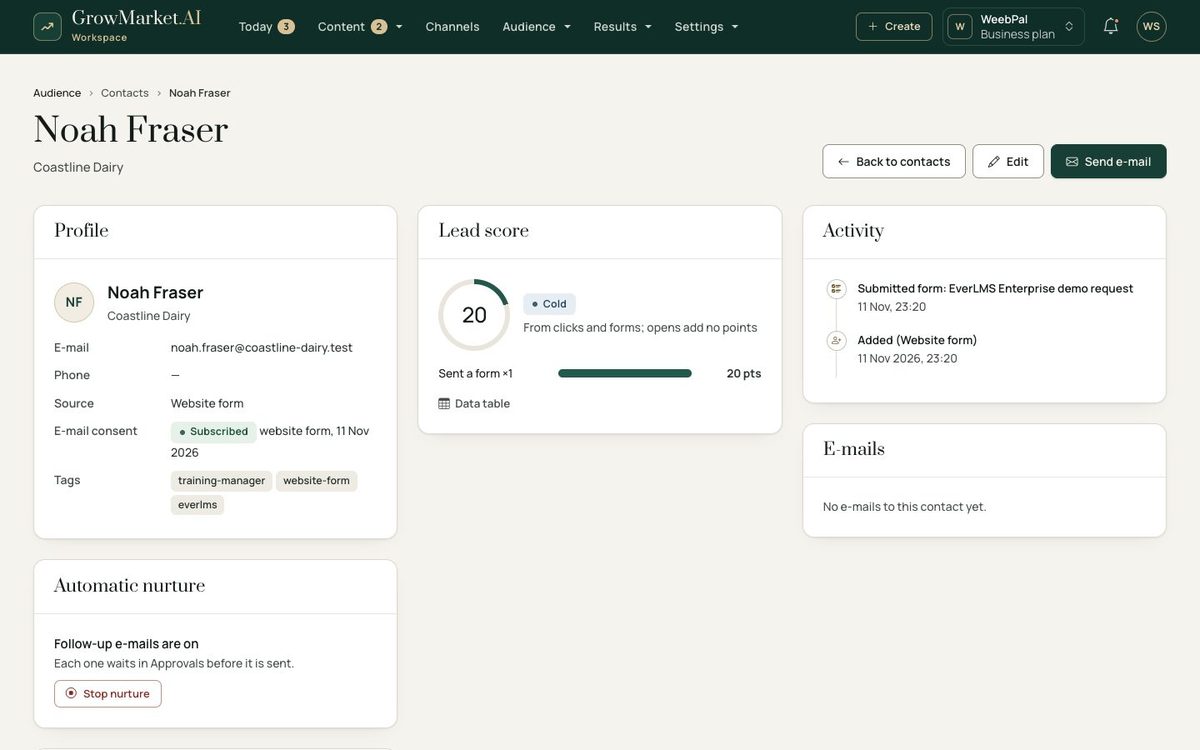
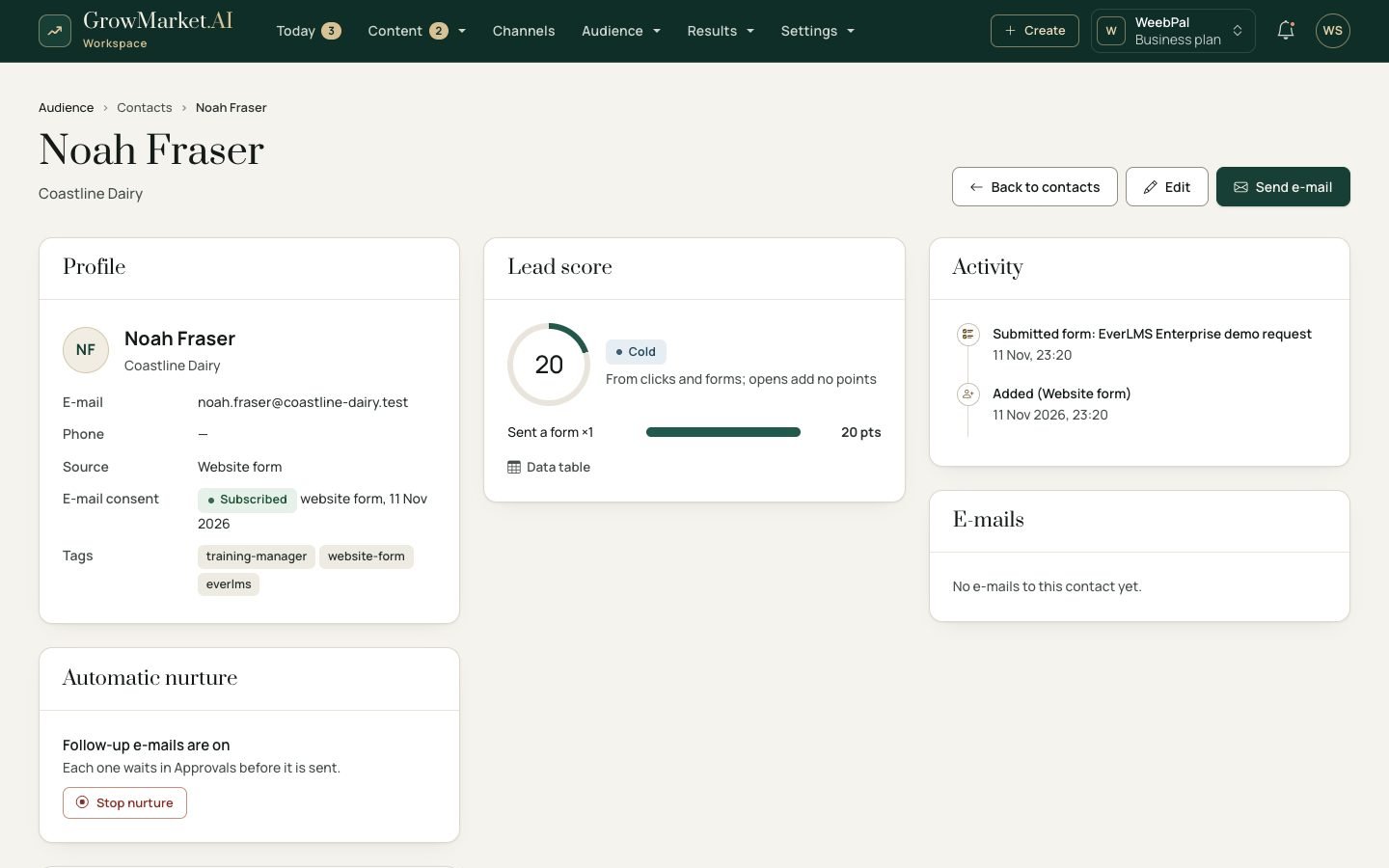
Lead from your website
A contact who filled in your website form, with their lead score and activity.
Questions about GrowMarket.AI
Approvals, channels, facts and results, in short answers.
Will GrowMarket.AI post without asking me?
No. With Approve Each, each post waits for your approval and goes out only within the authority you gave that channel. With Prepared Only, you publish each post yourself.
Which channels can it publish to?
LinkedIn company pages, Facebook Pages, Instagram Business accounts, your WordPress or Drupal website and e-mail from your own domain. Other networks work as Owner-tap: it prepares the post and you publish it.
Where do the facts in the posts come from?
From your business profile. GrowMarket.AI reads your website and proposes facts; posts use only the ones you verified, never the words you listed to avoid.
What happens when a post has a problem?
Right before sending, it checks the authority, the facts and numbers, the words to avoid, the links and the connection. A post that fails is held with its reason.
Can I stop everything at once?
Yes. Pause all publishing holds the scheduled posts until you resume, and a single post can be stopped and resumed too.
How are results measured?
Each post has its own tracking link, leads come from your website’s form, and e-mail campaigns count opens, clicks and unsubscribes. What it does not measure says so.
Who can receive e-mails?
Contacts who agreed to receive e-mail. Each contact records how the person agreed, and each e-mail has an unsubscribe link.
Bring GrowMarket.AI to your business
Describe your business once, verify the facts, and approve your first posts with us.