Approve table orders

Guest orders to approve · Approve · Reject · Docket

  • Signed in as a waiter
  • A guest has sent an order from a table
Waiter
Guest orders to approve

Waiter

Guest orders to approve

1Step 1 of 4

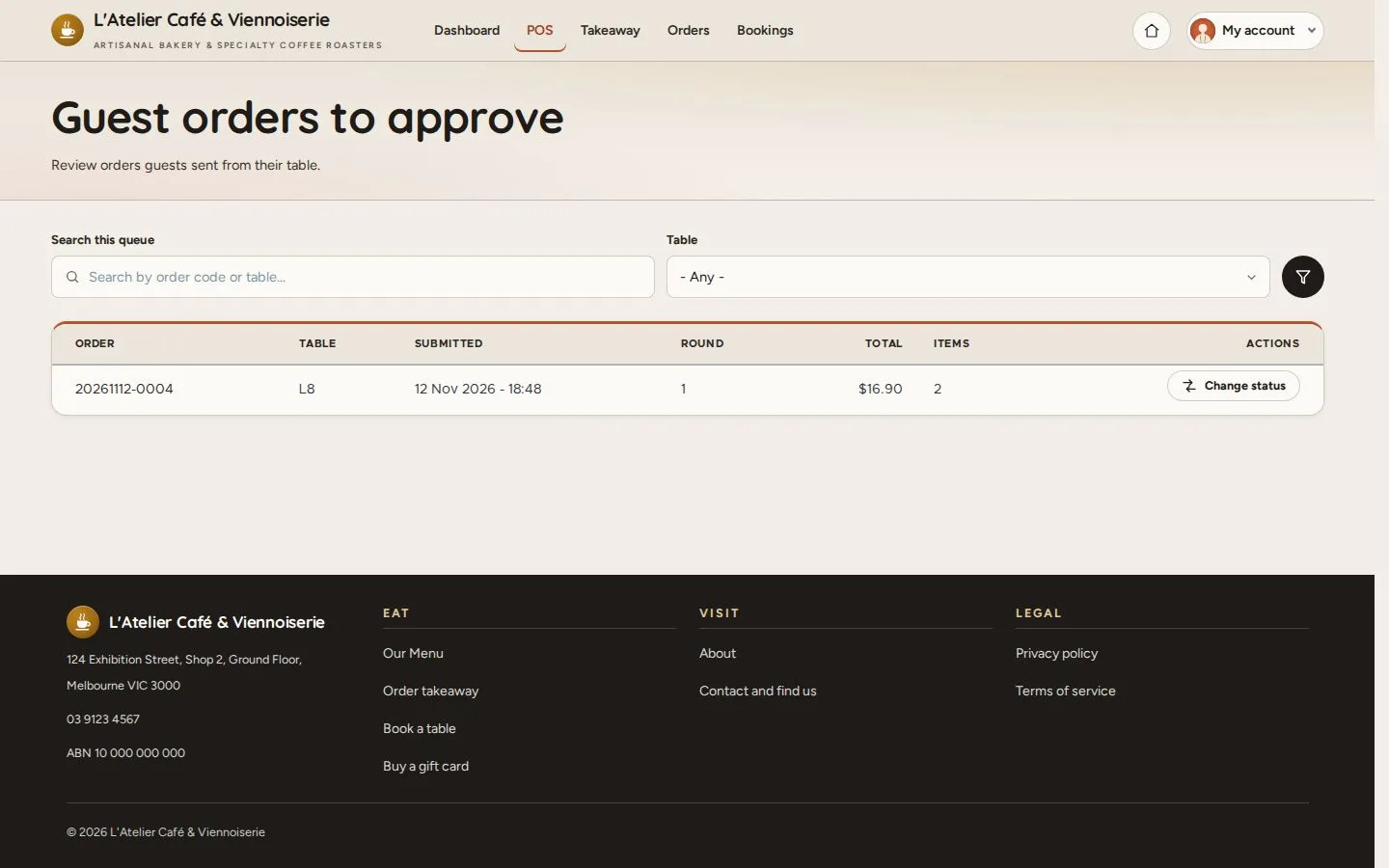
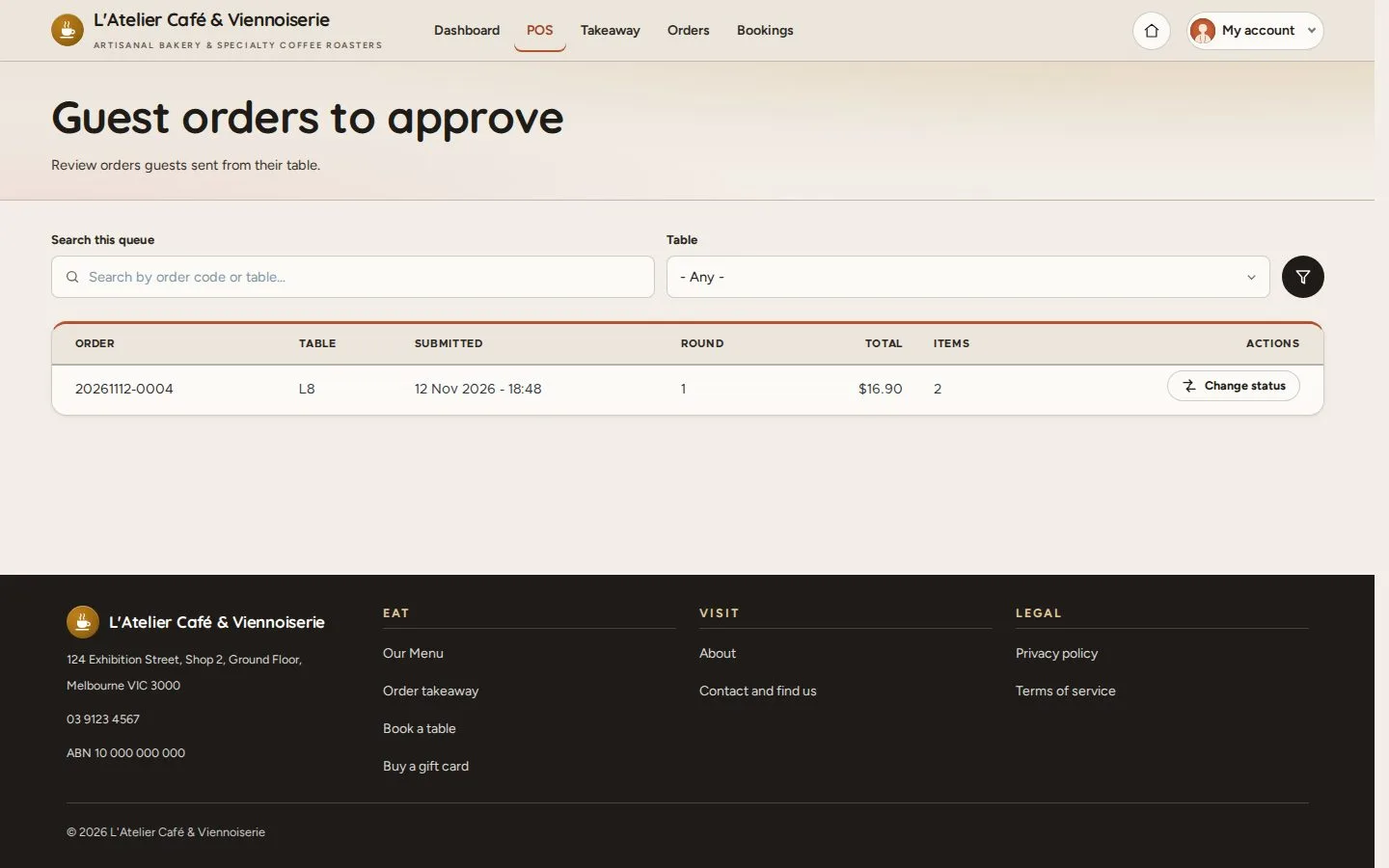
  1. My account › Guest orders to approve
  2. Each request shows its table, round, total and items
  3. Change status opens it

Open illustrated screen ↗Full image ↗

Waiter · Approve table orders01

Approve guest order

Waiter

Approve guest order

2Step 2 of 4

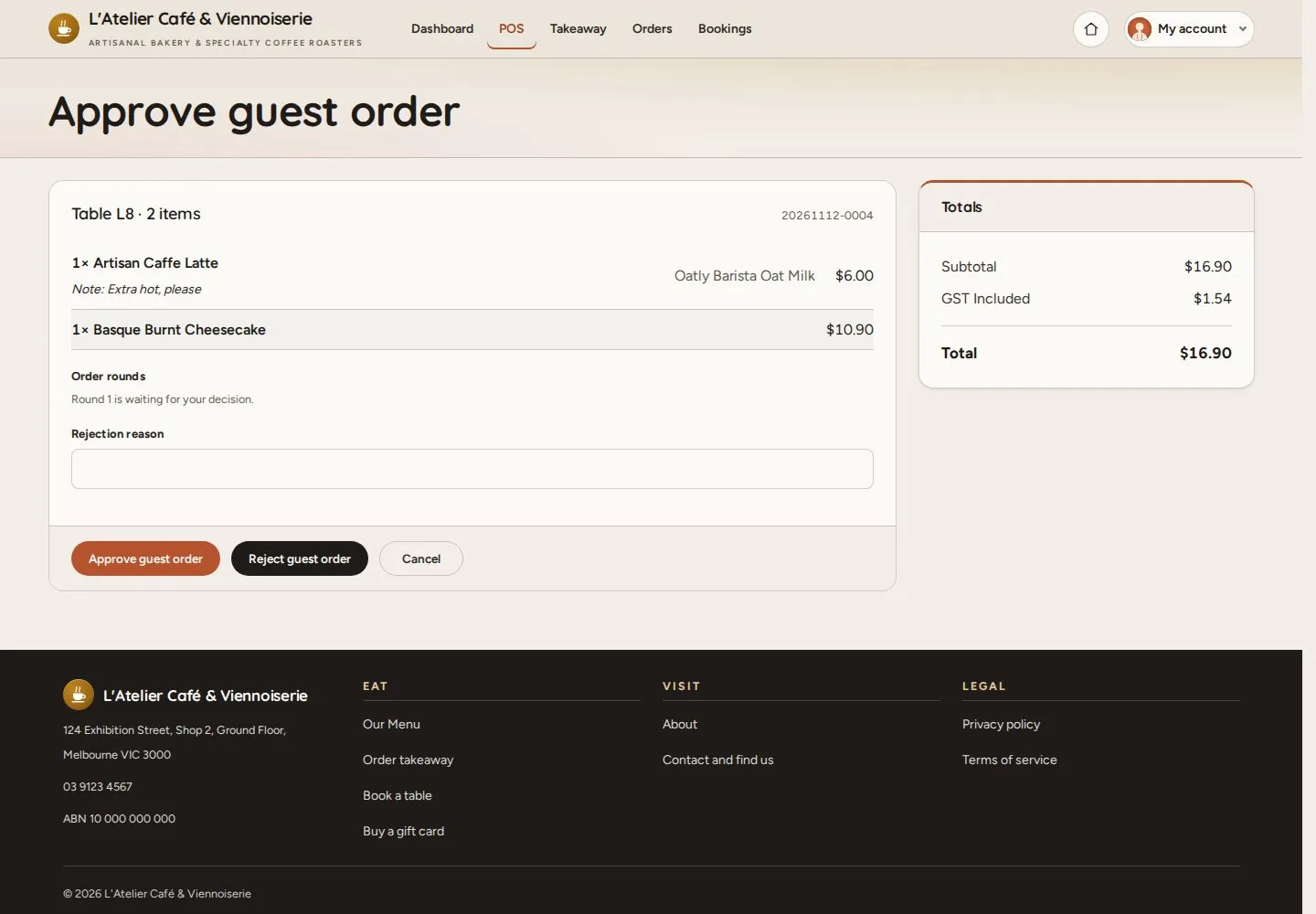
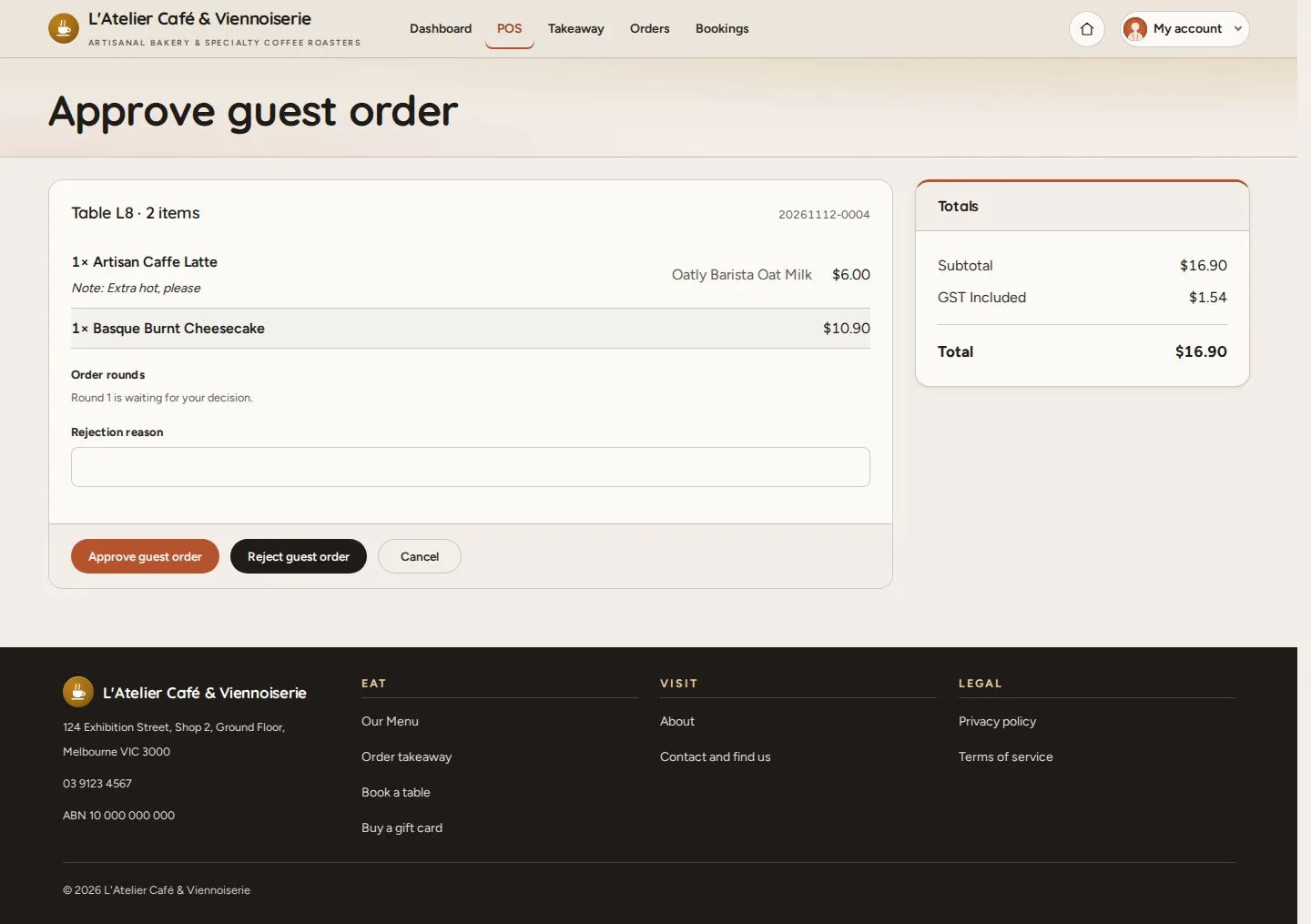
  1. Check the table, the dishes, options and notes
  2. Approve guest order sends the round to the kitchen
  3. Or give a rejection reason and Reject guest order

Enlarge, then scroll

Open illustrated screen ↗Full image ↗

Waiter · Approve table orders02

Approved

Waiter

Approved

3Step 3 of 4

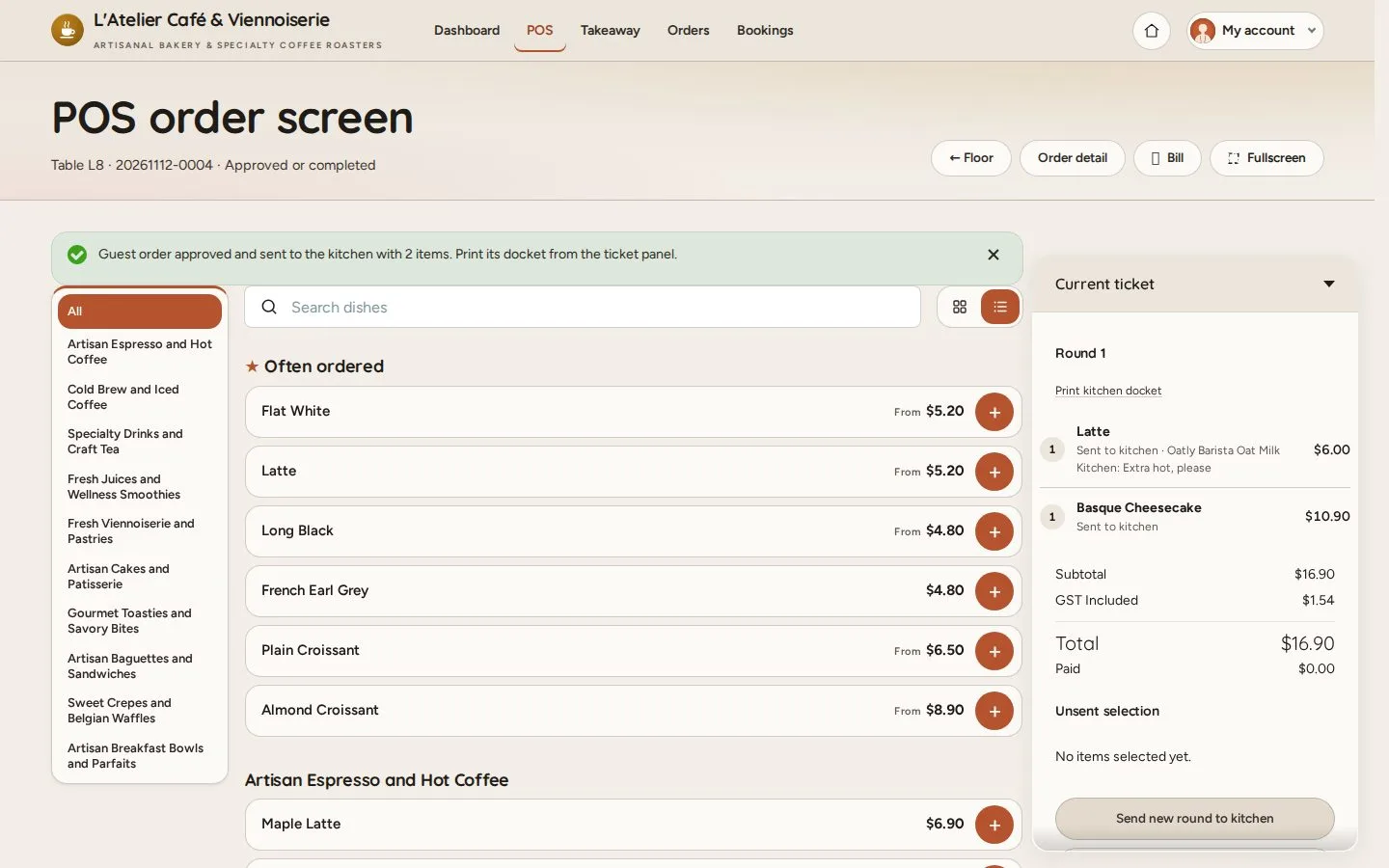
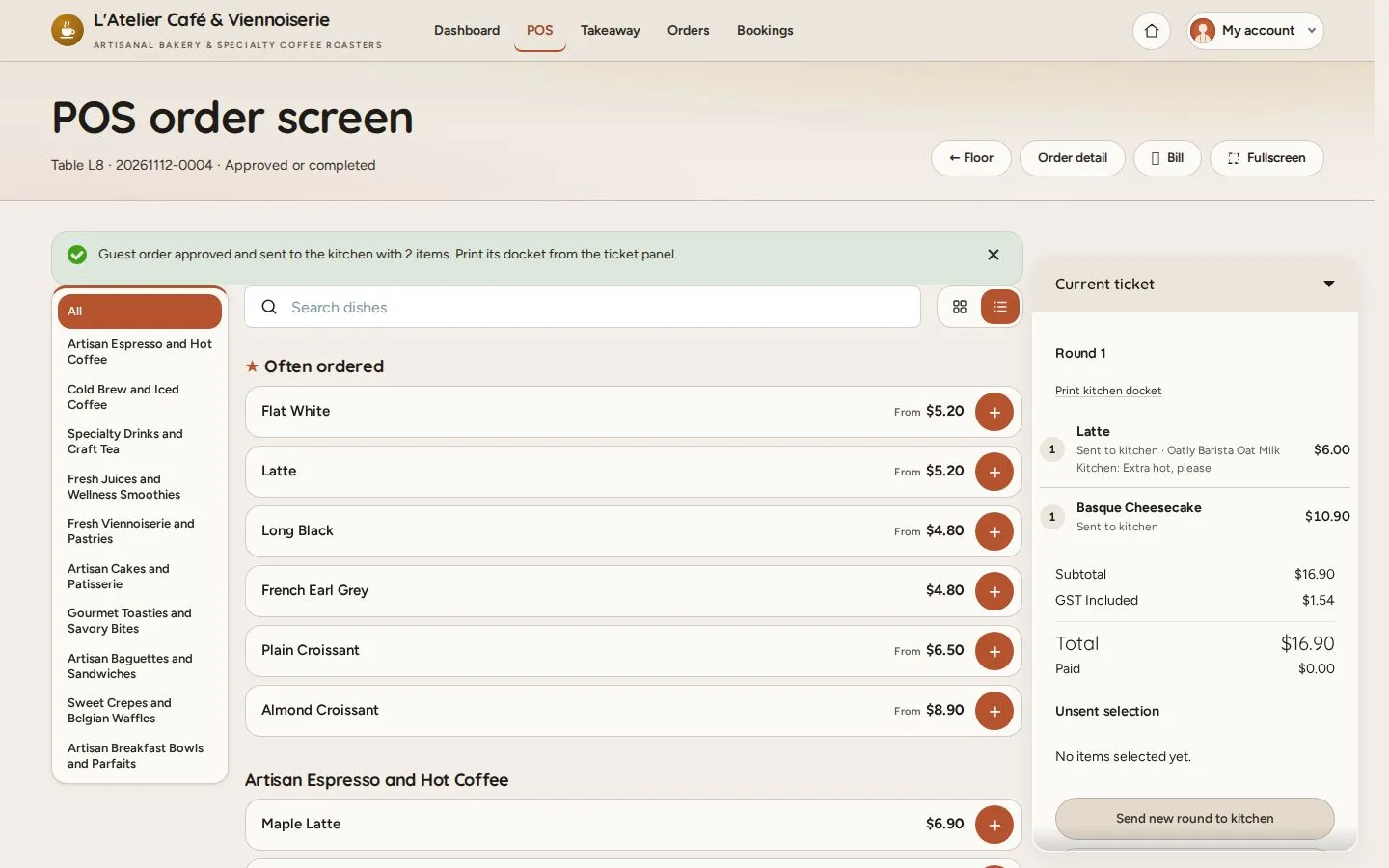
  1. The table's ticket opens on the POS
  2. Print kitchen docket for the round
  3. A new round from the table comes back to Guest orders to approve

Open illustrated screen ↗Full image ↗

Waiter · Approve table orders03

Table in service

Waiter

Table in service

4Step 4 of 4

  1. The floor map shows the table In service
  2. A Manager takes the payment at the end

Enlarge, then scroll

Open illustrated screen ↗Full image ↗

Check

Each round from the table is approved and with the kitchen

Waiter · Approve table orders04
1 / 5
Privacy Terms