Gift cards

Buy a gift card · 10% bonus · Check a balance

  • No account needed
Public

Choose an amount

Public

Choose an amount

1Step 1 of 5

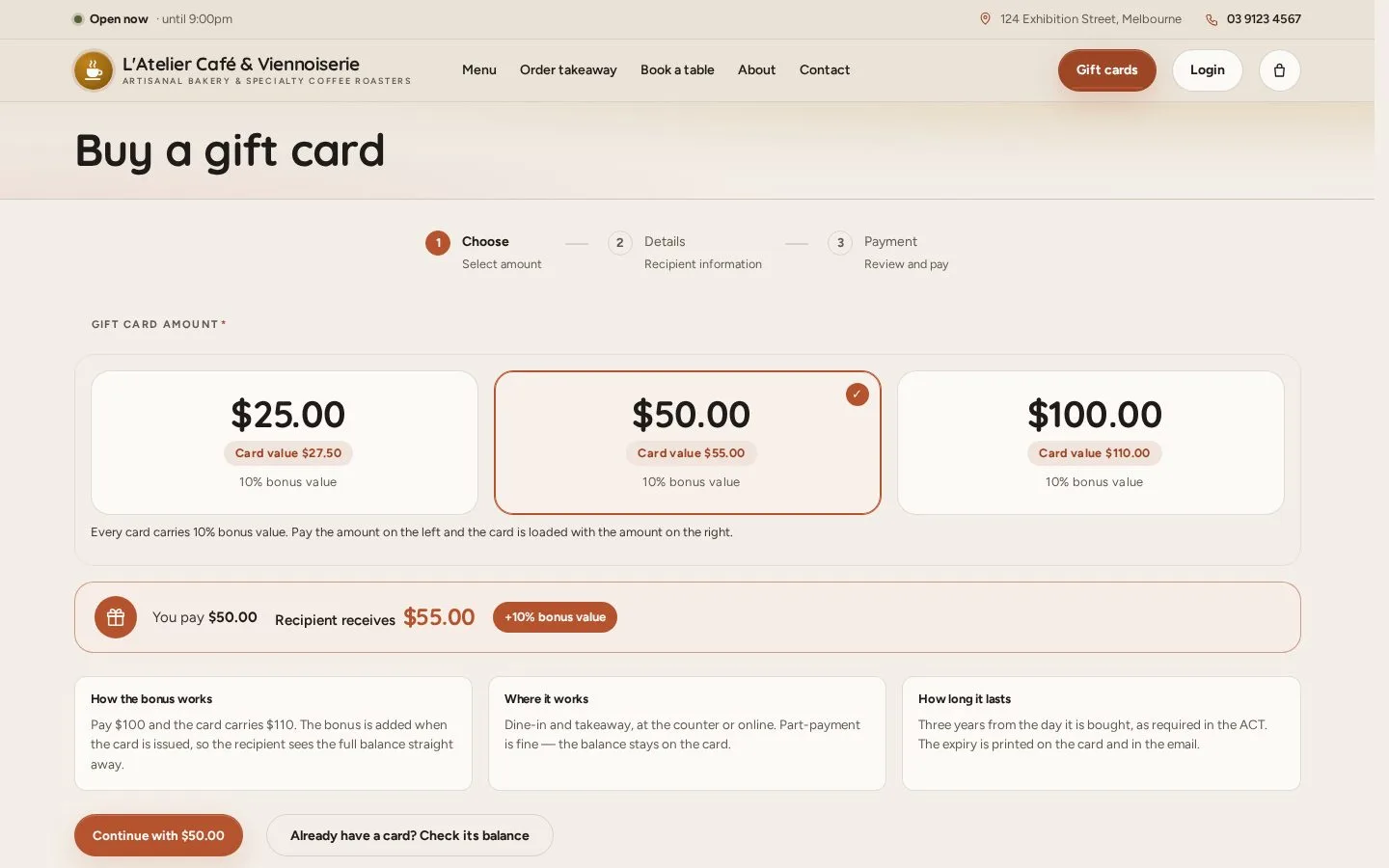
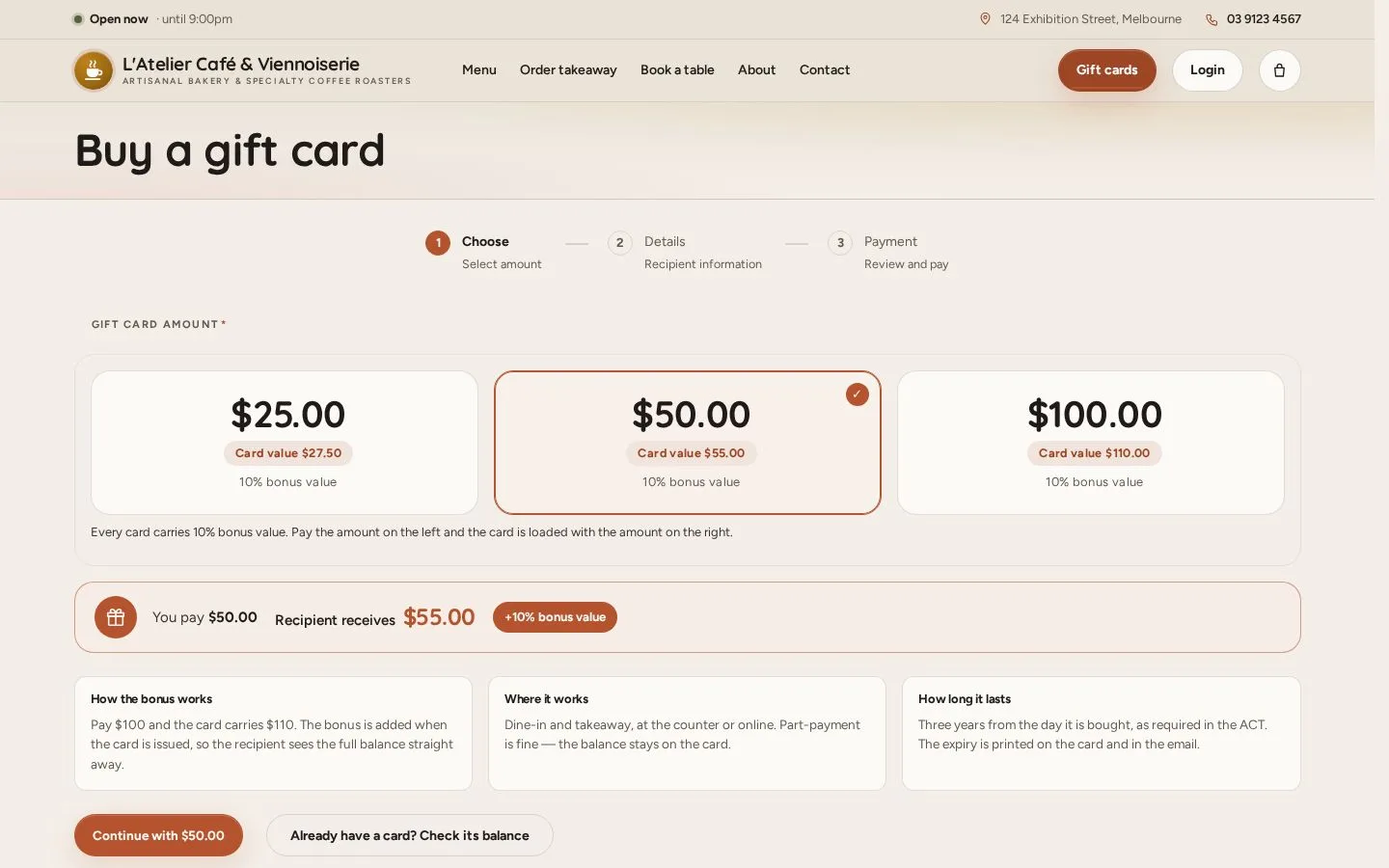
  1. Open Gift cards
  2. Choose $25, $50 or $100: the card carries 10% more
  3. Continue

Open illustrated screen ↗Full image ↗

Public · Gift cards01

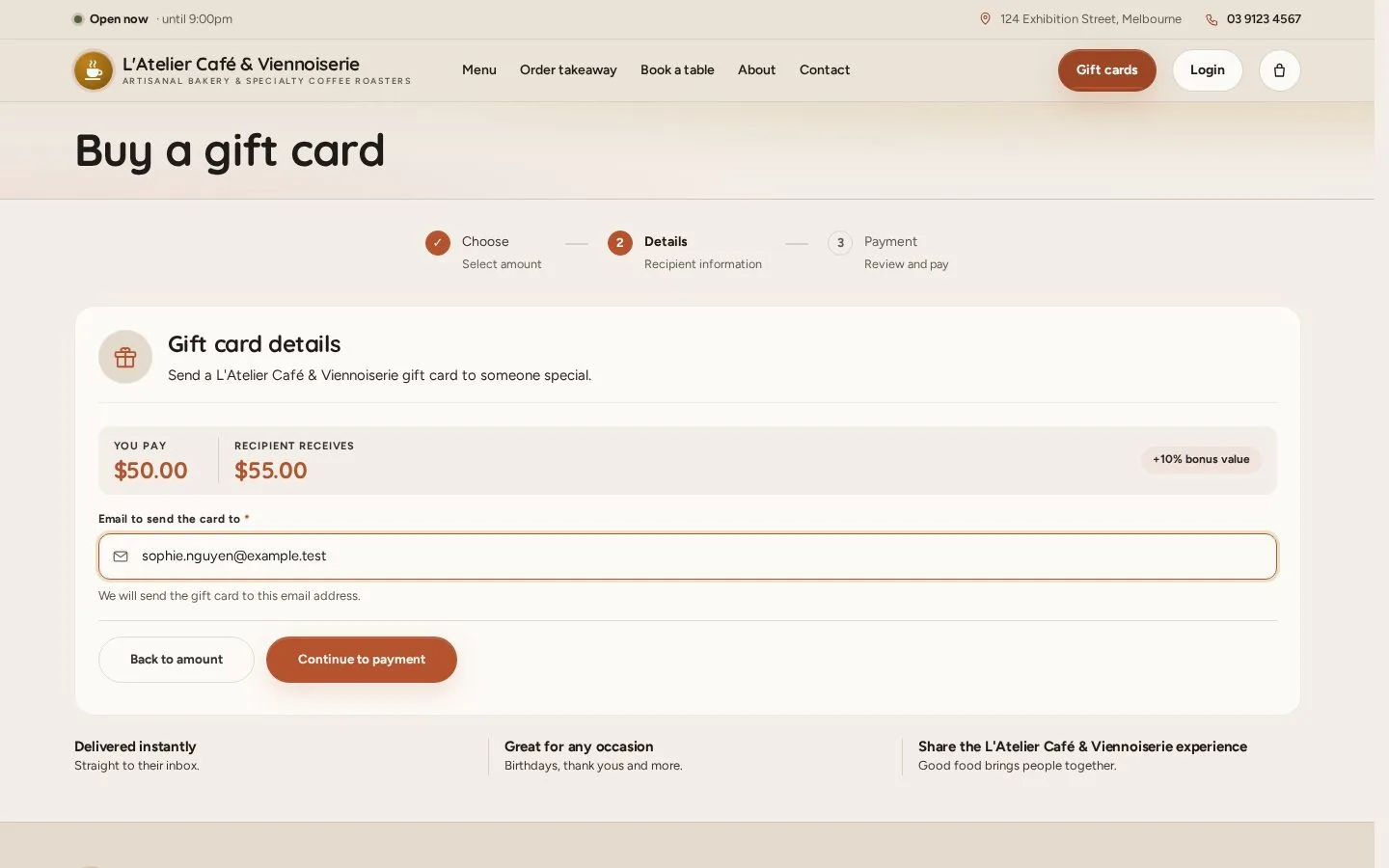
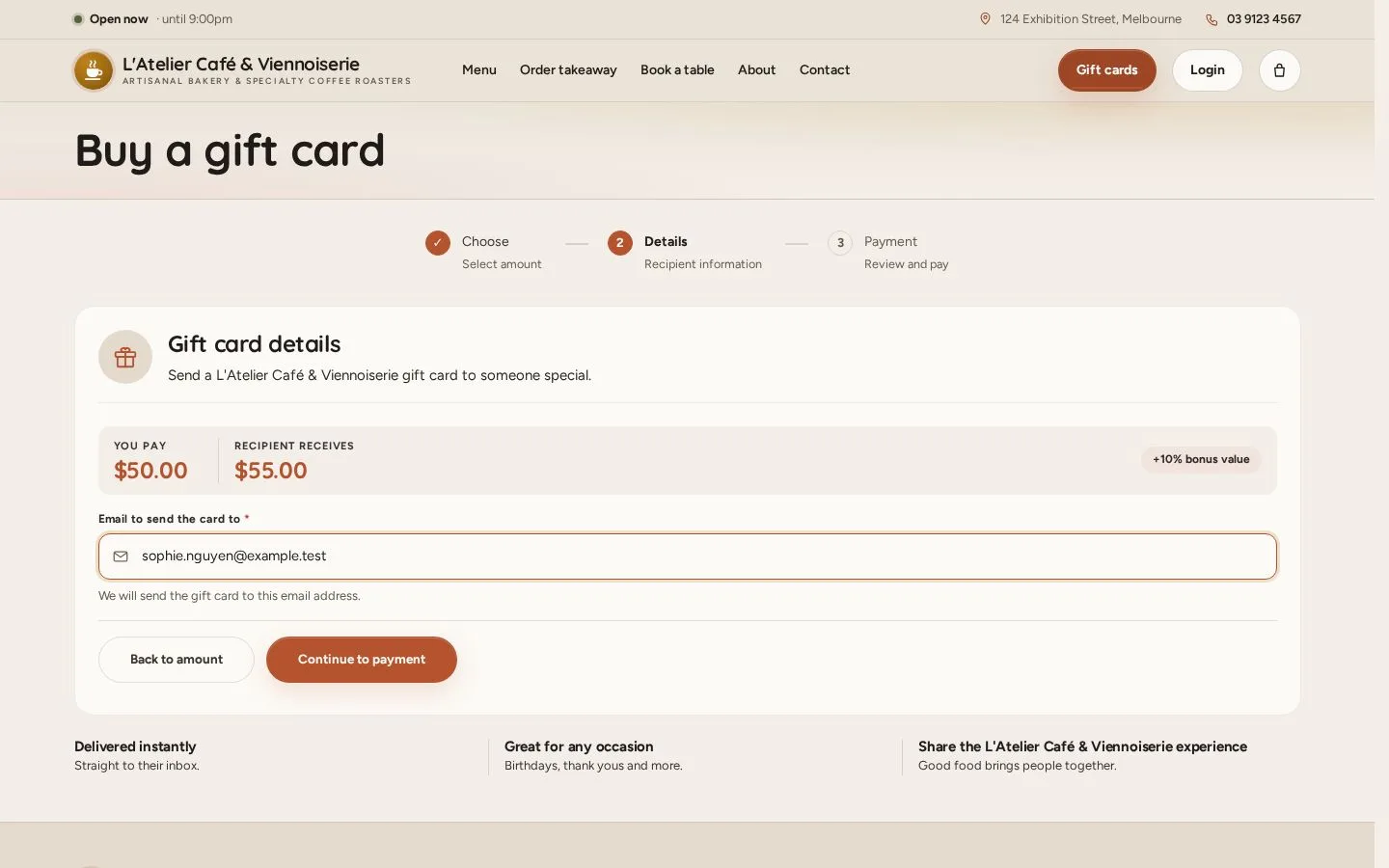
Gift card details

Public

Gift card details

2Step 2 of 5

  1. Enter the email address the card is sent to
  2. Continue to payment

Open illustrated screen ↗Full image ↗

Public · Gift cards02

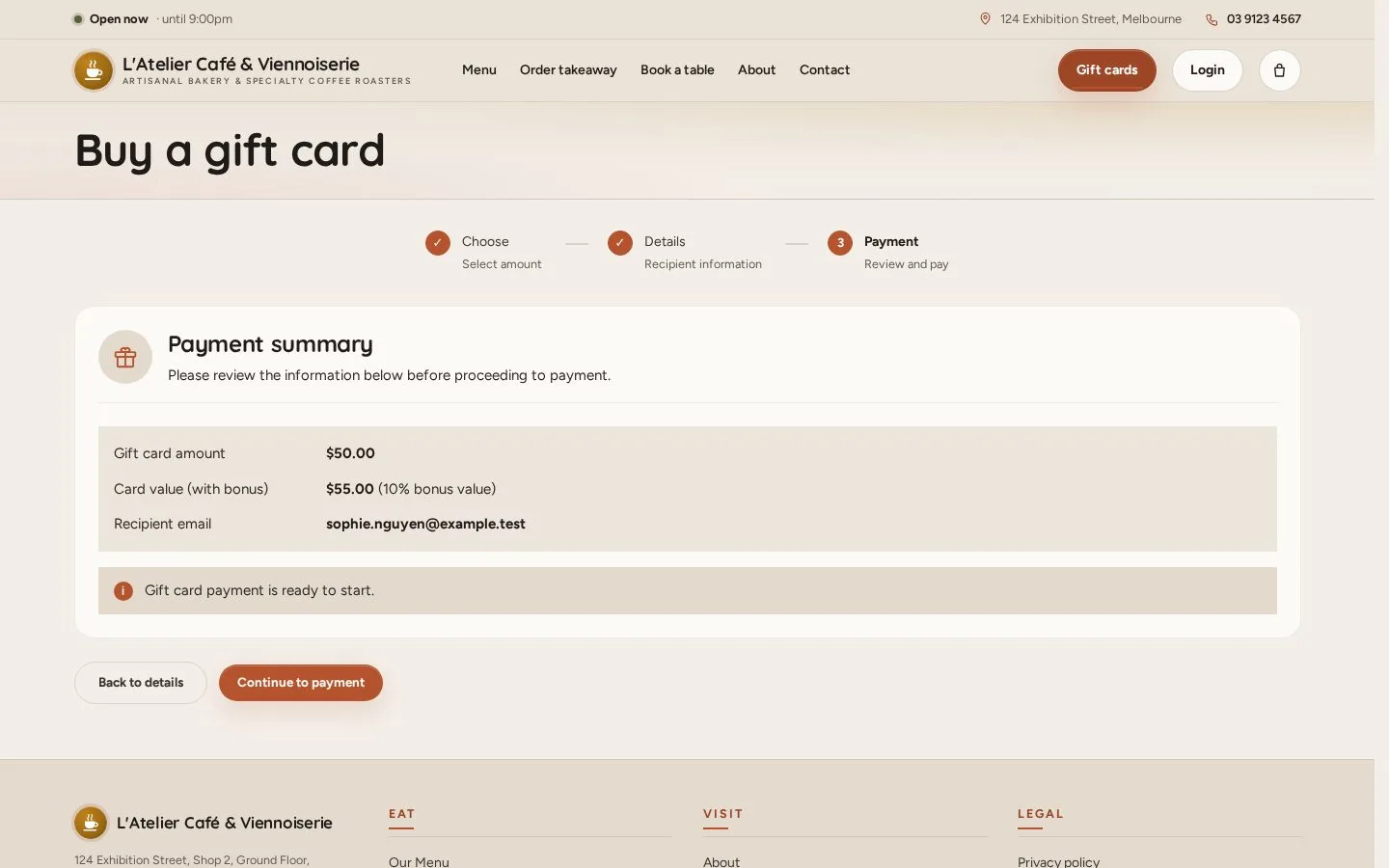
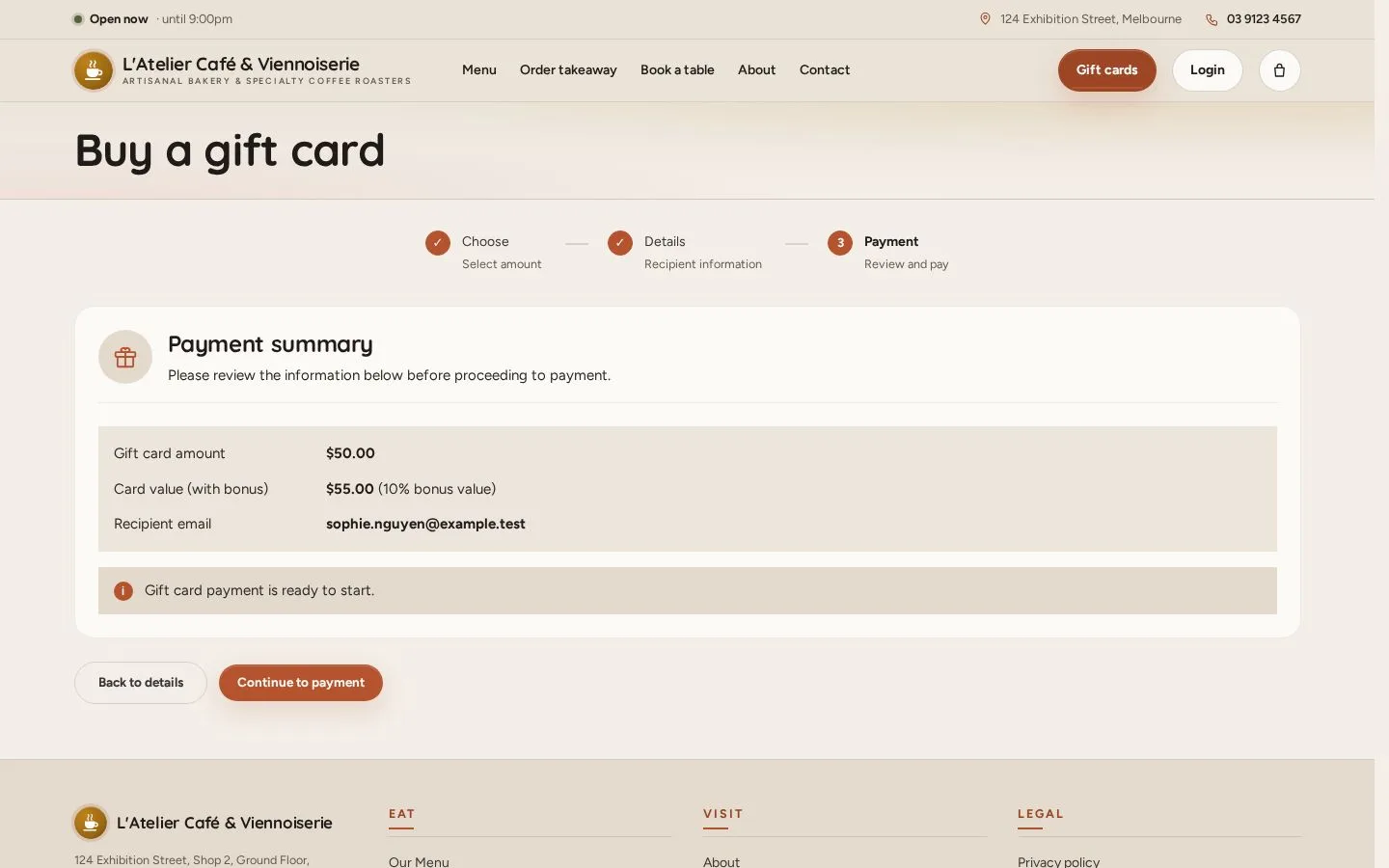
Payment summary

Public

Payment summary

3Step 3 of 5

  1. Check the amount, the card value and the email
  2. Continue to payment and pay by card
  3. The card is emailed once it is paid

Open illustrated screen ↗Full image ↗

Public · Gift cards03

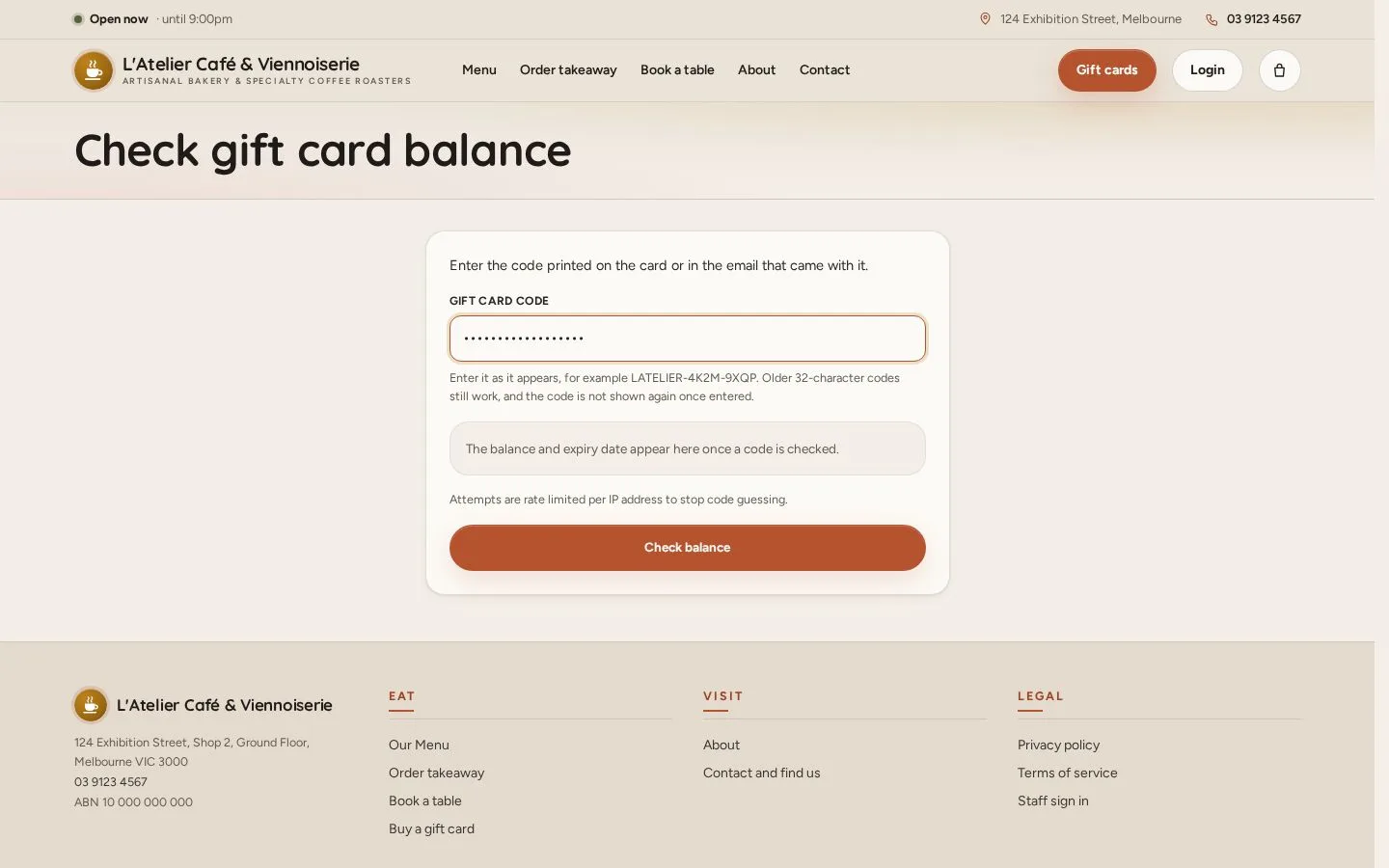
Check a balance

Public

Check a balance

4Step 4 of 5

  1. On Gift cards: Already have a card? Check its balance
  2. Enter the code from the card or its email
  3. Check balance

Open illustrated screen ↗Full image ↗

Public · Gift cards04

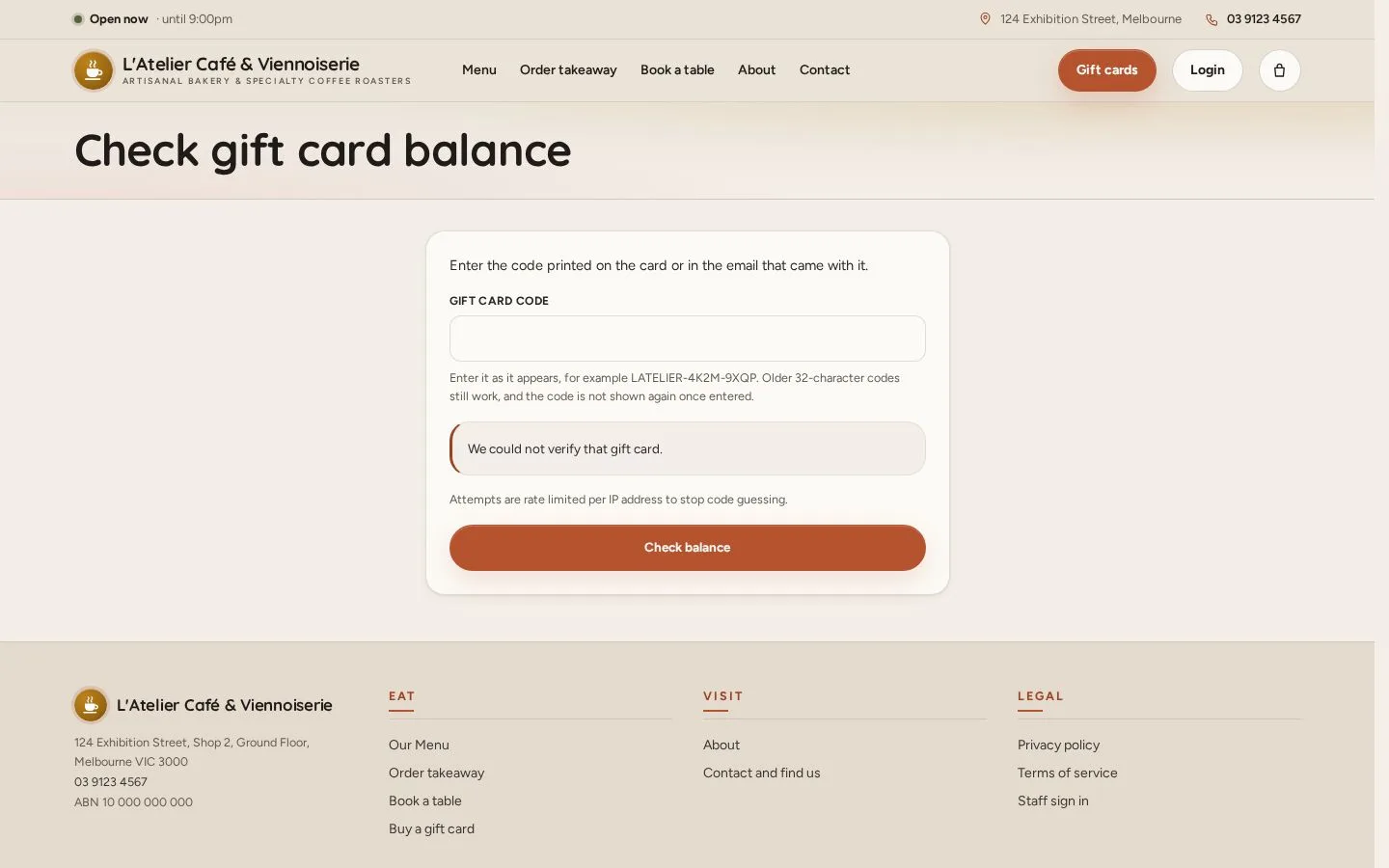
Balance result

Public

Balance result

5Step 5 of 5

  1. The balance and the expiry date appear
  2. Spend it on dine-in or takeaway; what is left stays on the card

A wrong code is refused; attempts are limited.

Open illustrated screen ↗Full image ↗

Check

The gift card is paid and emailed; a balance check shows what is left

Public · Gift cards05
1 / 6
Privacy Terms