Add a dish

Add dish · Photo · Channels · Draft · Publish

  • Signed in as a Manager
  • A real photo of the dish
Manager

Add menu item

Manager

Add menu item

1Step 1 of 4

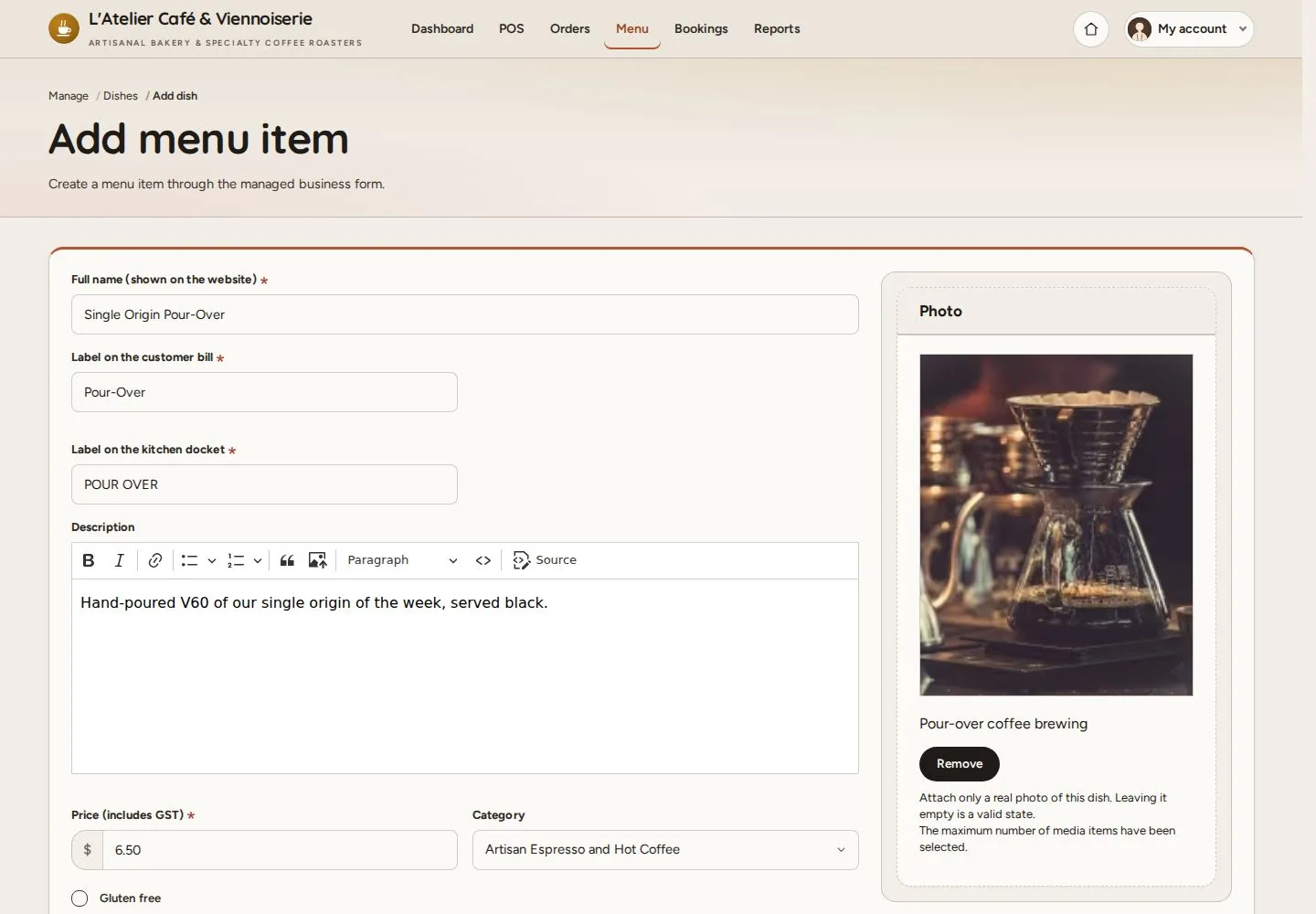
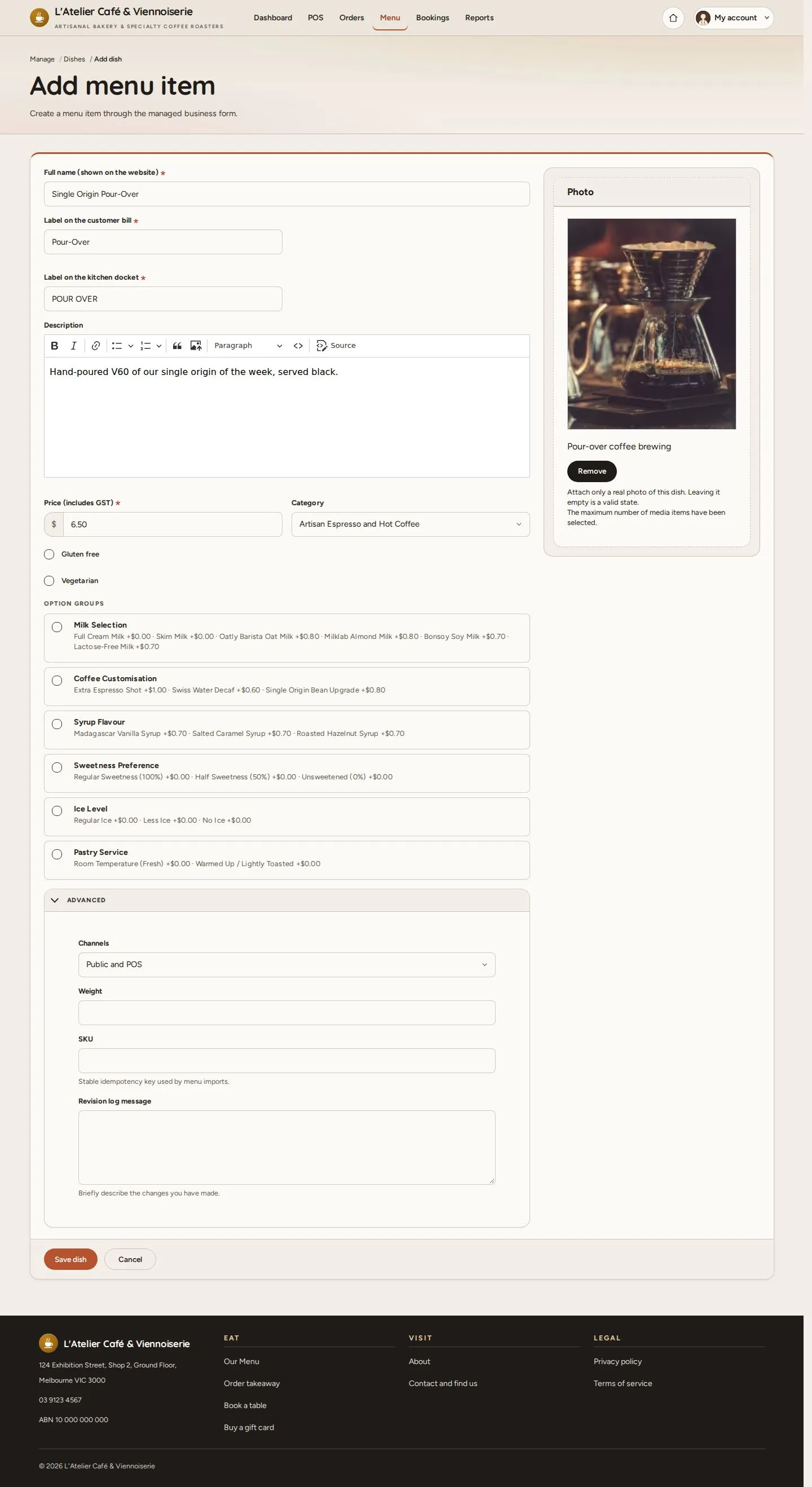
  1. Menu › Add dish: names, description, price and category
  2. Photo › Add media: upload the dish photo or pick one
  3. Advanced › Channels: Public and POS

A dish without a photo sells on the POS only; the website shows dishes with a photo.

Enlarge, then scroll

Open illustrated screen ↗Full image ↗

Manager · Add a dish01

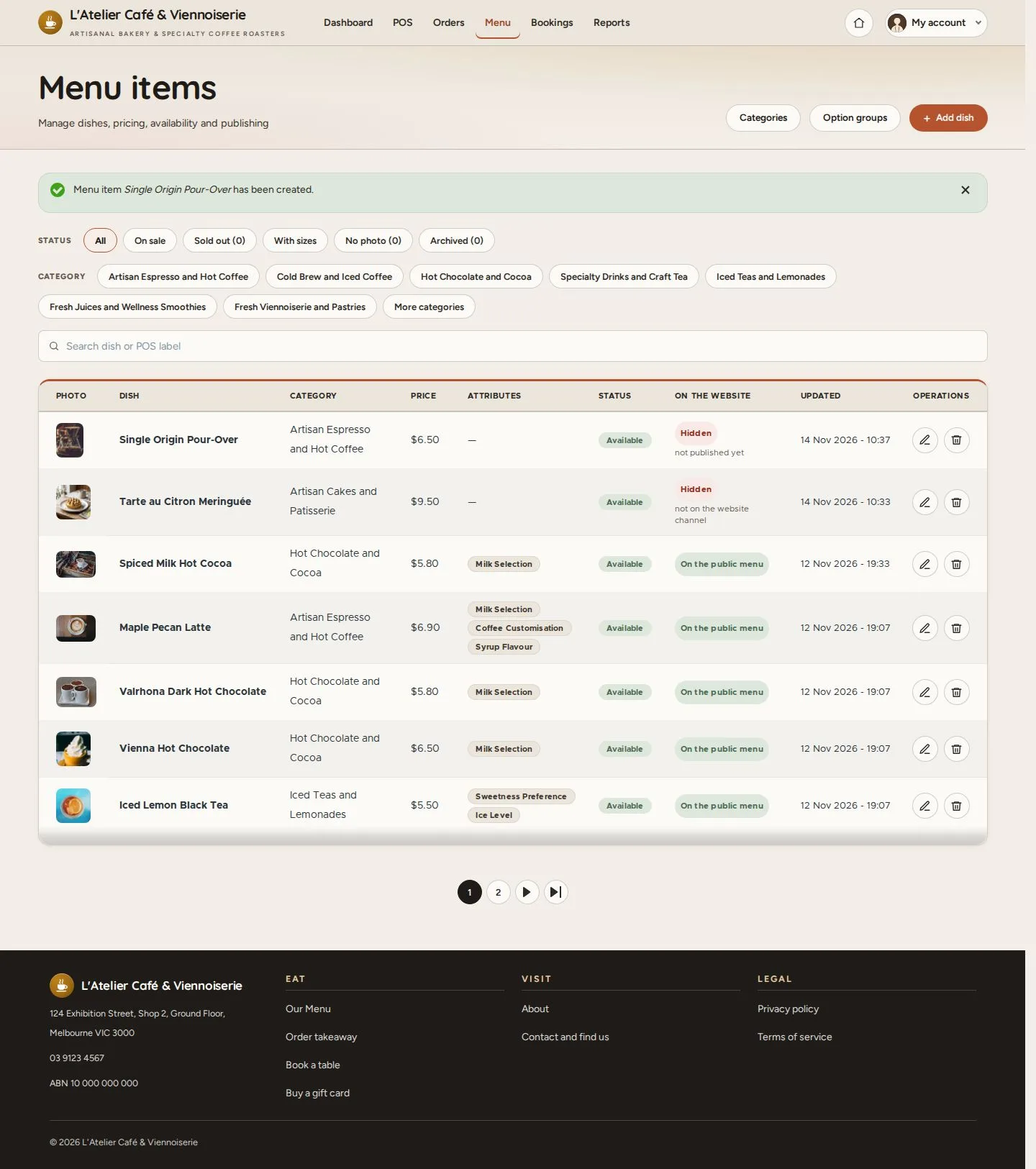
Saved as a draft

Manager

Saved as a draft

2Step 2 of 4

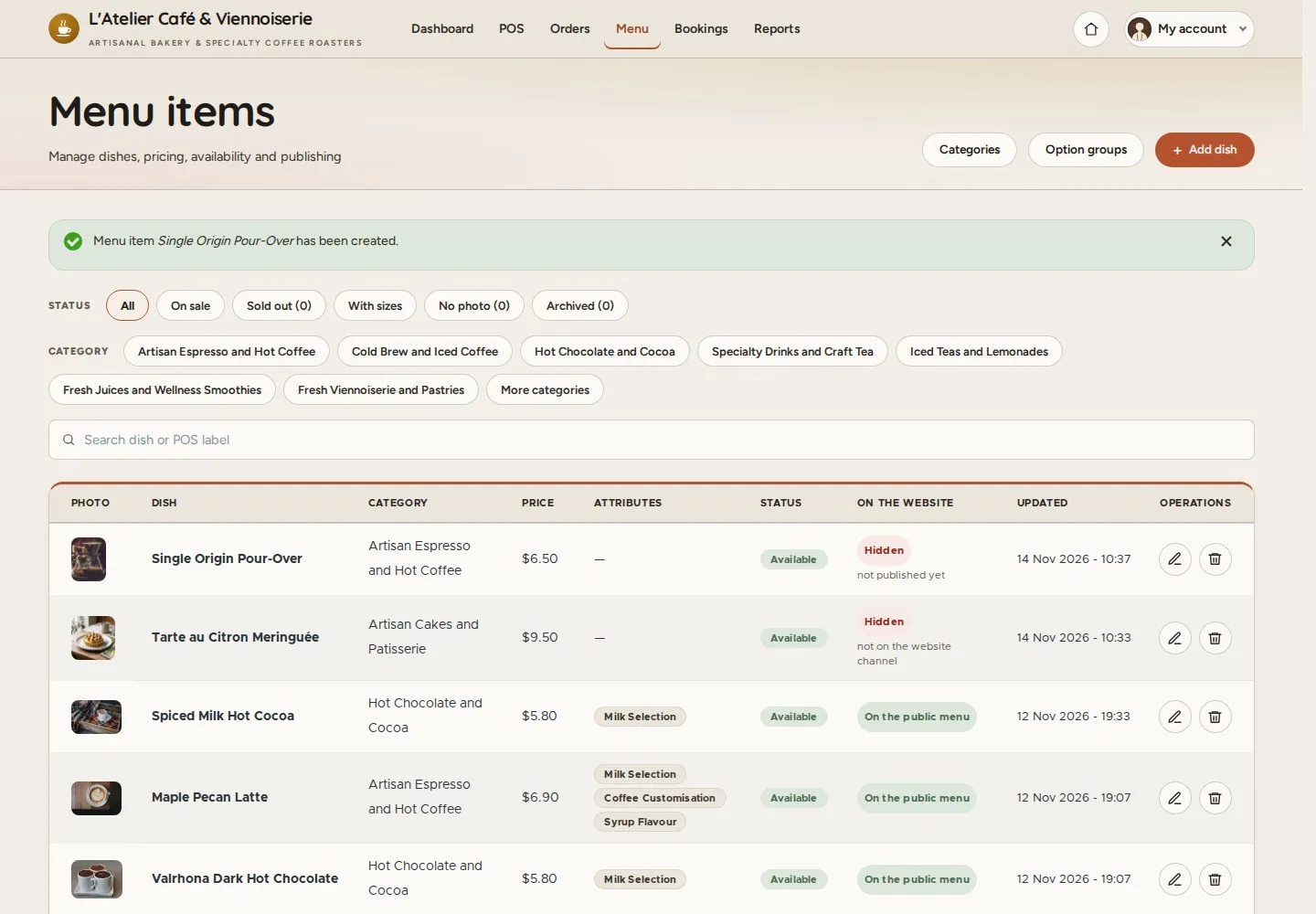
  1. Save dish: it is saved as a draft
  2. A draft sells nowhere until it is published

Enlarge, then scroll

Open illustrated screen ↗Full image ↗

Manager · Add a dish02

Publish

Manager

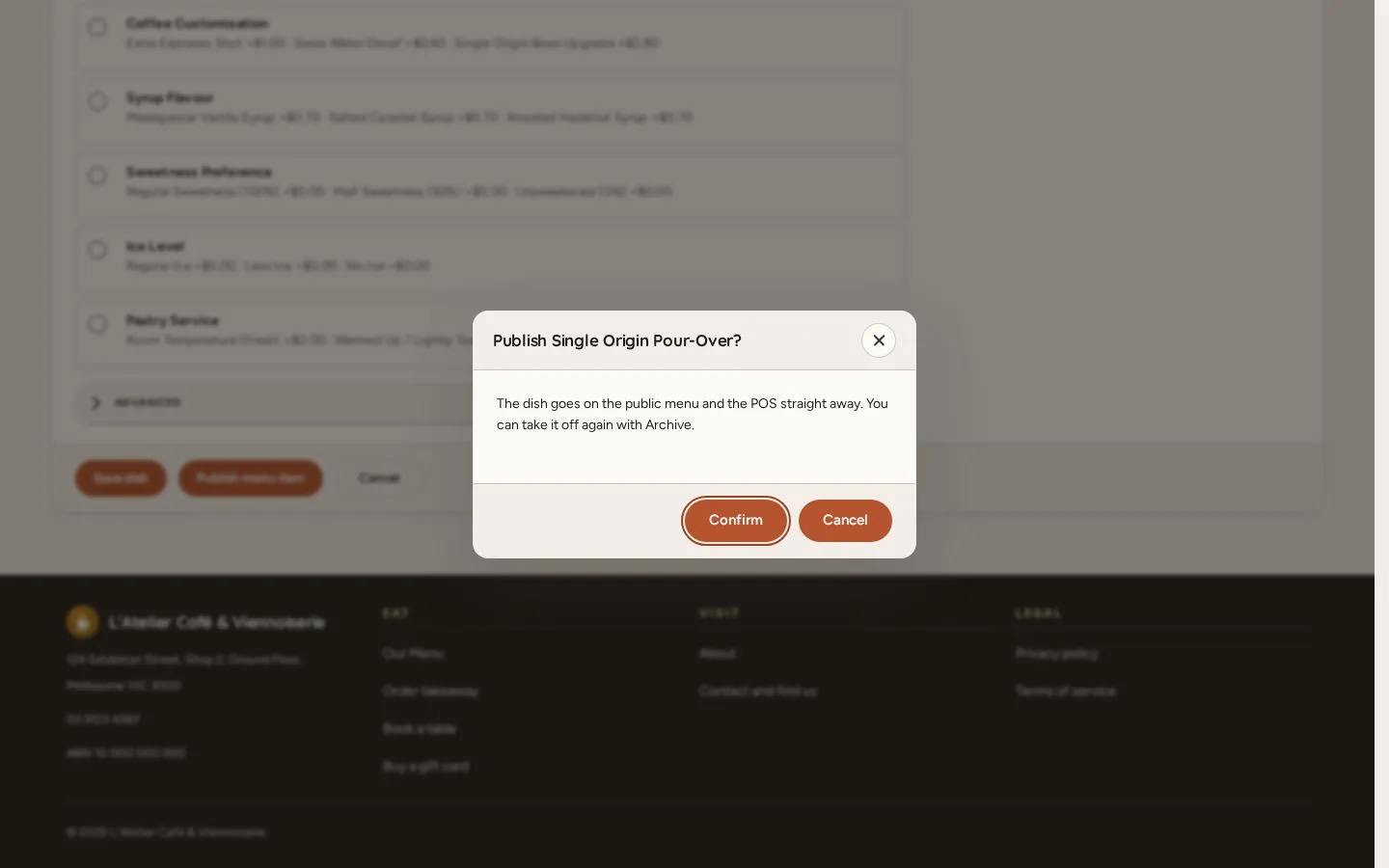
Publish

3Step 3 of 4

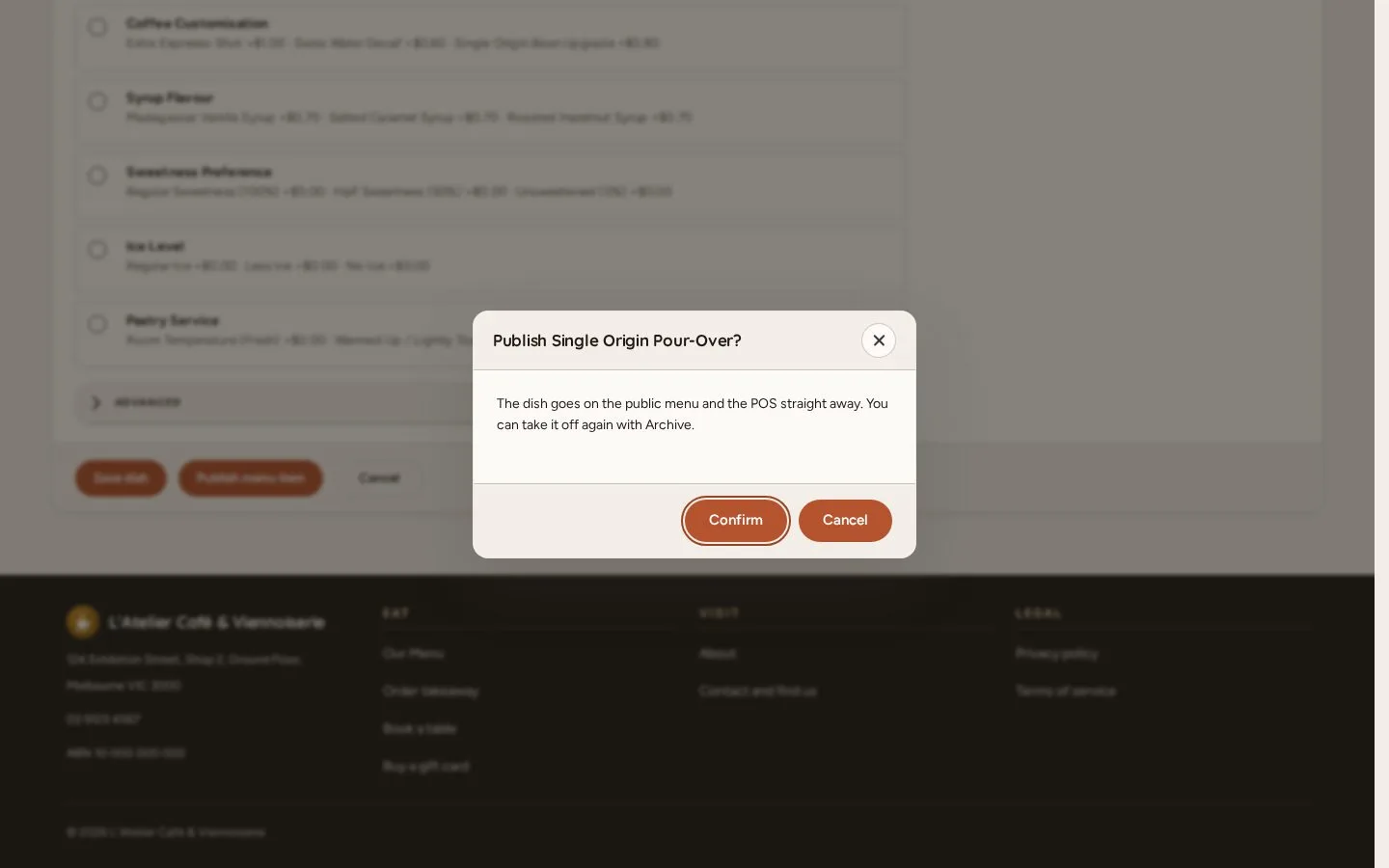
  1. Edit the dish, then Publish menu item
  2. Confirm

Open illustrated screen ↗Full image ↗

Manager · Add a dish03

Published

Manager

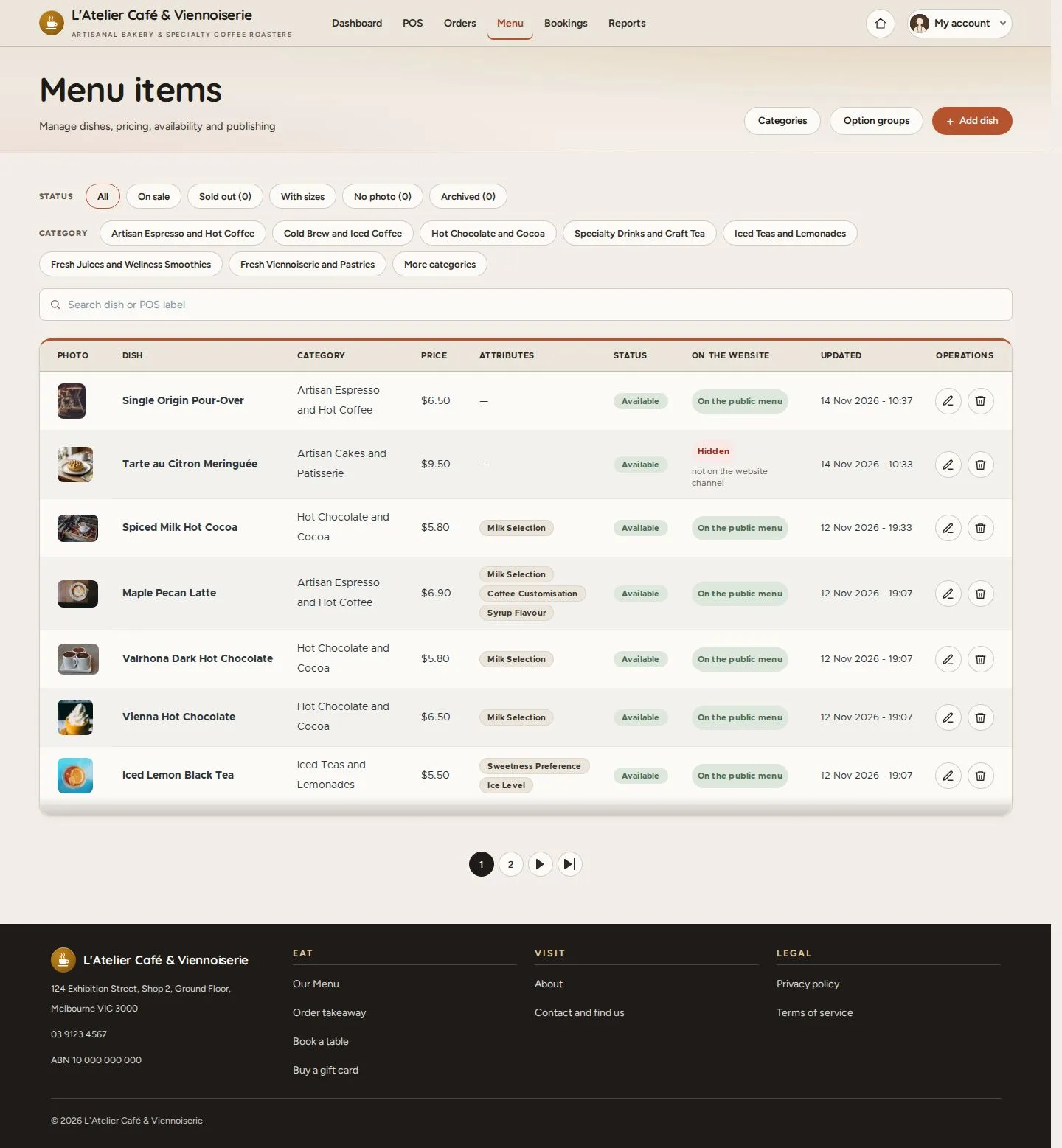
Published

4Step 4 of 4

  1. On the public menu: it is on the website and every POS
  2. Remove (bin) takes it off sale; the dish is kept

Enlarge, then scroll

Open illustrated screen ↗Full image ↗

Check

The dish is published, with its photo, on the website and the POS

Manager · Add a dish04
1 / 5
Privacy Terms