






 Hotel operations
User guide · Receptionist
Review a cancellation and find guest records
Check the booking before cancellation; use guest records to support the stay.
- Verify the guest’s request, the booking and the cancellation policy before confirming.
- Sign in with the correct role and check the account name in the menu.
ReceptionistStep-by-step instructions
Check the booking to cancel
Receptionist
1Step 1 of 3
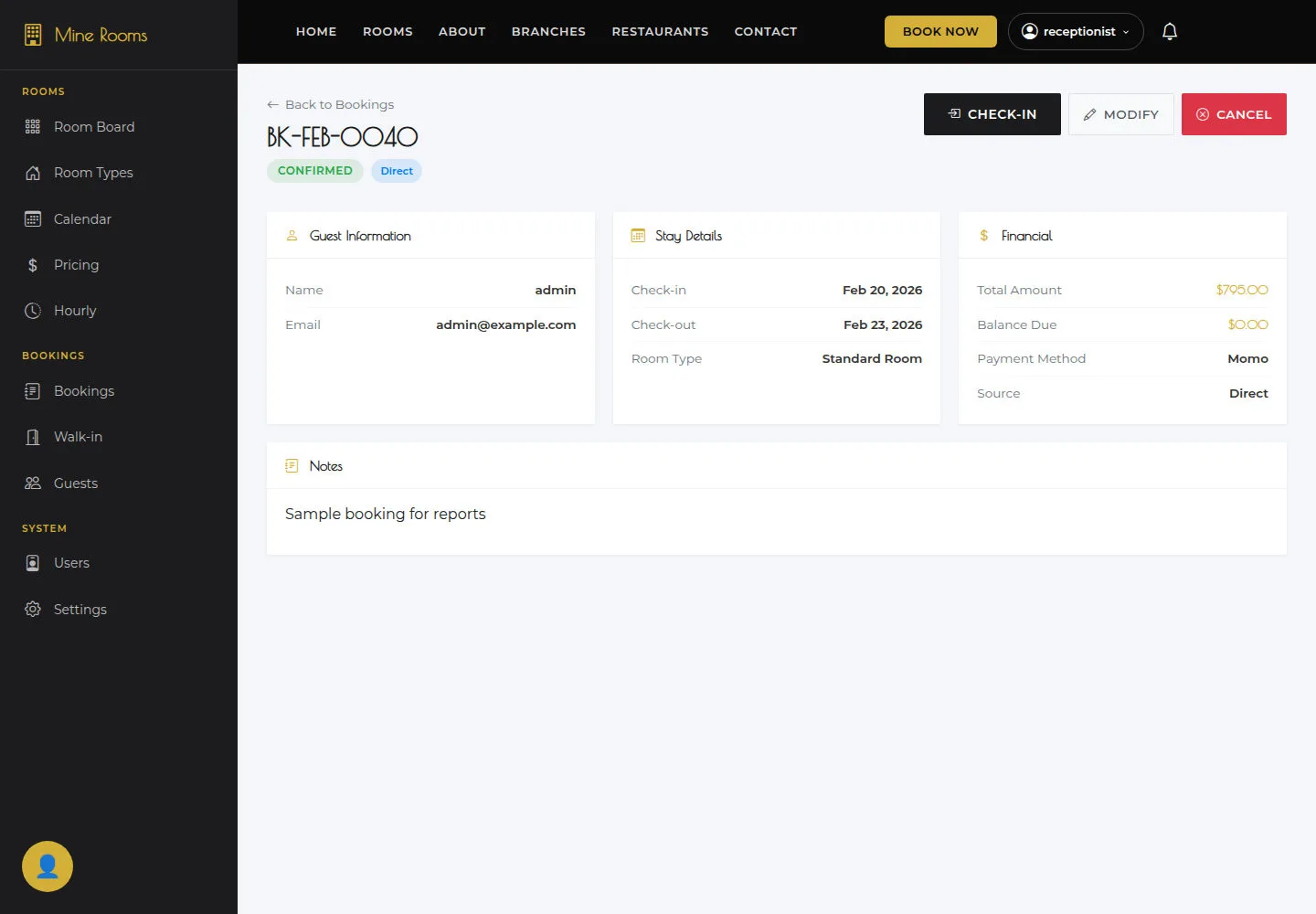
Check the information on this screen before continuing.
- Read reference, guest, stay dates and Financial in Booking detail.
Open on site ↗sign-inFull-page screenshot ↗
What you should see
The record matches the guest’s cancellation request.
Open Cancel confirmation
Receptionist
2Step 2 of 3
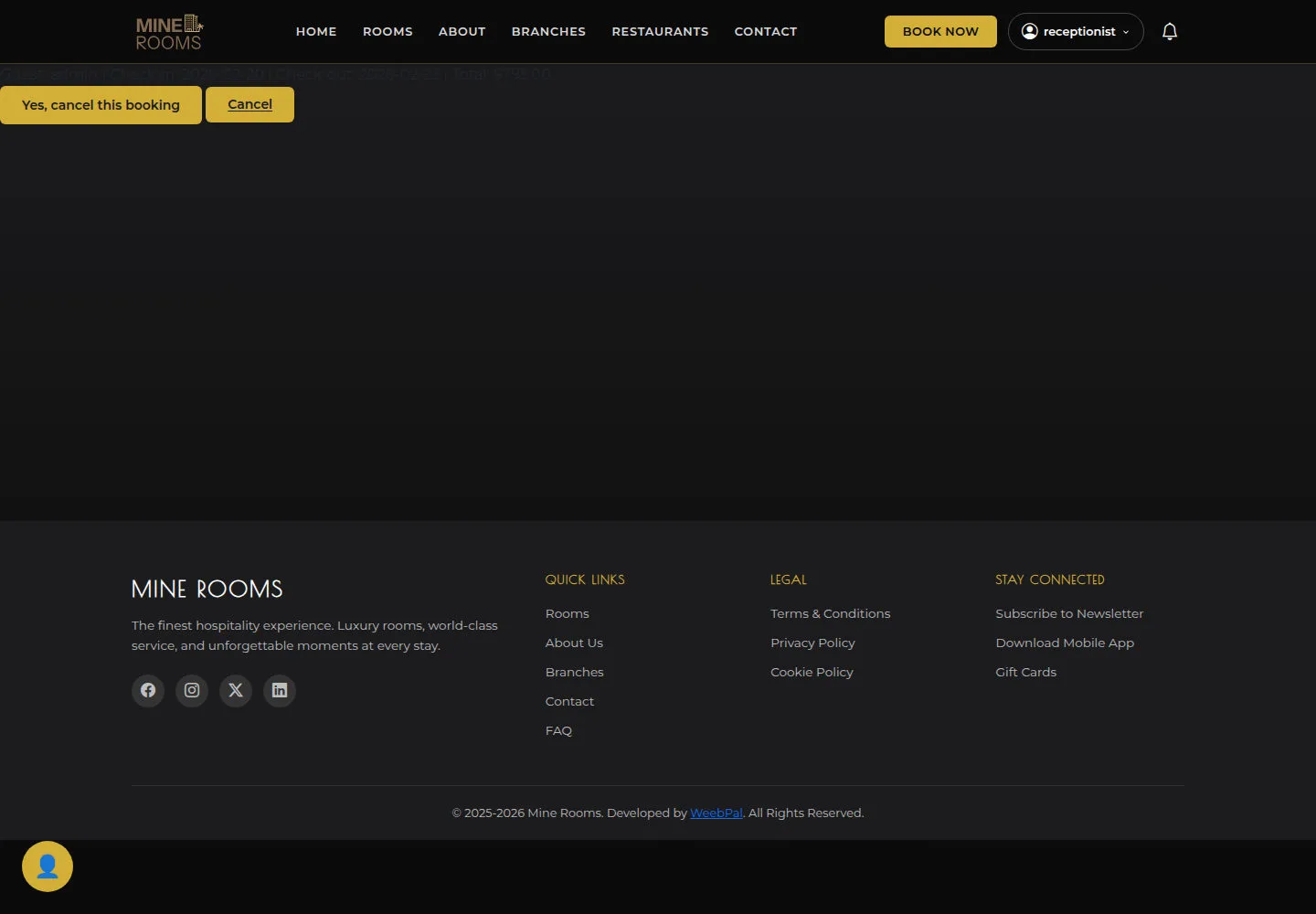
Cancel requests confirmation for the selected booking.
- Read the confirmation page; select Cancel only after checking the policy and booking.
Open on site ↗sign-inFull-page screenshot ↗
What you should see
After confirmation, reopen the booking to check its state. Reconcile any refund separately with the payment process.
Read Guest CRM
Receptionist
3Step 3 of 3
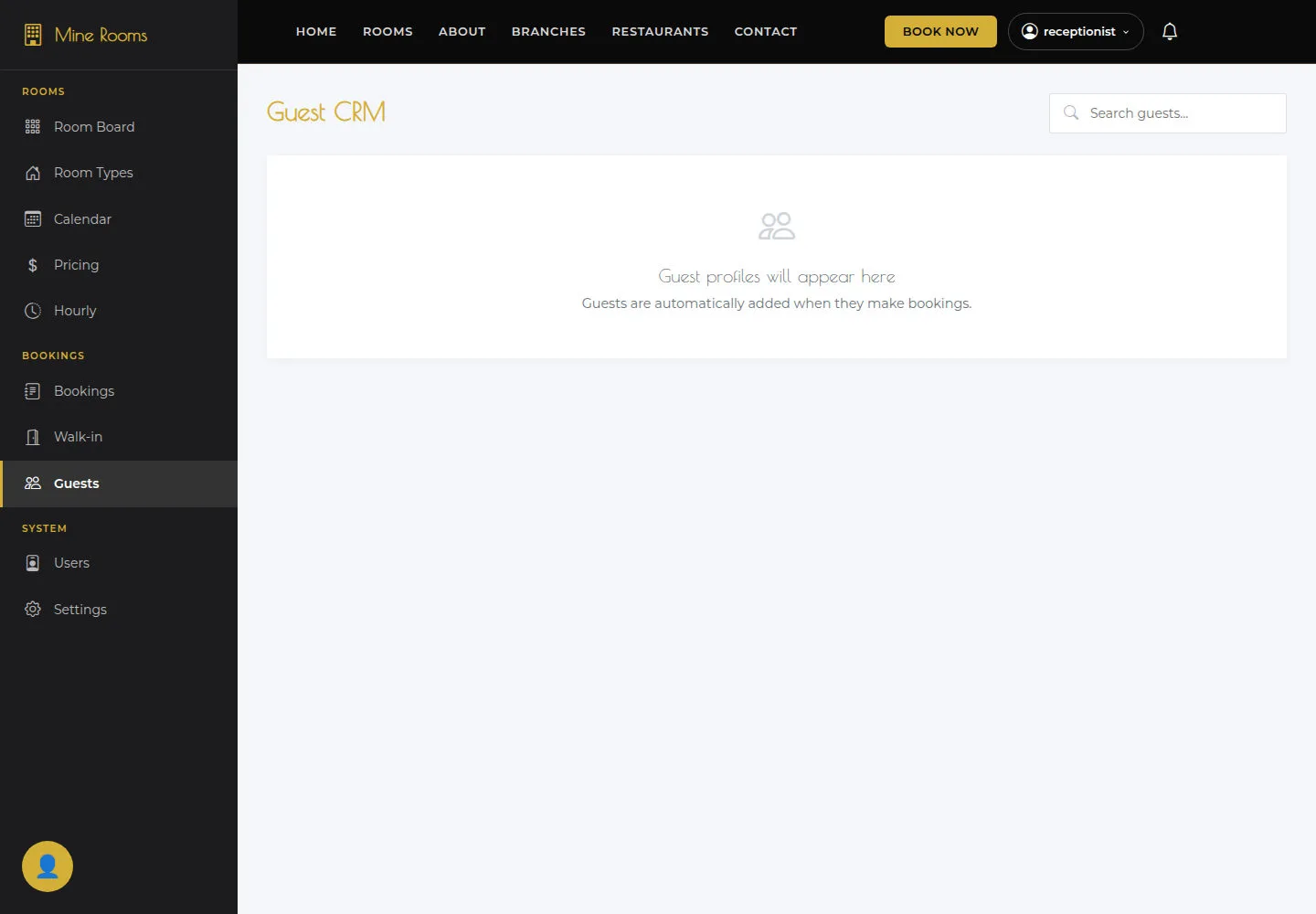
Guest CRM is the guest-record list used to support booking lookups.
- Open Guest CRM, find the guest and compare their identifying details with the booking.
Open on site ↗sign-inFull-page screenshot ↗
What you should see
The guest record is used for the correct stay.
1 / 4