






 Hotel operations
User guide · Administrator
Review housekeeping and maintenance work
Go from tasks and Inspection to the Work Orders needing attention.
- Identify the room, task or issue to follow up and the person responsible.
- Sign in with the correct role and check the account name in the menu.
Read Task Board
Administrator
1Step 1 of 4
Check the information on this screen before continuing.
- Check rooms and task state; choose a task to view.
Open on site ↗sign-inFull-page screenshot ↗
The task belongs to the correct room.
Read Inspection
Administrator
2Step 2 of 4
Check the information on this screen before continuing.
- Check the list of rooms awaiting inspection.
Open on site ↗sign-inFull-page screenshot ↗
Rooms needing Inspection are identified.
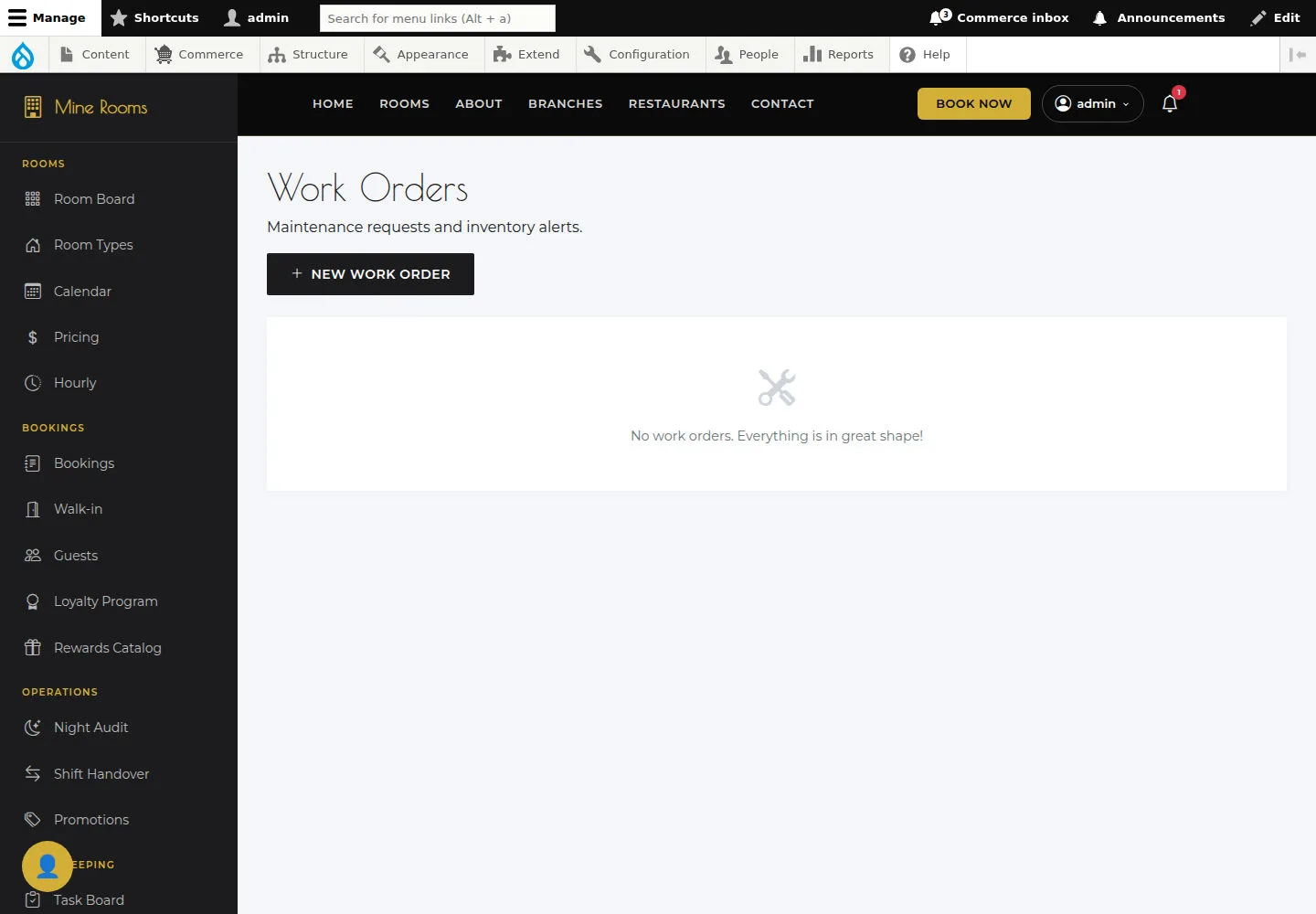
Read Work Orders
Administrator
3Step 3 of 4
Work Orders lists maintenance jobs to follow up.
- Open the list and check room, description and job state.
Open on site ↗sign-inFull-page screenshot ↗
You know which work needs following up.
Open Create Work Order
Administrator
4Step 4 of 4
Create Work Order prepares a job linked to a room.
- Choose the room and complete the job details in the form; check before submitting.
Open on site ↗sign-inFull-page screenshot ↗
After creation, find the new record and check its saved details.