





 Hotel operations
User guide · Anonymous
Choose a room and location
Read the room and location information before booking.
- Have your preferred location, guest count and required amenities ready.
Open the home page
Anonymous
1Step 1 of 4
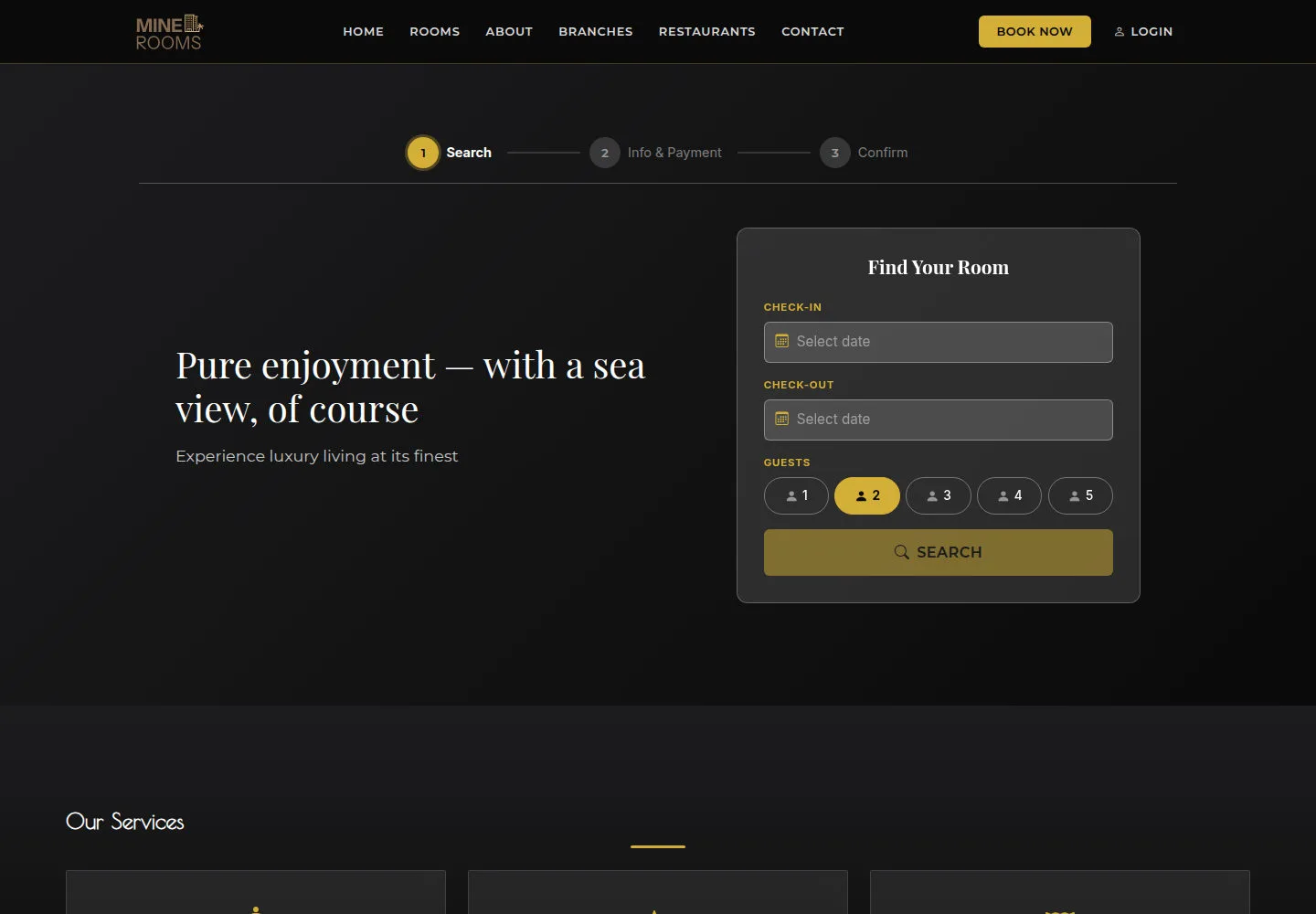
The home page brings together stay dates, guests and room choices.
- Open the website and read Find Your Room and Featured Rooms.
Open on site ↗Full-page screenshot ↗
The home page brings together stay dates, guests and room choices.
Compare room types
Anonymous
2Step 2 of 4
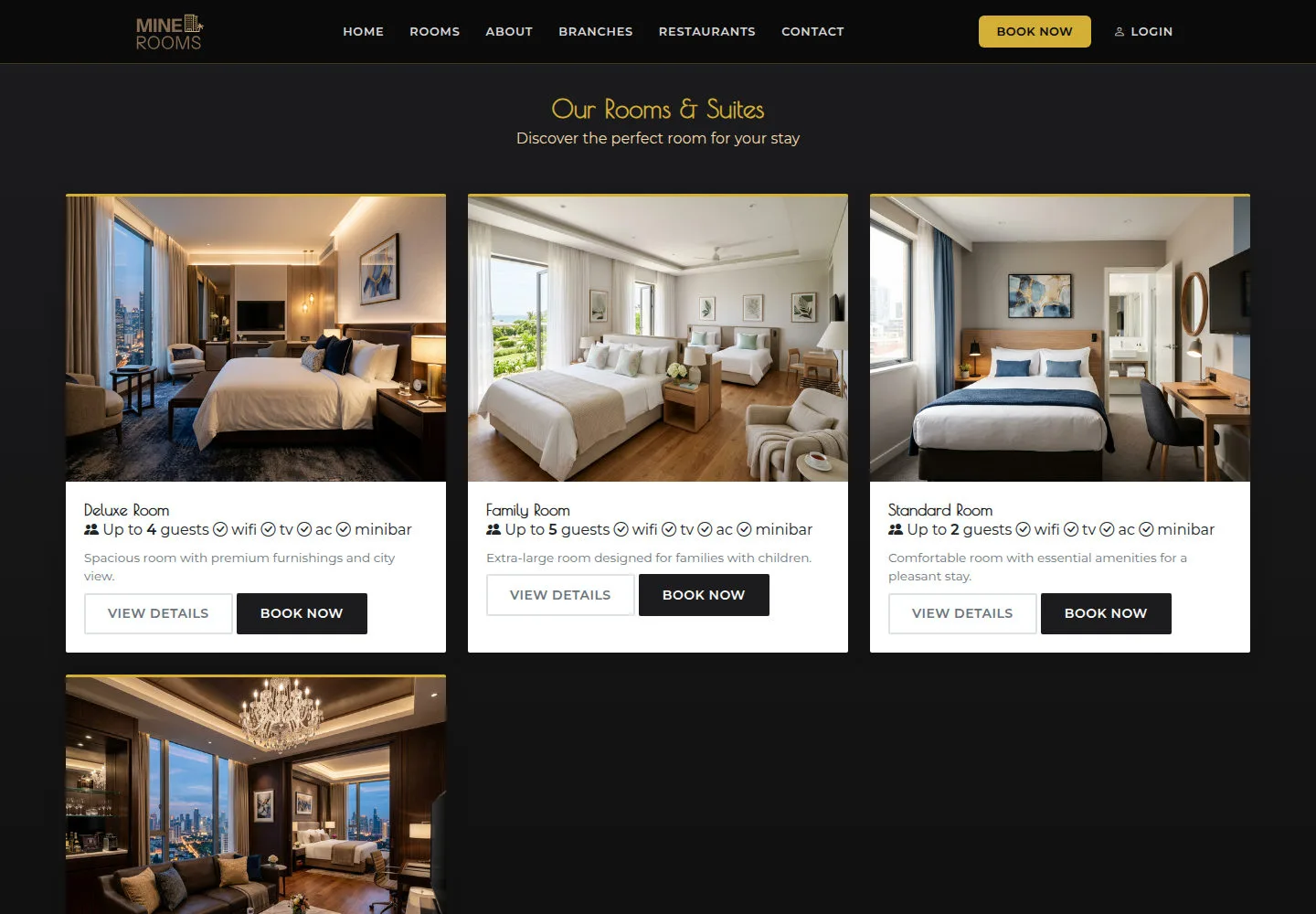
Compare occupancy and amenities; the final price depends on your stay dates.
- Open Rooms and compare names, occupancy, amenities and View details.
Open on site ↗Full-page screenshot ↗
Compare occupancy and amenities; the final price depends on your stay dates.
Read a room detail
Anonymous
3Step 3 of 4
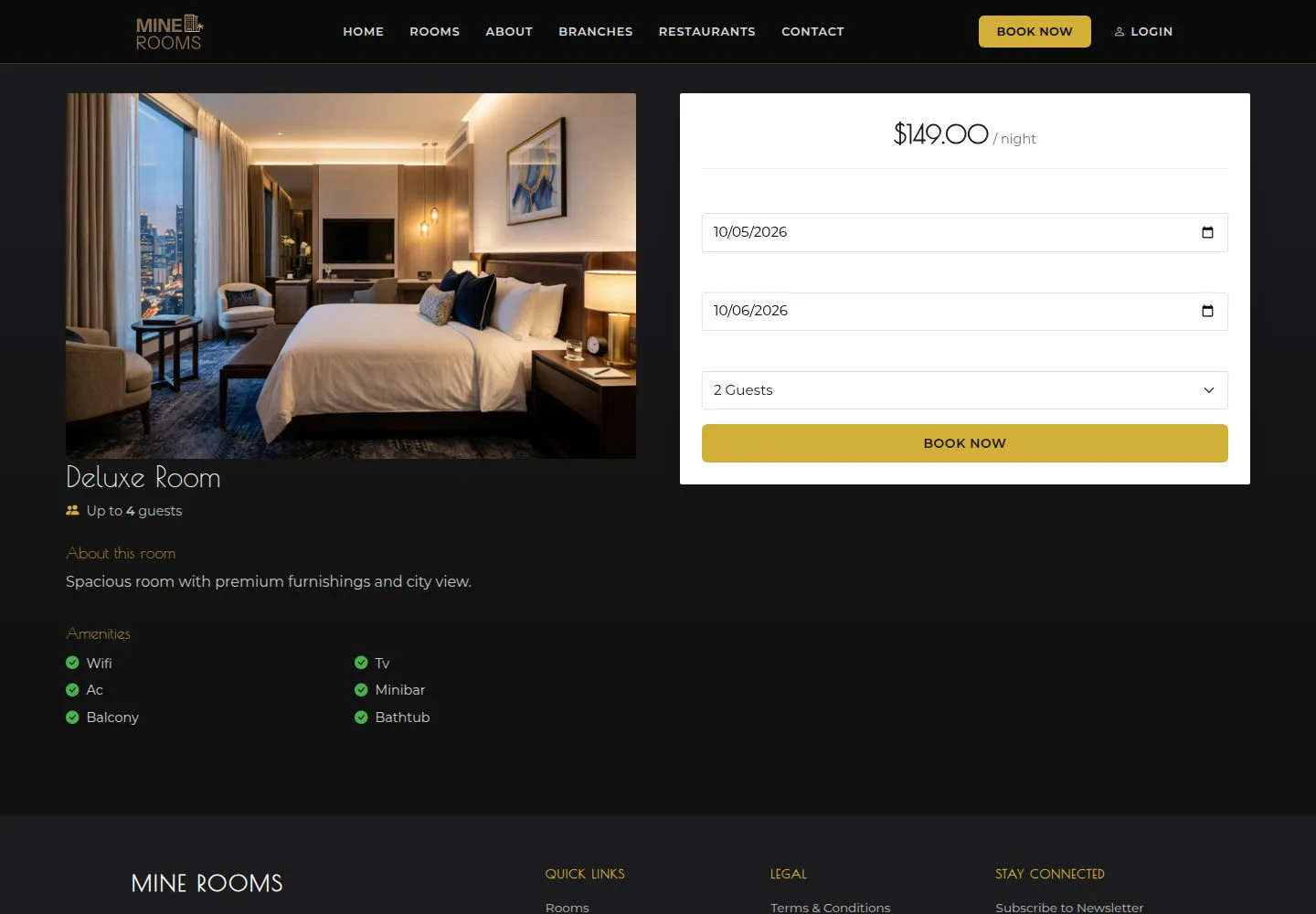
Room information and amenities help you choose before entering dates.
- Open Deluxe Room and read About this room and Amenities.
Open on site ↗Full-page screenshot ↗
Room information and amenities help you choose before entering dates.
Read the locations
Anonymous
4Step 4 of 4
The locations list provides addresses and contact information.
- Open Branches and read each location and contact details.
Open on site ↗Full-page screenshot ↗
The locations list provides addresses and contact information.