





 Hotel operations
User guide · Anonymous
Find dining, offers and hotel support
Read branch services, stay options and contact information before booking.
- Identify the location and service you want to enquire about.
Choose dining or a service
Anonymous
1Step 1 of 6
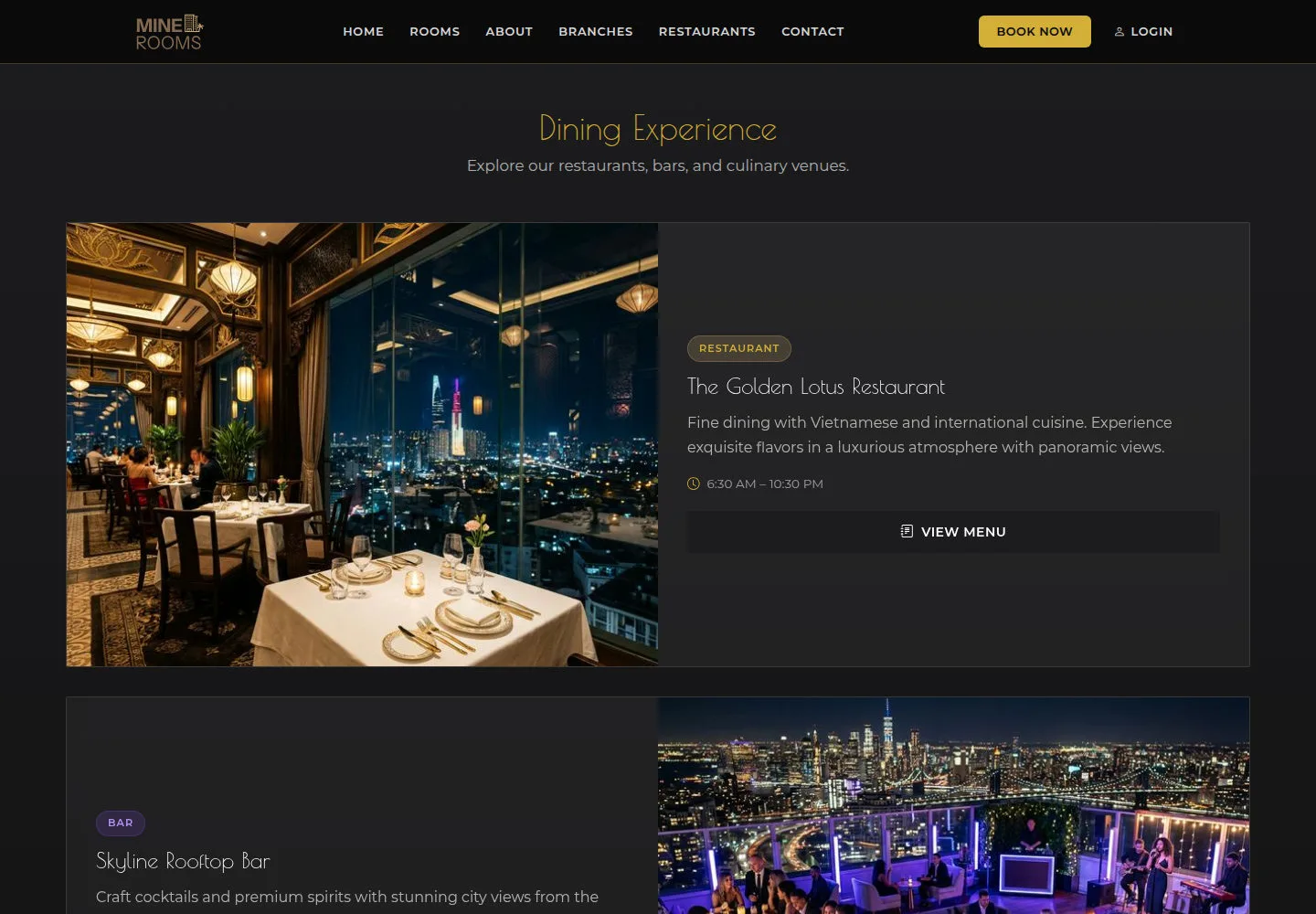
Restaurants & Dining introduces the hotel’s dining venues and services.
- Open Restaurants, read the venues and choose a service to view.
Open on site ↗Full-page screenshot ↗
You know which service has an information page and its related location.
Read the menu
Anonymous
2Step 2 of 6
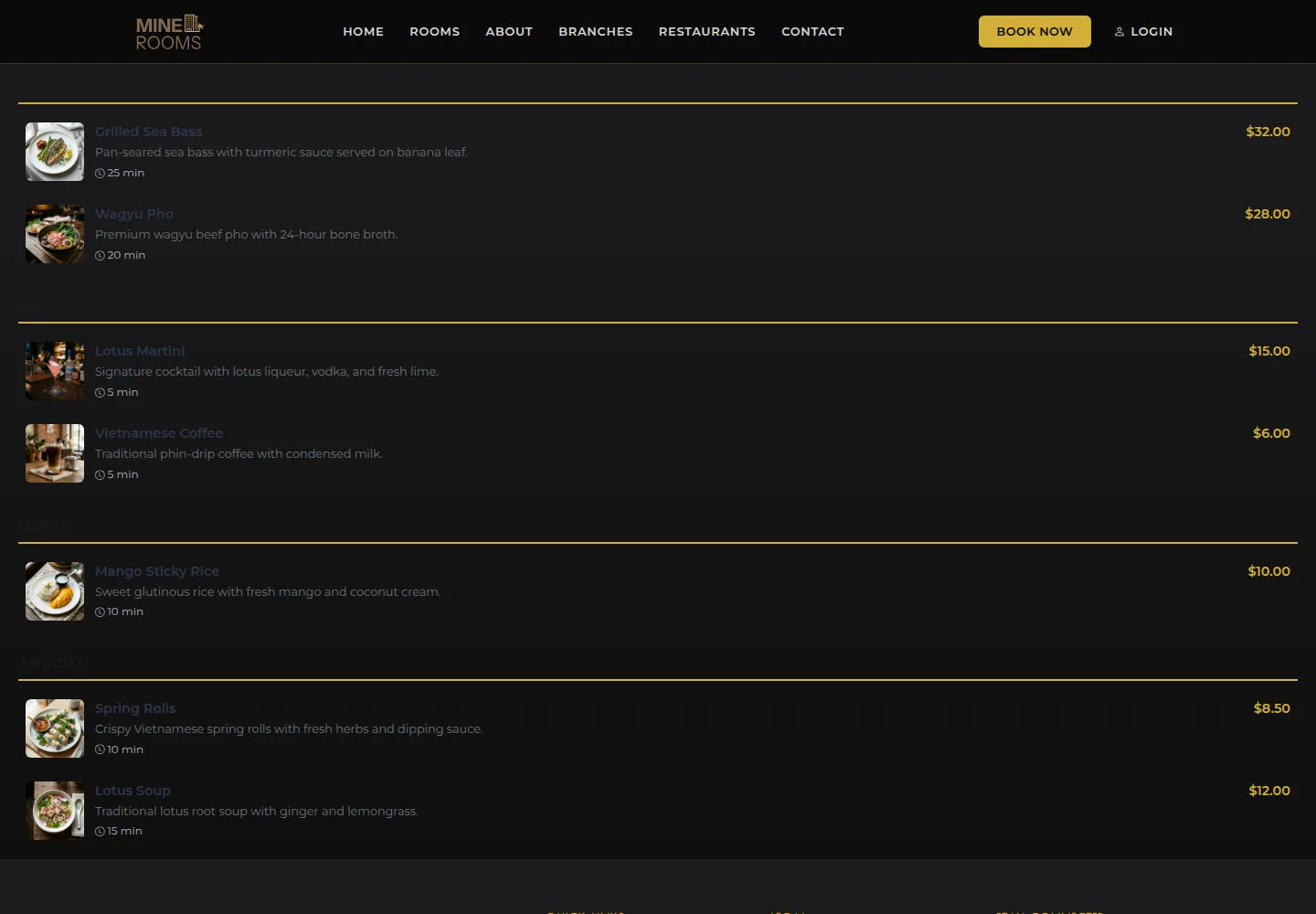
Menu lists items at the selected venue.
- Open the restaurant menu and compare dish names and displayed prices.
Open on site ↗Full-page screenshot ↗
The menu is a reference before ordering; ask staff about current availability.
Read hourly stay options
Anonymous
3Step 3 of 6
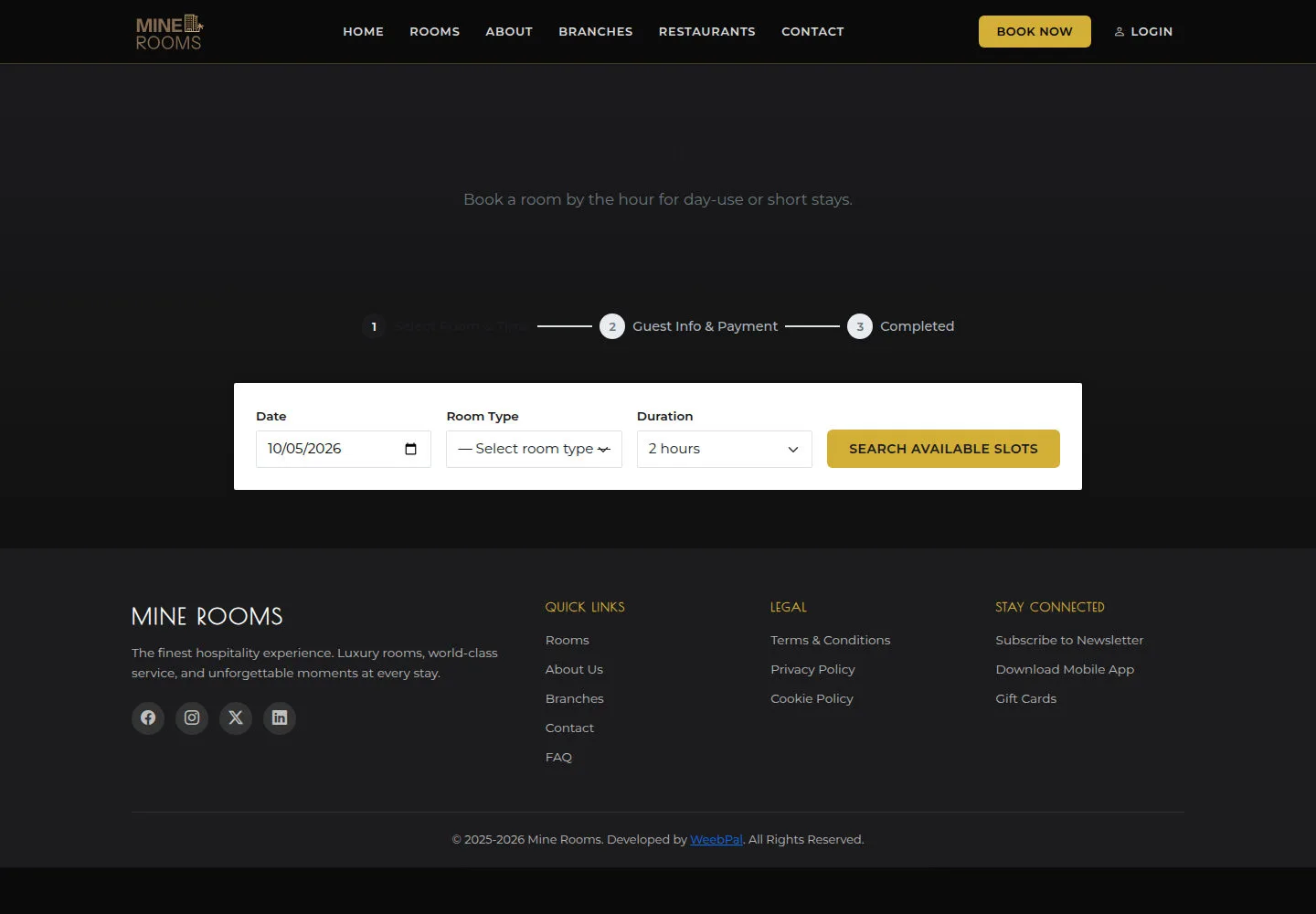
Hourly Rooms covers hourly stay options.
- Read Hourly Rooms and check duration, room type and conditions before booking.
Open on site ↗Full-page screenshot ↗
You can distinguish an hourly stay from an overnight booking.
Read offers
Anonymous
4Step 4 of 6
Special Offers introduces available guest offers.
- Read Special Offers; confirm conditions and valid dates with the hotel.
Open on site ↗Full-page screenshot ↗
Use an offer after the hotel confirms that the conditions apply.
Contact the hotel
Anonymous
5Step 5 of 6
Contact Us brings together the hotel’s contact information.
- Open Contact Us and use the contact information for booking or service questions.
Open on site ↗Full-page screenshot ↗
You have contact details for resolving a question.
Read the terms
Anonymous
6Step 6 of 6
Terms & Conditions contains the terms to read before agreeing to a booking.
- Read Terms & Conditions before agreeing in the booking form.
Open on site ↗Full-page screenshot ↗
The relevant conditions are clear before confirmation.