Product User Guides by Role
A guide for each role on each product: step-by-step walkthroughs with screens from the running product.
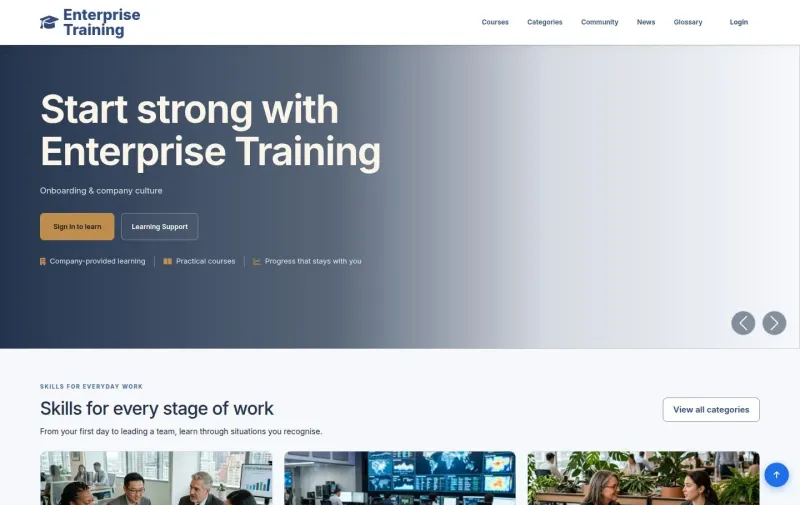
EverLMS Enterprise
About EverLMS EnterpriseRead the EverLMS Enterprise user guide
Read guidePublic pages: find a course, check a certificate, read the community and the company content, and sign in.
Read guideEmployee
Your training: find and enroll in a course, learn it, take a quiz, certificates, community and reviews, notifications and your account.
Read guideTrainer
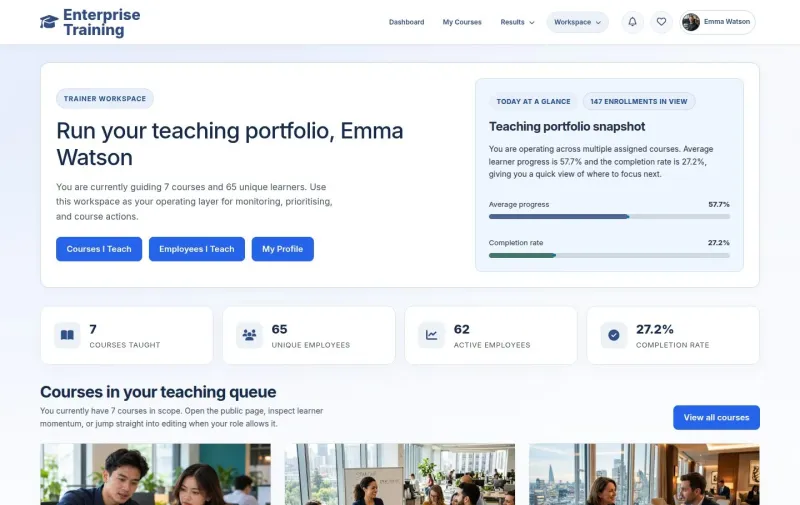
Your teaching: teach and follow your learners, and grade written answers.
Read guideContent Editor
Content you may maintain: articles and course drafts.
Read guideManager
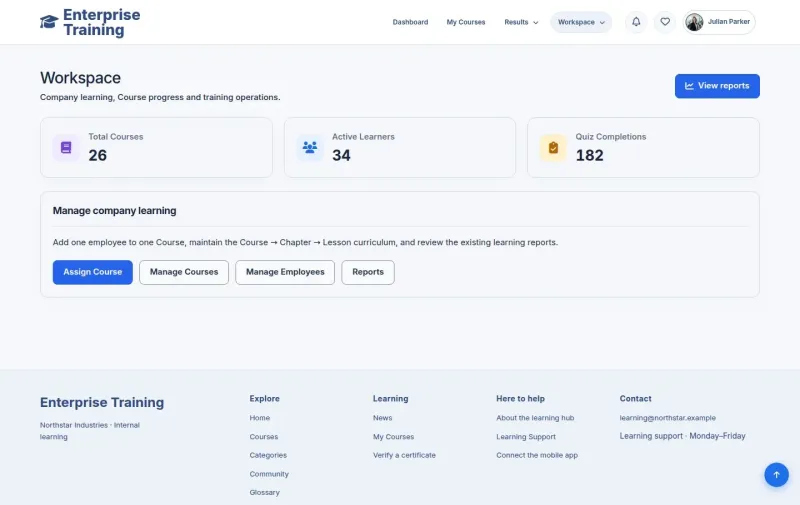
Employees in your own branch: assign a course, learning groups, employees and branches, progress and reports, courses, quizzes and company content.
Read guideAdministrator
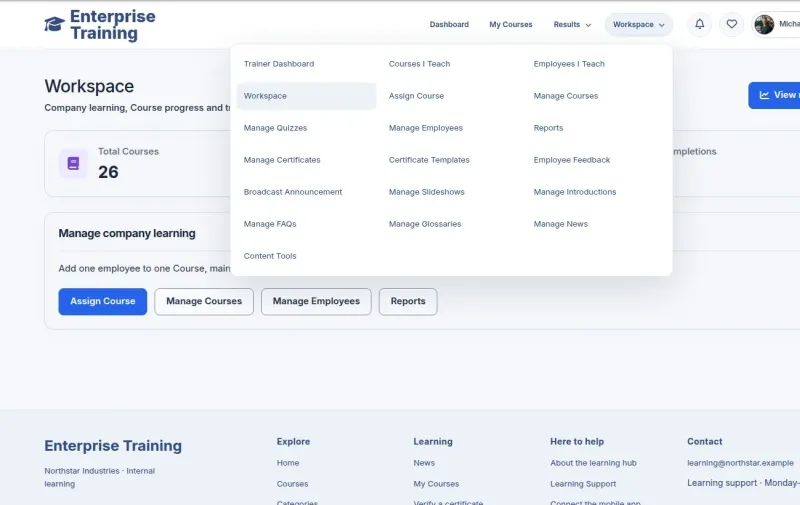
All branches: every branch, any role and the content tools.
MenuNerds
Read guideVisitor
Public pages: browse the menu, order takeaway, order at your table by QR code, book a table, buy a gift card, about and contact, and staff sign in.
Read guideWaiter
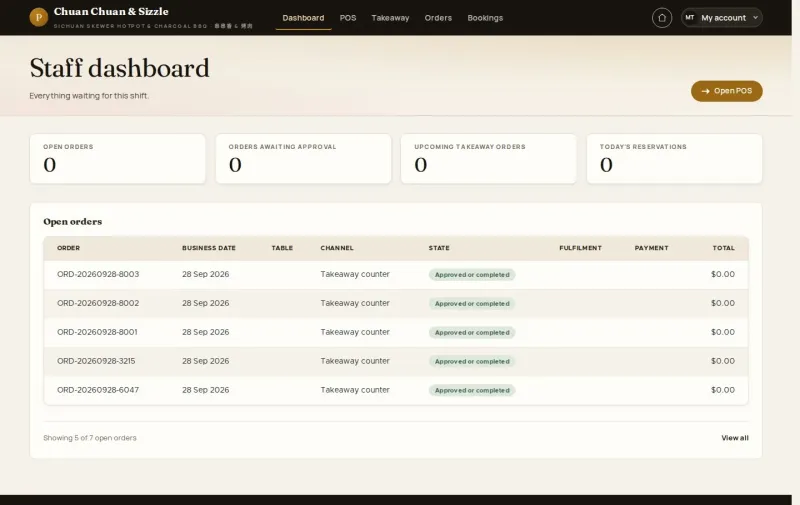
Service on the floor, at the counter and on the phone: start the shift, table orders and rounds, guest approvals, takeaway, sold out and bookings.
Read guideManager
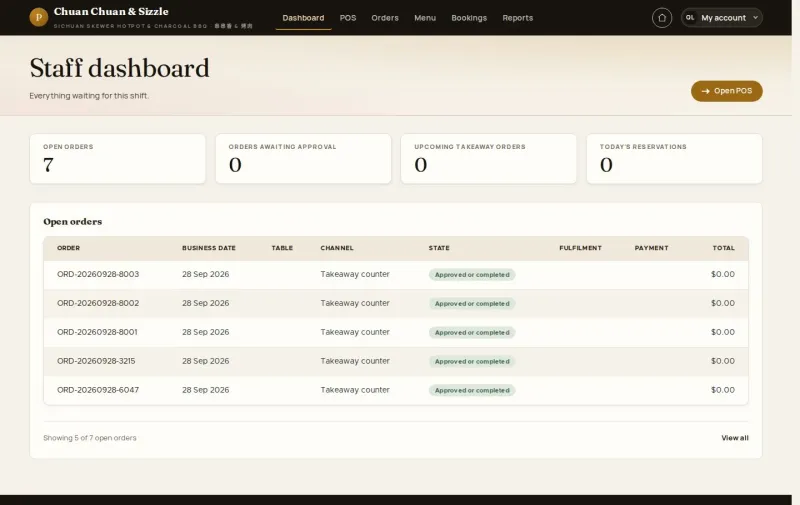
Running the restaurant: payments and corrections, reservations, dishes and prices, tables and QR codes, hours and rules, reports and the day close.
Read guideAdministrator
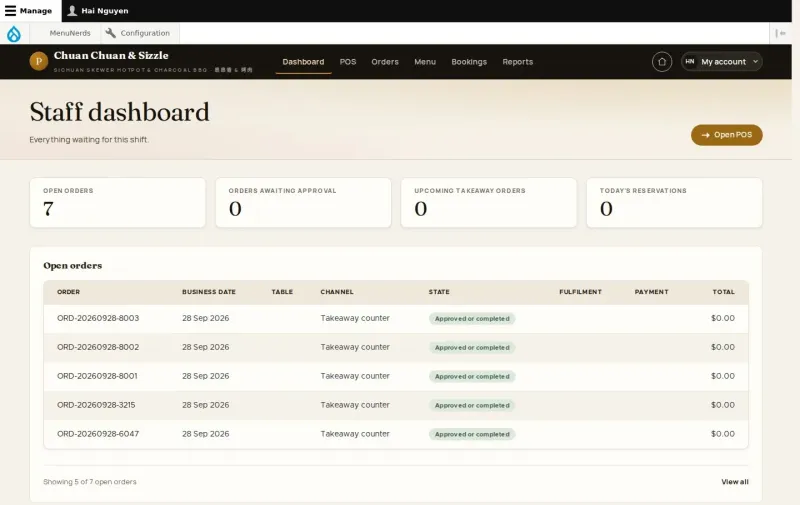
Manager tasks except promotions, with every staff role and Switch user: the dashboard, staff accounts, payments, menu, tables, hours and reports.
MenuNerds Café
Read guideVisitor
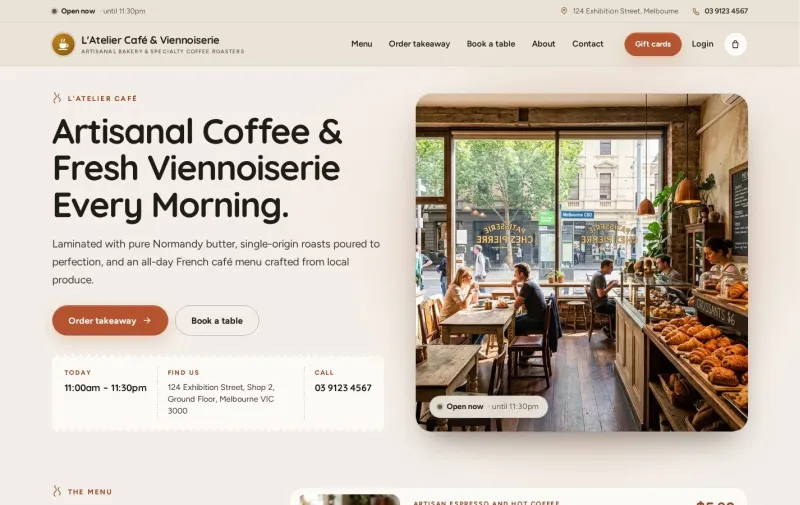
Public pages: browse the menu, order takeaway, order at your table by QR code, book a table, buy a gift card and staff sign in.
Read guideWaiter
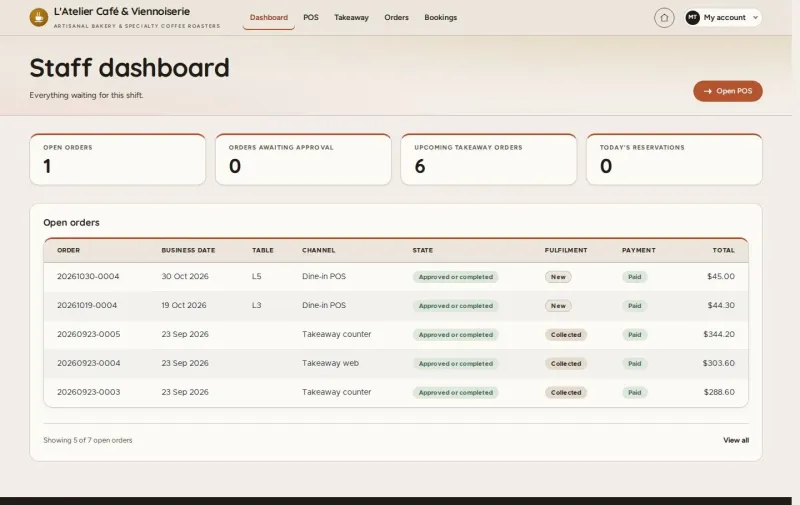
The floor and the counter: start the shift, take a table order, find dishes on the POS, add a round, approve table orders, takeaway and phone bookings.
Read guideManager
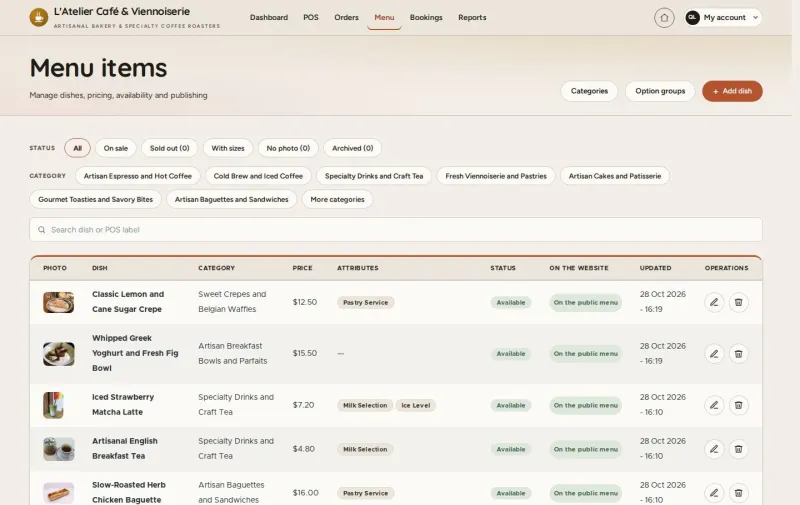
Running the café: dishes and prices, categories and options, tables and QR codes, opening hours and rules, reservations, payments, refunds and voids.
MineRooms
Read guideVisitor
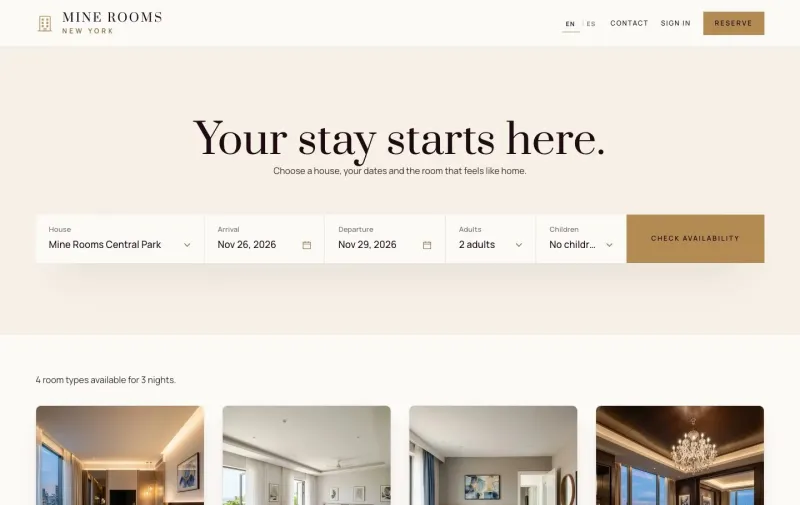
Book a stay without an account: find a room, choose extras, pay by card or PayPal, or ask for a day room on the website.
Read guideGuest
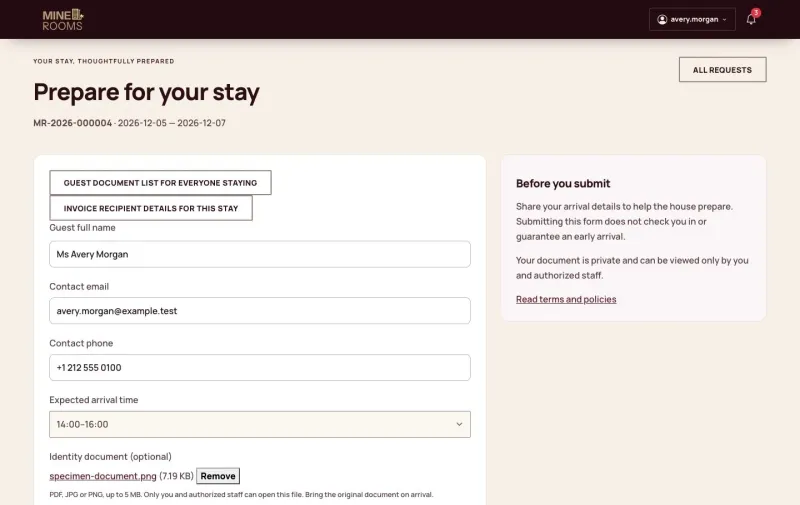
Your stay: book and pay online, ask to cancel, order from your room by QR code, and use loyalty points and member prices.
Read guideReceptionist
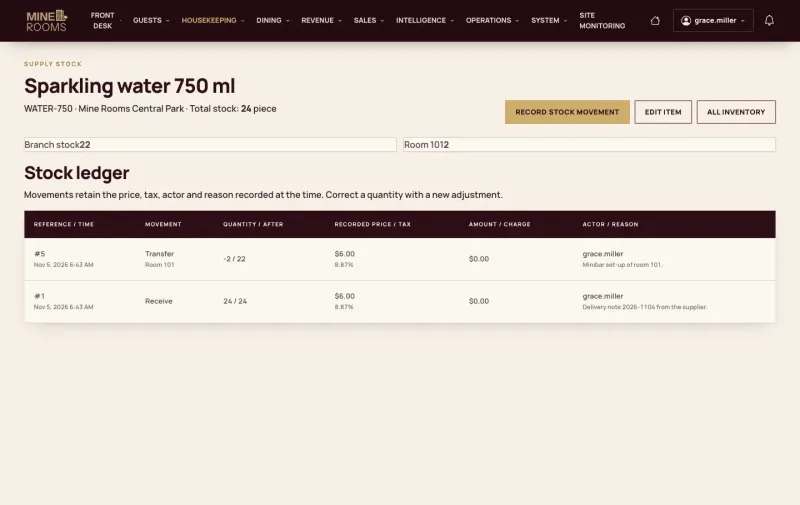
The front desk: check-in, the guest folio, check-out and the invoice, walk-ins and day rooms.
Read guideHousekeeping
Rooms on a phone: tasks and the checklist, minibar and found items, inspection, work orders and room blocks.
Read guideKitchen
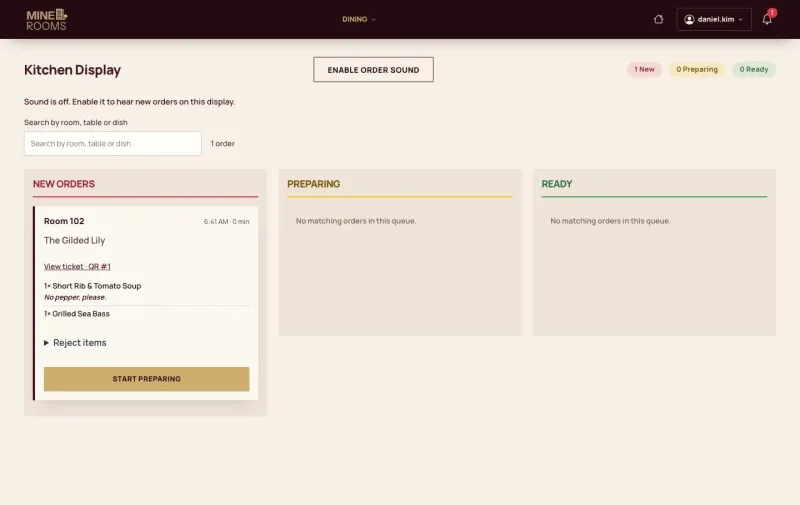
The kitchen: one queue of room and table orders, menu availability and the point of sale.
Read guideManager
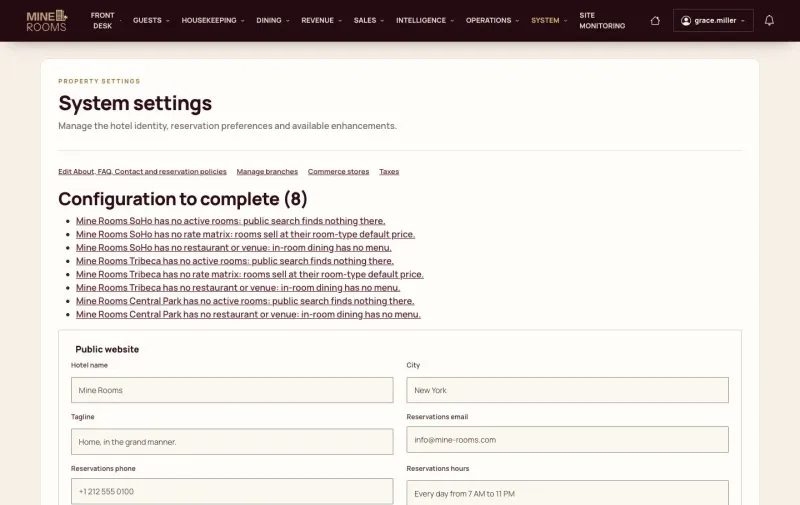
Running the hotel: houses and policies, rates, promotions, groups and events, night audit, reports, marketing and reviews.
Read guideAdministrator
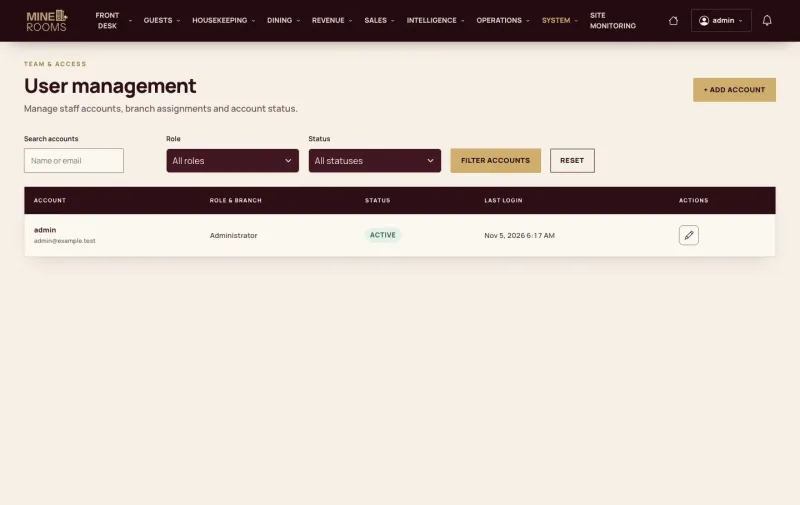
Staff and access: accounts, roles, the houses each person works in and the payment providers.
MineCourt
Read guidePlayer
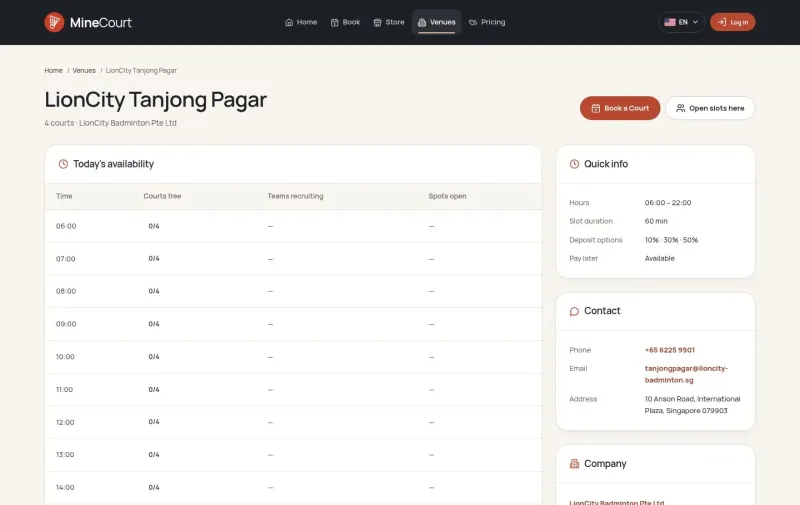
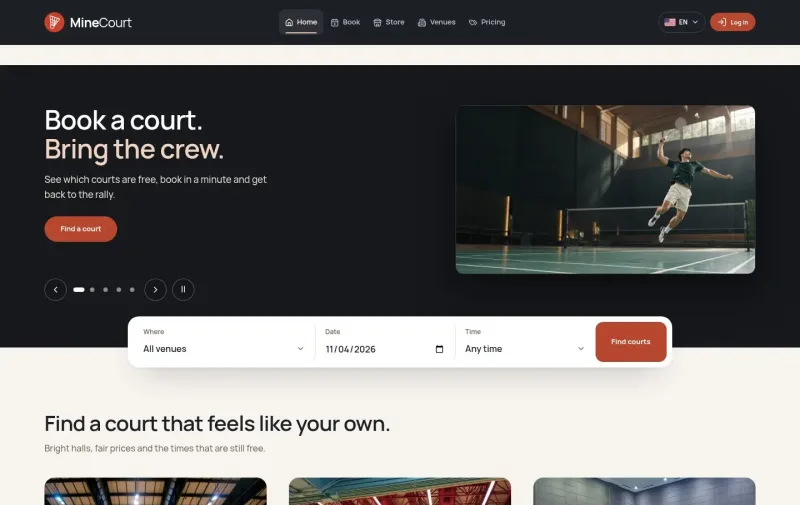
Your bookings, memberships and games: court booking, payments, serial booking, memberships, open slots, and the cancel and refund rules.
Read guideVenue Staff
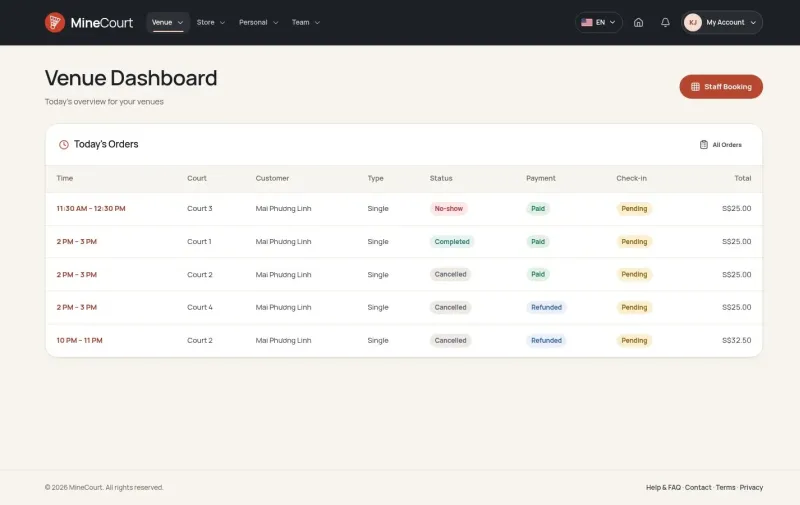
Your assigned venues: the counter and the POS, transfers to approve, serial bookings at the counter, no-show fees and store orders.
Read guideVenue Manager
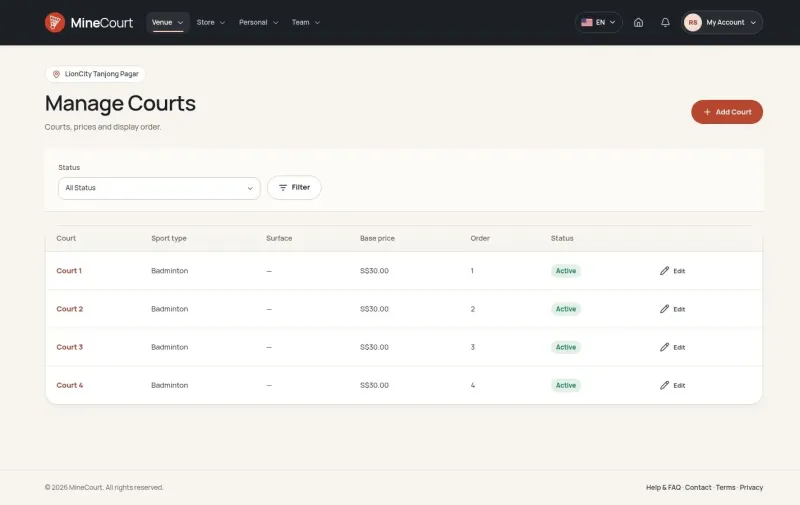
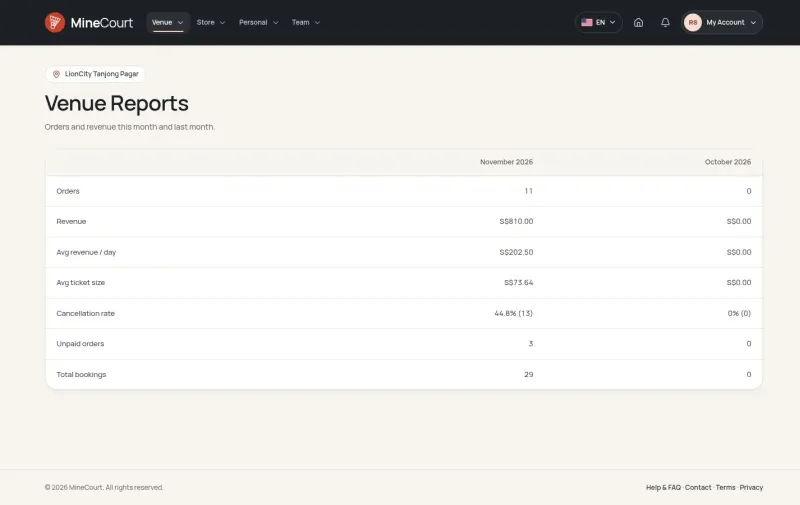
Courts, prices and stock of your venues: courts and opening hours, dynamic pricing, the store and stock, payments, refunds and reports.
Read guideCompany Owner
Your company and its venues: your own booking site, the booking policy, membership plans, refund rules, venues and staff.
Read guideCompany Manager
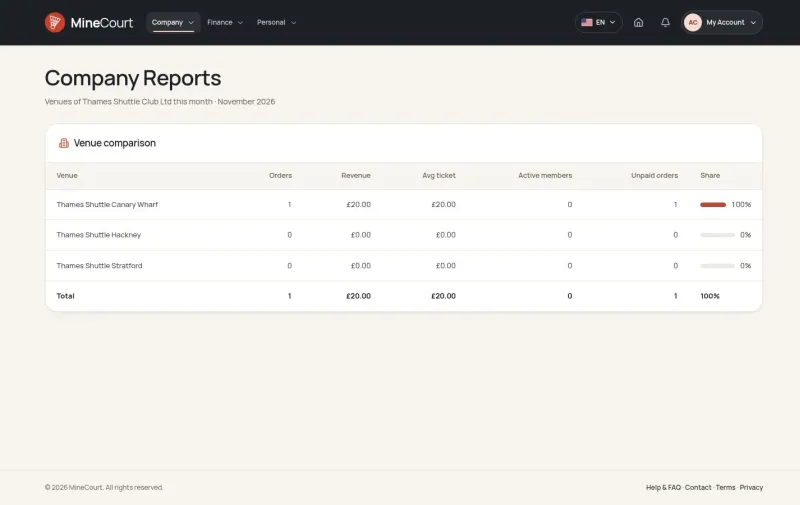
Your company's venues, people and reports: compare venues, read the audit log and manage people.
Read guideAccountant
Your company's payments and reports: revenue split, unpaid orders, financial reports and the audit log.
Read guidePlatform Manager
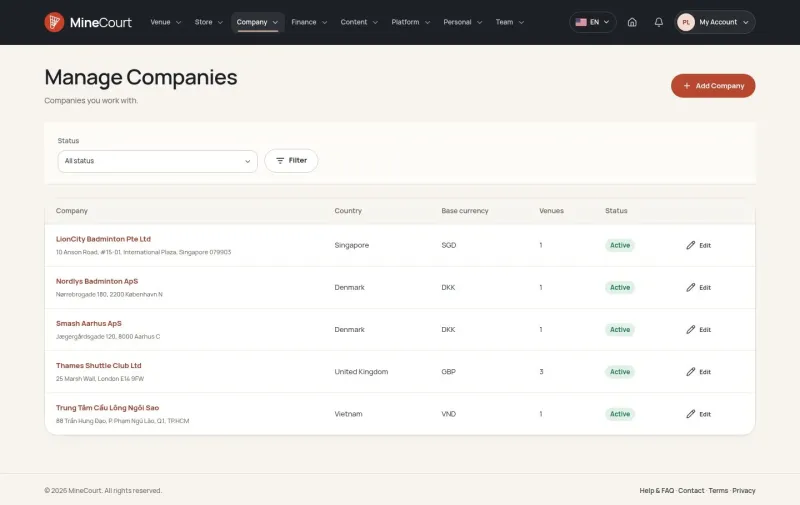
The whole platform: many companies and venues, languages and currencies, and the words of each booking site.
GrowMarket.AI
Read guideOwner
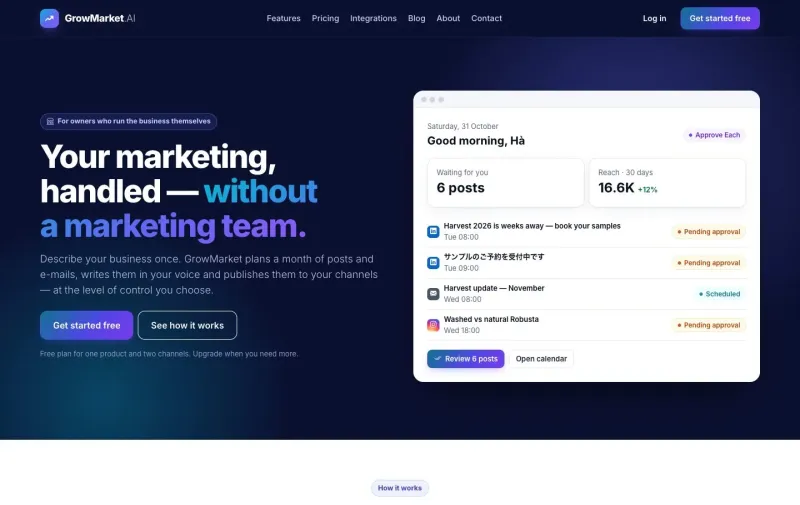
Your marketing: start from your website, your business profile, one-sentence campaigns, approvals, channels and publishing, contacts, e-mail campaigns and results.
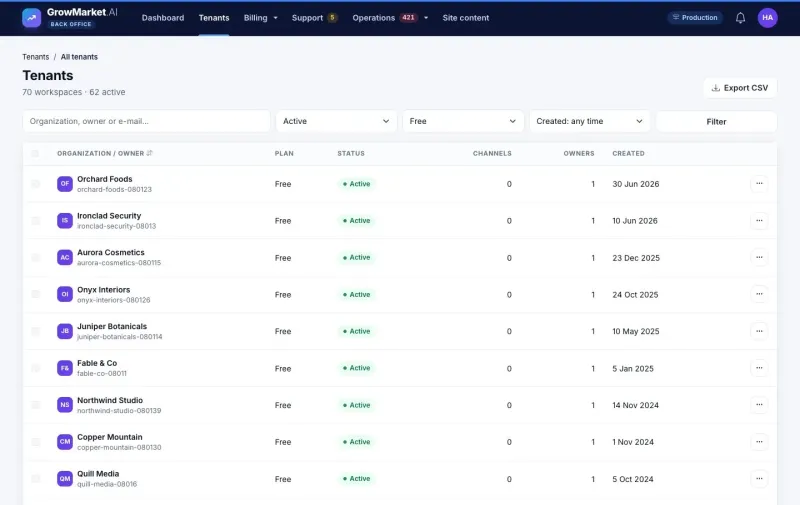
Read guideBack office
Running the service: many workspaces, plans and finance, and publishing operations.
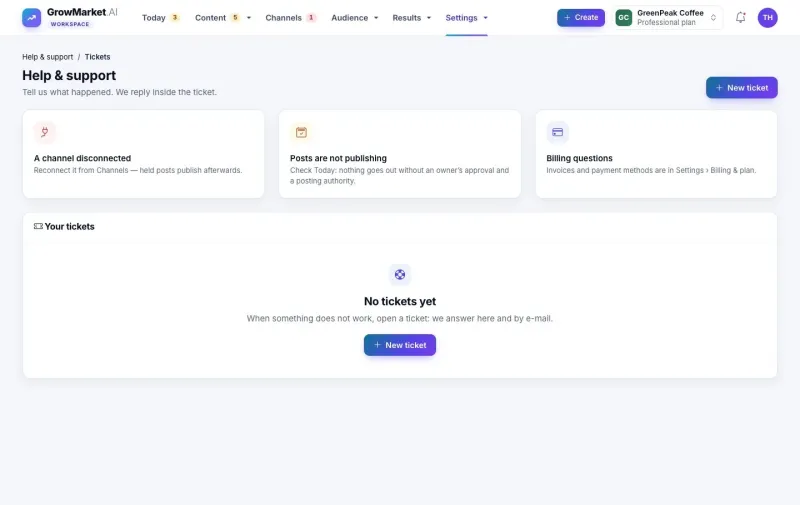
Read guideSupport
Helping customers: support tickets, from the first question to the answer.
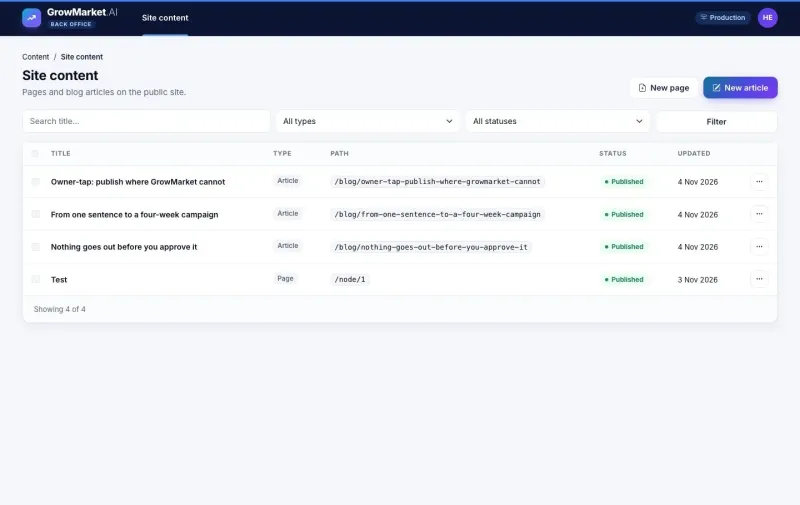
Read guideSite editor
The public site: its content, kept up to date by the site editor.
Substitutoo
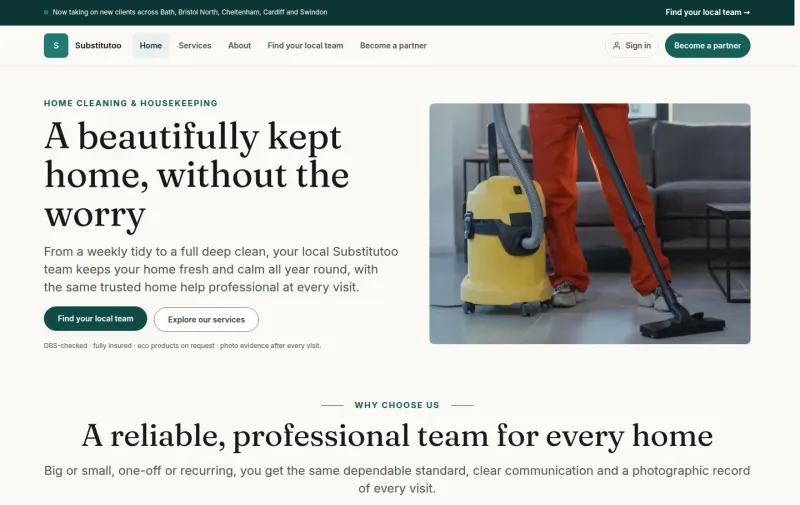
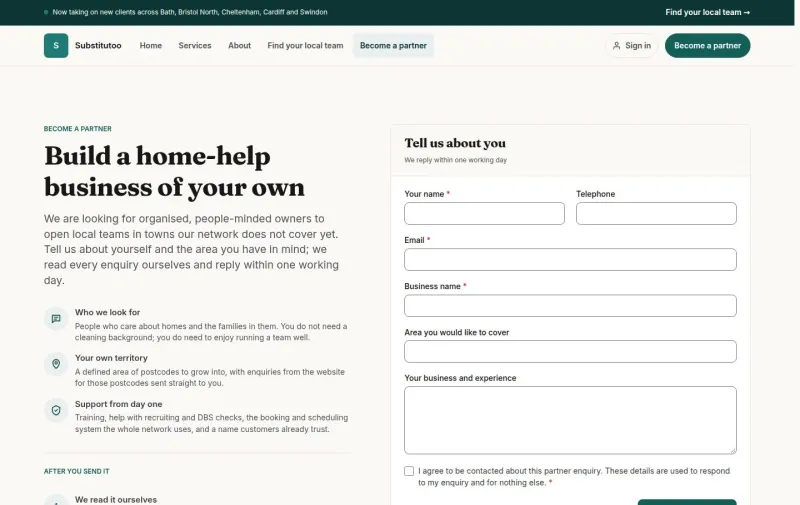
Read guideVisitor
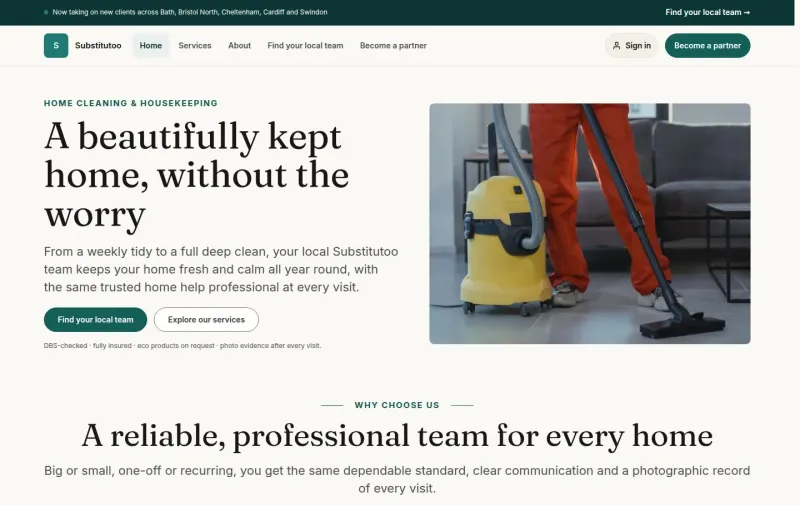
Public pages and enquiry forms: an enquiry on the brand site that finds its local team, and one on a franchise's own pages or its widget.
Read guideAccount
Signing in, your account and the demo switch: sign in, keep your account and security, and switch users in the demo.
Read guideOffice Administrator
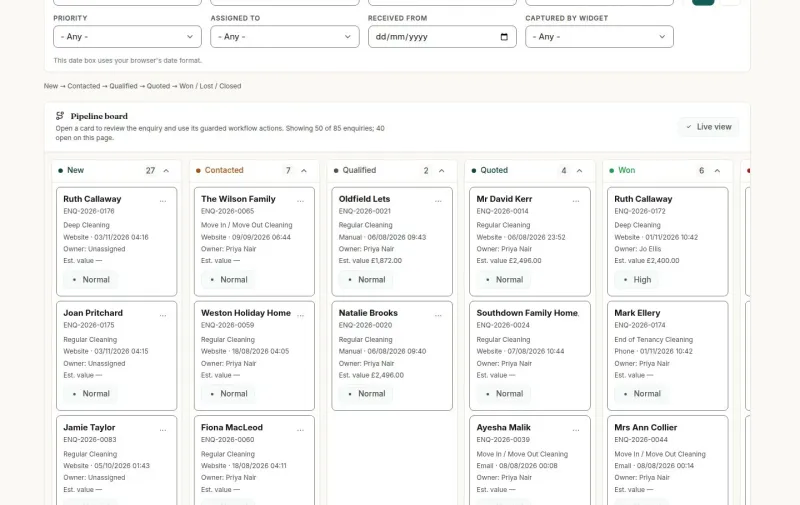
Your franchise's day-to-day work: enquiries to clients, homes, quotes, regular cleans, operatives, the rota, visit review, timesheets and invoices.
Read guideOperative
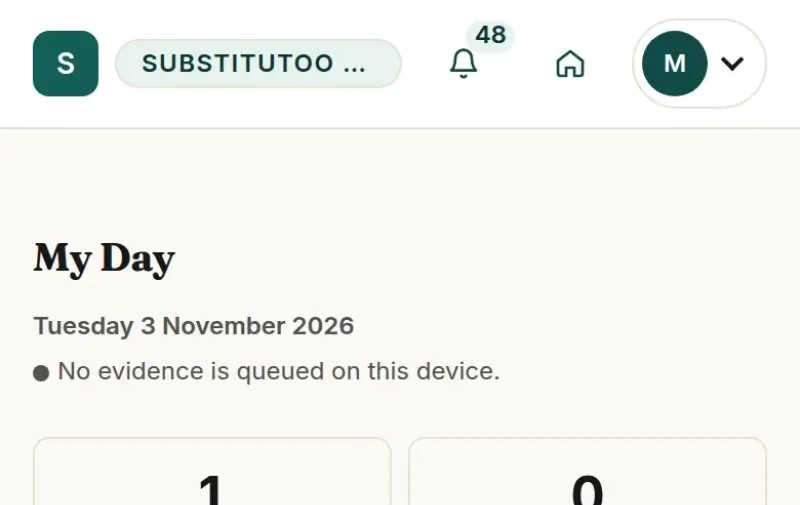
Your visits on the phone: the visit on the day, photos and documents as evidence, and working offline.
Read guideFranchise Owner
Your franchise, its team, its money and its website: Xero, self-bills, team accounts, website and widgets, reports and audit.
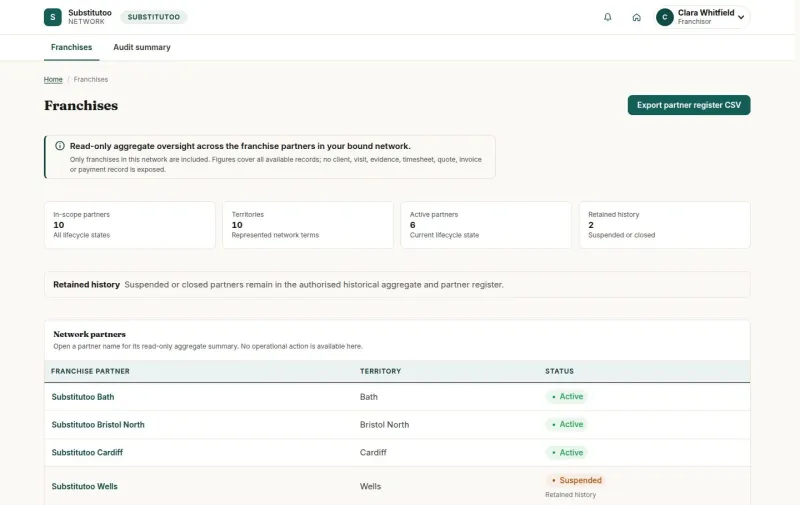
Read guideFranchisor
The whole network, read-only: every franchise, its work and its money in the Franchisor view, and the audit summary.
Read guideHead Office
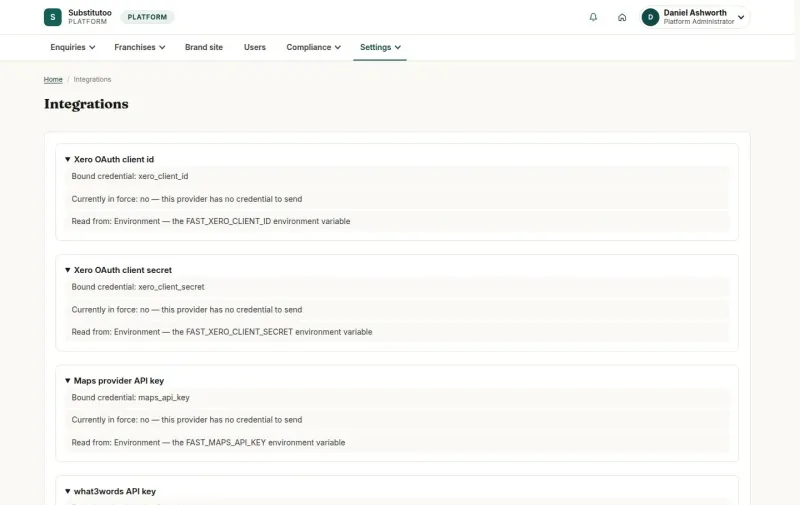
The brand, its franchises and the platform: partner enquiries, opening a franchise, territories, brand site pages, GDPR requests and settings.
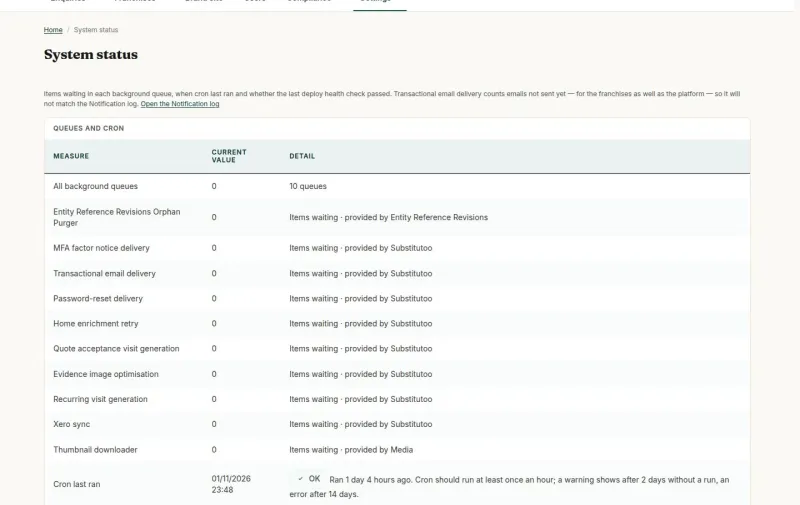
Read guideAdministrator
Scheduled jobs and delivering an instance: the jobs that run on their own, and a new instance delivered by clone.
WReader.IO
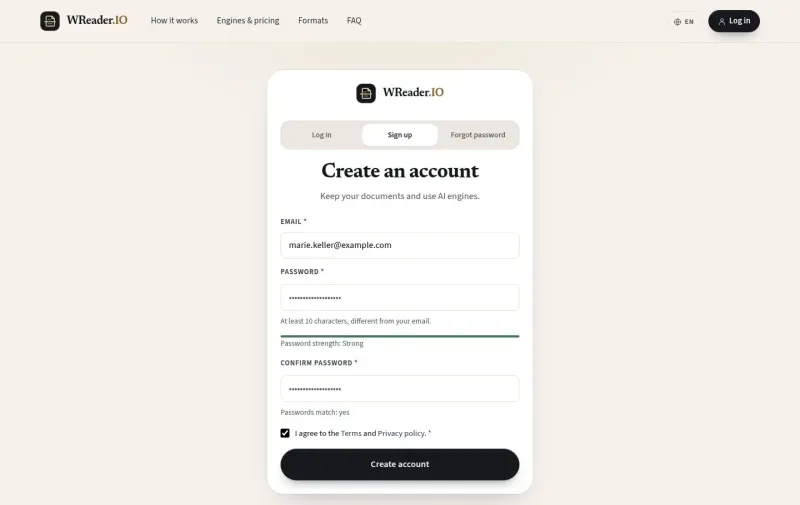
Read guideCreator
Your documents, credits and usage: start with a PDF, choose an engine, review and correct the result, re-read, download and follow the charges.
Read guideContent Admin
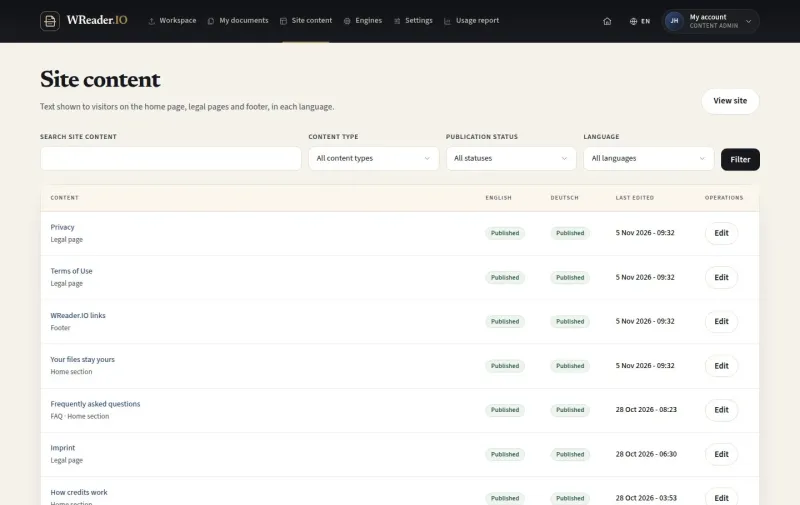
Site content, engines and settings, and the usage report: keep the public pages, the engines, the limits and the usage explanations in order.
Read guideAdministrator
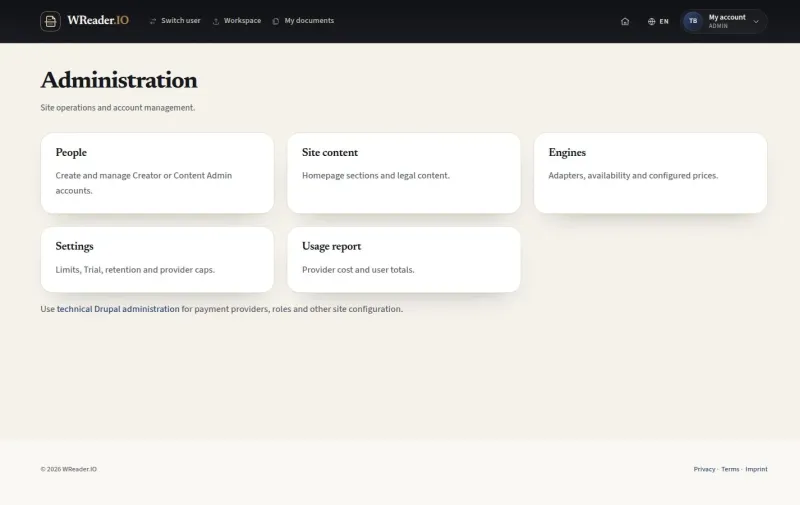
Accounts and support: add accounts and help a person with Switch user, with every session logged.
Fabodi
Read guideWorker
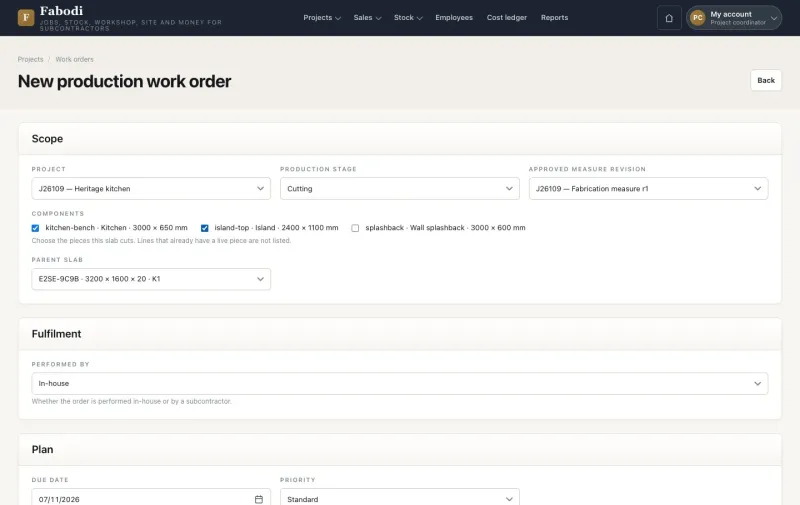
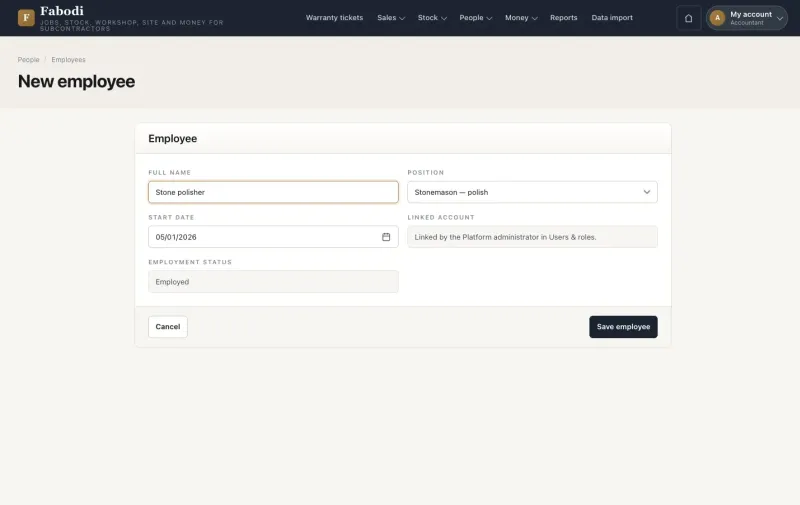
Your work on the phone: start a shift, cut a work order, keep an off-cut and report damage.
Read guideWarehouse storekeeper
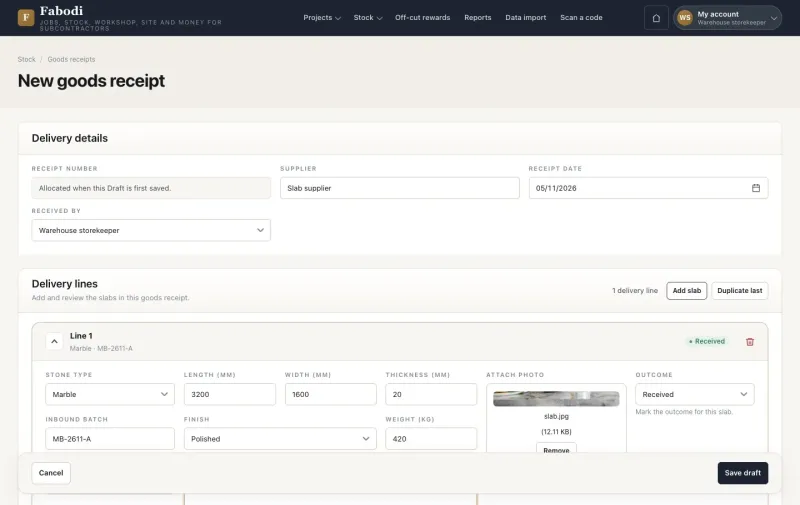
Stock and stone: receive stock, find and hold stone, issue it to the factory, and correct stock.
Read guideSupervisor
Your crews and their work: run the workshop, check quality, confirm time and rate the crew.
Read guideProject coordinator
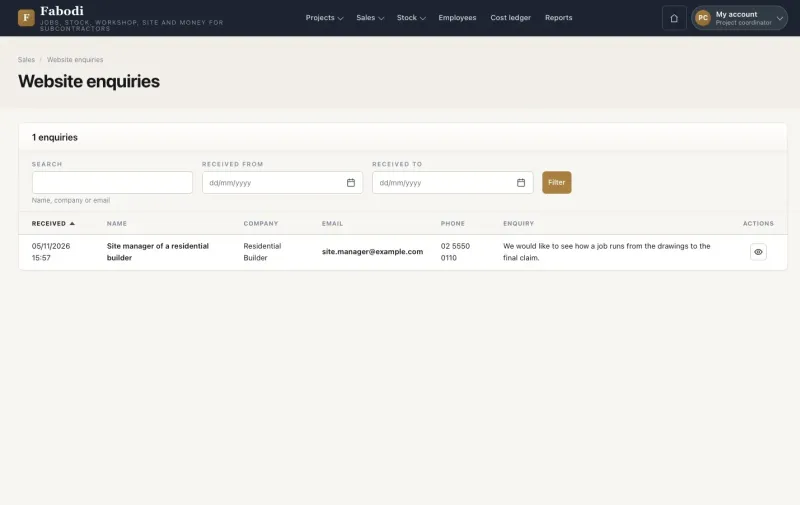
From enquiry to handover: win the job, measure and approve, variations, install and sign off, warranty and subcontract packages.
Read guideAccountant
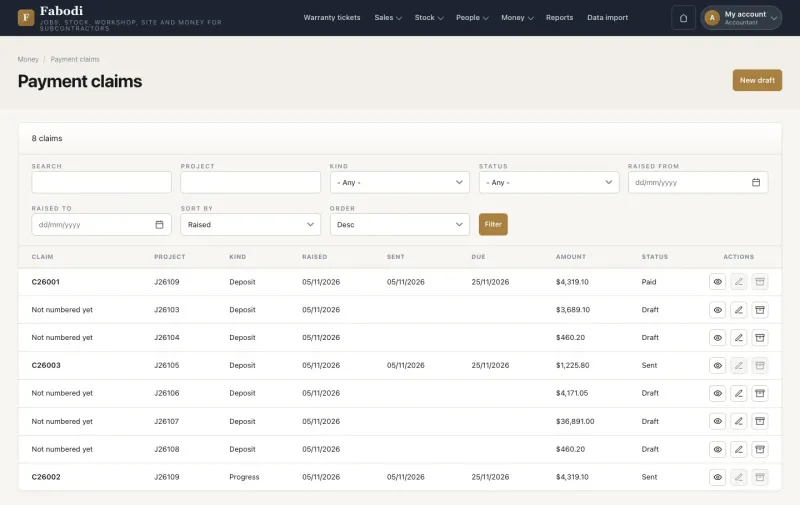
Job money: claims and collection, costs and margin.
Read guideDirector
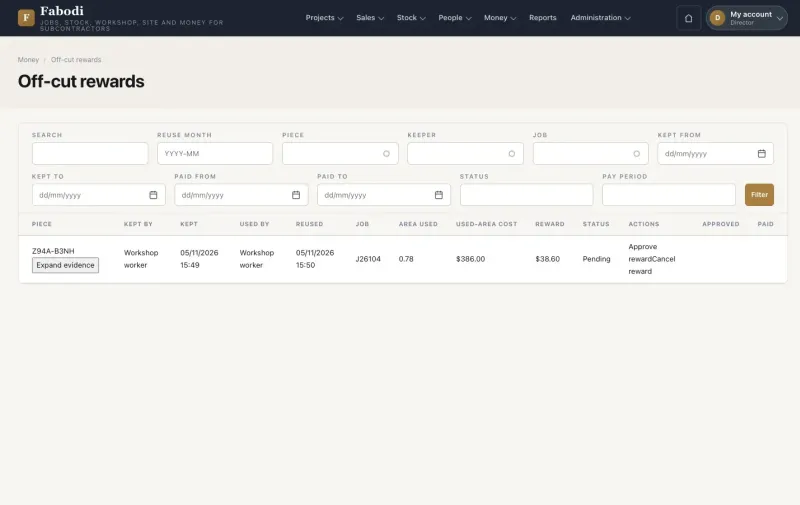
Approvals and rewards: approve a measure, read the margin, and approve and pay off-cut rewards.
Read guidePlatform administrator
The platform: staff accounts, lists, prices and rates, and the website.
EverLMS Children
Read guideLearner
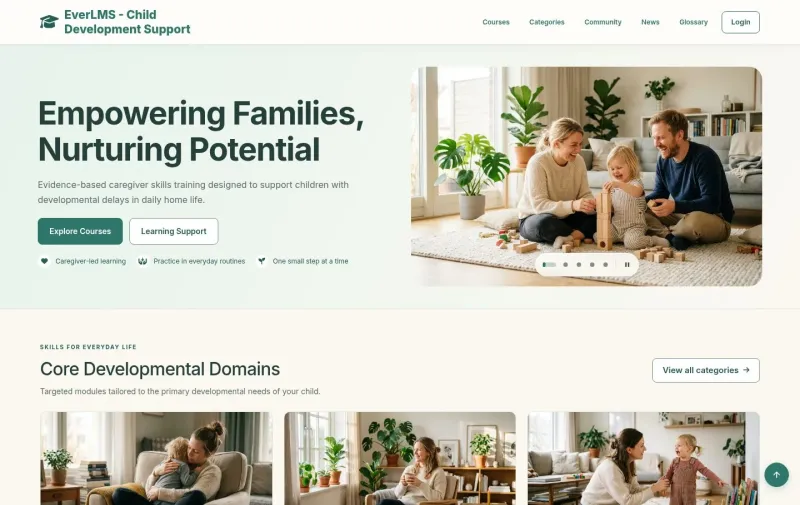
Your learning: the course catalogue, enrolment, lessons and progress, the final assessment, certificates, the community and reviews.
Read guideInstructor
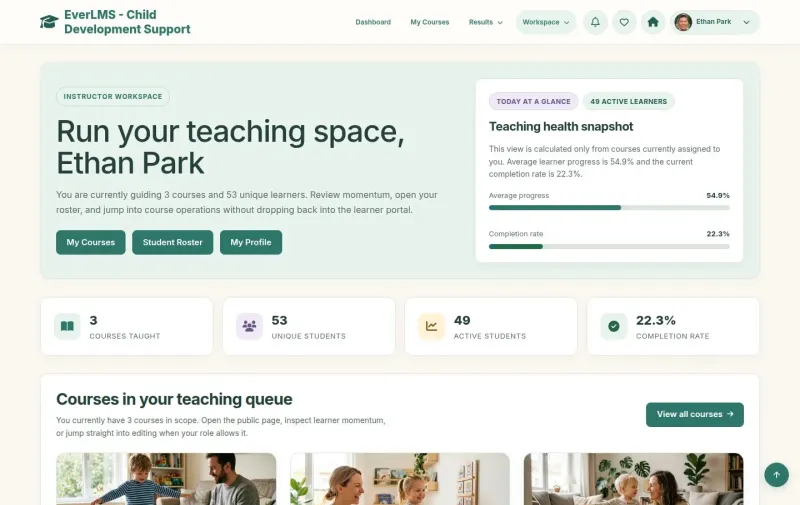
Your teaching: follow your learners and courses, grade their answers and give feedback.
Read guideManager
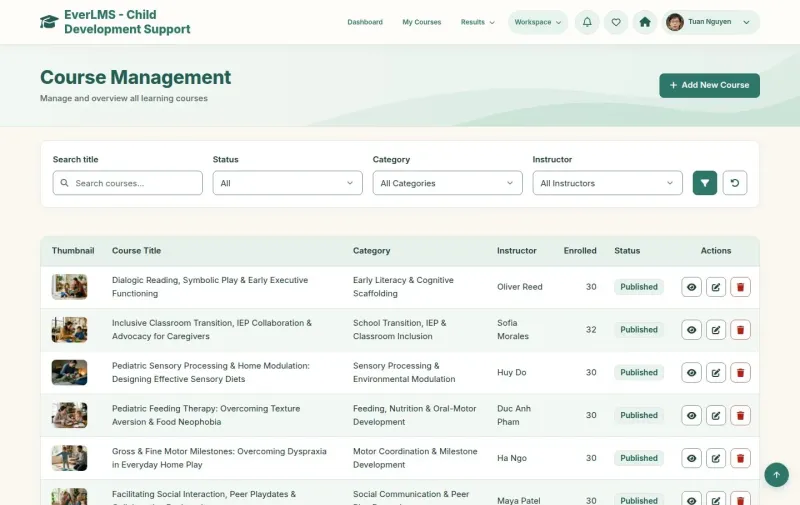
Running the programme: course authoring, learner accounts, reports, site content, notifications, roles and access.
See it working before you commit
We build a working prototype first, so you decide against something real.