






 Hotel operations
User guide · Kitchen Staff
Monitor the Kitchen Display
Read the order groups in Kitchen Display and the shift’s current state.
- Sign in with the kitchen account for your shift.
- Sign in with the correct role and check the account name in the menu.
Kitchen StaffStep-by-step instructions
Open Kitchen Display
Kitchen Staff
1Step 1 of 1
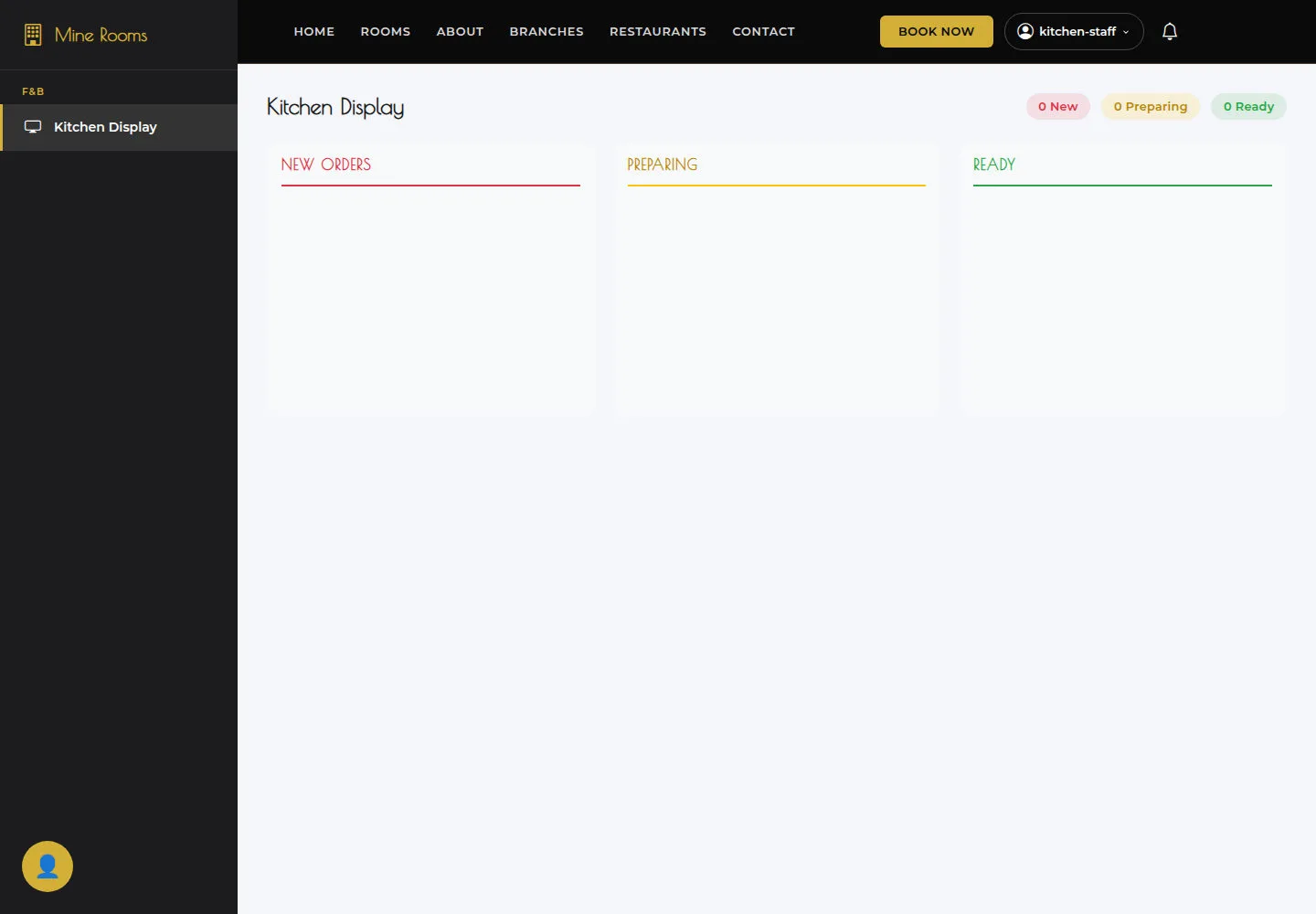
New Orders, Preparing and Ready show open-order groups. When the counters are zero, wait for a new order.
- Sign in as Kitchen Staff and open F&B → Kitchen Display.
Open on site ↗sign-inFull-page screenshot ↗
What you should see
New Orders, Preparing and Ready show open-order groups. When the counters are zero, wait for a new order.
1 / 2