






 Hotel operations
User guide · Manager
Check your Manager account and access
Start from My Account. If an operations page is restricted, ask the administrator to check access before continuing.
- Sign in with your assigned Manager account and identify the page you need.
- Sign in with the correct role and check the account name in the menu.
ManagerStep-by-step instructions
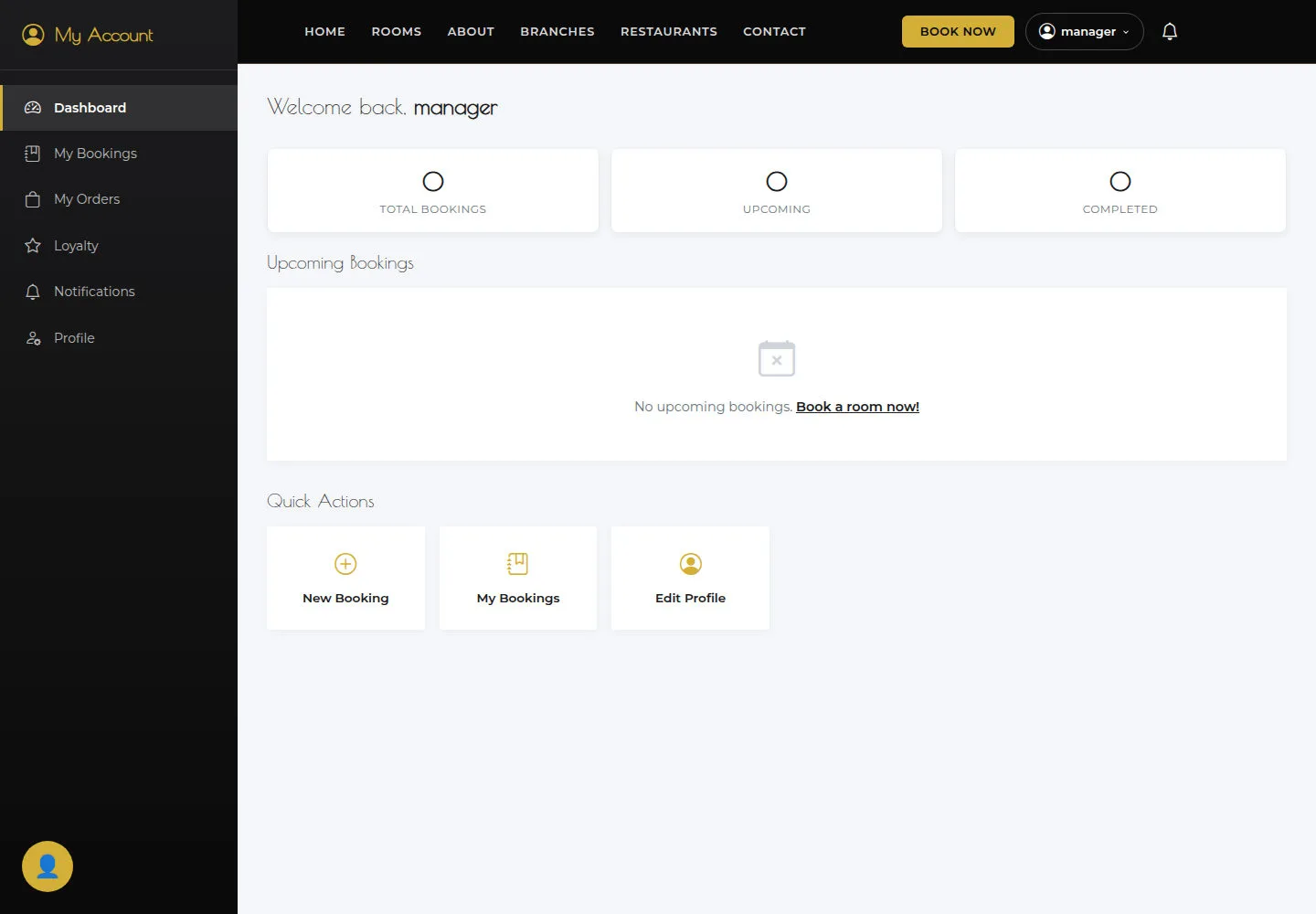

Read the current My Account
Manager
1Step 1 of 2
My Dashboard brings together bookings, notifications and pages for the signed-in account.
- Sign in as Manager and inspect the account menu.
Open on site ↗sign-inFull-page screenshot ↗
What you should see
My Dashboard brings together bookings, notifications and pages for the signed-in account.
Read an access restriction
Manager
2Step 2 of 2
The current Manager account cannot open Bookings. Operational work requires the account’s correct access.
- If you see Access denied, give the page name to the administrator and wait for the appropriate access.
Open on site ↗sign-inFull-page screenshot ↗
What you should see
You know the page is restricted; no booking action has been performed.
1 / 3