






 Hotel operations
User guide · Customer
Review your profile and loyalty information
Review your account profile and loyalty information; confirm conditions with the hotel before using a reward.
- Sign in with your guest account; ask the hotel about reward conditions.
- Sign in with the correct role and check the account name in the menu.
CustomerStep-by-step instructions
Read My Profile
Customer
1Step 1 of 2
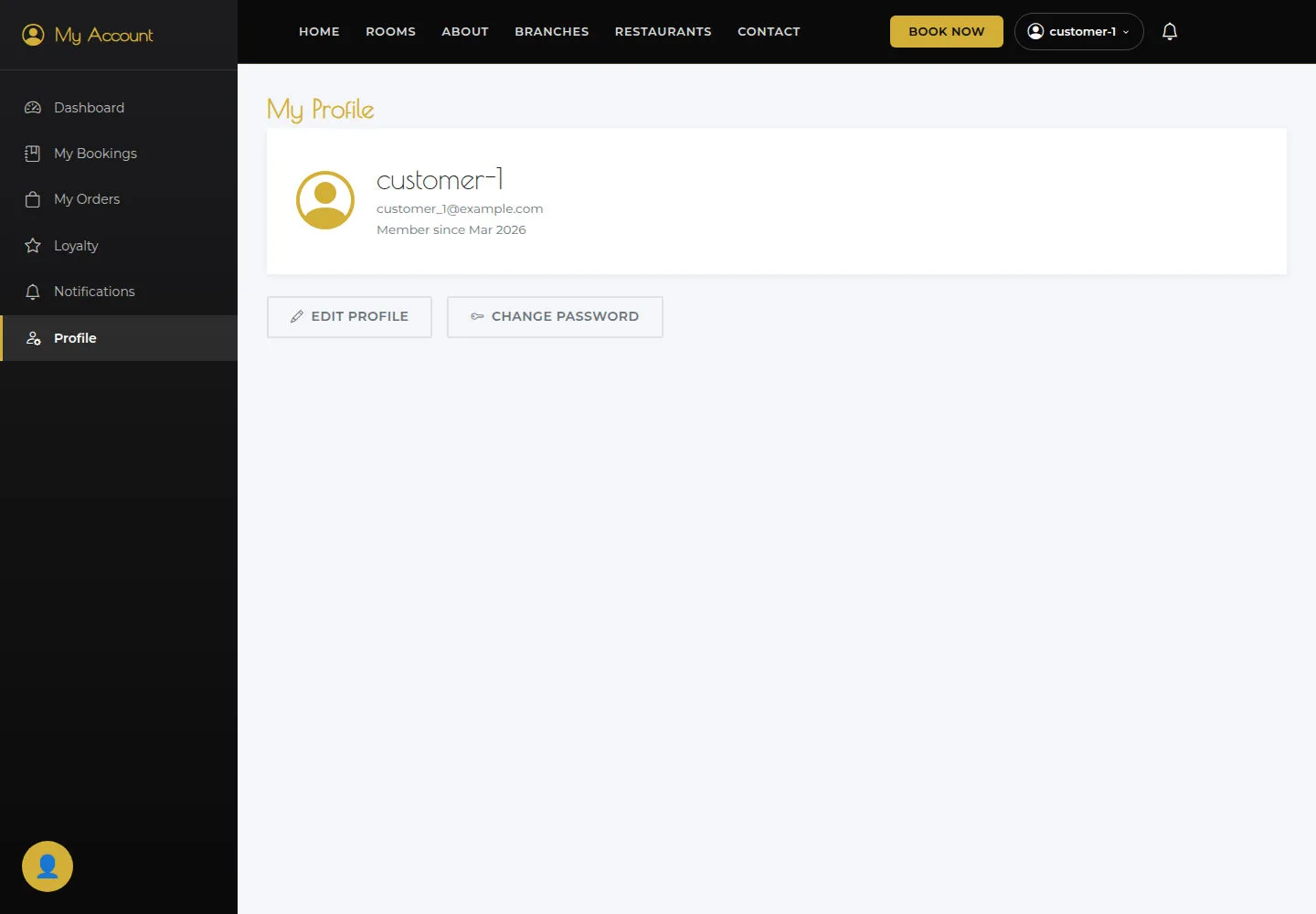
Profile shows account information. Use Account settings to edit it.
- Open My Profile and check the username and email.
Open on site ↗sign-inFull-page screenshot ↗
What you should see
Profile shows account information. Use Account settings to edit it.
Read Loyalty
Customer
2Step 2 of 2
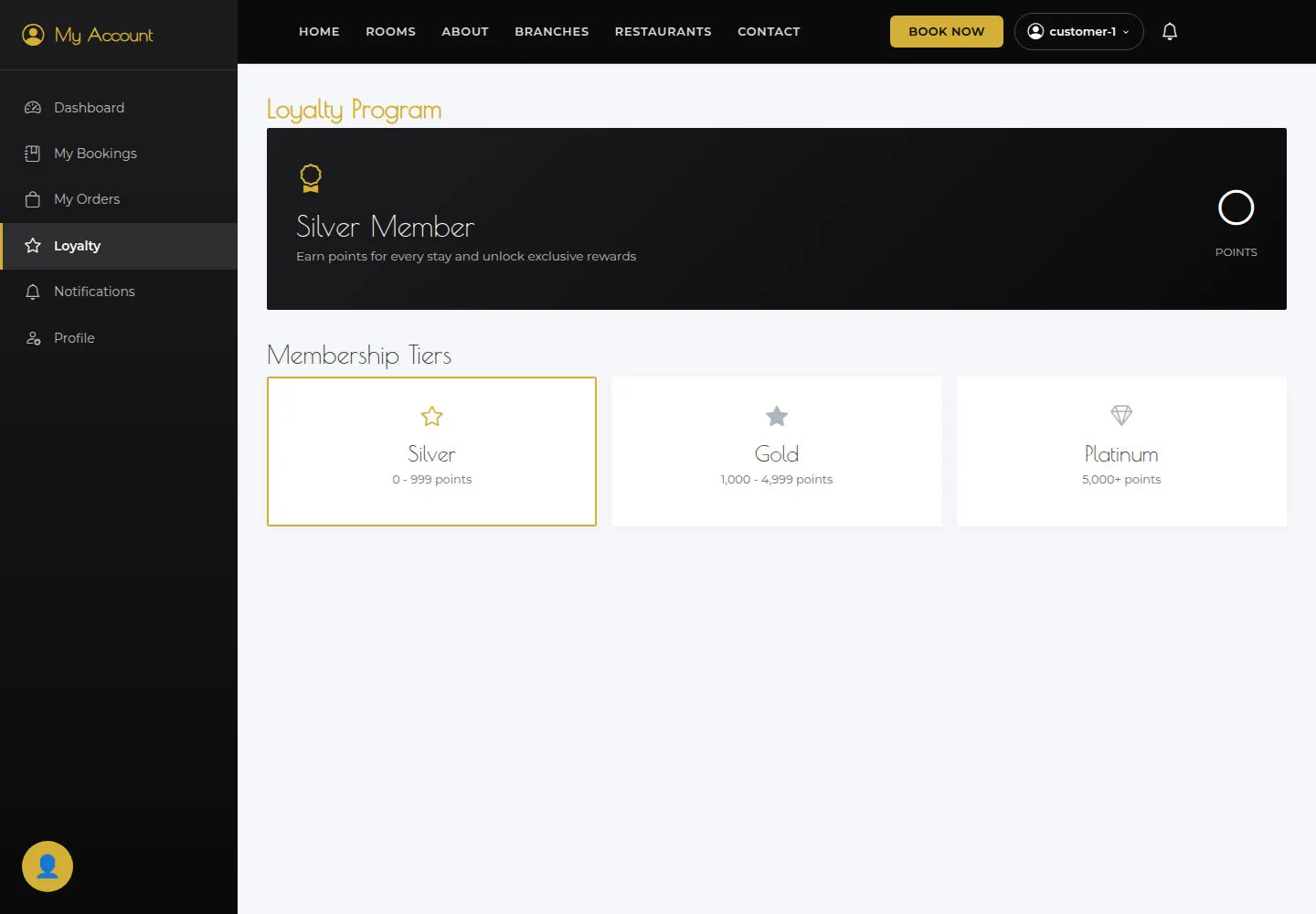
The displayed tier and points are for reference; ask the hotel before using a reward.
- Open Loyalty and read the displayed tier and points.
Open on site ↗sign-inFull-page screenshot ↗
What you should see
The displayed tier and points are for reference; ask the hotel before using a reward.
1 / 3