






 Hotel operations
User guide · Housekeeping Staff
Find rooms awaiting inspection
Find rooms awaiting Inspection and check the room before inspecting it.
- Use an account with inspection access and inspect the room before deciding.
- Sign in with the correct role and check the account name in the menu.
Housekeeping StaffStep-by-step instructions
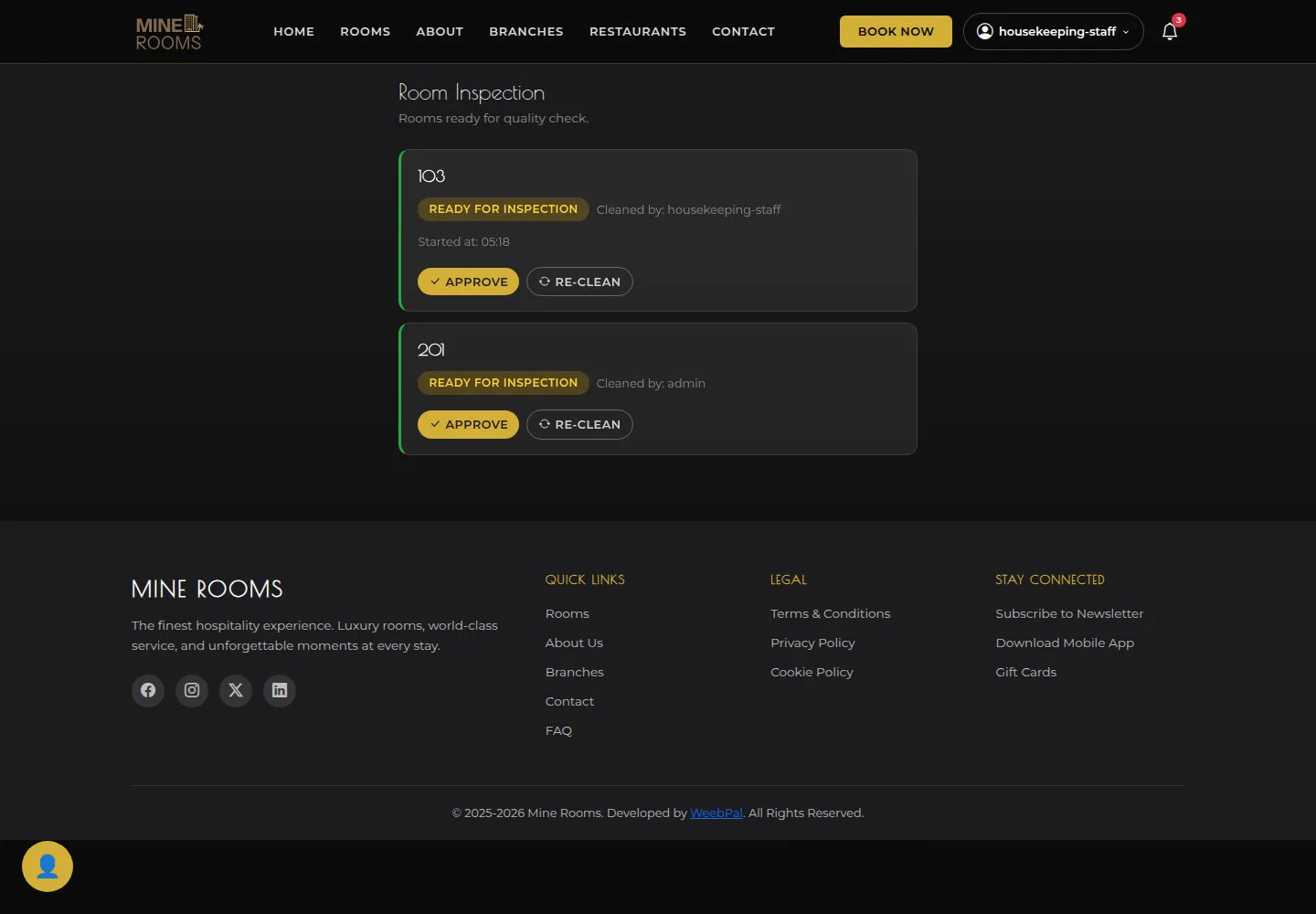
Open Room Inspection
Housekeeping Staff
1Step 1 of 1
Ready for Inspection is the starting list; check the correct room before inspecting it.
- Match the room number in Ready for Inspection with the actual room. After inspecting it, choose Approve or Re-clean according to the result.
Open on site ↗sign-inFull-page screenshot ↗
What you should see
The selected room is the one inspected. After acting, reload the list and check the room state; opening the list alone does not complete an inspection.
1 / 2