
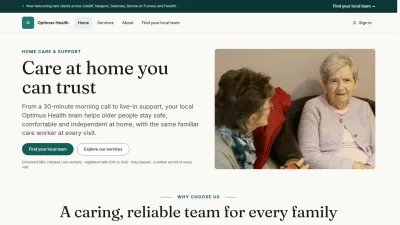





Guide › Visitor › Sign in and recover access
Visitor
Sign in and recover access
Use your own account to enter the role-specific workspace, or request password recovery when needed.
Before you start: An account has been created or invited for you.
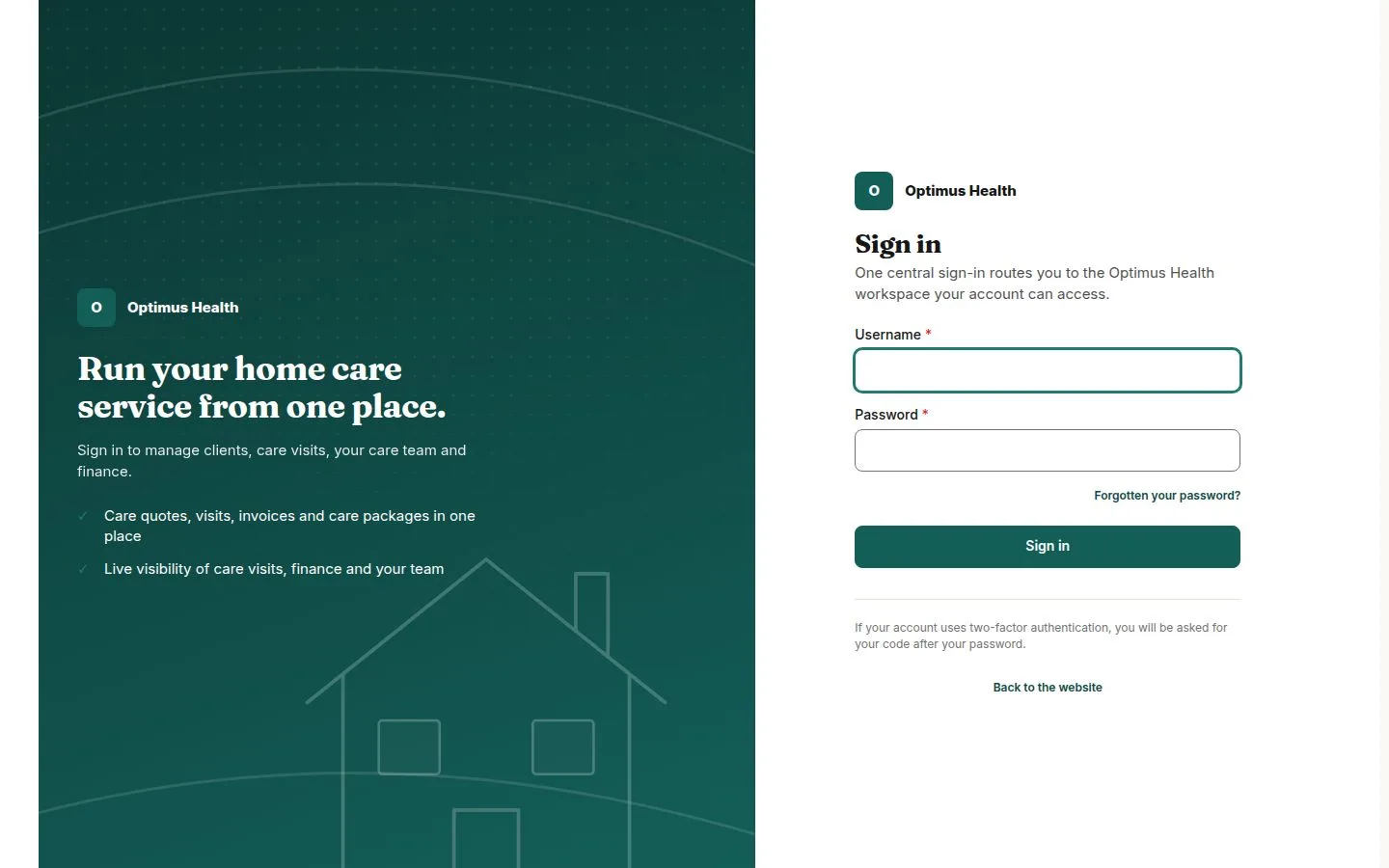
Open the sign-in form
Visitor
Swipe across the preview to see more. Tap to enlarge.
1Step 1 of 3
What to doOpen the sign-in page and enter your own username or account identifier and password in the fields provided.
The form is ready to authenticate the account you entered.
Sign in and open your workspace
Visitor
Swipe across the preview to see more. Tap to enlarge.
2Step 2 of 3
What to doChoose Sign in. After a successful sign-in, use Back office on the public header; Care Workers use My Day.
Your account determines the workspace and pages available. If sign-in fails, read the message and correct the details.
Request password recovery
Visitor
Swipe across the preview to see more. Tap to enlarge.
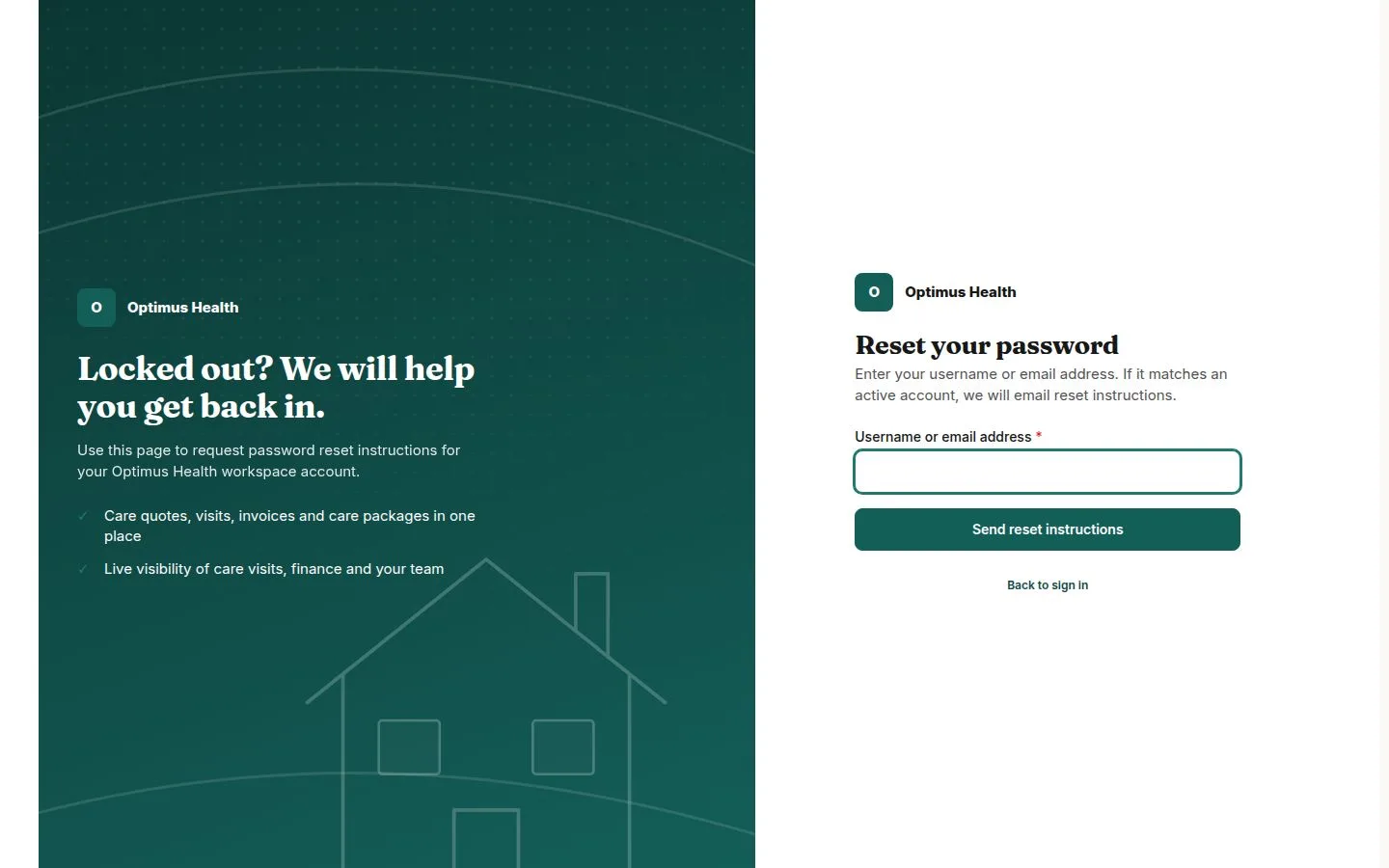
3Step 3 of 3
What to doIf you cannot remember your password, open the password-recovery page, enter the identifier requested by the form, and submit the request.
Follow the instructions shown and any recovery message you receive.