Optimus Health features
Connected care operations
Follow the care enquiry through quotes, visits, approved hours and billing.
The right workspace for each team
Office teams see their office records. Care Workers see their assigned work.
A history behind each decision
Keep visit records, approvals and document states available for follow-up.
One system for office coordination and care delivery
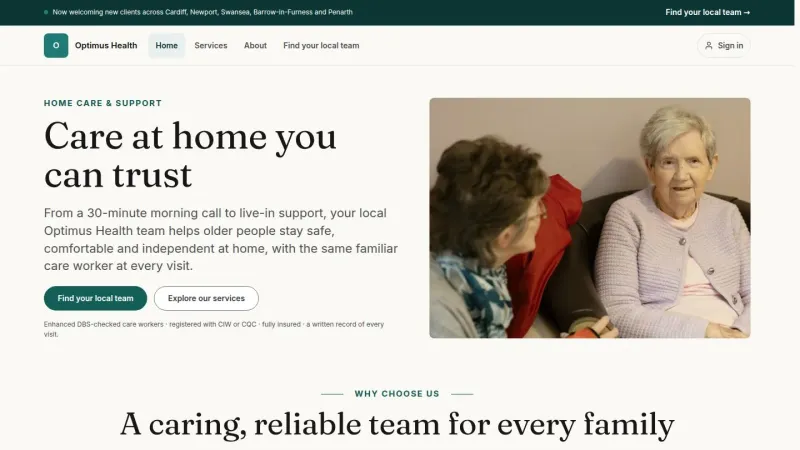
Optimus Health is a Care Worker Management System for home care companies. Connect the office’s enquiries, clients and quotes with assigned visits, care records, approved hours and billing.
Each customer receives a dedicated instance under their own brand, with source code and operations documentation handed over. Product screens use fictional Optimus Health demonstration records.
 View full size
The tools for everyday care operations
Follow each part of care delivery in the workspace available to your role.
- EnquiriesFirst contact to clientCapture a care request and follow the enquiry pipeline.
- QuotesReview and decisionPrepare care lines and send a quote for a client decision.
- SchedulesRecurring care visitsUse care package schedules to set the cadence of ongoing care.
- VisitsAssignments and rotaCoordinate care workers, service windows and office review.
- RecordsCare given on the dayKeep photos, documents, care outcomes and processing states with the visit.
- HoursTimesheet approvalEnter, submit, return and approve recorded work.
- FinanceInvoices and paymentsFollow billing, payment matching and accounting sync.
- OfficesCompany and networkManage offices and review the permitted network summaries.
Built around the people doing the work
Office teams, Care Workers and company administrators each start in the workspace permitted by their role.
Care Coordinators
Office operationsOrganise enquiries, quotes and visits. Review care outcomes, timesheets and office finance.
Care Workers
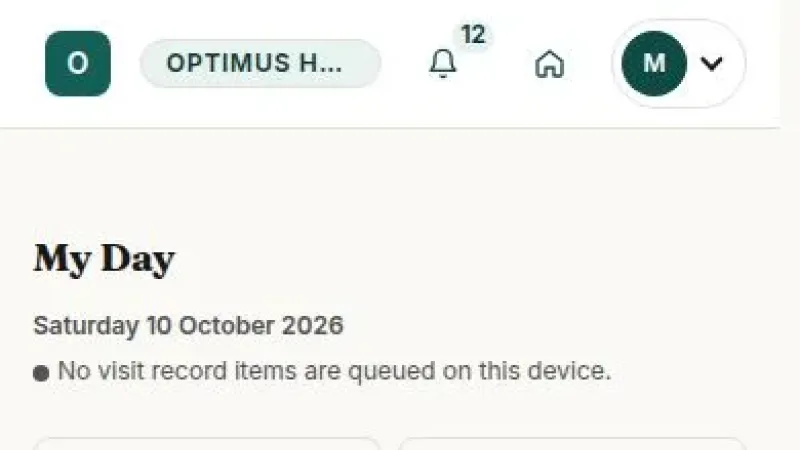
Field workspaceOpen My Day, read the assigned visit and record care given. Follow your own timesheets.
Office Owners
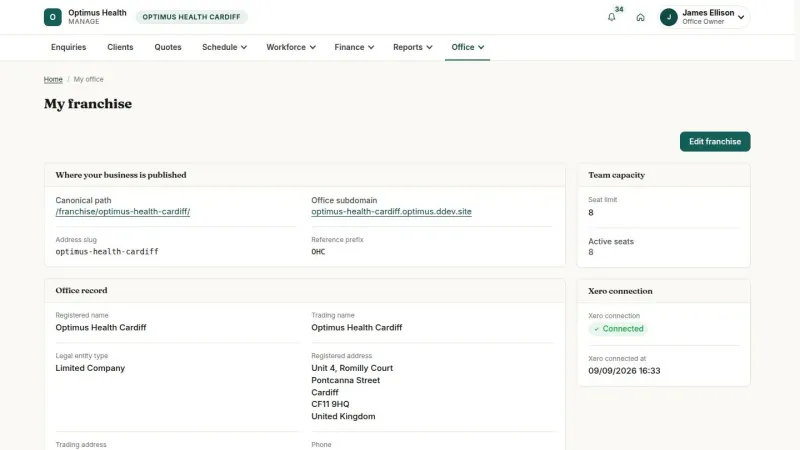
Office managementRun daily operations and maintain the team, office website, widgets and accounting connection.
Headquarters & Network Managers
Company oversightAdminister the company instance or read aggregate figures for your assigned office network.
A connected path from enquiry to payment
Move a care request through an agreed quote, assigned visits and reviewed work records before following billing and payment.
Receive a care enquiry
Capture the care request from the brand site, office form, widget or an office entry.
Follow the enquiry
Contact and qualify the enquirer, then convert the enquiry into client and care-location records.
Prepare a care quote
Build the care lines, review the quote and send its decision link.
Plan the care visits
An accepted quote queues the first visit. Care package schedules organise the ongoing care cadence.
Assign the care worker
Review the permitted candidates and choose the worker for the visit.
Record care on the day
The assigned Care Worker records the care given and a Successful or Partial outcome, or reports a failed visit.
Review the visit
The office reviews the care record and approves or returns the visit for attention.
Approve the work record
The worker submits the timesheet; the office reviews the hours and costs.
Follow billing and payment
Prepare the invoice, track payments and review accounting sync and reports.
Coordinate care from one office workspace
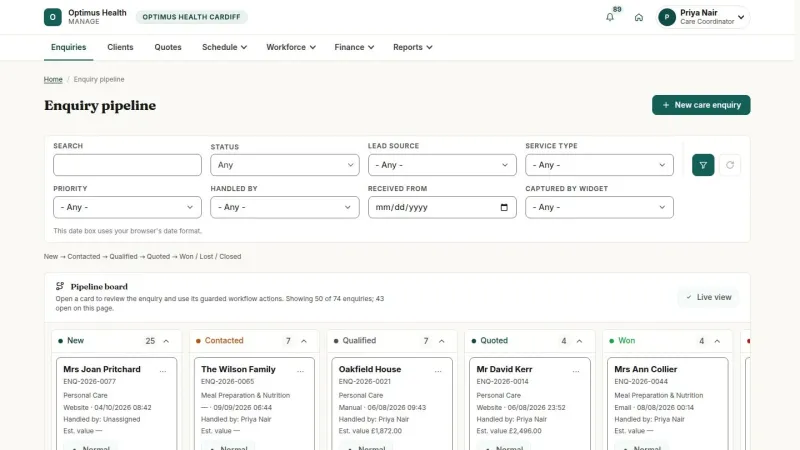
Care Coordinators and Office Owners follow the same office workflow, from the first care request to financial follow-up.
- Enquiry pipeline, clients and care locations
- Quotes, recurring care schedules and visits
- Care Worker assignment, rota and exceptions
- Visit review and timesheet approval
- Invoices, payments and supplier invoices
- Owner controls for the team and office
 View full size
Put the assigned visit within reach
The responsive field workspace keeps the worker’s visit information and care actions close to the task.
- My Day and rota for your assignments
- Care plan summary, contacts and directions
- Visit records and Successful, Partial or failed outcomes
- Completion uses current photos accepted by the server
- Enabled photo queue and replay after reconnection
- Your timesheets, including returned records
 View full size
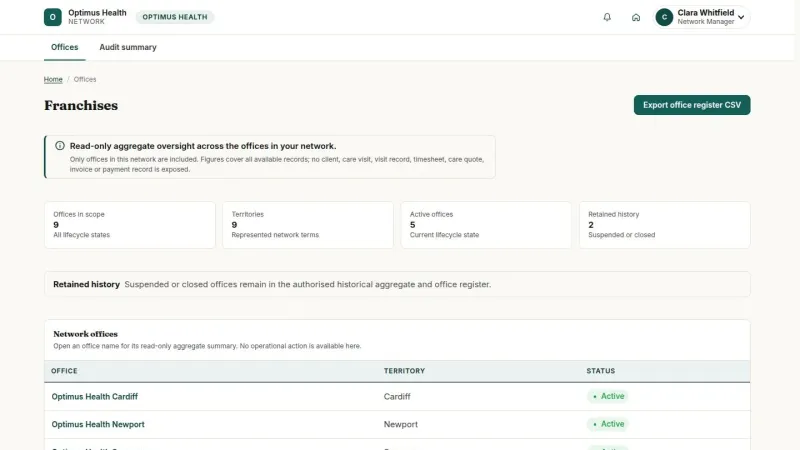
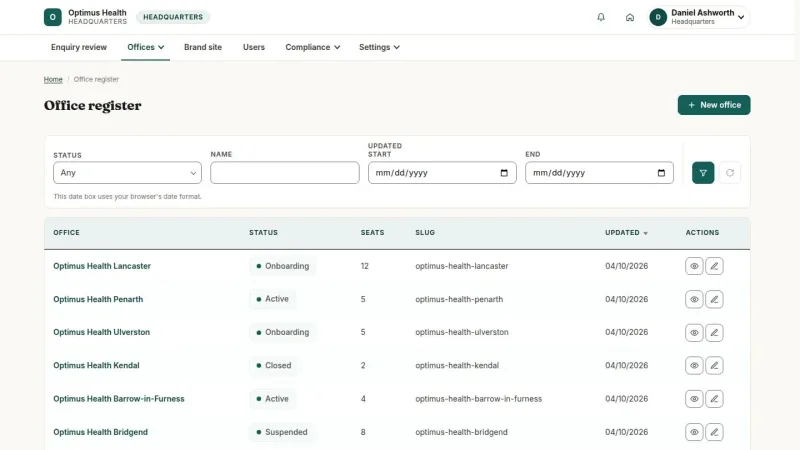
Keep company oversight in its own workspace
Headquarters maintains the office register and company settings. Network Managers read aggregate figures for their assigned network.
- Office opening and lifecycle
- Territories and unallocated enquiry review
- Brand website, users and company settings
- Notification, audit and data-request tools
- Read-only summaries for Network Managers
- Operational records remain within office scope
 View full size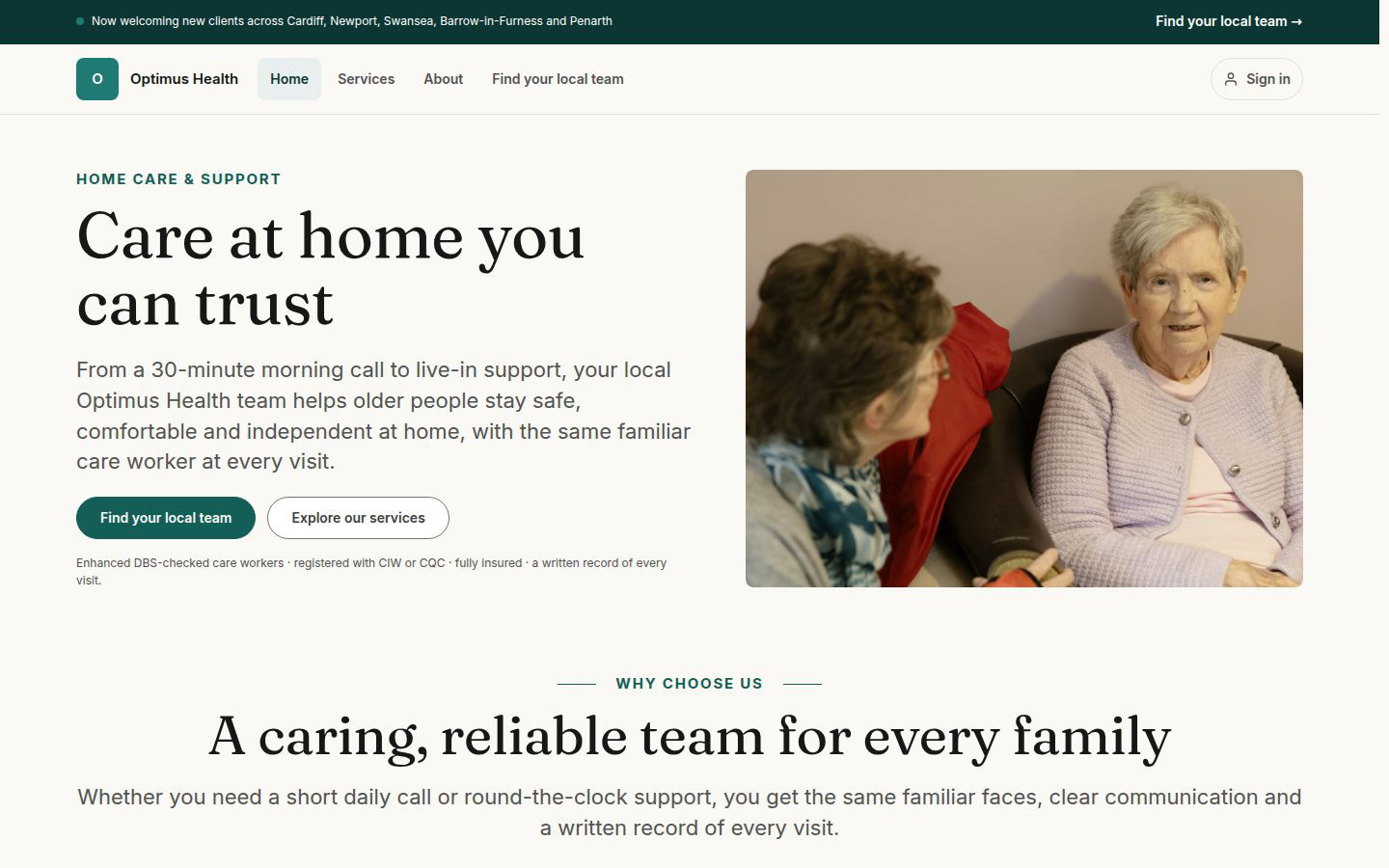




Live demo
Each demo is a working copy of Optimus Health with sample data, open for you to try.
Office workspaces and company oversight
Office teams run care operations within their office. Headquarters administers the company instance, and Network Managers have a read-only view of aggregate network figures.
| Office workspaces | Company and network workspaces | |
|---|---|---|
| Main purpose | Run the daily care and financial workflow | Maintain the company instance and read permitted summaries |
| People | Office Owners, Care Coordinators and Care Workers | Headquarters and Network Managers |
| Operational records | Office teams work within their own office; workers see assignments | Headquarters does not read offices’ operational data |
| Office administration | Owner maintains their office, team, website and widgets | Headquarters opens offices, manages lifecycle, users and territories |
| Network reporting | Operational and financial reports within the office | Network Managers read aggregate figures for their assigned network |
| Workspaces | Enquiries, clients, quotes, visits, timesheets and finance | Office register, company settings and read-only network summaries |
Connect care records with the office and company
Public intake, daily care work and company administration share the product while keeping the appropriate office and role scope.
Optimus Health Public intake, care operations and company oversight
Public intake Brand and office websites, care enquiry forms and enquiry widgets
Connects enquiries to the office
Office care operations Clients, quotes, schedules, visits, care records, timesheets and finance
Uses scoped company and account services
Company and account services Offices, territories, users, notifications, audit and permitted network summaries
Product capabilities
- Care enquiry pipeline and client records
- Versioned care quotes and client decision links
- Care package schedules, visits and assignment
- Care Worker My Day, rota and visit evidence
- Timesheet review, invoices and payment matching
- Office, network and Headquarters workspaces
Your care and office information
- Company and office information
- Services, quote lines and configured charge terms
- Care contacts, locations and care plan summaries
- Team accounts and care worker profiles
- Public pages, office navigation and enquiry widgets
- Territories, configured notifications and reference prefixes
A dedicated product under your brand
The delivery model starts from the existing product, then configures your company’s instance and hands it over to your team.
From product preparation to customer handover
- Prepare your instance Clone the product onto your infrastructure and reset the demonstration data. Dedicated data and storage
- Apply your brand Set your domain, identity, email sender and document templates. Your company identity
- Configure your care model Prepare services, skills, care content and market settings. Your care information
- Set up your offices Create Headquarters access, offices, territories and team accounts. Scoped team workspaces
- Verify your workflows Check care intake, quotes, visits, timesheets and configured integrations. Agreed delivery checks
- Hand over the product Receive the source, configuration, pipeline, runbooks and administrator accounts. You own and operate it
Keep the care records connected
The product keeps the office scope, work records and document lifecycle connected while people make the operational decisions.
- Office records stay in scope Office teams work with the records for their assigned office, and Care Workers with their own assignments.
- People make the decisions The office chooses assignments and approves care visits and timesheets.
- Field evidence keeps its history Superseded visit evidence remains linked to its replacement; processing and queue states are visible.
- Quotes and invoices have a lifecycle Document actions follow the permitted state and retain their recorded history.
- Company oversight has a separate view Headquarters administers the instance, while the Network Manager reads aggregate network figures.
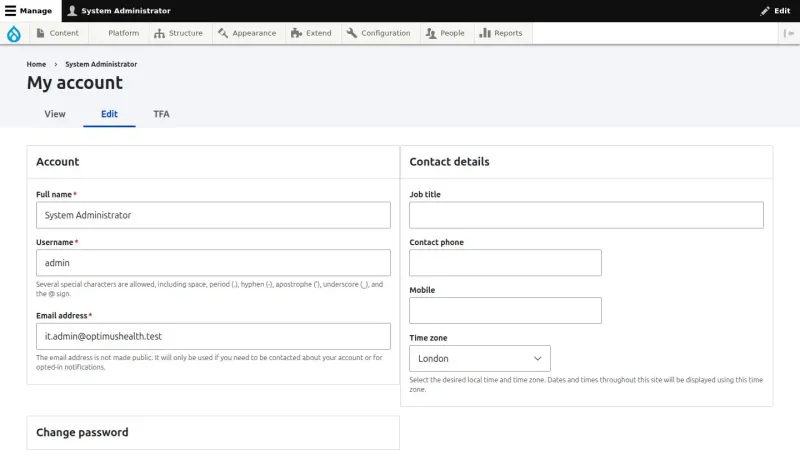
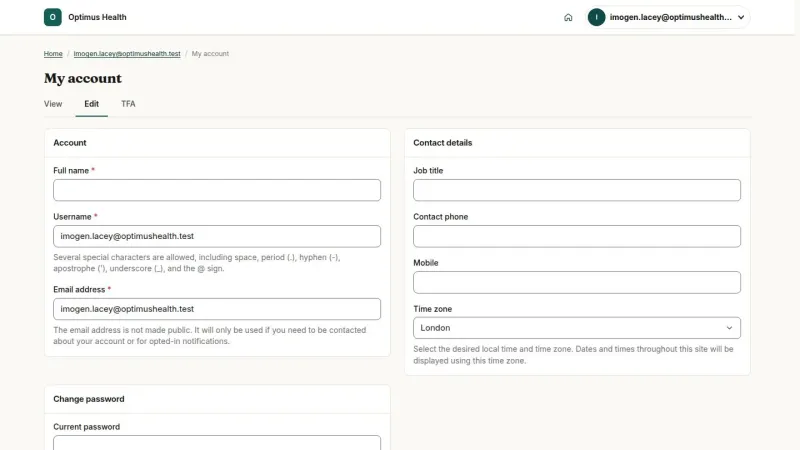
- Accounts have their own settings Users maintain their profile, timezone and security settings, including optional authenticator MFA.
Care work in everyday situations
A coordinator follows a care request, prepares the client record and quote, then organises the visits once care is agreed.
Office coordinationFrom enquiry to scheduled careEnquiries, client context and visits A Care Worker opens the assigned visit, reads the care plan summary and records what happened during the visit before submitting the work record.
Care deliveryAt the care locationMy Day, visit evidence and timesheets An Office Owner reviews the operational work while maintaining team accounts and the office website; Headquarters manages the office register separately.
Office managementRunning an office in the companyTeam, office and company workspaces
Questions about Optimus Health
Who is Optimus Health for?
It supports home care companies with office-based care teams: Office Owners, Care Coordinators, Care Workers, Headquarters and read-only Network Managers. The product screens show the Optimus Health demonstration workspace.
How does a care enquiry reach an office?
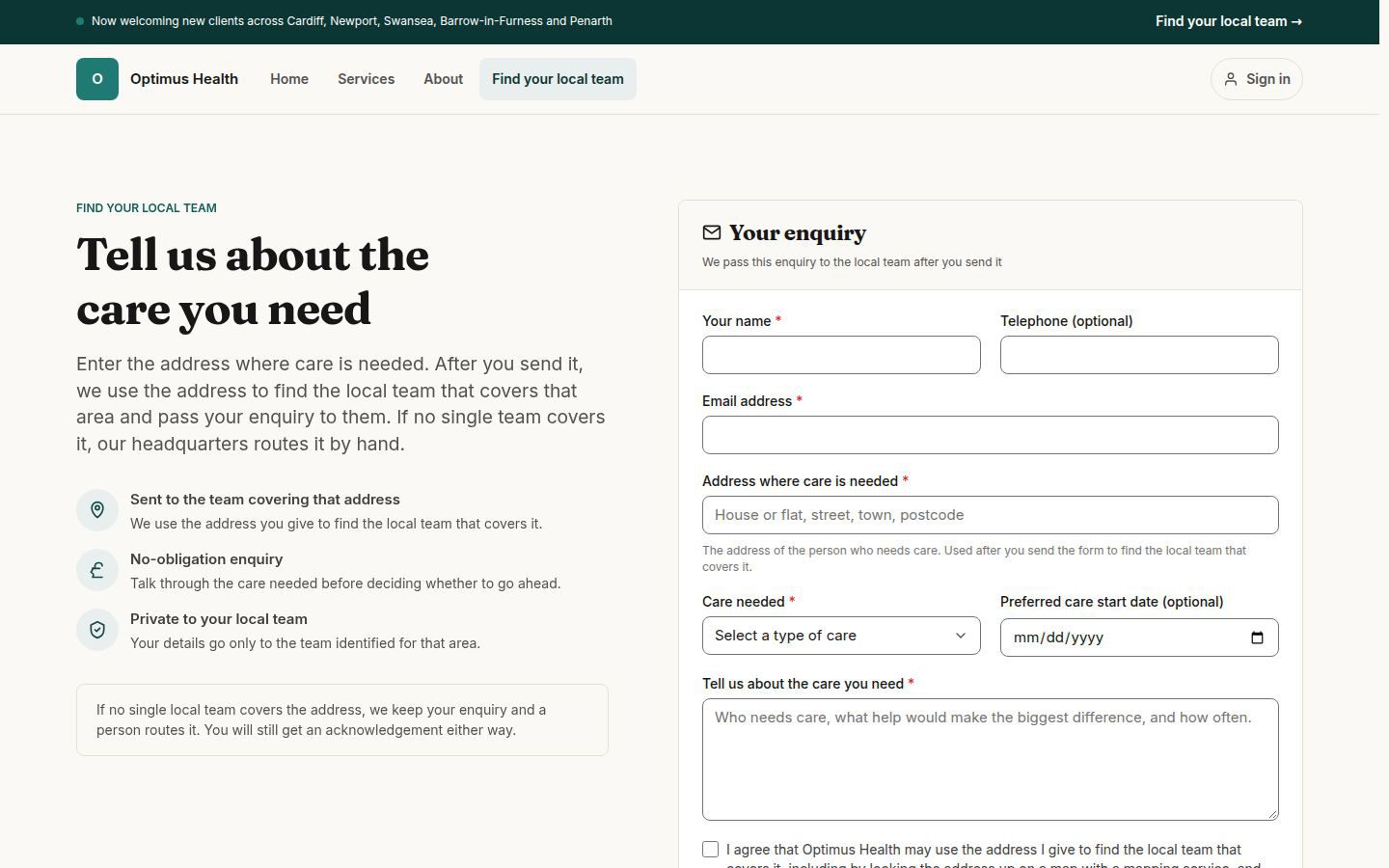
Brand-site enquiries use territory allocation. Office forms and enabled widgets follow their own office intake route. Headquarters reviews enquiries that need manual allocation.
Can a client accept a care quote without an account?
The quote email contains a decision link. The client reviews the sent proposal, chooses any optional care lines and accepts or rejects without a client portal account. The recorded decision retains the quote version and selected total.
What does a Care Worker see?
Care Workers see their assigned work, visit information, care plan summary, visit records, rota, timesheets and notifications. They can review their own timesheet amounts. Client pricing, restricted HR information and full client records stay outside the field workspace.
Does the system choose care workers automatically?
The office reviews permitted assignment candidates and chooses the Care Worker. Automatic best-match assignment, route optimisation and cost-optimised scheduling are not current product functions.
What works when field connectivity is interrupted?
With offline capture enabled, visit evidence can be queued on the device and replayed when the connection returns. A queued photo counts towards completion only after the server accepts it. Rota and care-plan reading, visit start and completion, and timesheet submission require a connection in the current field workflow.
How do Headquarters and Network Managers differ?
Headquarters maintains company-level offices, users, territories and settings without reading offices’ operational records. Network Managers read aggregate figures for their assigned office network and have no write actions.
How does the accounting connection fit the workflow?
Office Owners manage the office’s authorised accounting connection. Care Coordinators read its state and sync log, then retry permitted failed attempts while preserving the previous attempt history. Provider delivery requires the instance configuration and a live office connection; the log shows Pending, Success, Failed and Abandoned attempts.
A guide for every role
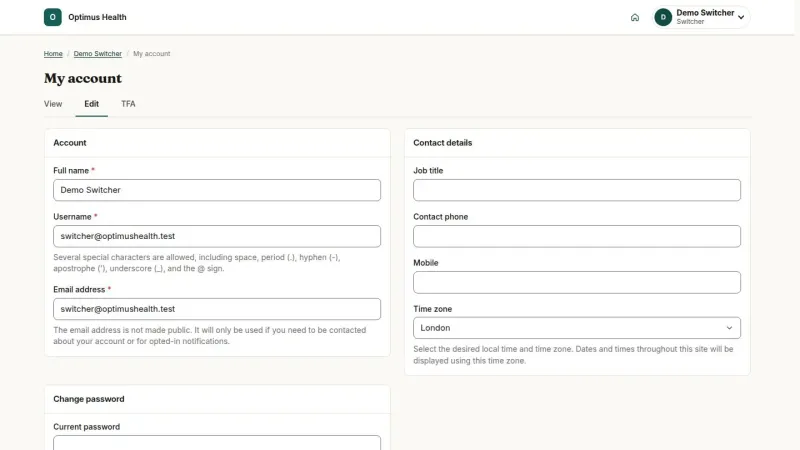
Find the guide for your role, with task steps and screenshots captured from the current interface.