





Guide › Visitor › Find your local team and care services
Visitor
Find your local team and care services
Read the published service information and find the office enquiry form before contacting the team.
Before you start: No account is needed to read published pages.
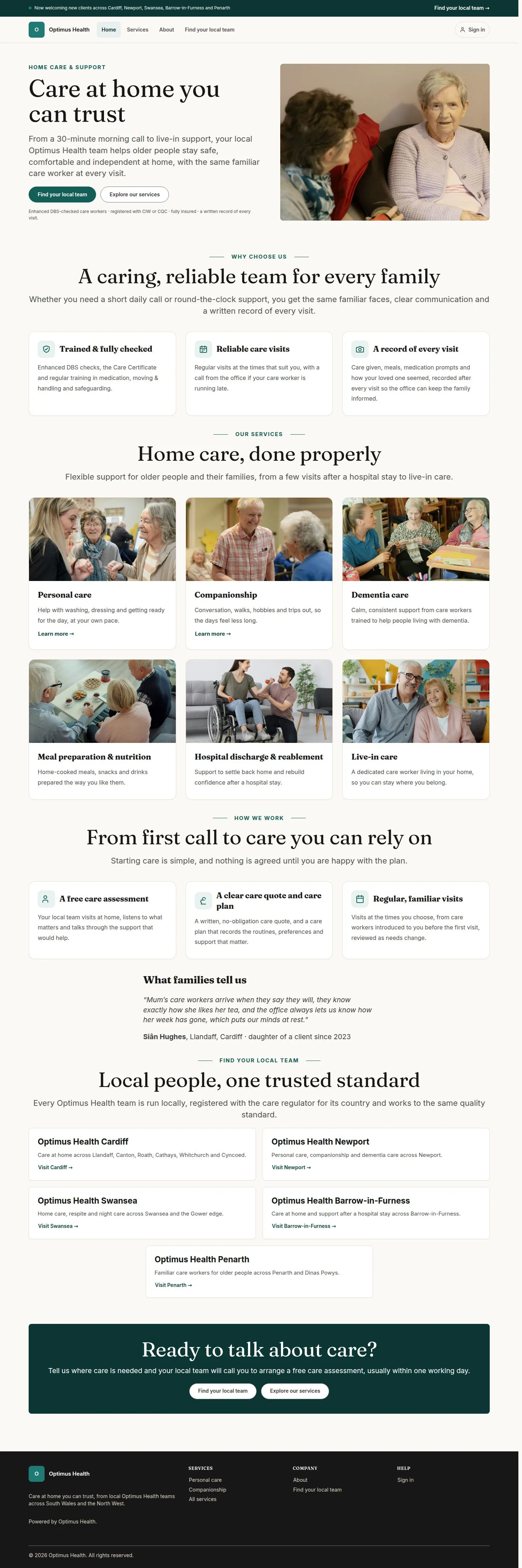
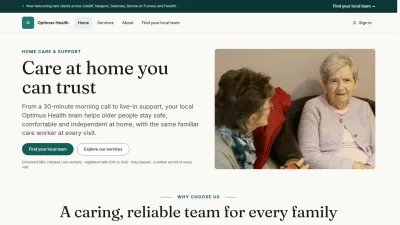
Start on the brand home page
Visitor
Swipe across the preview to see more. Tap to enlarge.
1Step 1 of 4
What to doOpen the home page and read the service introduction. Use Find your local team when you are ready to contact the team covering your address.
The site gives you a way into the brand enquiry form, where your address can be allocated to a local team.
Read the service overview
Visitor
Swipe across the preview to see more. Tap to enlarge.
2Step 2 of 4
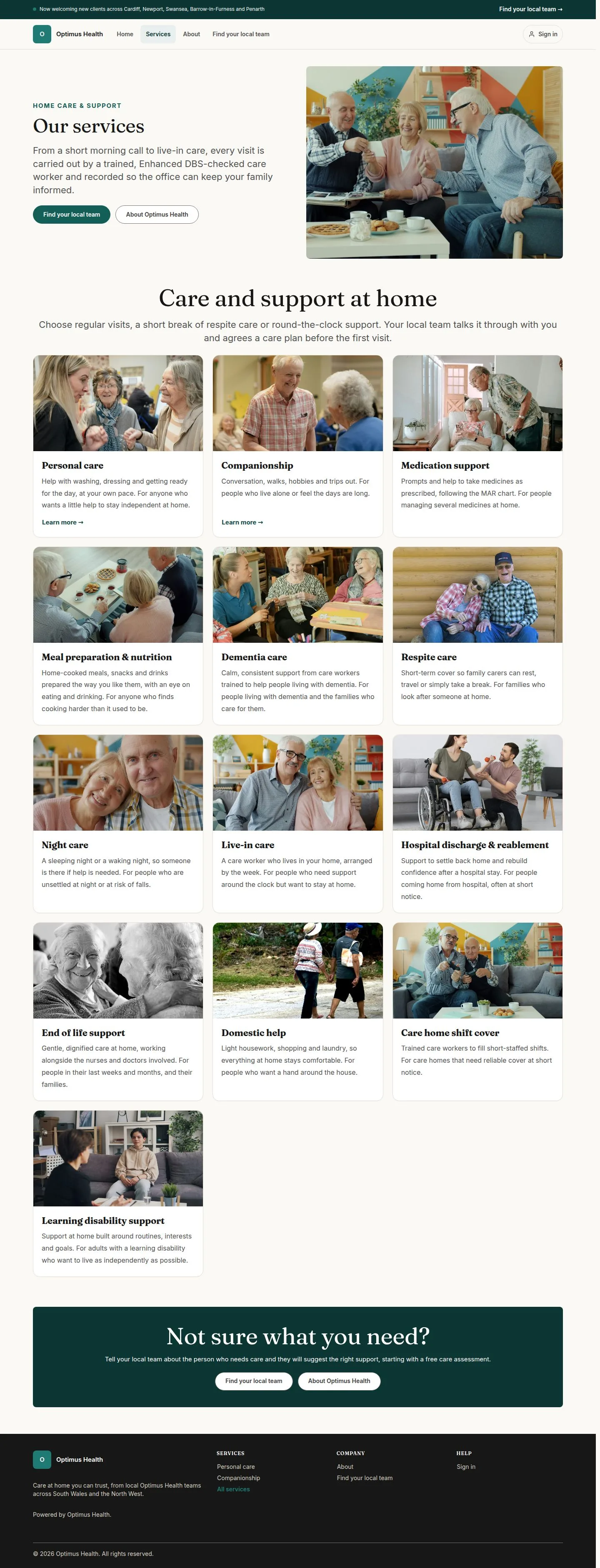
What to doOpen Services and choose the service you want to understand, such as Personal care or Companionship.
The service overview links to the published detail pages.
Read a service detail
Visitor
Swipe across the preview to see more. Tap to enlarge.
3Step 3 of 4
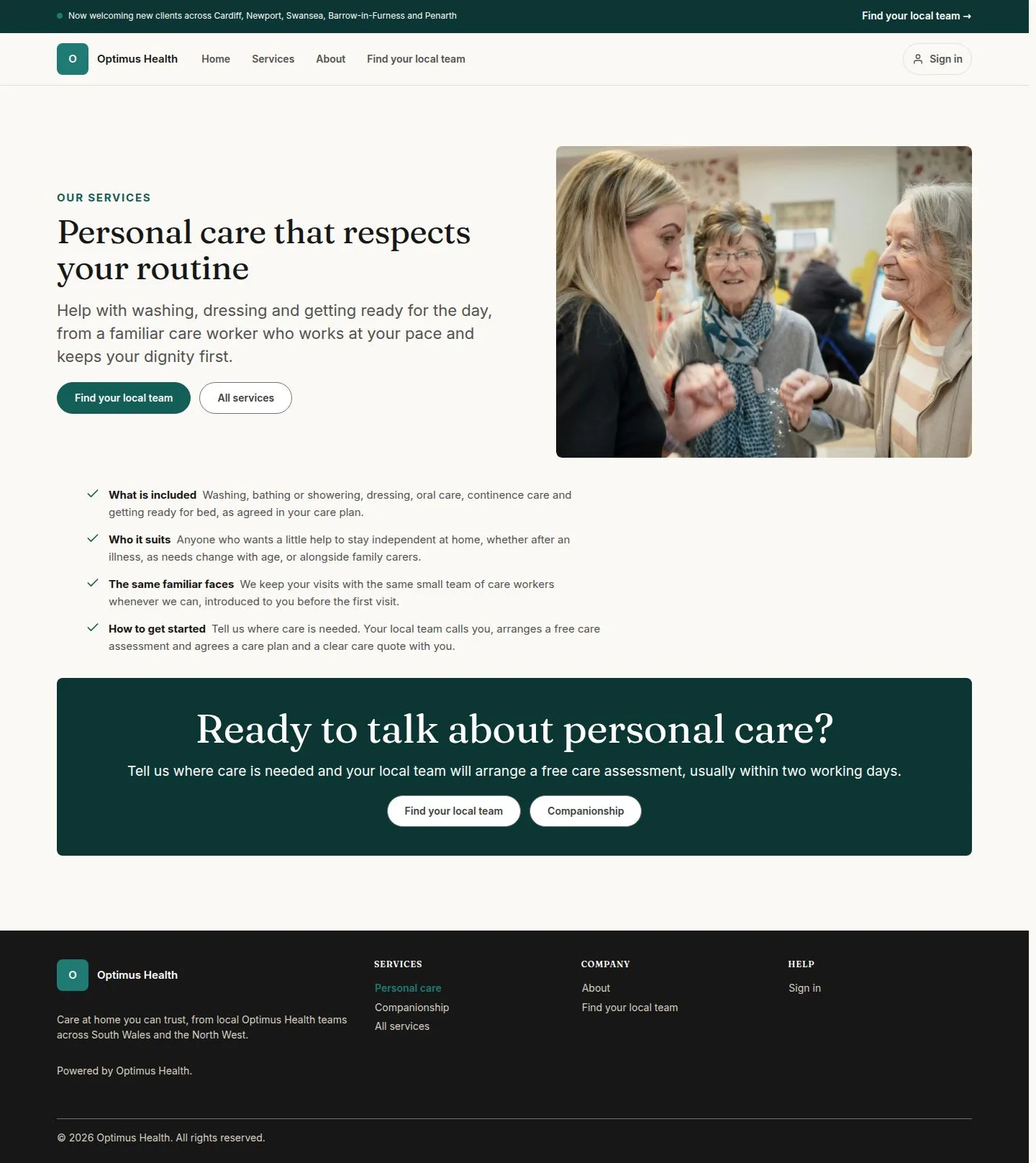
What to doRead what the page says about Personal care, then use its enquiry link if you want to discuss your needs.
You have the published service description and the route to ask the team about it.
Check an office website
Visitor
Swipe across the preview to see more. Tap to enlarge.
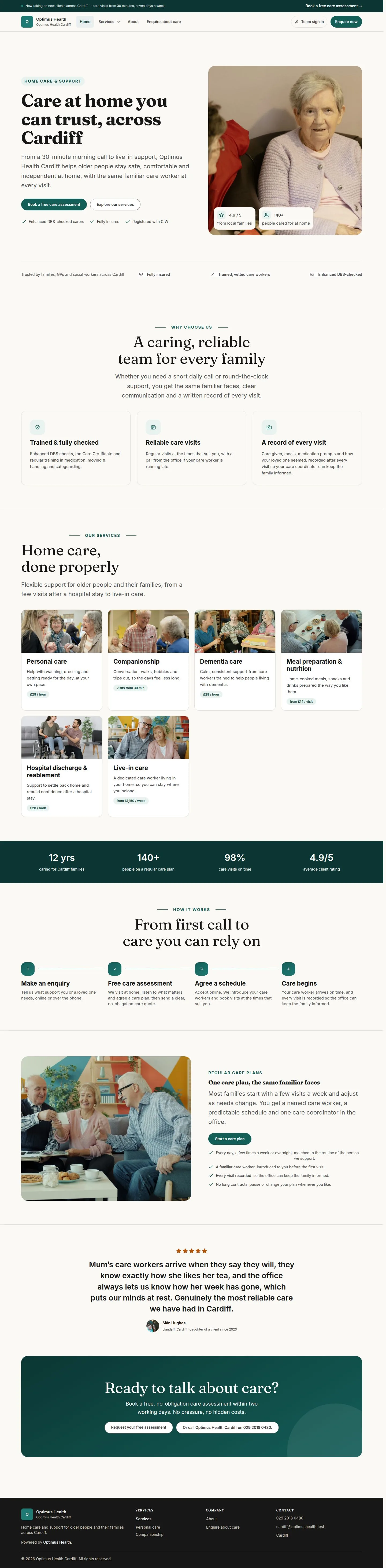
4Step 4 of 4
What to doOn a local office website, check the contact details and services. Use Book a free care assessment to open that office's enquiry form.
The enquiry form belongs to the office whose website you are viewing.