EverLMS Children features
Learning that fits family routines
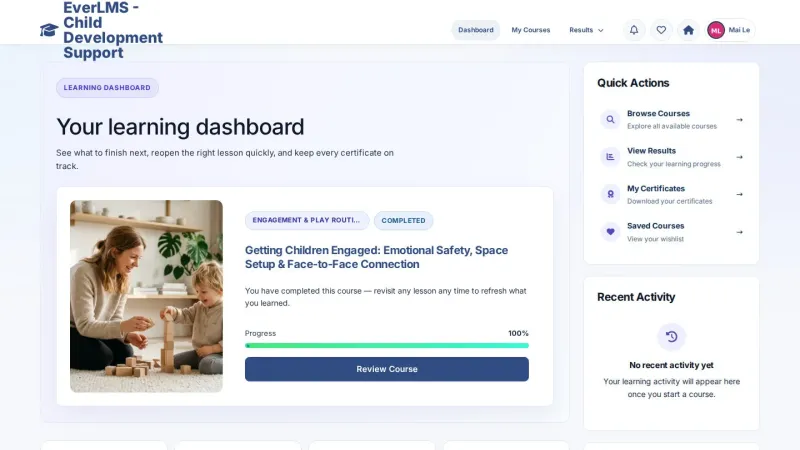
Caregivers find relevant topics, study lessons and return to useful material when they need it.
Keep your learning context
My Courses, lesson resources and personal notes keep the learning journey organised.
Review your understanding
Saved assessment results and issued certificates record learning within the programme.

Learning and training management in one place
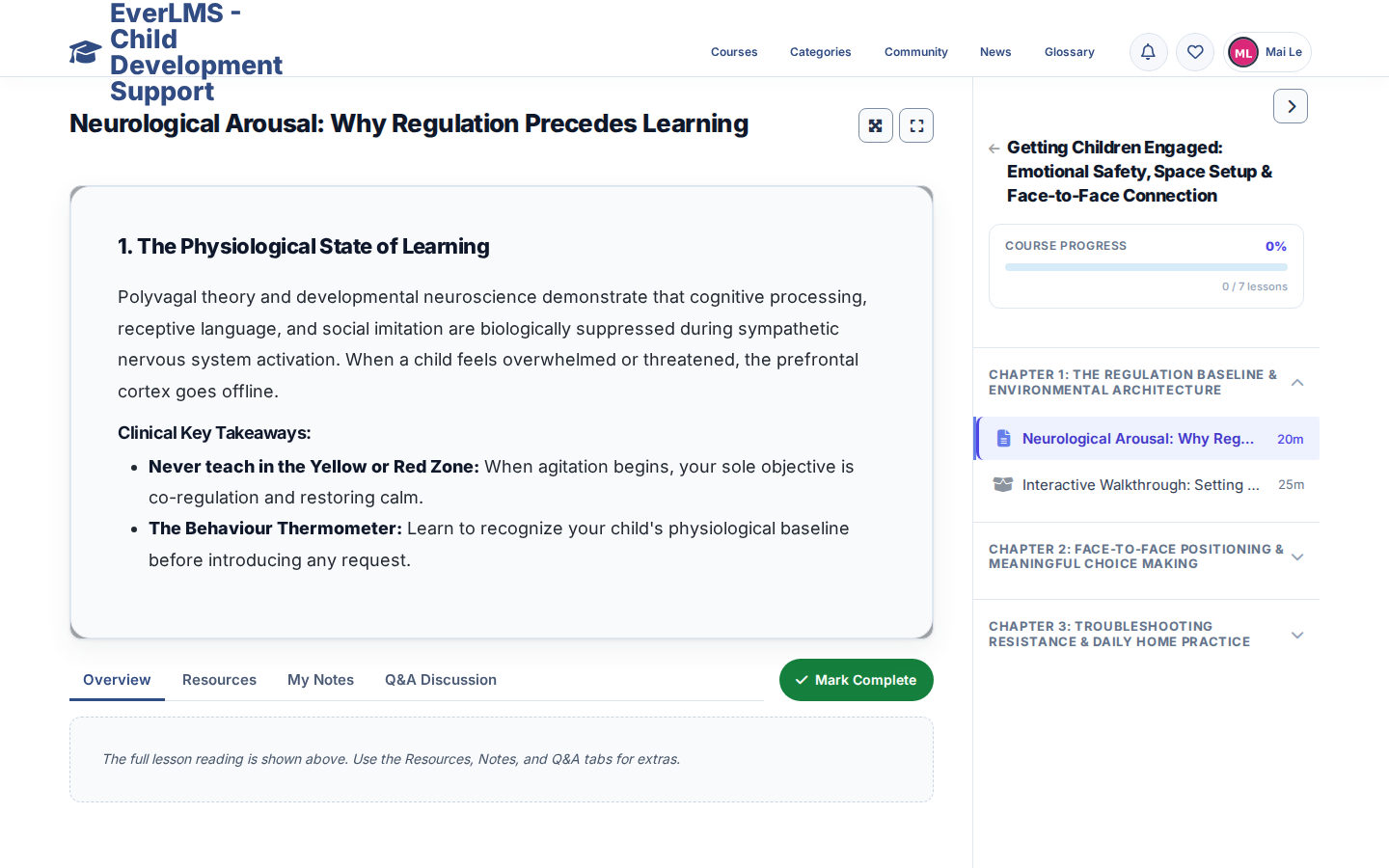
EverLMS Children brings caregiver learning, course preparation and programme follow-up together. Learners study the course material; permitted authors prepare content; coordinators review recorded learning activity.
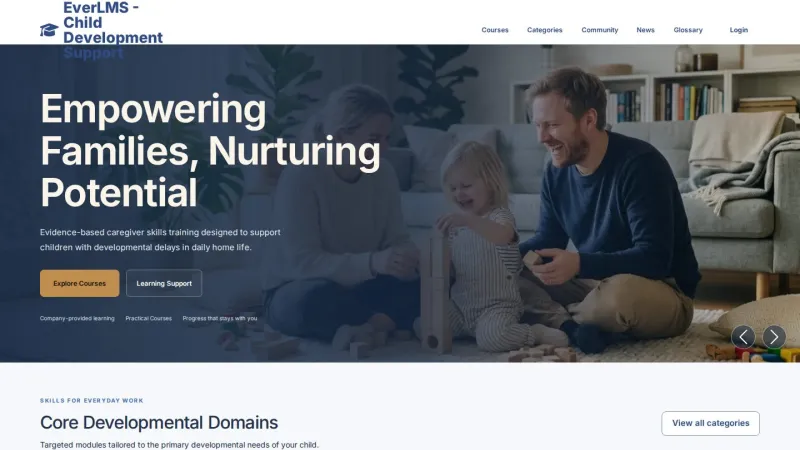
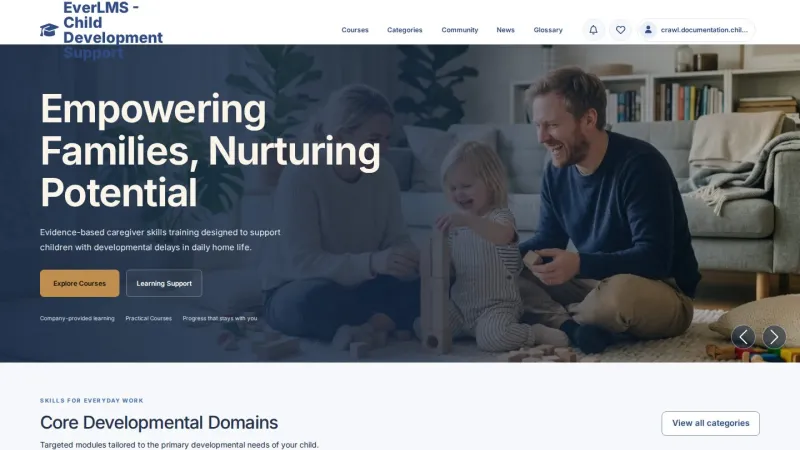
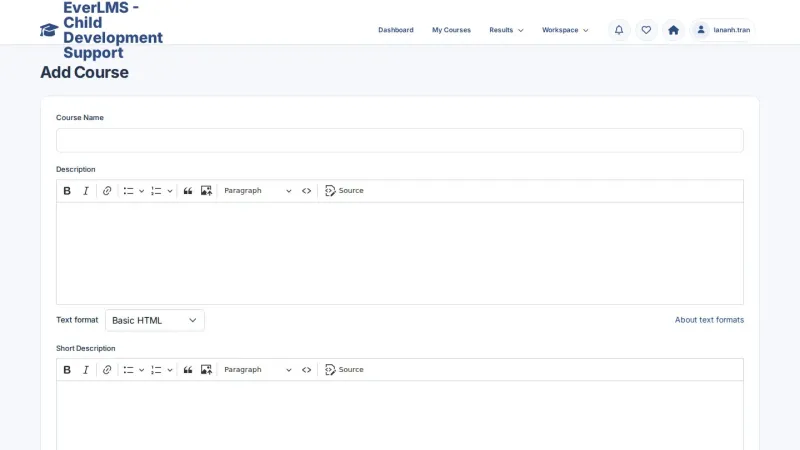
The product screens show the current Child Development Support learning site. Demonstration accounts and learning records illustrate the interface.
 View full size
The tools for everyday training
Courses, content and learning records support caregivers, authors and managers in their existing workspaces.
- CoursesBrowse and joinSearch the catalogue and review the curriculum before enrolling.
- LessonsContent and resourcesText, video, documents and interactive activities within a course.
- QuizzesQuestions and resultsAssess understanding with configured scoring and attempt settings.
- NotesLesson contextSave useful notes and return to them alongside the lesson.
- ProgressStart, continue, reviewCourse records keep lesson completion and learning status.
- ReportsTraining follow-upReview course, learner and quiz activity in the workspace.
- PeopleRelevant workspacesExisting permissions govern learning, authoring and management.
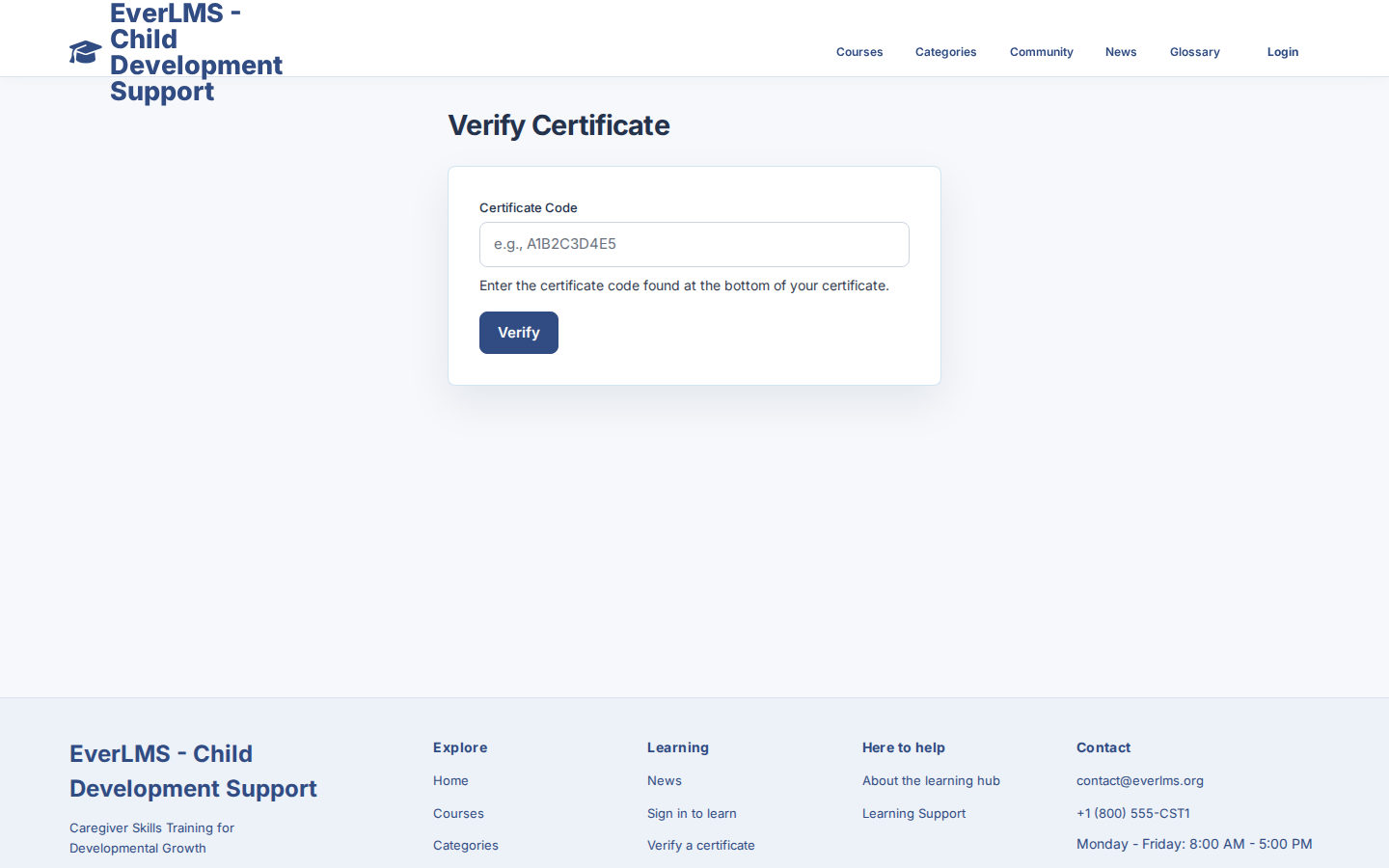
- CertificatePDF and verificationDownload issued certificates and check their codes.
For the people who learn, create and manage training
Each account uses the learning, authoring and management destinations allowed by its existing permissions.
Parents and caregivers
Explore learningExplore engagement, communication and daily living topics, then follow the lessons in your selected course.
Educators and course authors
Explore authoringPrepare permitted courses, lesson material and questions for the people who support children.
Programme coordinators
Explore managementReview recorded course activity and learning results to organise training follow-up.
Programme support staff
Explore supportMaintain permitted accounts, information pages and articles for the learning community.
A familiar path through the learning material
Courses keep the curriculum, resources, progress and assessment together.
Join a course
Review the course information and confirm enrollment from its course page.
Find My Courses
Start a new course, continue unfinished learning or review a completed course.
Use the curriculum
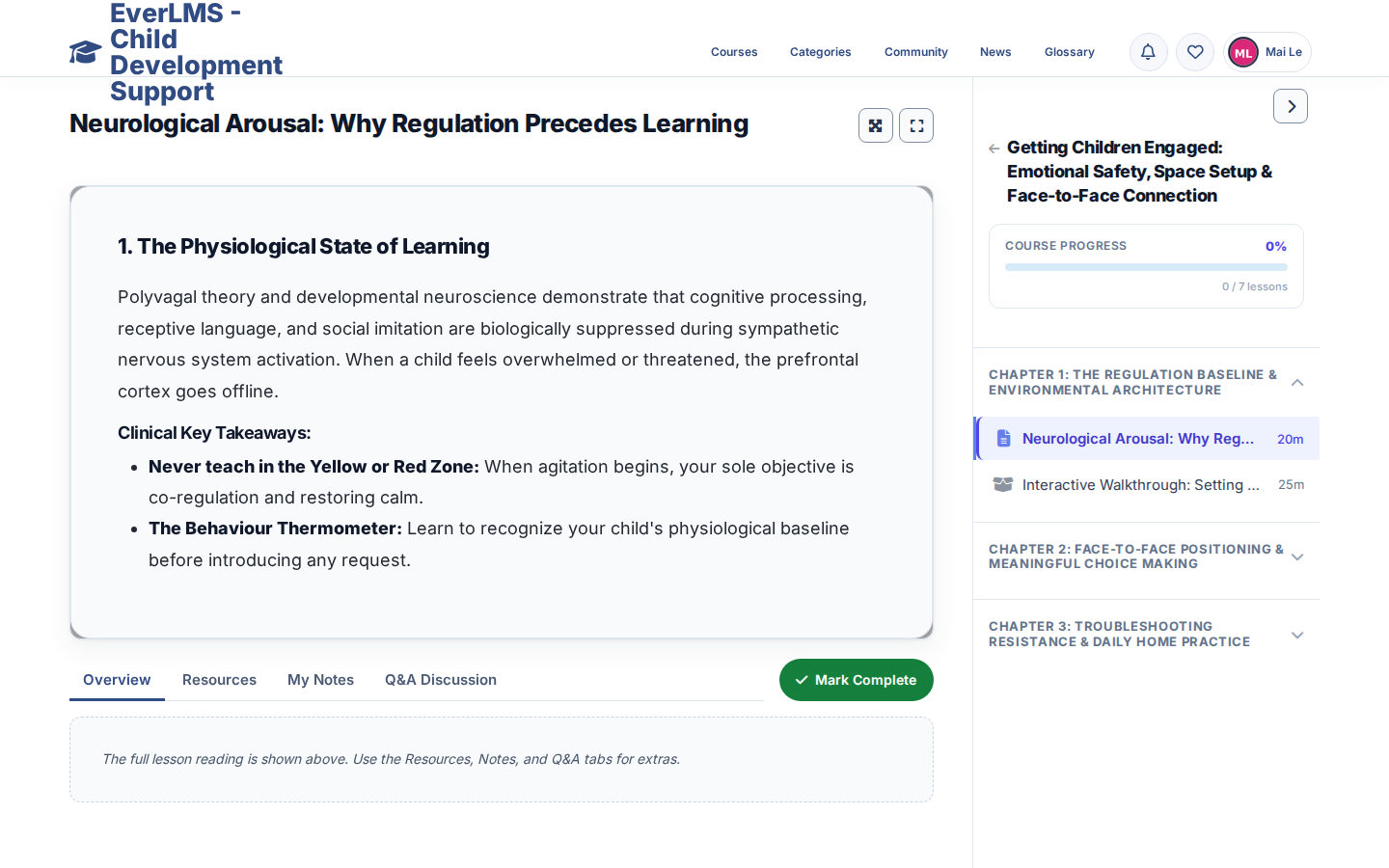
Chapters and lessons stay beside the learning content in the player.
Learn from the material
Read text, watch video or use the documents and activities included in the lesson.
Keep useful context
Open Resources and My Notes; use lesson Q&A where comments are enabled.
Record completion
Mark Complete records lesson completion and updates course progress.
Check understanding
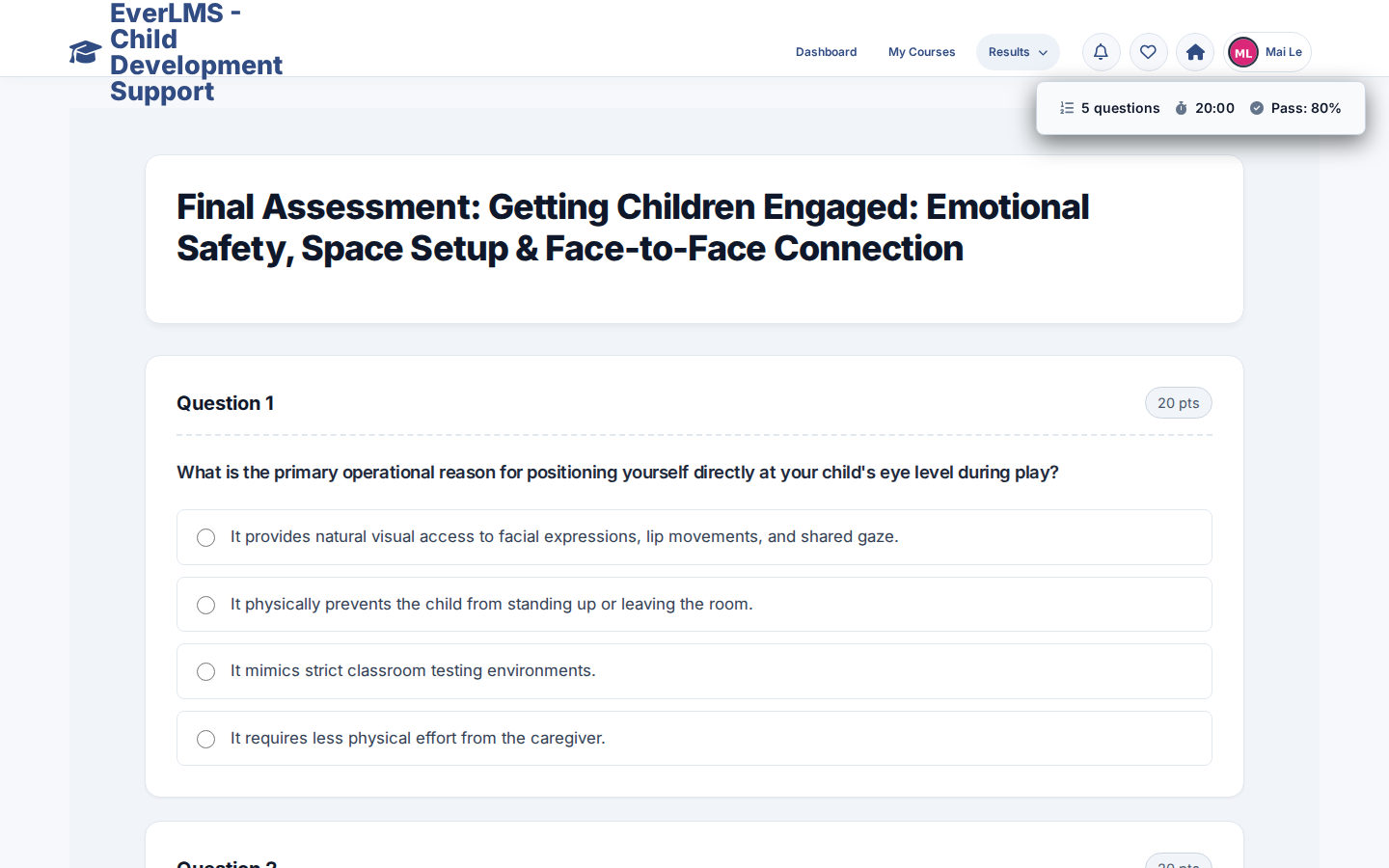
Take the quiz using its configured pass score, time limit and attempts.
Review the result
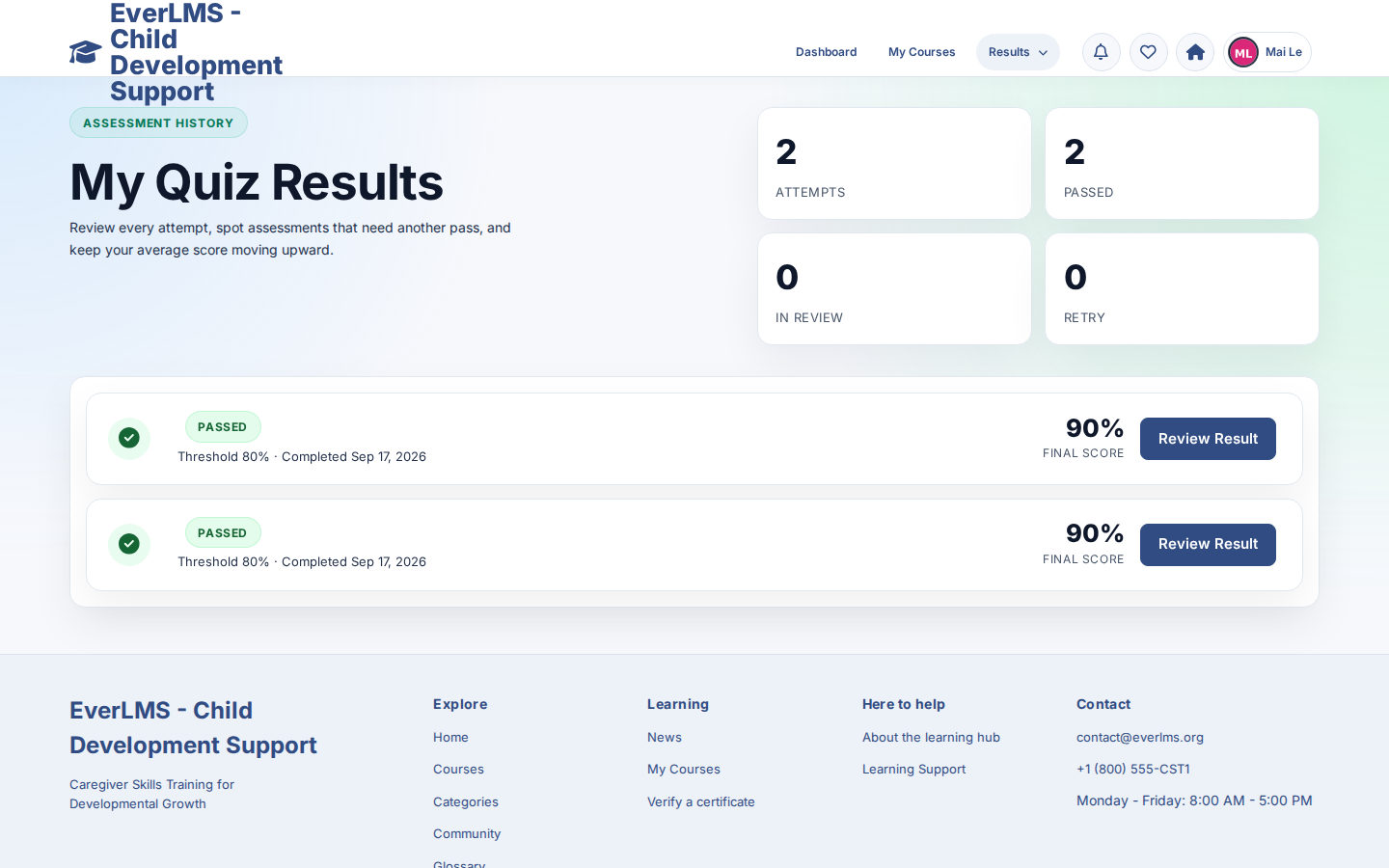
Read the score and answers; essay answers await manual grading.
Keep an issued certificate
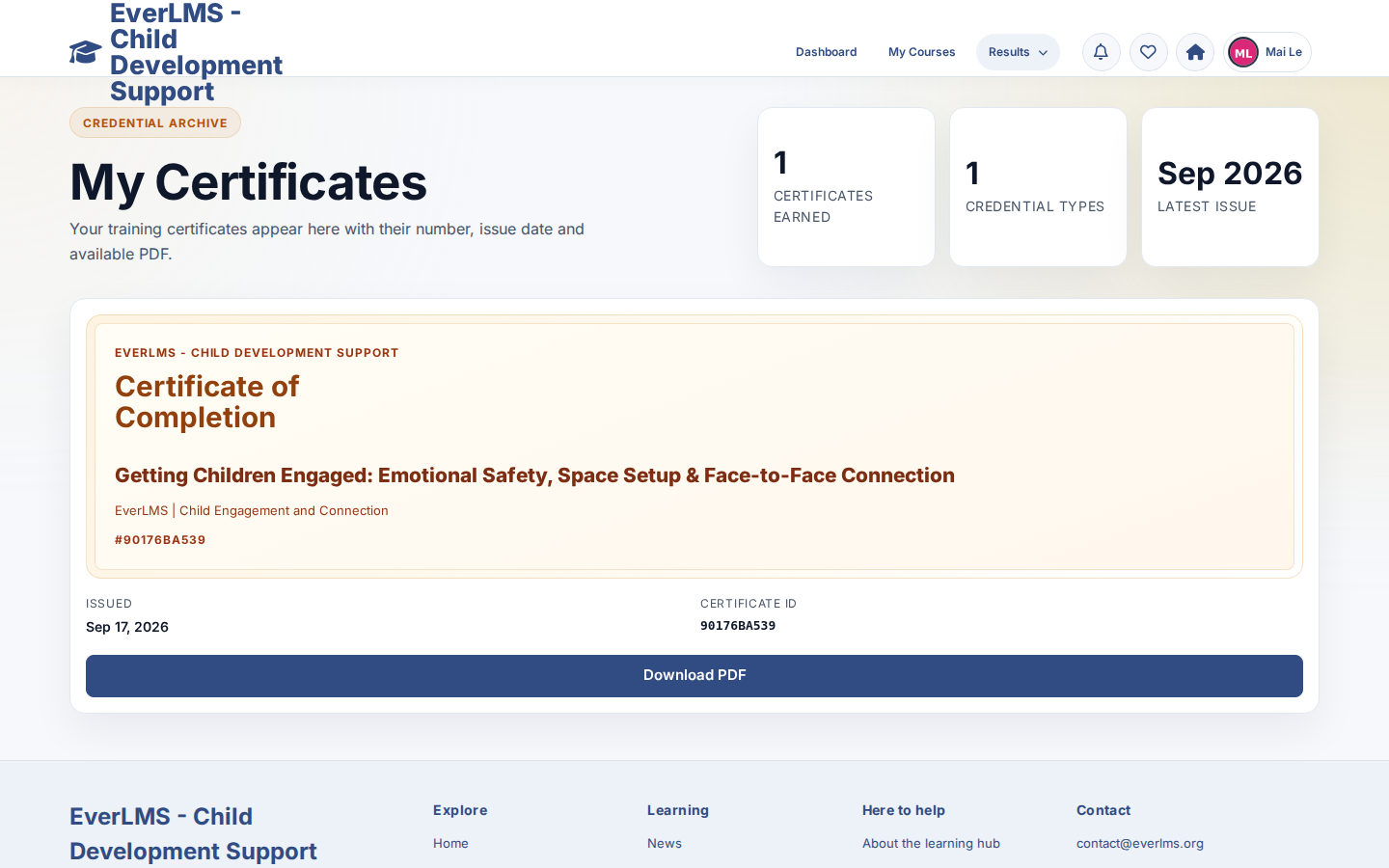
Find generated certificates in My Certificates and download the PDF.
Organise caregiver learning around clear topics
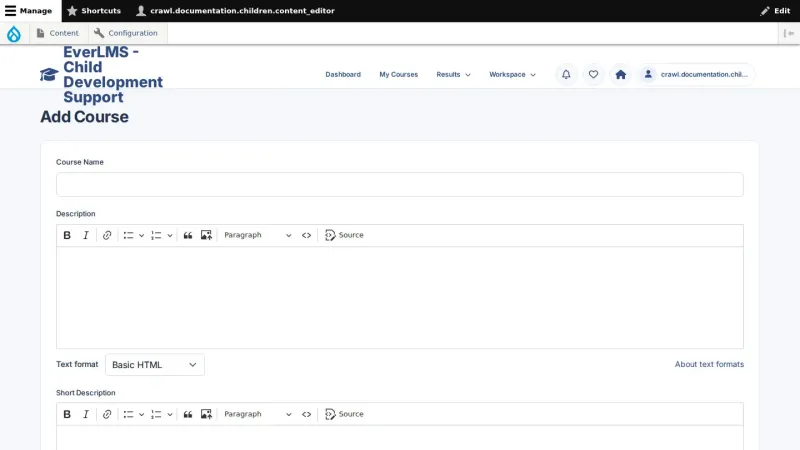
Permitted authors use the course form to structure learning objectives, chapters and lessons.
- Engagement and play routines
- Communication and language
- Daily living and independence
- Supporting resources and lesson formats
- Assessment questions and course publication
 View full size
Follow programme learning
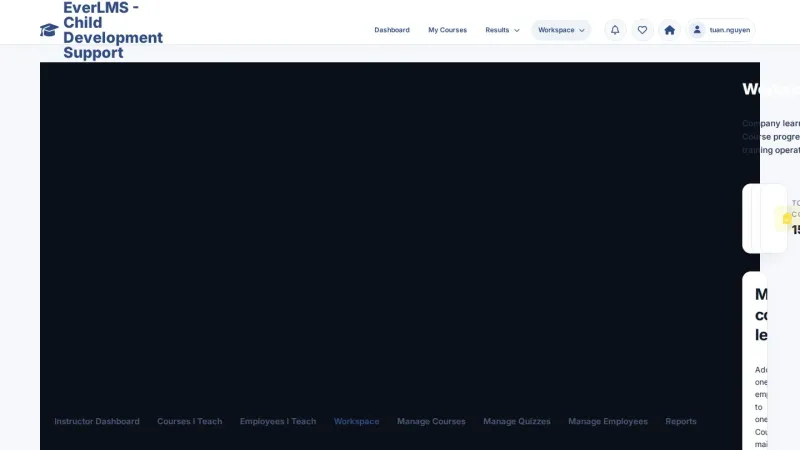
Coordinators review recorded activity in the reporting workspace and use it to plan learning follow-up.
- Course and learner views
- Recorded enrollment and progress
- Quiz outcomes
- Issued learning certificates
- Existing reporting permissions
 View full size
Support the learning community
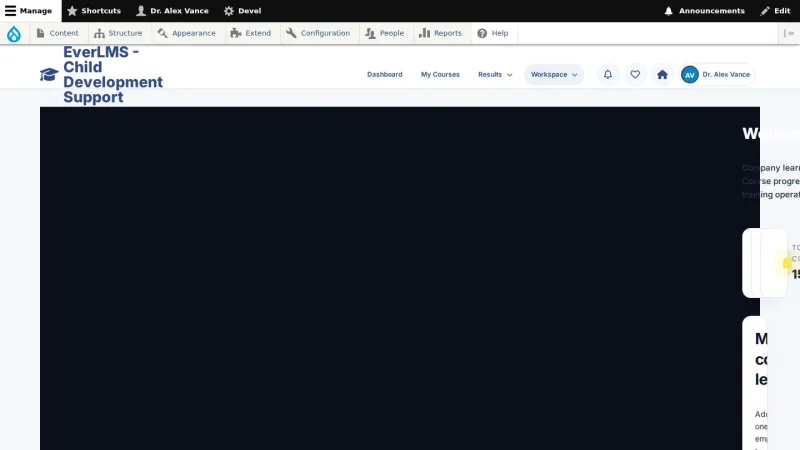
Programme staff maintain user access and supporting information through their permitted workspace.
- User accounts and existing roles
- Published learning articles
- Community topics and replies
- Account notification preferences
- Supporting FAQ and glossary content
 View full size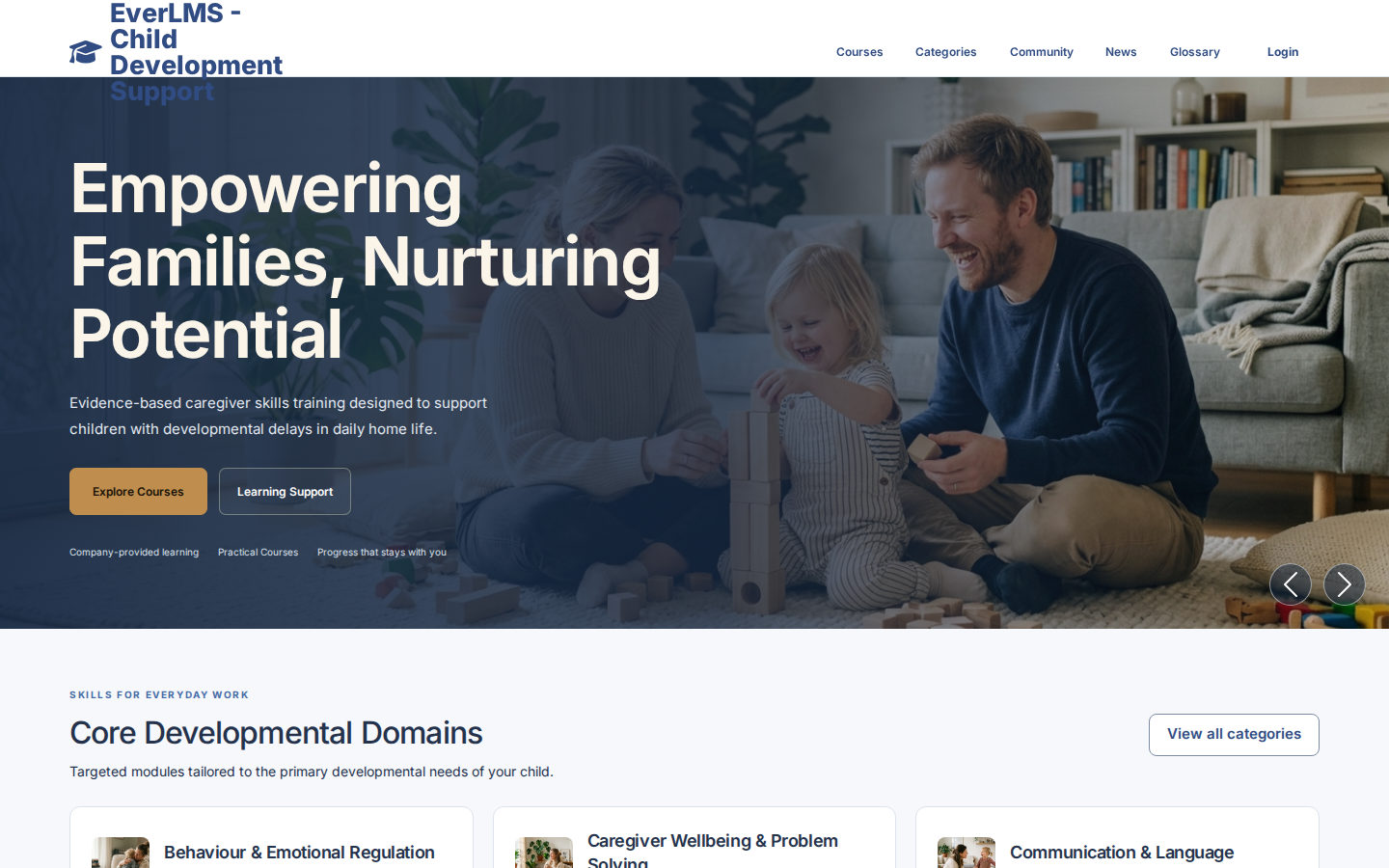
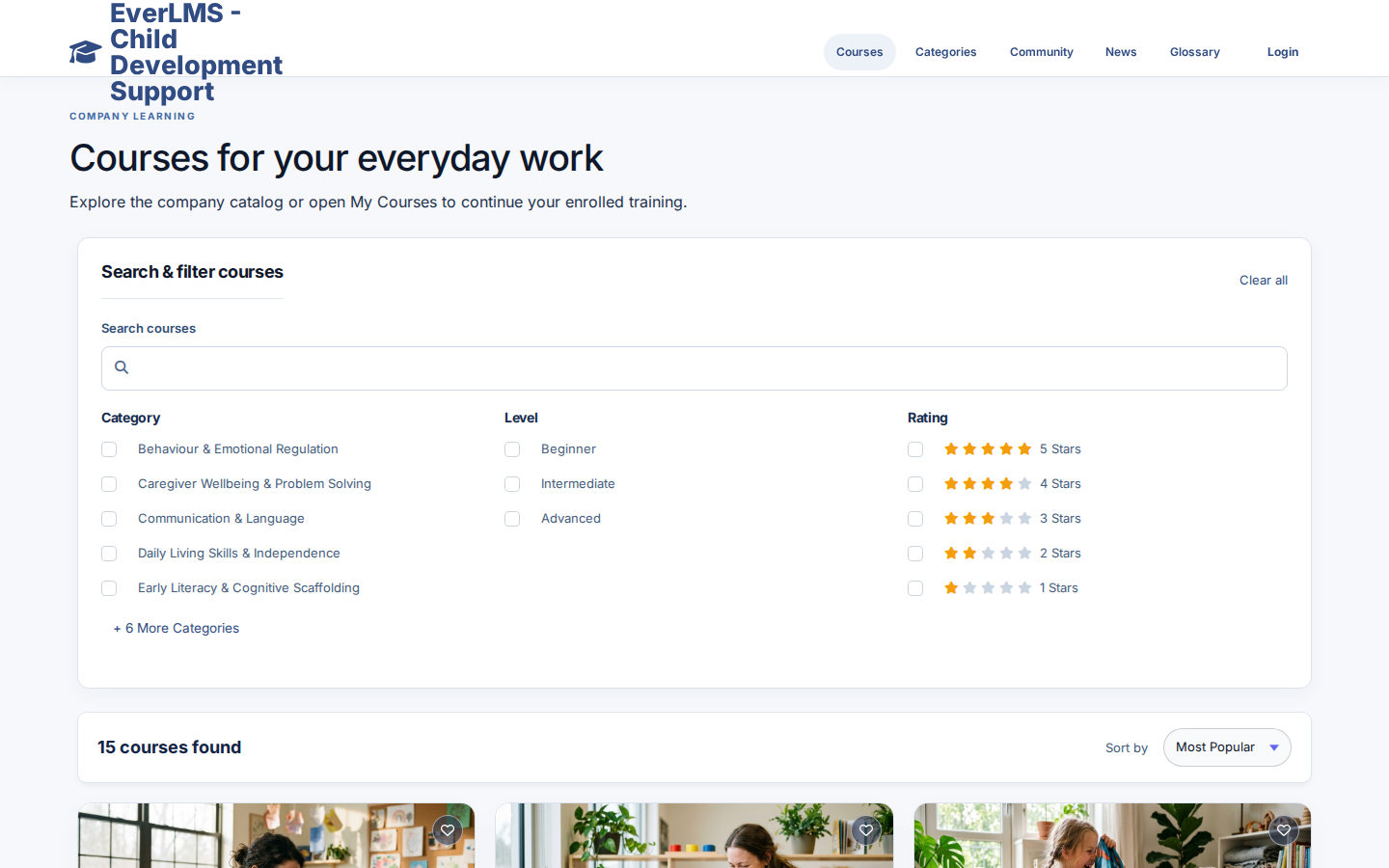
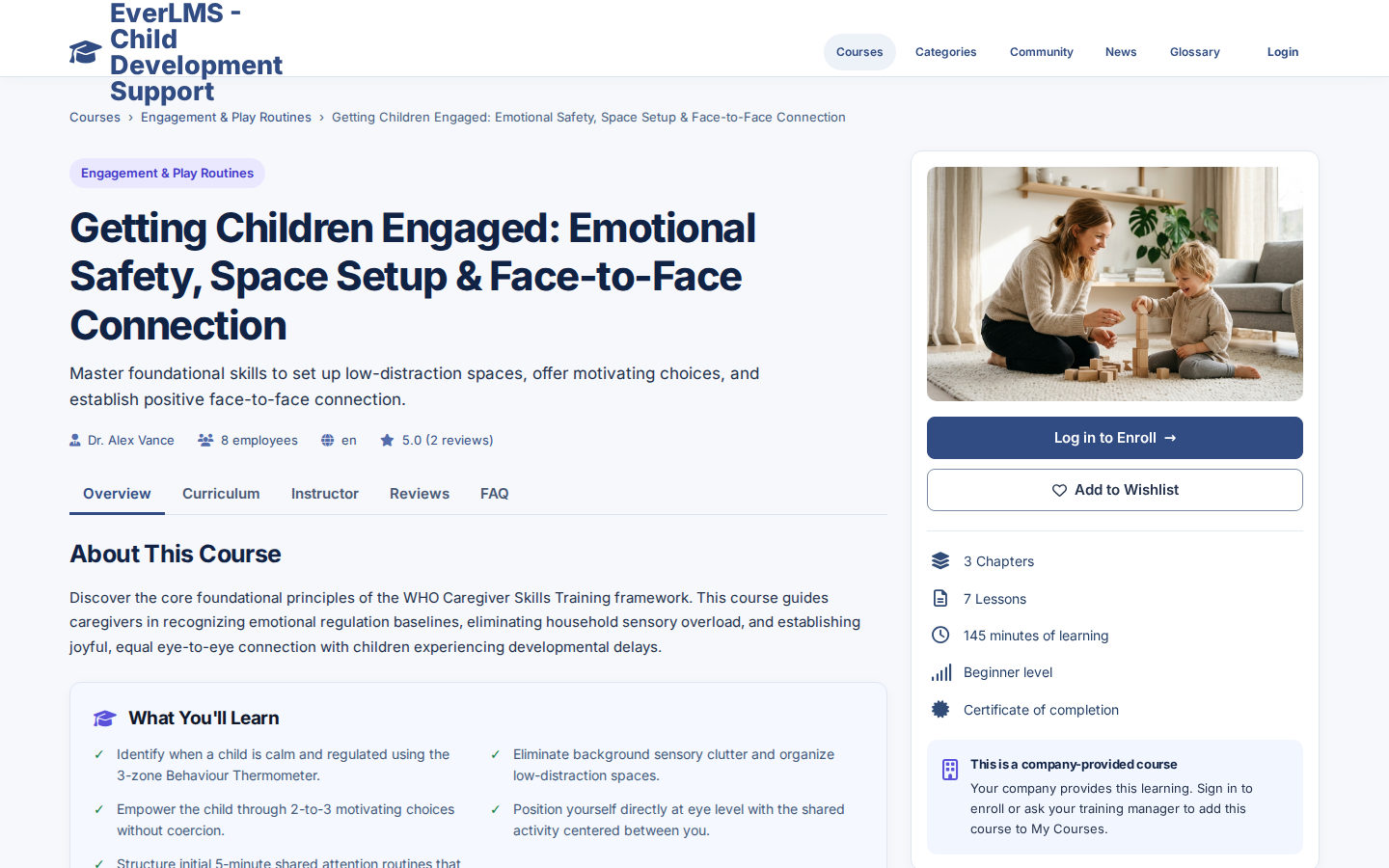
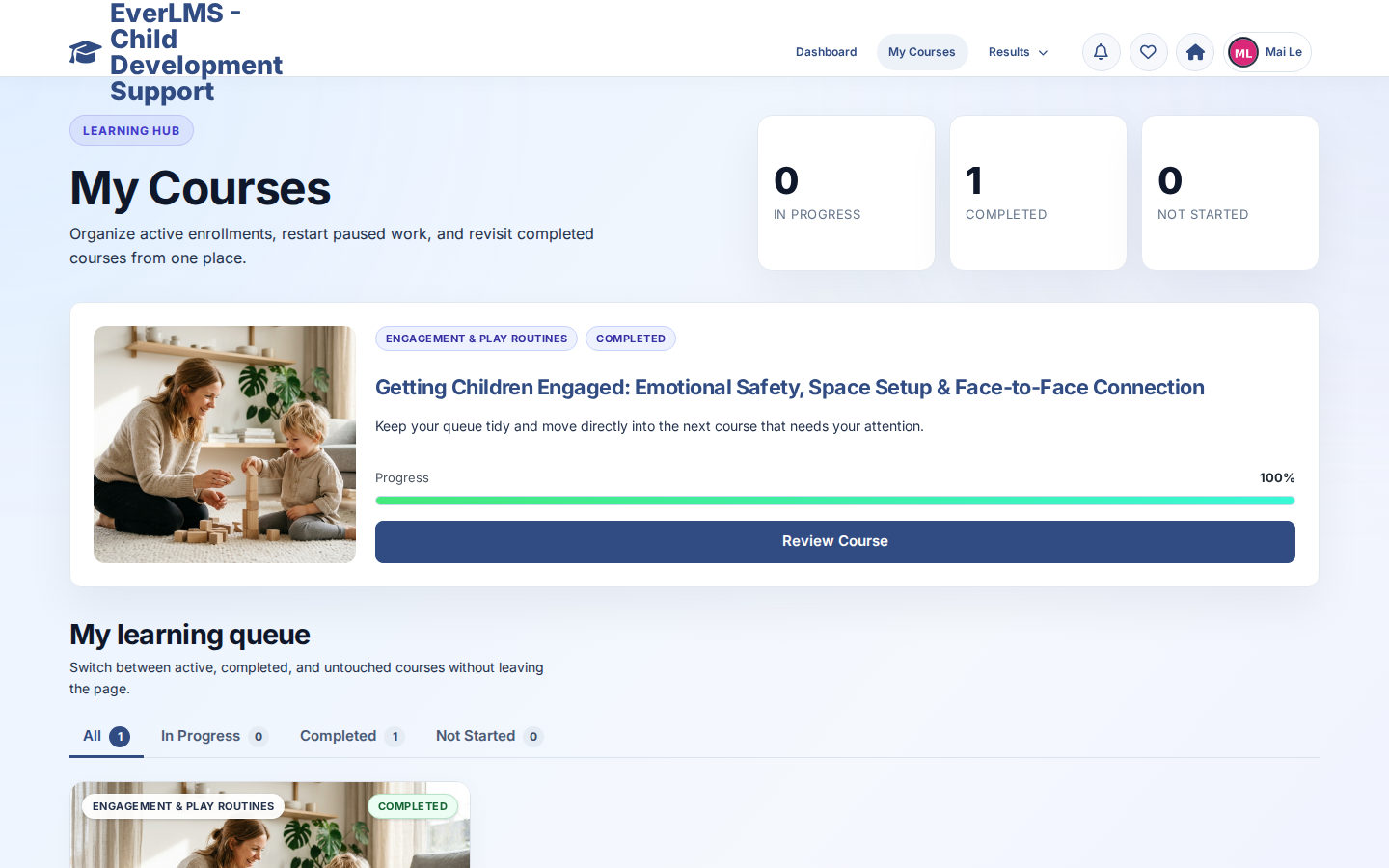


Live demo
Each demo is a working copy of EverLMS Children with sample data, open for you to try.
General learning and caregiver programmes
Children deployments use the existing learning tools with caregiver-focused content and programme support workflows.
| EverLMS Children | |
|---|---|
| Audience | Parents, caregivers, educators and programme teams |
| Content | Child-development support and caregiver skills topics |
| Learning structure | The same familiar structure with programme-specific material |
| Learning records | Records describe caregiver learning within this programme |
| Programme support | Existing permitted workspaces for the programme team |
| Further adaptation | Additional family relationships or child logins need separate design |
Bring your material into the learning product
Courses and supporting information use the existing authoring tools, learning features and account permissions.
EverLMS Children Supporting information, training content and learning functions
Supporting information Articles, pages, FAQ and glossary entries maintained by permitted staff
Supports the course content
Your training content Course descriptions, chapters, lessons, questions, resources and certificate templates
Uses existing product functions
EverLMS functions Learning, progress, quizzes, certificates, reports and permitted workspaces
Product capabilities
- Courses, chapters and lessons
- Learning progress, notes and resources
- Quiz attempts, results and manual essay grading
- Certificate PDFs and public code verification
- Course, learner and quiz reports with learner feedback
- Role-based workspaces, published News and Community discussions
Your learning material
- Course goals and caregiver learning topics
- Chapters and lessons for daily family routines
- Documents, demonstrations and interactive activities
- Assessment questions and answer explanations
- Course artwork and certificate template content
- Programme articles, FAQ and glossary
Organise training for daily family routines
Use the course form to bring the curriculum, material and assessment together.
From training material to a published course
- Describe the course Set its title, overview, category and learning objectives. Clear course information
- Organise the curriculum Add chapters and lessons within the course form. A structured learning path
- Add the material Choose a lesson type and attach its learning resources. Content ready to study
- Prepare the quiz Add questions and set the scoring and attempt options. An assessment for the topic
- Review the content Check the lesson text, resources and questions for the intended audience. Consistent training material
- Publish the course Save its publication settings and make it available for enrollment. A published course learners can join
Keep the learning journey connected
The course record, attempts and certificates support learning over time, using the product’s existing rules.
- Enrollment stays with the learner The course record connects the caregiver to their learning progress.
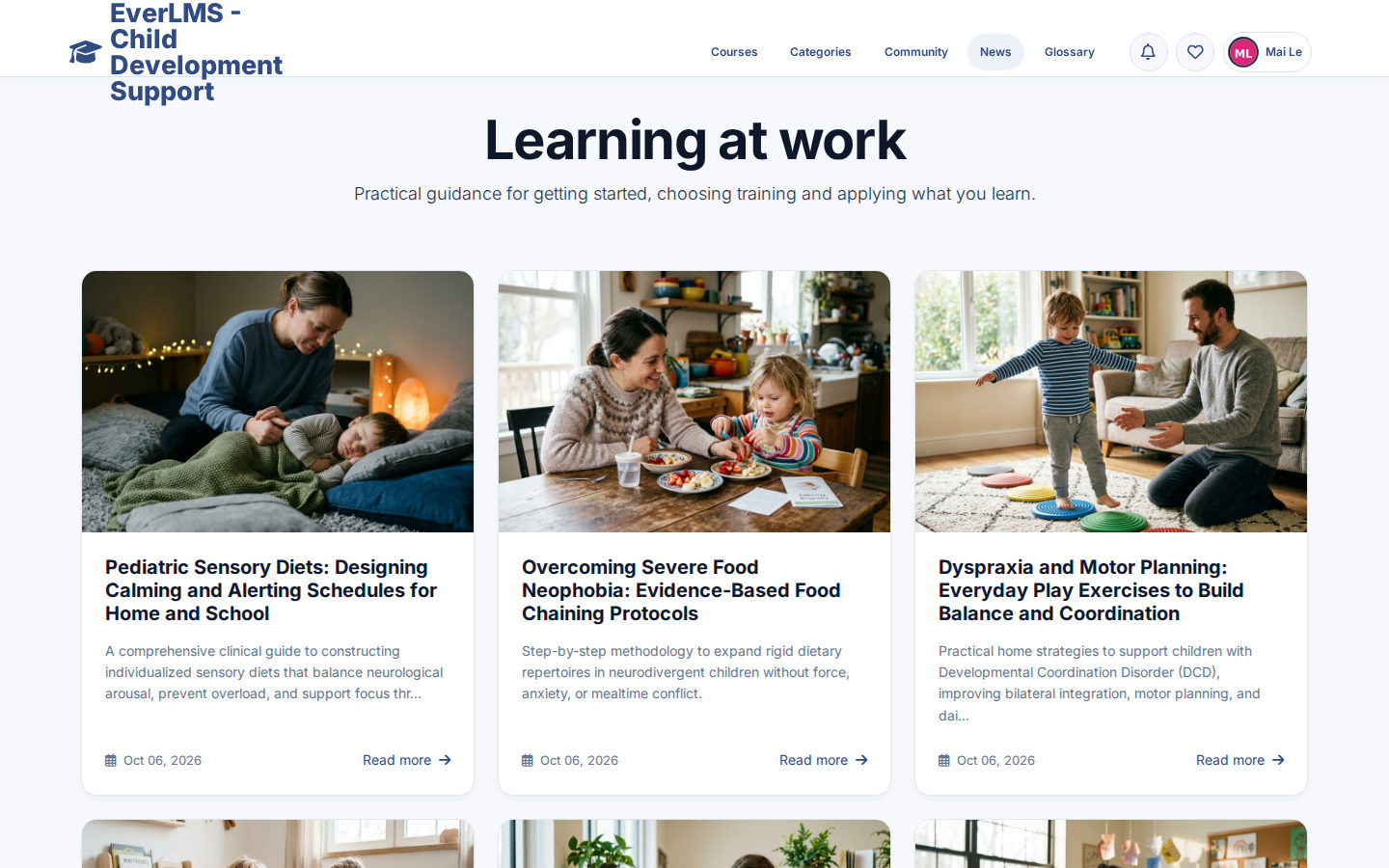
- News and Community Read published articles, browse family discussions and contribute topics or replies with your posting permissions.
- Completed learning can be reviewed Review Course lets a caregiver return to completed material.
- Quiz settings guide the attempt The author configures scoring, timing and permitted attempts.
- Essay answers receive manual review An authorised grader records the grade for written essay answers.
- Certificate issuance uses the existing rules Course completion or a passed course quiz can issue a certificate when a template is available and the PDF is generated.
Training needs the product supports
A caregiver chooses an engagement course, studies a lesson and keeps a note about a useful idea to revisit.
Caregiver learningFamily routinesCourses, resources and notes An educator prepares permitted lesson material and questions with a clear audience and learning objective.
Course preparationProgramme materialCurriculum and assessment A coordinator reviews recorded learning activity and discusses the next learning needs with the programme team.
Programme follow-upLearning supportProgress and recorded results
Questions about EverLMS Children
Who learns in this programme?
The current learning content addresses parents, caregivers and educators supporting children. The Student role identifies a learner account; it does not establish that the account belongs to a child.
How do I find a relevant course?
Browse Courses or Categories, read the course overview and curriculum, then sign in to use the enrollment action your account permits.
Where can I continue my learning?
Open My Courses and choose the available Start, Continue or Review action. Lessons keep the curriculum beside the learning material.
What do the quiz results show?
They record the attempt and assessment of the course material. They do not measure a child’s developmental or clinical outcome.
Where are certificates?
Certificates already issued to your account appear in My Certificates. Their codes can be checked on the public verification page.
Can programme staff prepare their own material?
Permitted authors use the existing course, lesson and quiz forms. Supporting articles, FAQ and other information are maintained through permitted editorial tools.
Does the site provide a family account hierarchy?
A dedicated parent–child account relationship was not established by this review. Discuss family access needs as an additional requirement.
How can the programme be adapted?
Course content, branding and permitted workflows can be prepared for the deployment. Additional access models, integrations and automation require an agreed scope.
A guide for every role
Find the guide for your role, with task steps and screenshots of the existing interface.