





Before you start
- The parent project is In Production; the subcontractor name, awarded scope and promised date are known.
- Use a package when production or site records are needed; record one-off costs in the ledger.
Screenshots show an earlier interface. Some current actions may appear in a different place or be absent from the image.
Shared workflows
Track a subcontract package under the parent project
Record outsourced work under the parent project, follow its outcome and allocate the cost to the correct project.
Prepare the records → follow the steps → check the outcome.
Prepare the subcontract cost group
Business admin
1Step 1 / 6
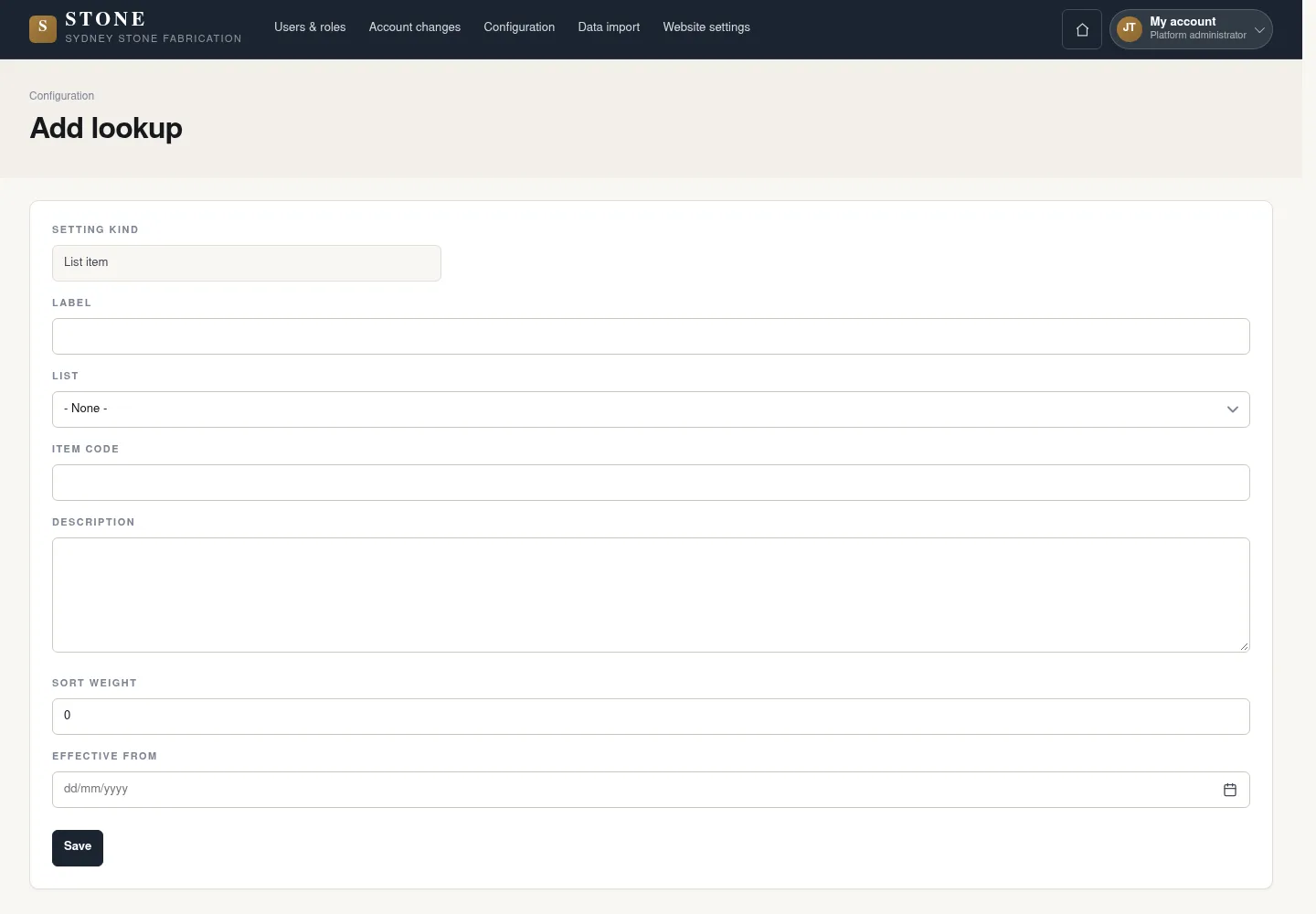
The Subcontract group lets the Accountant classify outsourced costs correctly. Add it once before recording those costs.
- Open Configuration → Lookups and select Add lookup.
- Set Setting kind to List item, Label to Subcontract and List to Cost group.
- Select Save.
The lookup is Active and available to the Accountant.
Create the package under its parent project
Coordinator
2Step 2 / 6
Handover: Business admin → Coordinator
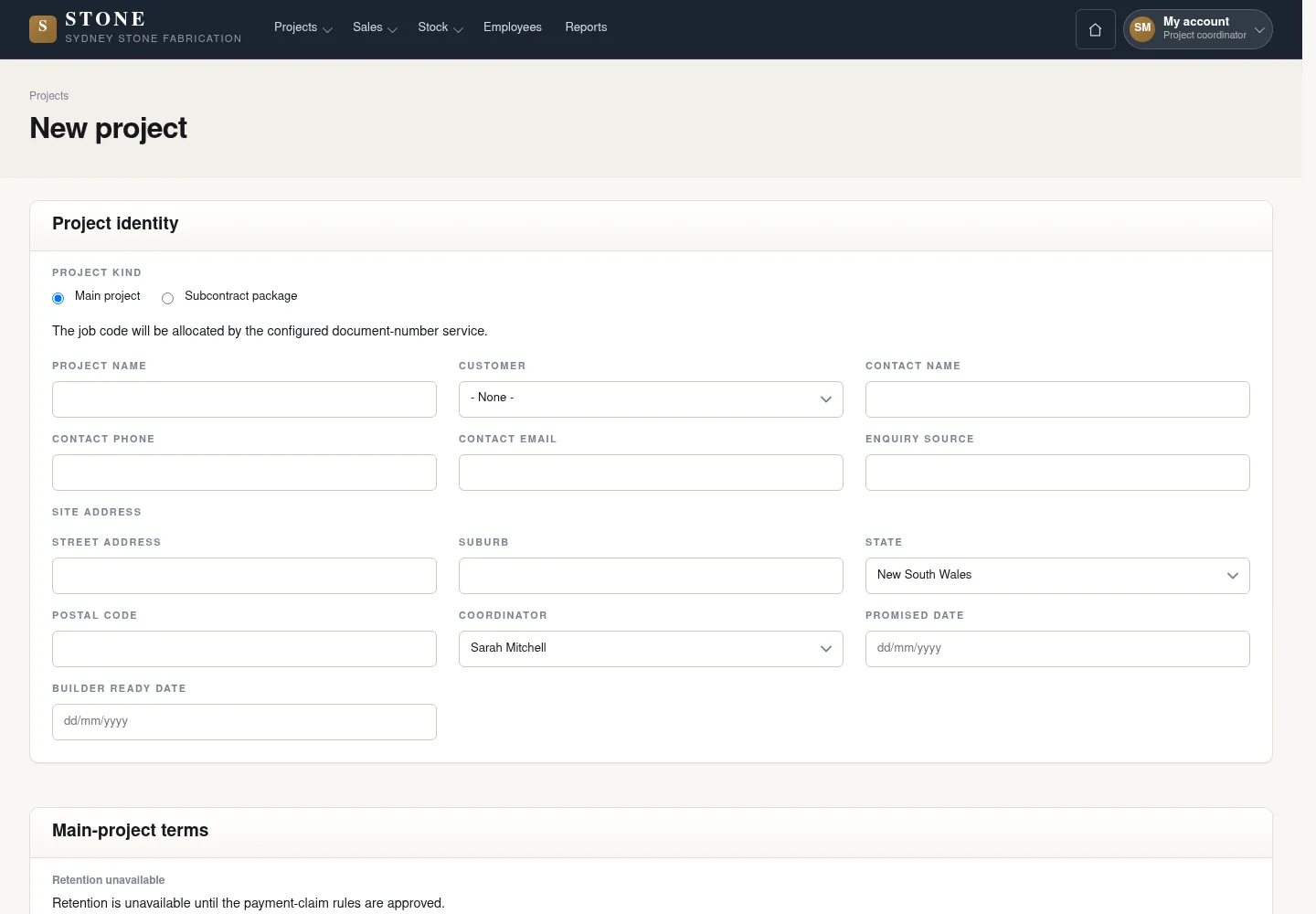
The package has its own code while retaining its parent project link and the scope awarded to the subcontractor.
- Open Projects → Add project; set Project kind to Subcontract package.
- Enter Project name, Parent project, Subcontractor name, Awarded scope and Promised date.
- Review the details, then select Create package.
The package has its own code and no separate customer quotation.
Activate the subcontract package
Coordinator
3Step 3 / 6
Check the supplier and prepared records before starting the package.
- Open the package and check its supplier.
- Select Activate package and confirm in the form.
Planned → Active; the parent still owns the customer components.
Follow the outsourced work
Supervisor
4Step 4 / 6
Handover: Coordinator → Supervisor
Use the existing production, QC and site workflows. The package retains the evidence and status of the outsourced work.
- Follow the applicable production, QC and site workflows for the package.
- Track evidence and status; do not record employee hours for the subcontractor.
The package has evidence and a status; employee hours are not recorded for the subcontractor.
Record the subcontractor’s cost
Accountant
5Step 5 / 6
Handover: Supervisor → Accountant
Allocate the cost to the correct package. Record supplier/invoice details in the reason because the form currently has no attachment field.
- Open Money → Cost ledger → New cost entry.
- Set Allocation scope Job to the package and Cost group to Subcontract; enter Signed amount ex GST (AUD), Effective date and supplier/invoice details in Manual-entry reason.
- Select Append manual entry.
The form currently has no attachment field.
The cost line links to the package and retains its history.
Complete or cancel the package with a reason
Coordinator
6Step 6 / 6
Handover: Accountant → Coordinator
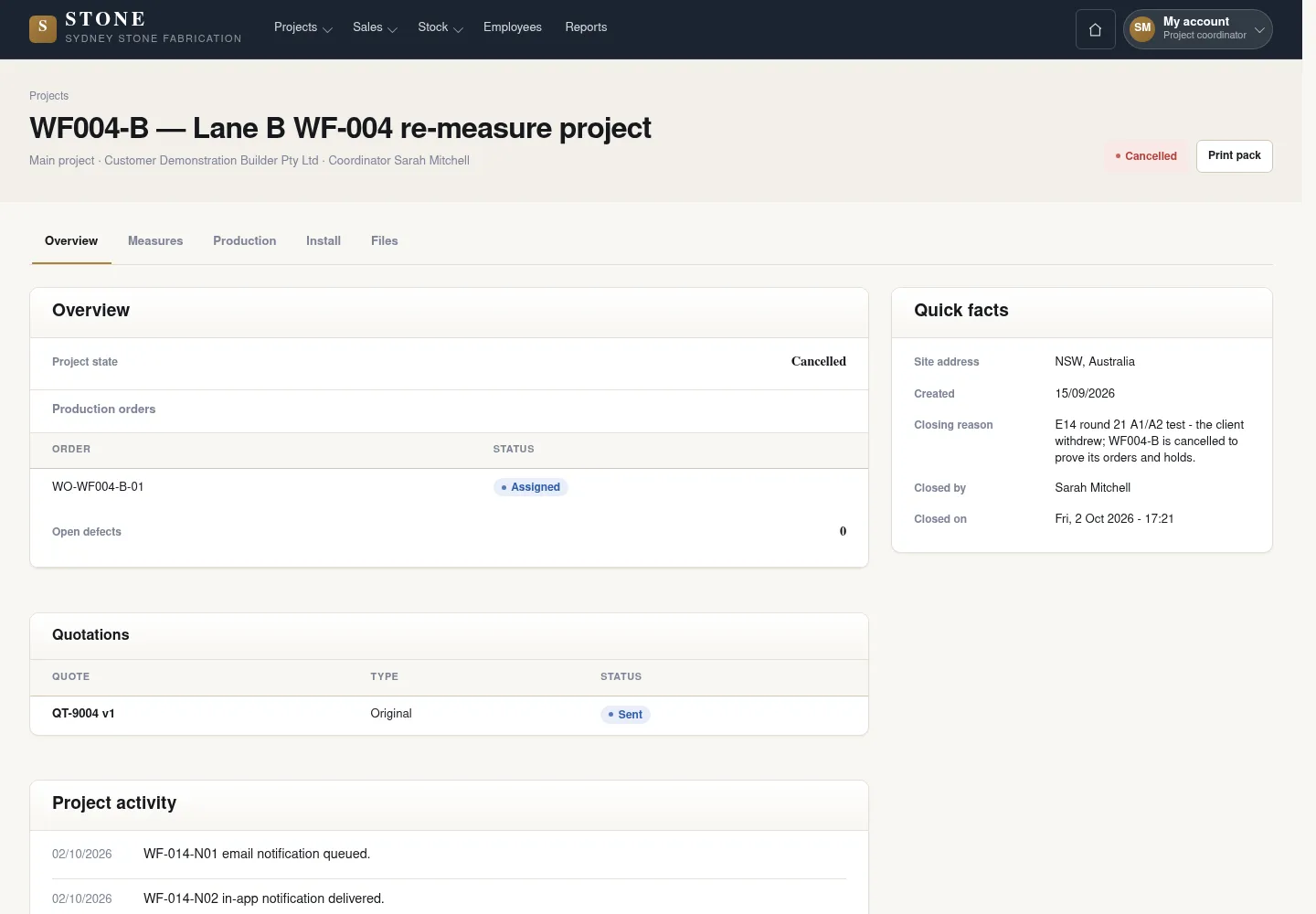
Closing a package is a decision with a reason. Completing it rolls its direct costs up to the parent project once.
- Open the package and select Complete package or Cancel package according to the actual outcome.
- Enter the reason and confirm.
- If overdue without a decision, leave it Active; Cancelled does not roll costs up to the parent.
Completed rolls direct costs up to the parent once. Cancelled does not roll costs up; an overdue package remains Active until a decision is recorded.
Complete the task
Results & checks
- Planned → Active → Completed / Cancelled.
- Do not delete packages or move costs to hide their history.
Screenshots illustrate the page layout. Some show earlier controls; follow the current steps and check the result after performing the action.