





 Internal training
User guide · Anonymous visitor
Verify a Certificate and connect the mobile app
Look up a certificate by its code, or get the site's mobile app connection details.
Anonymous visitorStep-by-step instructions
Look up a Certificate code
Anonymous visitor
1Step 1 of 2
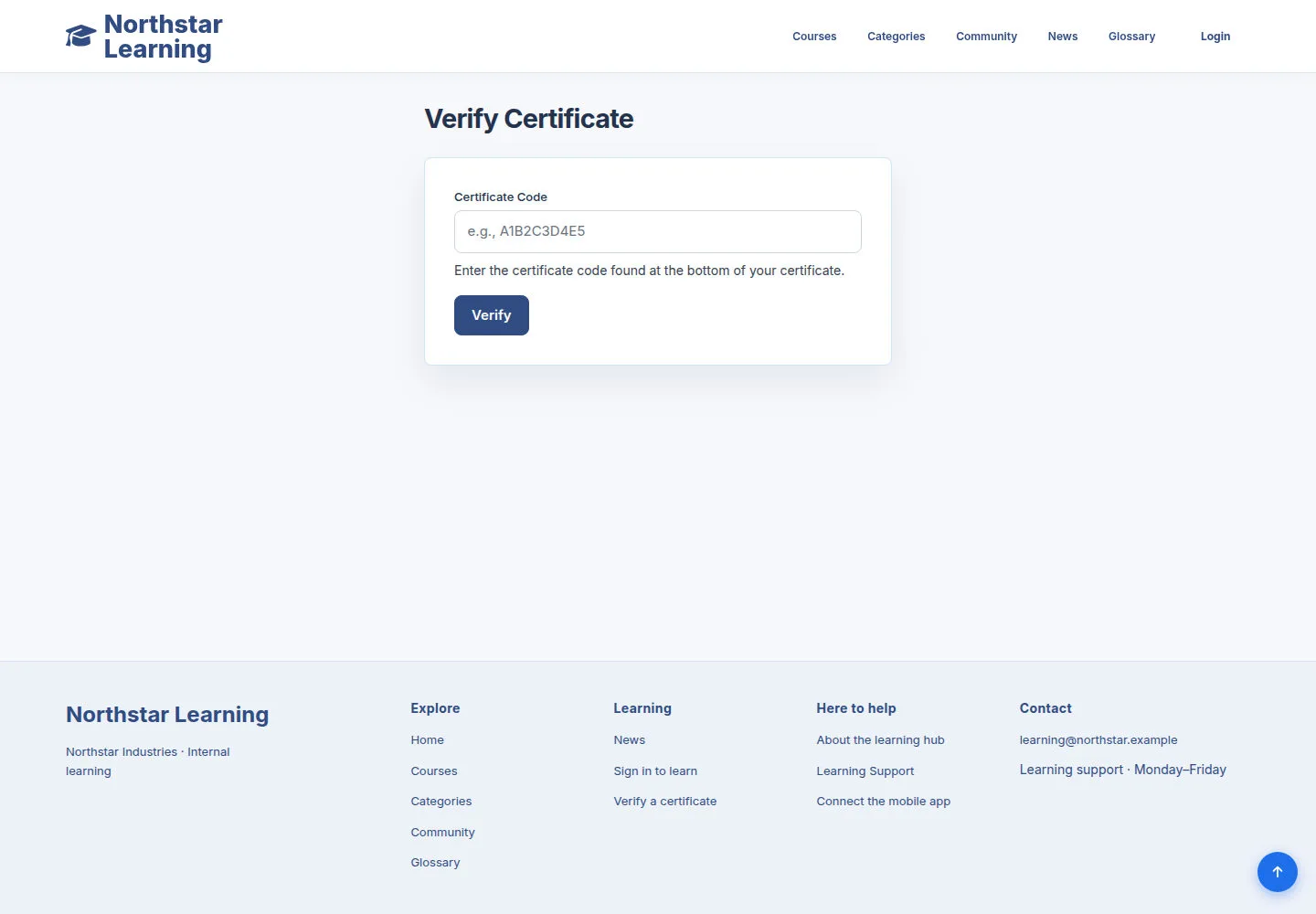
The verification page lets you check a certificate code that has been shared with you.
- Open Verify Certificate, enter the exact Certificate code and run the lookup.
Open on site ↗Full-page screenshot ↗
What you should see
You get the lookup status from the Certificate data.
Get the app connection details
Anonymous visitor
2Step 2 of 2
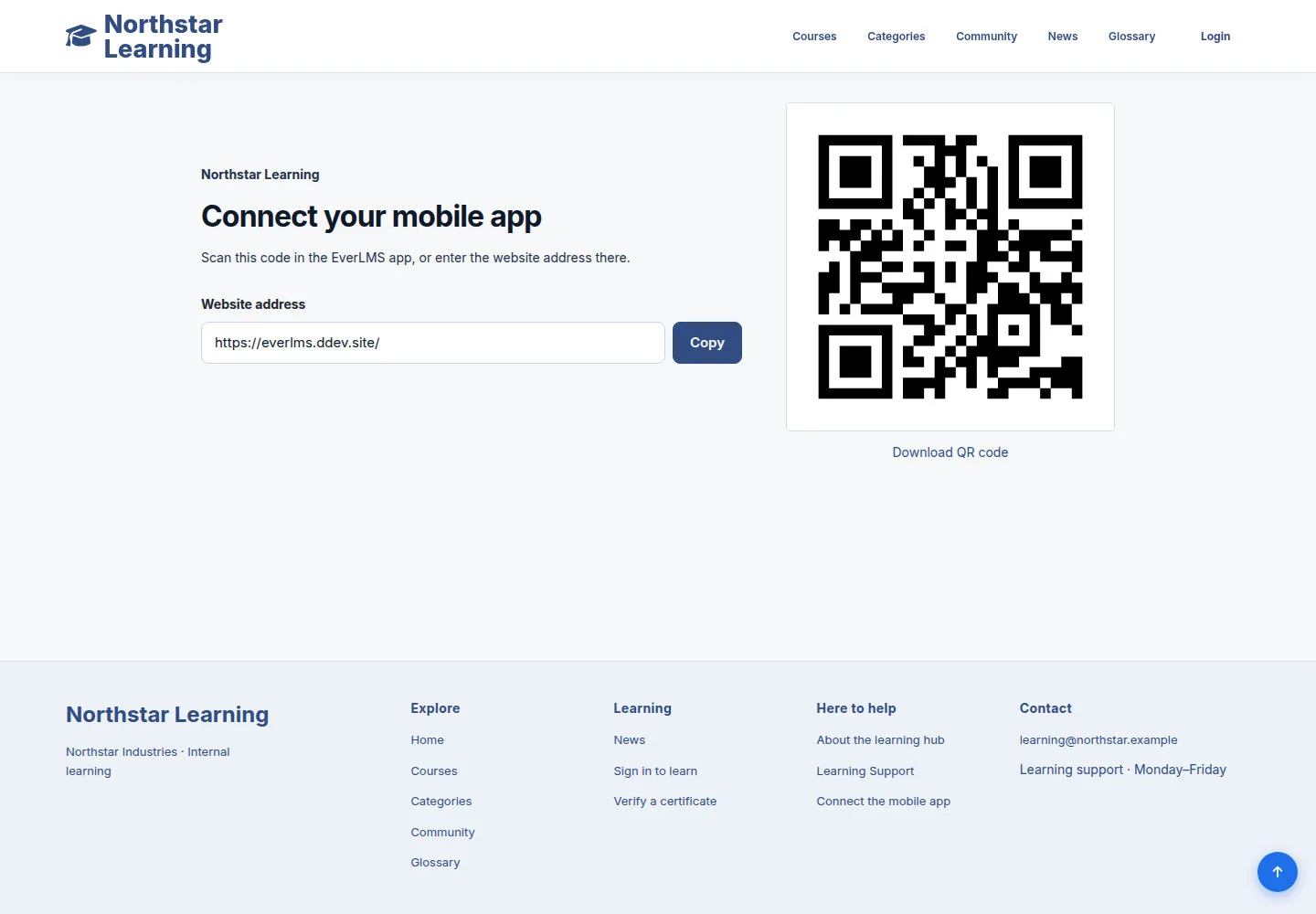
The Mobile App Connection page publishes the site's connection instructions and details.
- Open Mobile App Connection, read the instructions and use the QR code or address shown in the app.
Open on site ↗Full-page screenshot ↗
What you should see
The app connects to the address of the site you are viewing.
1 / 3