





 Internal training
User guide · Manager
Permitted tools
Recognise the other tools your account is permitted to use: Badge and Switch User.
ManagerStep-by-step instructions
Read an Badge record
Manager
1Step 1 of 2
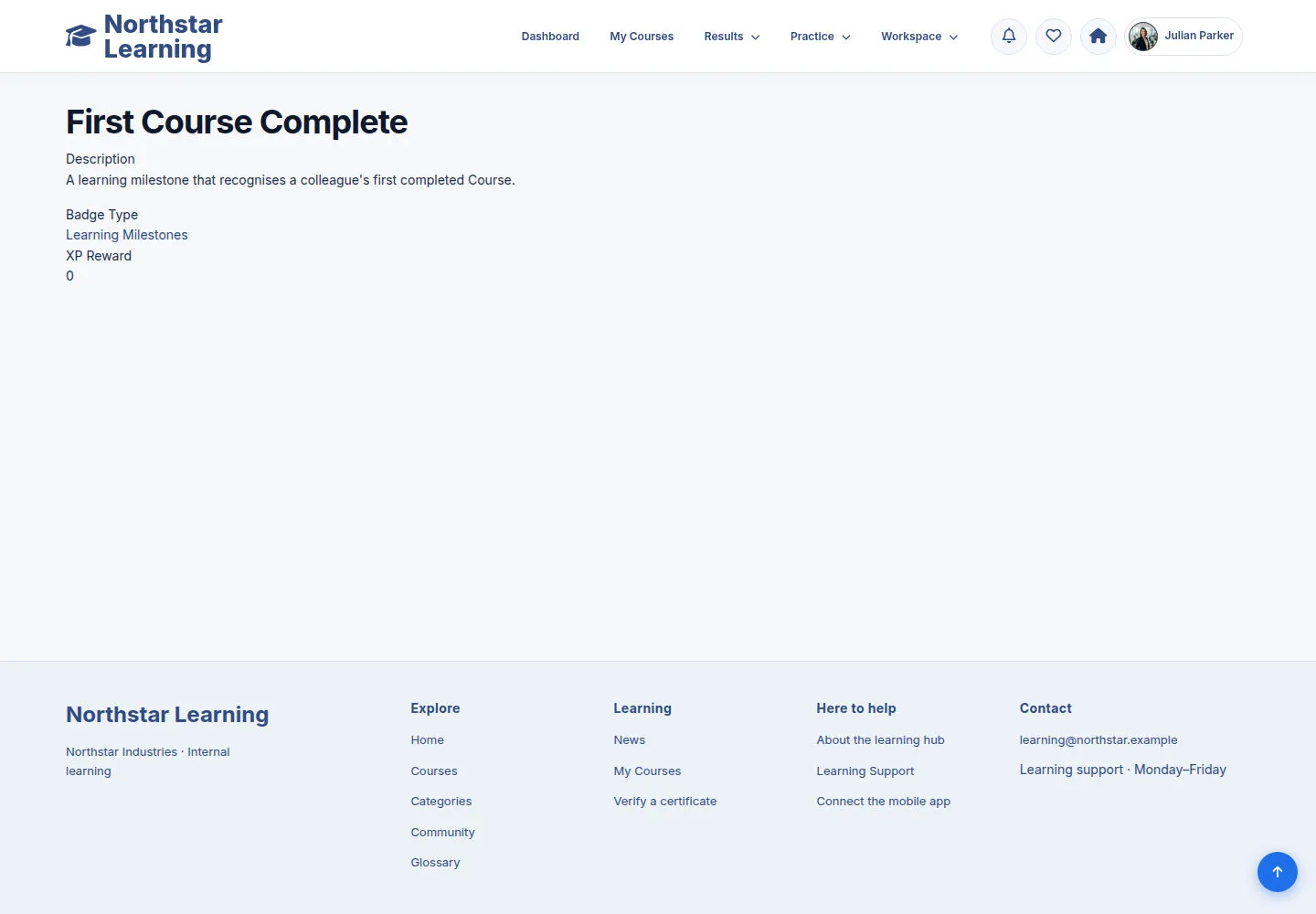
A Badge is an record, kept separate from Certificates.
- Read the Badge name and details; use the permitted form when you need to update it.
Open on site ↗sign-inFull-page screenshot ↗
What you should see
You recognise the right record type; this guide does not change Badge award conditions.
Recognise the permitted Switch User chooser
Manager
2Step 2 of 2
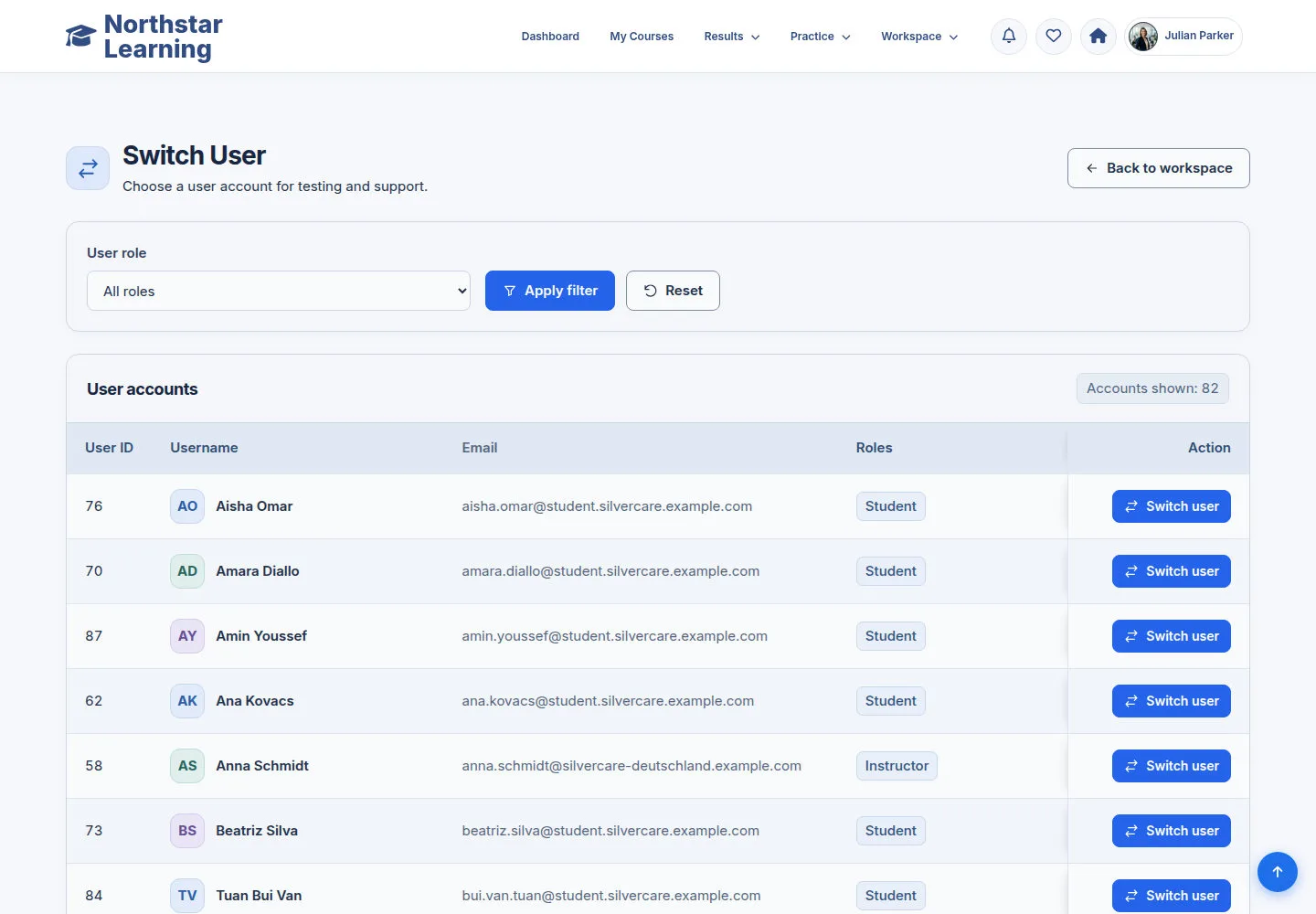
The chooser shows the accounts your current switch permission lets you choose.
- Use the search and role filters to find the account you want to compare.
- Choose Switch to review the selected account; use Switch Back to return to your own account.
Use Switch Back when you have finished reviewing the selected account.
Open on site ↗sign-inFull-page screenshot ↗
What you should see
You change identity with the feature only when you choose to.
1 / 3