









Offline pack
The sheets to work on paper when the system cannot be reached
- A night audit of the house
Receptionist
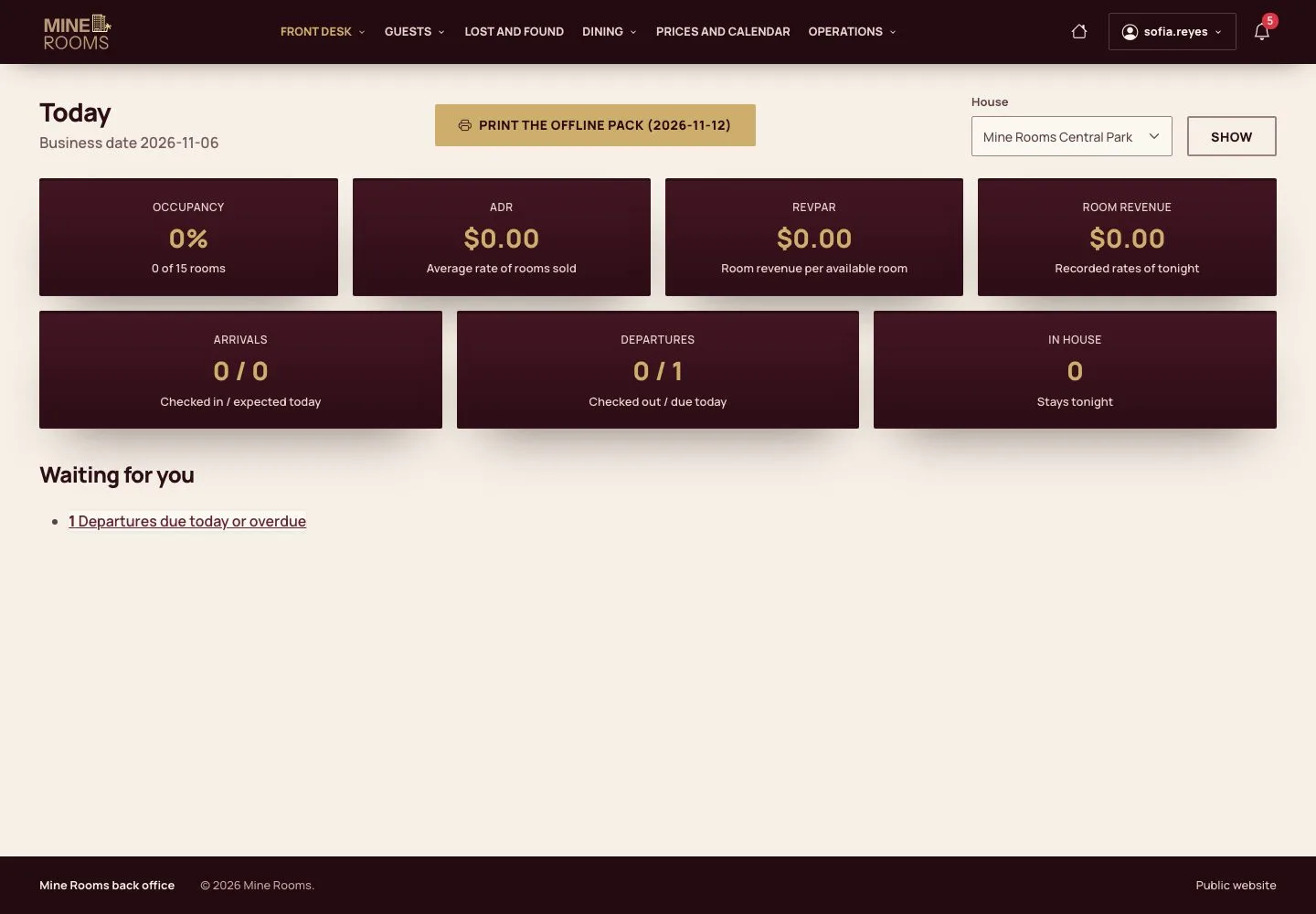
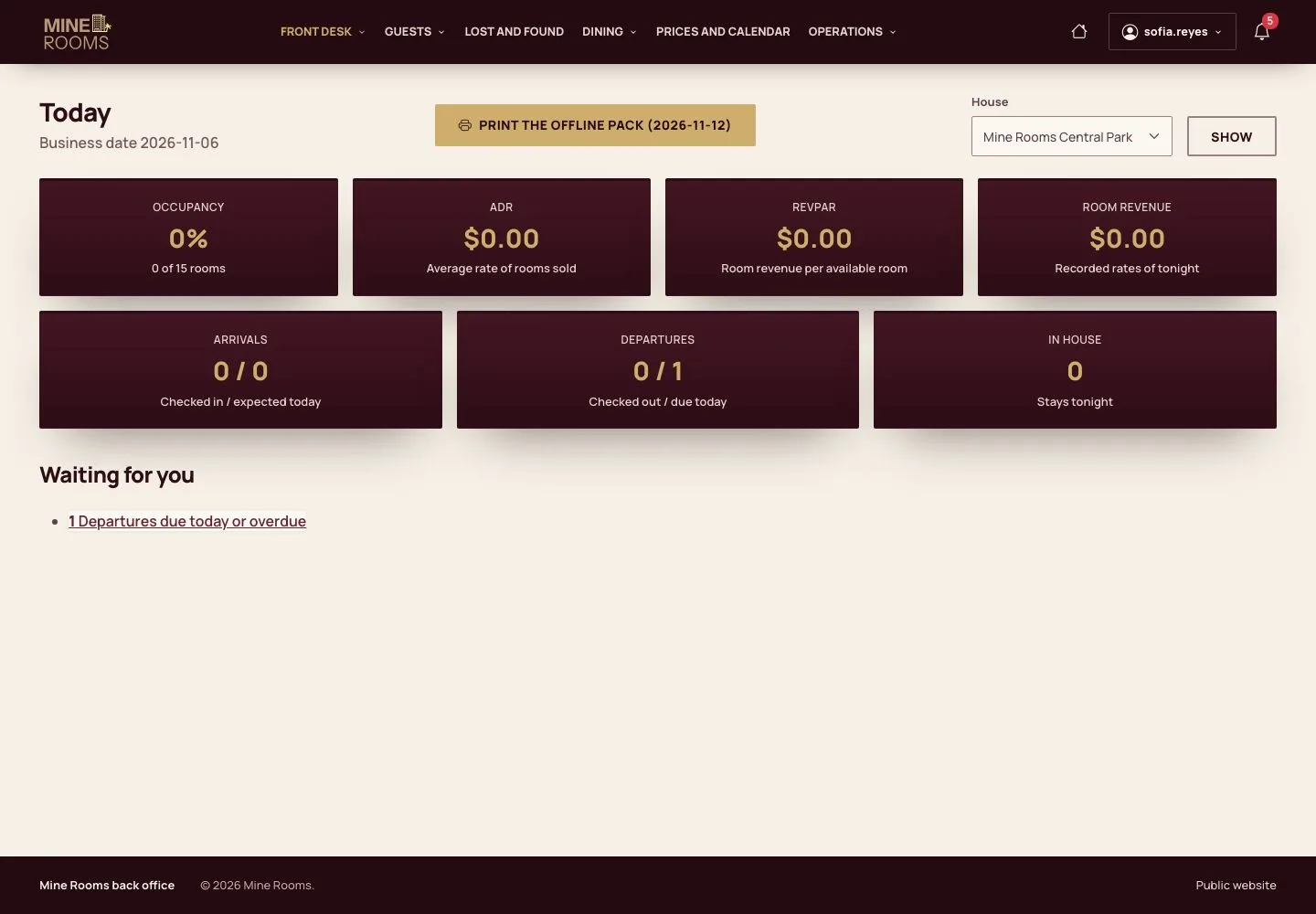
What the pack holds
Receptionist
2Step 2 of 3
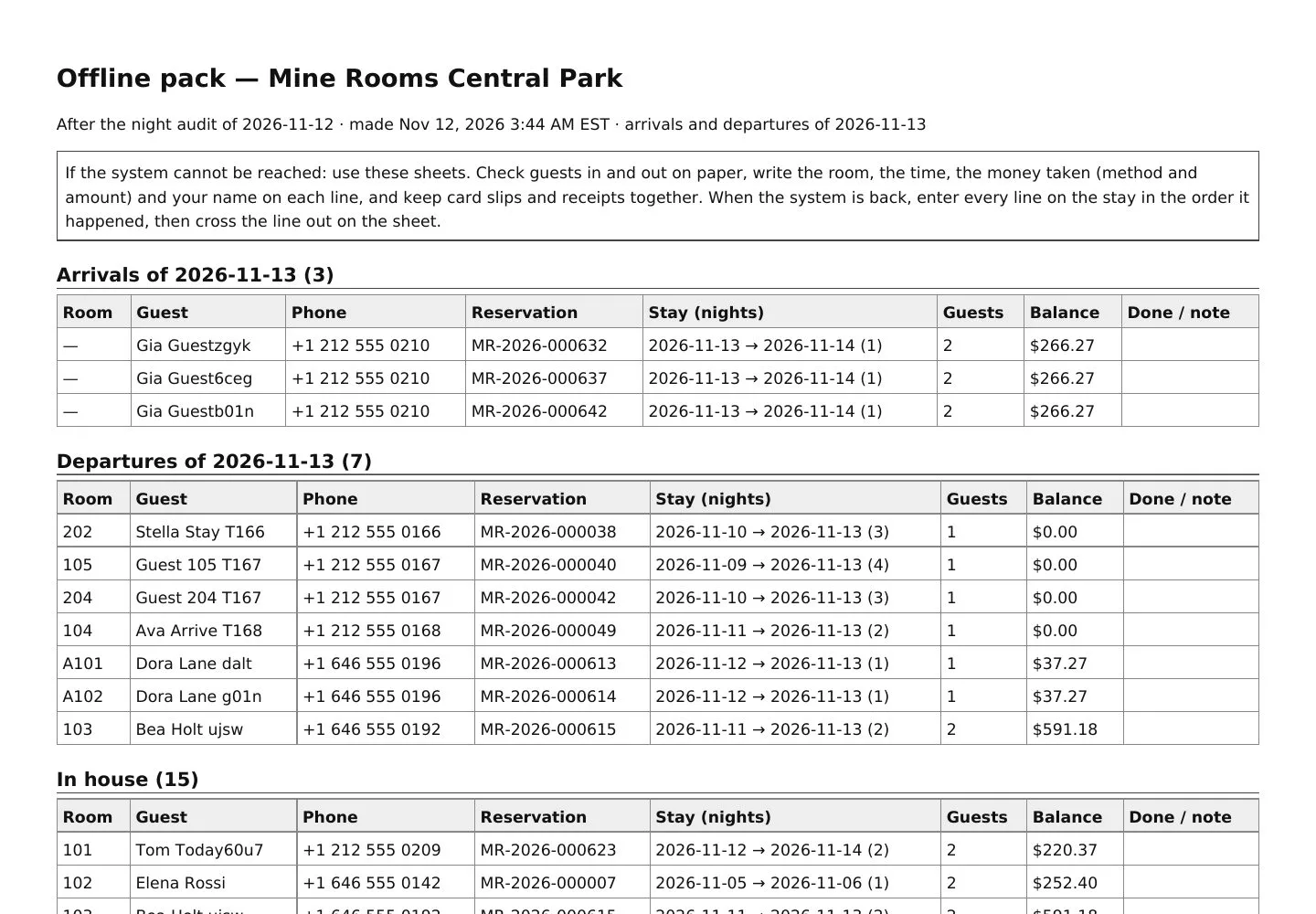
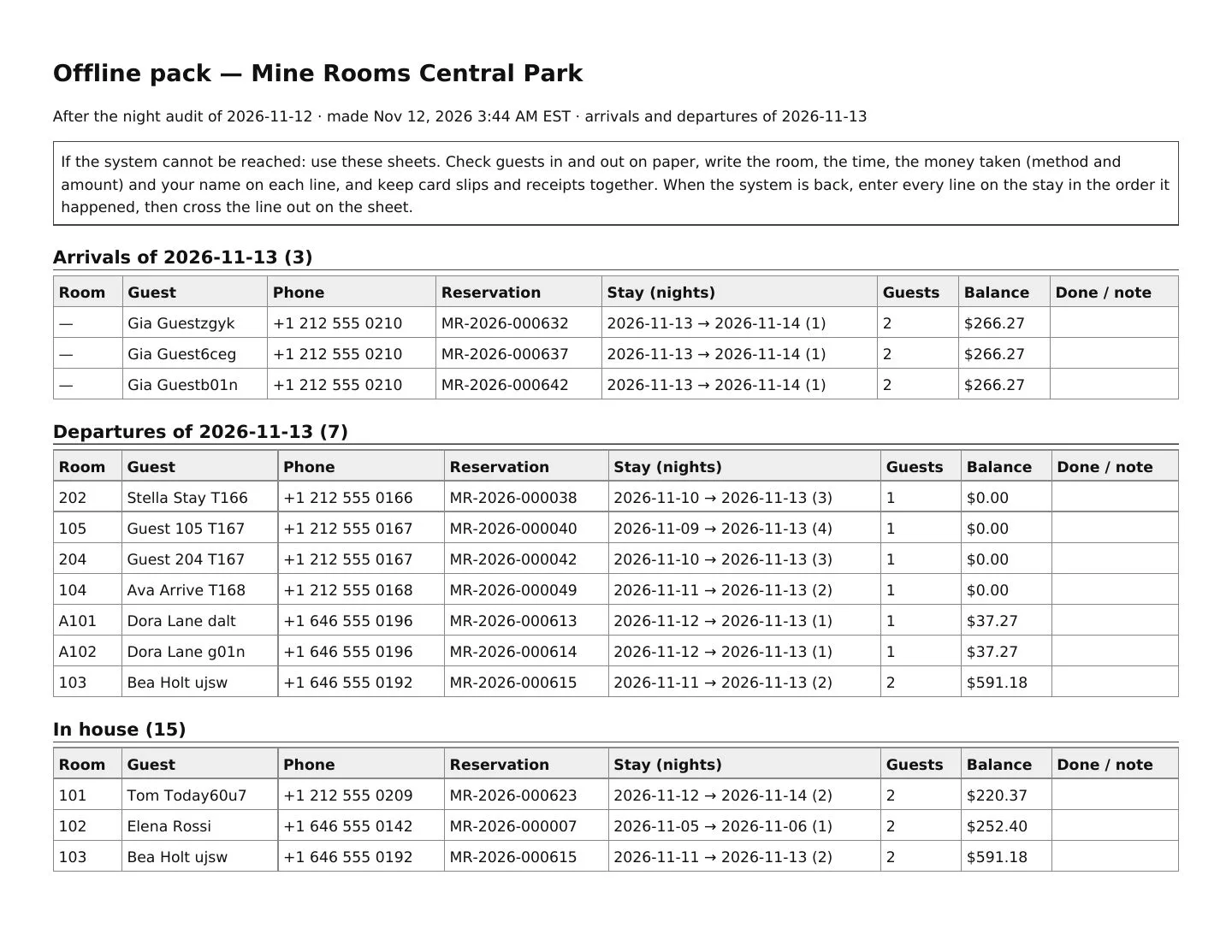
- Tomorrow's arrivals and departures, the guests in house with their room, phone and balance, the free rooms by type, every room with its status and the contacts to call.
- If the system cannot be reached, check guests in and out on these sheets and write every payment; enter each line when the system is back.
The pack is kept in the private files of the site; only the staff of the house open it.
Enlarge, then scroll
From the night audit
Manager
3Step 3 of 3
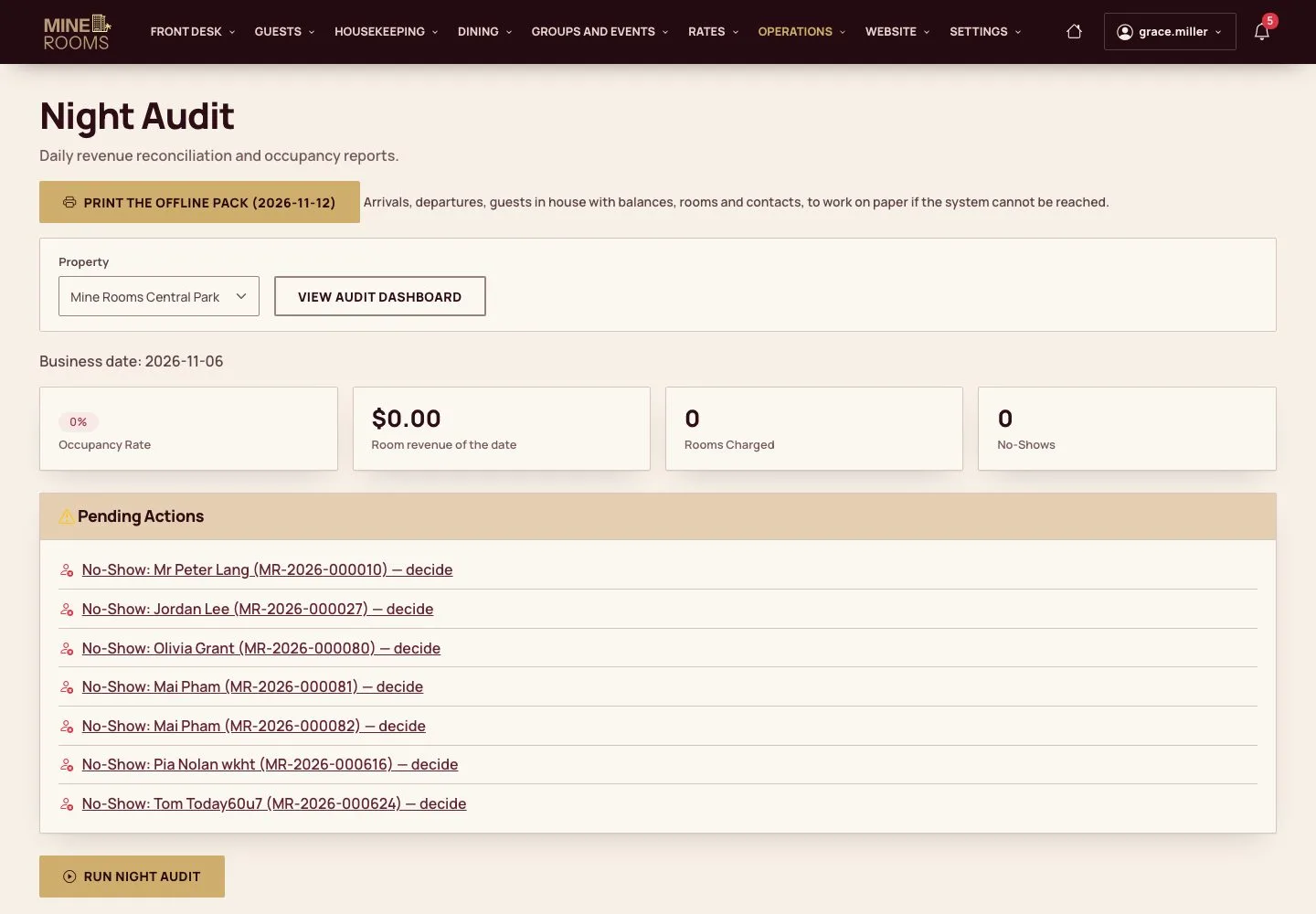
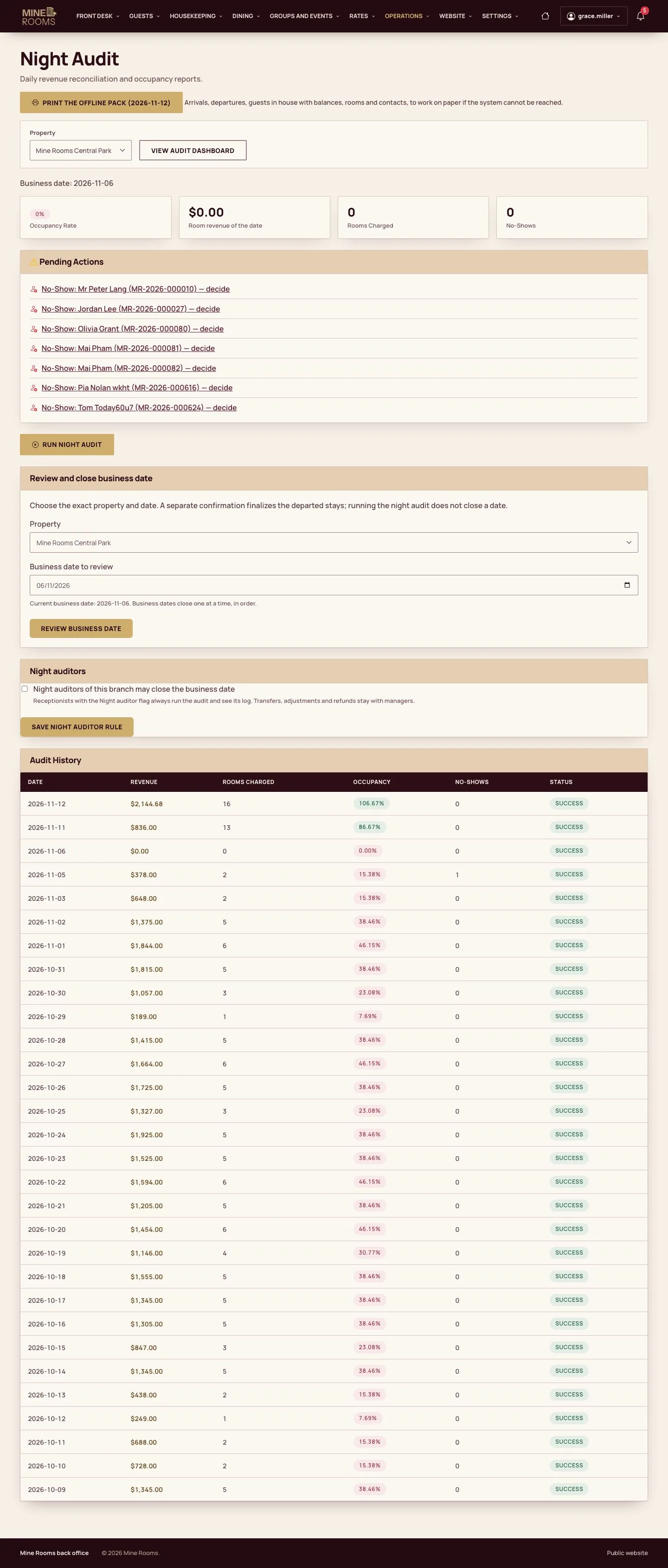
- The Night audit page has the same button; each audit makes the pack again.
Enlarge, then scroll
Open illustrated screen ↗Full image ↗
Check
A printed pack holds every arrival, departure, guest in house and room, so the desk can keep working on paper.
1 / 4