









Quick guide for guests
Book, pay and change your mind
- No account needed: a visitor books and pays as a guest
Guest

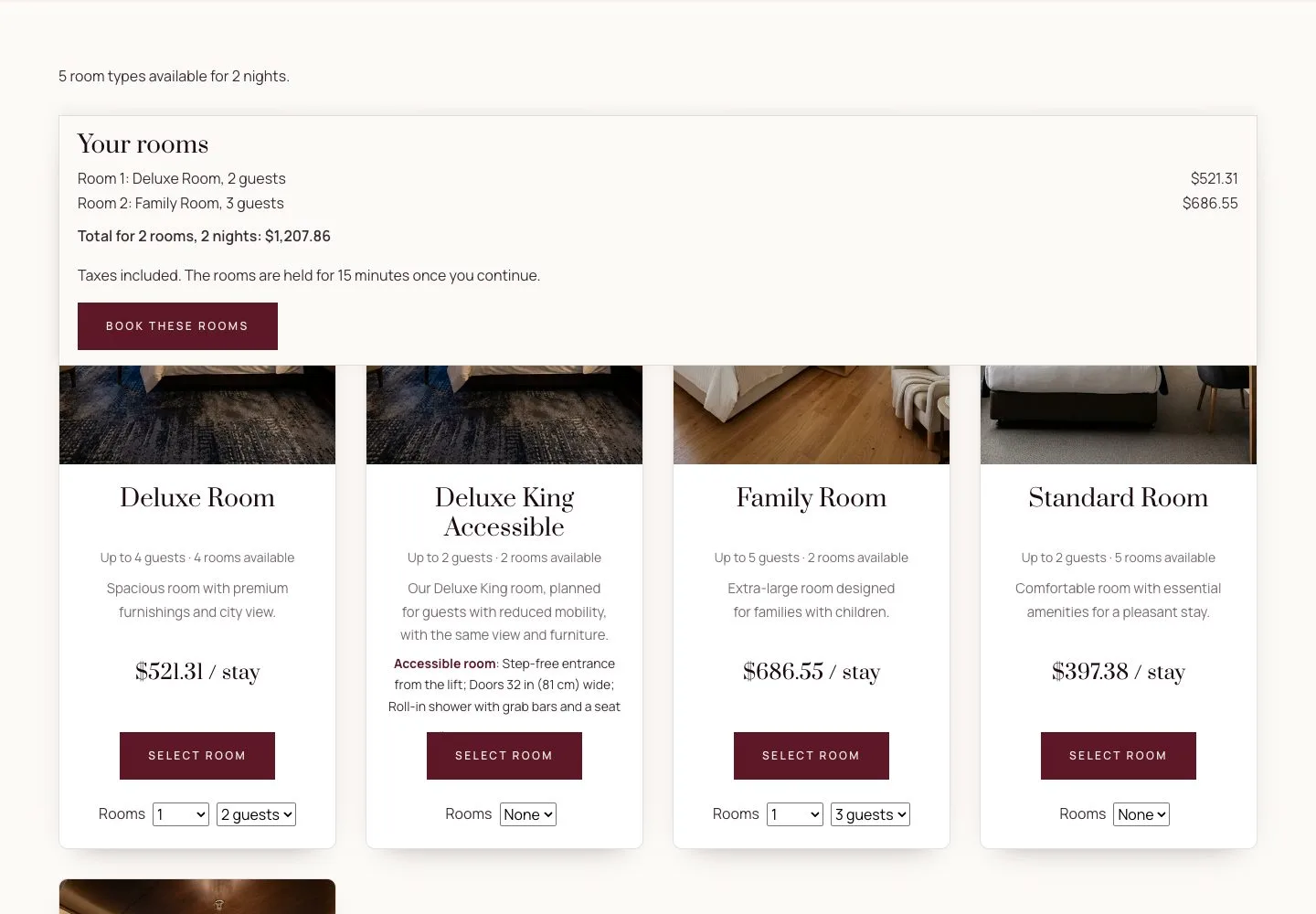
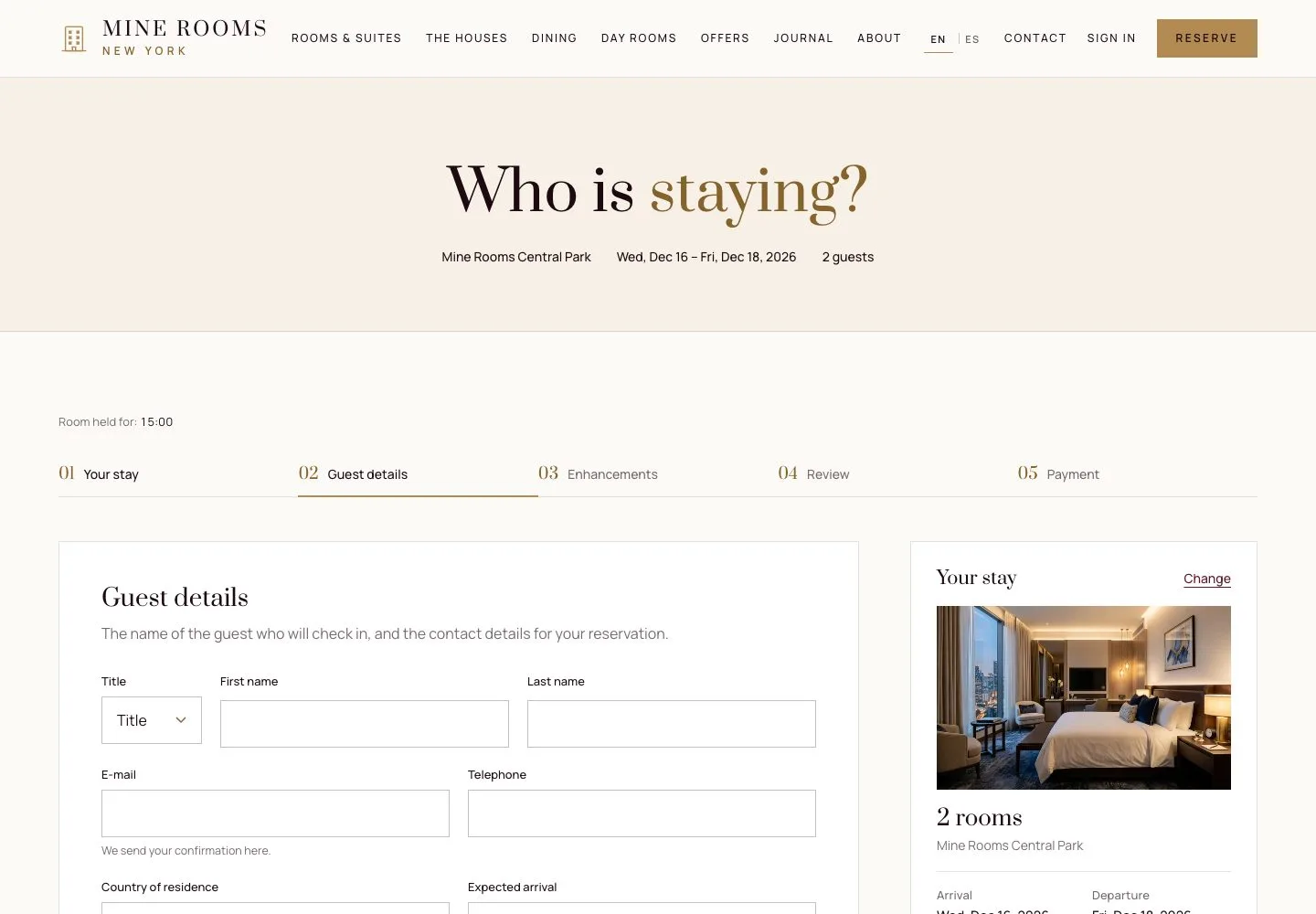
Search
Visitor

1Step 1 of 4
- Choose the house, the dates and the guests, then Check availability.
Step by step: Online booking
Several rooms
Visitor
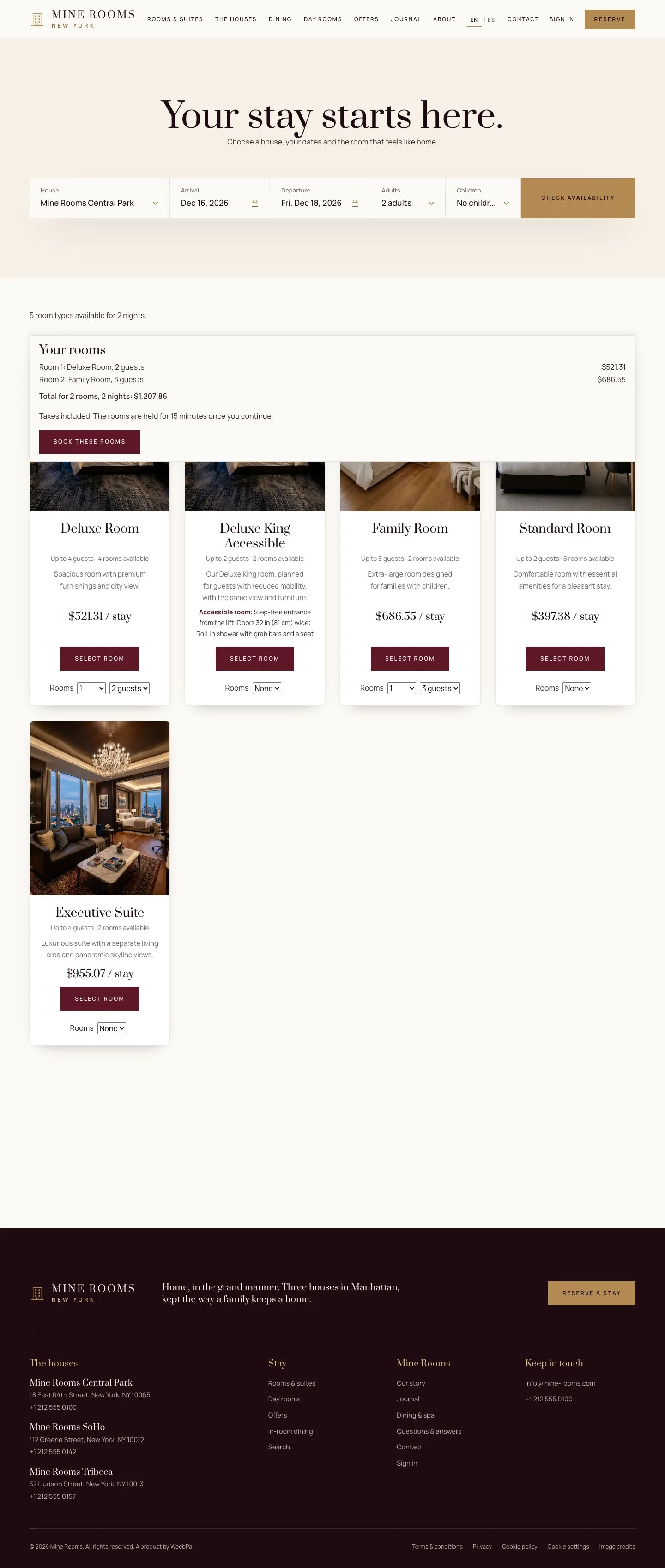
2Step 2 of 4
- Set Rooms on each room type to book several rooms at once.
Step by step: Several rooms in one booking
Enlarge, then scroll
Details and payment
Visitor
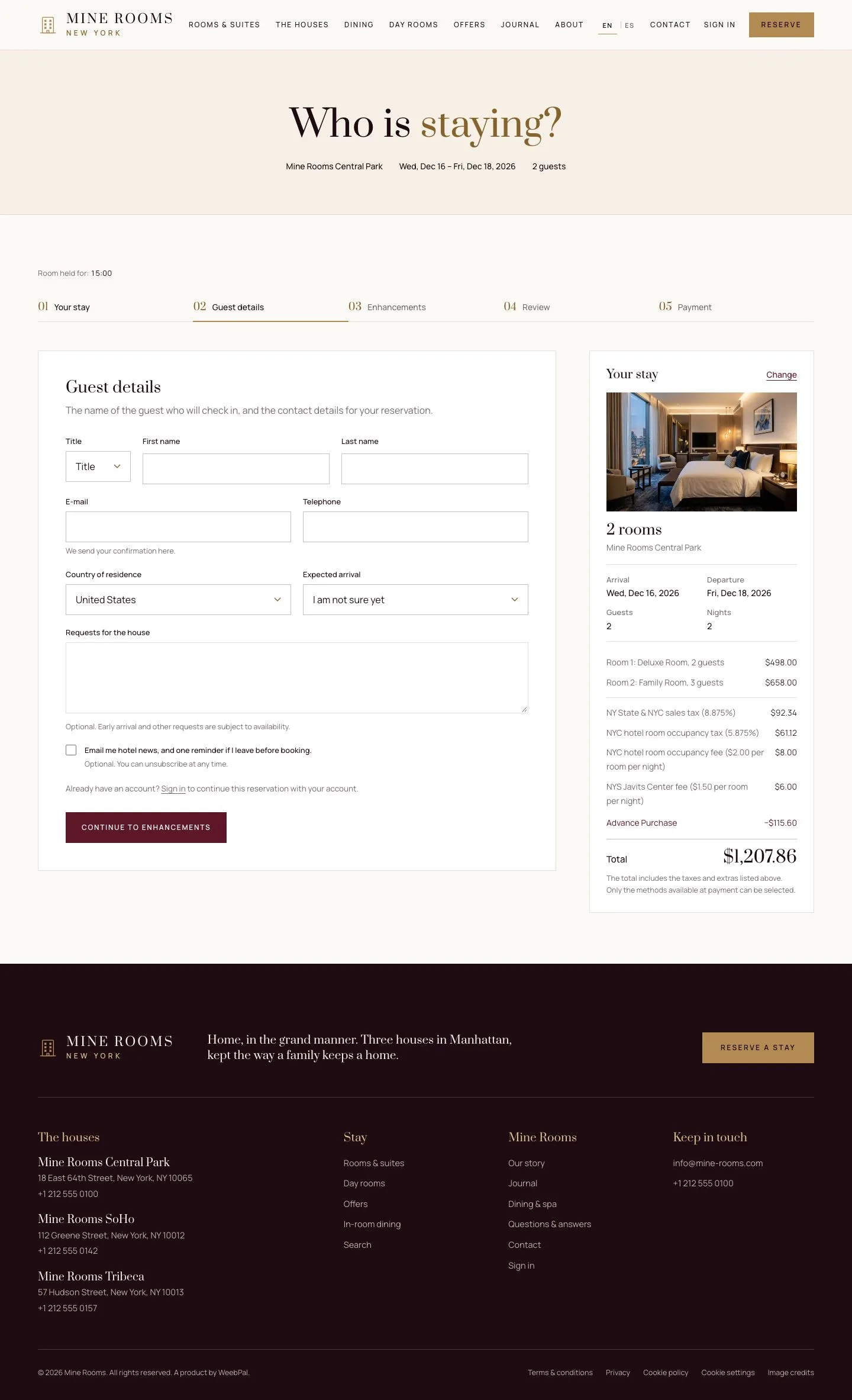
3Step 3 of 4
- Enter the guest details once, add any extras, then choose how to pay and confirm.
Step by step: Online booking
Enlarge, then scroll
Cancel online
Visitor
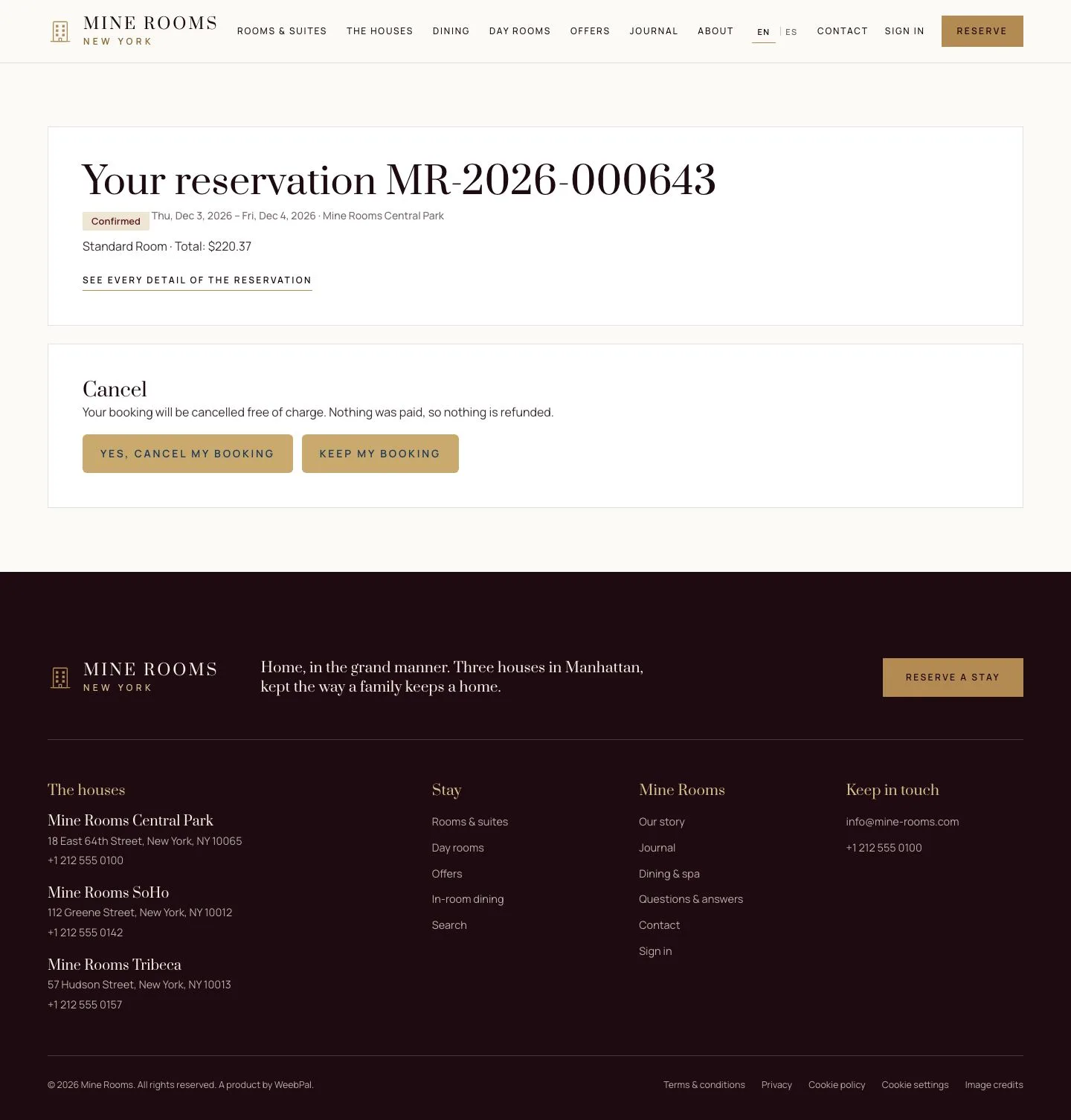
4Step 4 of 4
- The link of your confirmation email opens the reservation; cancel it free of charge before the deadline.
Step by step: Cancel online
Enlarge, then scroll
Check
A guest books one or several rooms, pays online and can cancel within the free window.
1 / 5