









Quick guide for the kitchen
Orders and breakfasts
- A kitchen account of the house
- Orders from rooms and tables: the Restaurant pack turned on
Kitchen
Orders
Kitchen
1Step 1 of 4
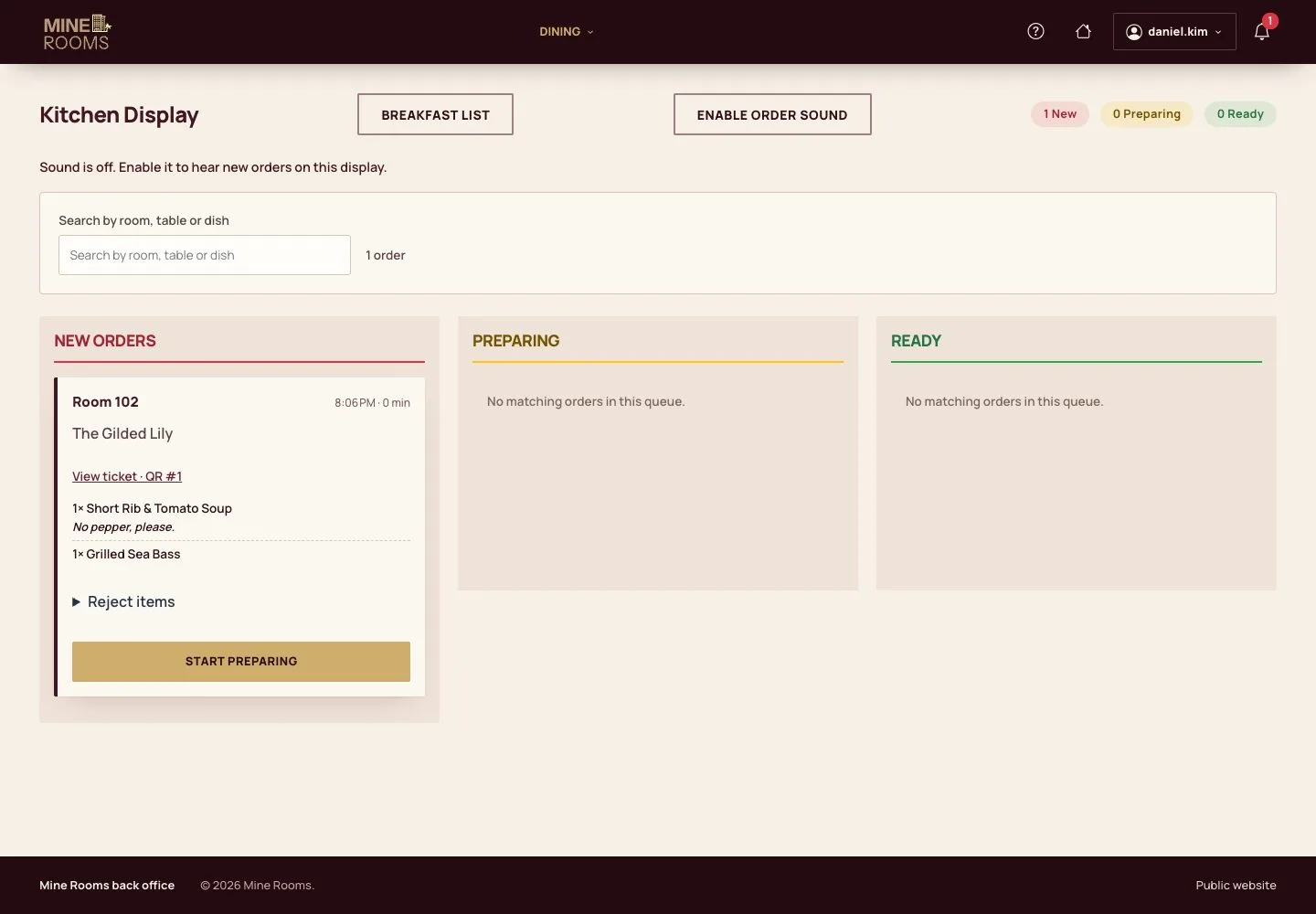
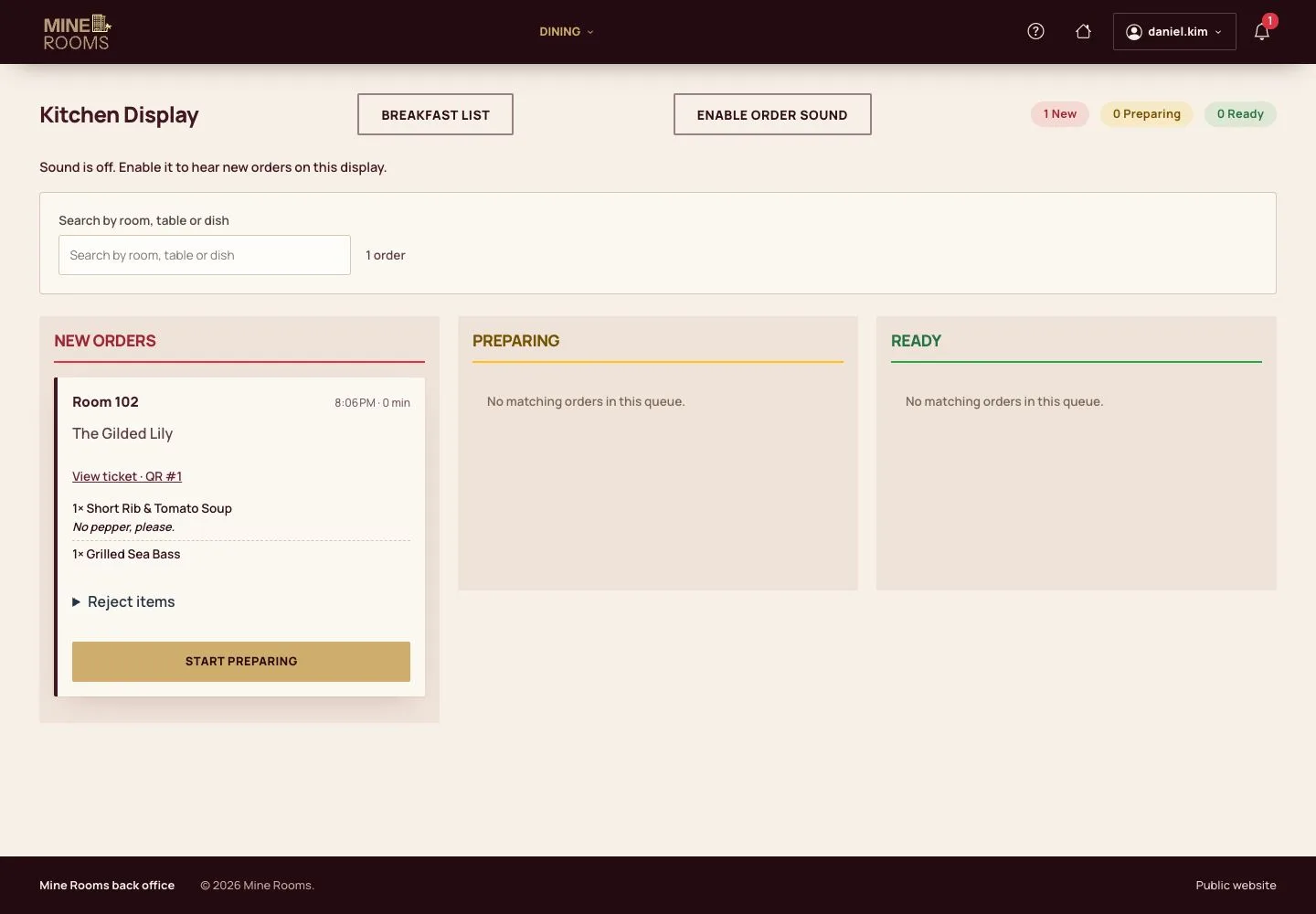
- The kitchen display shows the new orders of the rooms and the venues.
Step by step: Kitchen display and POS
Prepare
Kitchen
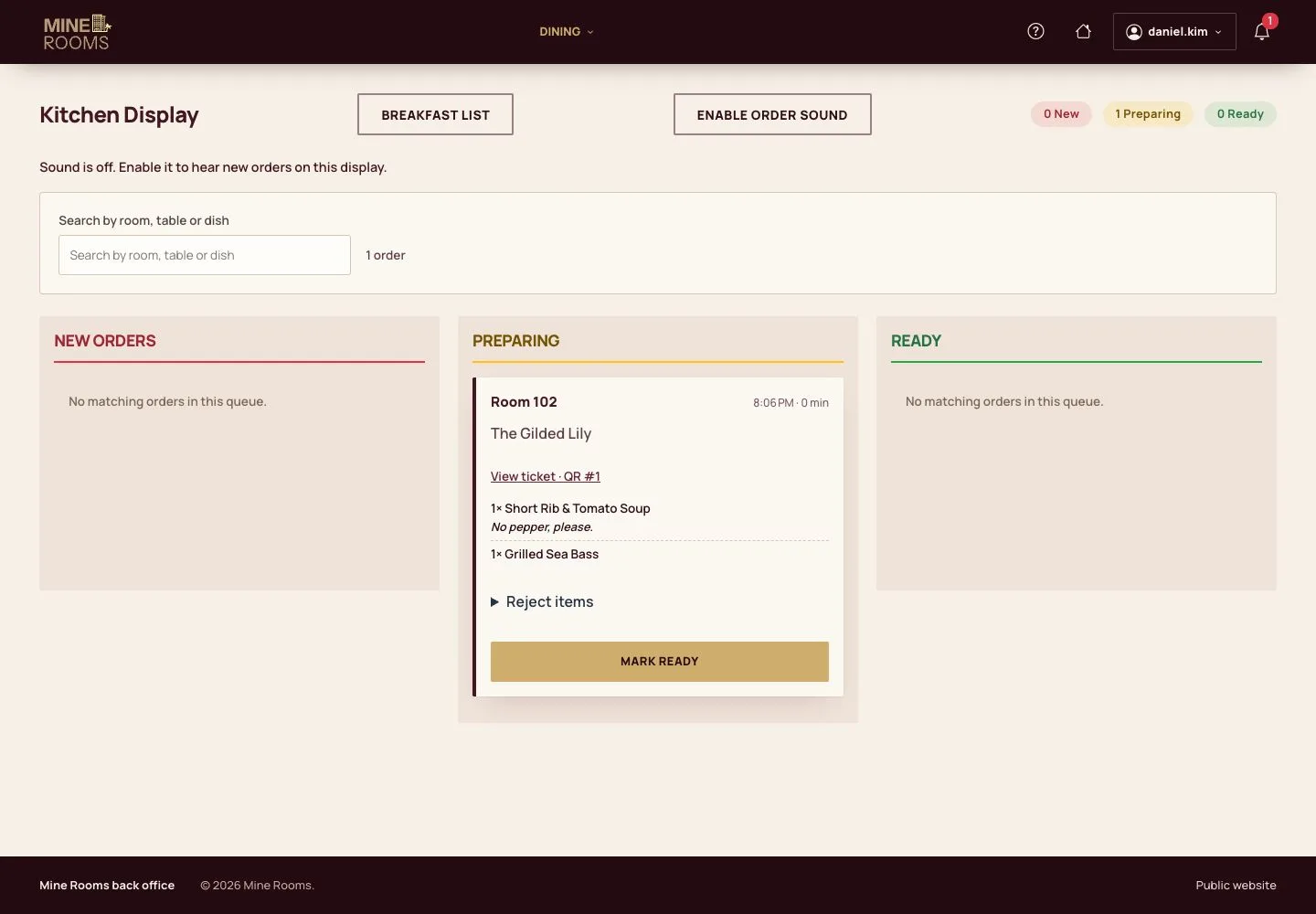
2Step 2 of 4
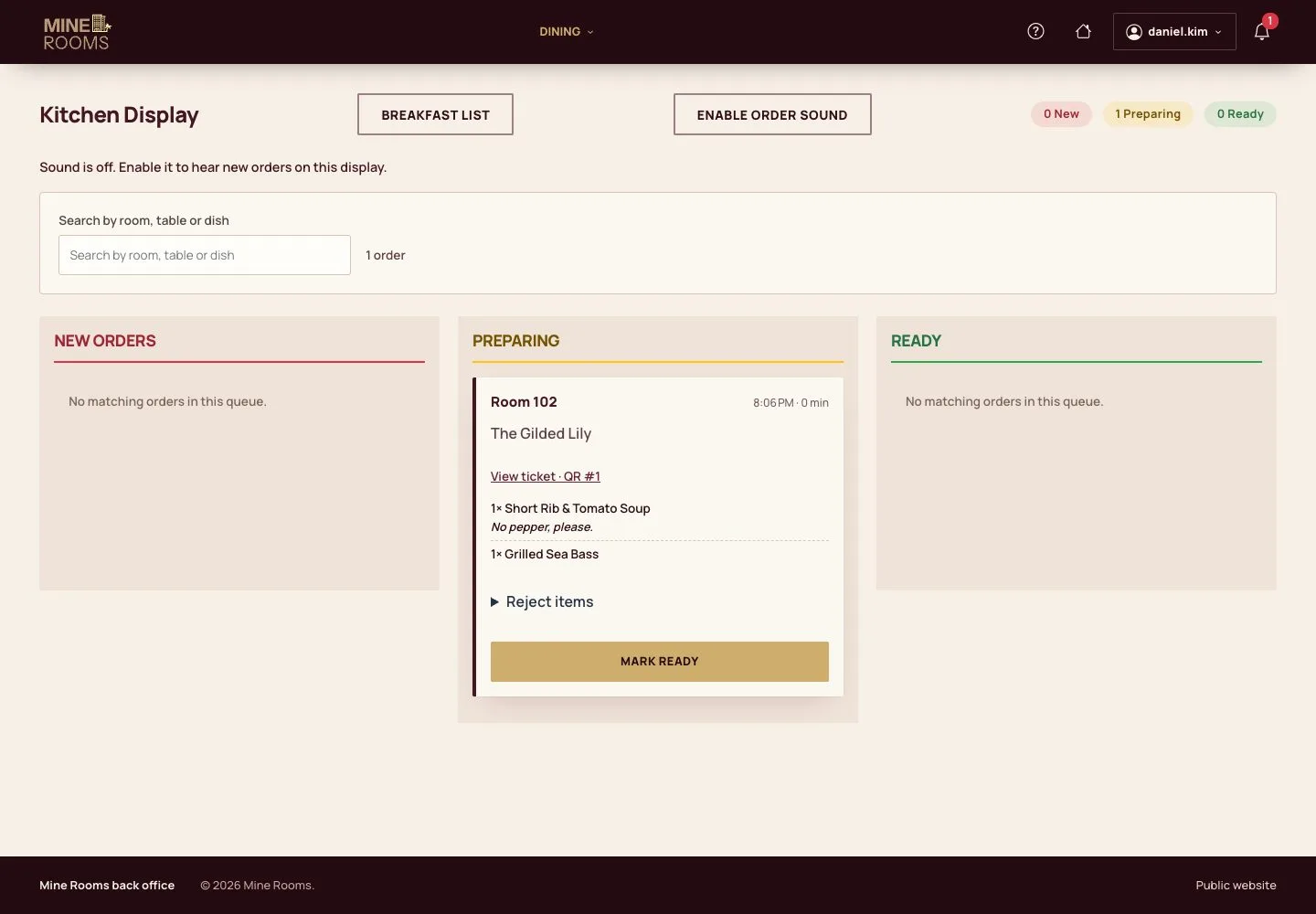
- Start preparing: a guest who ordered by QR sees the new status on the phone.
Step by step: Kitchen display and POS
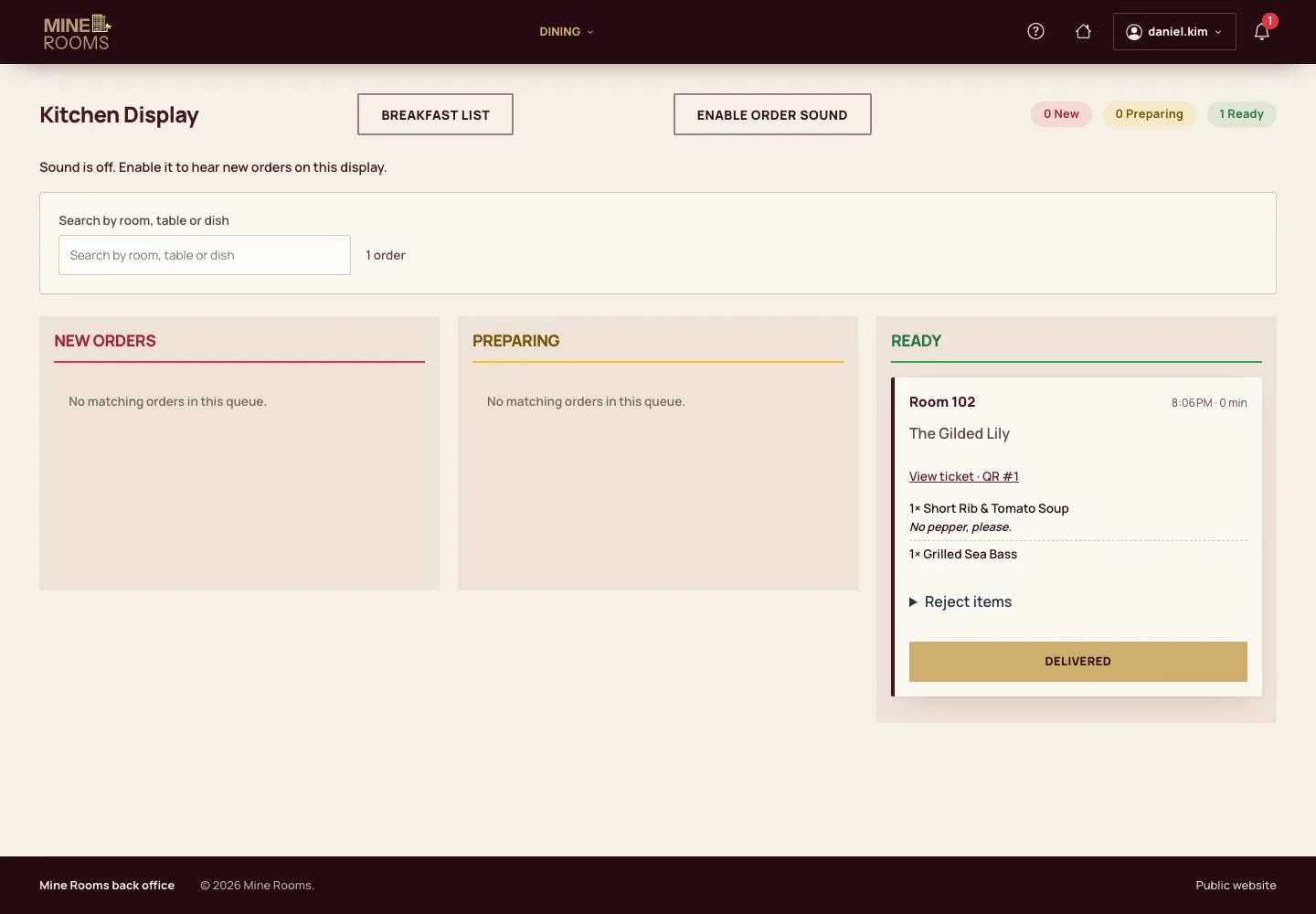
Ready
Kitchen
Breakfasts
Kitchen

4Step 4 of 4
- Breakfast list: tomorrow's servings by room with diets and allergies; mark each room served on the morning.
Step by step: Breakfast list
Open illustrated screen ↗Full image ↗
Check
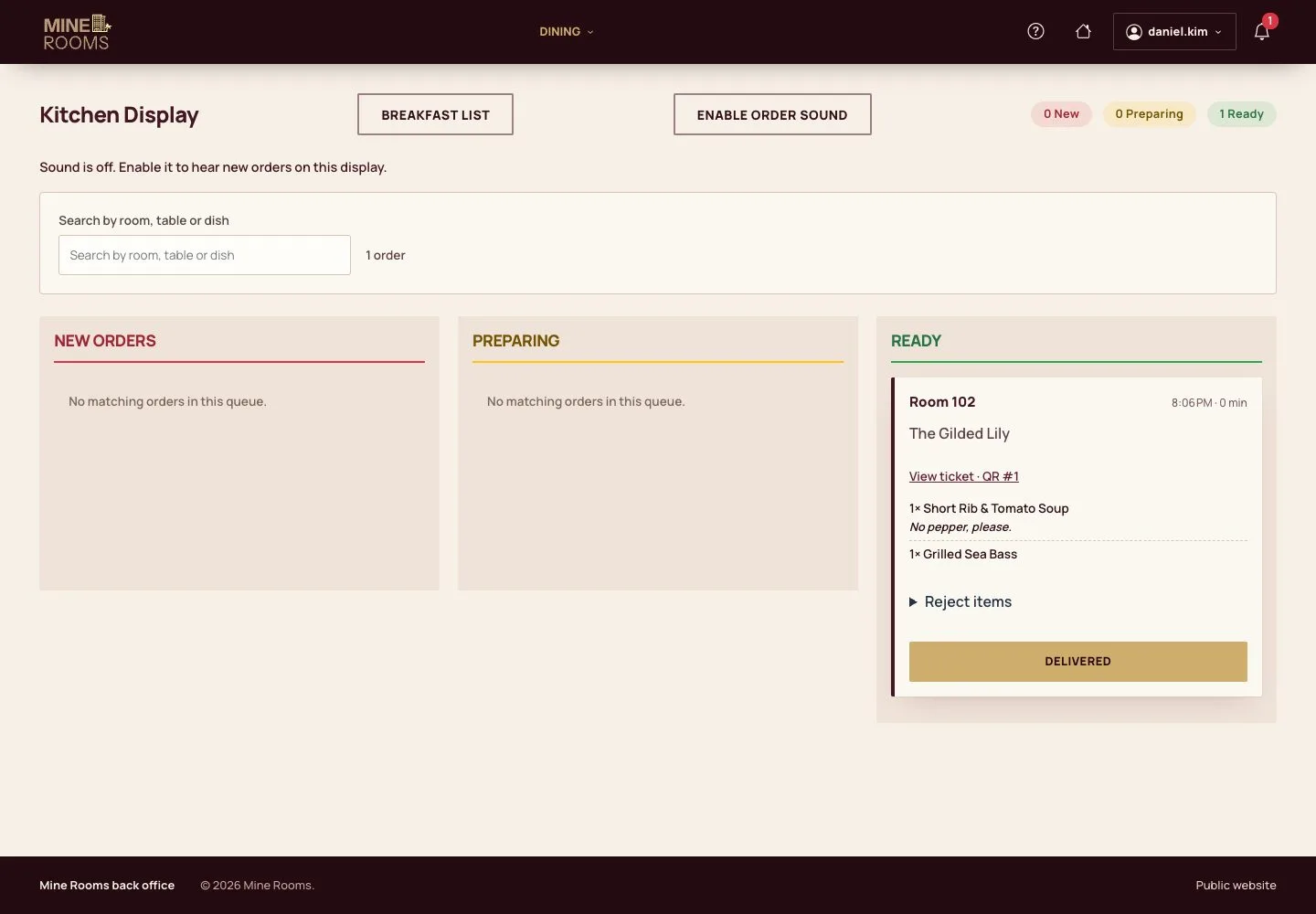
Orders go from new to delivered and breakfasts are served by room.
1 / 5