









Quick guide for housekeeping
A room from the task to clean
- A housekeeping account of the house
Housekeeping
Your tasks
Housekeeping
1Step 1 of 5
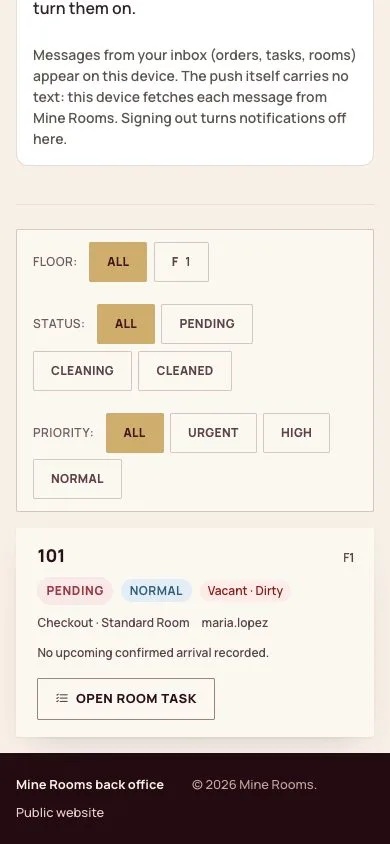
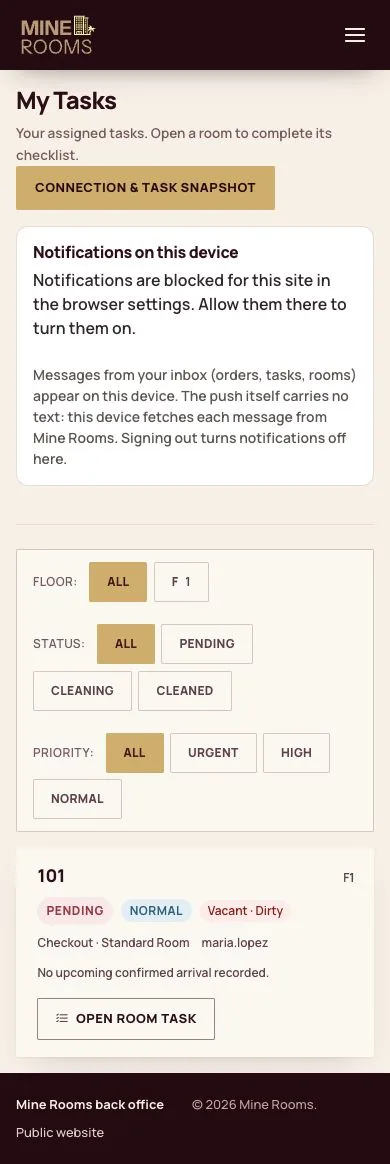
- My tasks lists the rooms to clean, the most urgent first; filter by floor, status or priority.
Step by step: Housekeeping and inspection
Enlarge, then scroll
Clean the room
Housekeeping

2Step 2 of 5
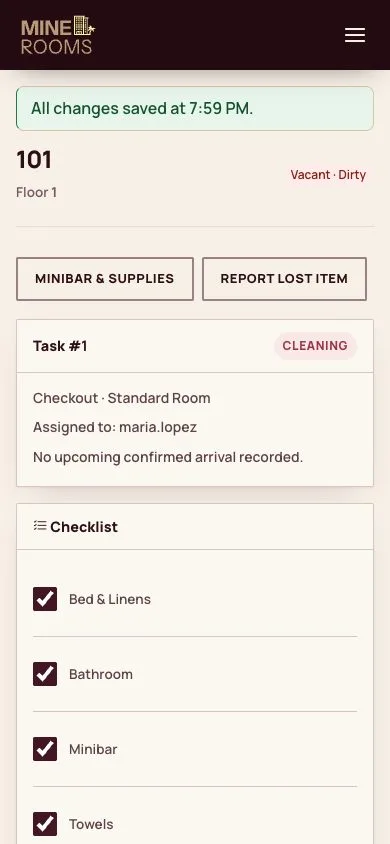
- Open room task and tick the checklist as you go; each tick is saved at once.
Step by step: Housekeeping and inspection
Enlarge, then scroll
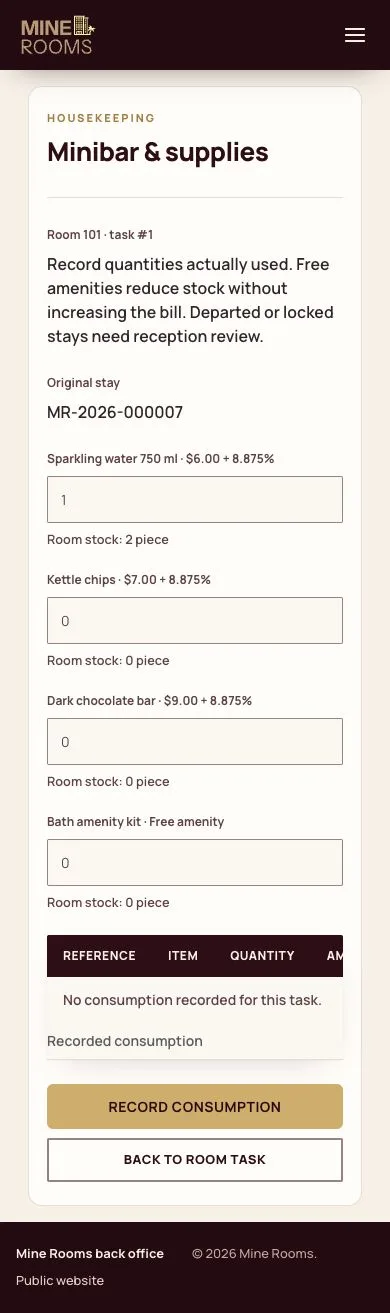
Minibar and supplies
Housekeeping
3Step 3 of 5
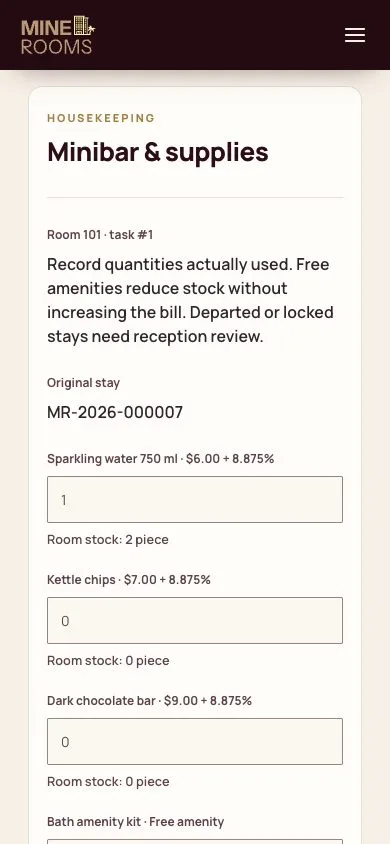
- Minibar & supplies: enter what the guest used; minibar items go on the guest folio, free amenities are not charged.
Step by step: Housekeeping and inspection
Enlarge, then scroll
Mark it cleaned
Housekeeping

4Step 4 of 5
- Mark cleaned sends the room to inspection, or back on sale where the house does not inspect.
Step by step: Housekeeping and inspection
Enlarge, then scroll
Report an issue
Housekeeping

5Step 5 of 5
- Report an issue opens a work order for maintenance; Urgent also blocks an empty room until it is fixed.
Step by step: Work orders and room blocks
Enlarge, then scroll
Open illustrated screen ↗Full image ↗
Check
The room is cleaned, its minibar recorded and it goes back on sale.
1 / 6