









Cancel online
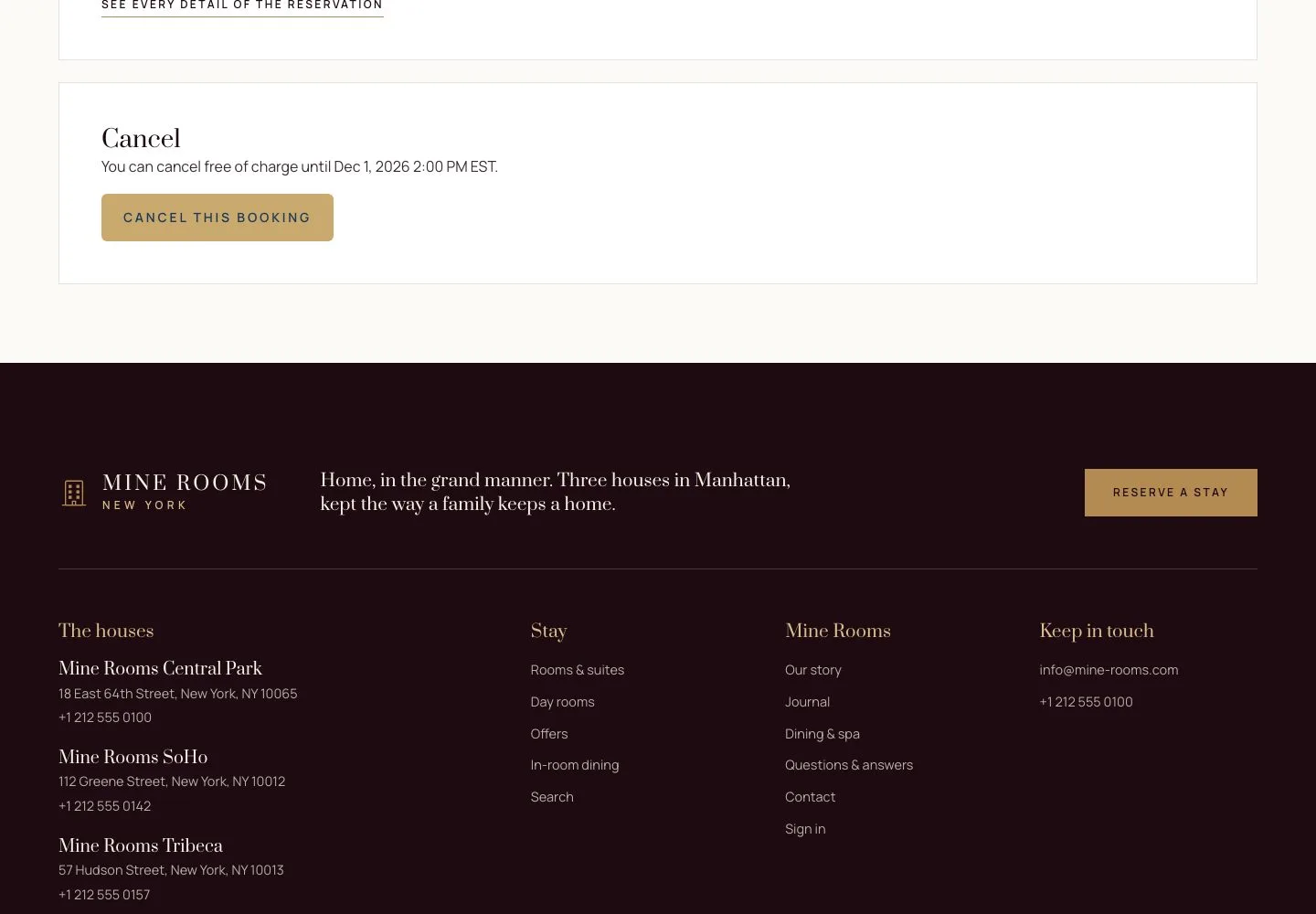
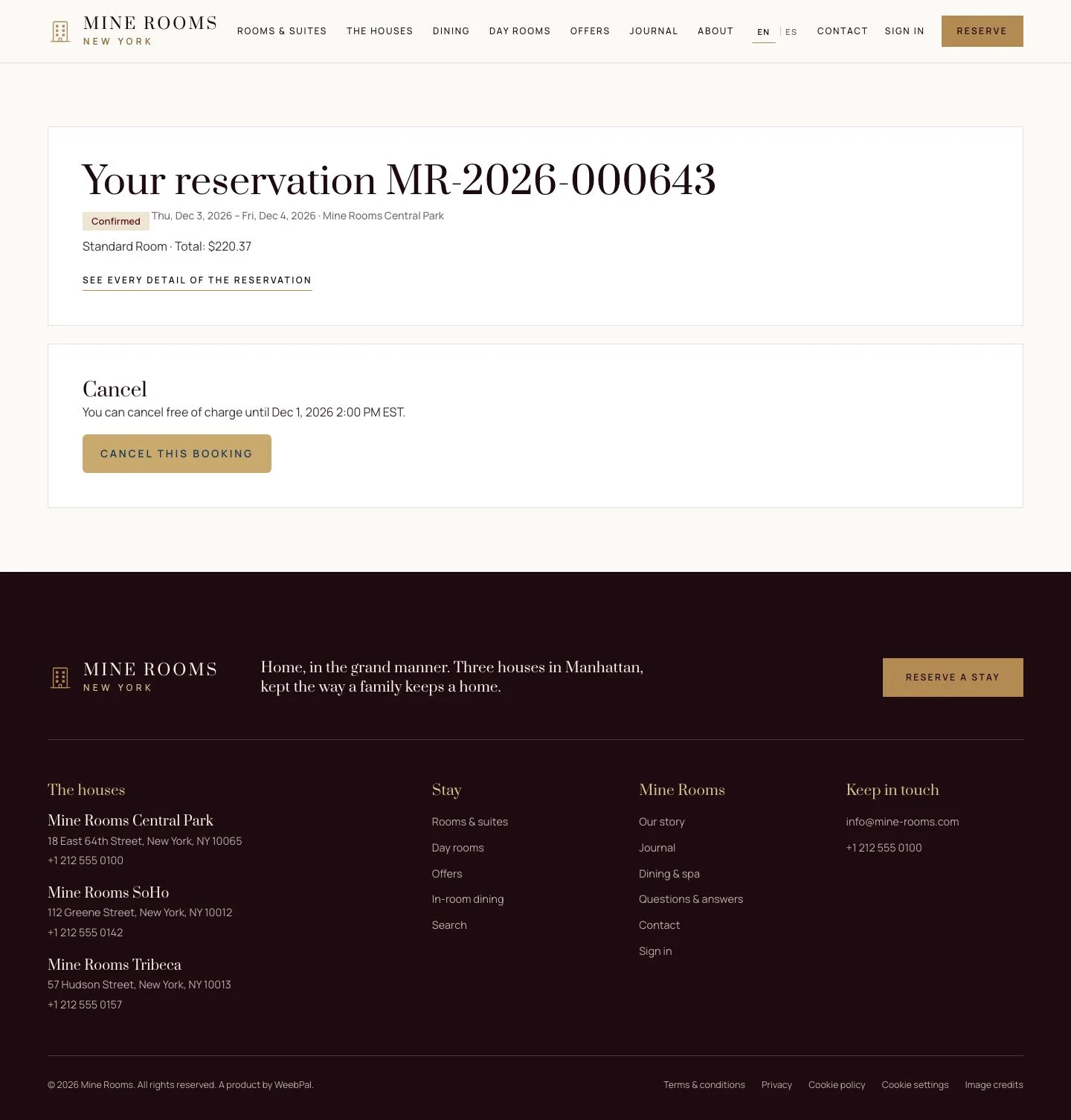
Within the free cancellation window, from the email or the account
- A reservation before its free cancellation deadline
Guest
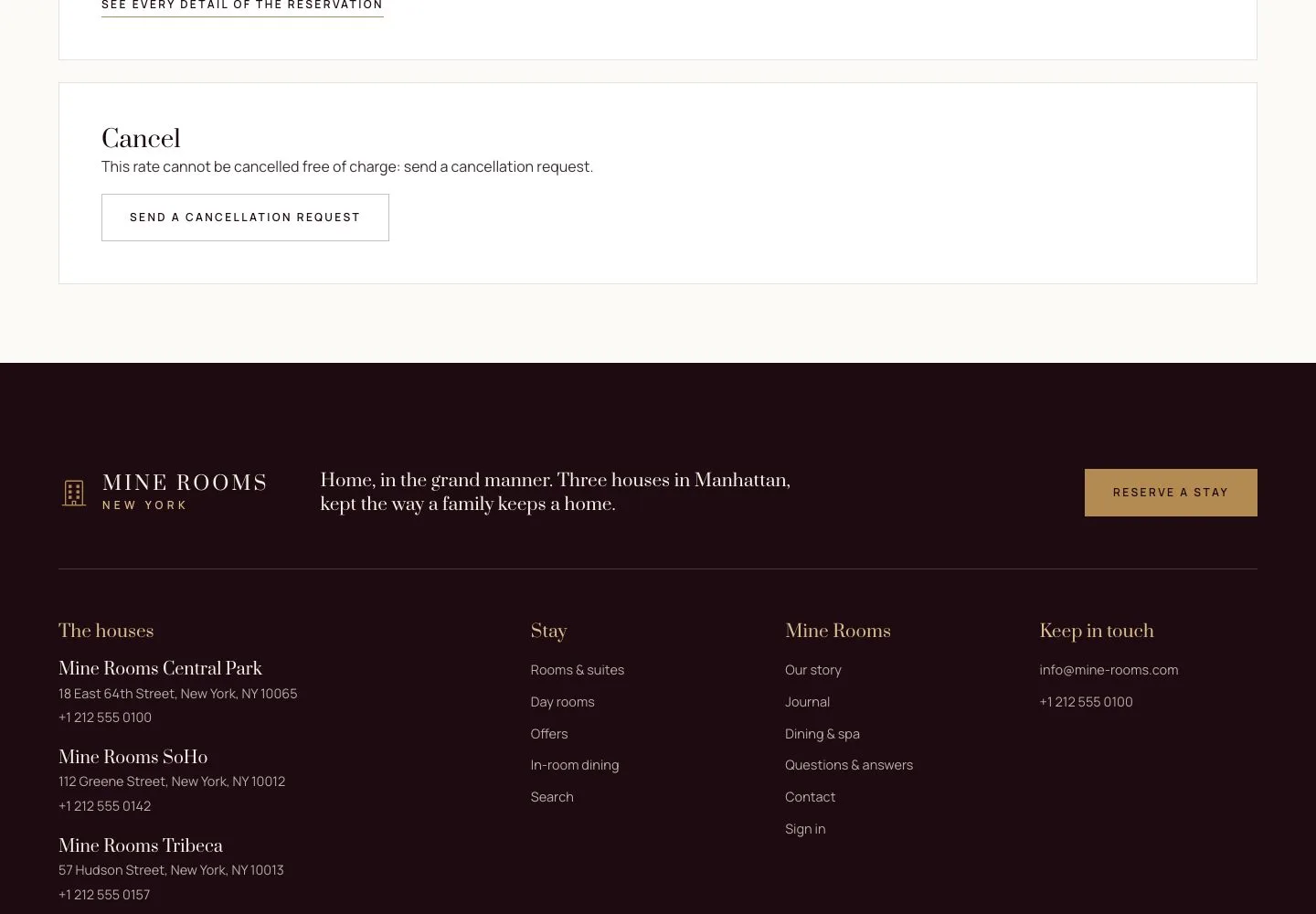
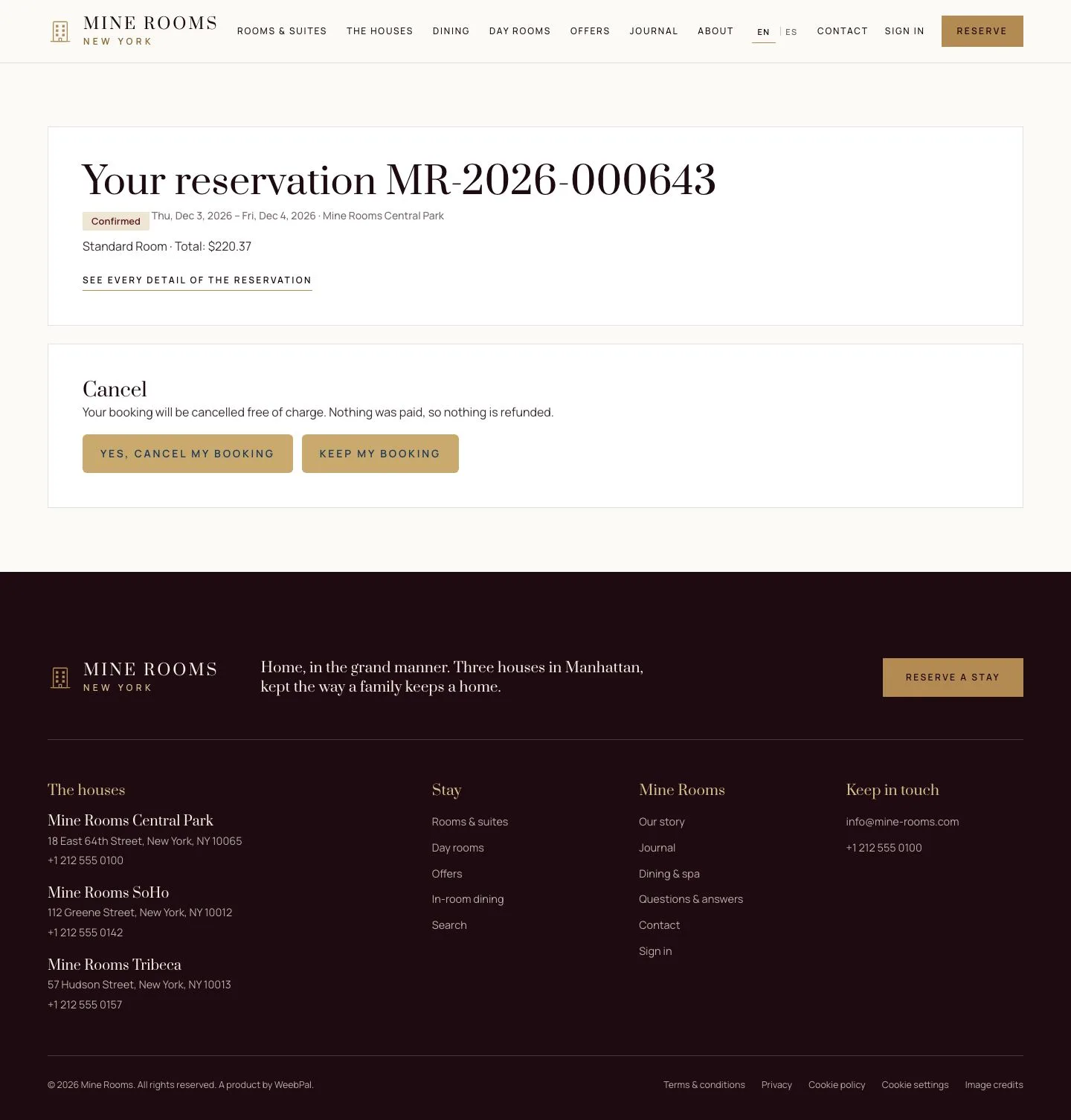
When only a request is possible
Visitor
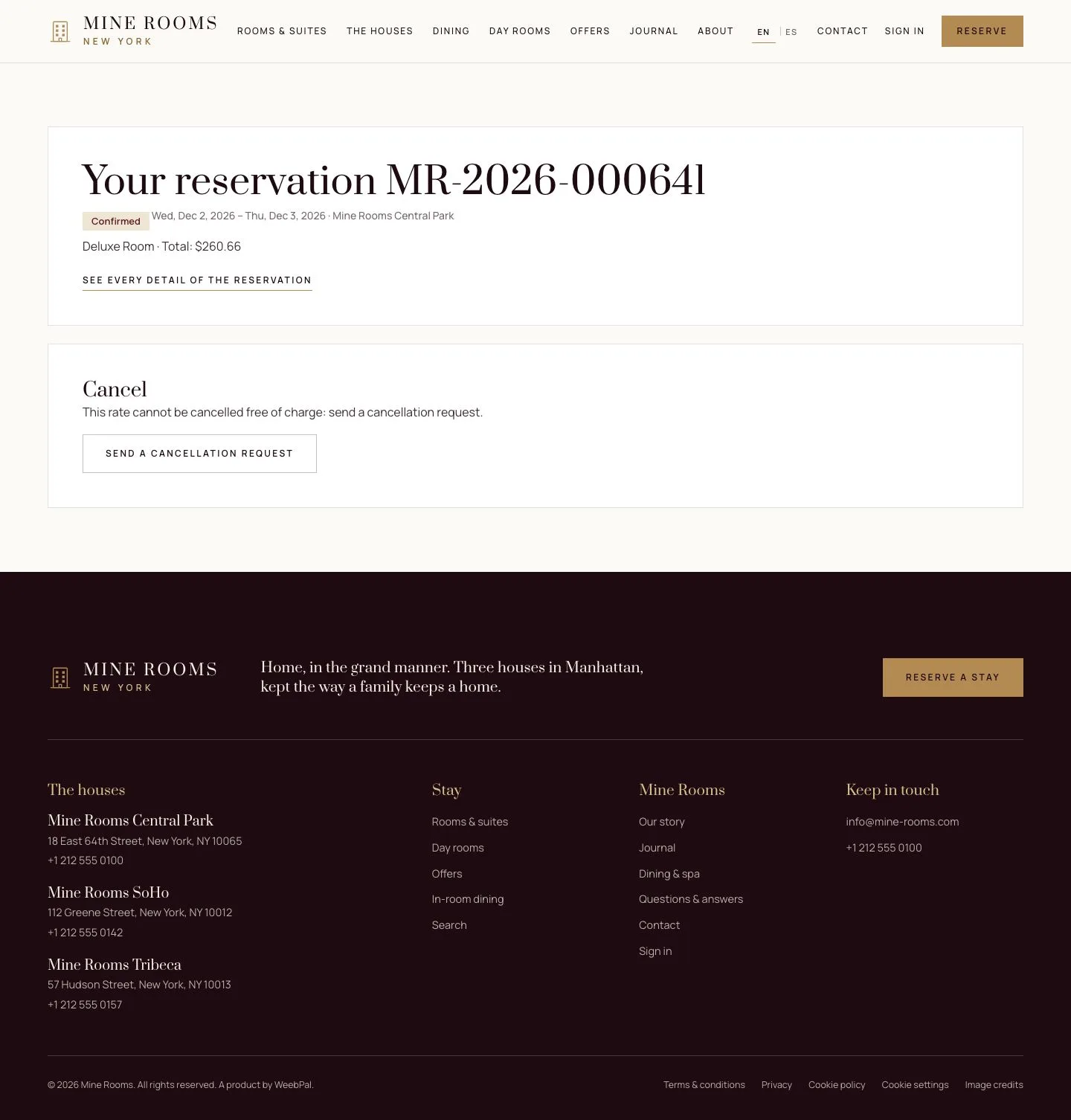
3Step 3 of 4
- A non-refundable rate, a stay past its deadline or a booking through an agency shows Send a cancellation request instead; the hotel answers it.
Step by step: Cancellation and refund
Enlarge, then scroll
From your account
Guest
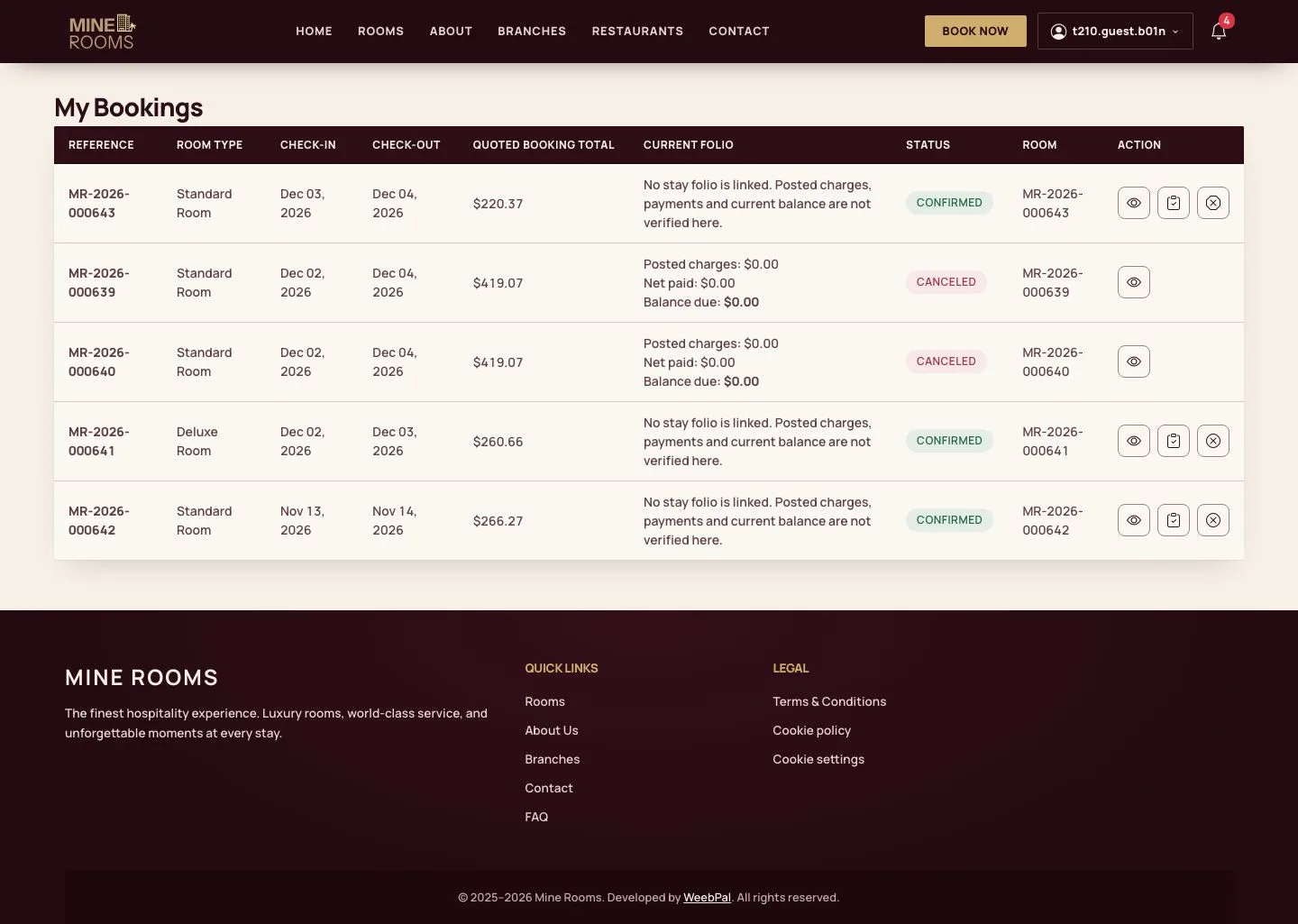
4Step 4 of 4
- Signed in, My bookings has buttons on each stay: the eye opens it, the clipboard is the pre-check-in.
- The ✕ button cancels the stay online until the free deadline (Cancel booking), then sends a request instead (Request cancellation).
Enlarge, then scroll
Open illustrated screen ↗Full image ↗
Check
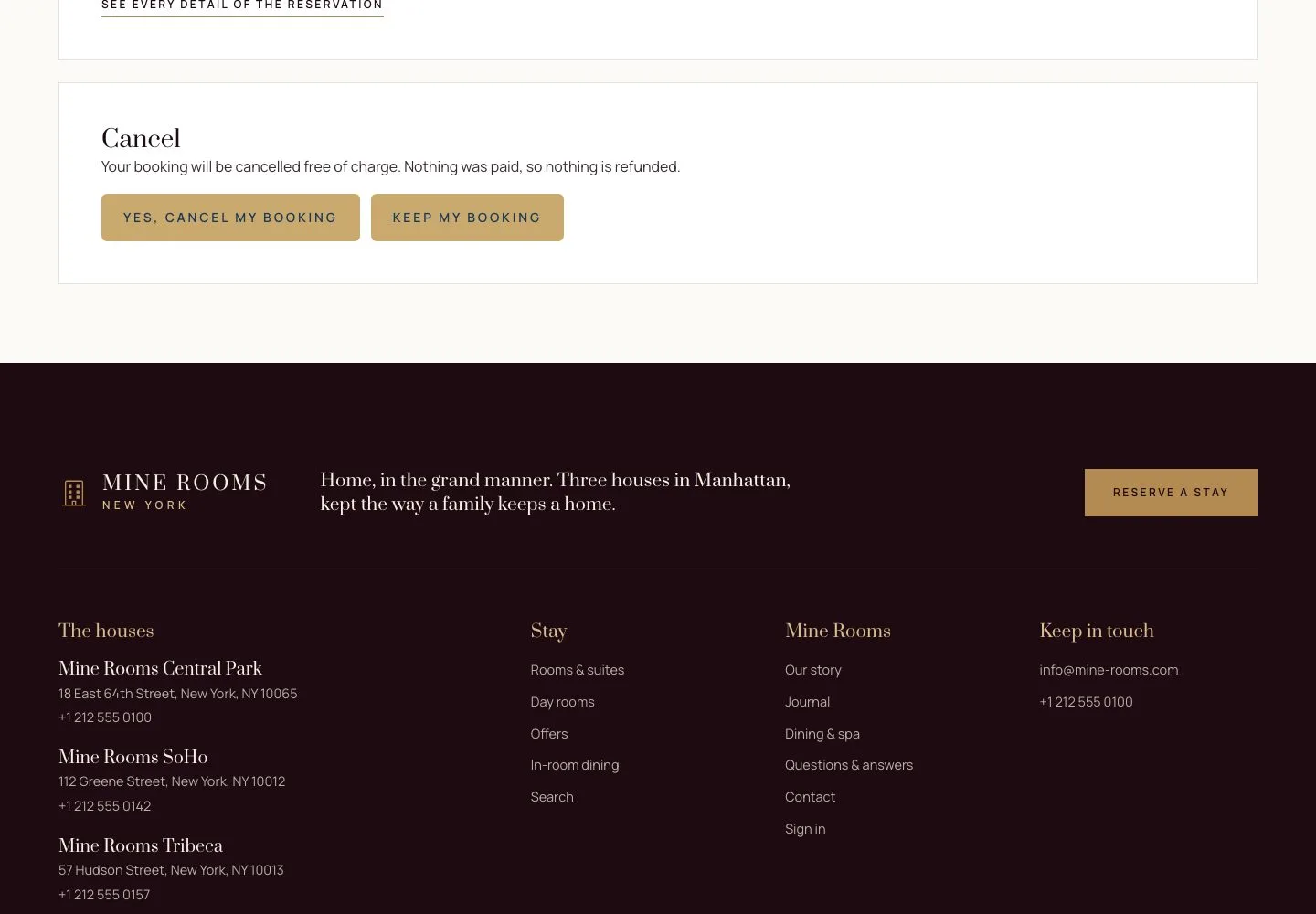
The reservation is cancelled, money paid online goes back to the card or PayPal account, and the guest receives the cancellation email.
1 / 5