






 SubstitutooInternal training
User guide · Role switcher
Review the role-switching permission boundary
The canonical crawl identifies the demonstration account but records HTTP 403 on its dedicated switching route. This guide documents that current limitation; it does not claim that a role switch succeeds.
Confirm the demonstration account
Role switcher
1Step 1 of 2
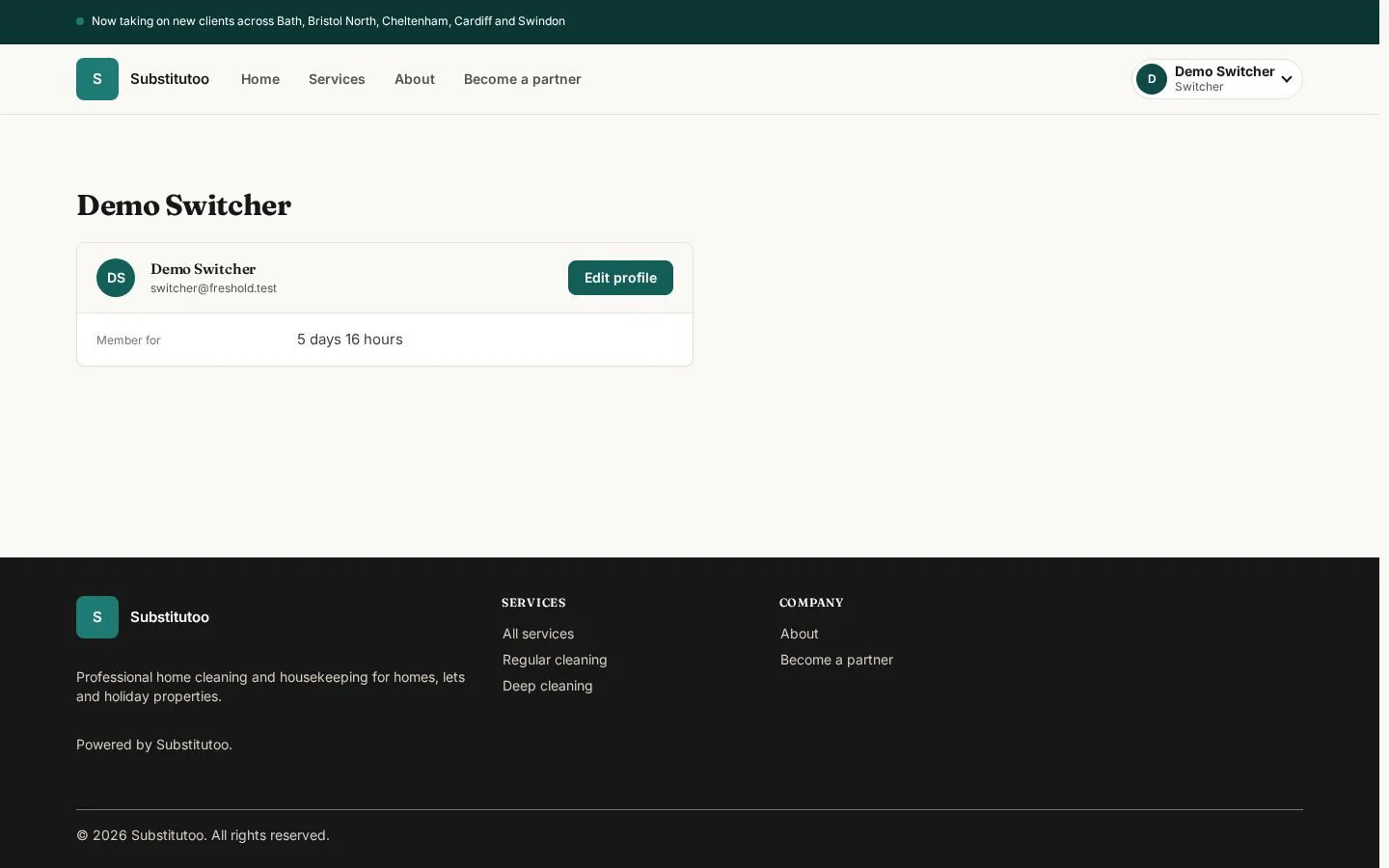
The profile page identifies the account used for the role-switching check.
- Check the displayed account before testing any permission boundary.
Open on site ↗sign-inFull-page screenshot ↗
You can confirm that the current session represents the demonstration account.
Record the denied switching route
Role switcher
2Step 2 of 2
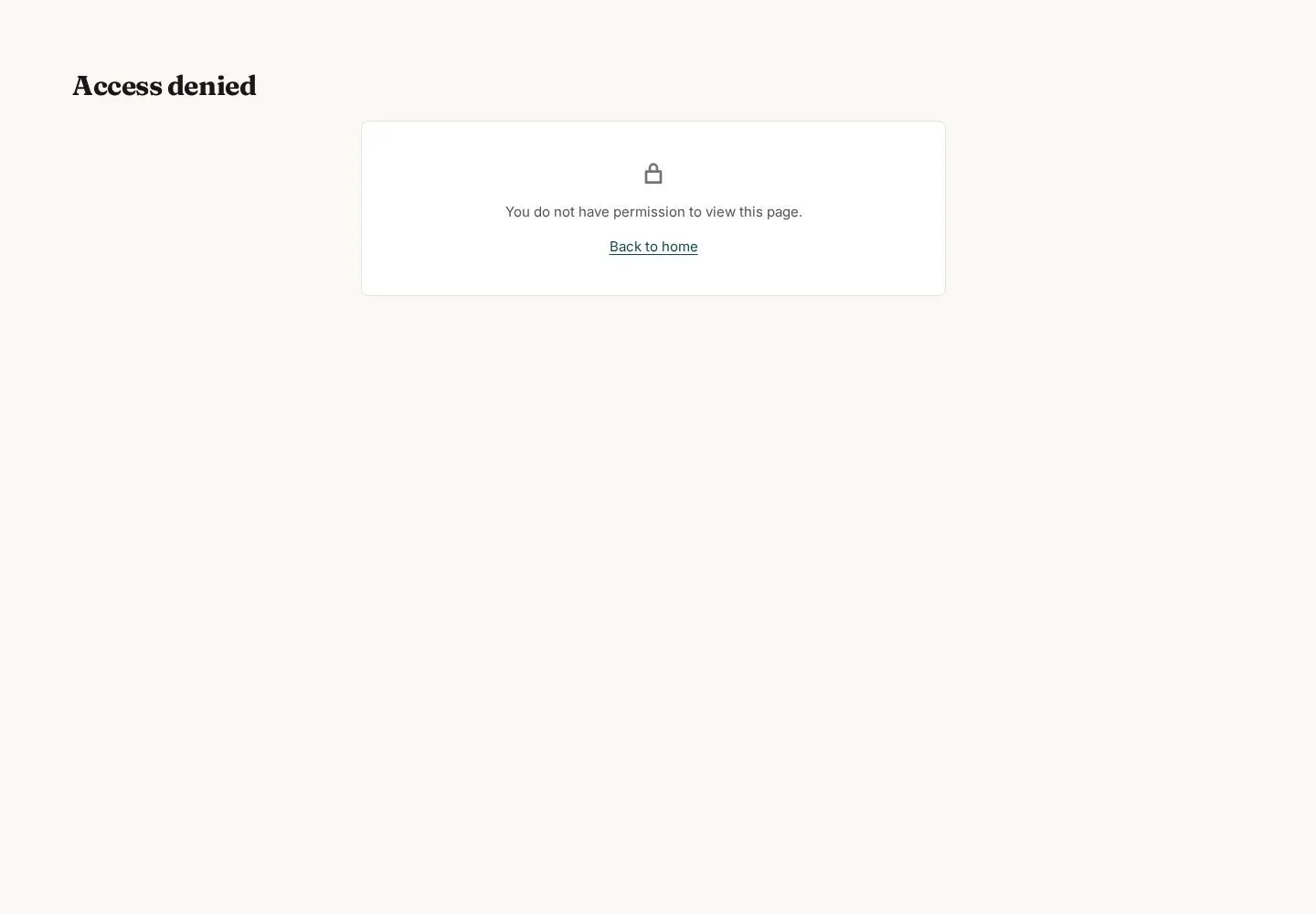
The dedicated role-switching route is captured as an access-denied response for this account.
- Open the route only to verify the current permission result; do not describe it as a successful role change.
This is a current implementation or configuration limitation that must be resolved and re-crawled before a switching workflow can be documented.
Open on site ↗sign-inFull-page screenshot ↗
The site returns Access denied (HTTP 403), and no role change occurs.