






 SubstitutooInternal training
User guide · Anonymous visitor
Choose the right home-cleaning service
Compare regular and deep cleaning, then open the enquiry form that collects details about the household and the help required.
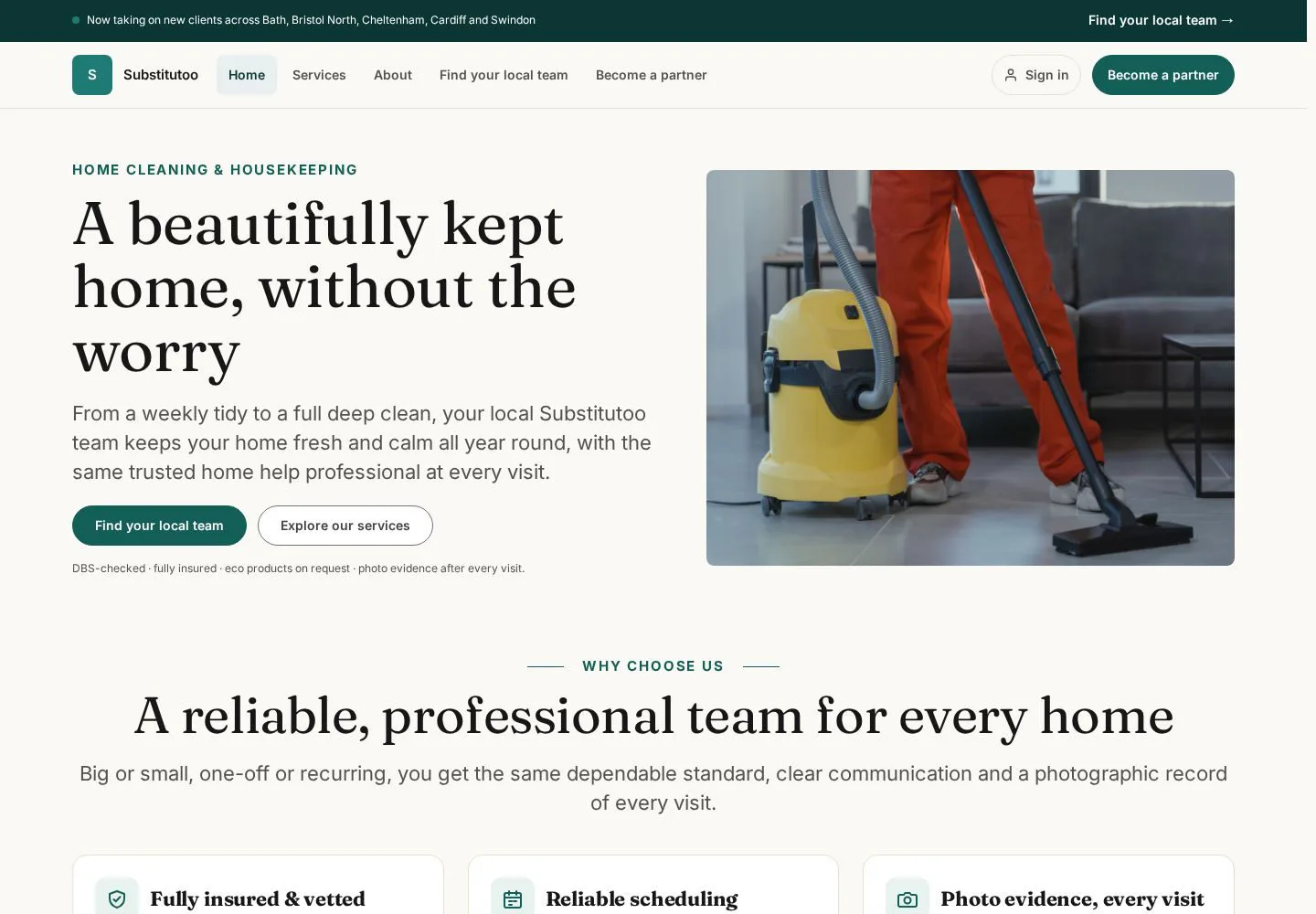
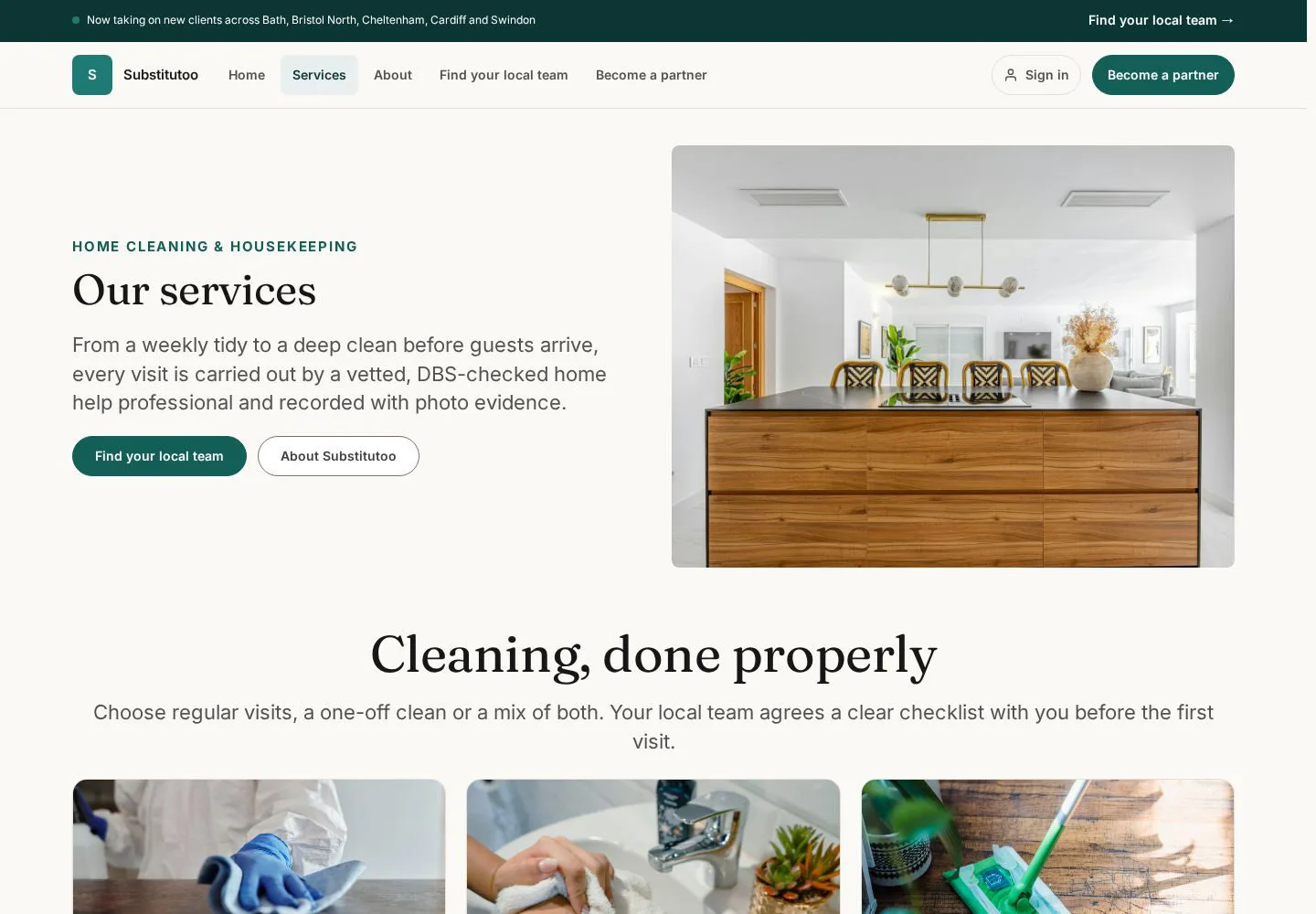
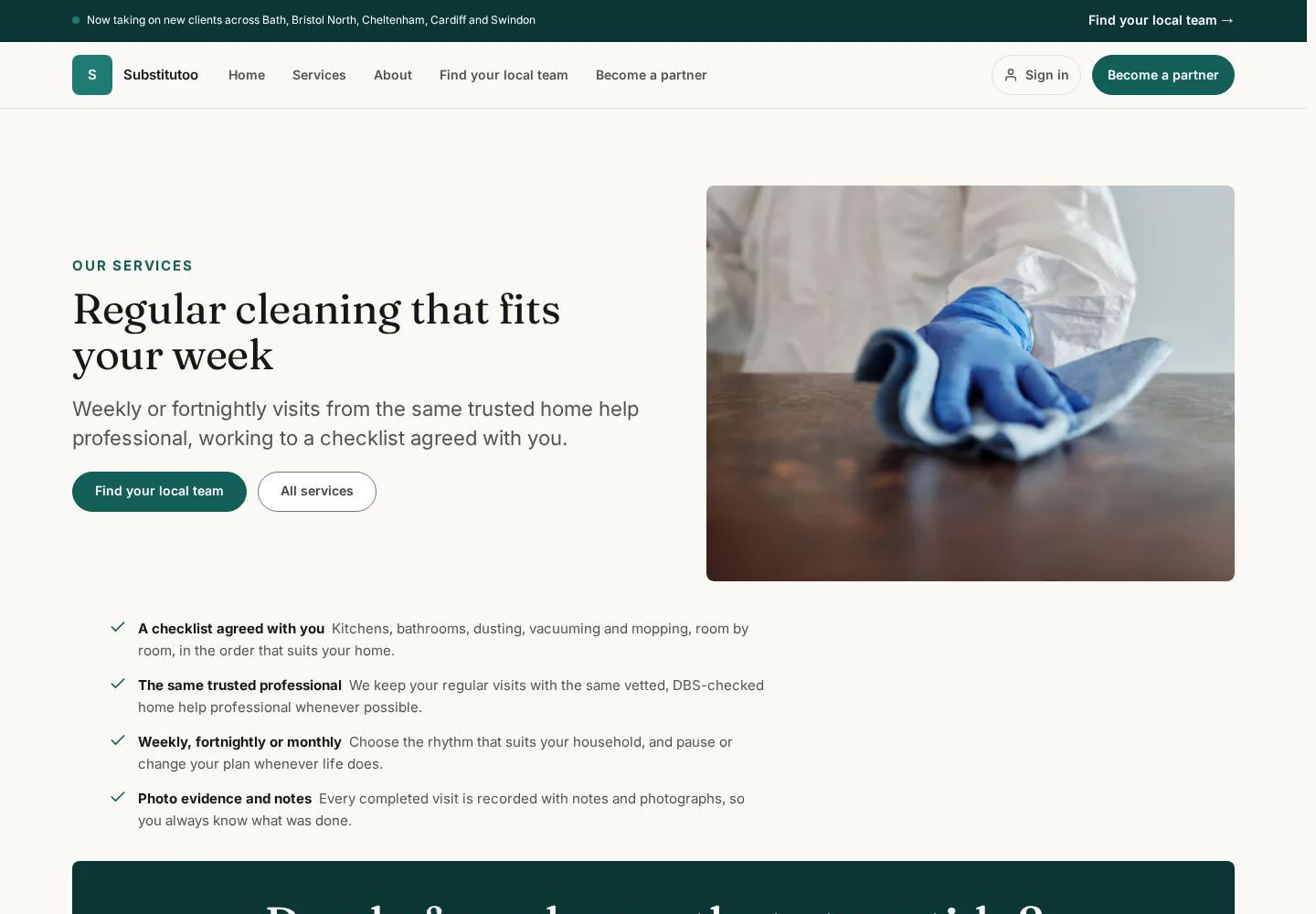
Start with the Substitutoo home page
Anonymous visitor
1Step 1 of 5
The public home page explains the domestic-cleaning proposition and provides routes into services and enquiries.
- Choose Services to compare the help available, or choose the enquiry call to action when you already know what you need.
Open on site ↗Full-page screenshot ↗
You move into the service information or the public enquiry form without signing in.
Compare the service types
Anonymous visitor
2Step 2 of 5
The service library separates repeat cleaning from a more thorough one-off reset.
- Open each service that may fit the home; compare its scope before choosing the enquiry action.
Open on site ↗Full-page screenshot ↗
You can distinguish the published service options before sharing household details.
Review regular cleaning
Anonymous visitor
3Step 3 of 5
Regular cleaning is the recurring option for routine household care.
- Read the published inclusions and use the page's enquiry call to action if this is the right fit.
Open on site ↗Full-page screenshot ↗
You understand how the regular service is presented on the live site.
Review deep cleaning
Anonymous visitor
4Step 4 of 5
Deep cleaning is presented as a more intensive reset.
- Read the published scope and use the enquiry call to action if a deeper visit is needed.
Open on site ↗Full-page screenshot ↗
You can choose between the published regular and deep-cleaning offers.
Prepare a household enquiry
Anonymous visitor
5Step 5 of 5
The public form asks for the information needed to route and assess the request.
- Enter only accurate contact and household information.
- Review the consent and required fields before choosing the form's submit action.
The screenshot is a form-state record, not proof that an enquiry was submitted.
Open on site ↗Full-page screenshot ↗
The form is ready for review; this guide does not submit a live enquiry.