






 SubstitutooInternal training
User guide · Anonymous visitor
Sign in and recover access
Use the public account forms to enter an assigned account or request password recovery.
Anonymous visitorStep-by-step instructions
Open the sign-in form
Anonymous visitor
1Step 1 of 2
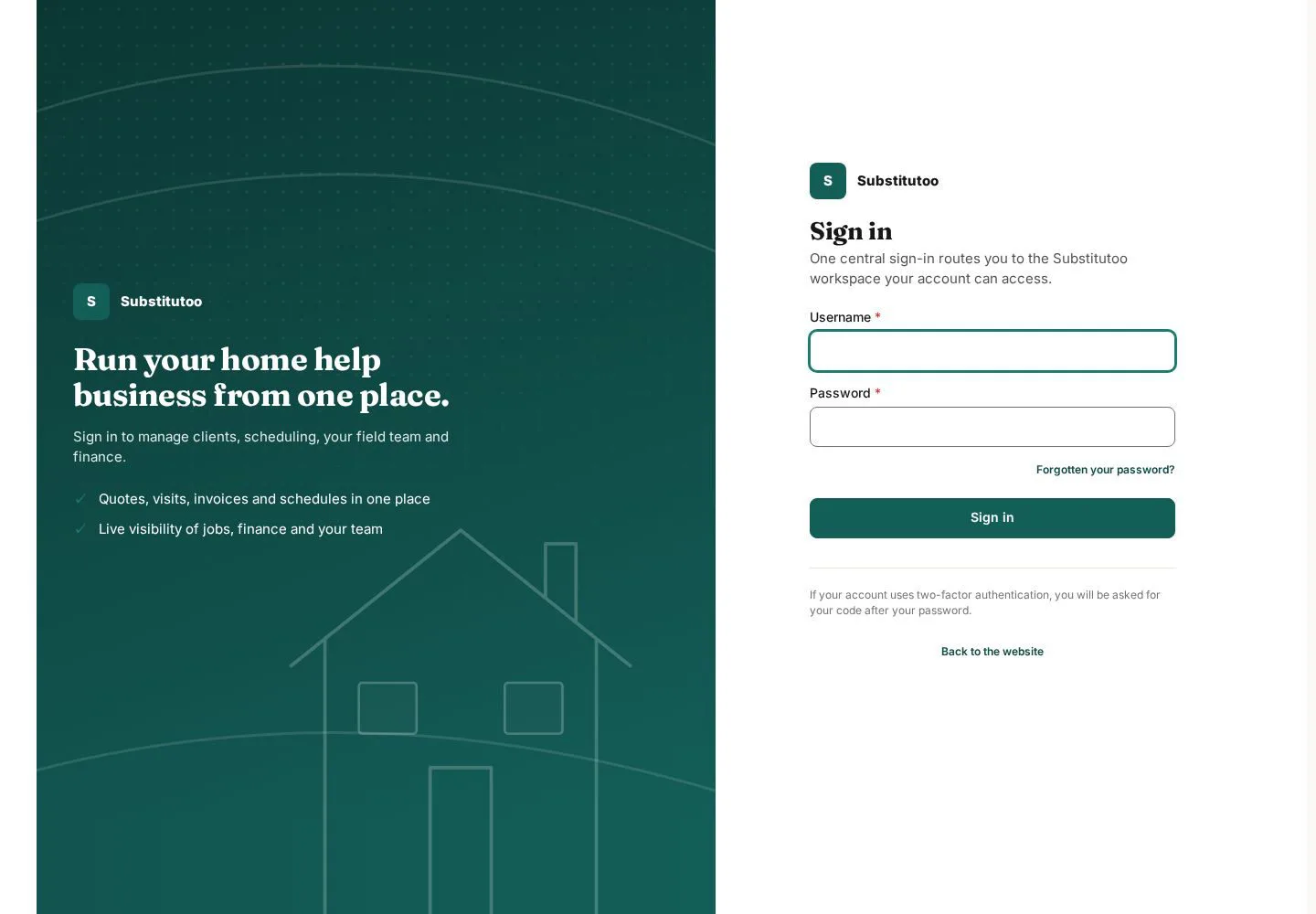
Staff and service-network users enter through the same public sign-in route.
- Enter the username and password assigned to you.
- Choose Sign in and verify the landing page matches your role.
Open on site ↗Full-page screenshot ↗
What you should see
A successful sign-in routes the account to the area its permissions allow.
Request password recovery
Anonymous visitor
2Step 2 of 2
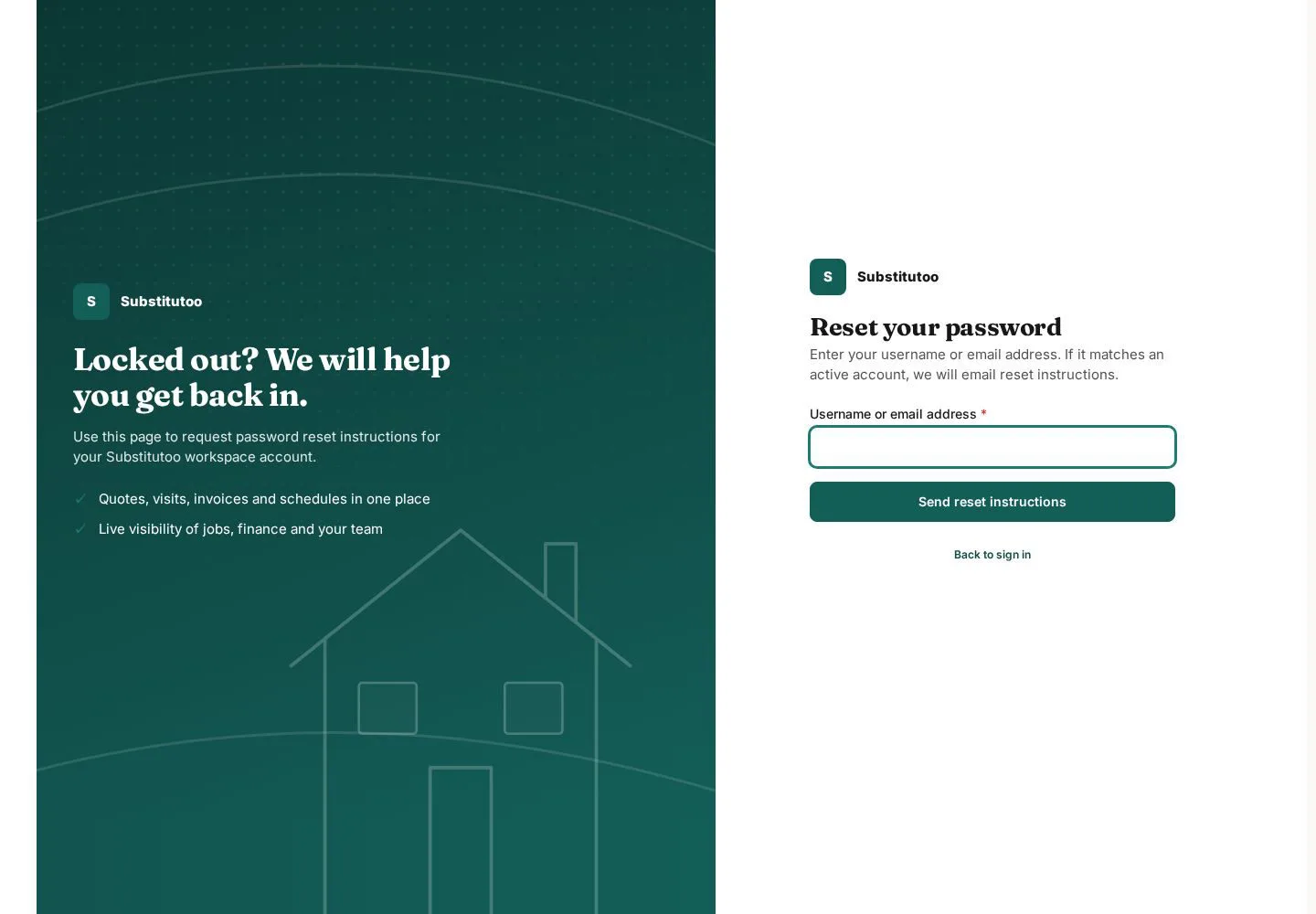
The recovery form starts the site's configured account-recovery process.
- Enter the account identifier requested by the form and follow the instructions sent through the configured channel.
Open on site ↗Full-page screenshot ↗
What you should see
The site provides the next recovery instruction without exposing another user's account details.
1 / 3