






 SubstitutooInternal training
User guide · Head Office
Review networks, partner enquiries and the public site
Use Head Office views for network structure, prospective partners and shared public-site settings.
Review networks
Head Office
1Step 1 of 4
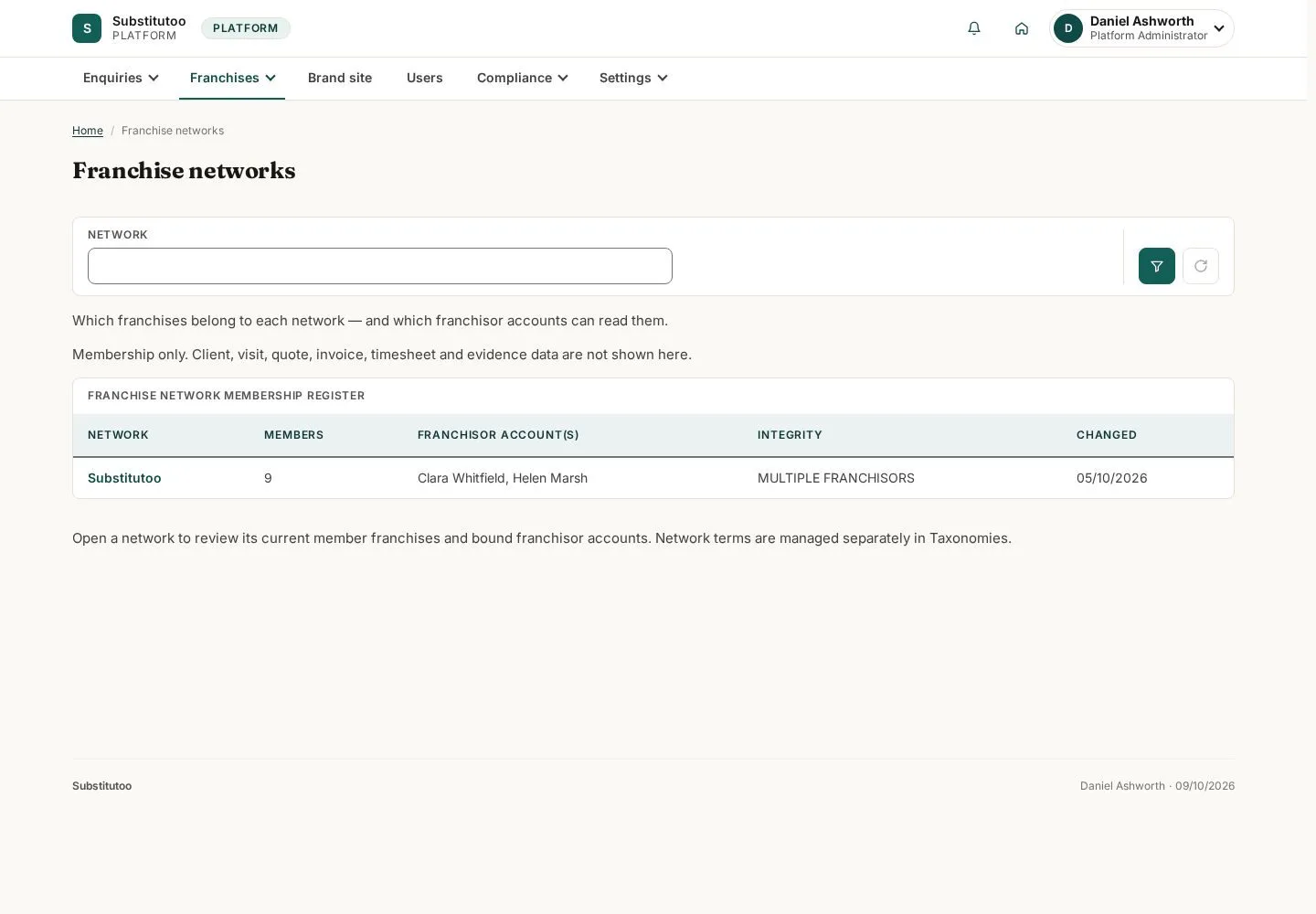
The networks page records the product-level network structures available to Head Office.
- Open the relevant network and review its current record before any governance action.
Open on site ↗sign-inFull-page screenshot ↗
You can identify the network record in scope.
Open partner enquiries
Head Office
2Step 2 of 4
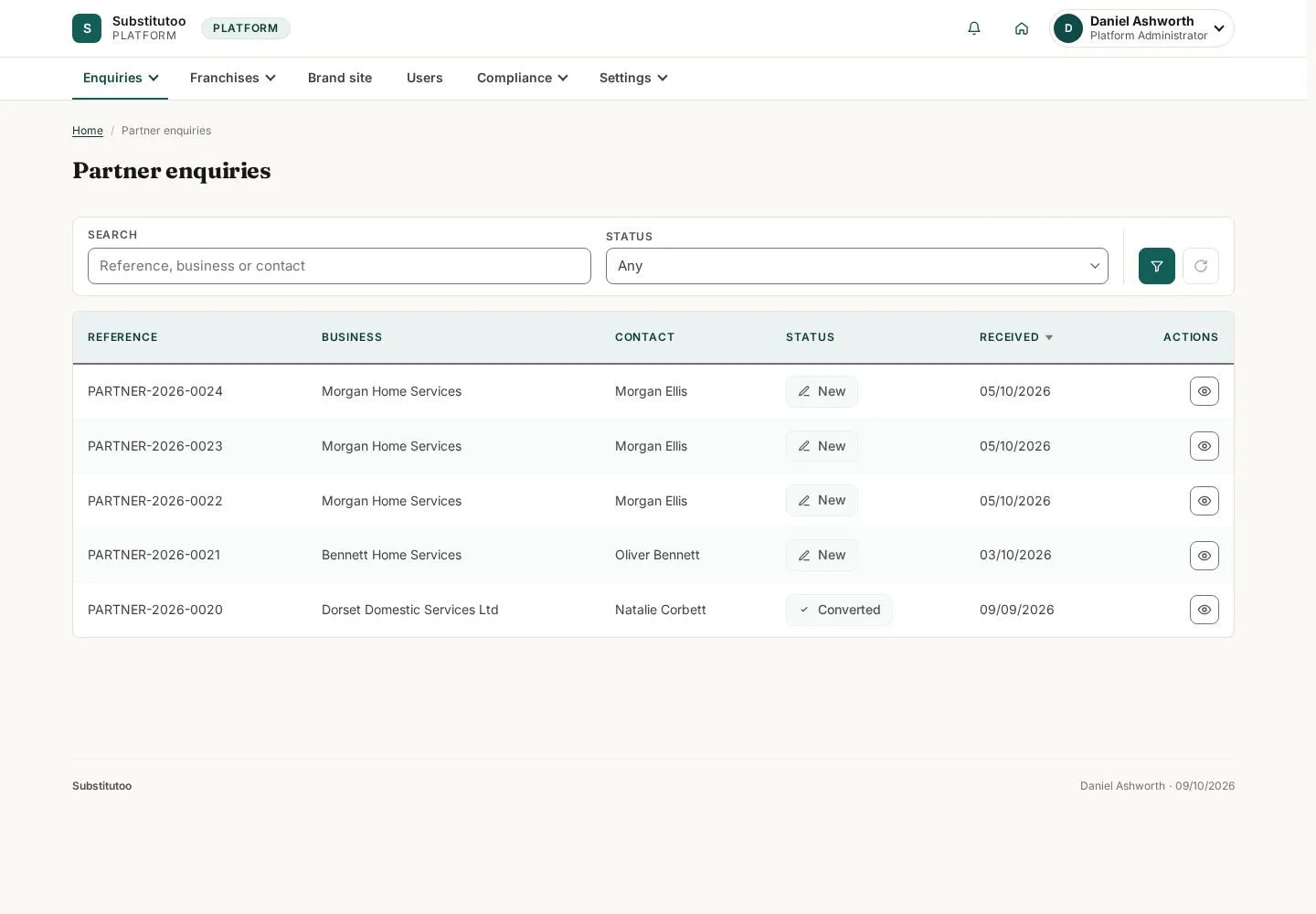
Partner enquiries are kept separately from household service enquiries.
- Find the prospective partner enquiry that needs follow-up.
Open on site ↗sign-inFull-page screenshot ↗
You can distinguish business-partner interest from domestic-cleaning demand.
Review a partner enquiry
Head Office
3Step 3 of 4
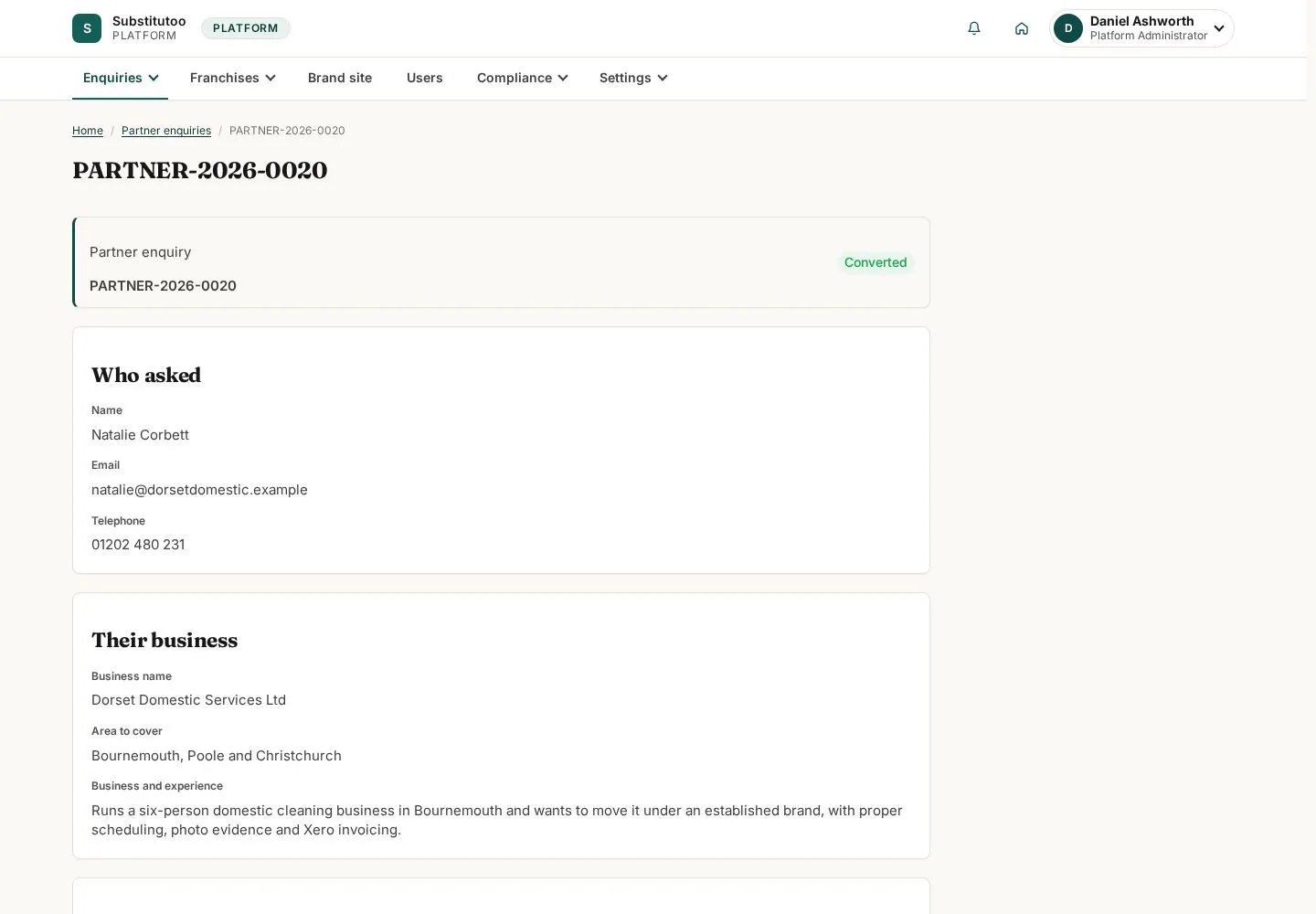
The detail page provides the recorded enquiry and available Head Office follow-up.
- Check the submitted information before using any permitted lifecycle action.
Open on site ↗sign-inFull-page screenshot ↗
You are reviewing the intended partner enquiry.
Review shared public-site settings
Head Office
4Step 4 of 4
The public-site page contains the shared settings exposed to Head Office.
- Review current values and coordinate authorised content changes before saving.
Open on site ↗sign-inFull-page screenshot ↗
You can assess shared public-site configuration without editing a local partner page.