






 SubstitutooInternal training
User guide · Administrator
Use the administrator account safely
Review the account and security pages that are in the customer-facing crawl, and treat technical administration as an excluded boundary.
AdministratorStep-by-step instructions
Review the administrator account
Administrator
1Step 1 of 2
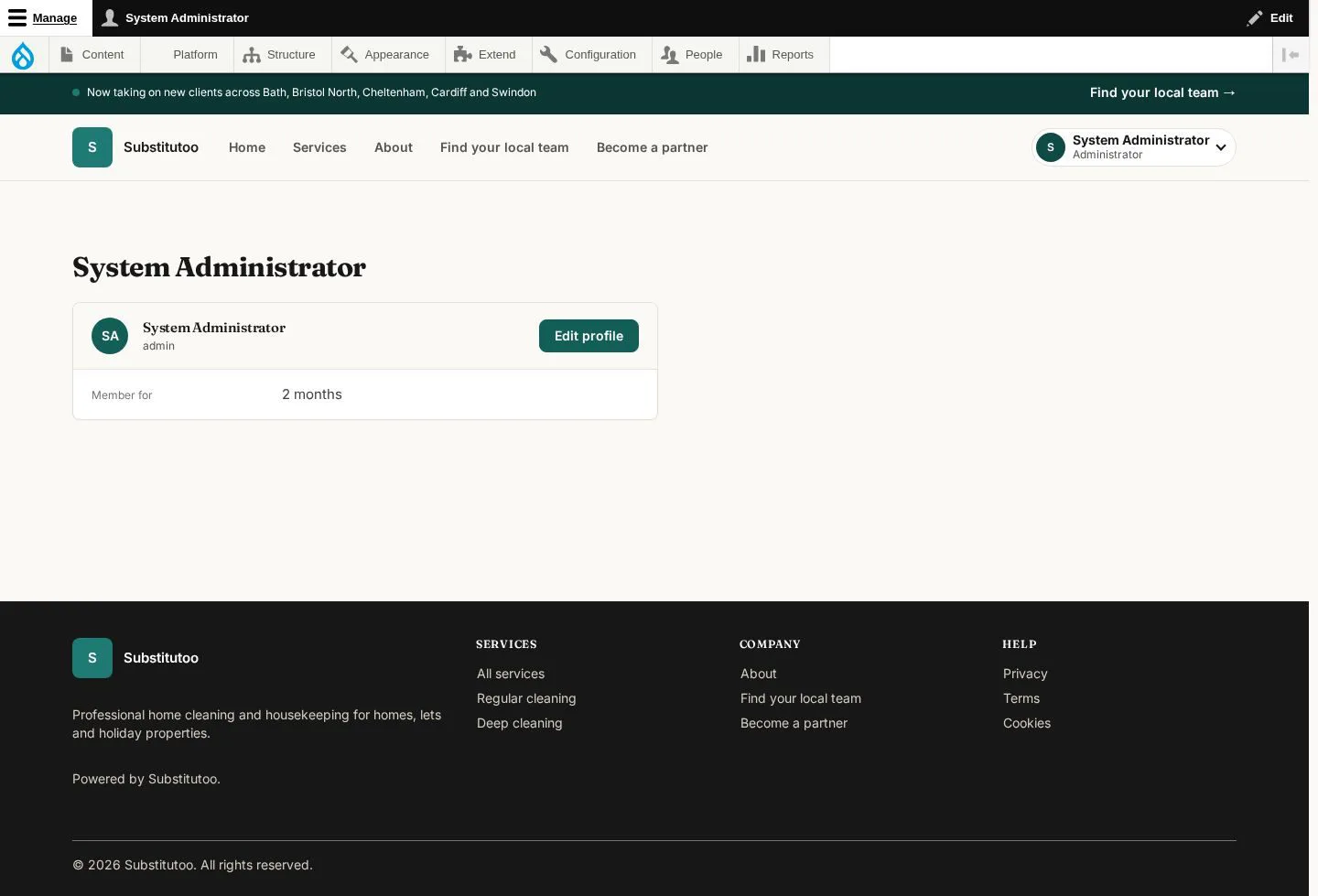
The account page identifies the technical user before a sensitive action.
- Confirm the signed-in account and avoid using it for routine partner operations.
Open on site ↗sign-inFull-page screenshot ↗
What you should see
You know that the current session uses the technical administrator identity.
Review account security
Administrator
2Step 2 of 2
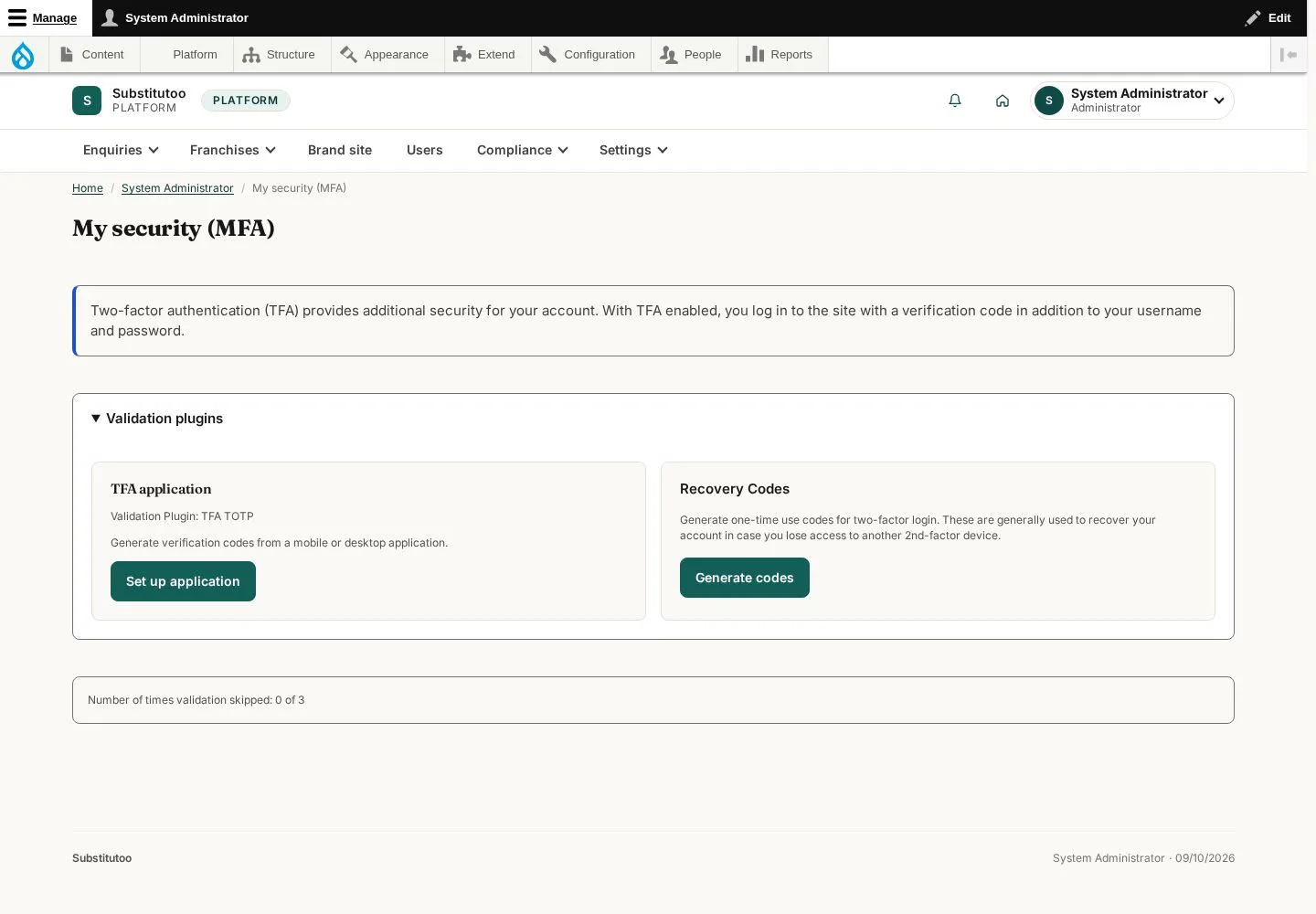
The security page provides the account's multi-factor authentication controls.
- Follow the site's security policy and keep recovery information in an approved secure location.
Technical-administration routes and inaccessible role-switching routes are deliberately excluded from the crawl and this guide.
Open on site ↗sign-inFull-page screenshot ↗
What you should see
You can review security for the administrator account.
1 / 3