






 SubstitutooInternal training
User guide · Office Administrator
Manage operatives and assignments
Review field-team records and the assignment list used to connect people with visits.
Open the operative list
Office Administrator
1Step 1 of 4
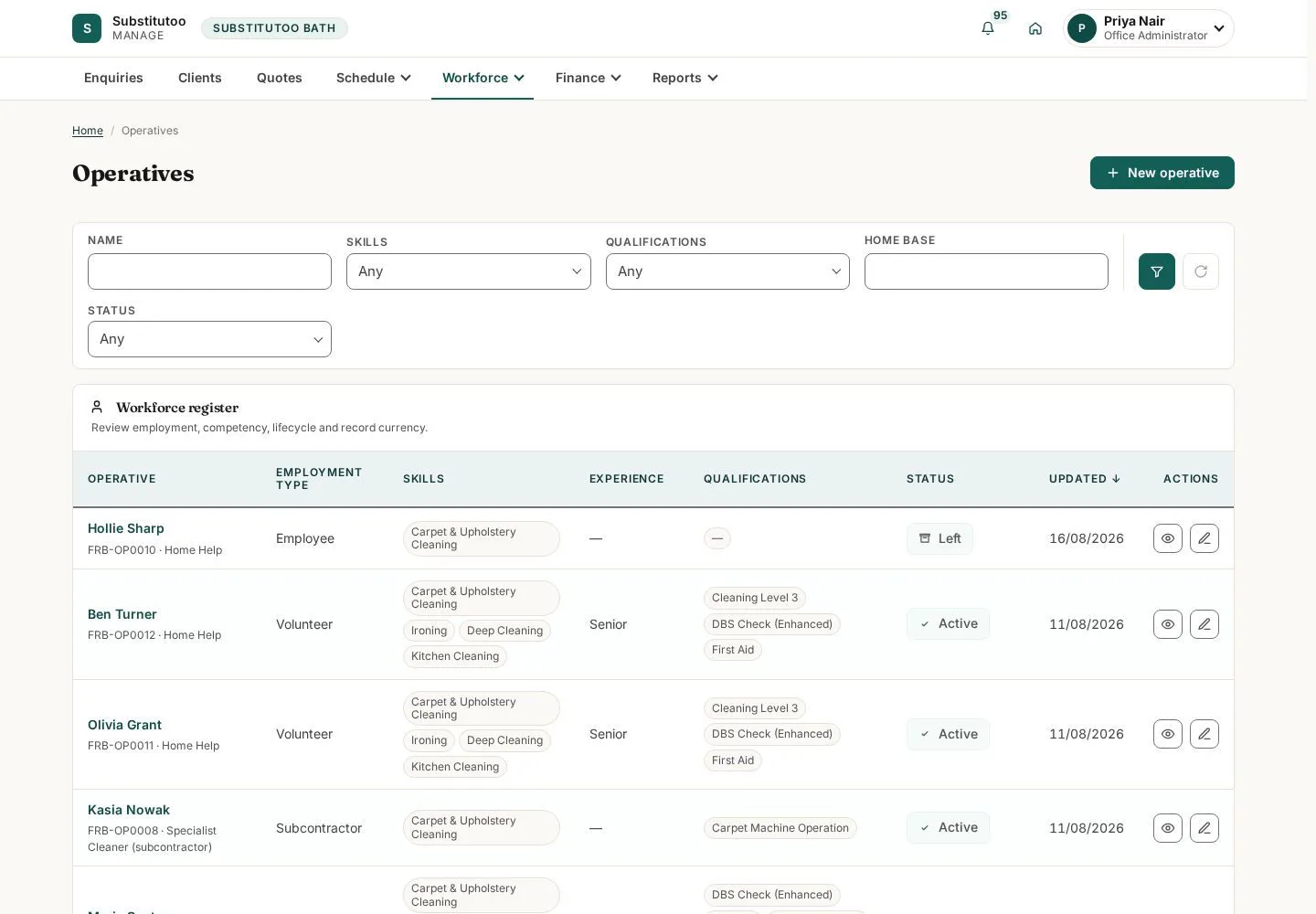
The list shows the field workers available within the partner operation.
- Find the operative whose details or work allocation needs review.
Open on site ↗sign-inFull-page screenshot ↗
You can open an operative record within the partner boundary.
Review an operative
Office Administrator
2Step 2 of 4
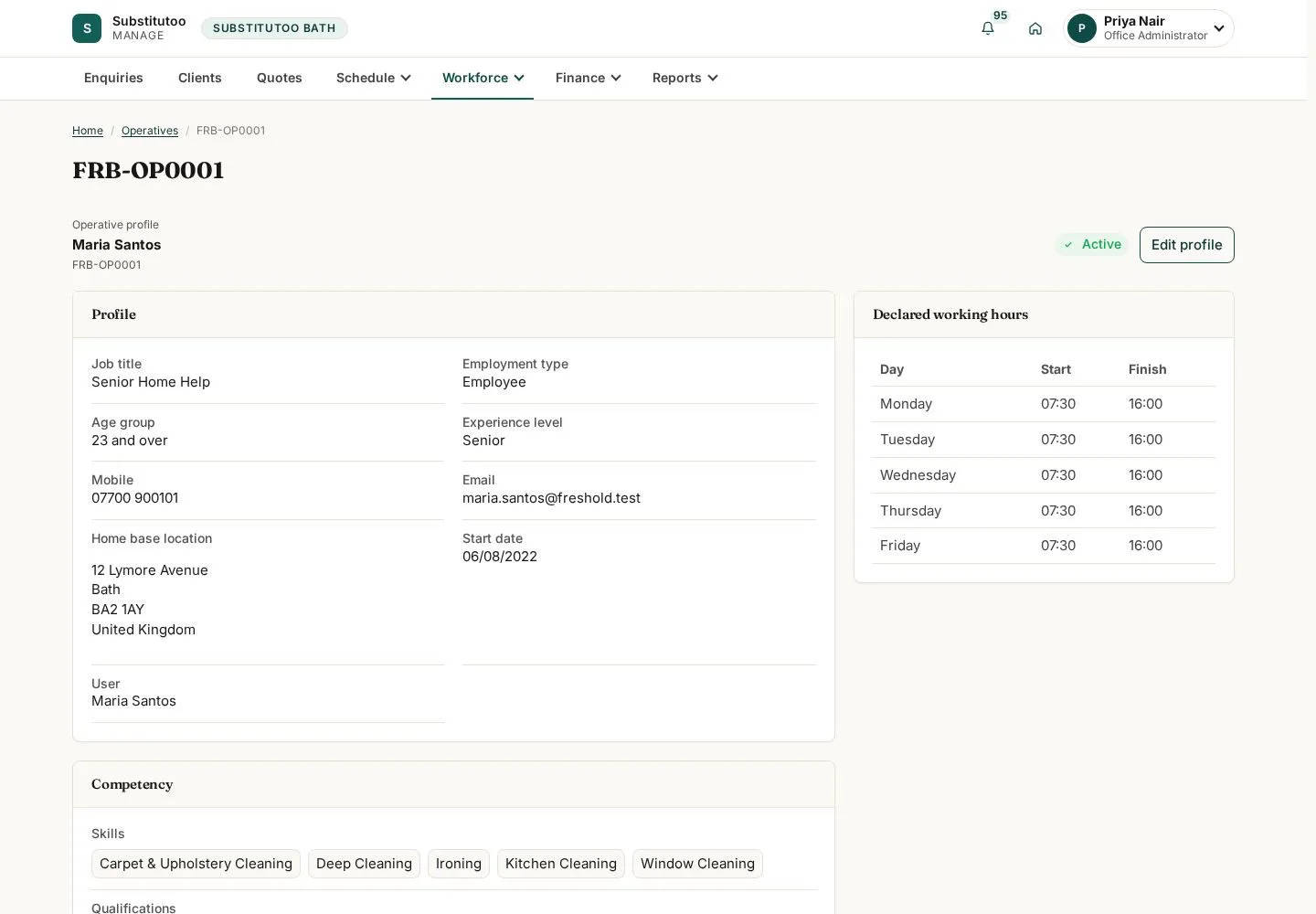
The detail page contains the operative's current business record.
- Check the operative and current state before using edit or lifecycle actions.
Open on site ↗sign-inFull-page screenshot ↗
You are reviewing the intended operative.
Open visit assignments
Office Administrator
3Step 3 of 4
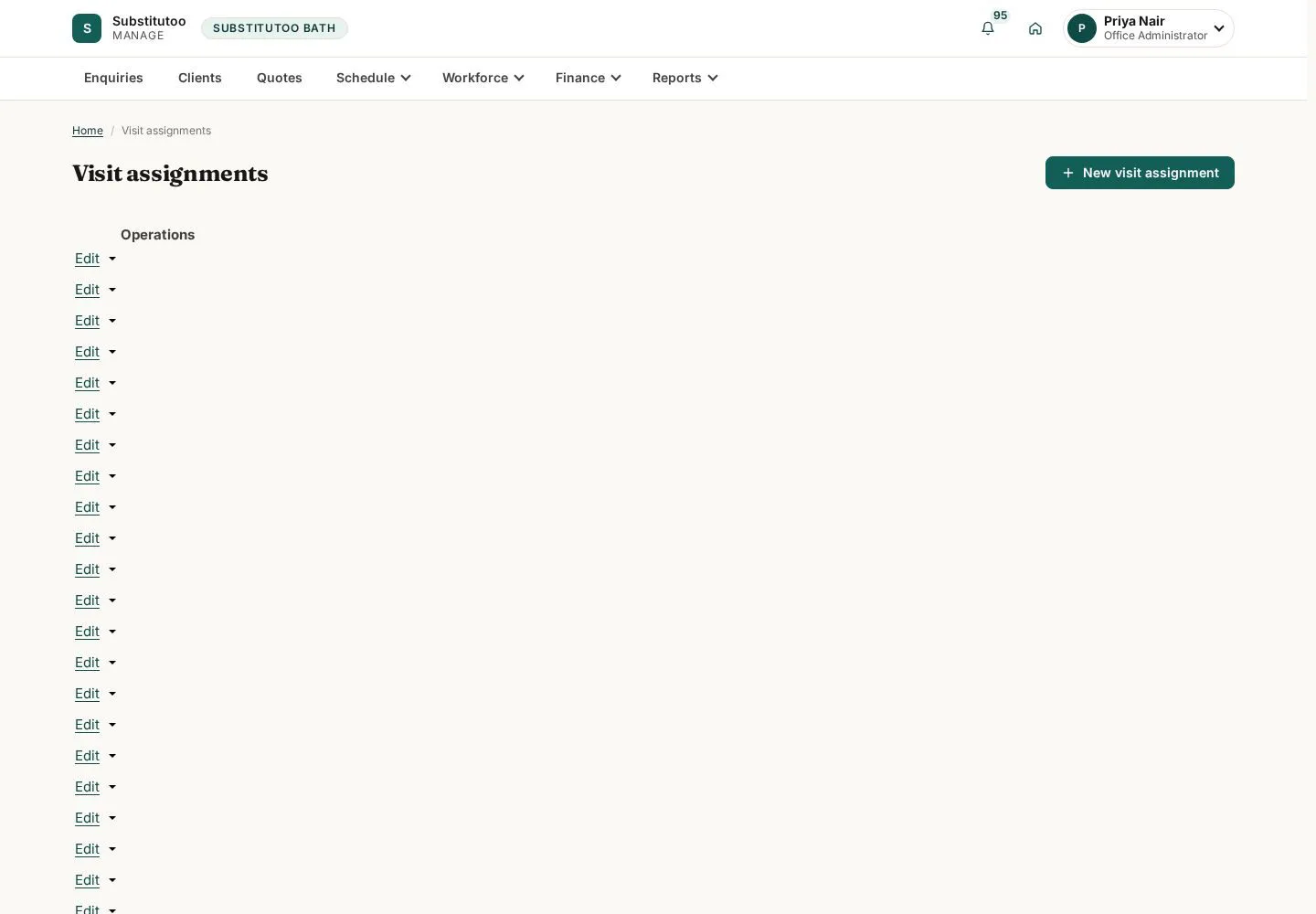
The assignment list provides a record-centred view of who is linked to each visit.
- Search for the visit or operative and open the matching assignment.
Open on site ↗sign-inFull-page screenshot ↗
You can trace an operative-to-visit assignment.
Review an assignment
Office Administrator
4Step 4 of 4
The assignment detail is the audit-friendly record of that connection.
- Confirm the visit and operative before editing or withdrawing an assignment.
Open on site ↗sign-inFull-page screenshot ↗
The assignment record identifies both sides of the relationship.