






 SubstitutooInternal training
User guide · Head Office
Maintain organisations and territories
Review the Head Office records that define partner organisations and geographic territory coverage.
Open organisations
Head Office
1Step 1 of 4
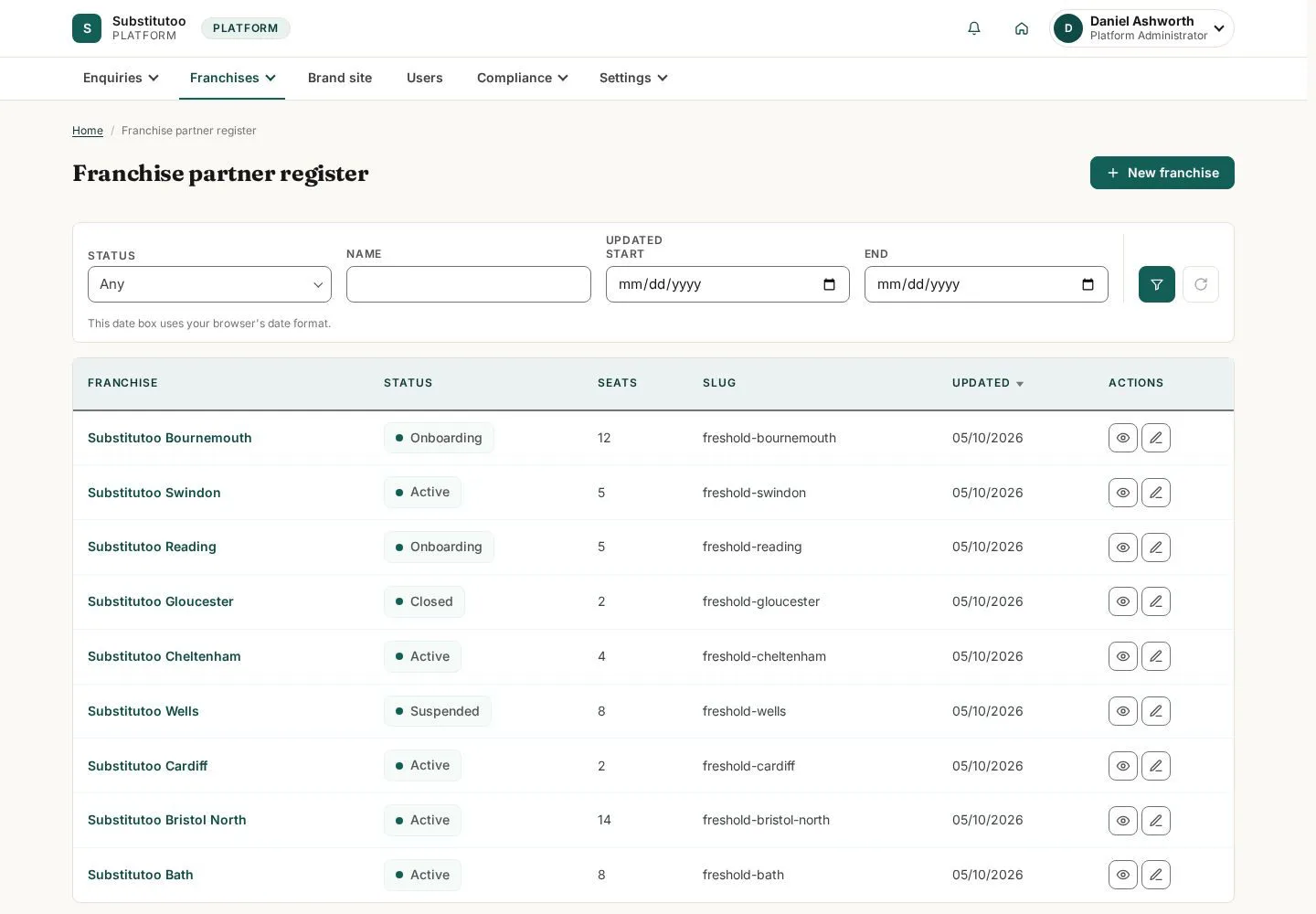
The organisation list presents the partner records governed by Head Office.
- Find the organisation that needs review before opening create or edit actions.
Open on site ↗sign-inFull-page screenshot ↗
You can identify the correct partner organisation.
Review an organisation
Head Office
2Step 2 of 4
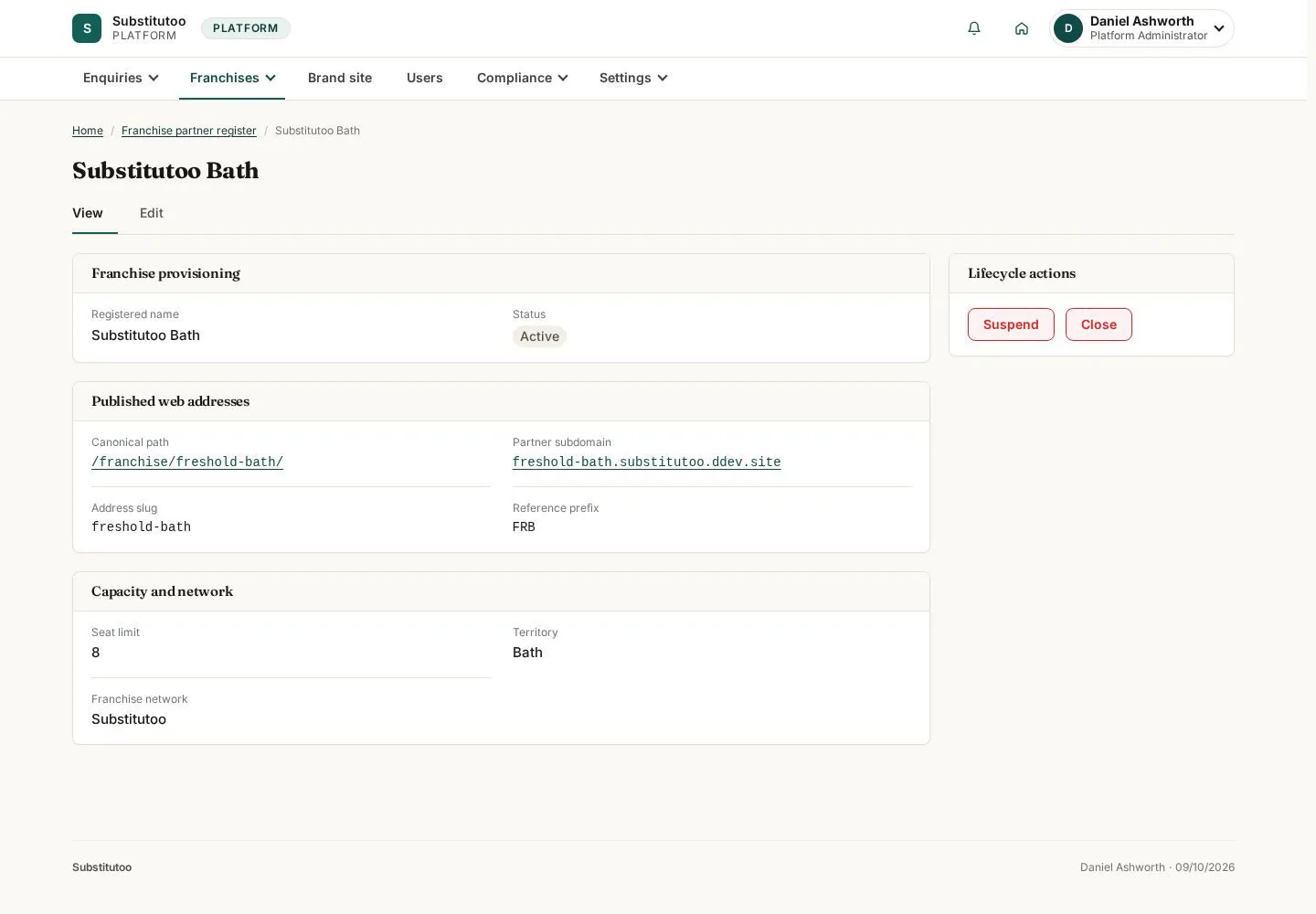
The organisation detail is the network-level record for the selected partner.
- Confirm identity and lifecycle state before making an authorised change.
Open on site ↗sign-inFull-page screenshot ↗
You are reviewing the intended organisation.
Open territory coverage
Head Office
3Step 3 of 4
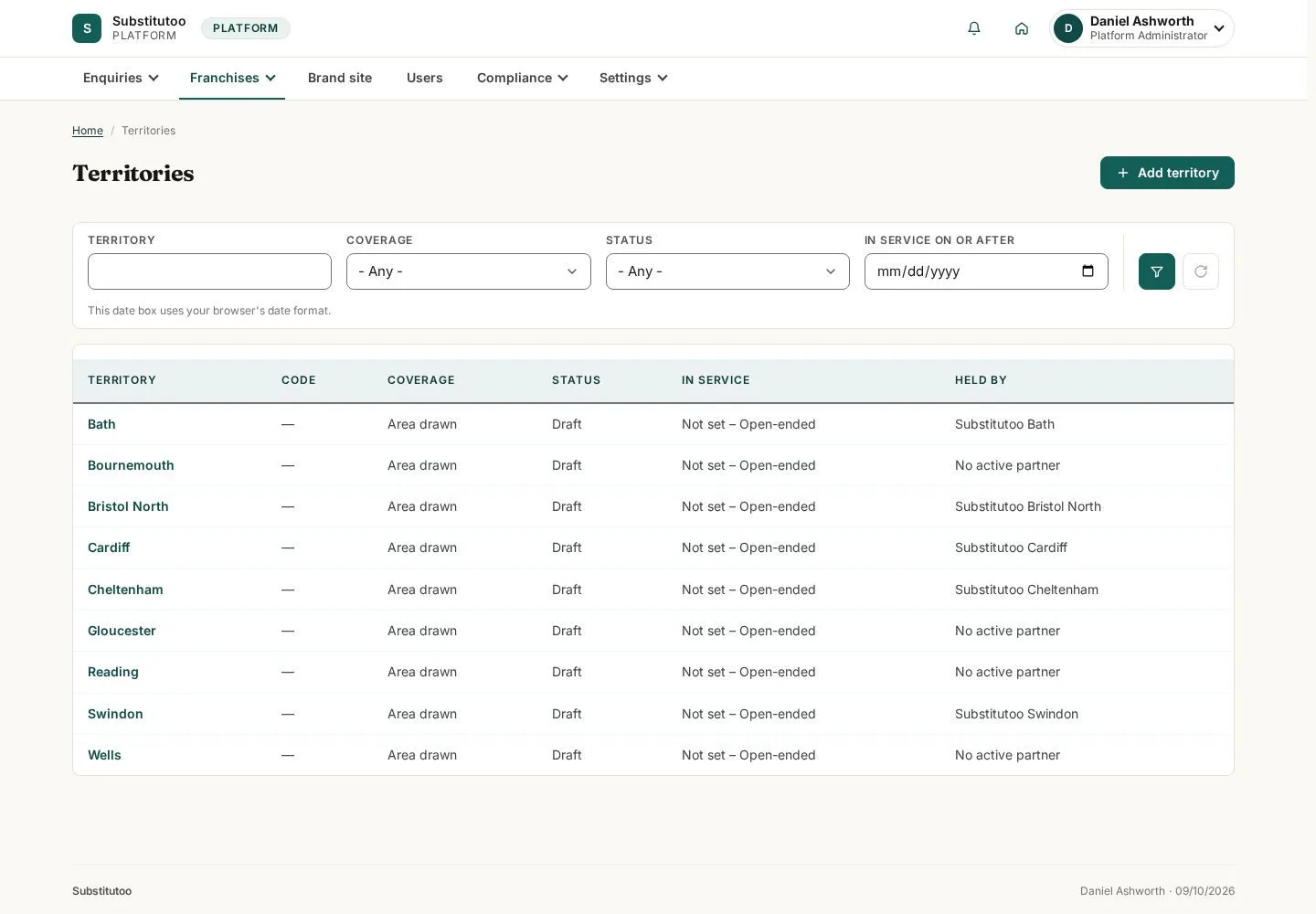
The territory list records geographic coverage used by network operations.
- Find the territory that needs review and check its organisation relationship.
Open on site ↗sign-inFull-page screenshot ↗
You can inspect the current territory records.
Prepare a territory record
Head Office
4Step 4 of 4
The add or edit form makes the coverage definition explicit.
- Enter only approved coverage data and review it before saving in live administration.
Open on site ↗sign-inFull-page screenshot ↗
The territory form is ready for review; no coverage is changed by the guide.