





MenuNerdsCafé managementService handbook
User guide · Waiter
Review guest orders sent from a table
Understand the handoff from a guest’s table menu to the staff approval queue.
- Guests use a valid table QR. Staff sign in to review submitted requests.
Guest · WaiterStep-by-step instructions
Guest chooses at the table
Guest
1Step 1 of 2
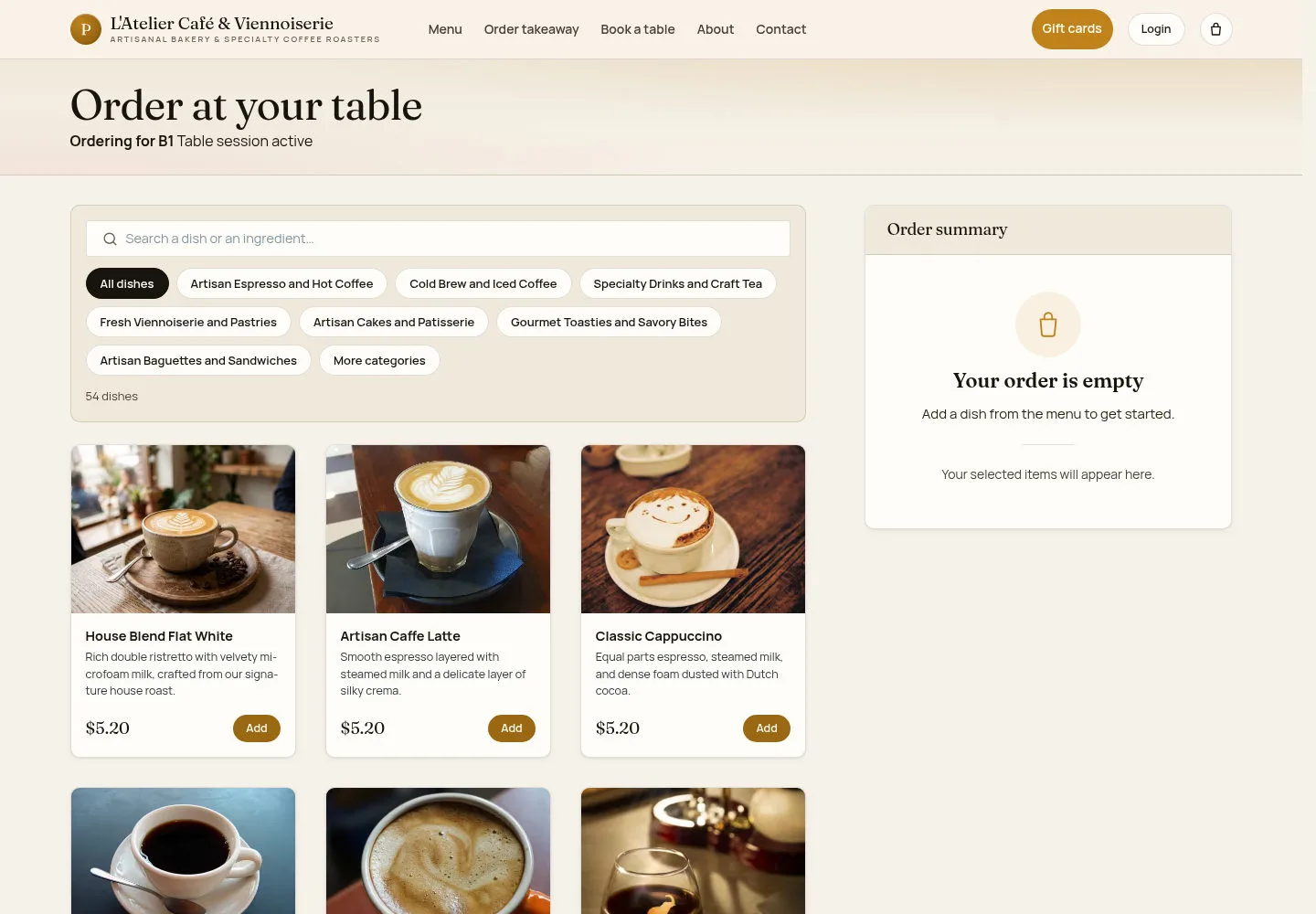
The guest opens the table menu before sending a selection.
- Check the table, choose dishes and review the cart before sending.
What you should see
Only a submitted request can enter the staff review queue.
Open Guest orders to approve
Waiter
2Step 2 of 2
↪ The work moves from Guest to Waiter.
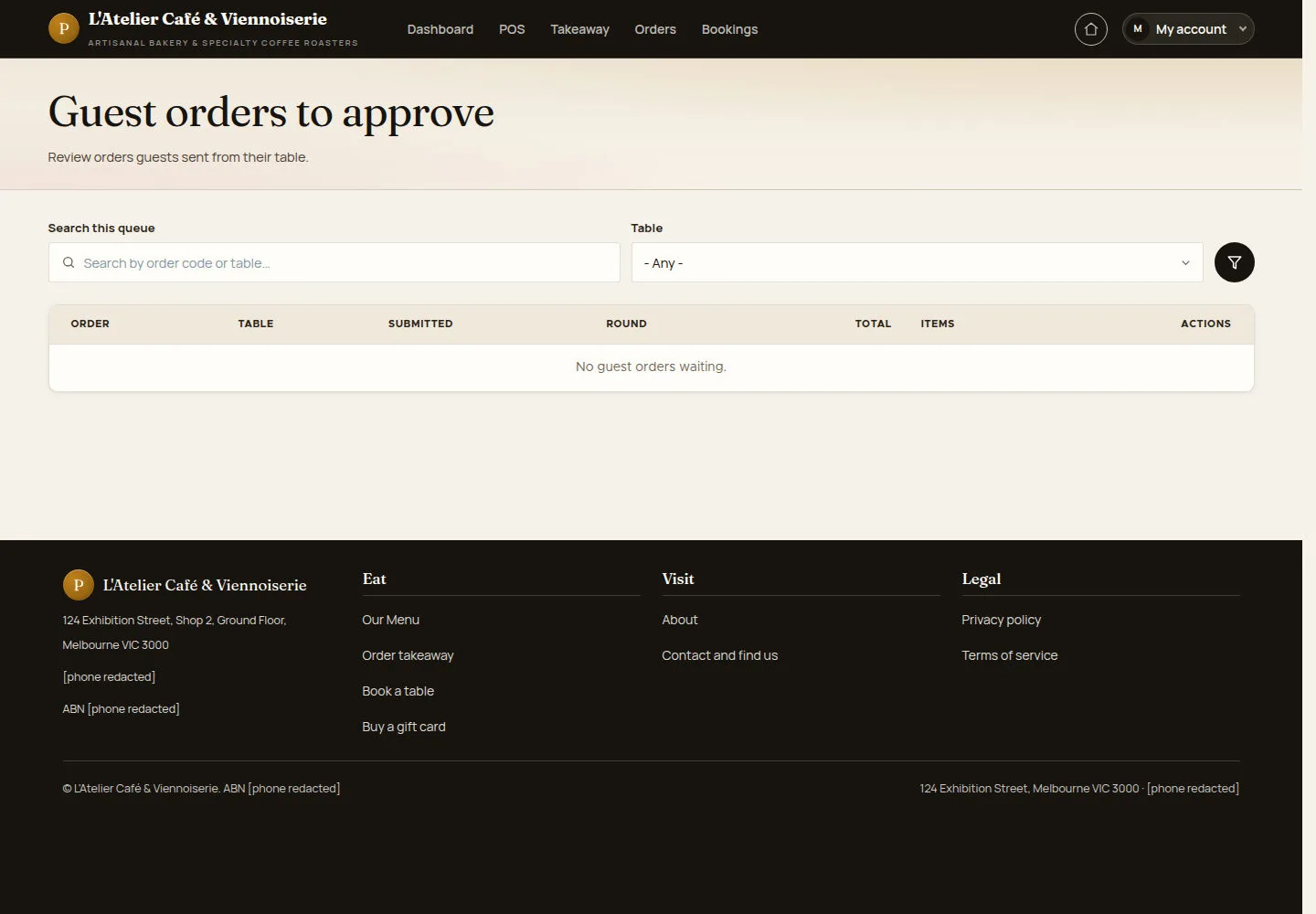
The approval queue lists table requests waiting for a staff decision.
- Open Guest orders to approve. Use the table filter to find the request and inspect its items when a row is available.
Open on site ↗sign-inFull-page screenshot ↗
What you should see
A pending row should identify the order and table. No guest orders waiting means there is currently no request to approve.
1 / 3