





User guide · Guests
Request a table:time, party and contact
Send the details staff need to review a table request.
- Have your preferred date, party size and a contact phone ready.
Choose when and how many
Guests
1Step 1 of 3
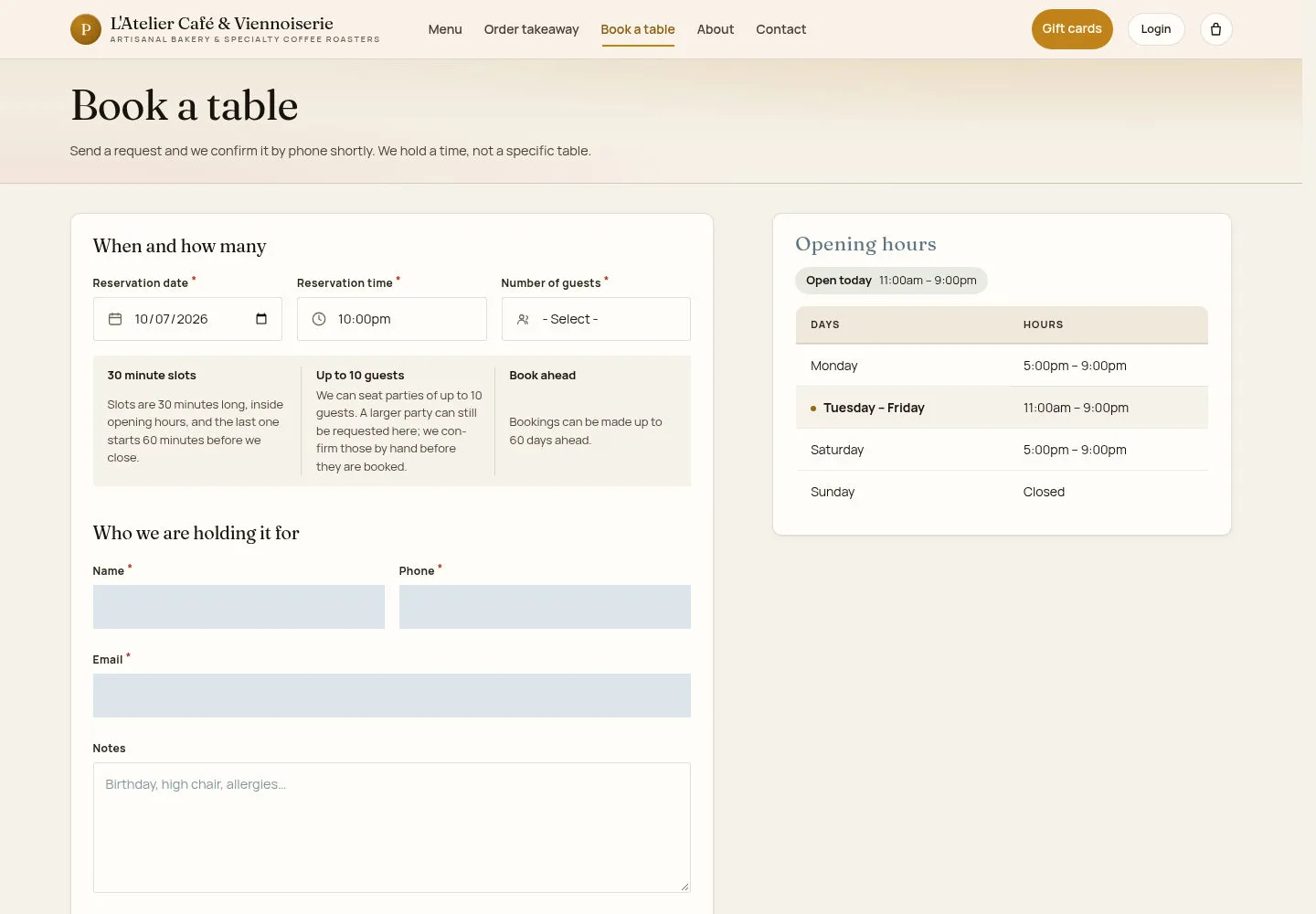
The booking form offers dates and times according to the current trading and booking rules.
- Select Reservation date, Reservation time and Number of guests. Use the larger-party option if needed.
Follow the limits displayed on your form. A larger party may require a staff decision.
Open on site ↗Full-page screenshot ↗
Your selection identifies a time and party size; the café does not promise a specific table.
Provide a way to confirm
Guests
2Step 2 of 3
Accurate contact details let the café clarify the request.
- Enter Name, Phone, Email and any useful Notes. Check the details before sending.
Open on site ↗Full-page screenshot ↗
After sending, read the site’s response. Wait for the confirmation it requires before treating the booking as confirmed.
Contact the café when plans change
Guests
3Step 3 of 3
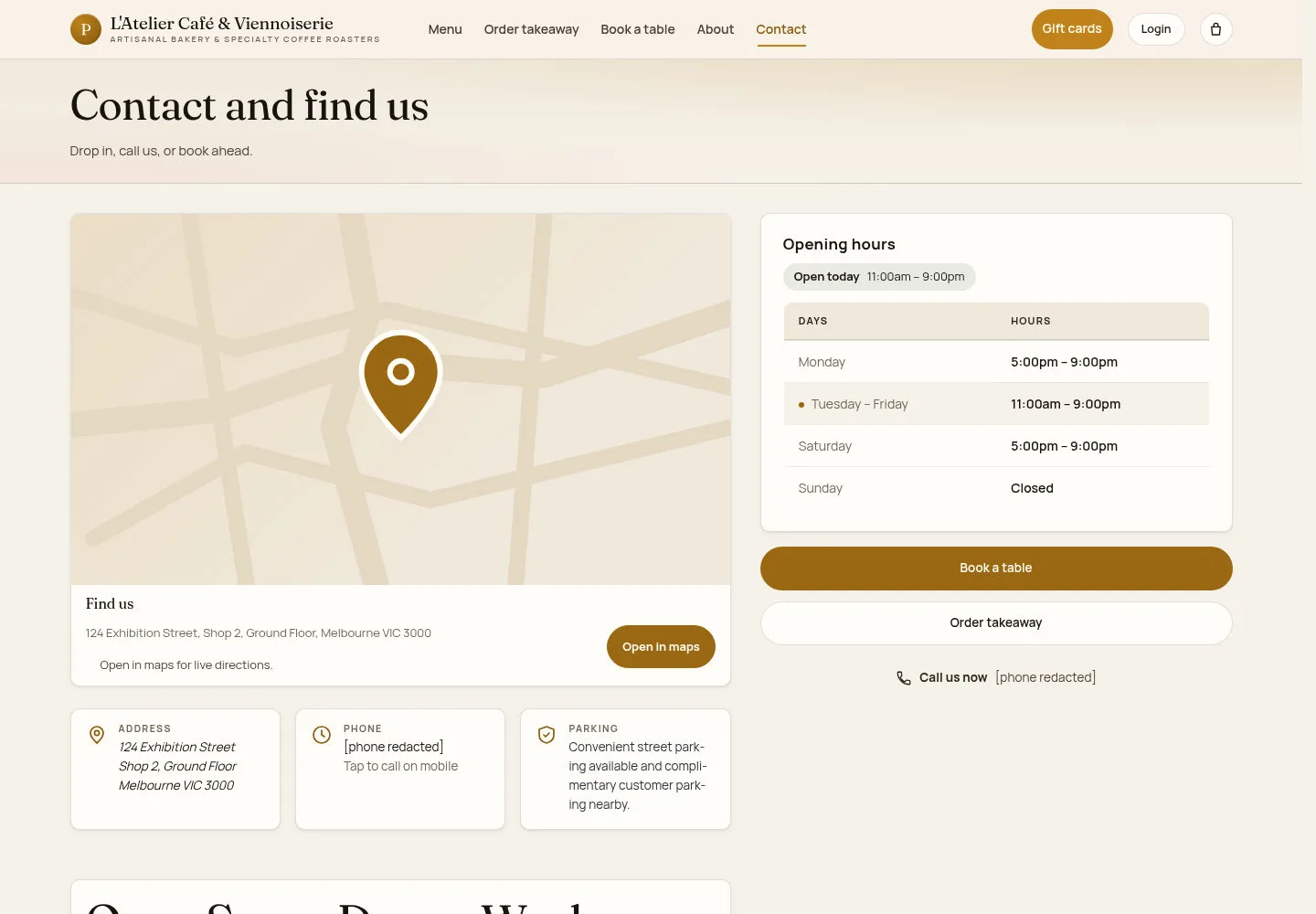
Use the current contact page when you need help with the request or a change.
- Open Contact and find us and use the café’s displayed contact details.
Open on site ↗Full-page screenshot ↗
You can reach the café using the details published on the site.