





User guide · Manager
Review sales and prepare the day-close draft
Read sales and payment reports, then prepare the cash reconciliation available on the current site.
- Use a Manager account and select the venue business dates you intend to review.
Choose the reporting period
Manager
1Step 1 of 5
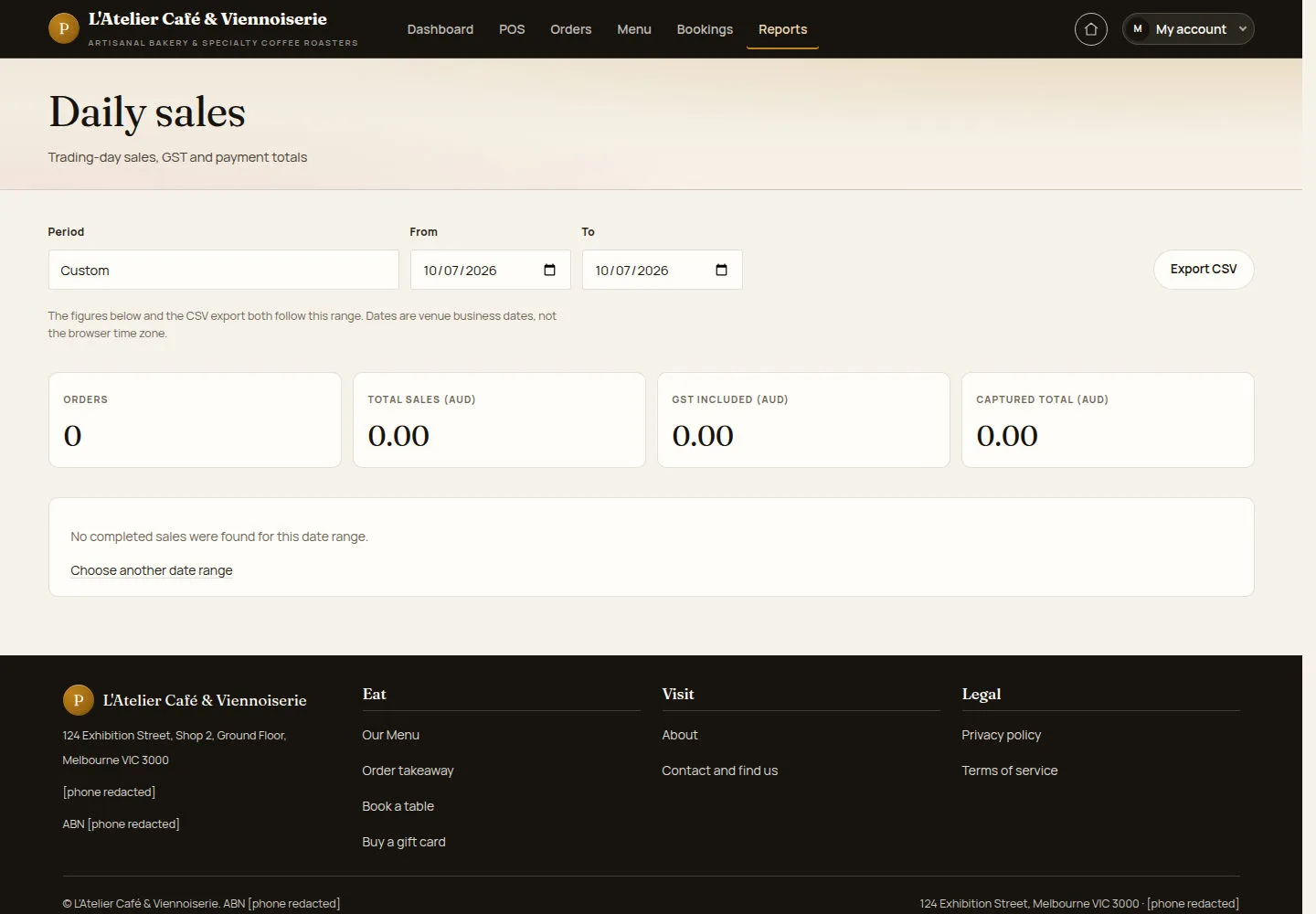
Daily sales and its export use the same date range.
- Open Daily sales, choose a preset or custom dates and select View report.
Open on site ↗sign-inFull-page screenshot ↗
Totals and any empty-state message apply to that range. Business dates follow the venue, rather than the reader’s device time zone.
Read item sales
Manager
2Step 2 of 5
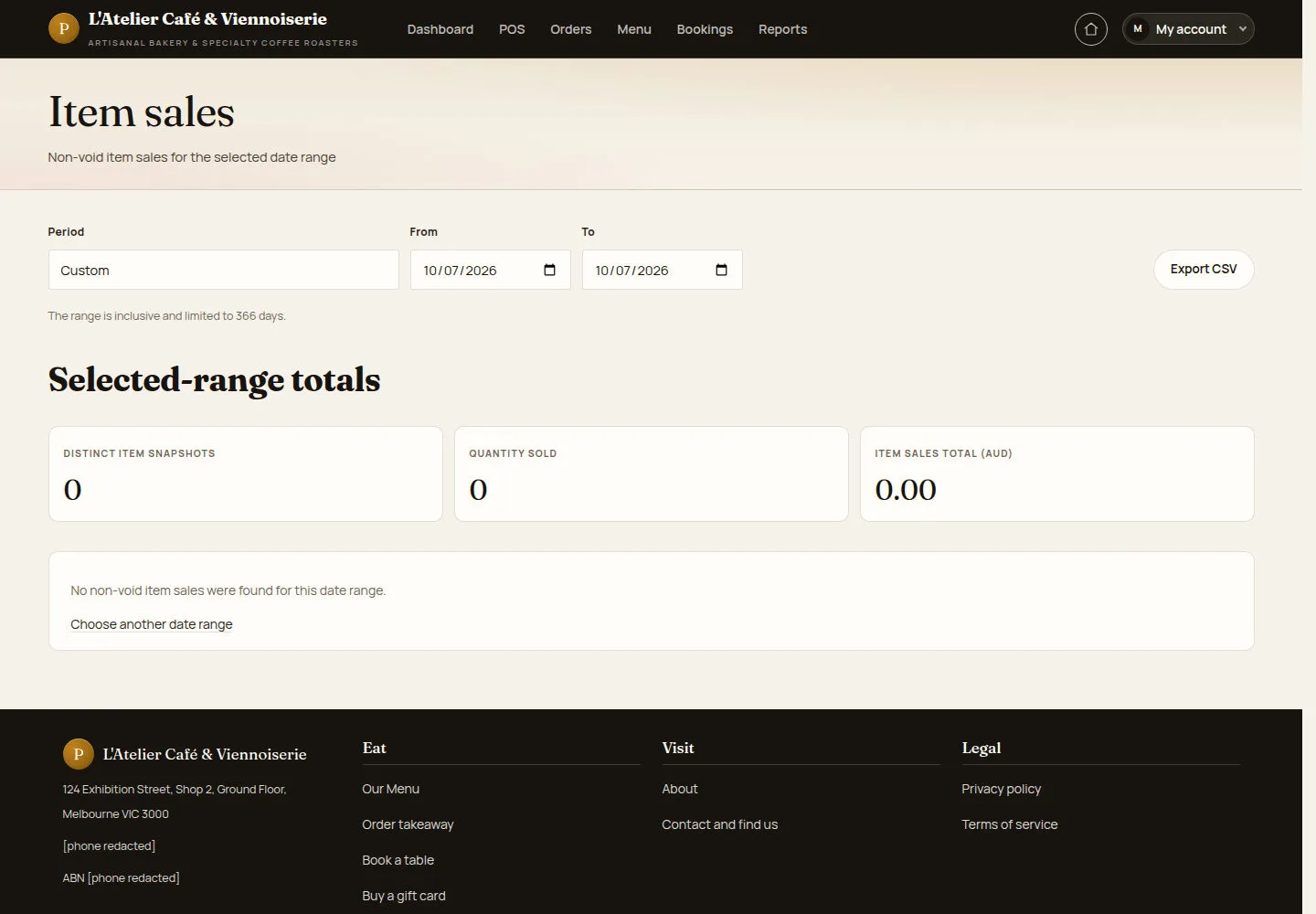
Item sales groups sales by menu item for the selected range.
- Open Item sales and use the same period when comparing with daily sales.
Open on site ↗sign-inFull-page screenshot ↗
You can review the recorded quantities and values for each item in the chosen period.
Compare payment totals
Manager
3Step 3 of 5
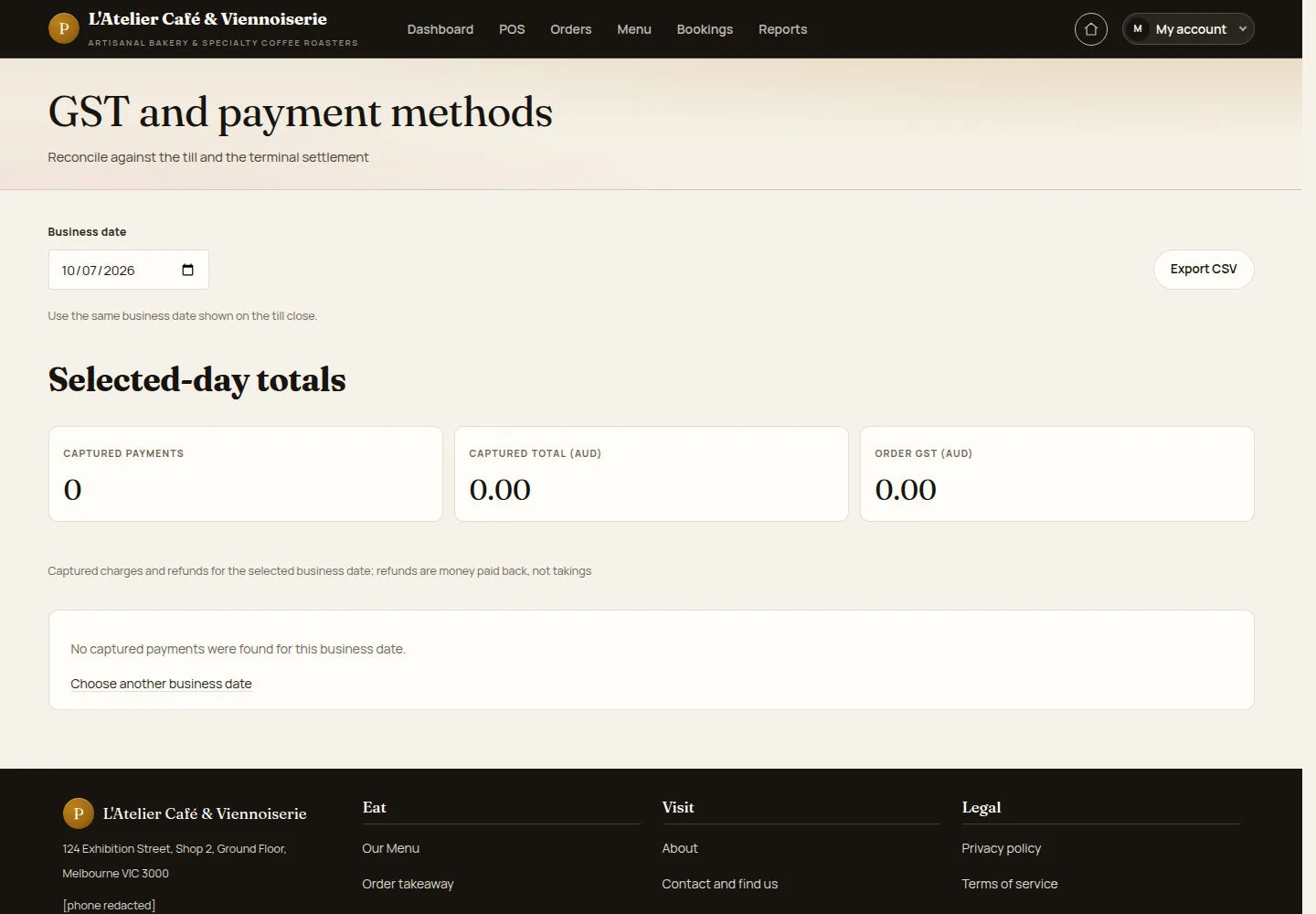
GST and payment methods separates the payment figures used for reconciliation.
- Open GST and payment methods. Check its period and compare the recorded methods with the relevant payment records.
Open on site ↗sign-inFull-page screenshot ↗
Review differences using the underlying orders; the report alone does not prove a bank deposit or terminal settlement.
Read the GST summary
Manager
4Step 4 of 5
The GST and BAS summary provides quarter figures and an integrity check of recorded order tax.
- Choose the quarter and select View report. Read the source explanation and any integrity warnings before exporting.
Open on site ↗sign-inFull-page screenshot ↗
The displayed figures relate to the selected quarter. Ask the person responsible for accounting to review any discrepancy.
Prepare the cash-reconciliation draft
Manager
5Step 5 of 5
The current Close the day form saves a structural reconciliation draft.
- Review open orders. Check Business date, enter the counted cash and add a variance note where needed before saving the draft.
Open on site ↗sign-inFull-page screenshot ↗
Treat the saved record as a draft. The current form explicitly does not close, archive or lock the business day.