





MenuNerdsCafé managementService handbook
User guide · Guests
Gift cards:choose an amount or check a balance
Find the available gift card amounts and the balance lookup.
- To check a balance, have a valid code from your card or its email.
GuestsStep-by-step instructions
Choose a gift card amount
Guests
1Step 1 of 2
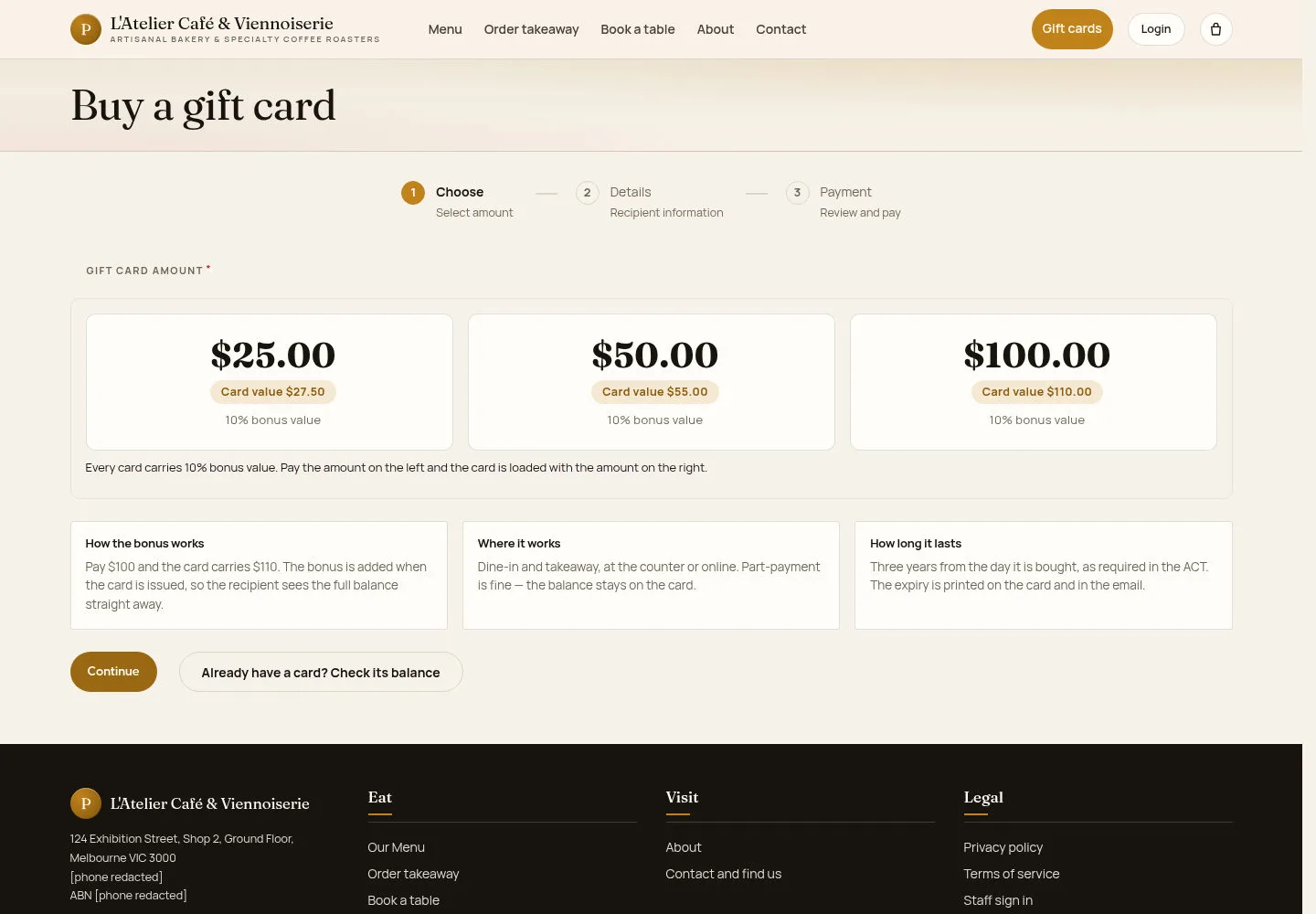
The gift card page distinguishes the purchase amount from the value loaded onto the card.
- Open Gift cards. Compare the available amounts and read the value, validity and use conditions shown.
Open on site ↗Full-page screenshot ↗
What you should see
The selected amount is only the first stage. Follow the recipient and payment stages offered before expecting an issued card.
Check an existing card
Guests
2Step 2 of 2
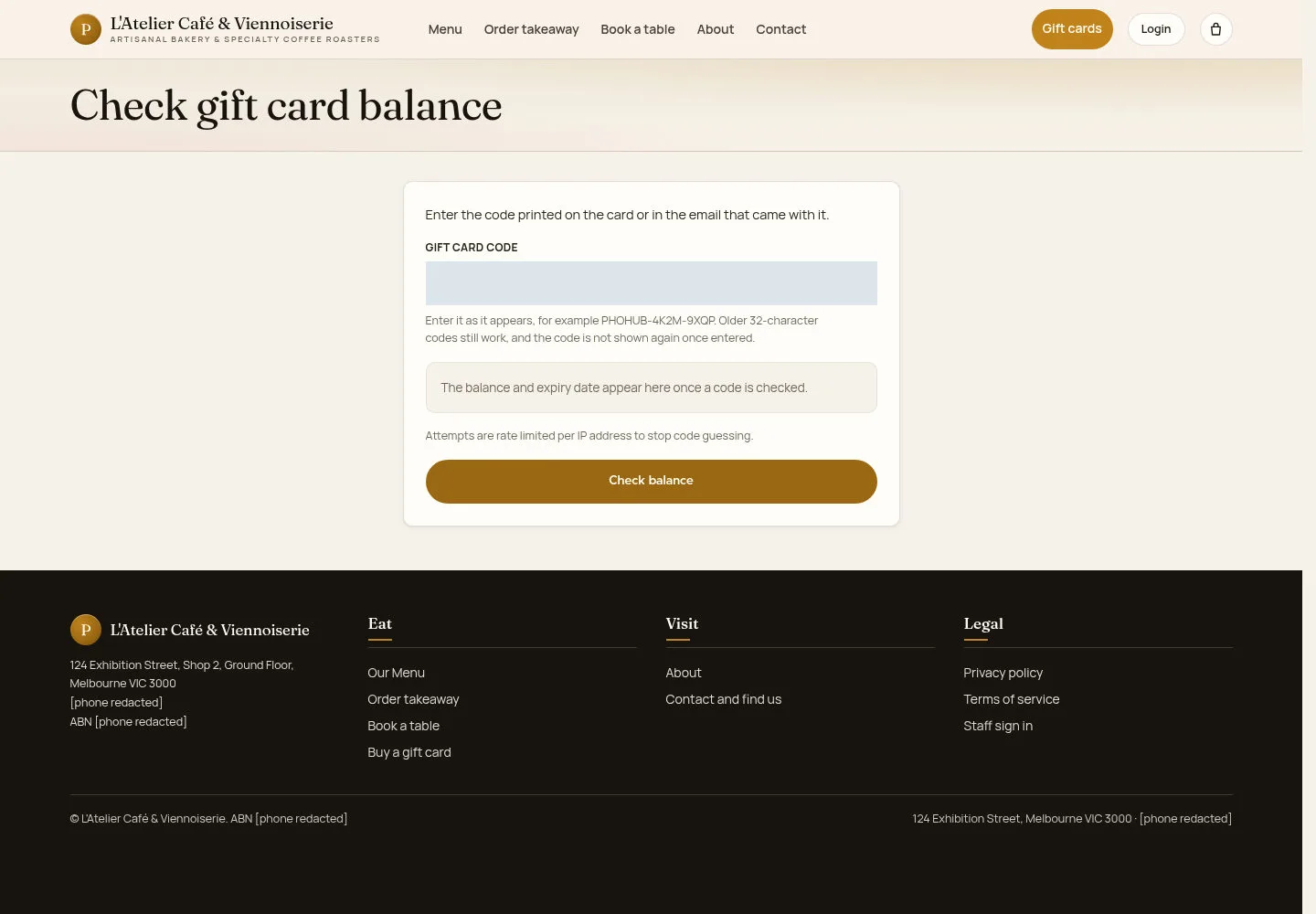
Use the balance page with the code issued for your own card.
- Select Check gift card balance, enter Gift card code exactly as issued and use the lookup control.
Open on site ↗Full-page screenshot ↗
What you should see
A successful lookup should show that card’s balance and expiry. A displayed sample code is not a usable gift card.
1 / 3