





MenuNerdsCafé managementService handbook
User guide · Administrator
Maintain your account and review opening hours
Use the account and trading-hour pages within the business workspace.
- Use your own account; sensitive changes require the credentials requested on the form.
AdministratorStep-by-step instructions
Review your own account
Administrator
1Step 1 of 2
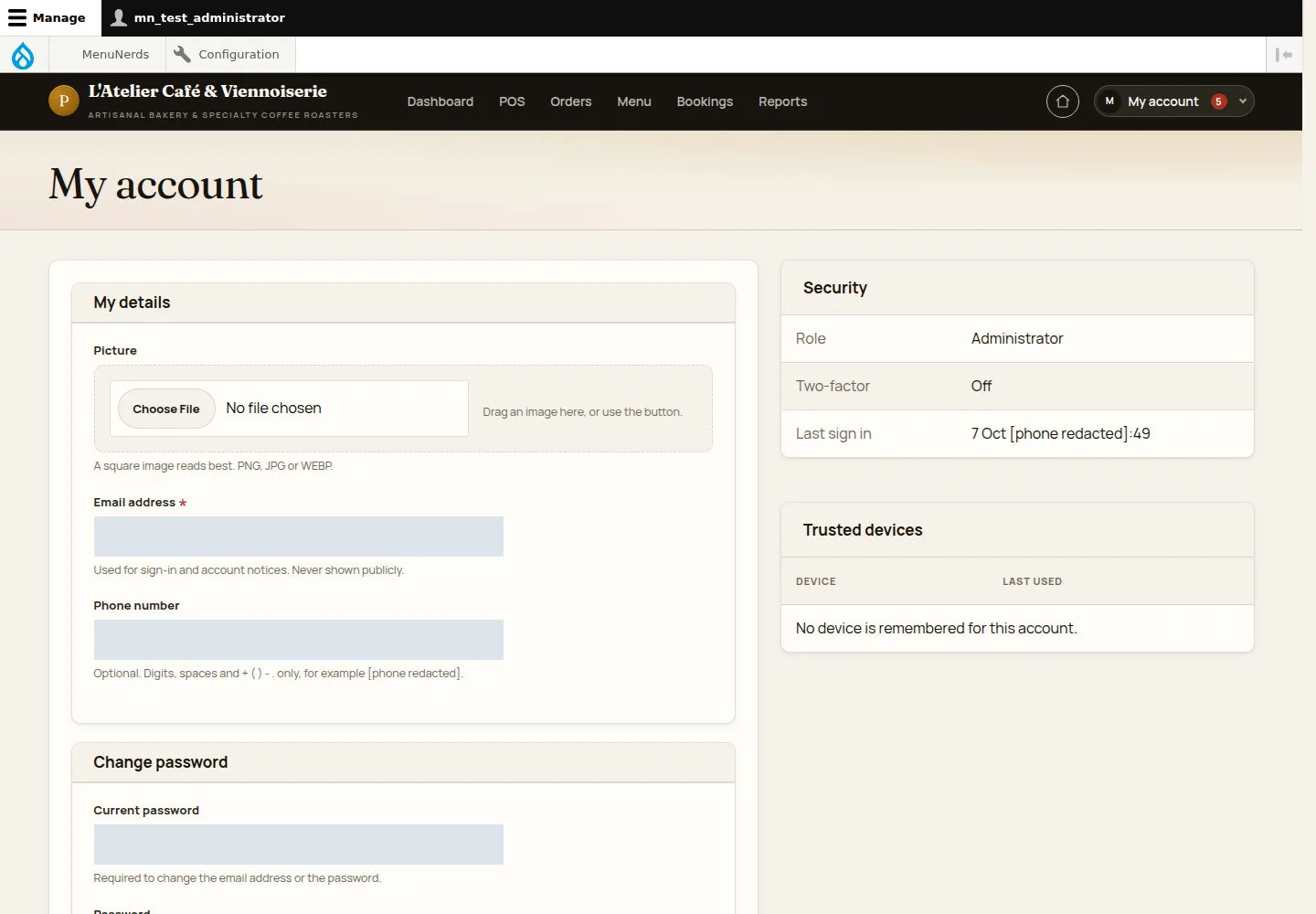
My account is where the account holder maintains contact and sign-in information.
- Open My account and follow the displayed current-password and new-password requirements for sensitive changes.
Open on site ↗sign-inFull-page screenshot ↗
What you should see
Your own details and security status are visible. Use only security controls the page says are available.
Review the trading schedule
Administrator
2Step 2 of 2
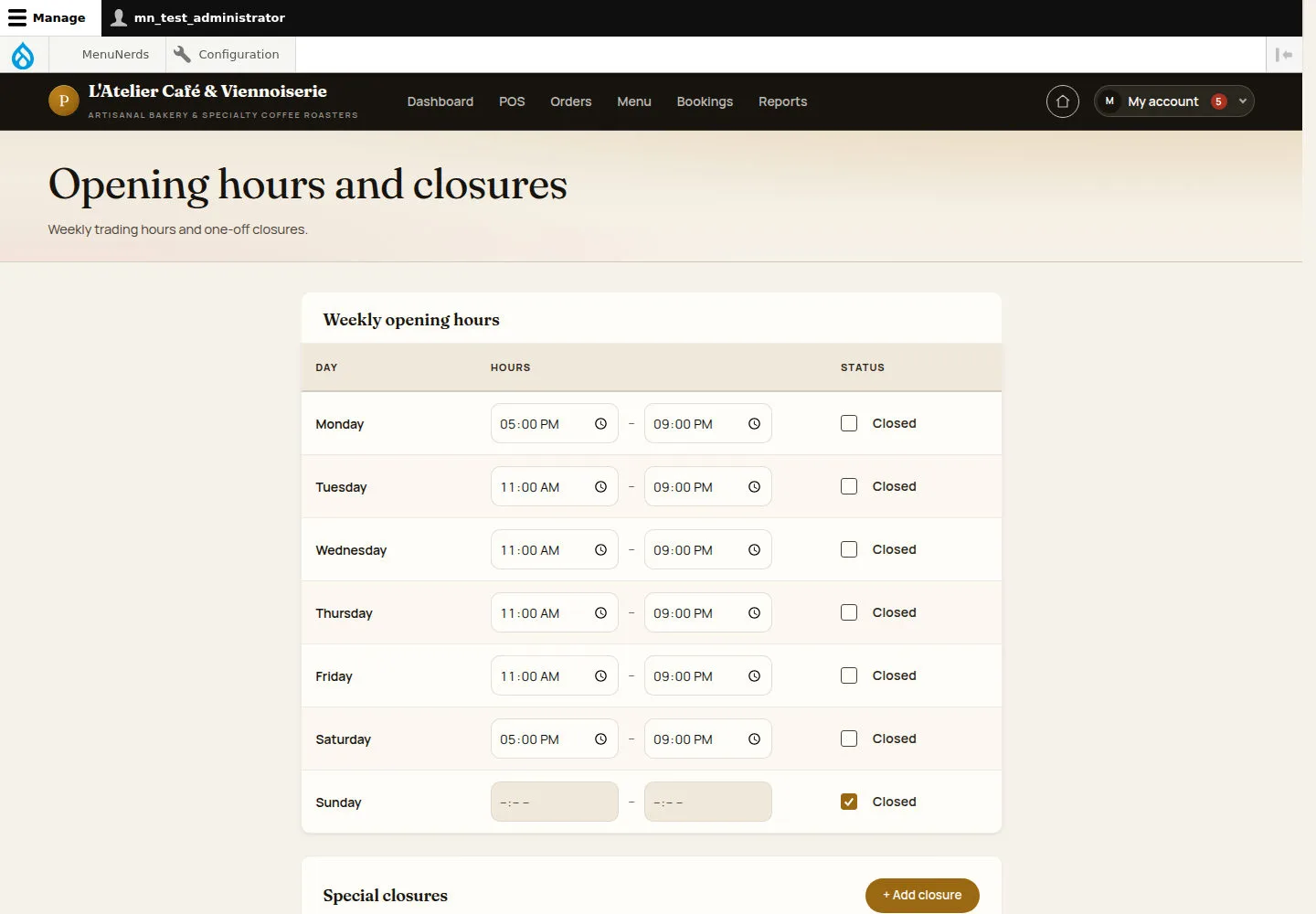
Weekly hours and special closures are maintained from the business schedule page.
- Open Opening hours and closures. Compare the schedule with the approved trading plan and use the Manager hours guide for updates.
Open on site ↗sign-inFull-page screenshot ↗
What you should see
The business schedule and its exceptions can be reviewed before making a change.
1 / 3