





MenuNerdsCafé managementService handbook
User guide · Guests
Order at your table:QR menu and review
Open the table’s menu, review your selection and understand the approval handoff to staff.
- Scan the current QR poster at your table. Keep the table link private.
GuestsStep-by-step instructions
Open the table menu
Guests
1Step 1 of 3
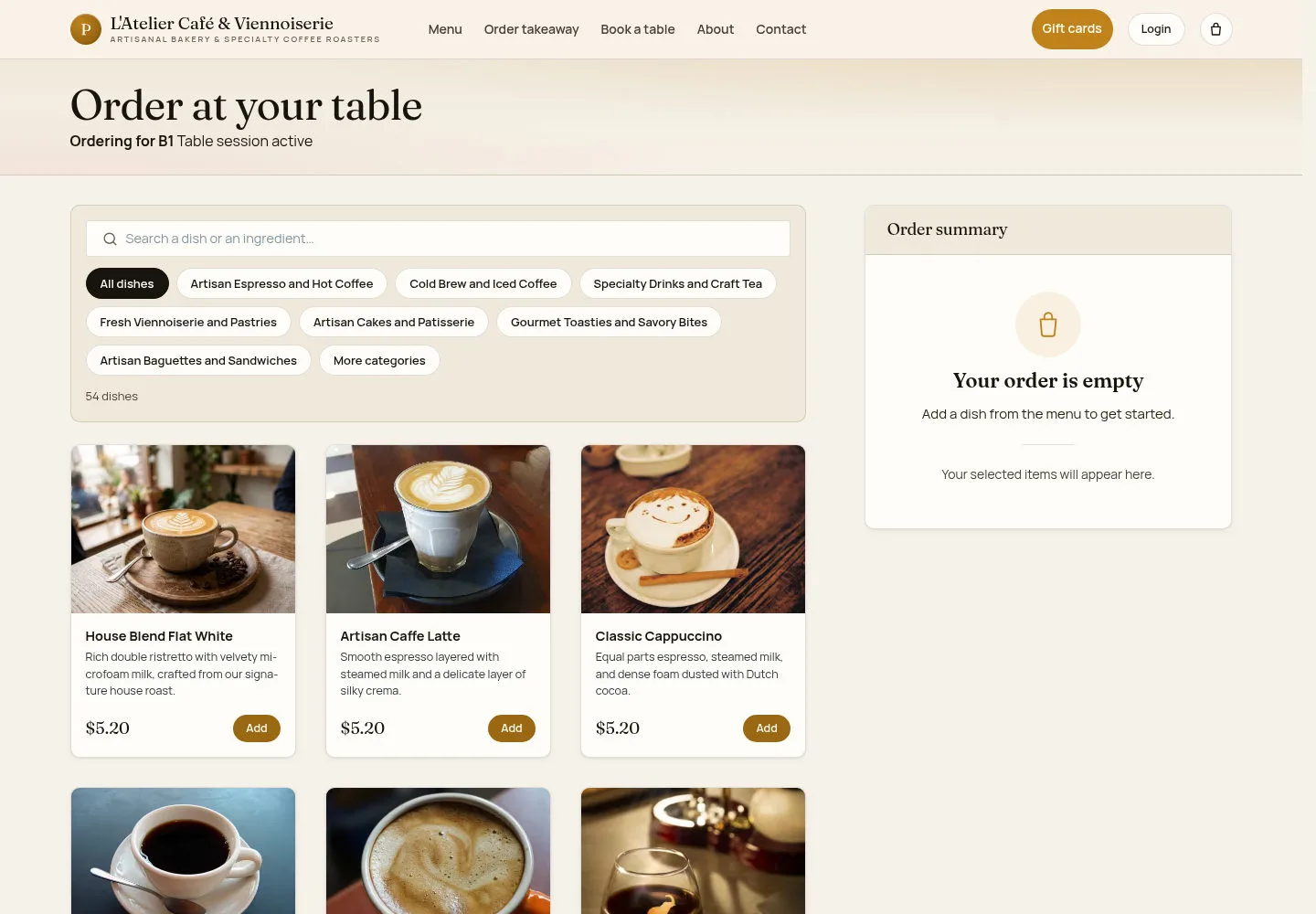
A valid table QR opens the dine-in ordering menu for that table.
- Scan the poster and check the table shown before choosing dishes.
What you should see
Order at your table identifies the table and offers the available dishes.
Review before sending
Guests
2Step 2 of 3
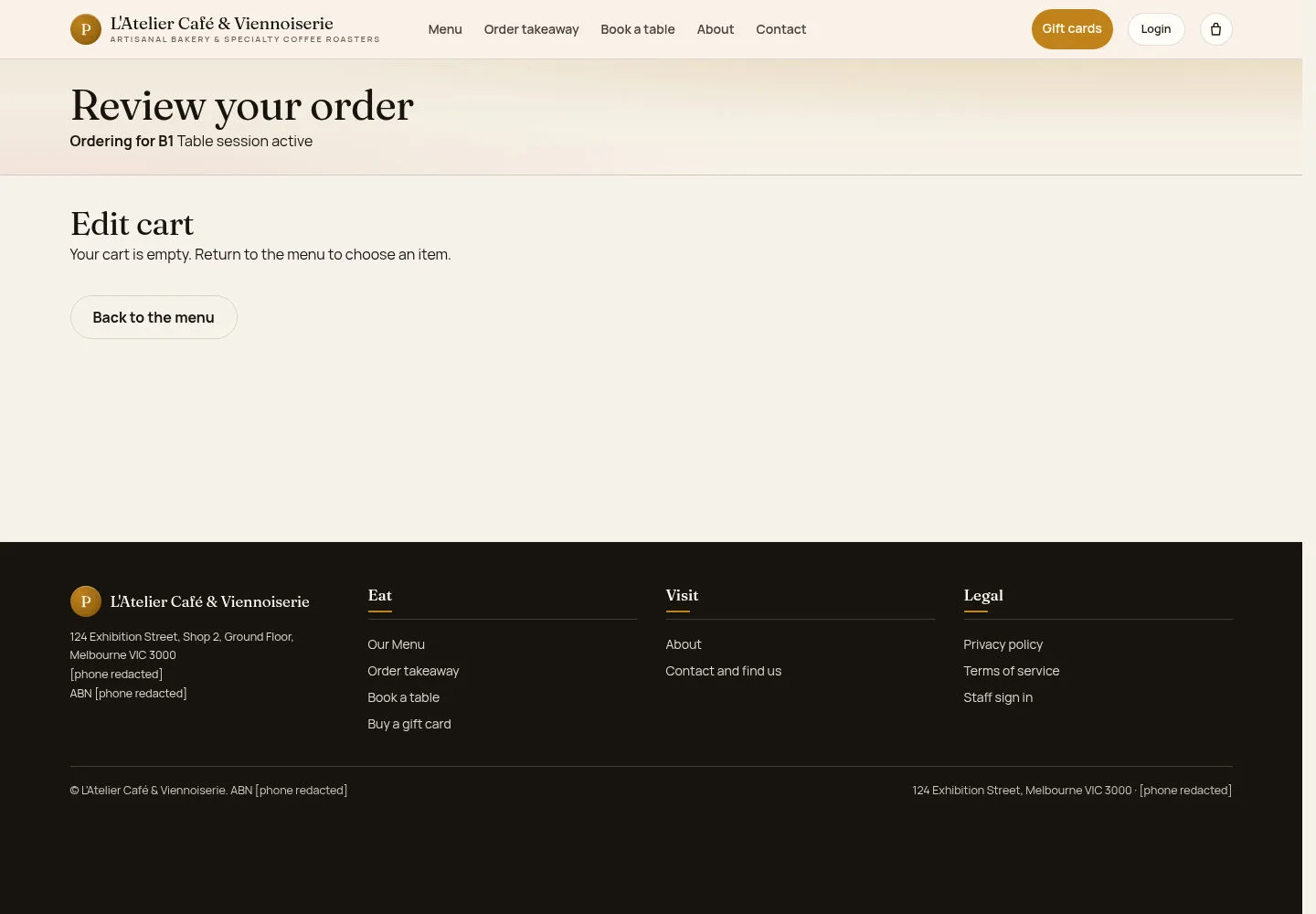
Use the table cart to check the dishes and quantities with your party.
- Open the review page. Check the table and selected items before using the available submit control.
What you should see
Only submit a cart that contains the intended items. An empty cart needs dishes first.
Follow the table order
Guests
3Step 3 of 3
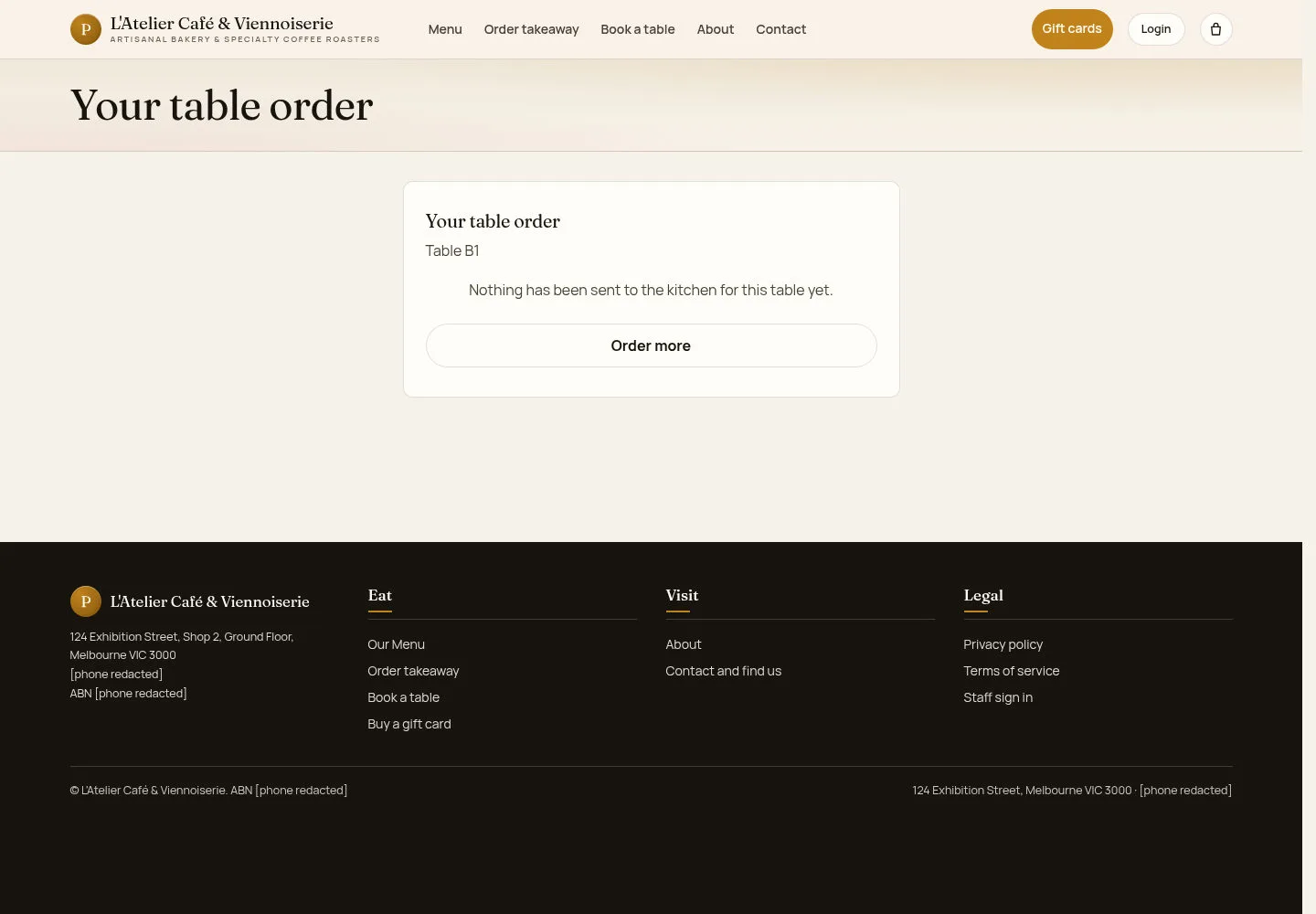
The table order page is where guests return to see the order’s current state.
- Keep the table page open and check the status after submitting. Ask staff if the order needs clarification.
What you should see
A submitted guest order waits for the staff decision shown by the site; submission alone does not mean approval.
1 / 4