Franchise site and widget enquiries

Workflow 04 · Franchise site · Enquiry form · Widget · Captured by widget

Each franchise has its own pages on the brand site, and its enquiry form can also sit on another website as a widget.

Either way the enquiry belongs to that franchise from the start: the page's address decides, never what is typed in the form.

  • A visitor on a franchise's own pages, or on a website with its widget
Public (anonymous)

Open the franchise's site

Visitor

Open the franchise's site

1Step 1 of 9 · workflow step 01

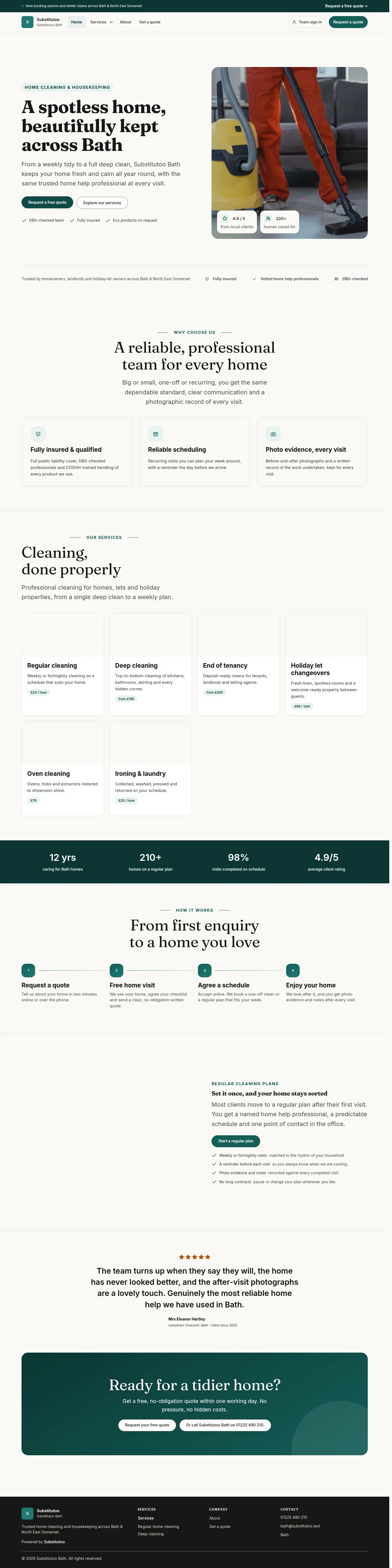
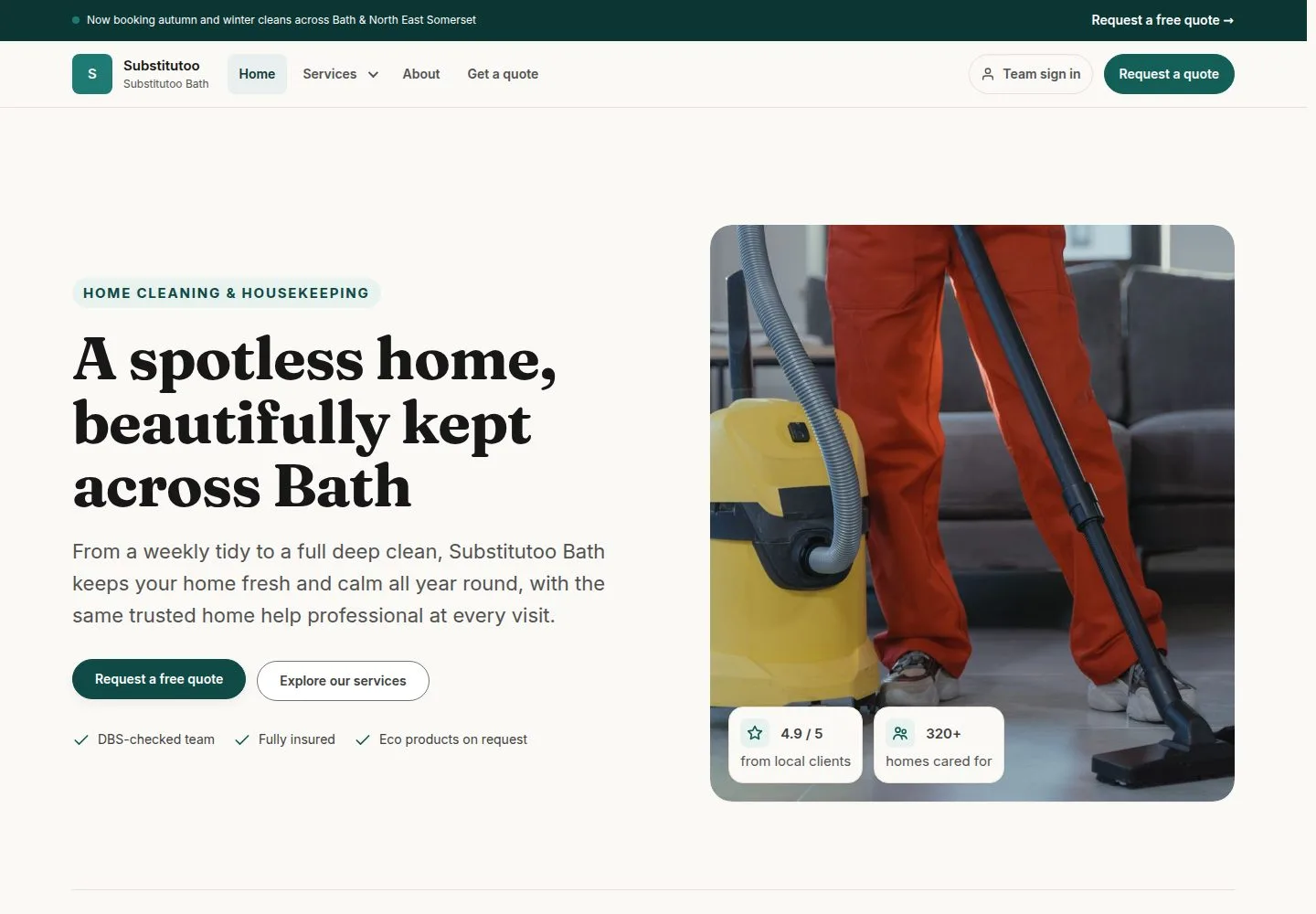
  1. Request a free quote

Each franchise has its own home page, service pages and announcement bar.

Enlarge, then scroll

Open illustrated screen ↗Full image ↗

Public (anonymous) · Franchise site and widget enquiries01

A franchise that is not open

Visitor

A franchise that is not open

2Step 2 of 9 · workflow step 01.1

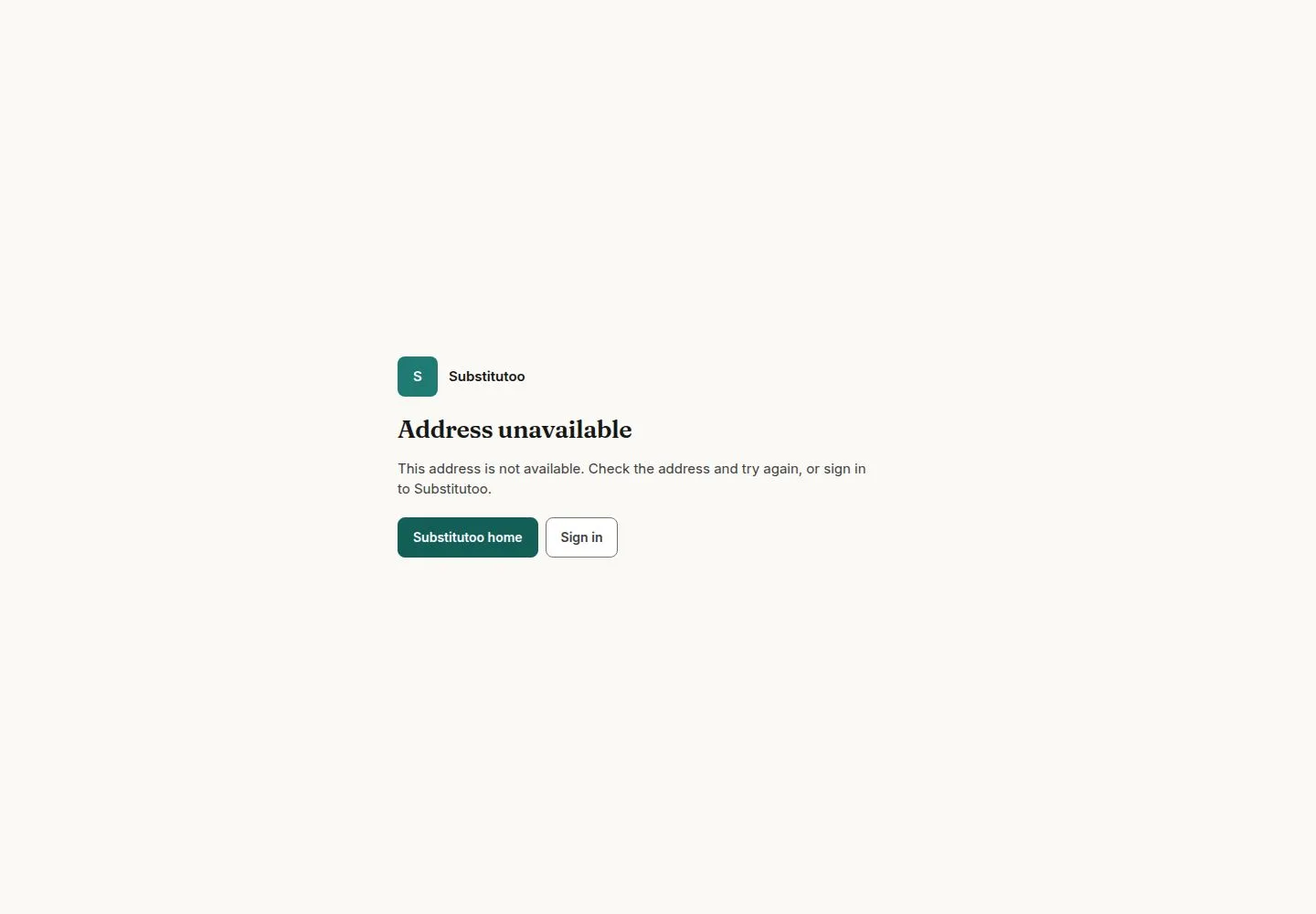
  1. Address unavailable

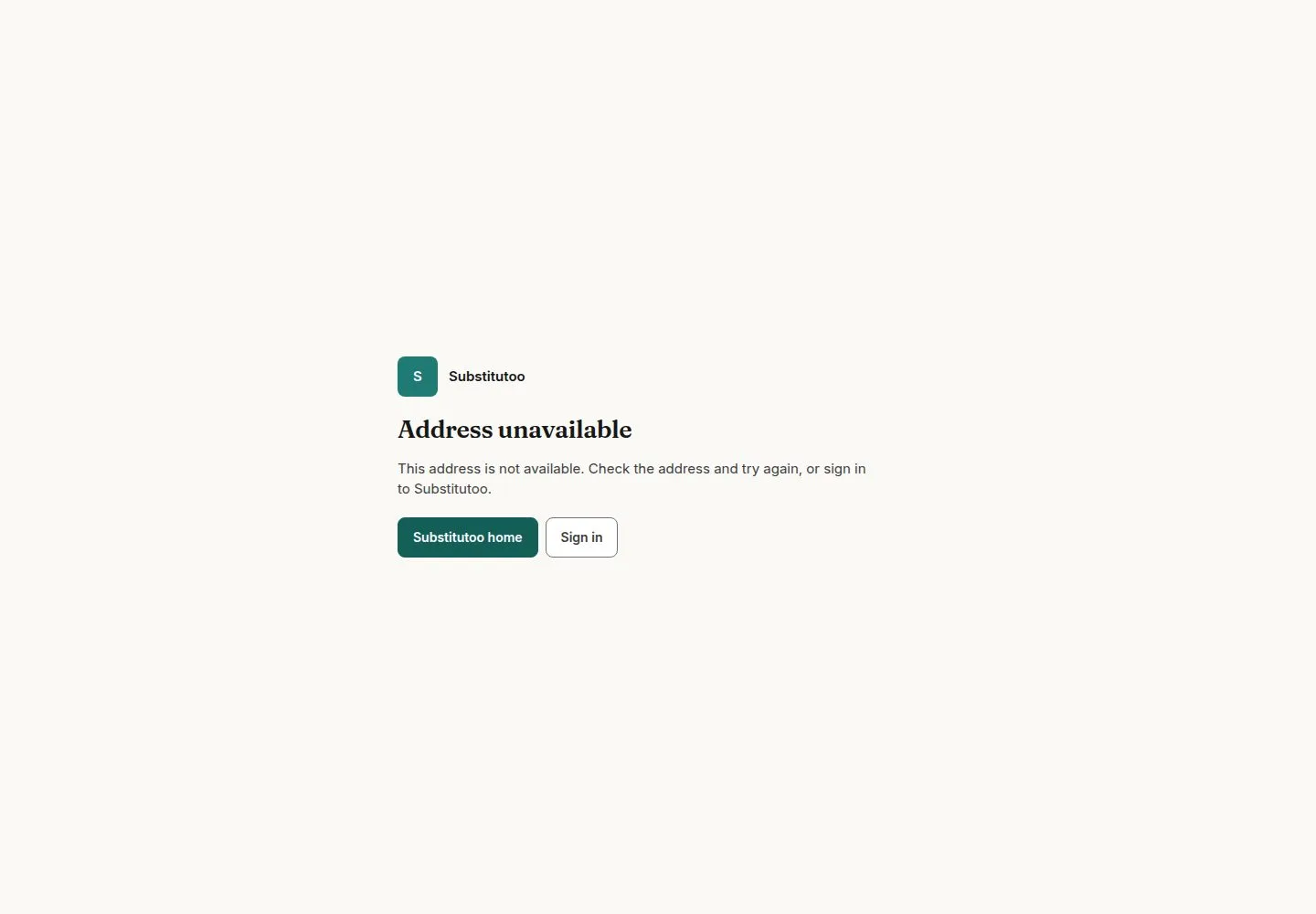
An unknown address, or a franchise that is onboarding, suspended or closed, all show this same page.

Enlarge, then scroll

Full image ↗

Public (anonymous) · Franchise site and widget enquiries02

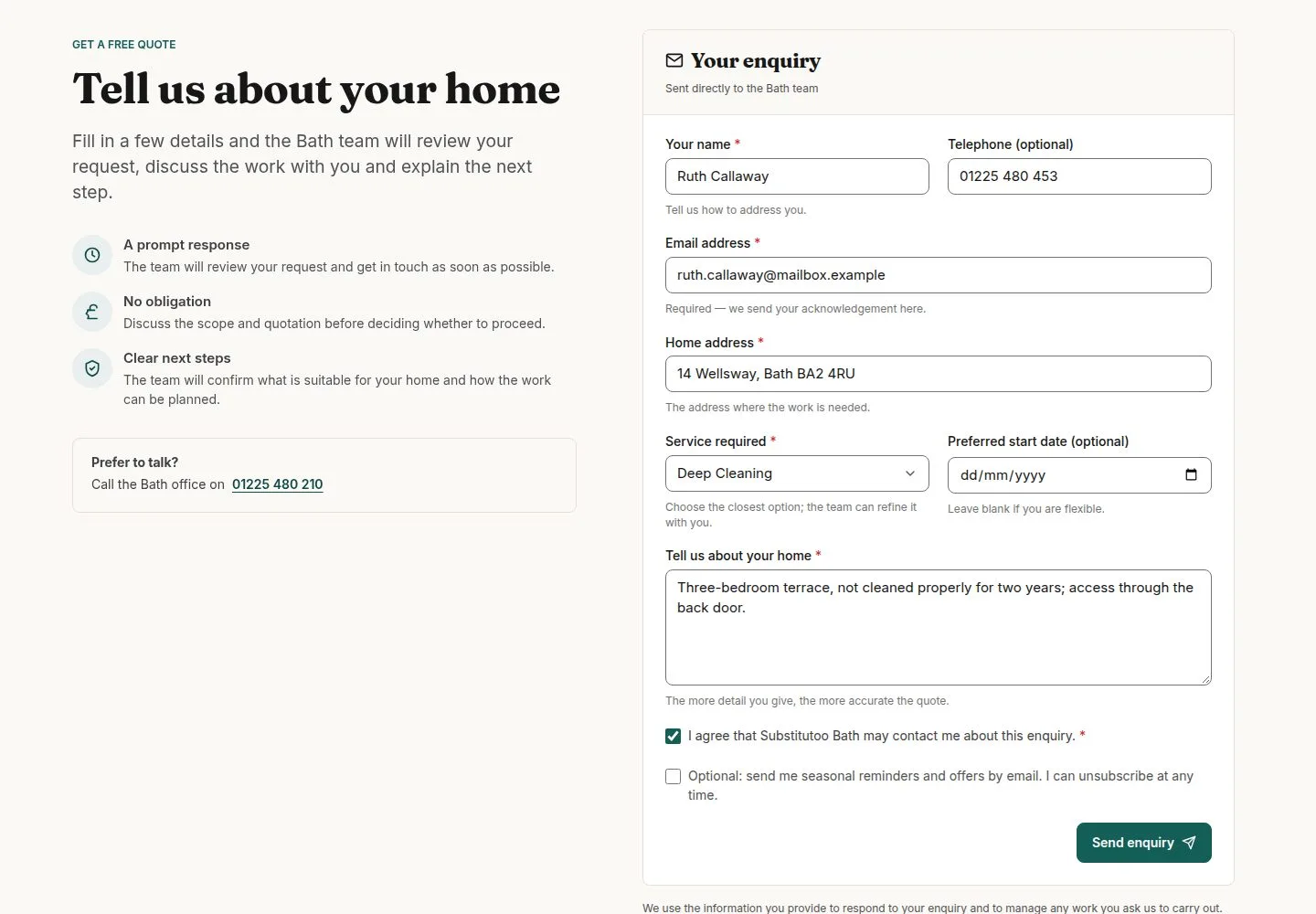
Fill in the enquiry form

Visitor

Fill in the enquiry form

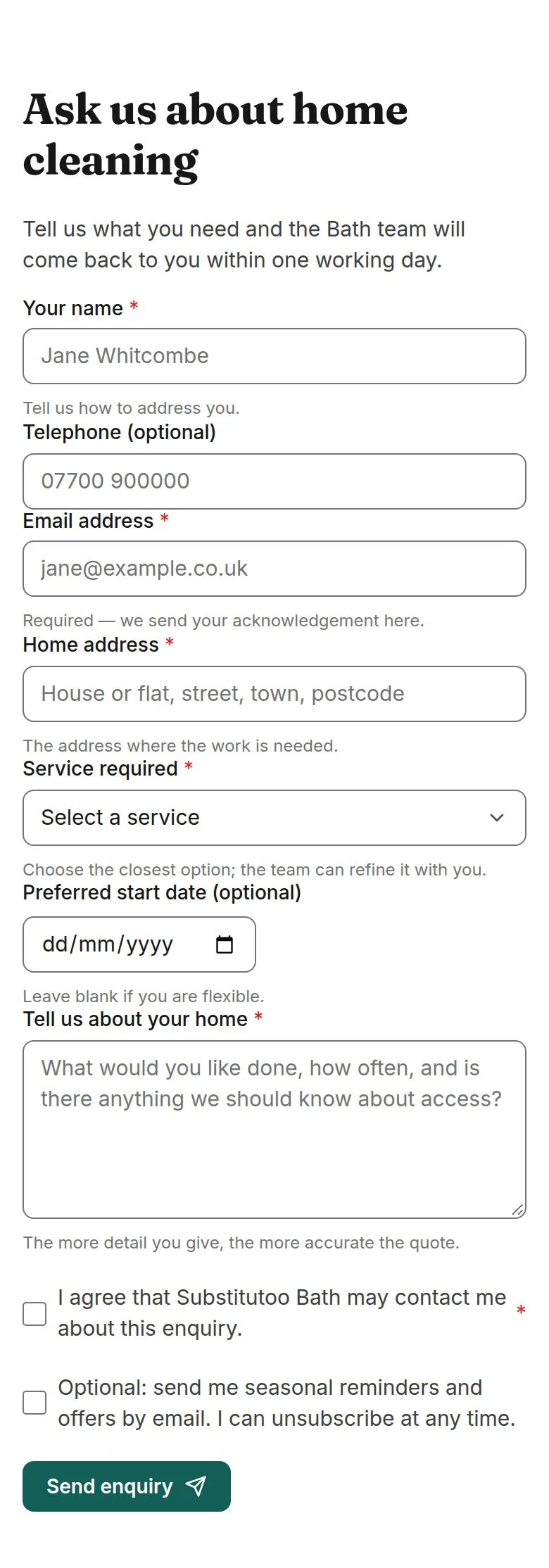
3Step 3 of 9 · workflow step 02

  1. Details and home
  2. Service
  3. Consent

Questions the Franchise Owner adds in Site settings appear here too.

Enlarge, then scroll

Open illustrated screen ↗Full image ↗

Public (anonymous) · Franchise site and widget enquiries03

Send the enquiry

Visitor

Send the enquiry

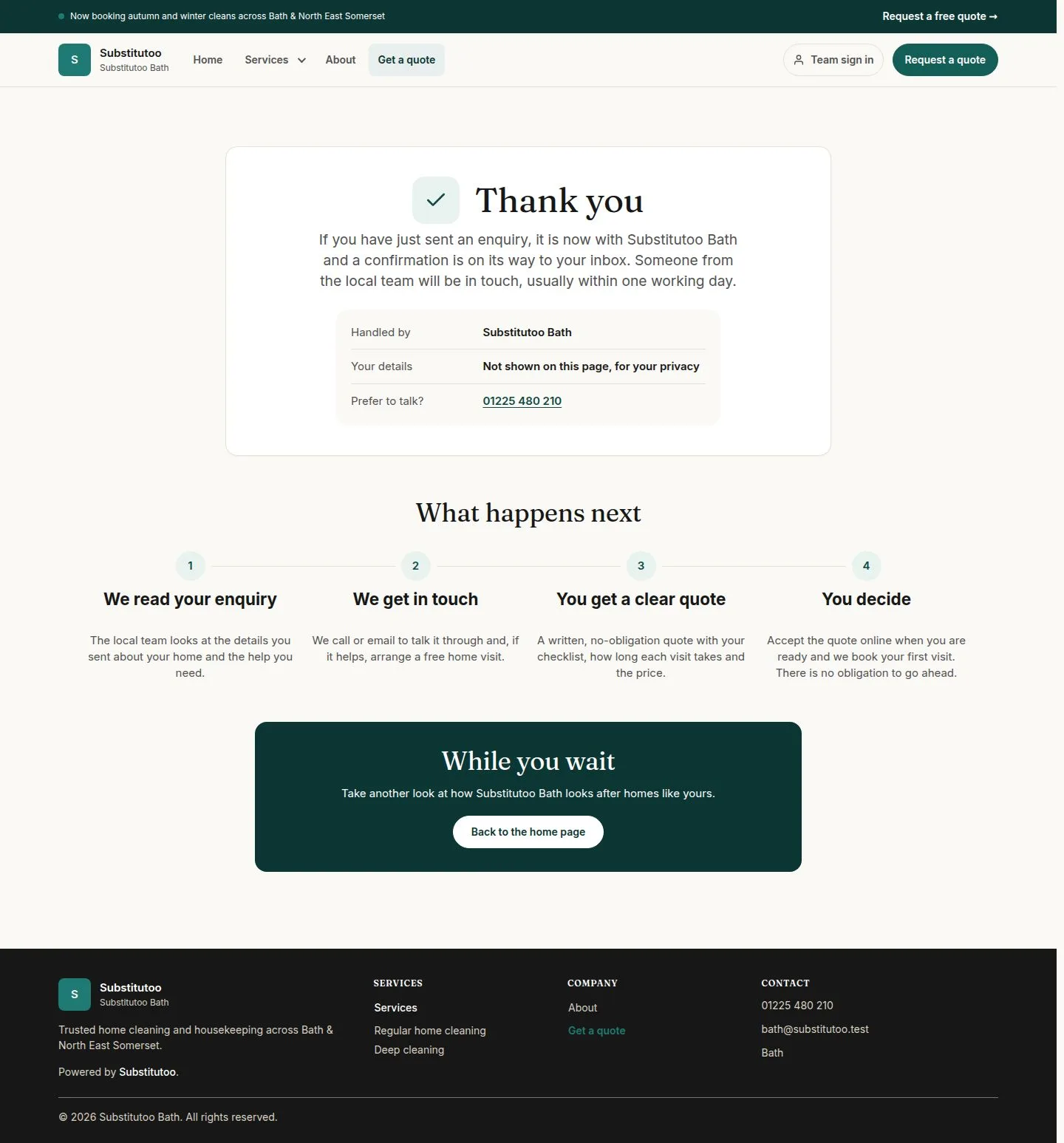
4Step 4 of 9 · workflow step 03

  1. Send enquiry
  2. Team and phone

The thank-you page names the team and its phone number.

Enlarge, then scroll

Full image ↗

The system does this
  • Give the enquiry to the franchise of the page's address; nothing typed can choose the franchise, stage, handler or priority
  • Save it with Website as its source and Normal priority, and email the visitor an acknowledgement
Public (anonymous) · Franchise site and widget enquiries04

Copy a widget's code

Franchise Owner

Copy a widget's code

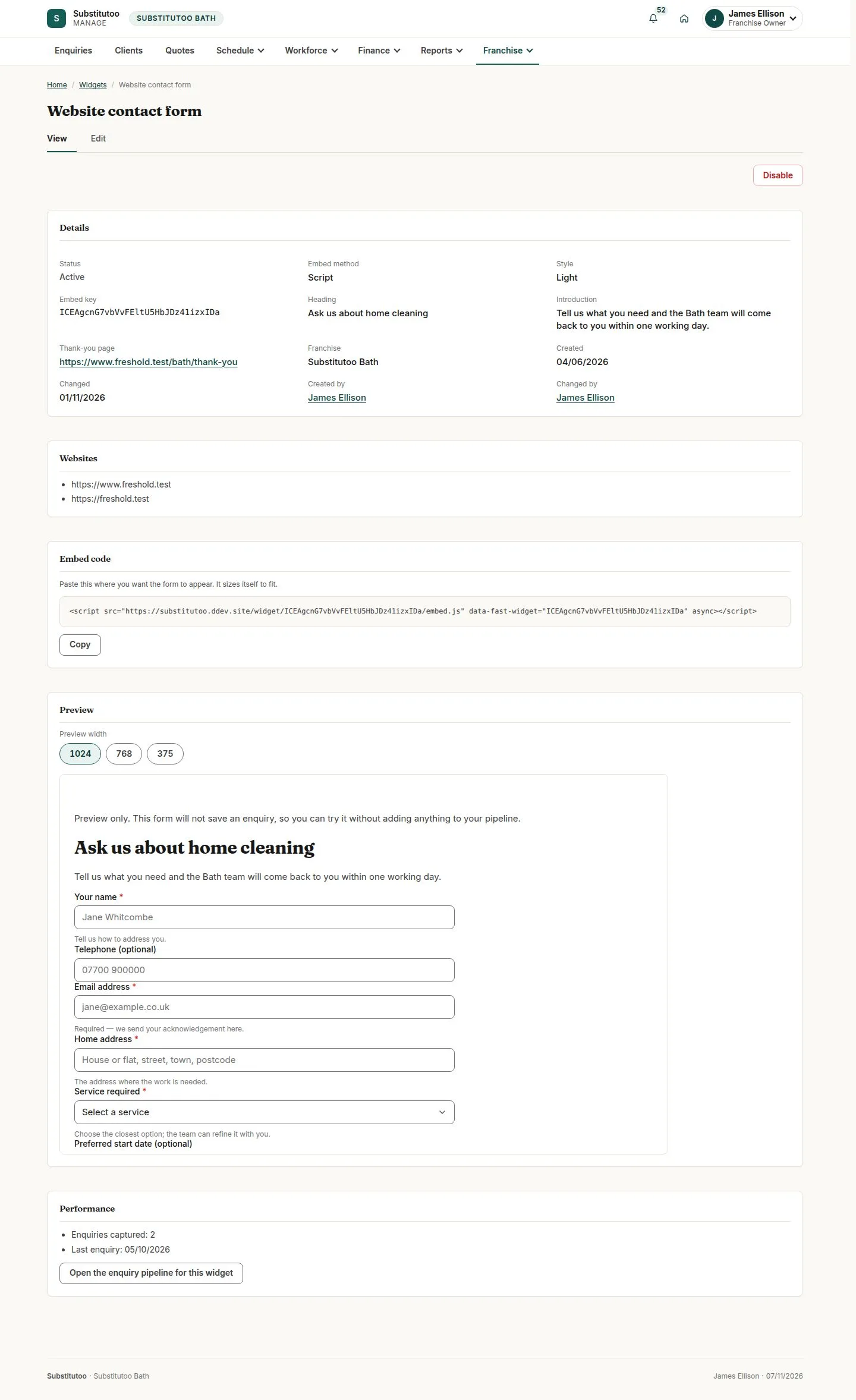
5Step 5 of 9 · workflow step 05

  1. Franchise, Widgets
  2. Embed code

Paste it into a page of a website on the widget's list; each widget is Light, Dark or Compact.

Enlarge, then scroll

Open illustrated screen ↗Full image ↗

Public (anonymous) · Franchise site and widget enquiries05

The form on another website

Visitor

The form on another website

6Step 6 of 9 · workflow step 06

  1. Form in the frame

Only the franchise's heading and the form; the thank-you page stays inside the frame.

Enlarge, then scroll

Open illustrated screen ↗Full image ↗

Public (anonymous) · Franchise site and widget enquiries06

A widget that is not live

Visitor

A widget that is not live

7Step 7 of 9 · workflow step 06.1

  1. This form is not available.

A draft, a disabled widget and an unknown key look the same; a website not on the widget's list cannot show it.

Enlarge, then scroll

Full image ↗

The system does this
  • Check it like the direct form: required fields, the spam trap and the hourly limit
  • Tell the host website only the form's height and that it was sent, never what was typed
  • Tag the enquiry with its widget and update the widget's count and last enquiry
Public (anonymous) · Franchise site and widget enquiries07

Find widget enquiries

Office Administrator

Find widget enquiries

8Step 8 of 9 · workflow step 07

  1. Captured by widget

Enlarge, then scroll

Open illustrated screen ↗Full image ↗

Public (anonymous) · Franchise site and widget enquiries08

Find it under New

Office Administrator
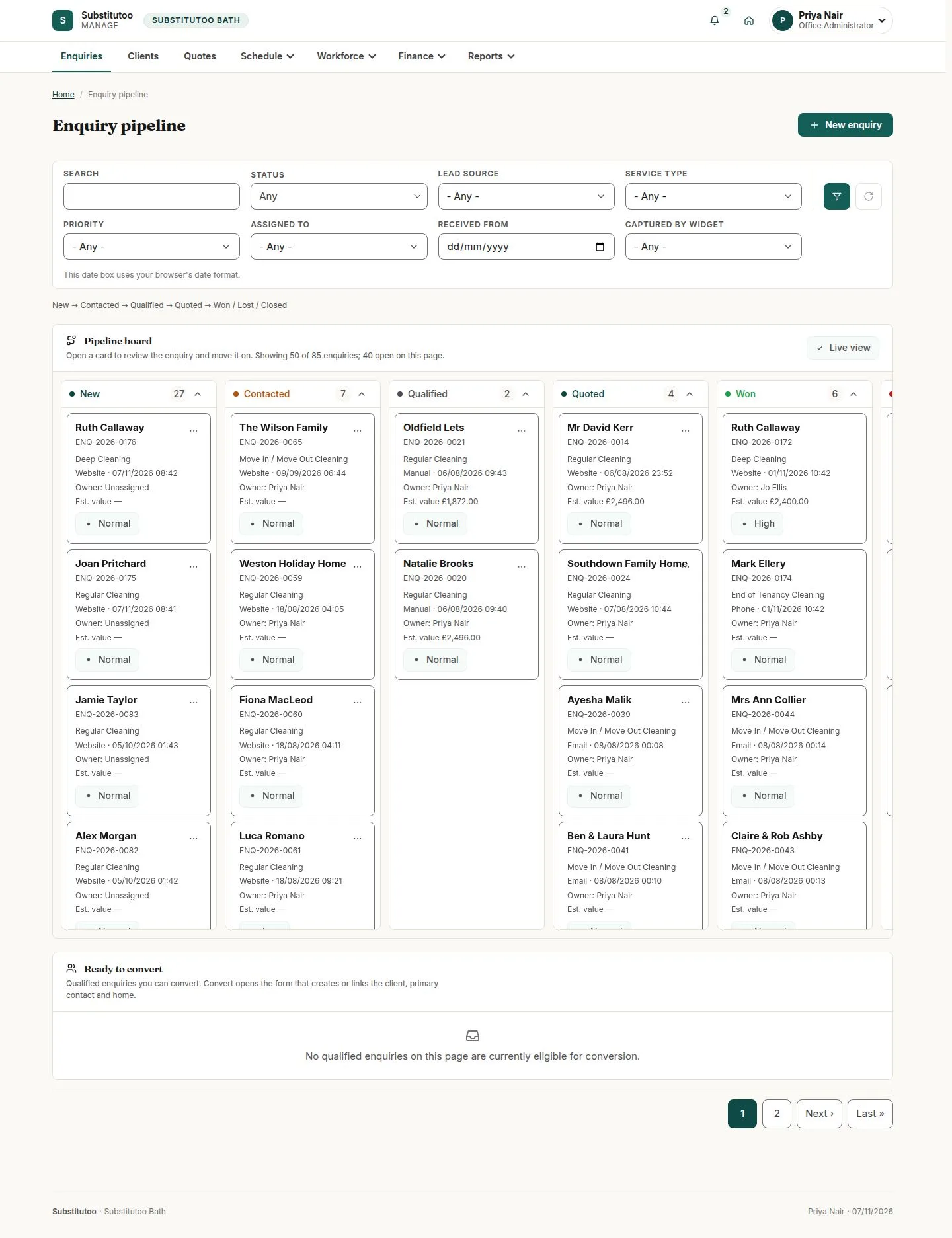
Find it under New

9Step 9 of 9 · workflow step 08

  1. New column

Nobody is assigned yet; the office works it from here on (workflow 05).

Enlarge, then scroll

Open illustrated screen ↗Full image ↗

Check

The enquiry is in the franchise's pipeline as New

Public (anonymous) · Franchise site and widget enquiries09
1 / 10
Privacy Terms