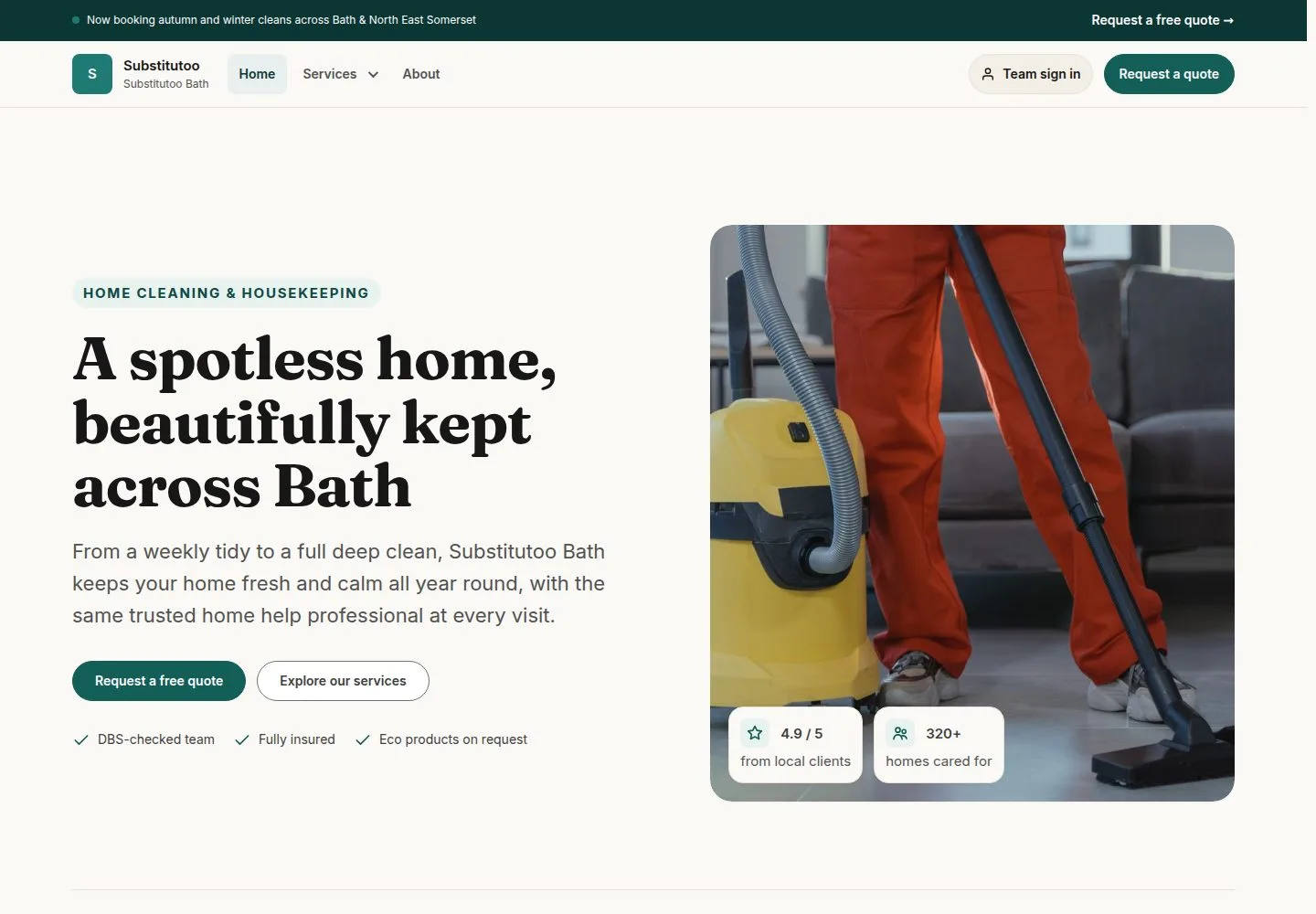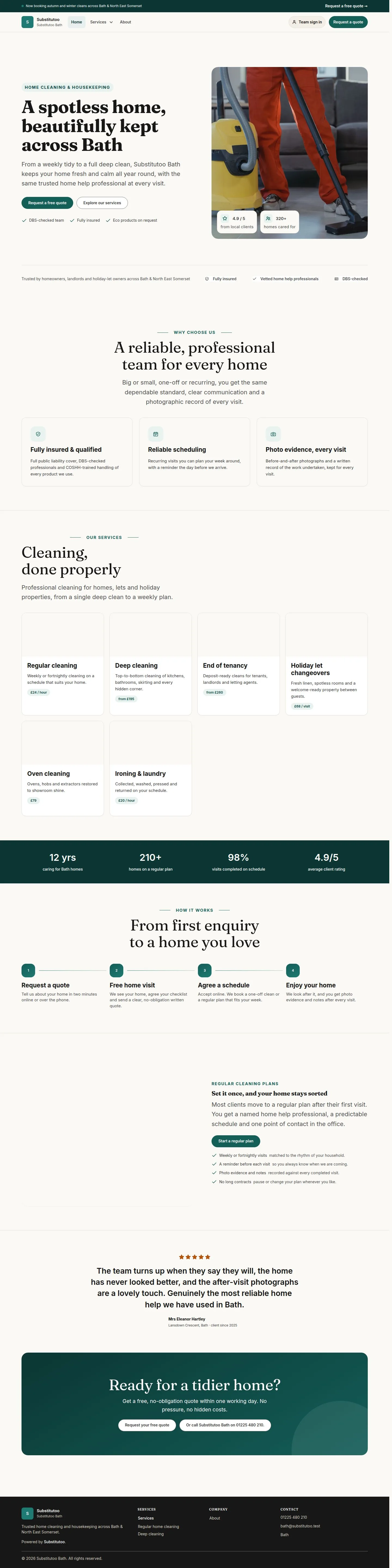
Sign in or reset your password

Workflow 01 · Sign in · Two-factor code · Forgotten password

Franchise teams, Head Office and the Franchisor sign in from any page of the brand site or a franchise's site; customers never need an account.

A forgotten password is replaced through a one-time link sent by email.

  • An account with a role
Public (anonymous)

Open Sign in

Visitor

Open Sign in

1Step 1 of 7 · workflow step 01

  1. Sign in

Top right of every page of the brand site.

Enlarge, then scroll

Open illustrated screen ↗Full image ↗

Public (anonymous) · Sign in or reset your password01

Team sign in on a franchise site

Visitor

Team sign in on a franchise site

2Step 2 of 7 · workflow step 01

  1. Team sign in

It opens the same sign-in page on the franchise's address.

Enlarge, then scroll

Full image ↗

Public (anonymous) · Sign in or reset your password02

Enter your email and password

Visitor

Enter your email and password

3Step 3 of 7 · workflow step 02

  1. Email address
  2. Password
  3. Sign in

Your username is the email address your account was set up with.

Enlarge, then scroll

Open illustrated screen ↗Full image ↗

Public (anonymous) · Sign in or reset your password03

A wrong email or password

Visitor
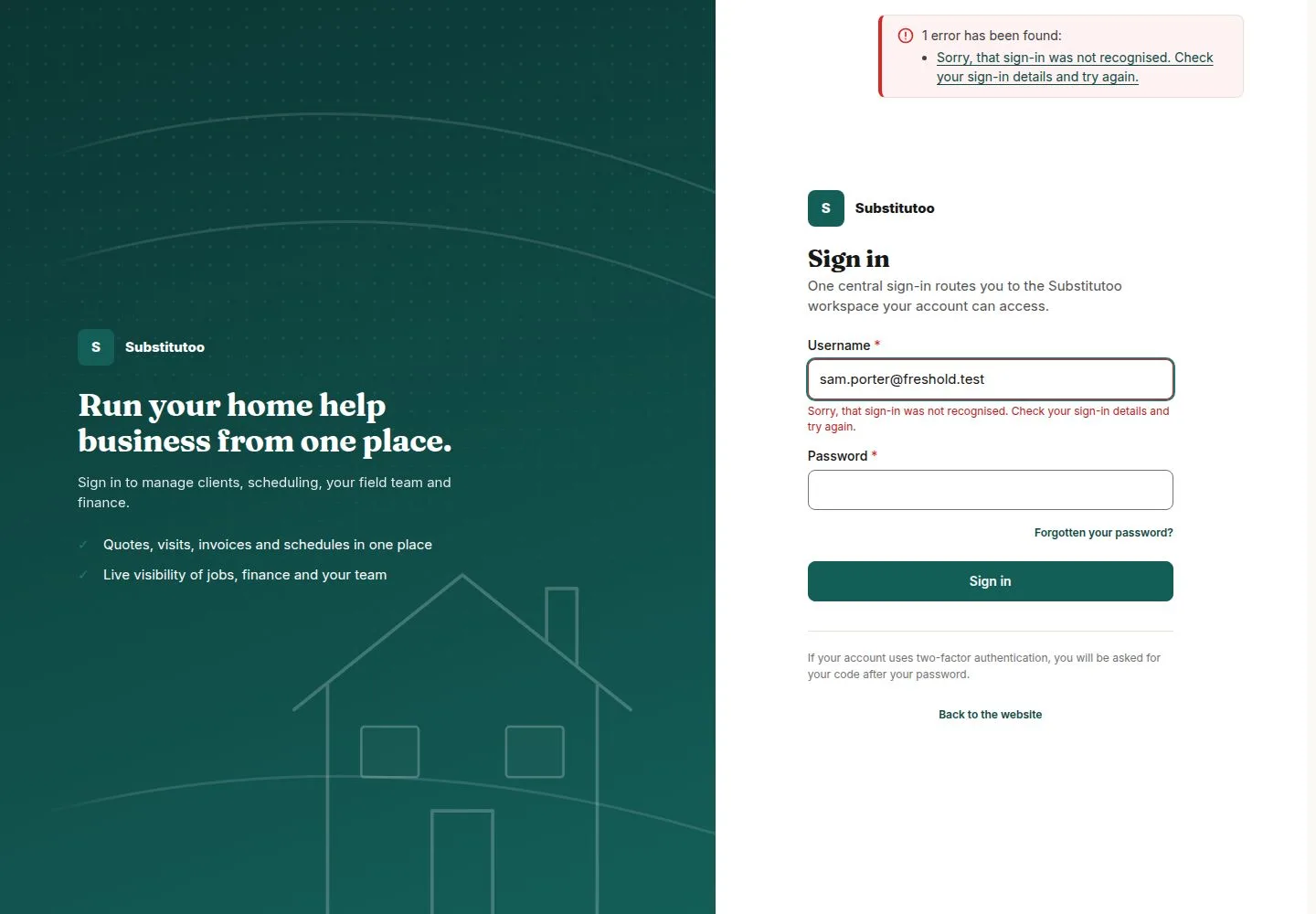
A wrong email or password

4Step 4 of 7 · workflow step 02.1

  1. Check both and try again

One message whatever was wrong, so it never tells anyone whether an account exists.

Enlarge, then scroll

Open illustrated screen ↗Full image ↗

The system does this
  • Pause sign-in for a while after too many failures, from one place or for one account, with the same message
Public (anonymous) · Sign in or reset your password04

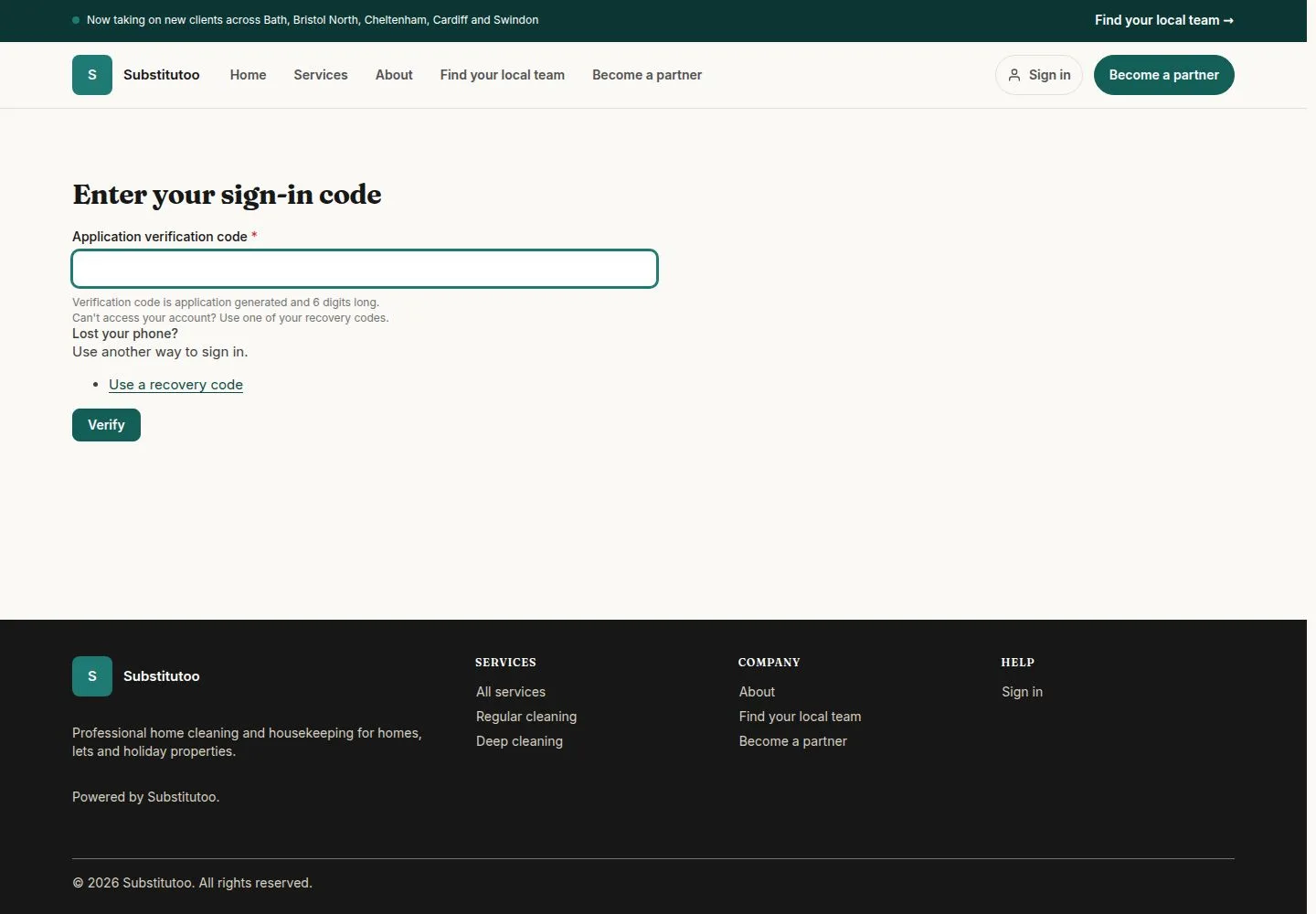
Enter your two-factor code

Visitor

Enter your two-factor code

5Step 5 of 7 · workflow step 02.4

  1. Code from your authenticator app
  2. Verify

Office Administrators, Franchise Owners, Franchisors and Head Office need it; a recovery code works too.

Enlarge, then scroll

Full image ↗

Public (anonymous) · Sign in or reset your password05

Forgotten your password?

Visitor

Forgotten your password?

6Step 6 of 7 · workflow step 07

  1. Forgotten your password?
  2. Email address

The answer is the same whether or not the address has an account.

Enlarge, then scroll

Open illustrated screen ↗Full image ↗

The system does this
  • Email a single-use link to the account's address; the link itself is never stored
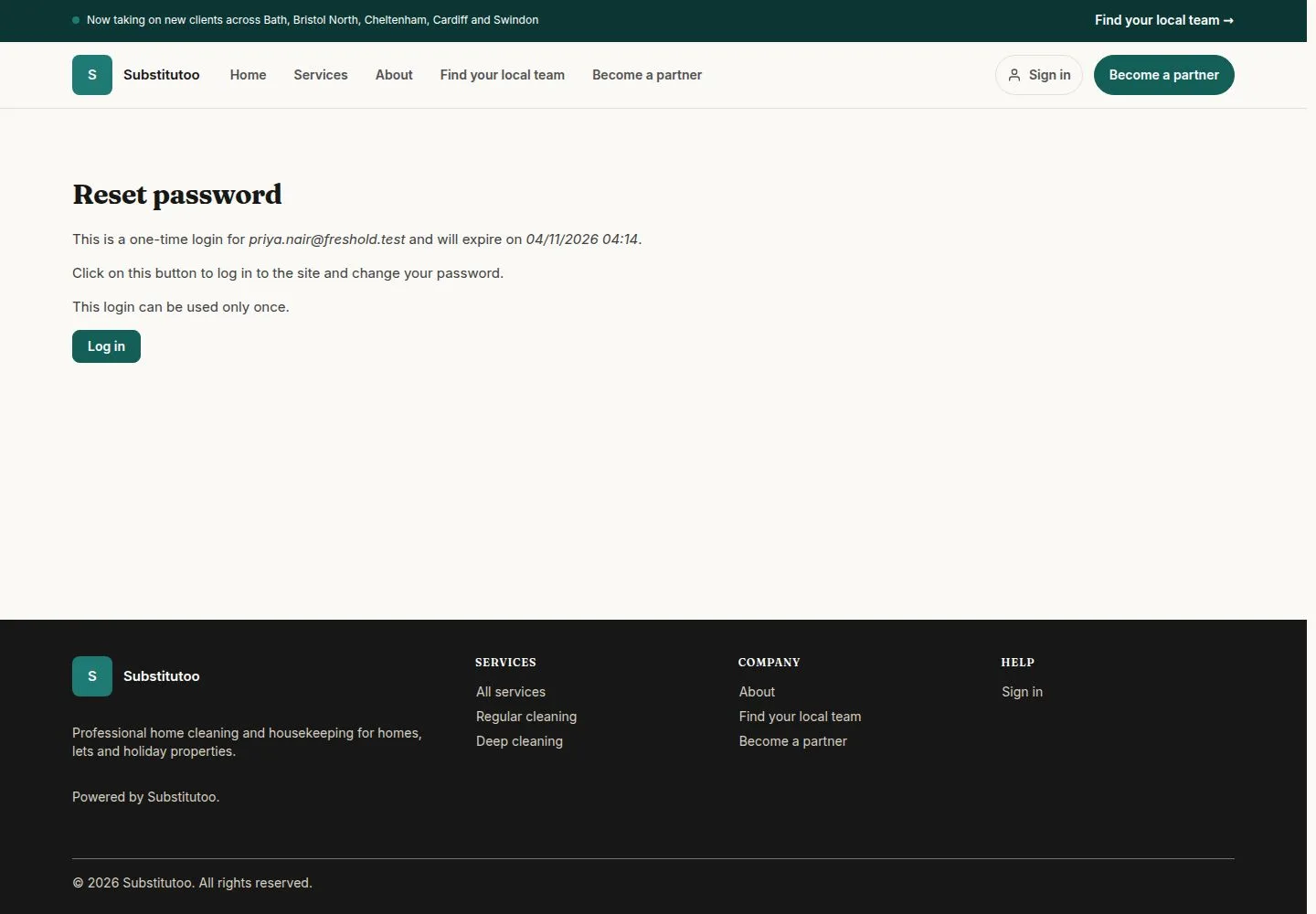
Public (anonymous) · Sign in or reset your password06

Open the link from the email

Visitor

Open the link from the email

7Step 7 of 7 · workflow step 07.2

  1. Log in
  2. Set a new password

The link works once and opens My account, where you set a new password without the old one.

Enlarge, then scroll

Full image ↗

Check

Signed in, or a new password set from the link

Public (anonymous) · Sign in or reset your password07
1 / 8
Privacy Terms